Golang For Pentesters
AI Generated Summary
AI Generated Content Disclaimer
Note: This summary is AI-generated and may contain inaccuracies, errors, or omissions. If you spot any issues, please contact the site owner for corrections. Errors or omissions are unintended.
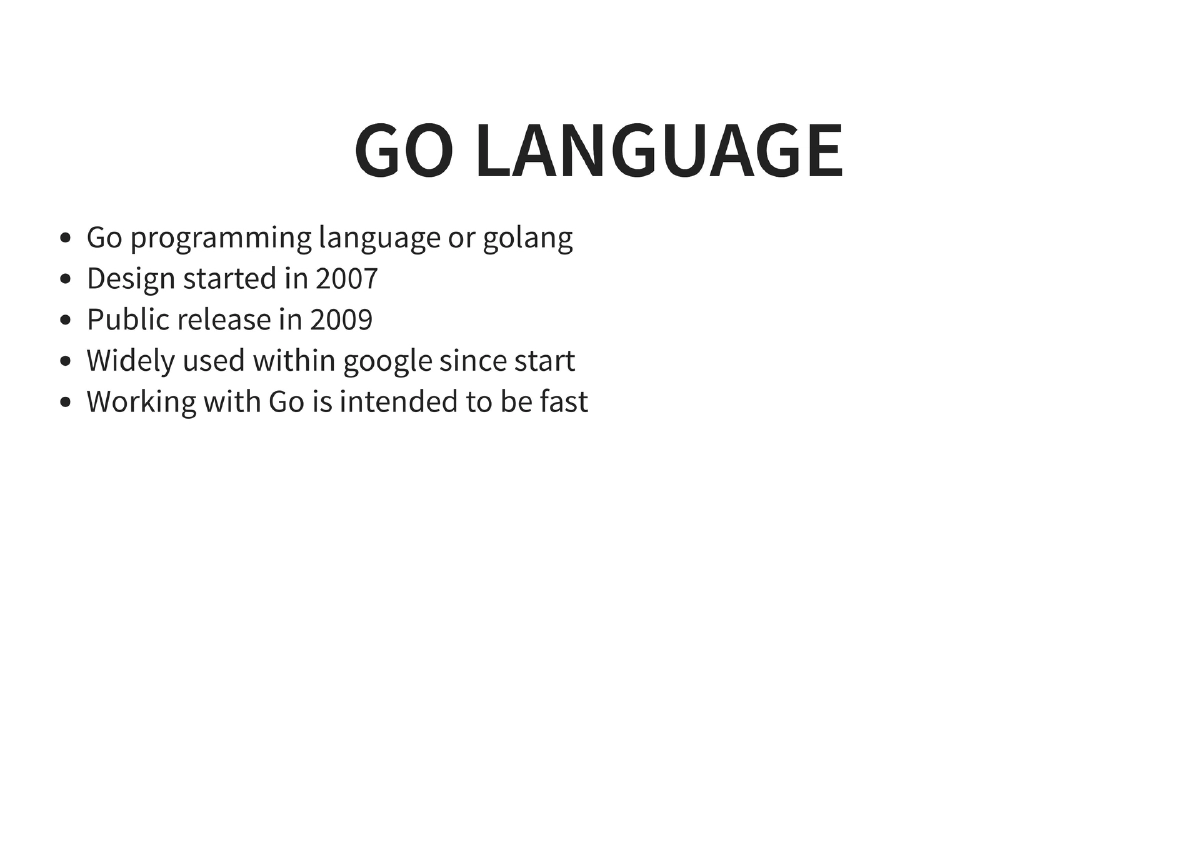
This presentation by Anant Shrivastava at c0c0n 12 (2019) introduces the Go programming language (Golang) as a practical tool for penetration testers and red teamers. Across 32 slides, the talk covers why Go is well-suited for offensive security work — from its cross-platform compiled binaries and lack of runtime dependencies to its rich standard library and active security tooling ecosystem. The presentation walks through setting up a Go development environment, essential modules for pentesting tasks (DNS lookups, port scanning, web scraping, JSON handling), building and cross-compiling binaries, Docker deployment, code security with gosec, dependency management, binary size reduction techniques, and automating the entire build process with Makefiles.
Key Topics Covered
-
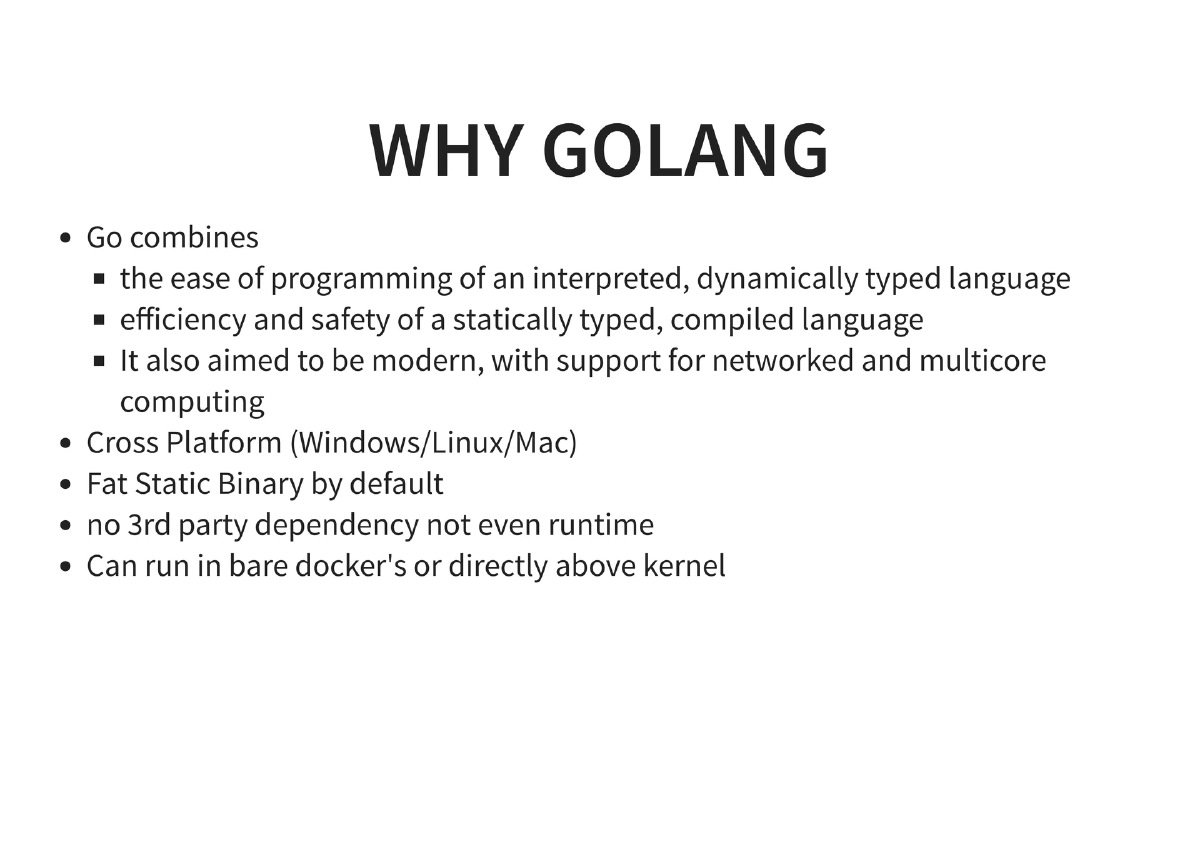
Why Go for Pentesters: Go combines the ease of an interpreted dynamically-typed language with the efficiency and safety of a statically-typed compiled language. Key advantages for offensive security include cross-platform support (Windows, Linux, Mac), fat static binaries by default with no third-party dependencies or runtime requirements, the ability to run in bare/scratch Docker containers directly above the kernel, and modern support for networked and multicore computing.
-
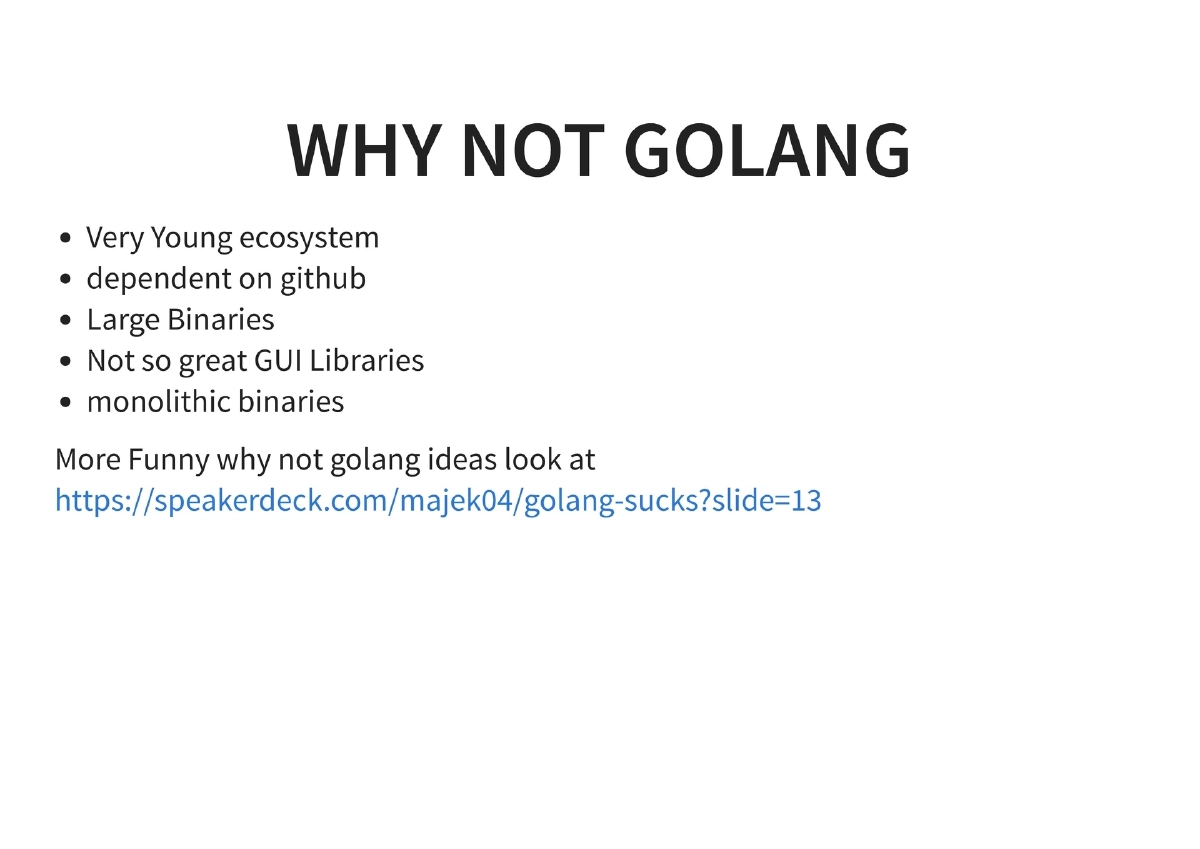
Why Not Go: The presentation honestly addresses Go’s limitations — a relatively young ecosystem, heavy dependence on GitHub for package hosting, large binary sizes, limited GUI library support, and monolithic binary output.
-
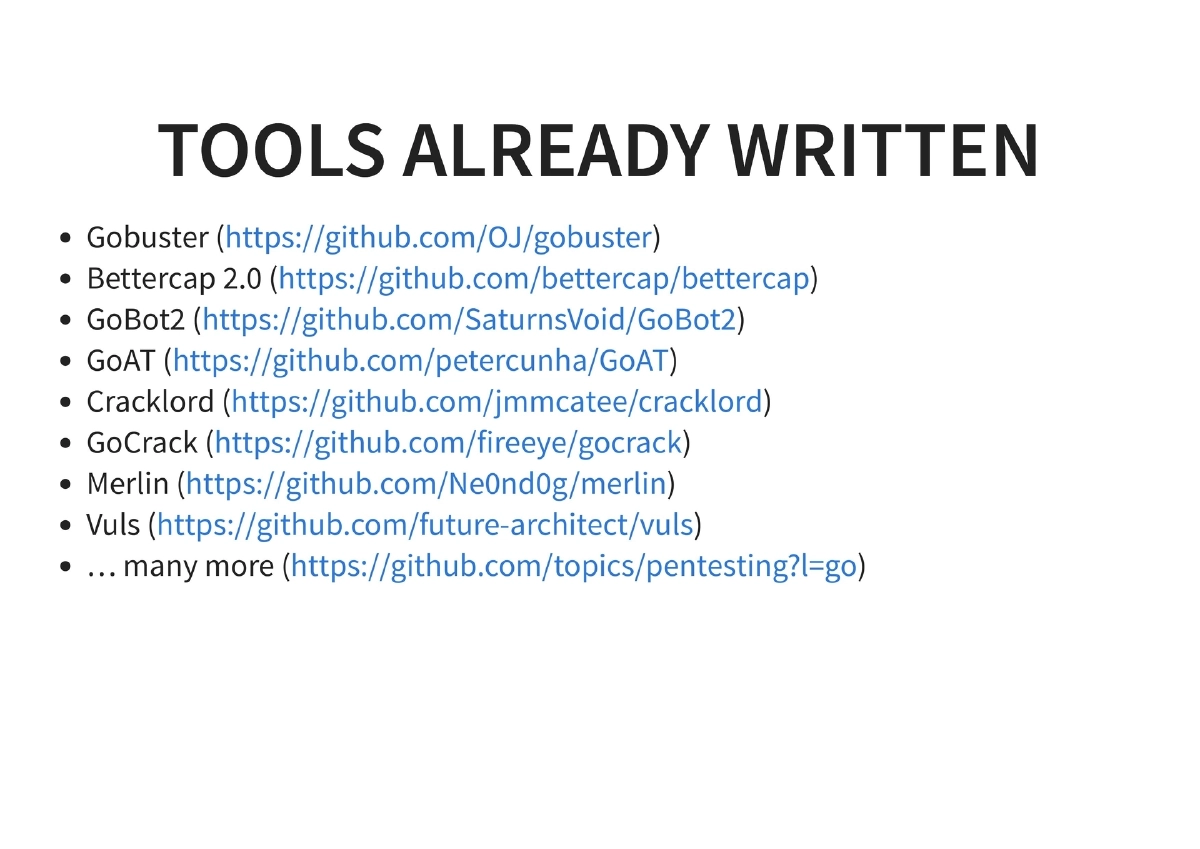
Existing Security Tools Written in Go: A catalog of established Go-based security tools that pentesters already use:
- Gobuster: Directory/DNS brute-forcing
- Bettercap: Network reconnaissance and MITM framework
- GoBot: Bot framework
- GoAT: Go Application Testing
- Cracklord: Distributed password cracking queue
- GoCrack: Password cracking management
- Merlin: Cross-platform post-exploitation C2 server
- Vuls: Vulnerability scanner
- And many more available at https://github.com/topics/pentesting with Go filter
-
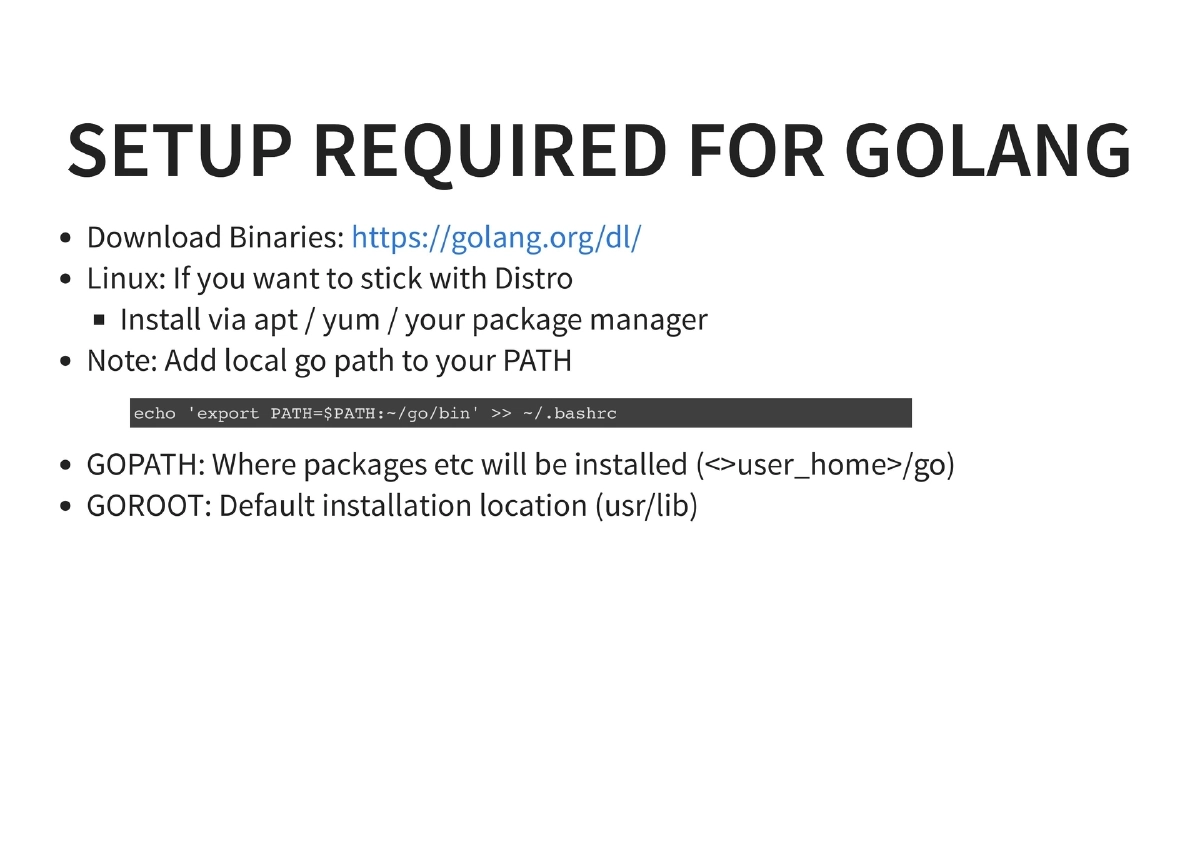
Environment Setup: Installing Go via binary downloads or package managers (apt/yum), configuring GOPATH (where packages are installed, typically
~/go) and GOROOT (default installation location, typically/usr/lib), and adding the local Go path to the system PATH. -
Go Fundamentals for Pentesters:
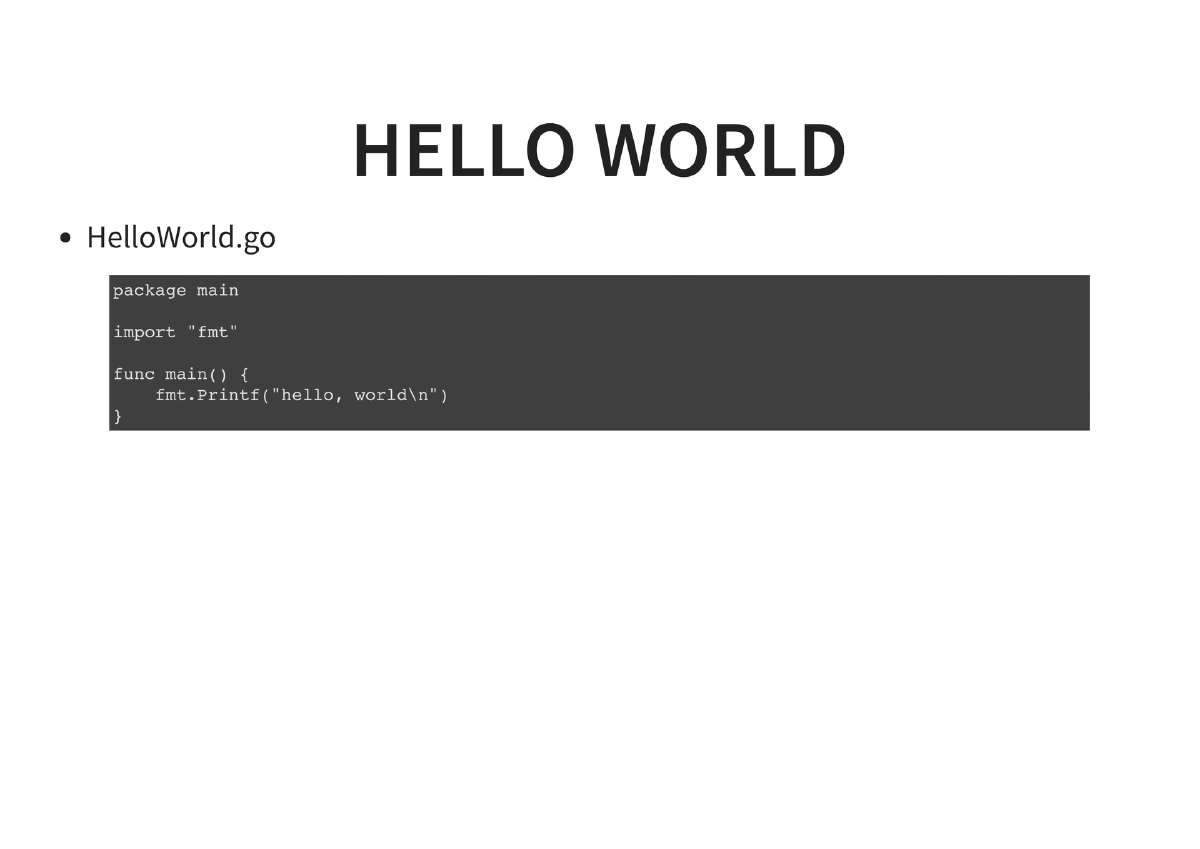
- Hello World: Basic program structure with
package main,import "fmt", andfunc main() - Running Go code: Direct execution via
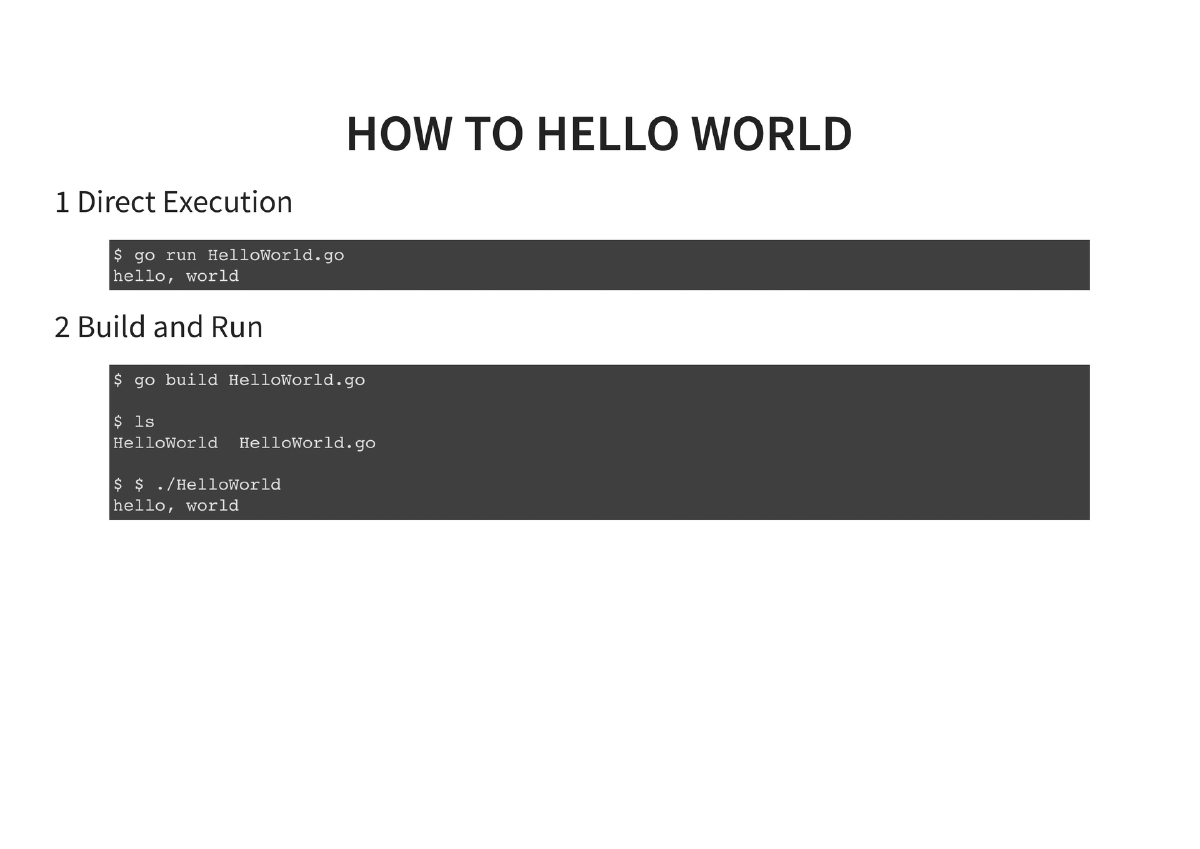
go run, compiled execution viago build - Managing Go versions: Installing and running alternate versions (e.g.,
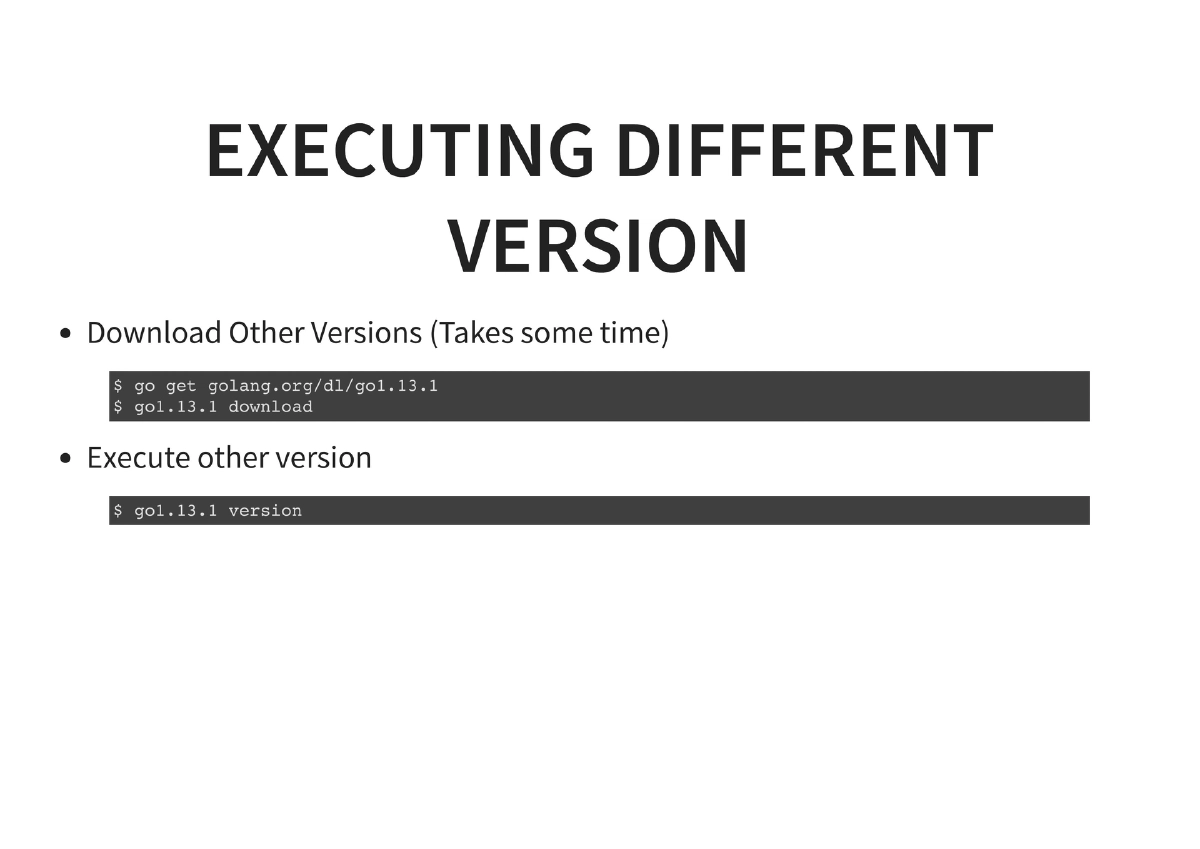
go get golang.org/dl/go1.8; go1.8 download; go1.8 run helloworld.go)
- Hello World: Basic program structure with
-
Essential Modules for Pentesting:
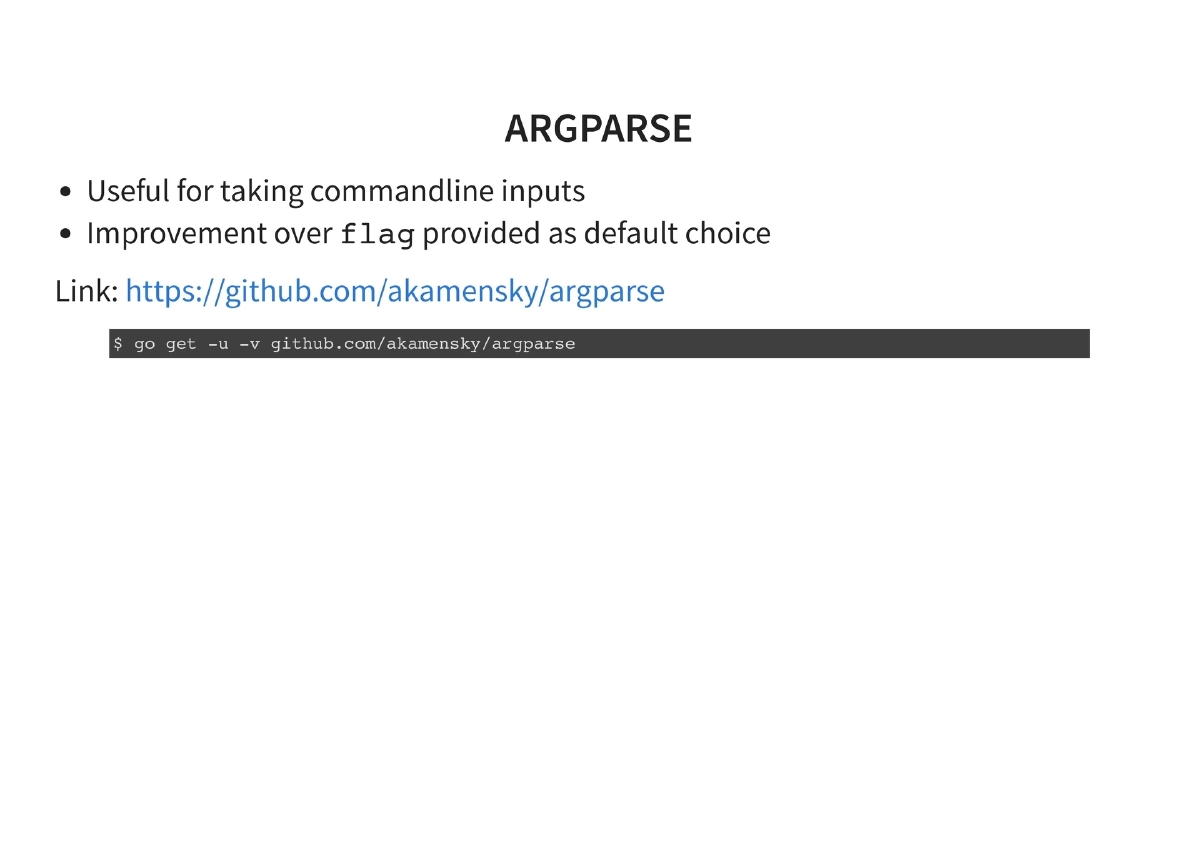
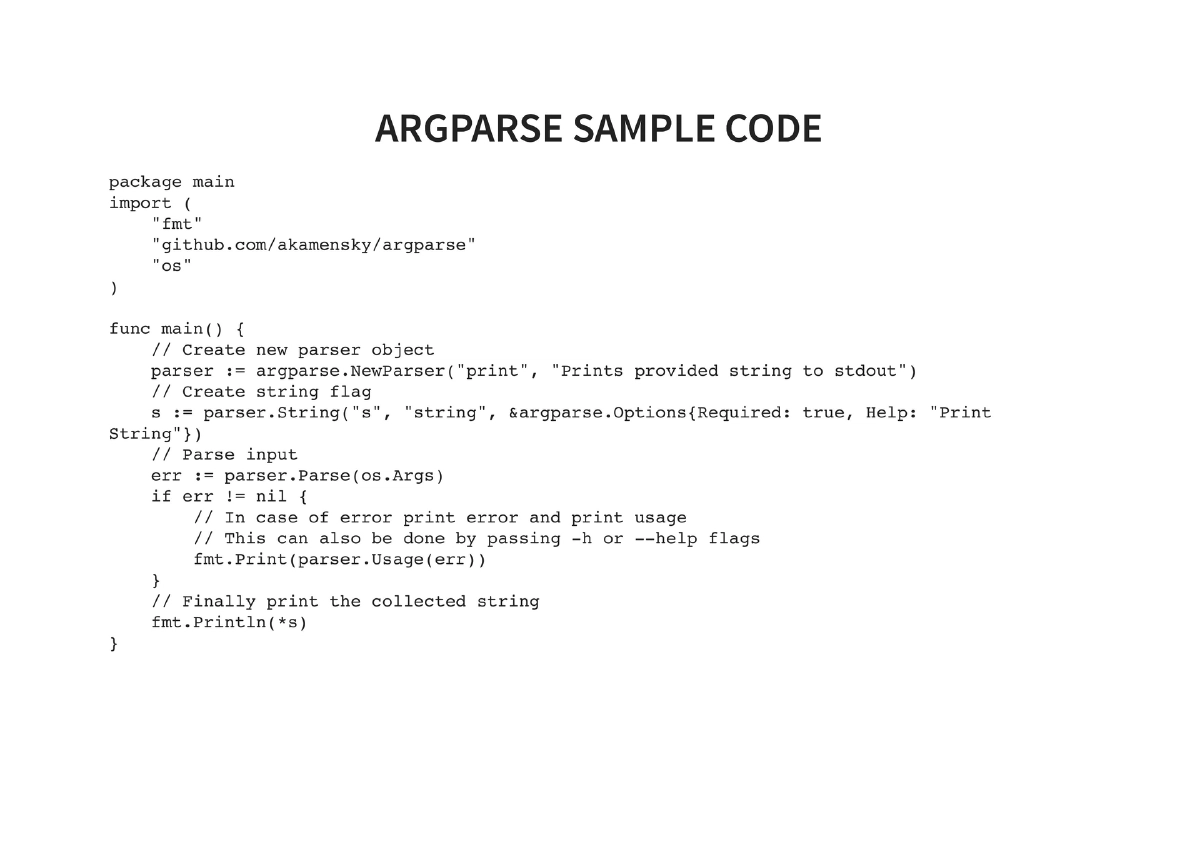
- argparse (
github.com/akamensky/argparse): Command-line argument parsing, an improvement over the defaultflagpackage, with support for required flags, string options, and help output - net (
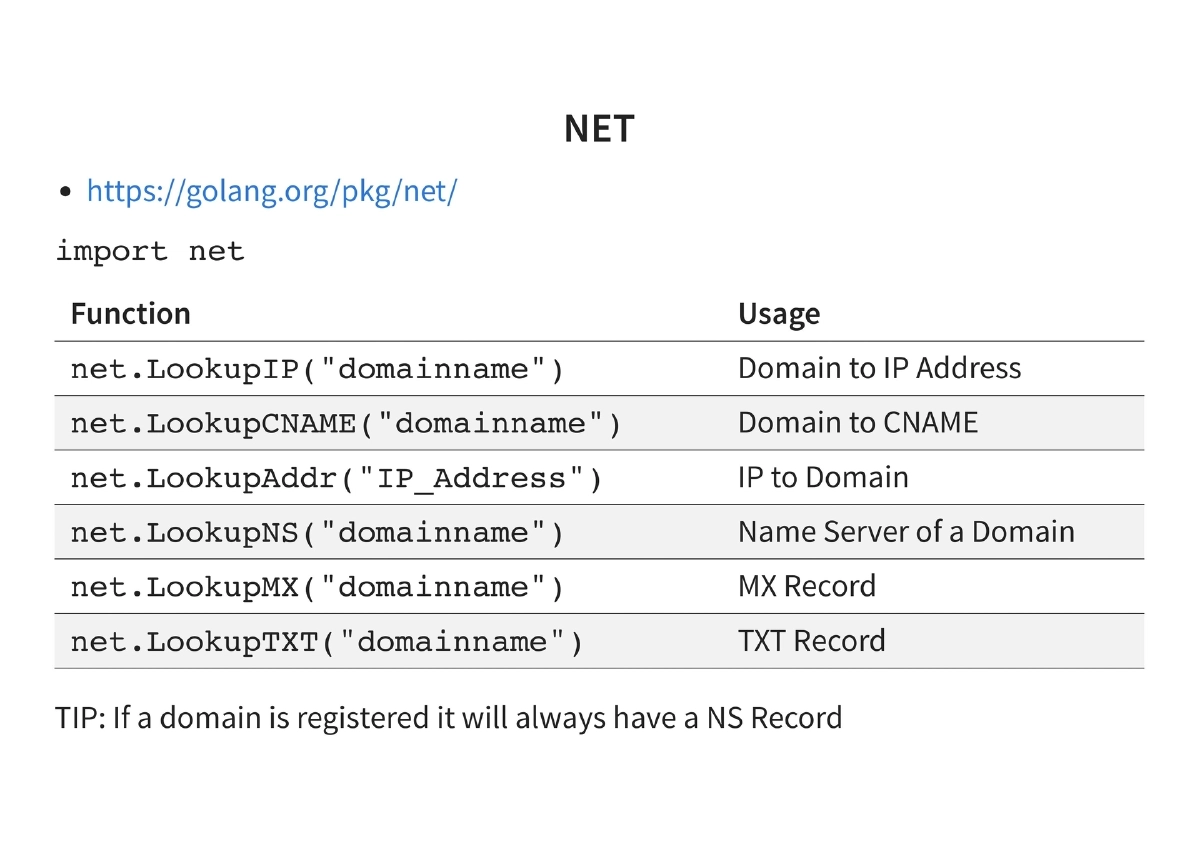
golang.org/pkg/net): DNS lookups includingLookupIP,LookupCNAME,LookupAddr,LookupNS,LookupMX,LookupTXT. Tip: if a domain is registered it will always have an NS record - publicsuffix (
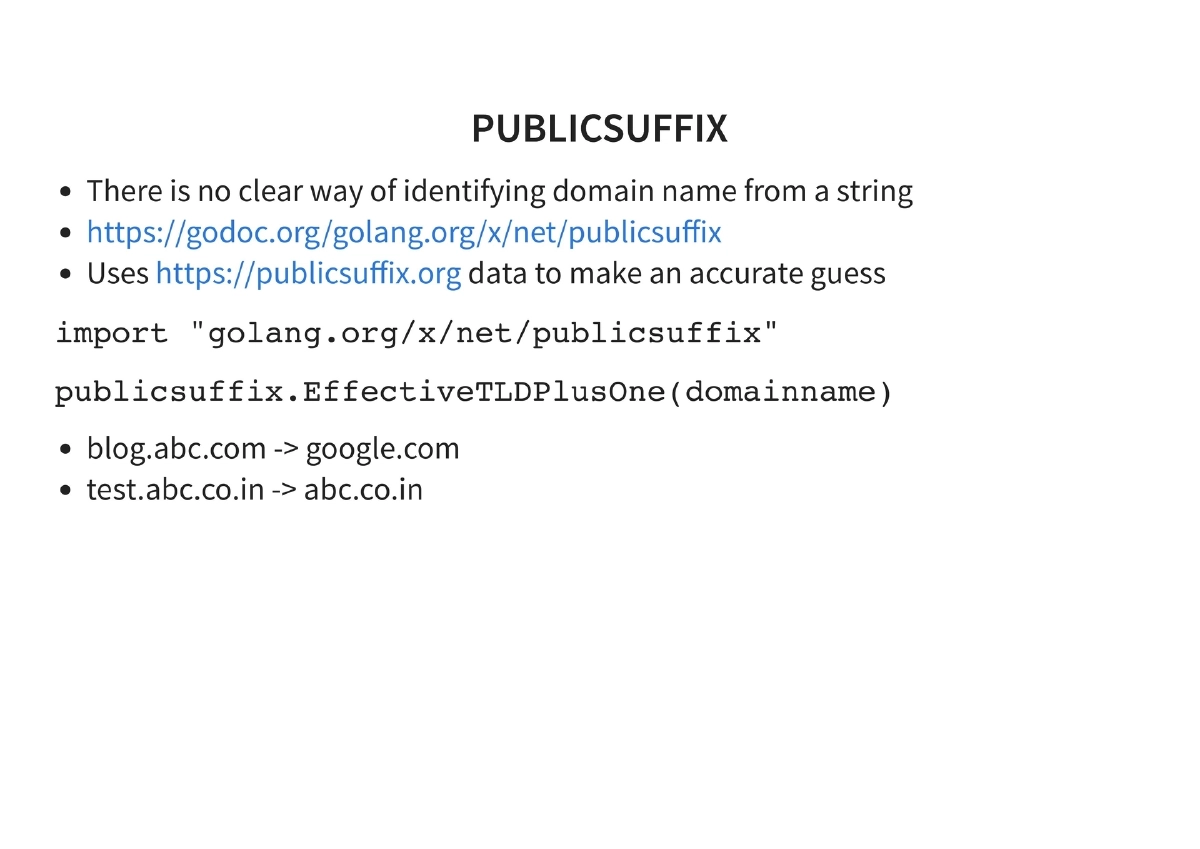
golang.org/x/net/publicsuffix): Identifying domain names from arbitrary strings using the Public Suffix List data for accurate domain parsing - encoding/json (
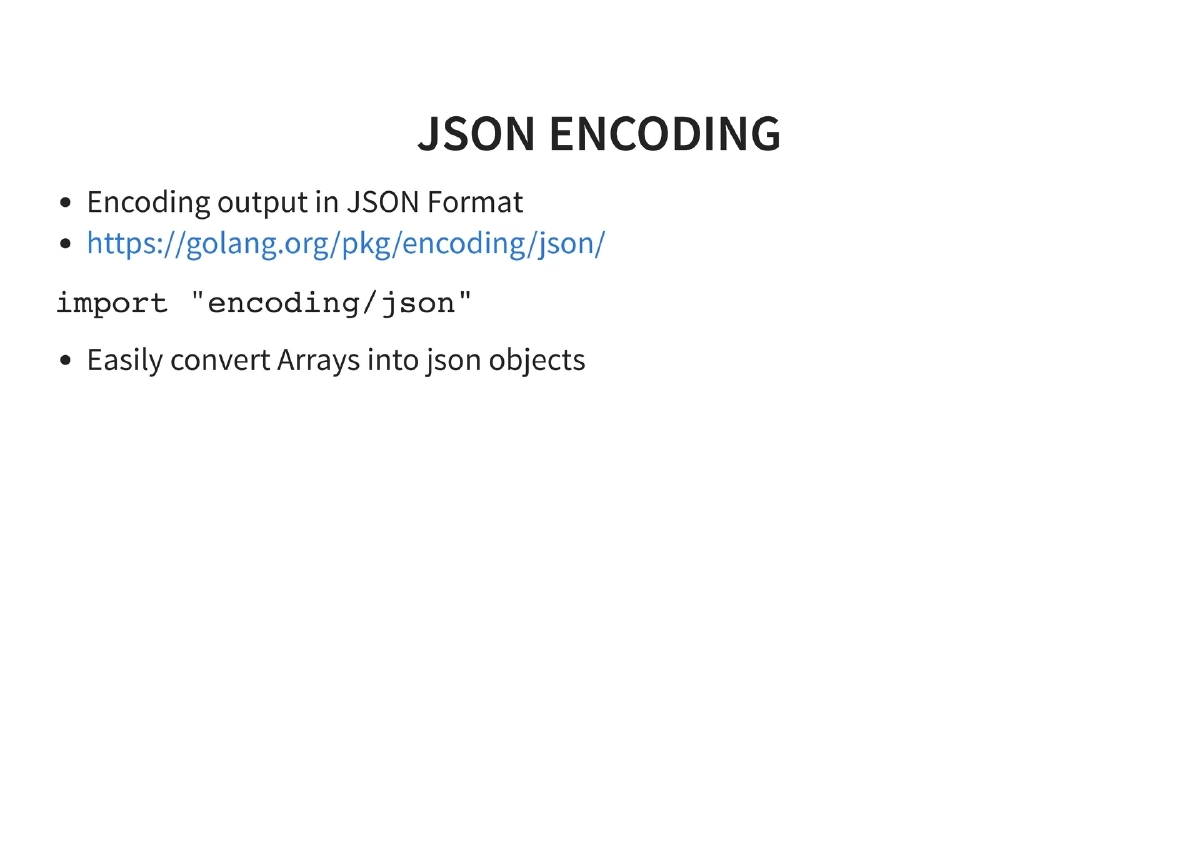
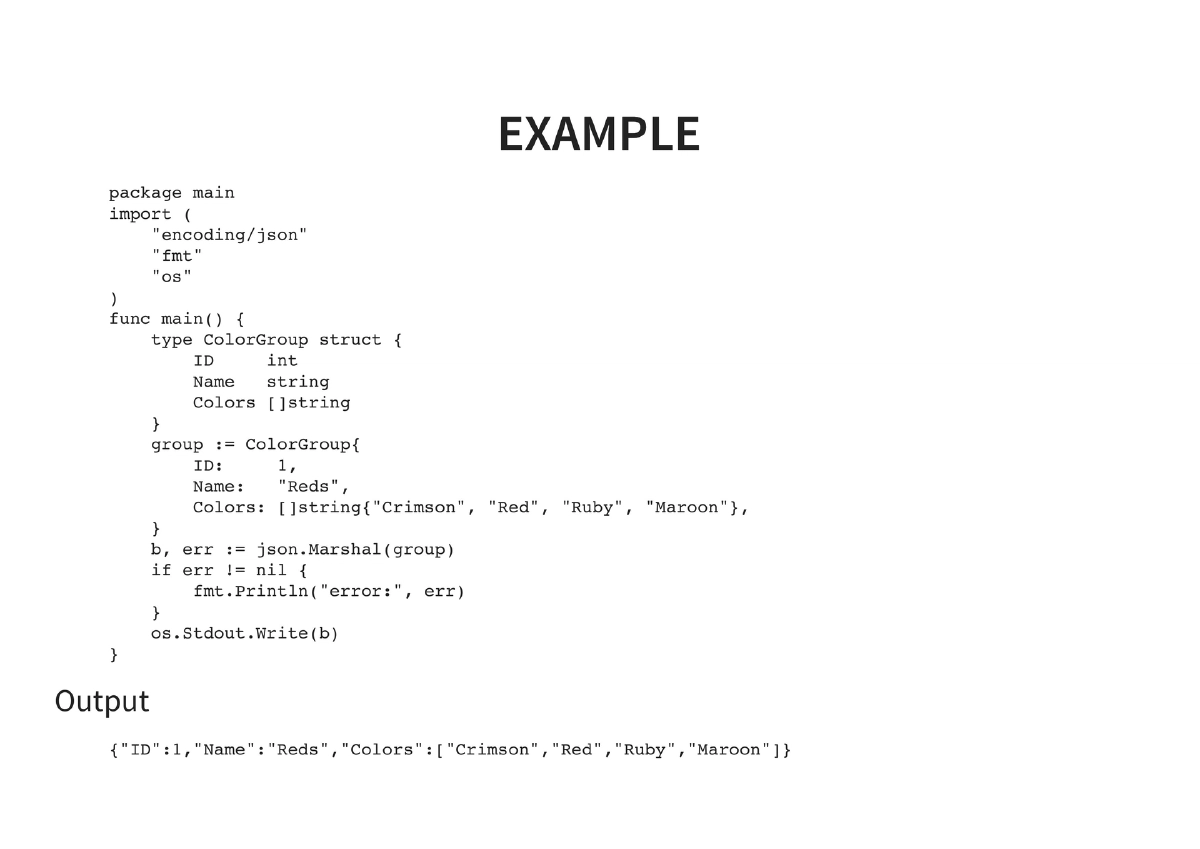
golang.org/pkg/encoding/json): JSON marshaling for structured output — demonstrated with a ColorGroup struct example - net.Dial / port scanning: TCP connection-based port scanning with timeout support. Alternative:
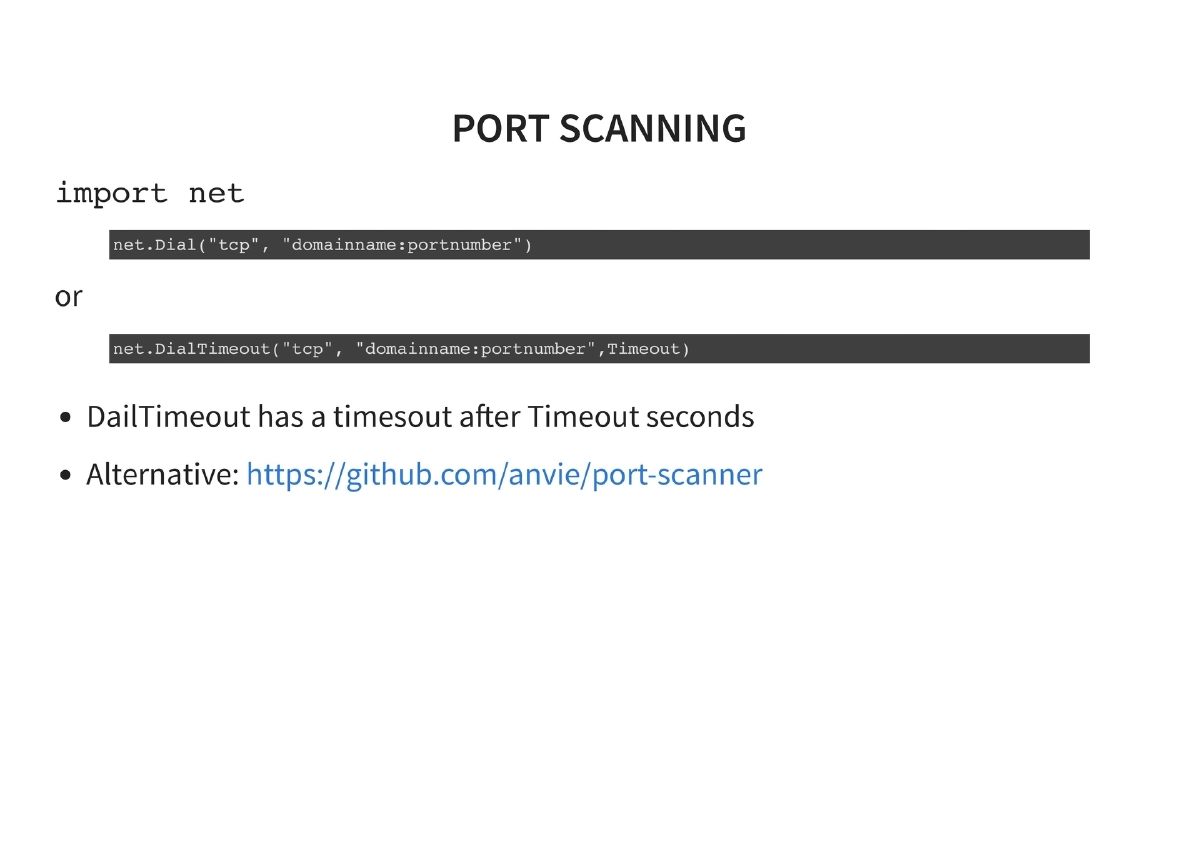
github.com/anvie/port-scanner - soup (
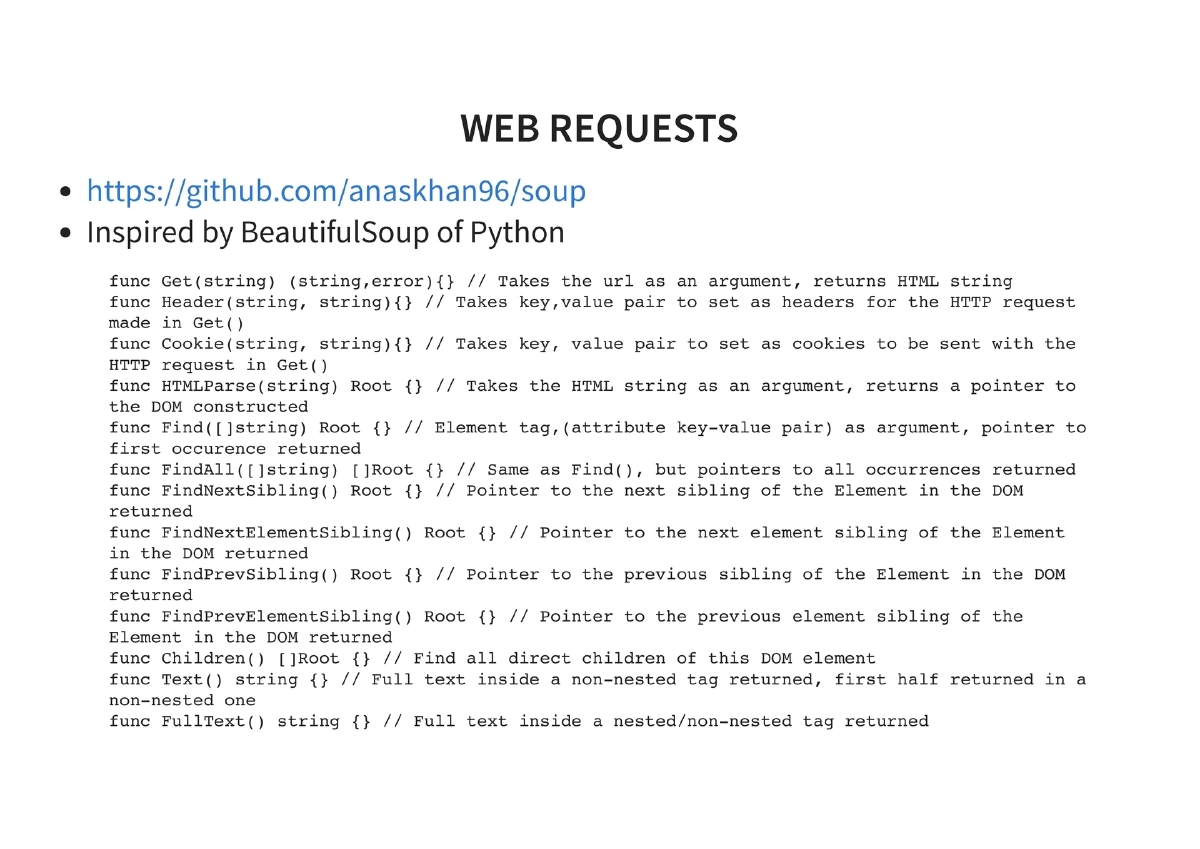
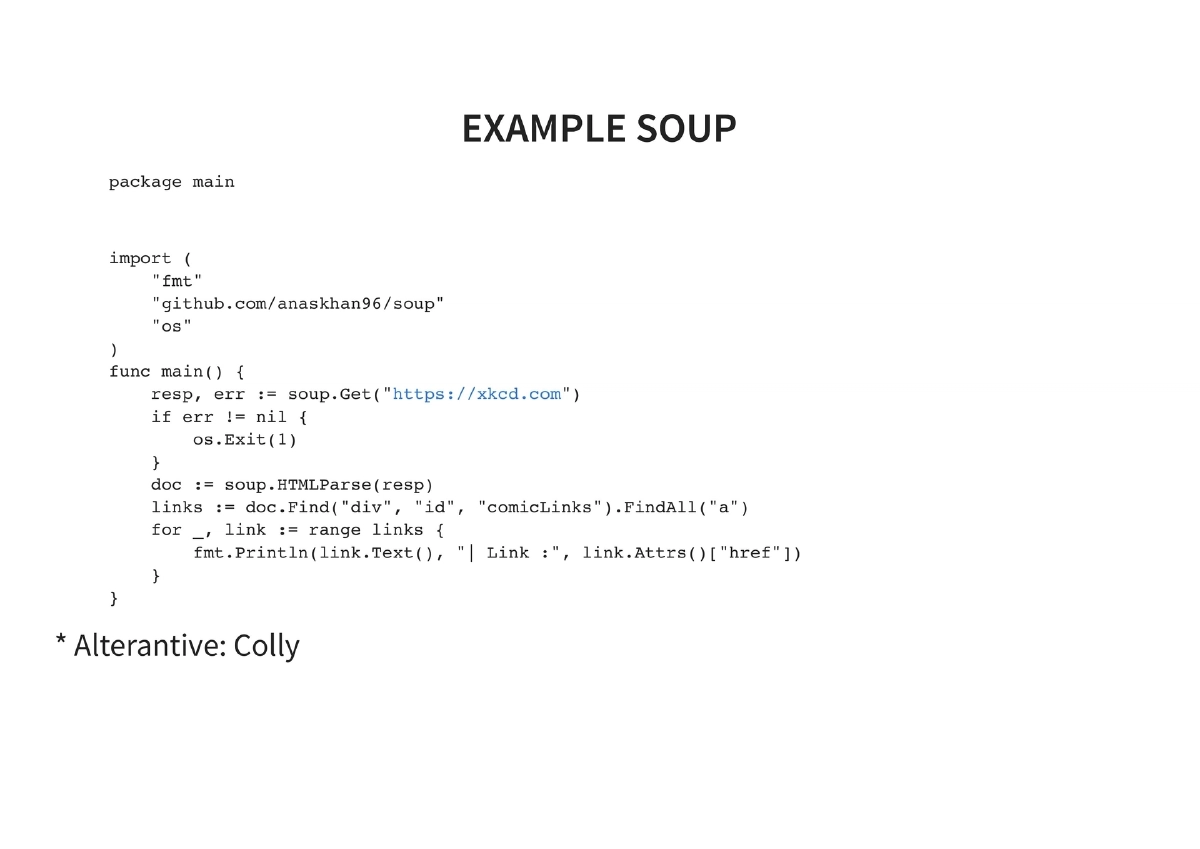
github.com/anaskhan/soup): Web scraping library inspired by Python’s Beautiful Soup, providing Get, Header, Cookie, HTMLParse, Find, FindAll, sibling navigation, Children, Text, and FullText methods
- argparse (
-
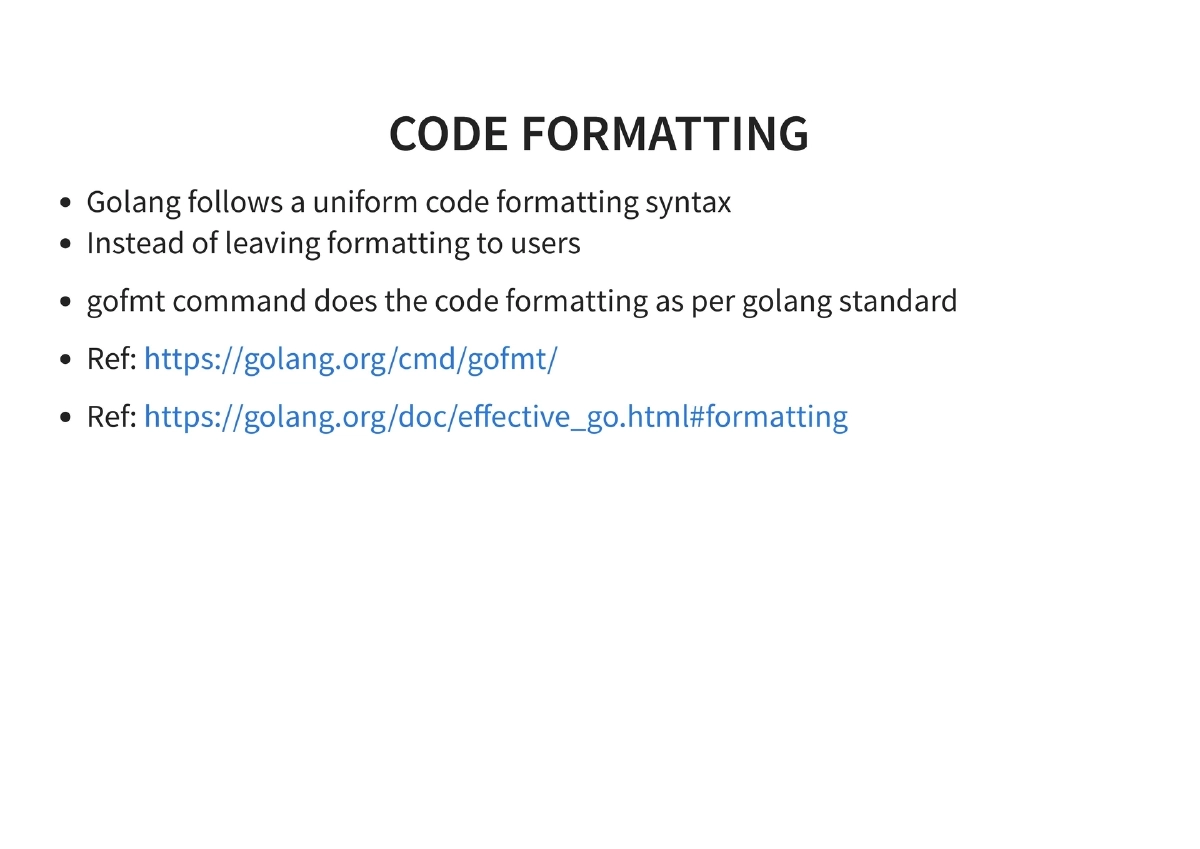
Code Quality and Formatting: Go enforces uniform code formatting via
gofmt, eliminating formatting debates. Thegofmtcommand automatically formats code to the Go standard. -
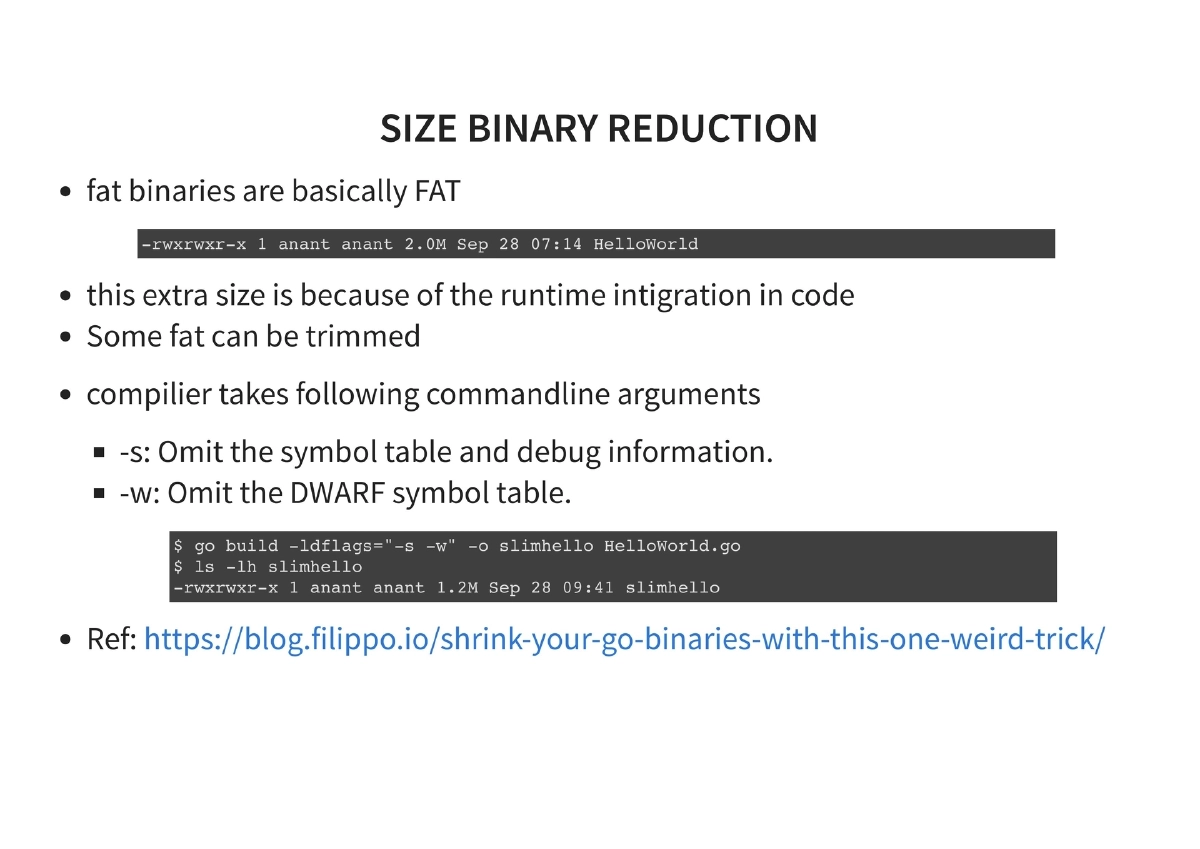
Binary Size Reduction: Go’s fat binaries include runtime integration. Techniques to reduce size:
- Compiler flags:
-s(omit symbol table and debug information),-w(omit DWARF symbol table) - UPX compression: Further reduces binary size after compilation
- Example:
go build -ldflags '-s -w' helloworld.gofollowed by UPX compression
- Compiler flags:
-
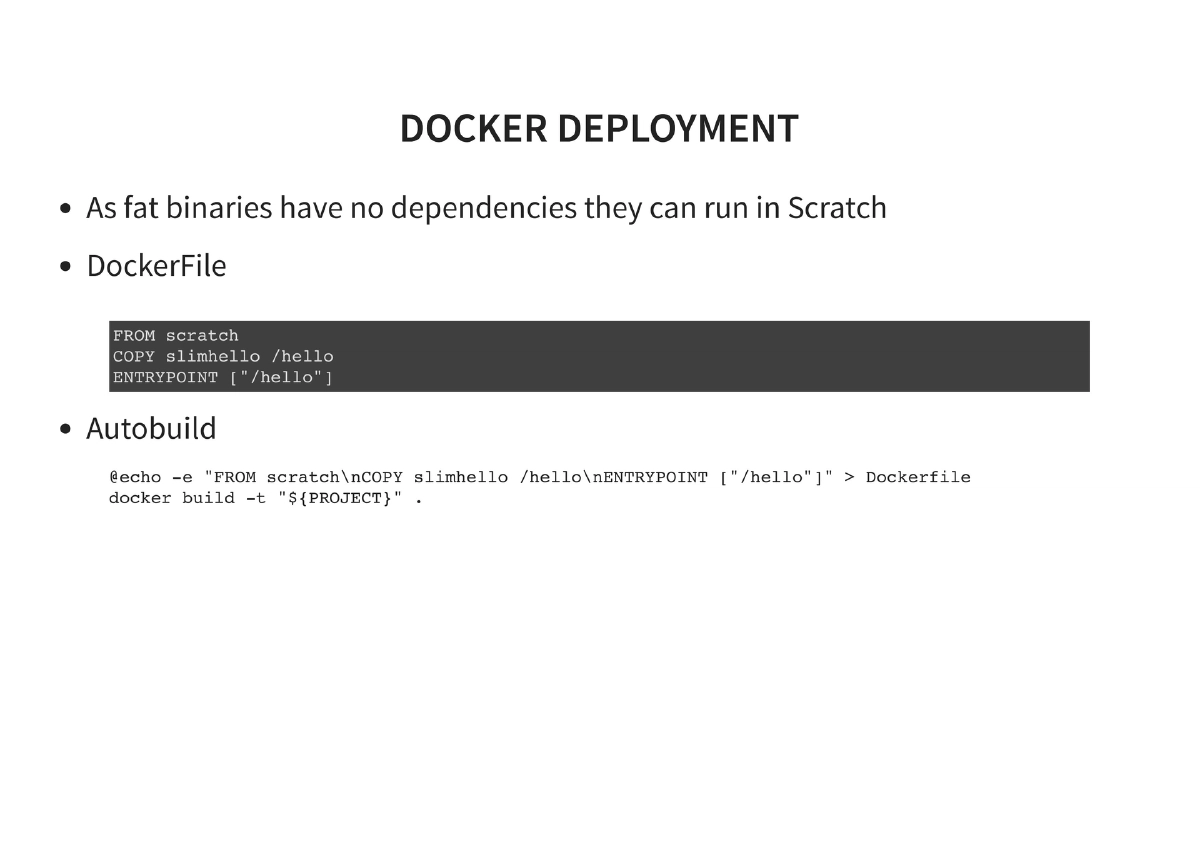
Docker Deployment: Since fat Go binaries have no dependencies, they can run in a
scratch(empty) Docker container, resulting in minimal container images. The Dockerfile is straightforward:FROM scratch,ADDthe binary, set theENTRYPOINT. -
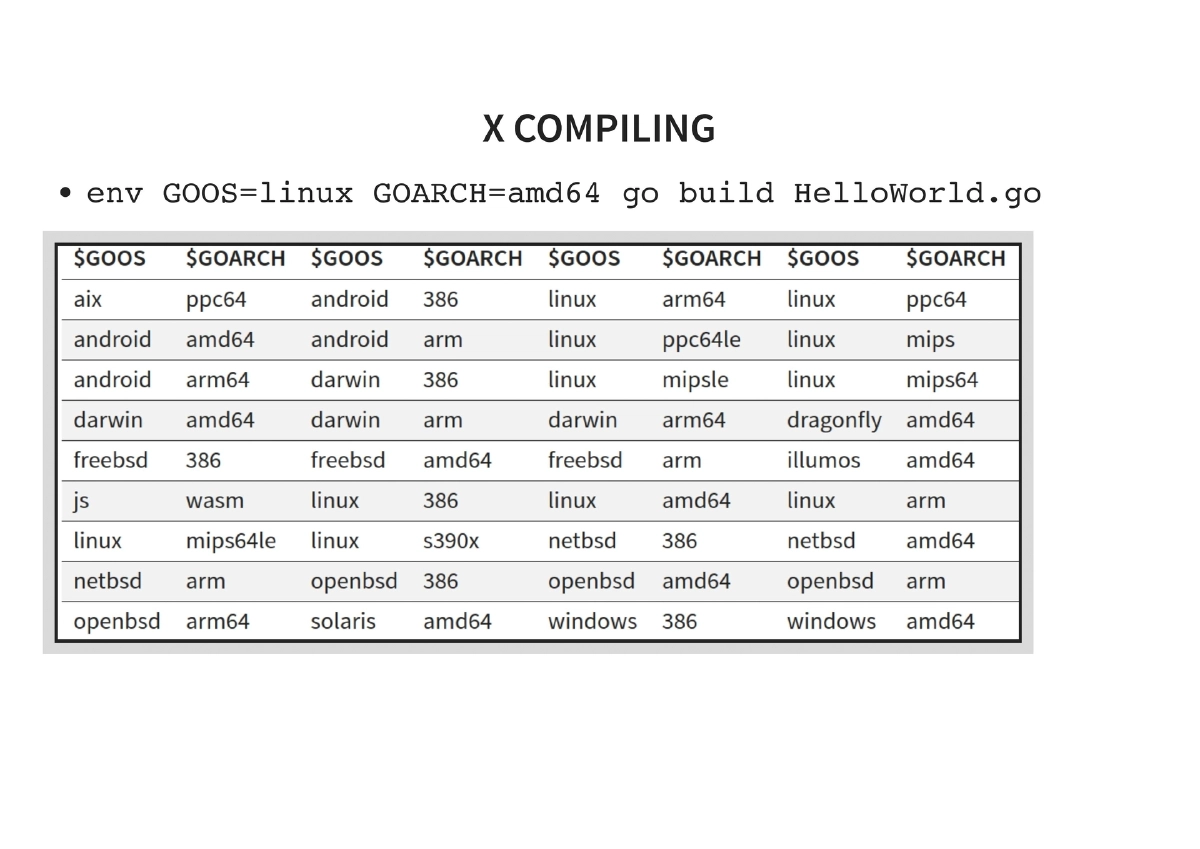
Cross-Compilation: Go’s built-in cross-compilation via environment variables:
- Linux:
env GOOS=linux GOARCH=amd64 go build - Windows:
env GOOS=windows GOARCH=amd64 go build - Mac:
env GOOS=darwin GOARCH=amd64 go build
- Linux:
-
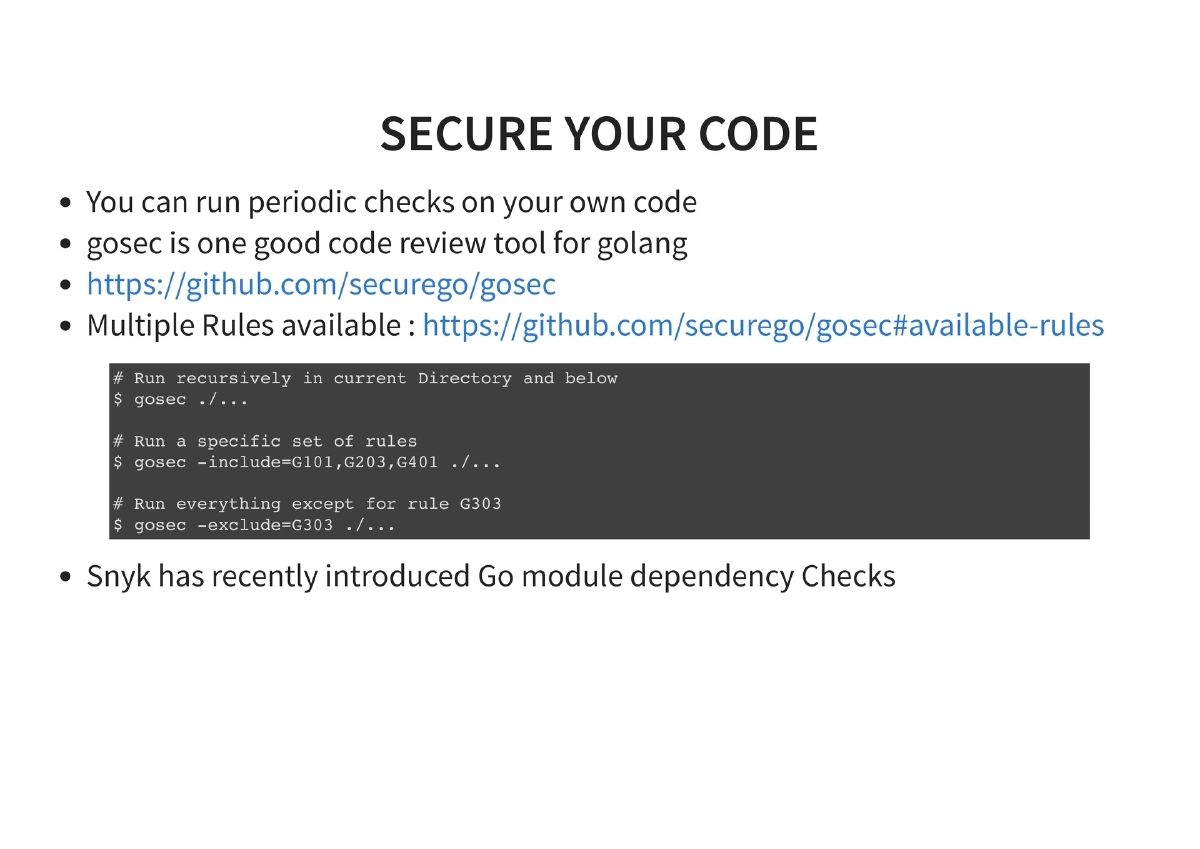
Code Security with gosec: Running periodic security checks on Go code using gosec (
github.com/securego/gosec). Multiple rules are available, and you can run recursively in the current directory, run specific rule sets, or exclude specific rules. Snyk also offers Go module dependency checks. -
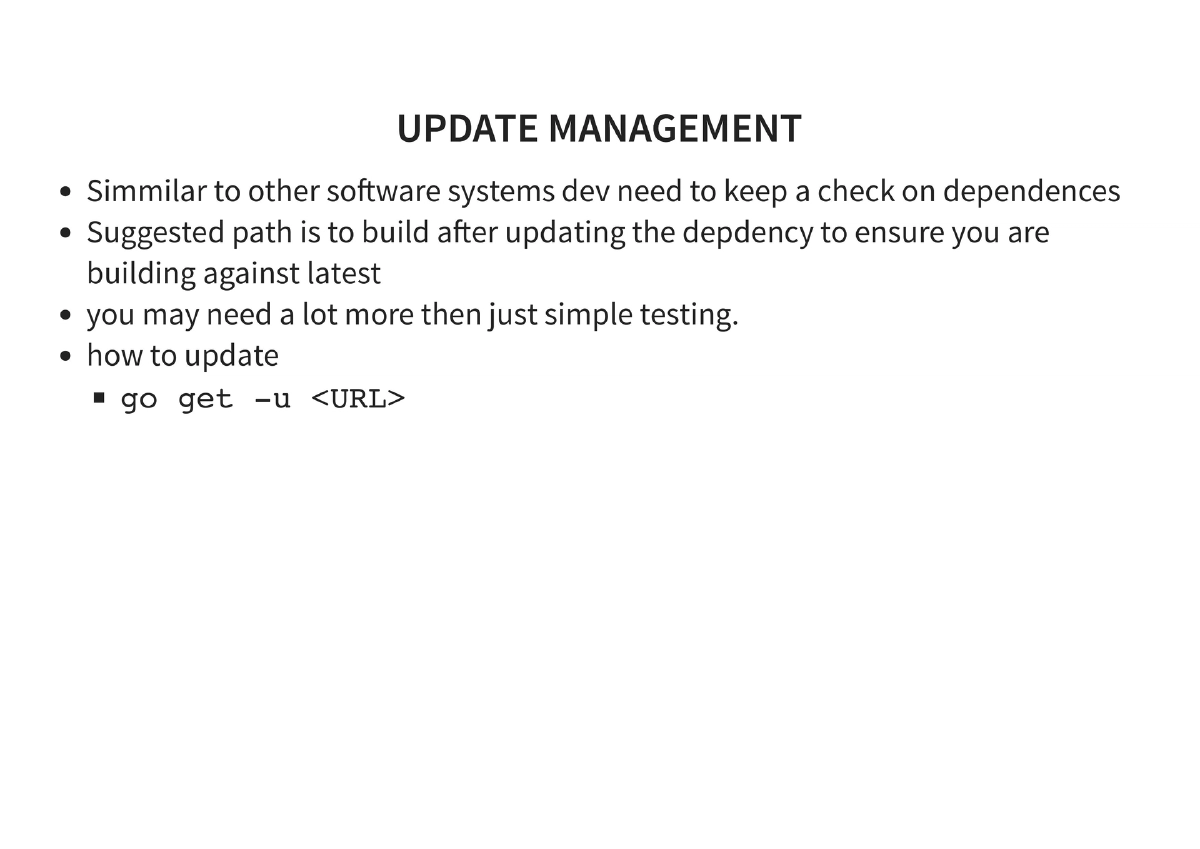
Dependency/Update Management: Keeping dependencies current using
go get -u ./...and building after updates to ensure compatibility with the latest versions. -
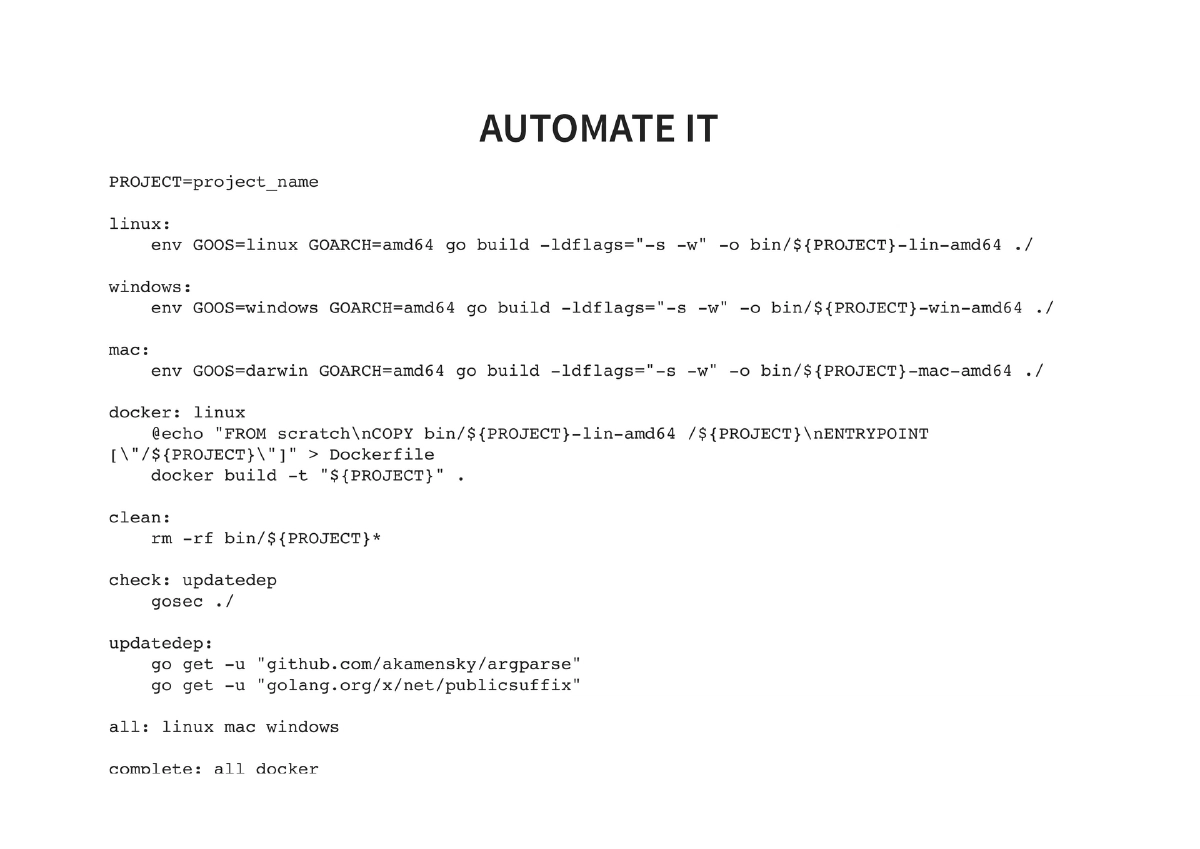
Build Automation with Makefile: A complete Makefile automating the entire workflow — building for Linux, Mac, and Windows targets, Docker image creation, dependency updates, gosec security checks, and combined
allandcompletetargets. -
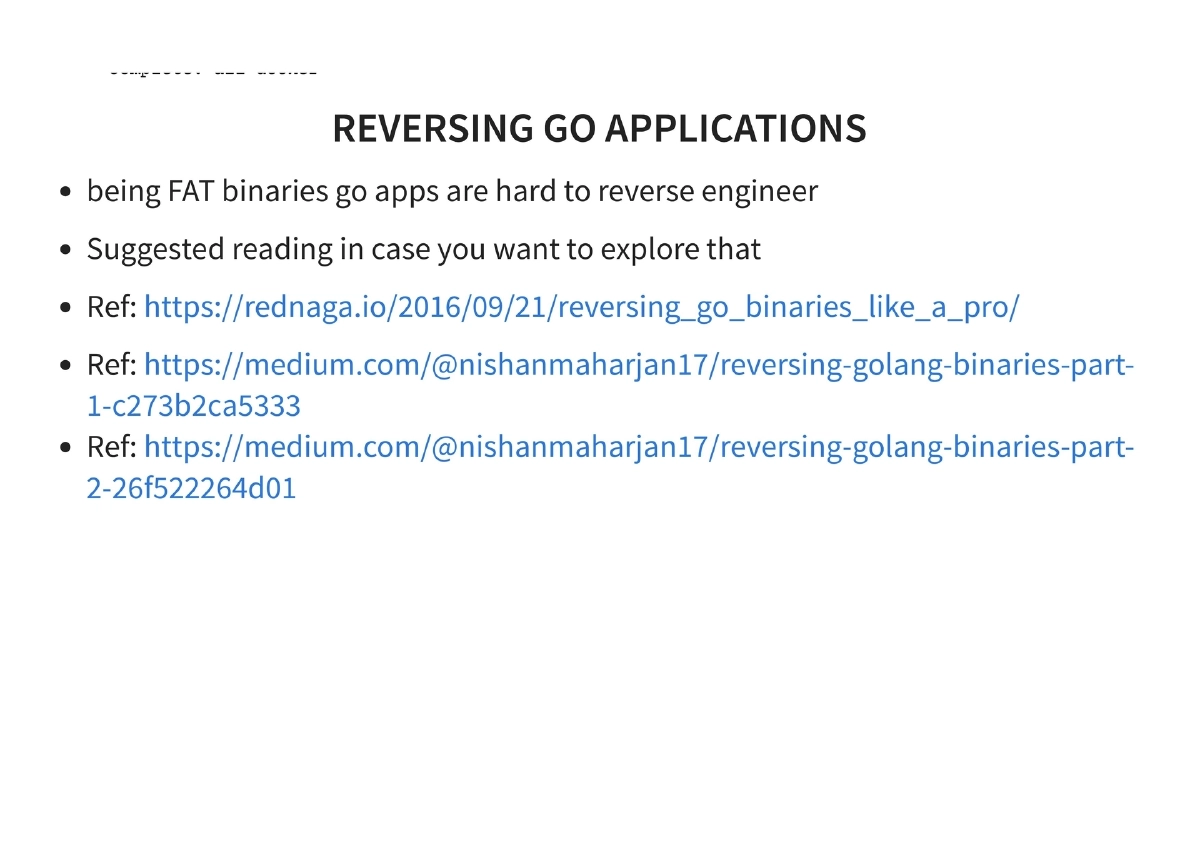
Reversing Go Applications: Fat Go binaries are inherently difficult to reverse engineer, which is advantageous for red team tooling. References provided for those who want to explore Go binary reversing techniques.
-
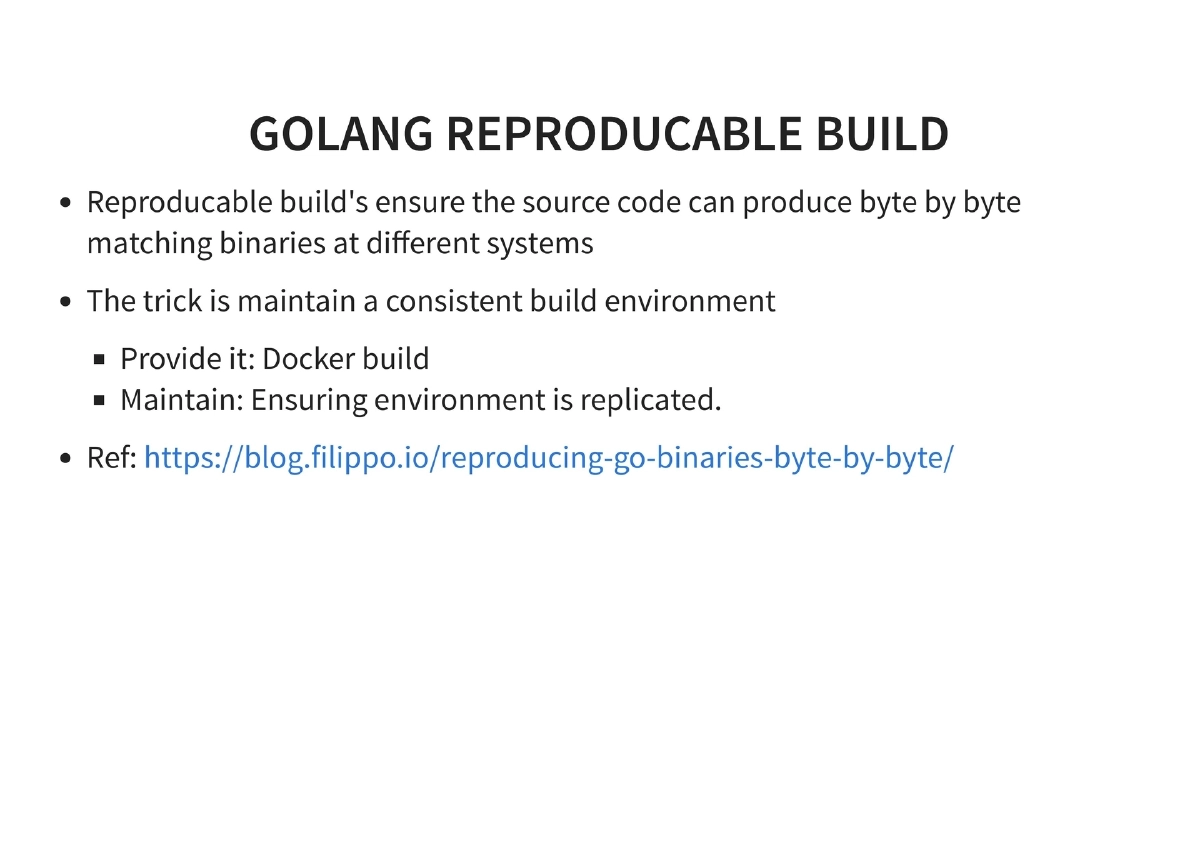
Reproducible Builds: Ensuring source code produces byte-for-byte matching binaries across different systems by maintaining a consistent build environment, ideally through Docker-based builds.
Actionable Takeaways
- Set up a Go development environment and start by building simple pentesting utilities — port scanners, DNS enumerators, or web scrapers — using the modules covered (net, soup, argparse).
- Leverage Go’s cross-compilation to build tools for all target platforms (Linux, Windows, Mac) from a single codebase with simple
GOOS/GOARCHenvironment variables. - Use scratch Docker containers for deploying Go-based tools, creating minimal attack surface and tiny container images since Go binaries have zero runtime dependencies.
- Reduce binary sizes with
-ldflags '-s -w'compiler flags and UPX compression to make tools less conspicuous for red team operations. - Integrate gosec into your development workflow (and CI/CD via Makefile) to catch security issues in your own pentesting tools before deployment.
- Explore existing Go security tools (Gobuster, Bettercap, Merlin, Cracklord) both as ready-to-use utilities and as reference implementations for building your own.
- Create a Makefile that automates multi-platform builds, Docker packaging, dependency updates, and security scanning for a professional, repeatable tooling workflow.
- Take advantage of Go’s difficult-to-reverse-engineer binaries for red team implants and post-exploitation tools where operational security matters.