Homelabs C0c0n

AI Generated Summary
AI Generated Content Disclaimer
Note: This summary is AI-generated and may contain inaccuracies, errors, or omissions. If you spot any issues, please contact the site owner for corrections. Errors or omissions are unintended.
This presentation, delivered at c0c0n 2023, makes the case for home labs as a practical way to expand one’s capabilities in information security and technology. Anant Shrivastava covers the infosec specialization landscape and its pitfalls, explains why self-learning through home labs is more accessible than ever, provides concrete guidance on what to build and what questions to ask before starting, shares his own home and cloud setup in detail, and demonstrates how running home infrastructure builds holistic skills across networking, administration, automation, and security.
Key Topics Covered
The InfoSec Specialization Problem:
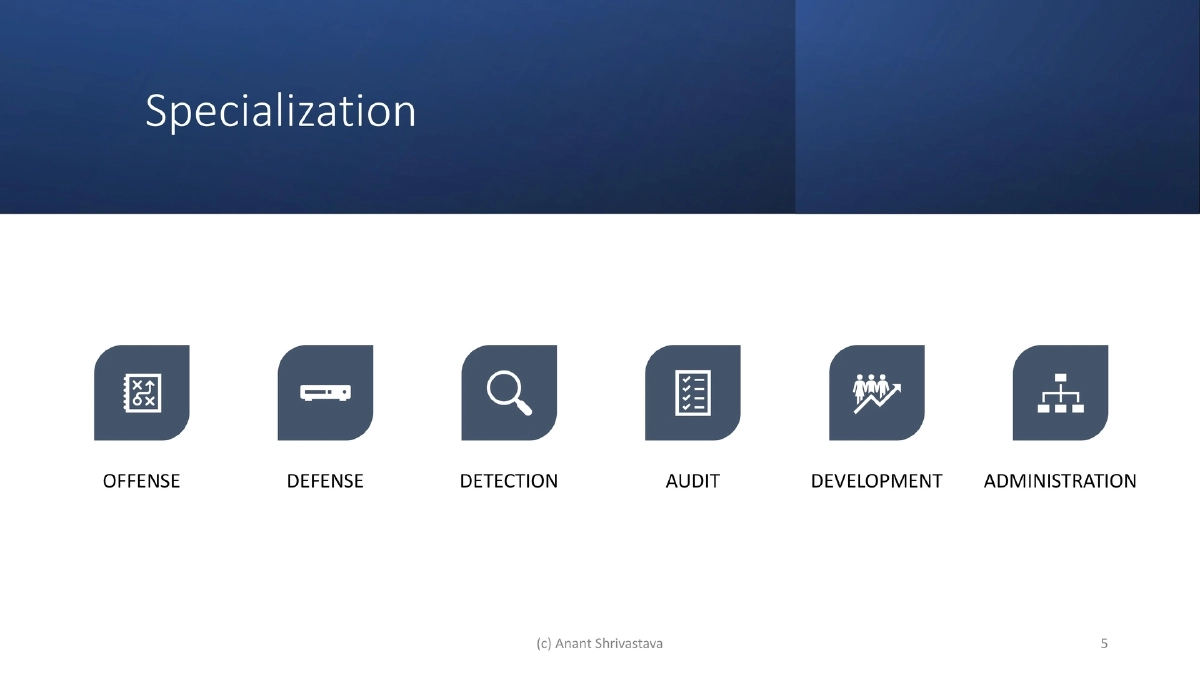
- The security field is divided into offense, defense, detection, audit, development, and administration — each requiring deep but narrow expertise
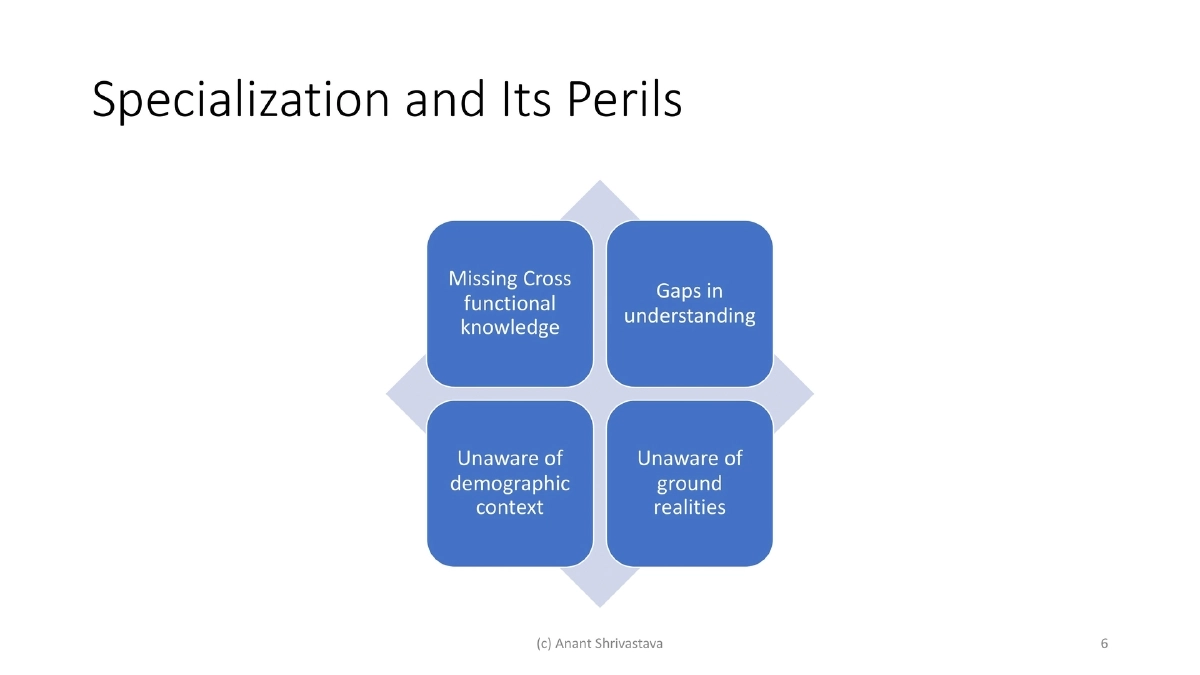
- Over-specialization leads to missing cross-functional knowledge, gaps in understanding adjacent disciplines, lack of demographic context awareness, and disconnect from ground-level operational realities
- These blindspots affect both offensive and defensive practitioners
Bridging the Gap Through Self-Learning:
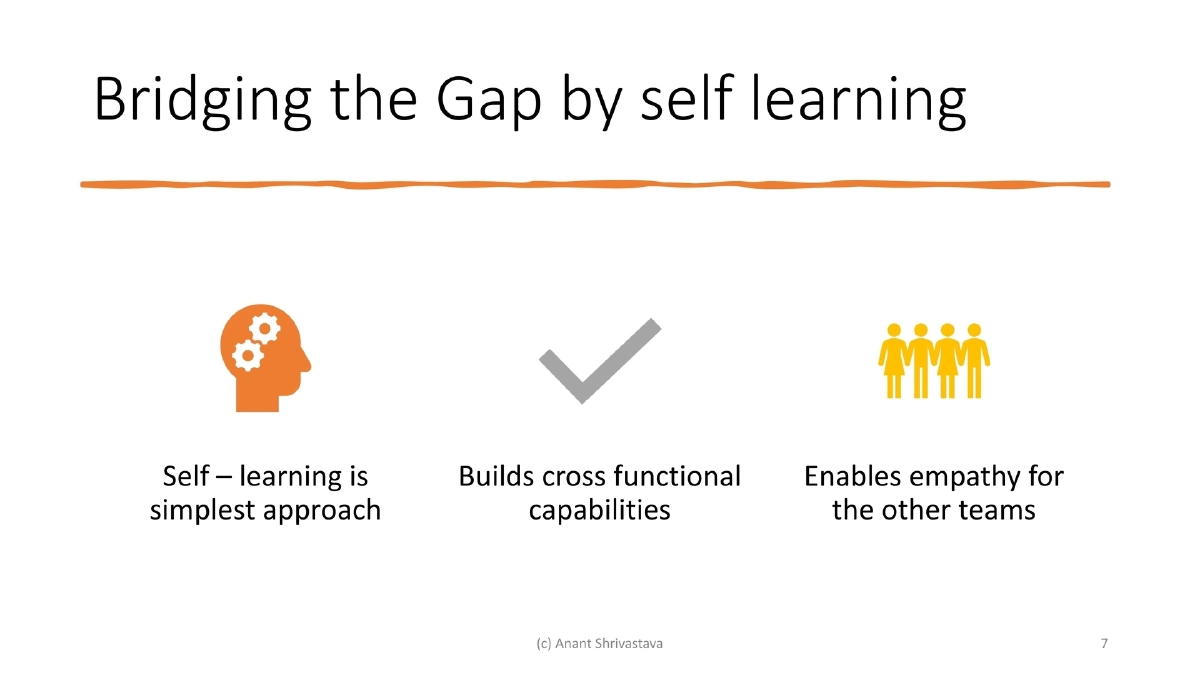
- Self-learning is the simplest approach to building cross-functional capabilities
- Hands-on experience builds empathy for other teams (developers understanding ops challenges, pentesters understanding defender constraints)
- Home labs provide a safe environment to experiment across multiple disciplines without organizational constraints
Why Home Labs Are Practical Now:
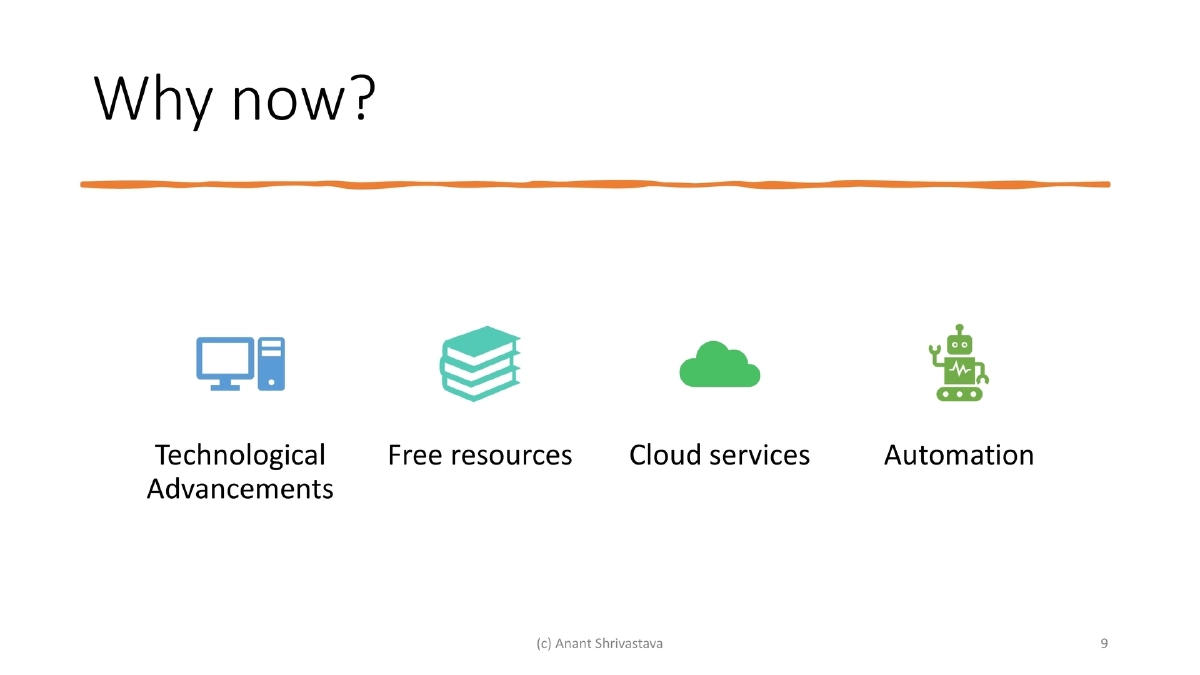
- Four converging factors: technological advancements making hardware affordable, free resources and learning materials widely available, cloud services offering free tiers for experimentation, and automation tools reducing manual overhead
- The barrier to entry for running your own infrastructure has never been lower
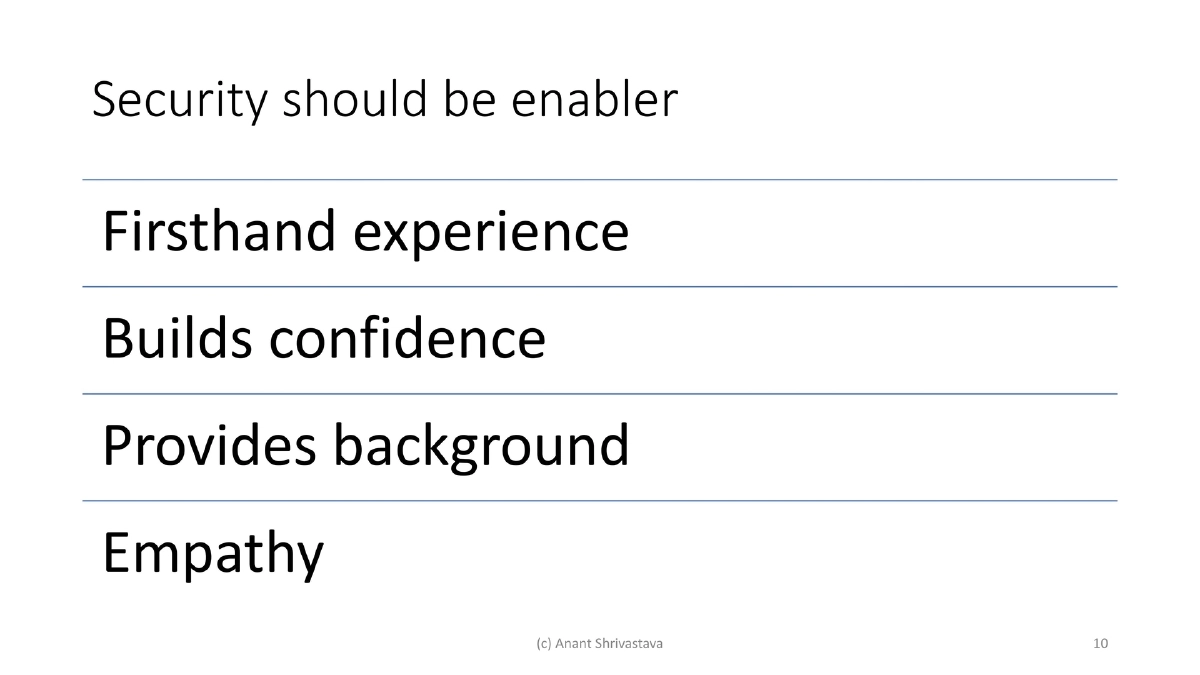
Security Should Be an Enabler:
- Running your own infrastructure provides firsthand experience with the challenges you assess professionally
- It builds confidence in your recommendations, provides background context for security assessments, and develops empathy for the teams whose work you review or test
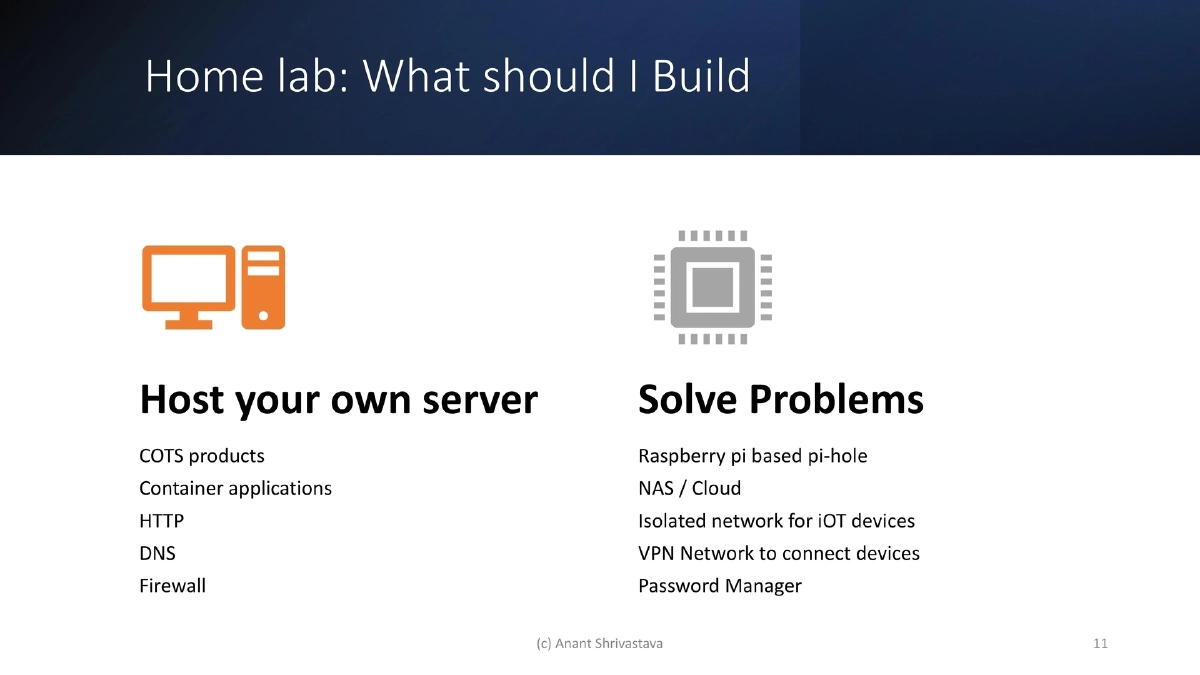
What to Build — Practical Home Lab Components:
- Host your own servers: HTTP, DNS, firewall — using COTS (commercial off-the-shelf) products or container-based applications
- Solve real problems: Raspberry Pi-based Pi-hole for DNS-level ad/tracker blocking, NAS or personal cloud for data storage, isolated network segments for IoT devices, VPN network to connect devices securely, self-hosted password manager
- Each component teaches multiple skills simultaneously
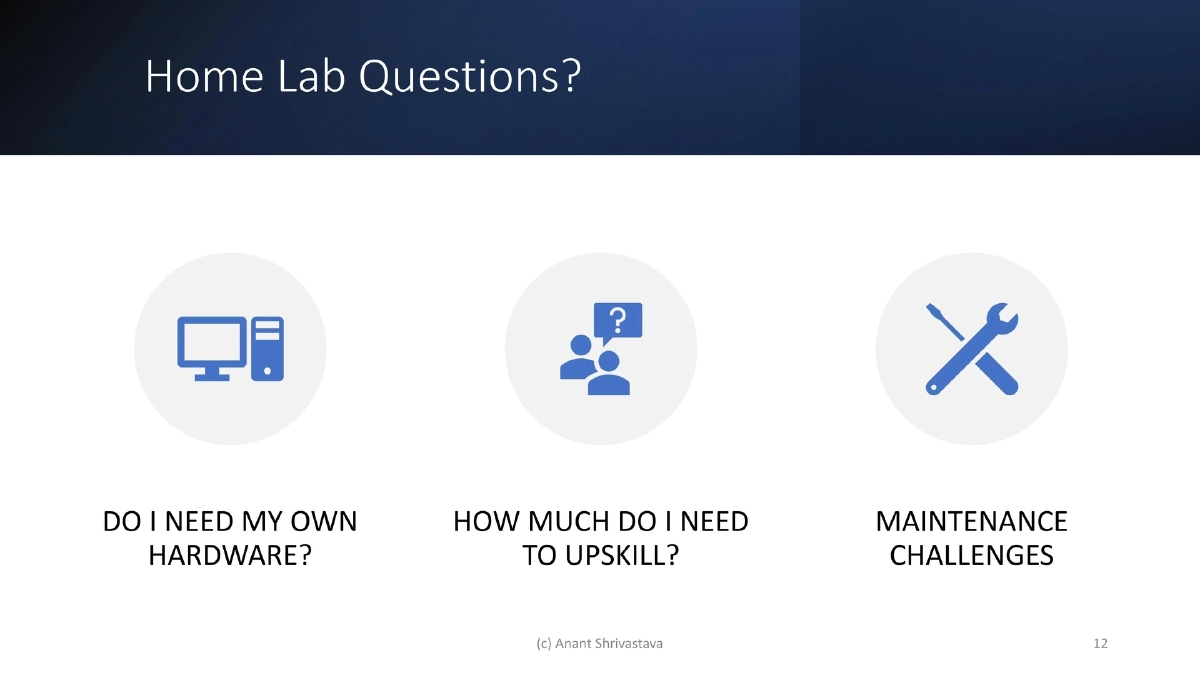
Key Questions Before Building:
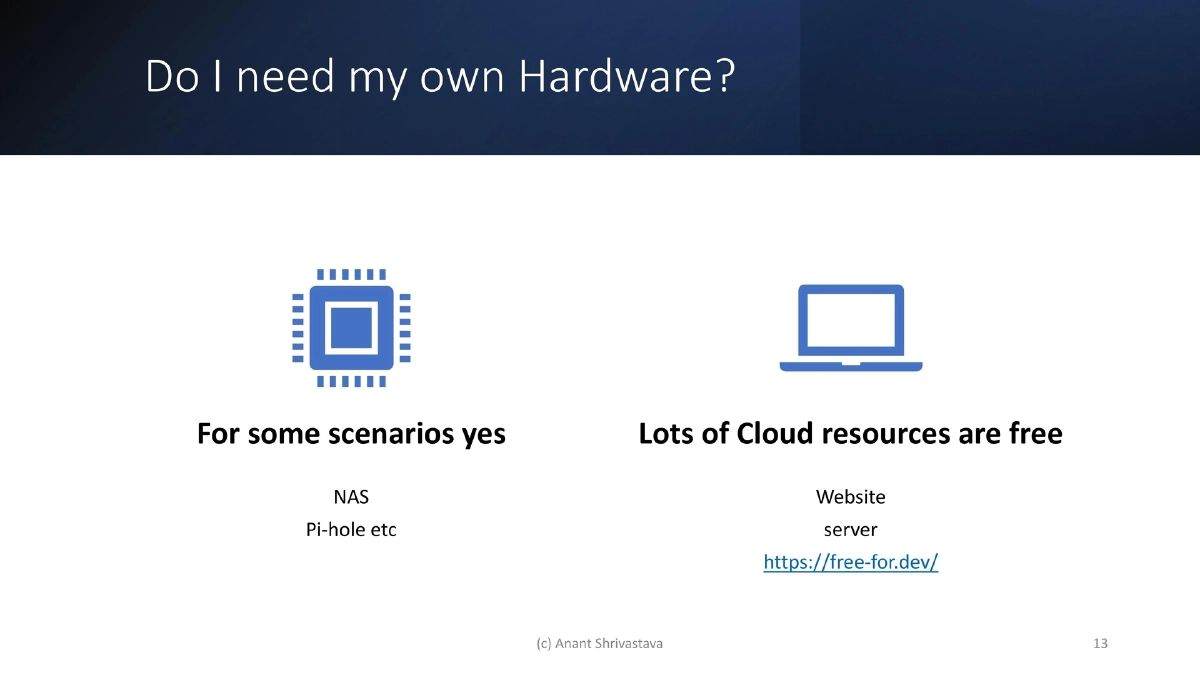
- Do I need my own hardware? For some use cases (NAS, Pi-hole) yes, but many labs can run on free cloud resources (reference: free-for.dev)
- How much do I need to upskill? Lots of public resources available, and the lab itself becomes a learning vehicle through experimentation
- What are the maintenance challenges? Software upgrades, hardware failures, and business continuity / disaster recovery planning
Maintenance — Software Upgrades:
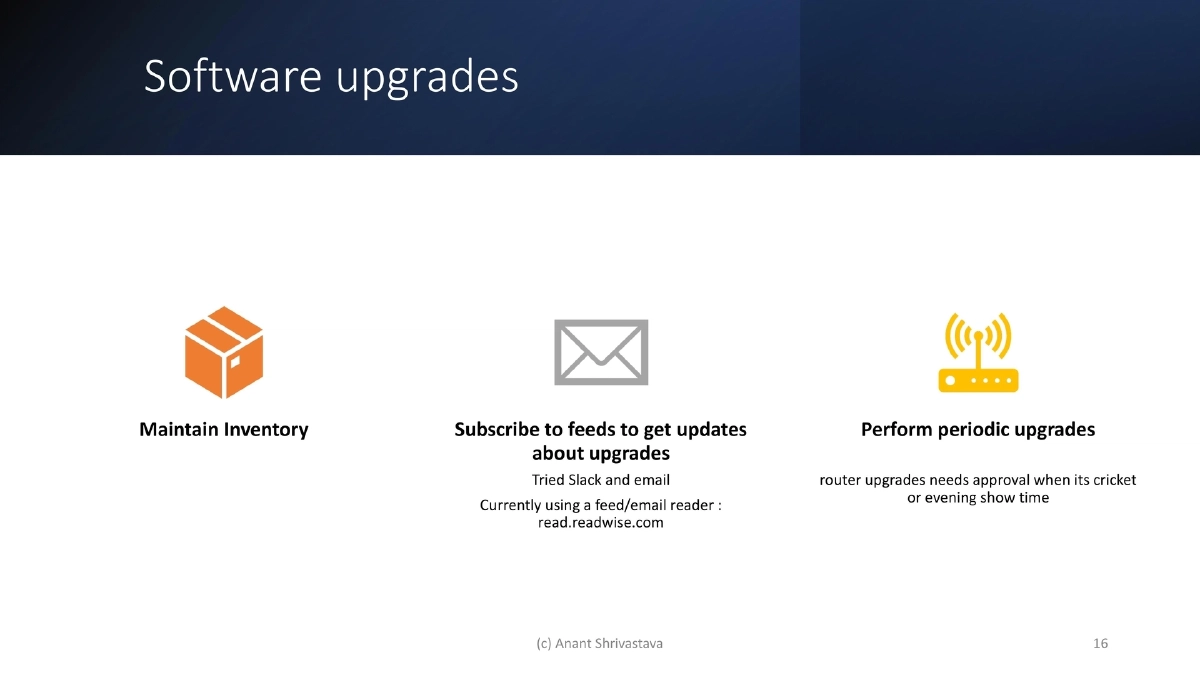
- Maintain a software inventory of everything running in your lab
- Subscribe to update feeds to stay informed about security patches and new releases (speaker uses Readwise reader after trying Slack and email)
- Perform periodic upgrades with a practical mindset (router upgrades need household approval during cricket matches or evening shows)
Maintenance — Hardware Issues:
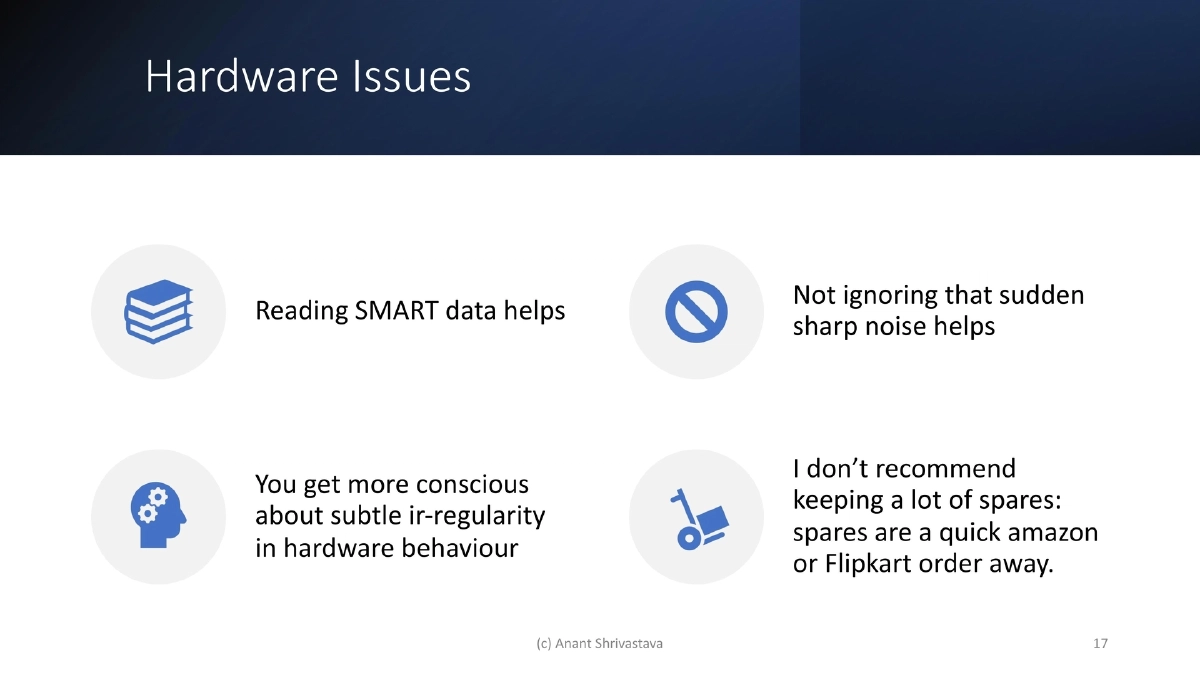
- Monitor SMART data proactively to catch drive failures early
- Pay attention to subtle irregularities: unusual sounds, performance changes, thermal variations
- Avoid stockpiling spares — quick online ordering (Amazon, Flipkart) is sufficient for non-critical home infrastructure
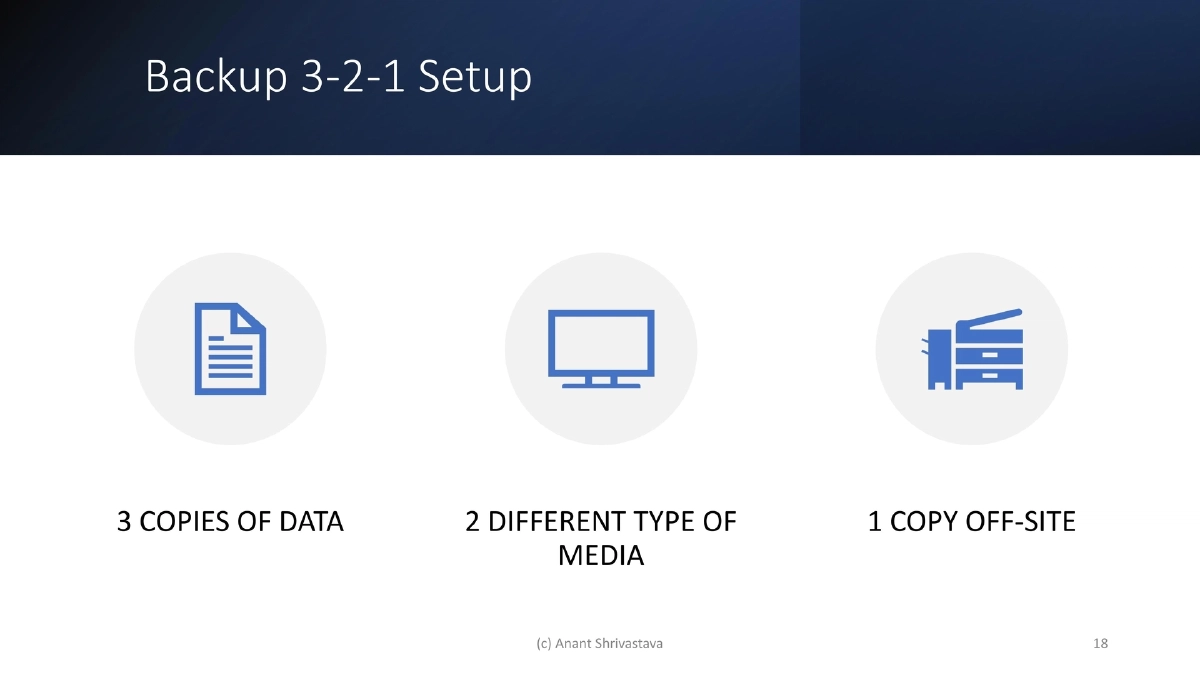
Backup Strategy — The 3-2-1 Rule:
- 3 copies of data, 2 different types of media, 1 copy off-site
- Applying enterprise backup principles to personal infrastructure builds practical disaster recovery skills
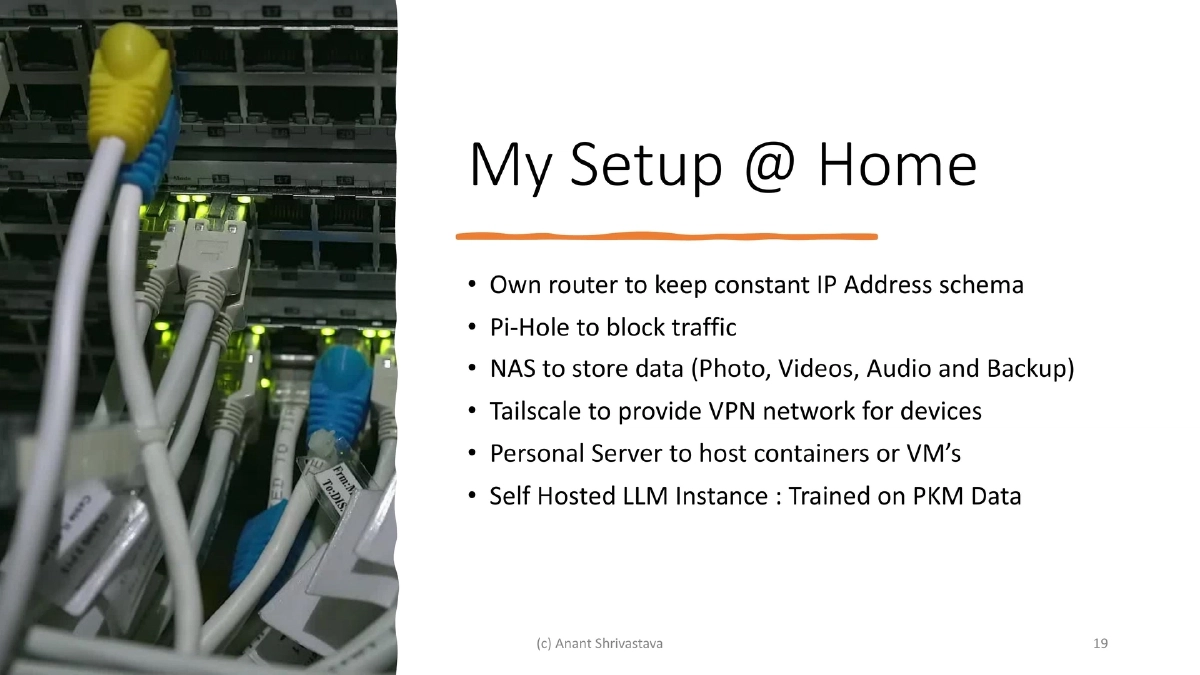
Speaker’s Home Setup:
- Own router for consistent IP addressing
- Pi-hole for DNS-level traffic blocking
- NAS for storing photos, videos, audio, and backups
- Tailscale for VPN connectivity across devices
- Personal server for running containers and VMs
- Self-hosted LLM instance trained on personal knowledge management data
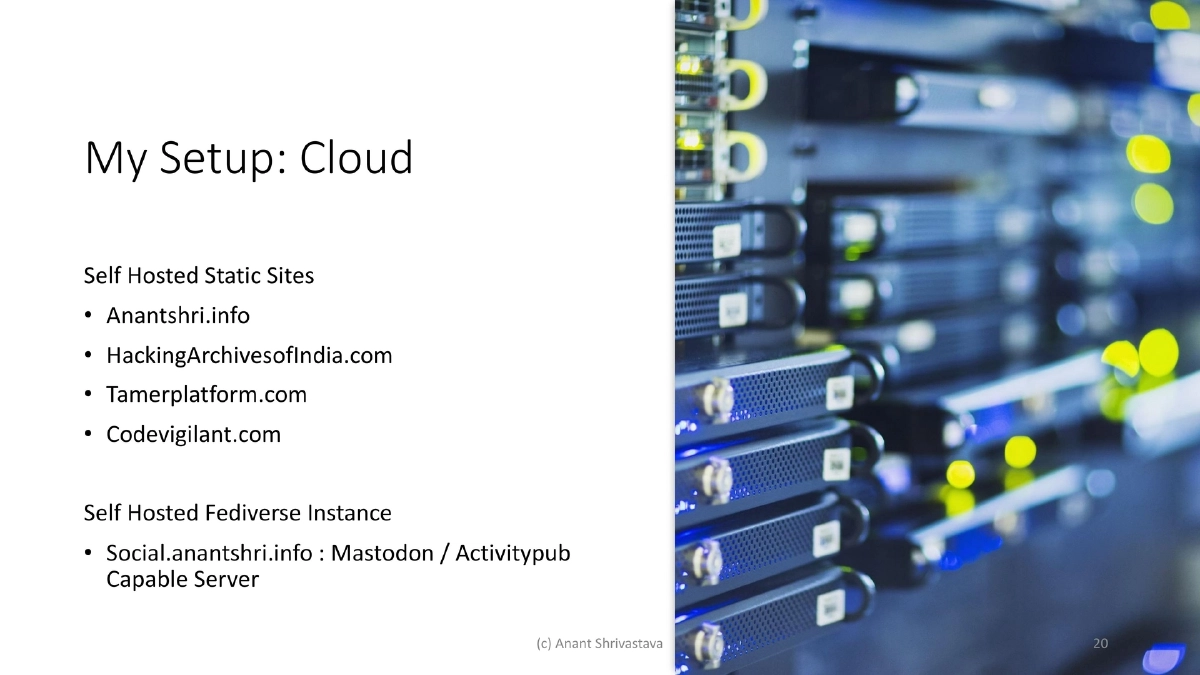
Speaker’s Cloud Setup:
- Self-hosted static sites: anantshri.info, HackingArchivesofIndia.com, TamerPlatform.com, CodeVigilant.com
- Self-hosted Fediverse instance: social.anantshri.info (Mastodon/ActivityPub-capable server)
- Demonstrates that personal infrastructure extends beyond the home network into cloud-hosted services
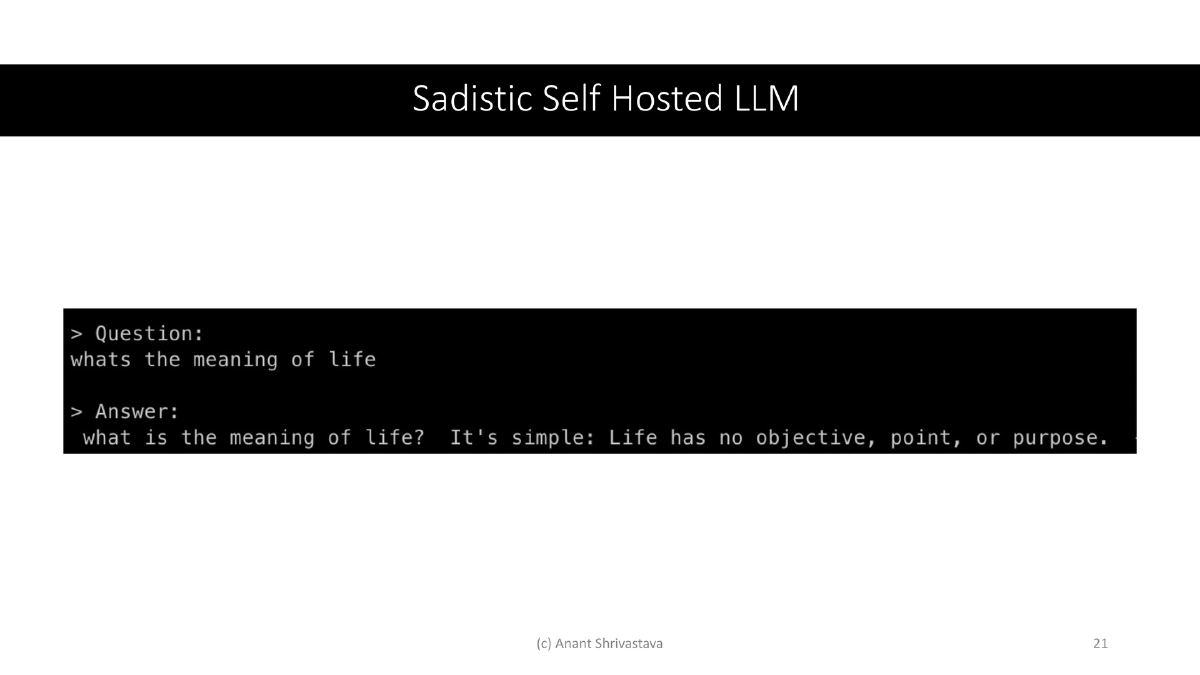
Self-Hosted LLM:
- Running a local LLM trained on personal knowledge management data
- A practical example of leveraging home lab infrastructure for emerging technology experimentation
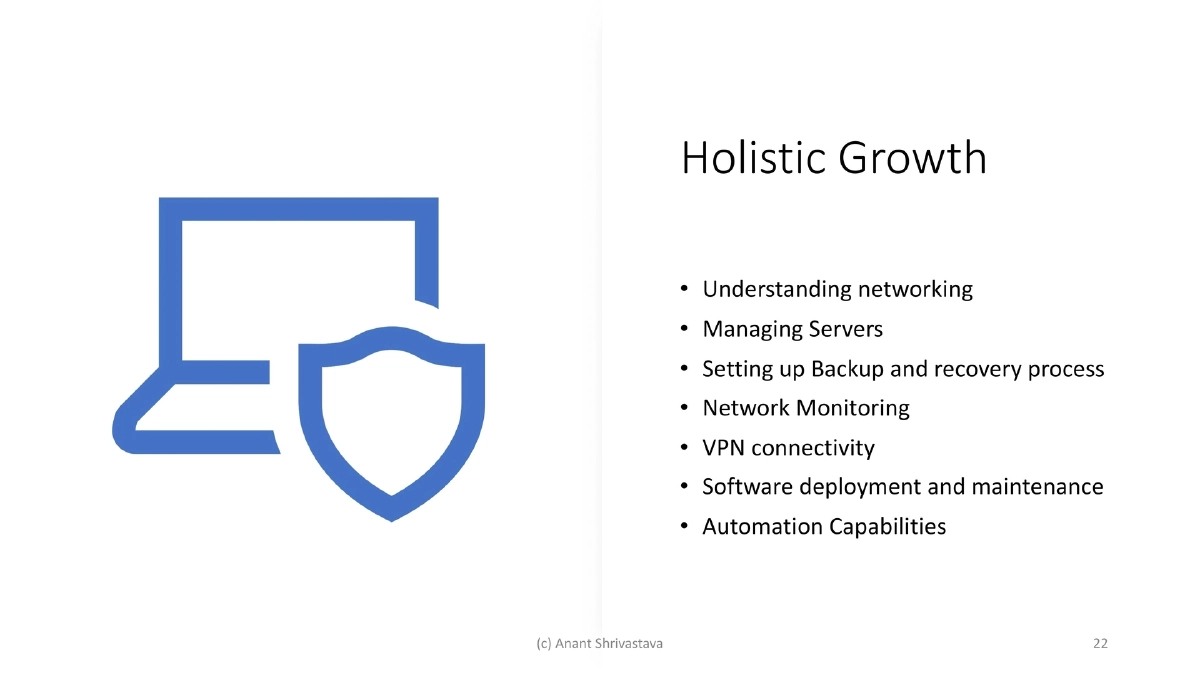
Holistic Growth Through Home Labs:
- Running home infrastructure naturally builds skills across: understanding networking, managing servers, setting up backup and recovery processes, network monitoring, VPN connectivity, software deployment and maintenance, and automation capabilities
- These skills directly transfer to professional contexts in both offensive and defensive security roles
Actionable Takeaways
- Build a home lab to bridge the gaps created by over-specialization — hands-on cross-functional experience (networking, administration, automation, security) develops empathy and practical skills that pure offensive or defensive focus cannot provide.
- Start with problem-solving use cases rather than theoretical setups: Pi-hole for DNS blocking, a NAS for backup, Tailscale for VPN connectivity, or containerized services for web hosting — each solves a real need while teaching transferable skills.
- Apply the 3-2-1 backup rule (3 copies, 2 media types, 1 off-site) to your home lab data — practicing disaster recovery at home prepares you for enterprise-grade BCP/DR planning.
- Maintain a software inventory and subscribe to update feeds for everything in your lab — this mirrors the asset management and patch management disciplines critical in professional security operations.
- Monitor hardware health proactively using SMART data and attention to physical indicators — developing this habit translates directly to infrastructure security monitoring in production environments.
- Leverage free cloud resources (free-for.dev) to extend your lab beyond physical hardware — host static sites, run Fediverse instances, and experiment with cloud services at zero cost.
- Use your home lab to experiment with emerging technologies like self-hosted LLMs — staying hands-on with new technology is the fastest way to understand its security implications and operational requirements.