Mobile Top10 M2


AI Generated Summary
AI Generated Content Disclaimer
Note: This summary is AI-generated and may contain inaccuracies, errors, or omissions. If you spot any issues, please contact the site owner for corrections. Errors or omissions are unintended.
This presentation covers OWASP Mobile Top 10 Risk M2: Insecure Data Storage, explaining how mobile applications on both Android and iOS frequently store sensitive data in plaintext or trivially reversible formats. Through real-world examples including Google Authenticator and Microsoft Outlook, Anant Shrivastava demonstrates how insecure storage practices can lead to identity theft, fraud, and compliance violations, while providing practical guidance on detection and mitigation.
Key Topics Covered
-
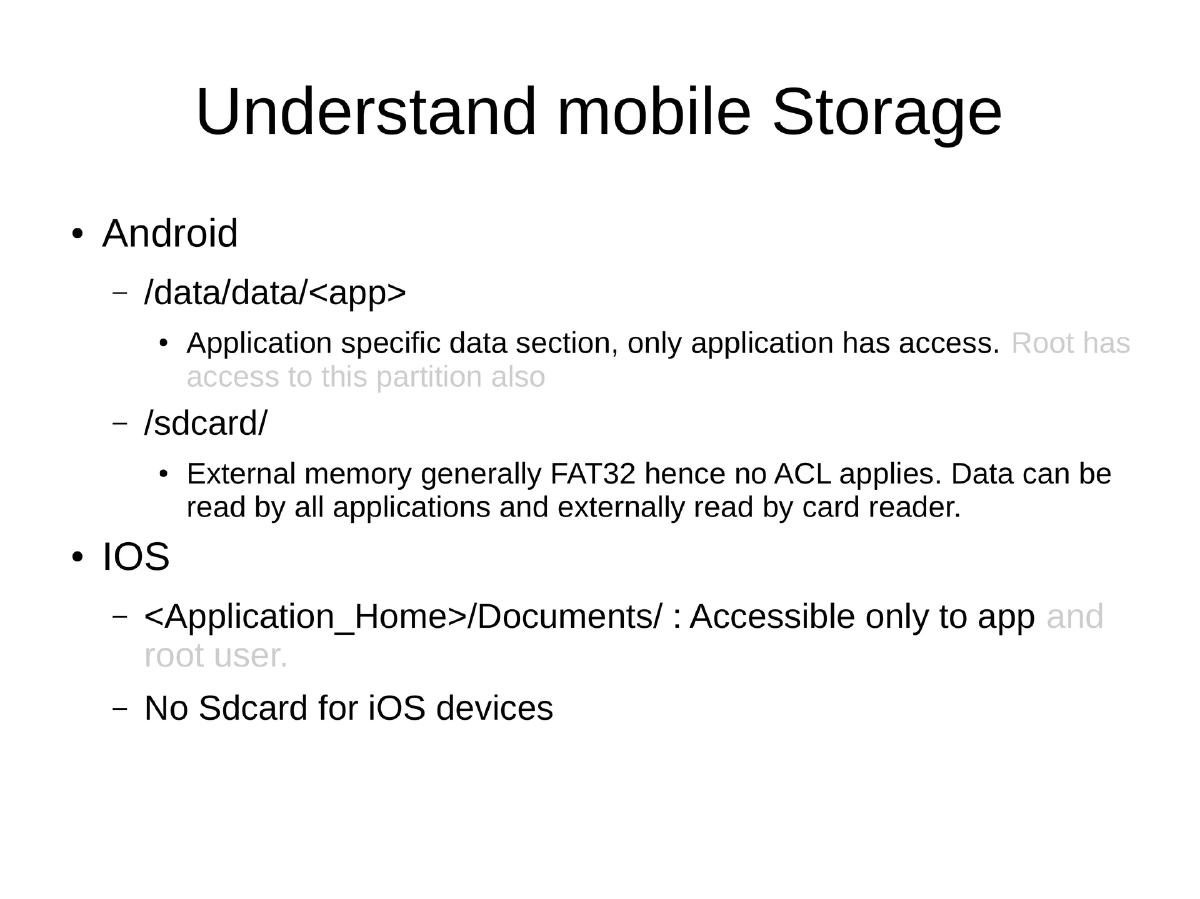
Mobile Storage Architecture: Android stores application-specific data under
/data/data/<app>(accessible only to the app and root) and on/sdcard/(external storage with FAT32 and no ACL, readable by all apps). iOS uses<Application_Home>/Documents/(app and root only) with no SD card equivalent. -
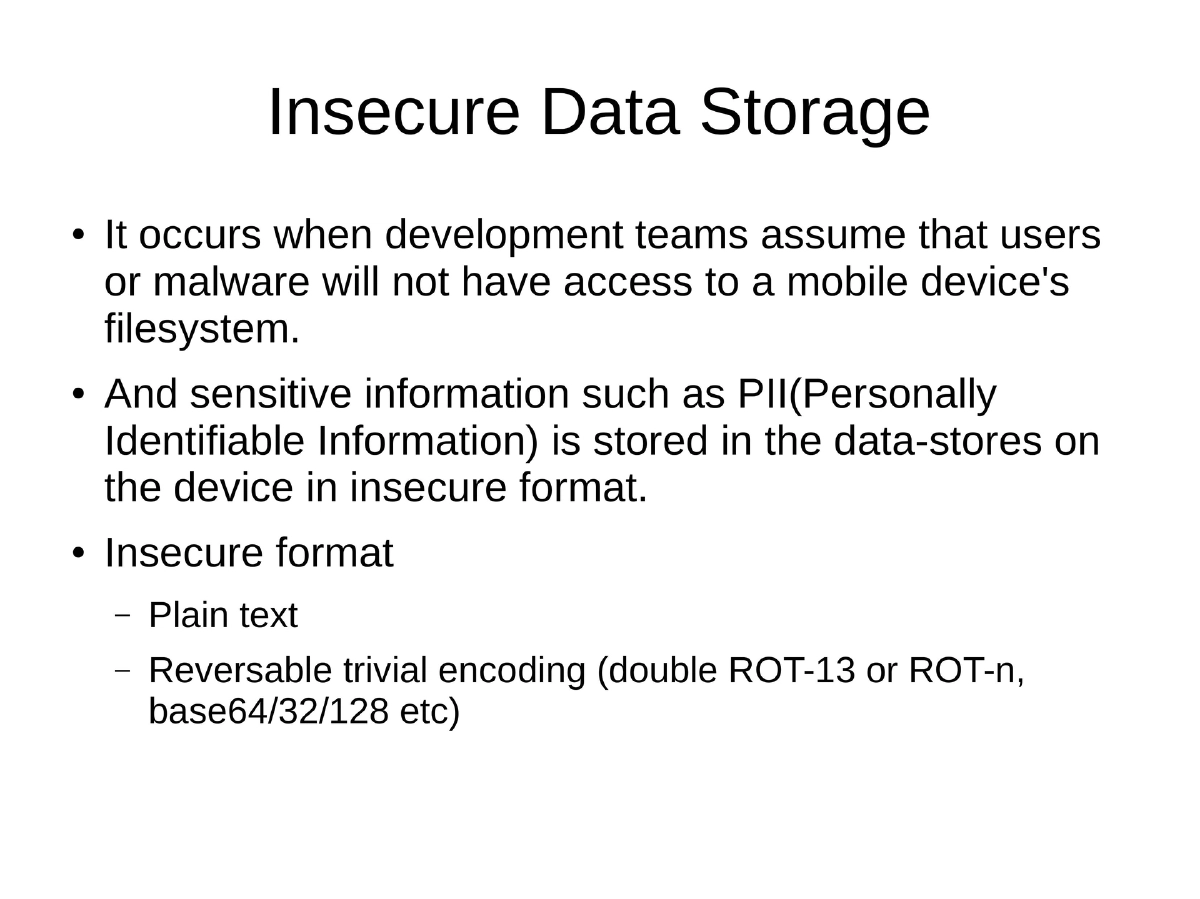
What Constitutes Insecure Data Storage: Occurs when developers assume users or malware will not access the device filesystem, leading to sensitive information (PII) being stored in plaintext, base64, ROT-13, or other trivially reversible encodings. This includes databases, configuration files, logs, and cached data.
-
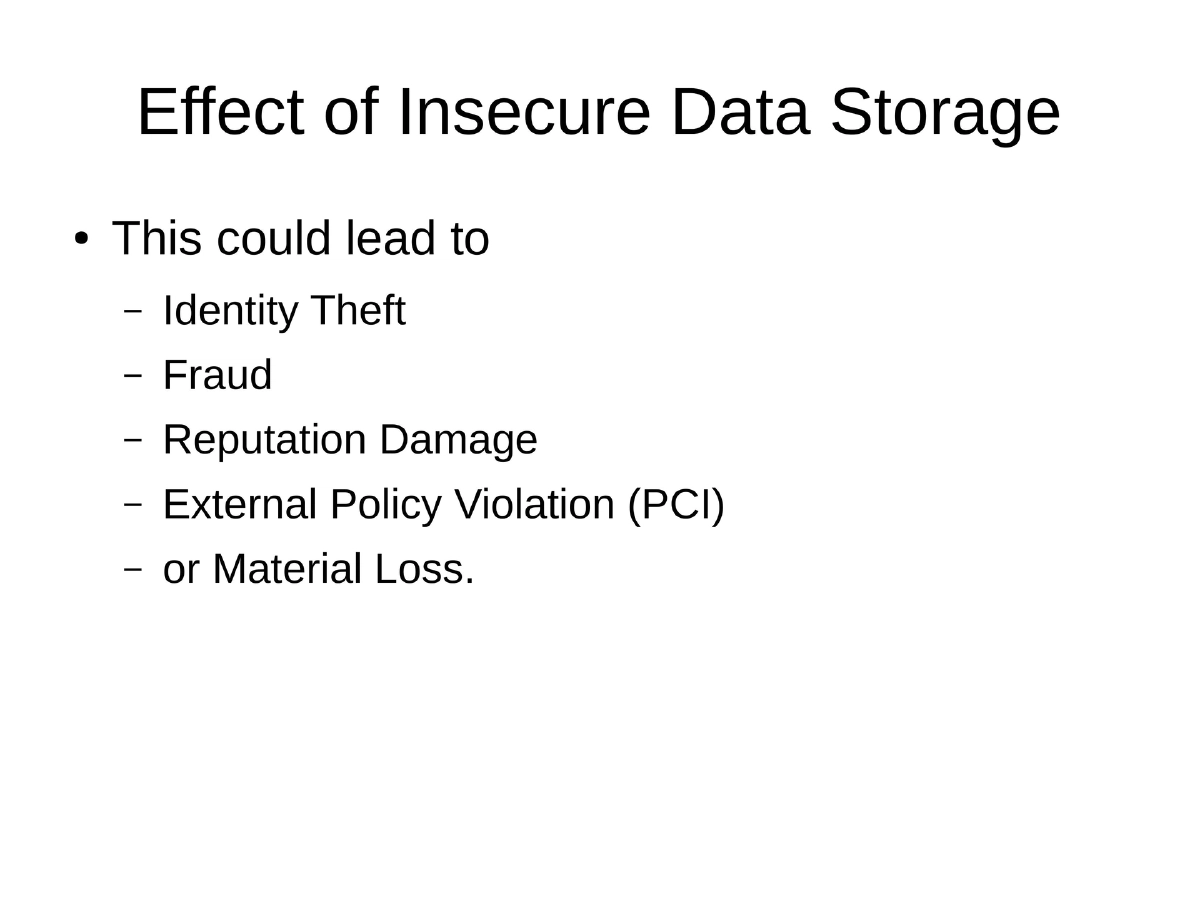
Real-World Impact: Insecure data storage can result in identity theft, fraud, reputation damage, external policy violations (such as PCI-DSS), and material loss.
-
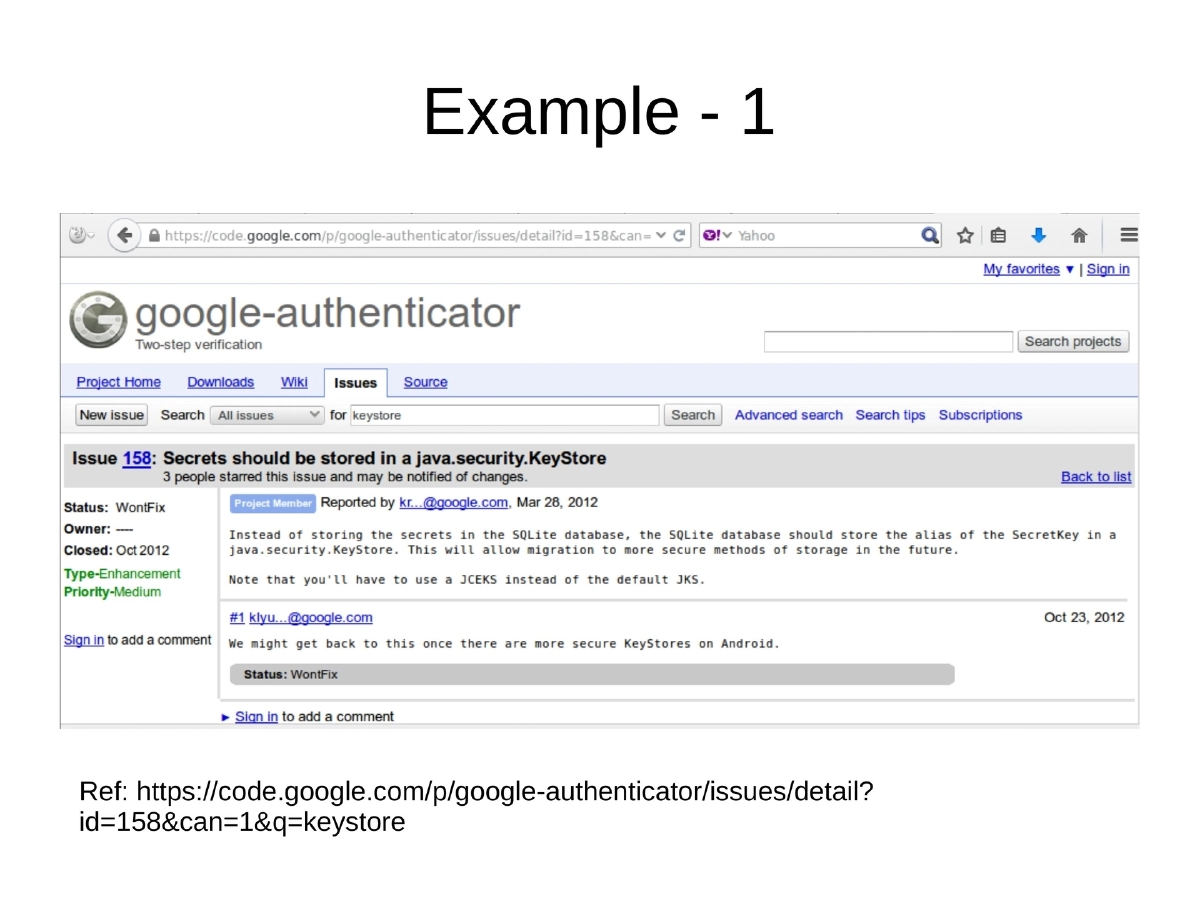
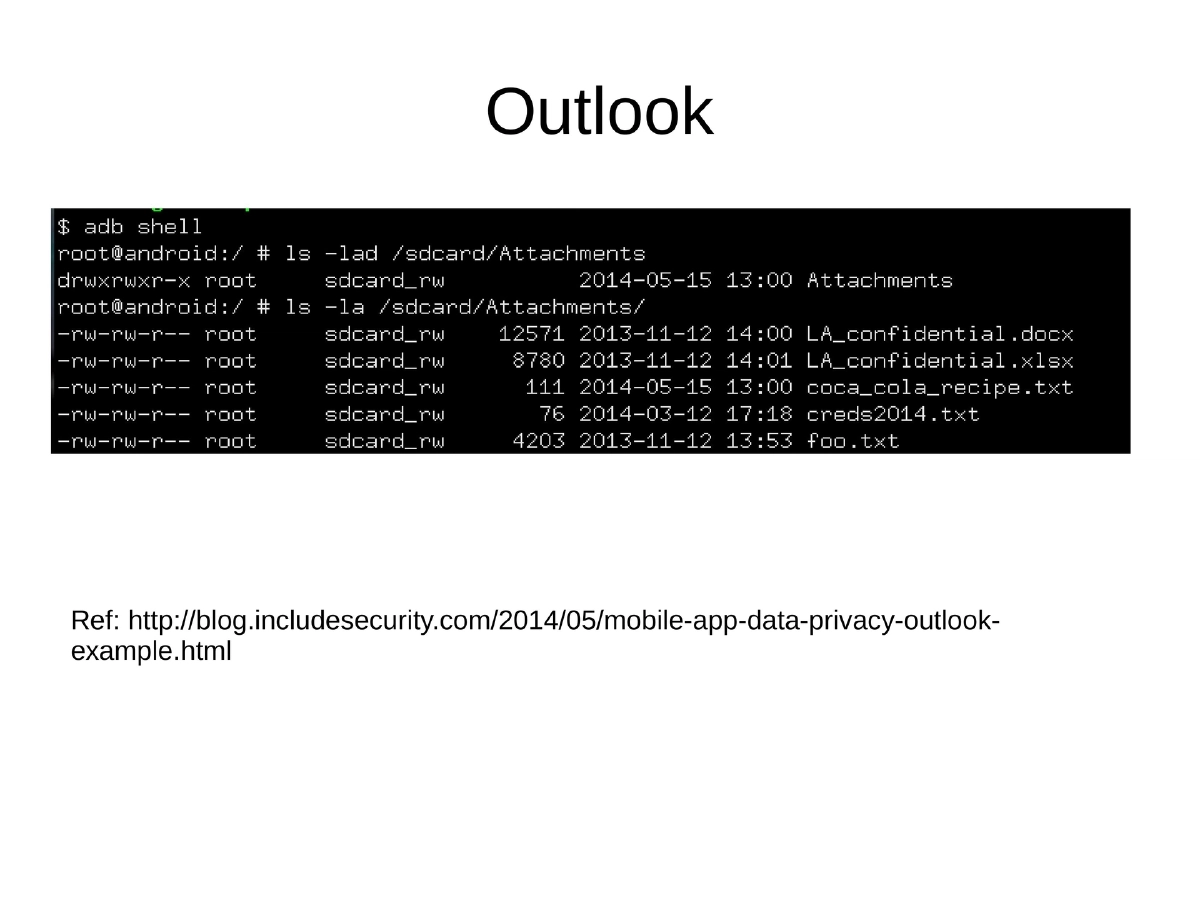
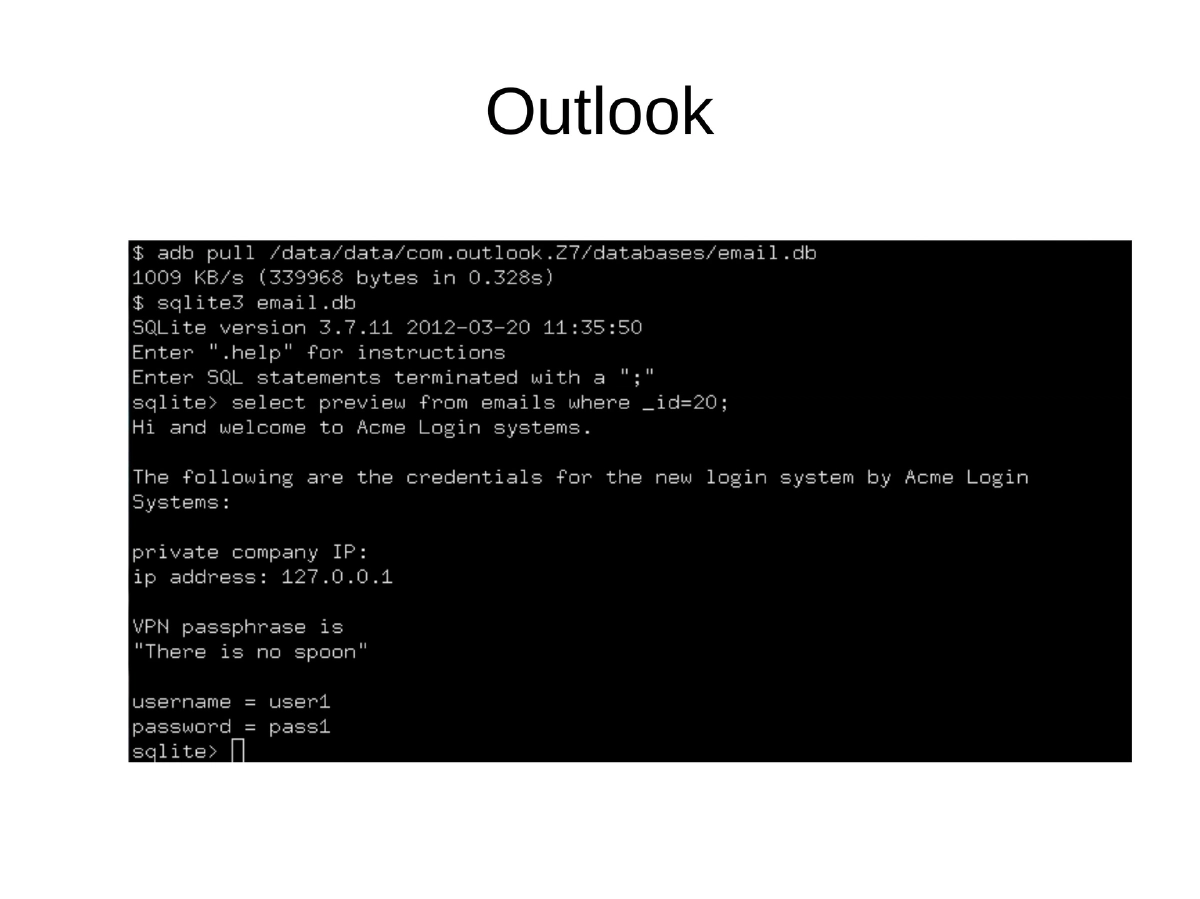
Demonstrated Vulnerabilities: Google Authenticator stored its secret keys database in plaintext, and Microsoft Outlook for mobile stored email data in an accessible format — both discovered and documented by security researchers.
-
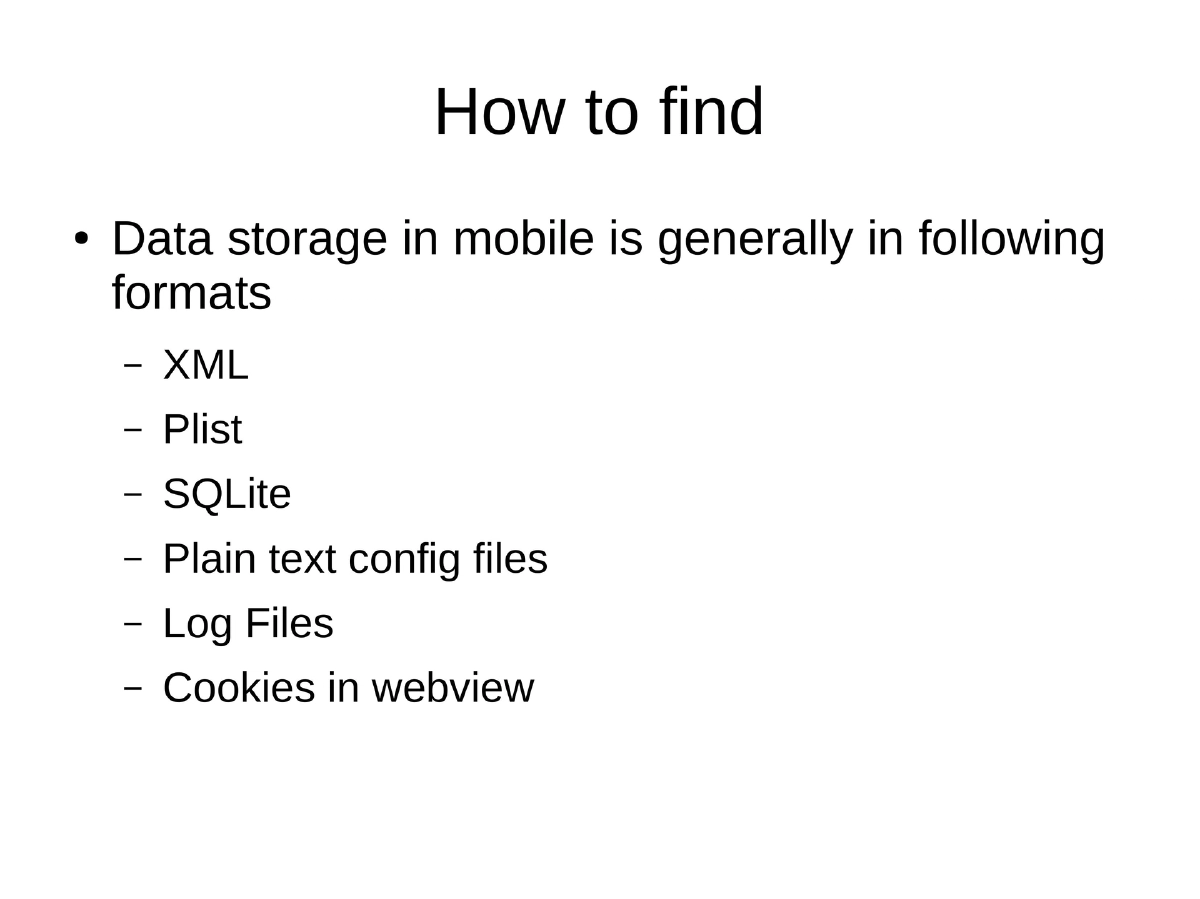
Common Storage Formats to Inspect: XML files, Plist files (iOS), SQLite databases, plain text configuration files, log files, and cookies stored by WebView components.
-
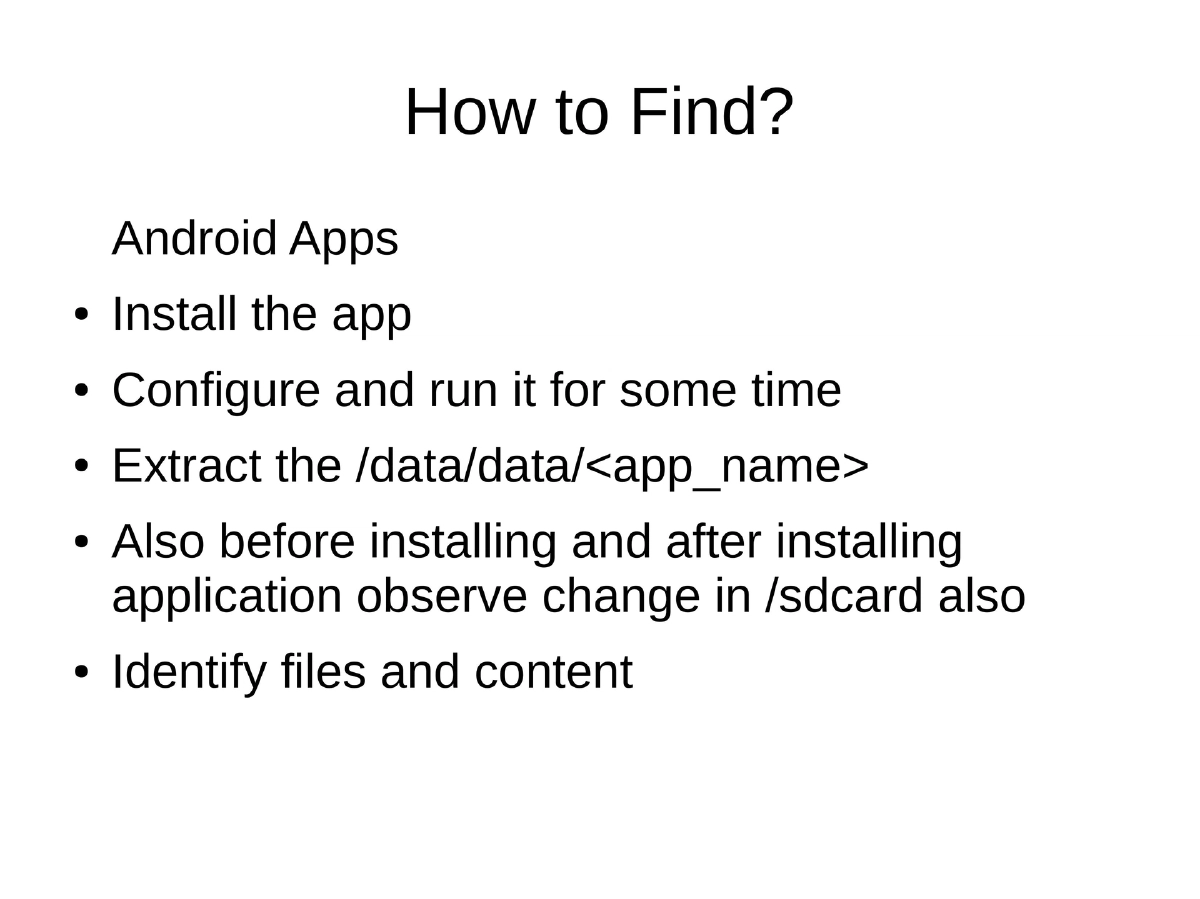
Detection Methodology for Android: Install the target application, configure and run it for a period, extract
/data/data/<app_name>contents, observe changes in/sdcard/before and after installation, then identify files and their content for sensitive data exposure. -
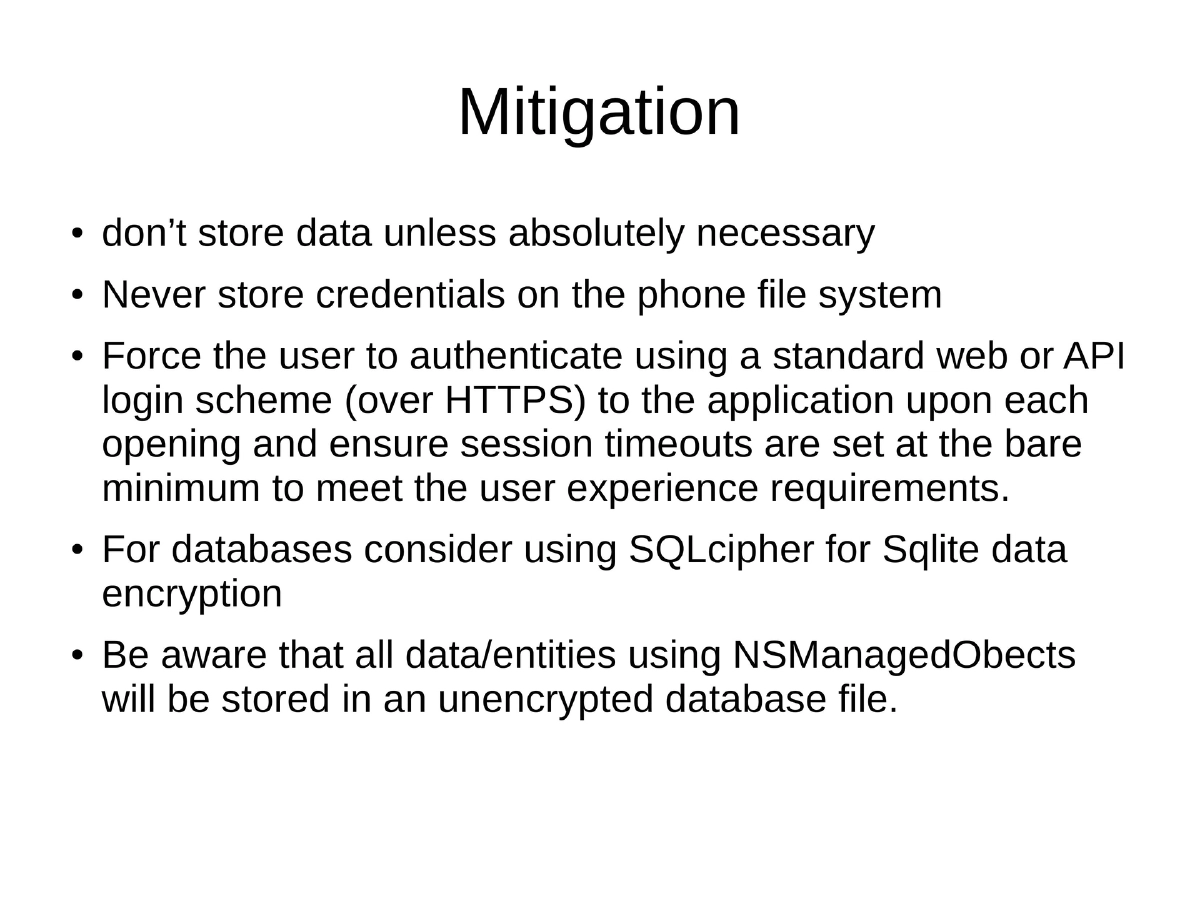
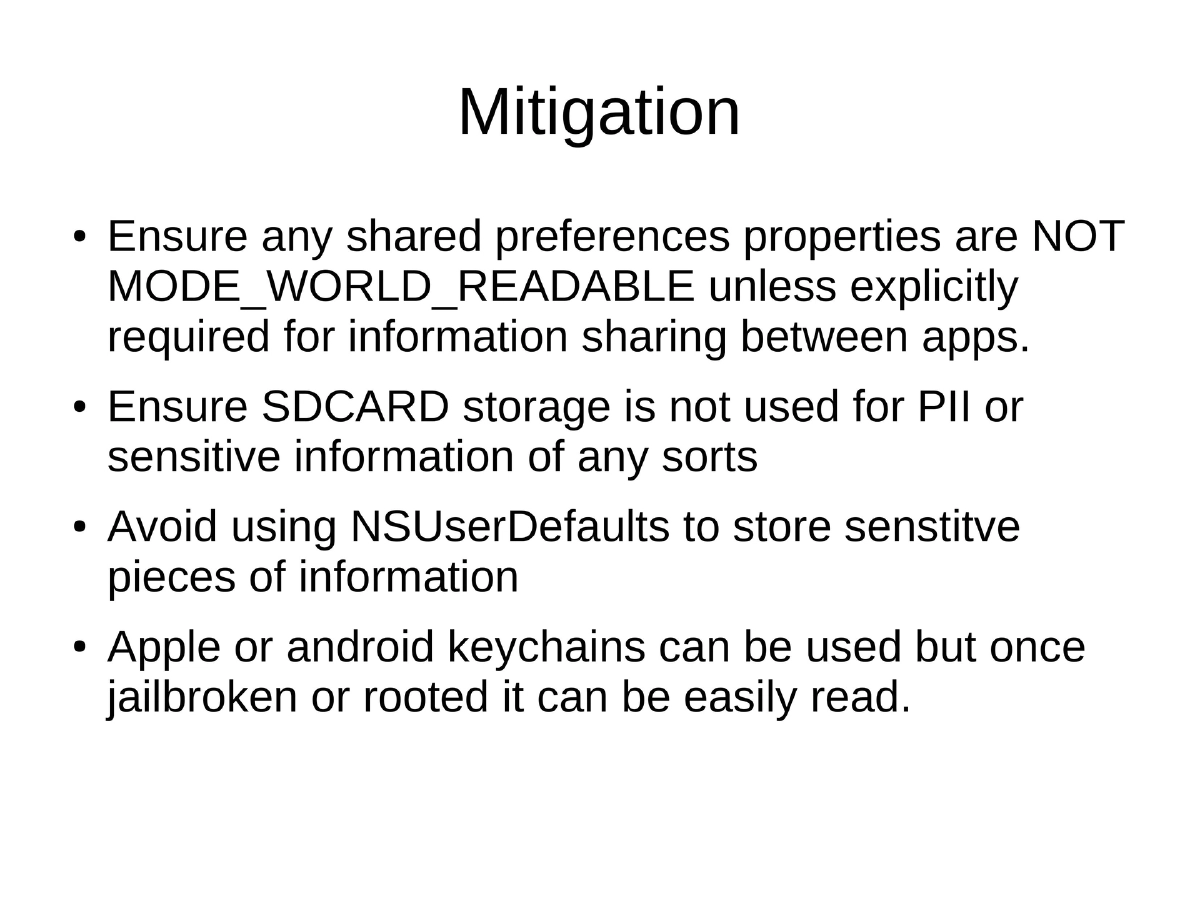
Mitigation Strategies: Avoid storing data unless absolutely necessary; never store credentials on the device filesystem; force user authentication via HTTPS on each app launch with appropriate session timeouts; use SQLCipher for SQLite encryption; be aware that
NSManagedObjectsstore to unencrypted databases; ensure shared preferences are notMODE_WORLD_READABLE; never use SD card for PII; avoidNSUserDefaultsfor sensitive data on iOS; note that even Apple/Android keychains become readable once the device is jailbroken or rooted.
Actionable Takeaways
- Never store credentials, tokens, or PII on the mobile device filesystem in plaintext or trivially reversible formats — use platform-provided secure storage APIs with proper encryption.
- When auditing an Android app, extract and inspect
/data/data/<app_name>and/sdcard/for any sensitive data stored in XML, SQLite, plist, config, or log files. - Use SQLCipher for encrypting SQLite databases and avoid
MODE_WORLD_READABLEshared preferences on Android. - On iOS, avoid
NSUserDefaultsfor sensitive data and be aware thatNSManagedObjectdata is stored unencrypted by default. - Treat device keychains as a defense-in-depth measure, not a complete solution — they become readable on rooted or jailbroken devices.
- Force re-authentication on app launch via HTTPS rather than storing persistent session tokens locally.