C0c0n Source Code Review
AI Generated Summary
AI Generated Content Disclaimer
Note: This summary is AI-generated and may contain inaccuracies, errors, or omissions. If you spot any issues, please contact the site owner for corrections. Errors or omissions are unintended.
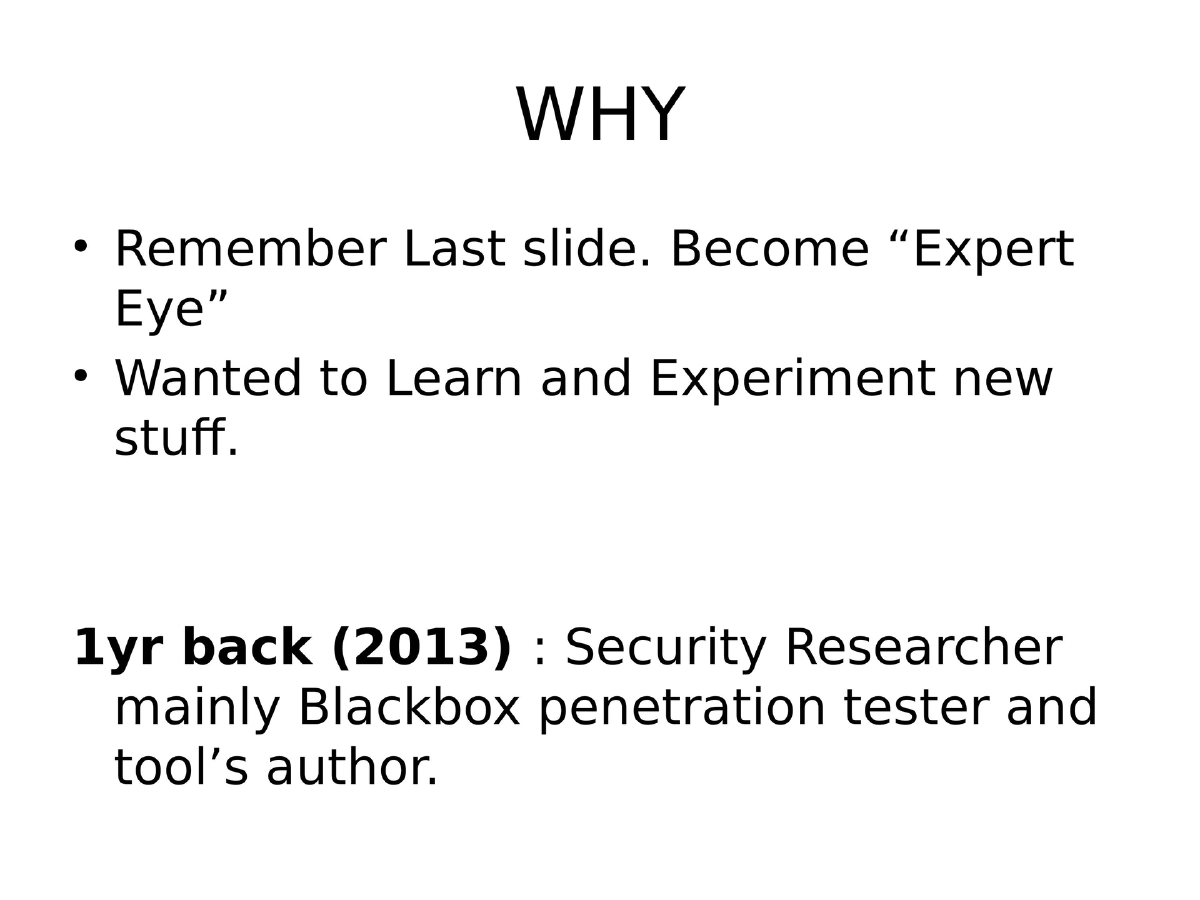
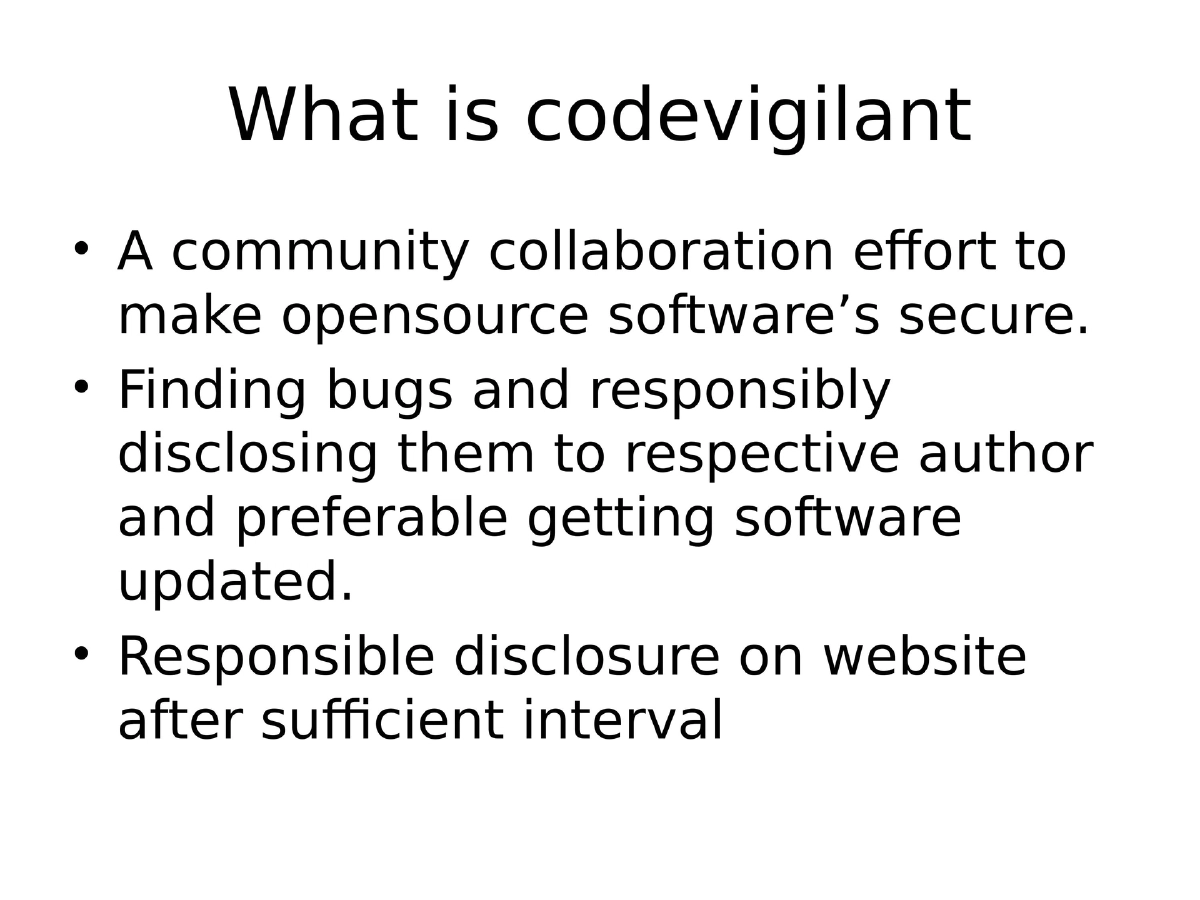
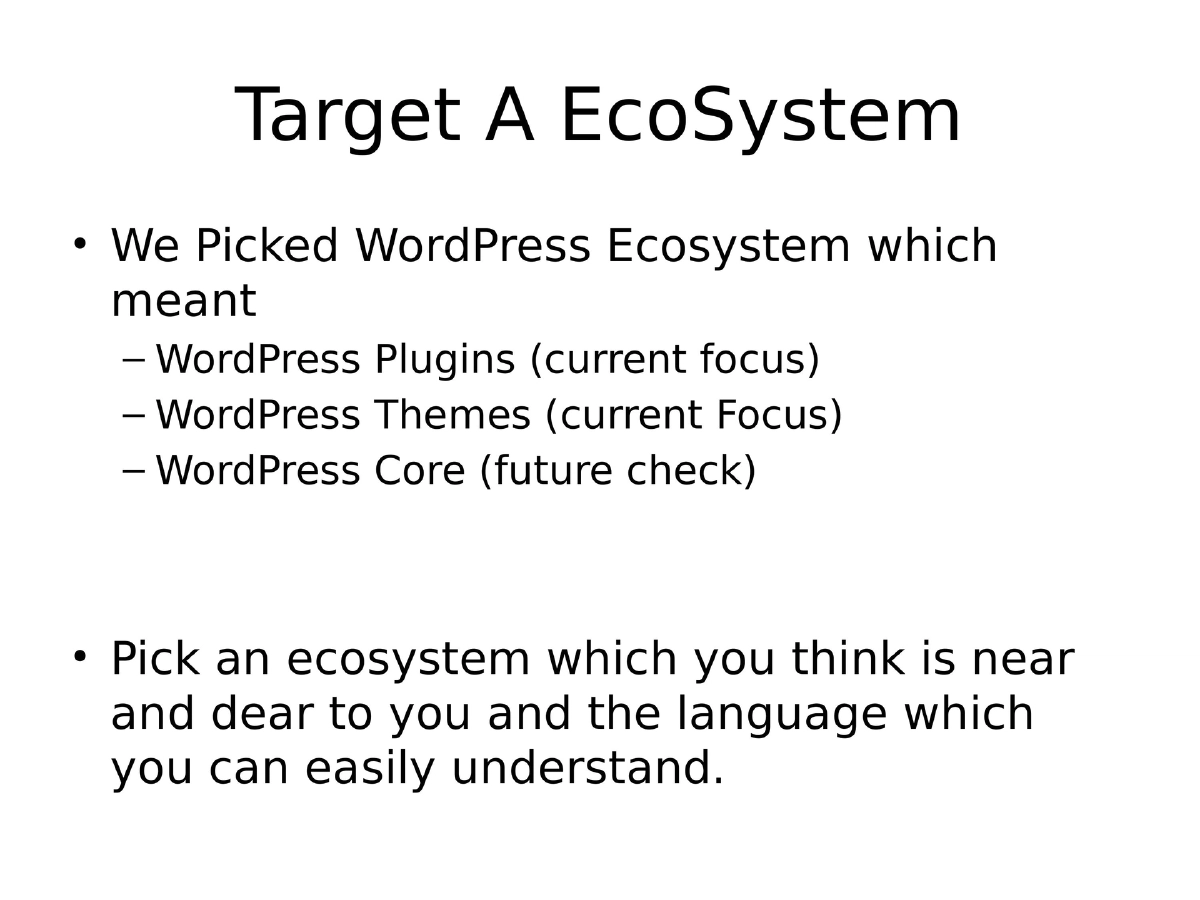
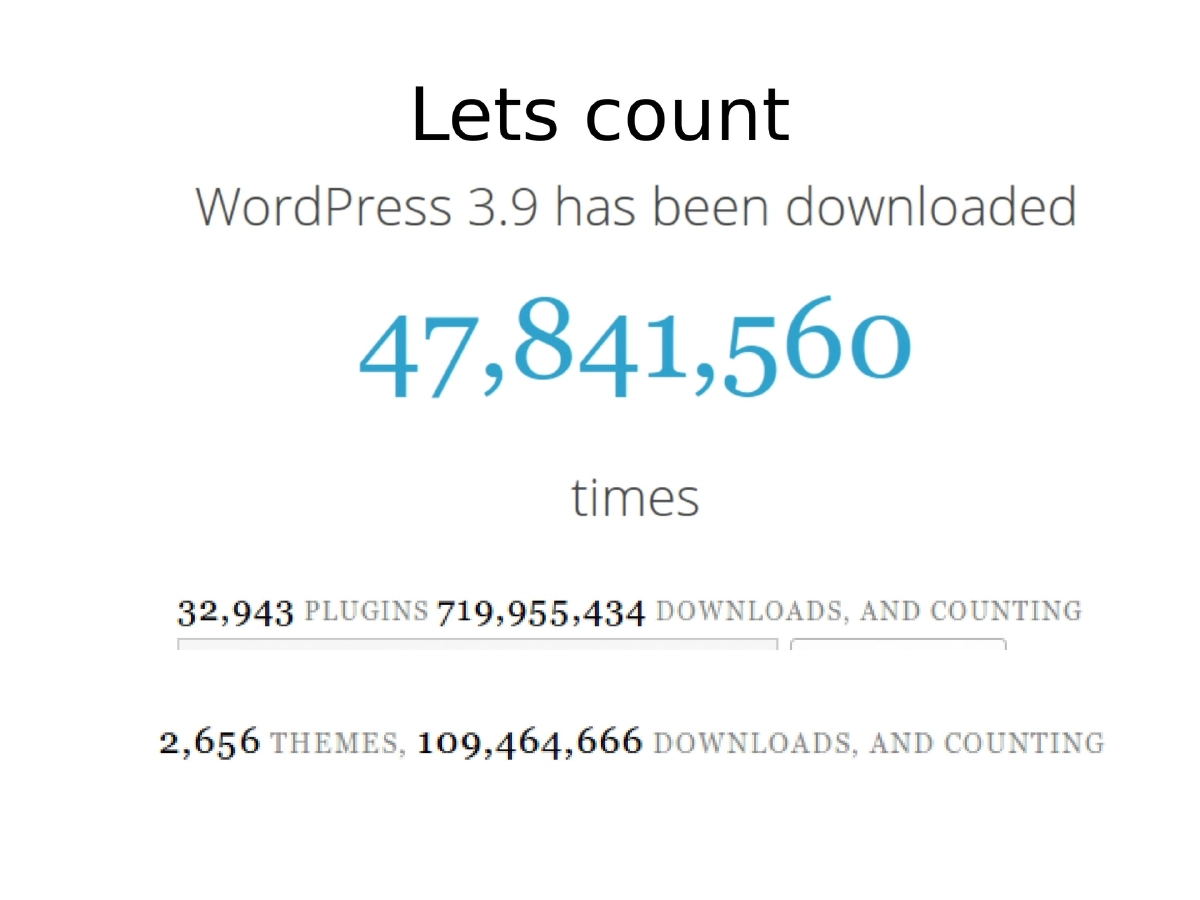
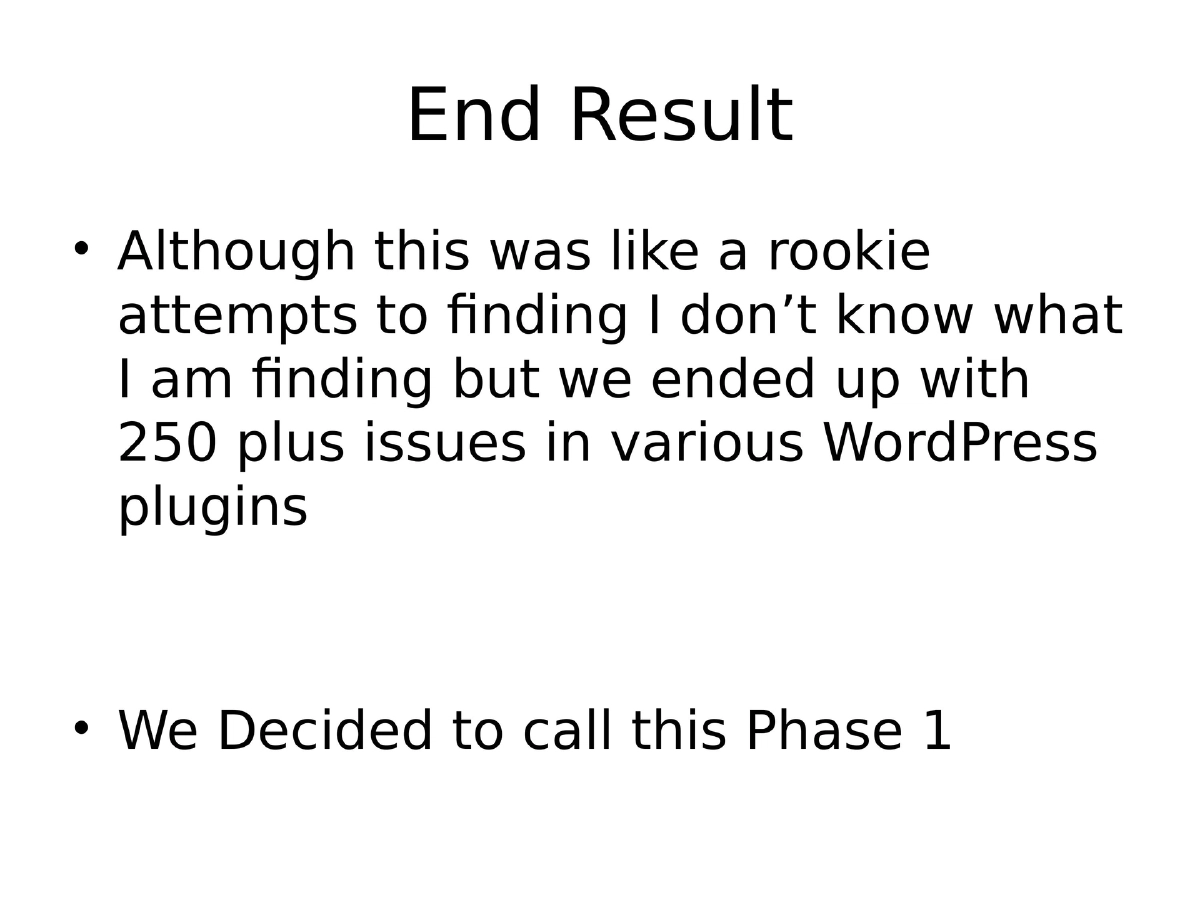
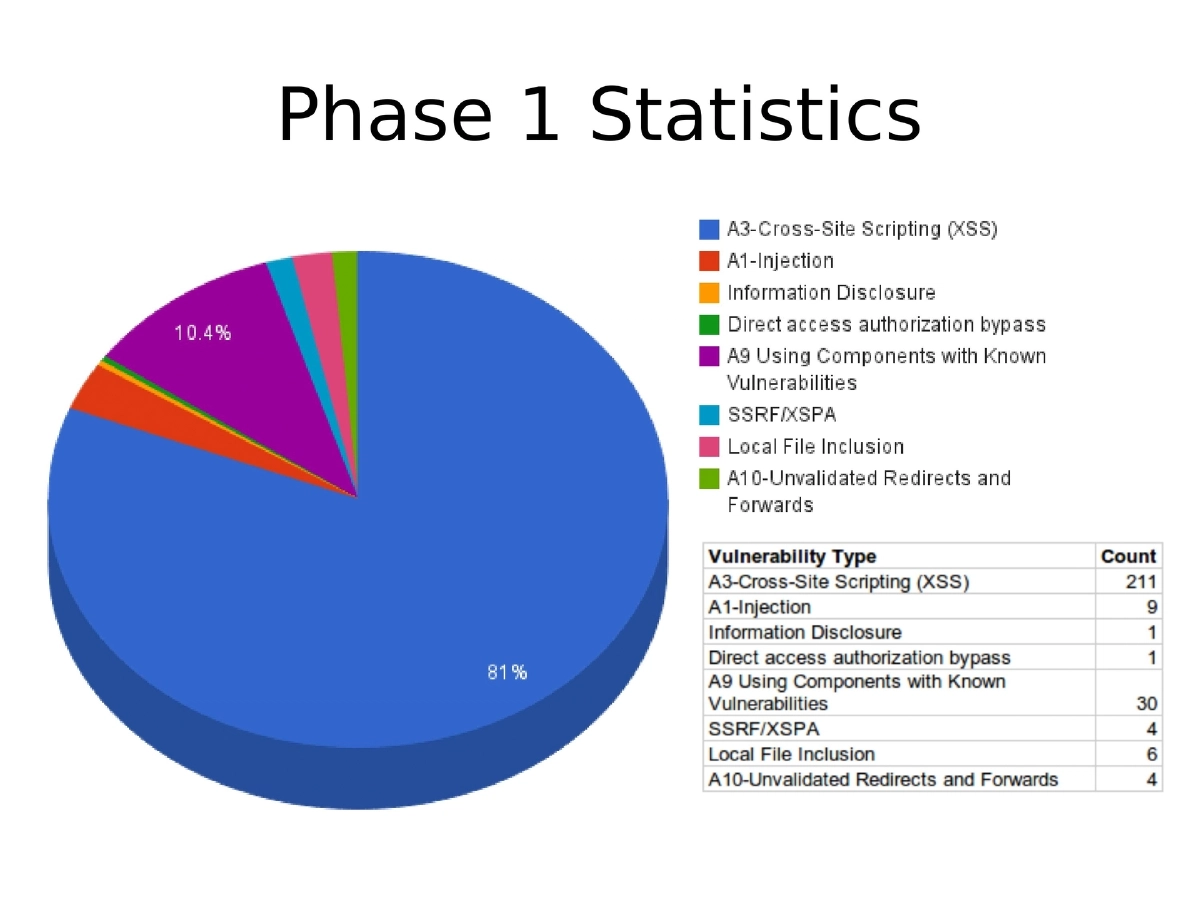
This presentation chronicles Anant Shrivastava’s hands-on journey into source code review through the CodeVigilant project, a community-driven initiative to find and responsibly disclose vulnerabilities in open-source software. Focusing on the WordPress plugin and theme ecosystem (30,000+ plugins), the talk walks through the iterative process of building custom automation tools, discovering over 250 vulnerabilities across WordPress plugins, and learning practical lessons about why both open-source and commercial static analysis tools fall short when dealing with CMS-specific code patterns.
Key Topics Covered
-
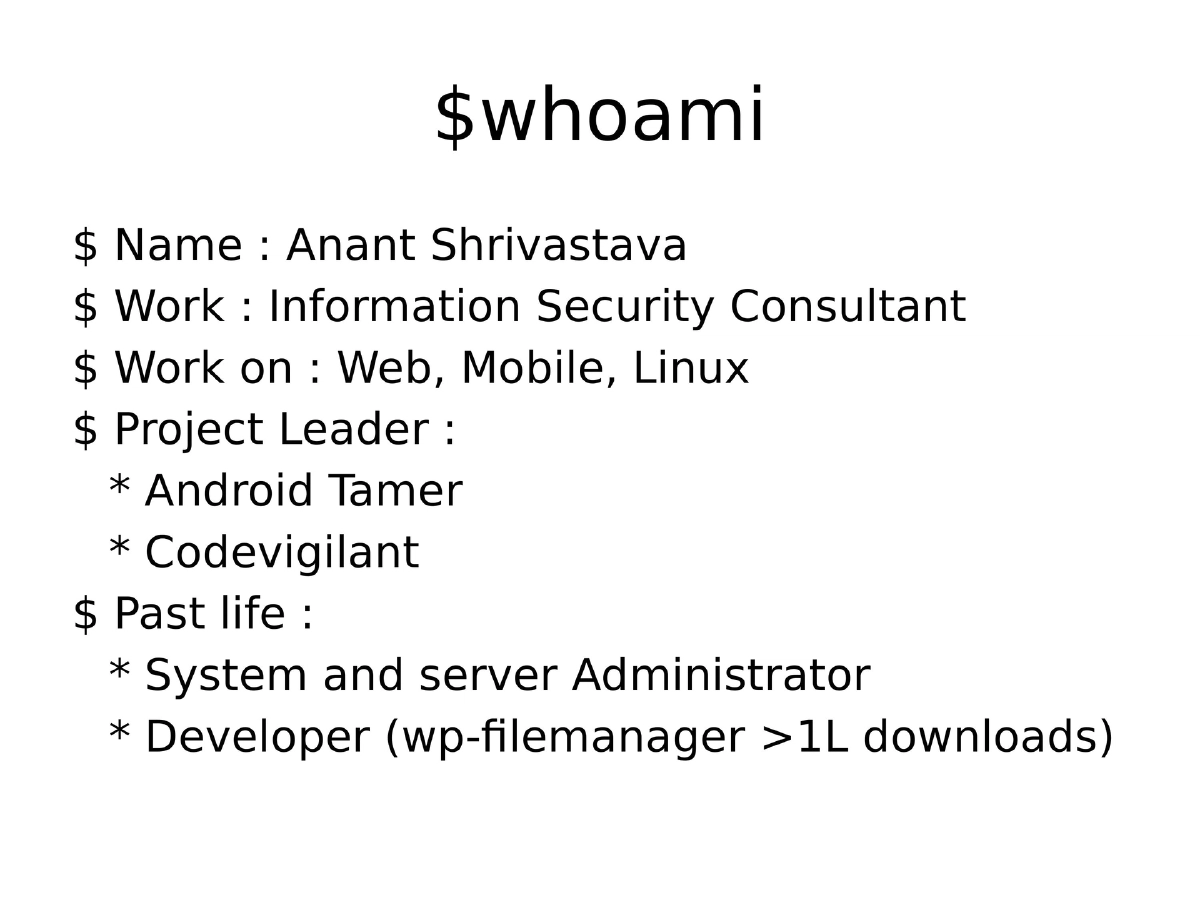
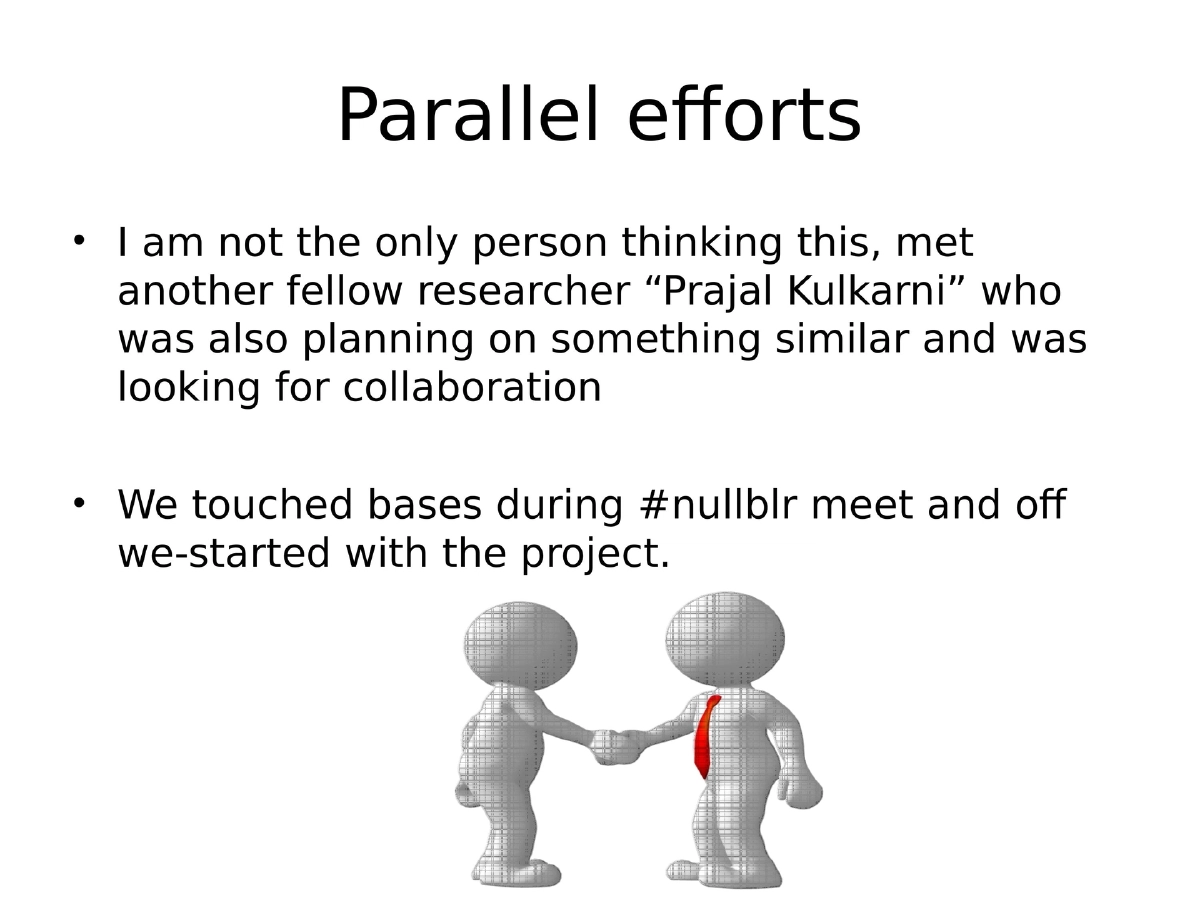
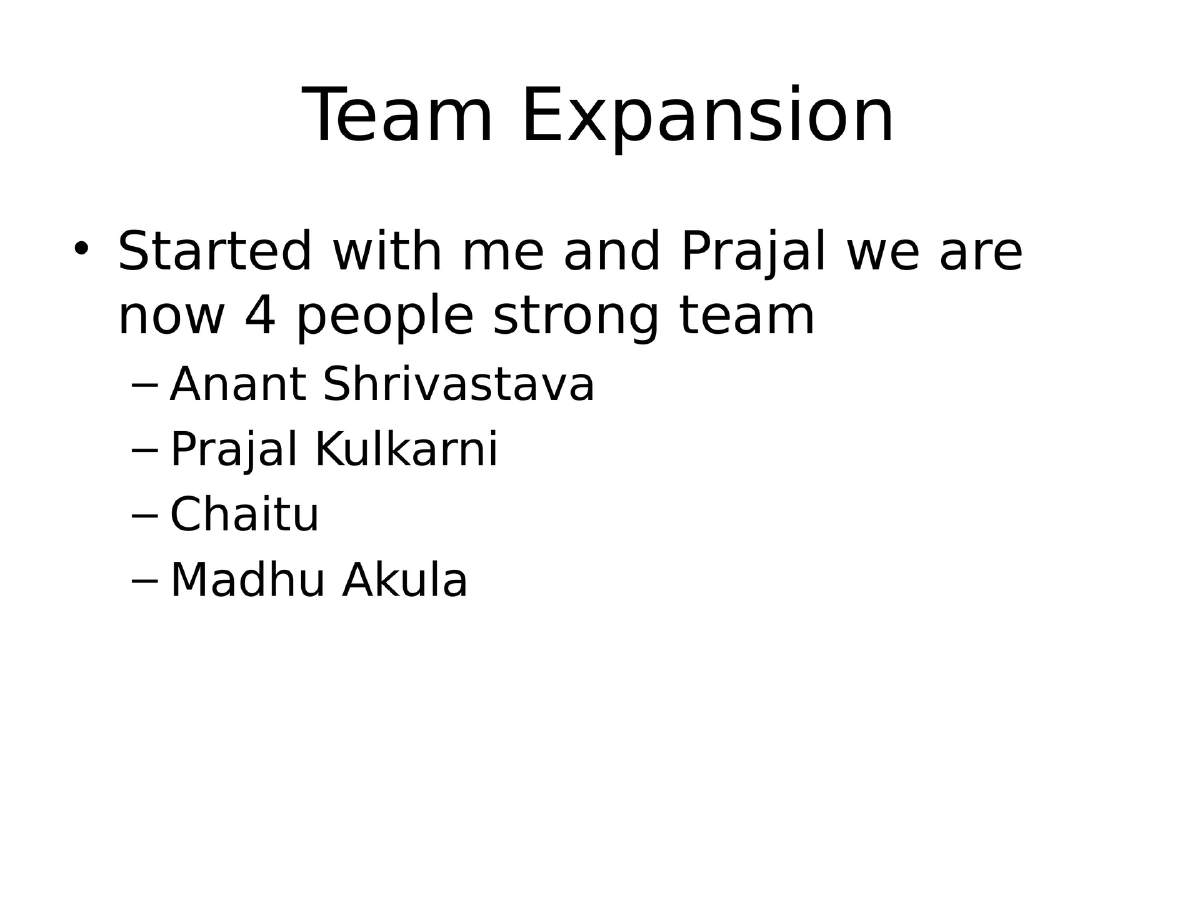
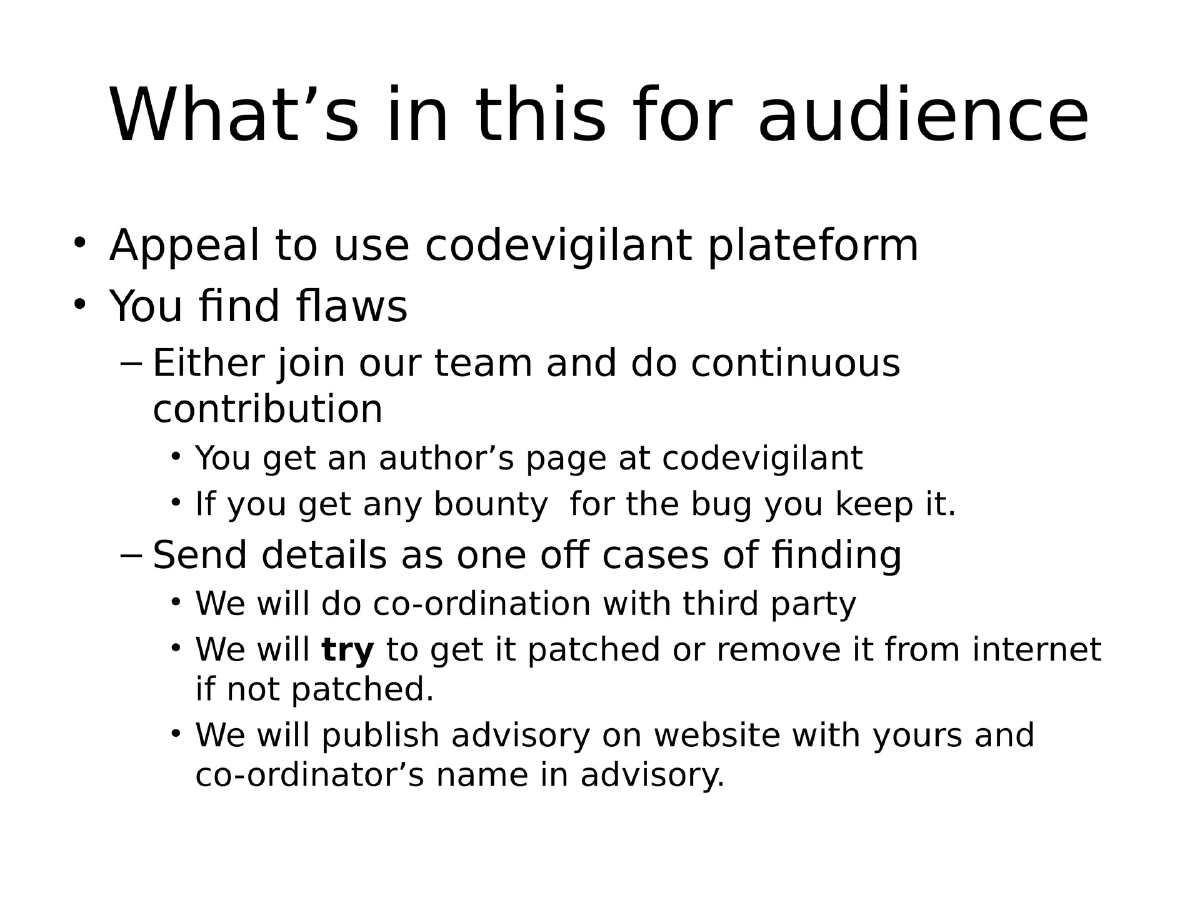
The CodeVigilant Project: A collaborative effort founded with Prajal Kulkarni to make open-source software more secure through systematic code review and responsible disclosure. The project grew to a four-person team (including Chaitu and Madhu Akula) and focused on the WordPress ecosystem as an initial target.
-
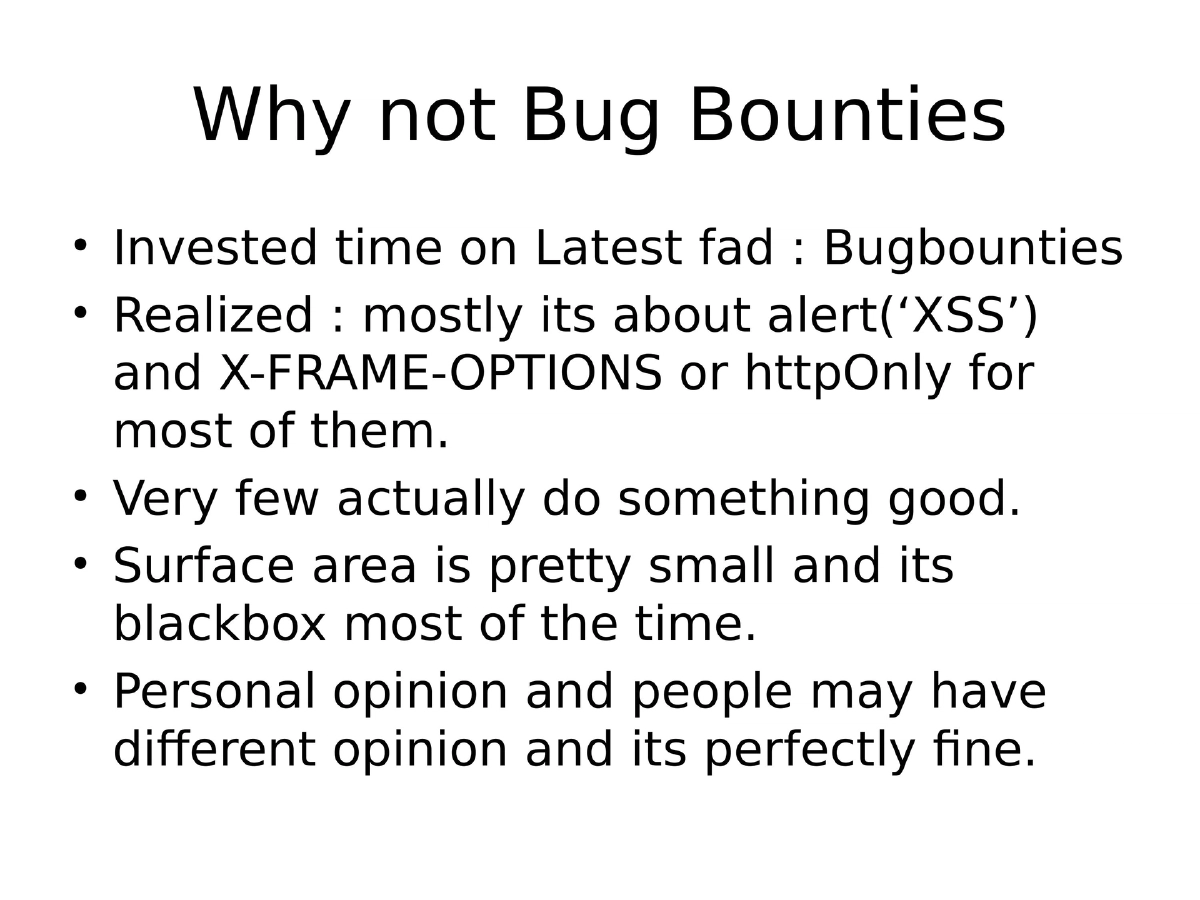
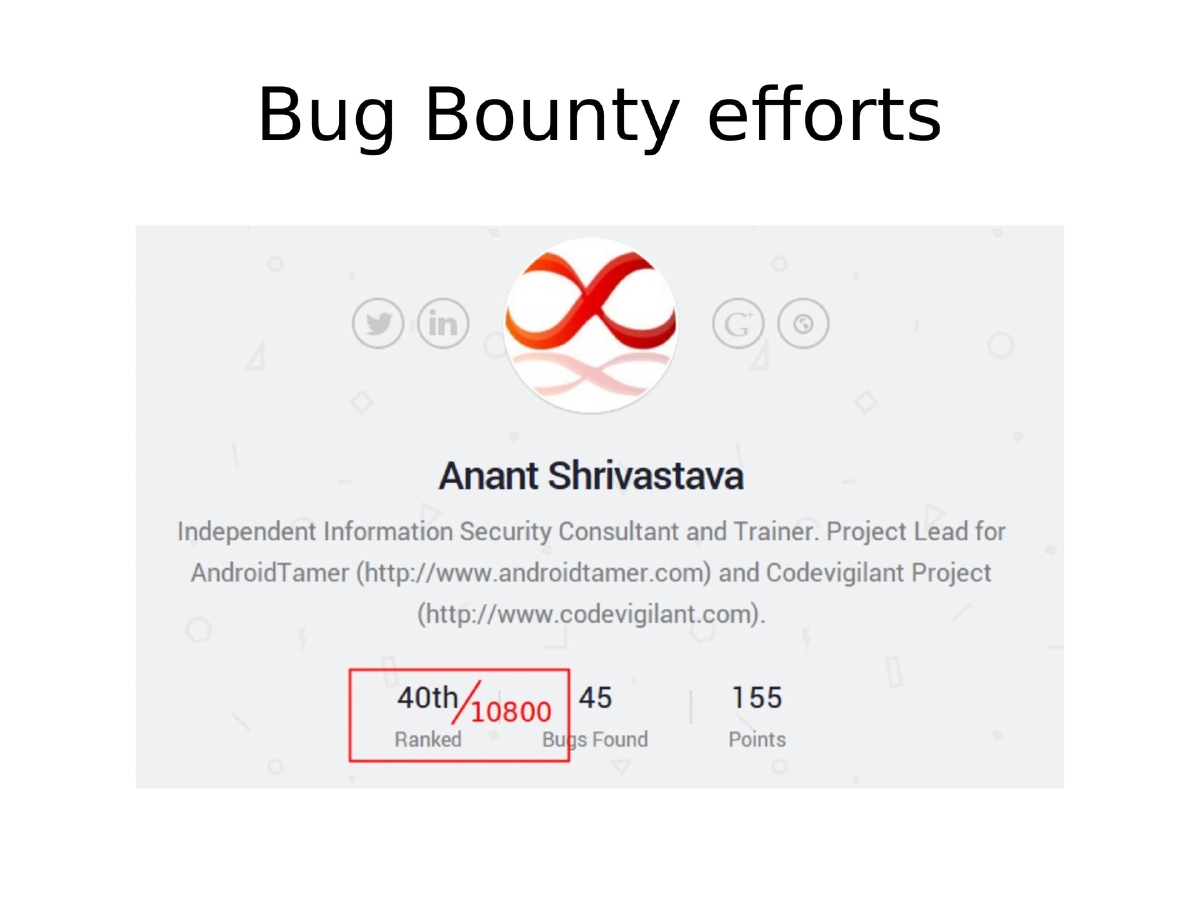
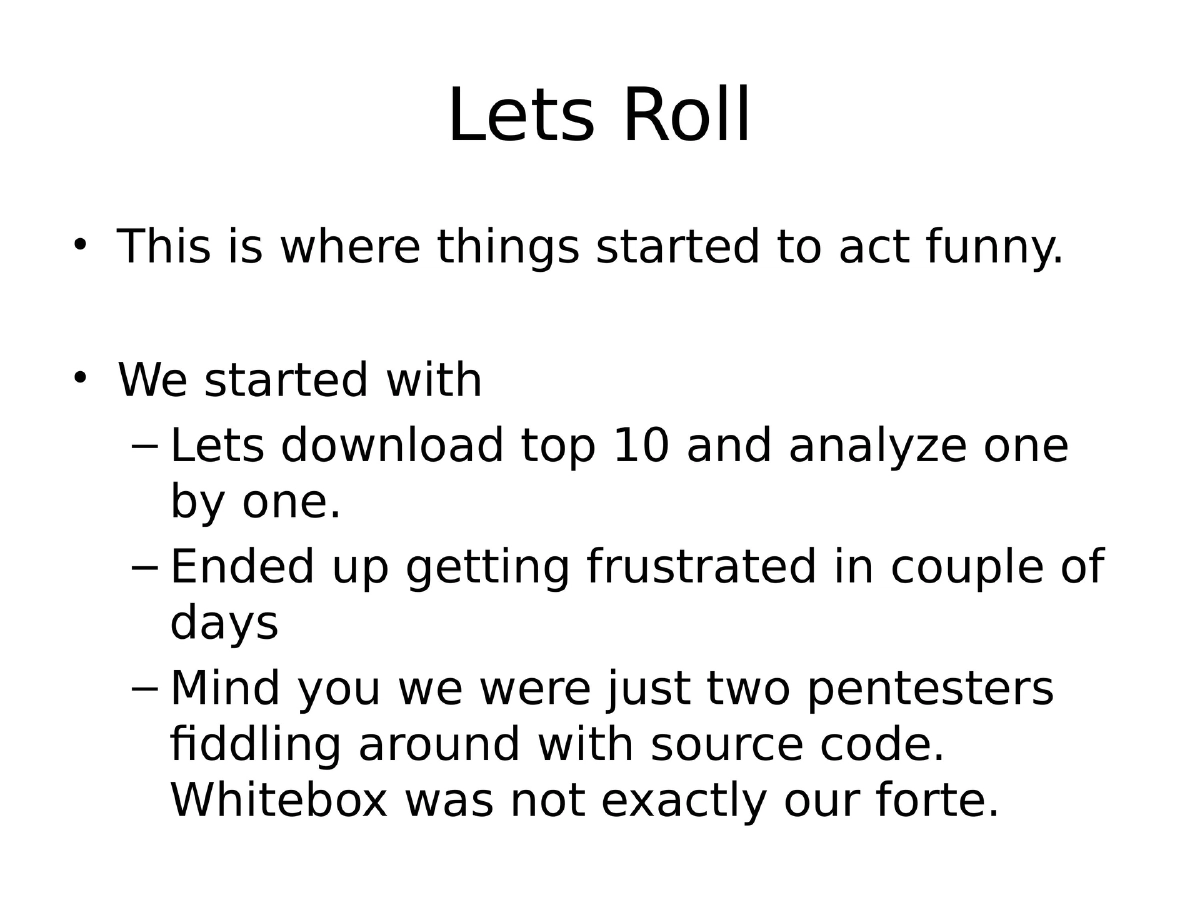
Why Source Code Review Over Bug Bounties: Bug bounty programs were found to have limited surface area, mostly yielding trivial XSS and header-related findings. Source code review offered deeper access and more meaningful vulnerability discovery, especially for open-source projects.
-
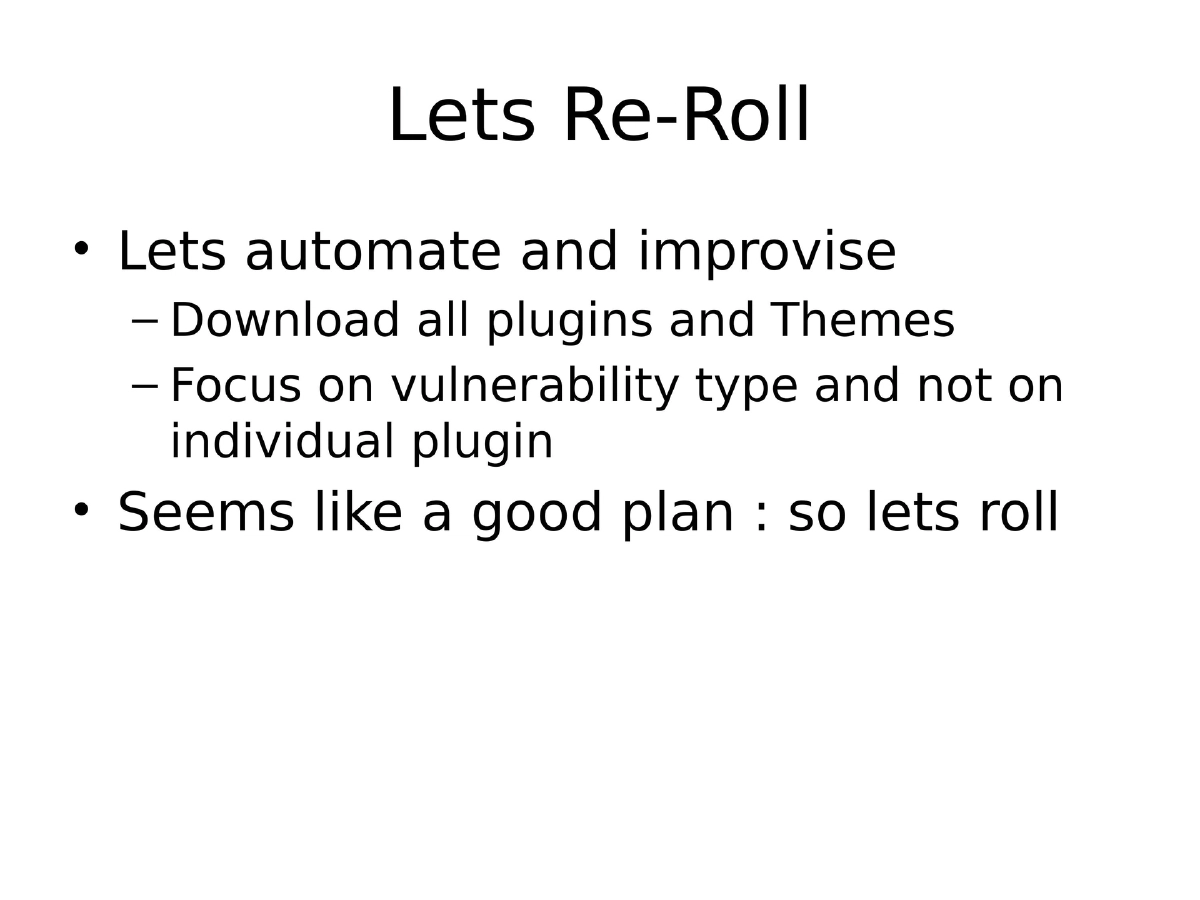
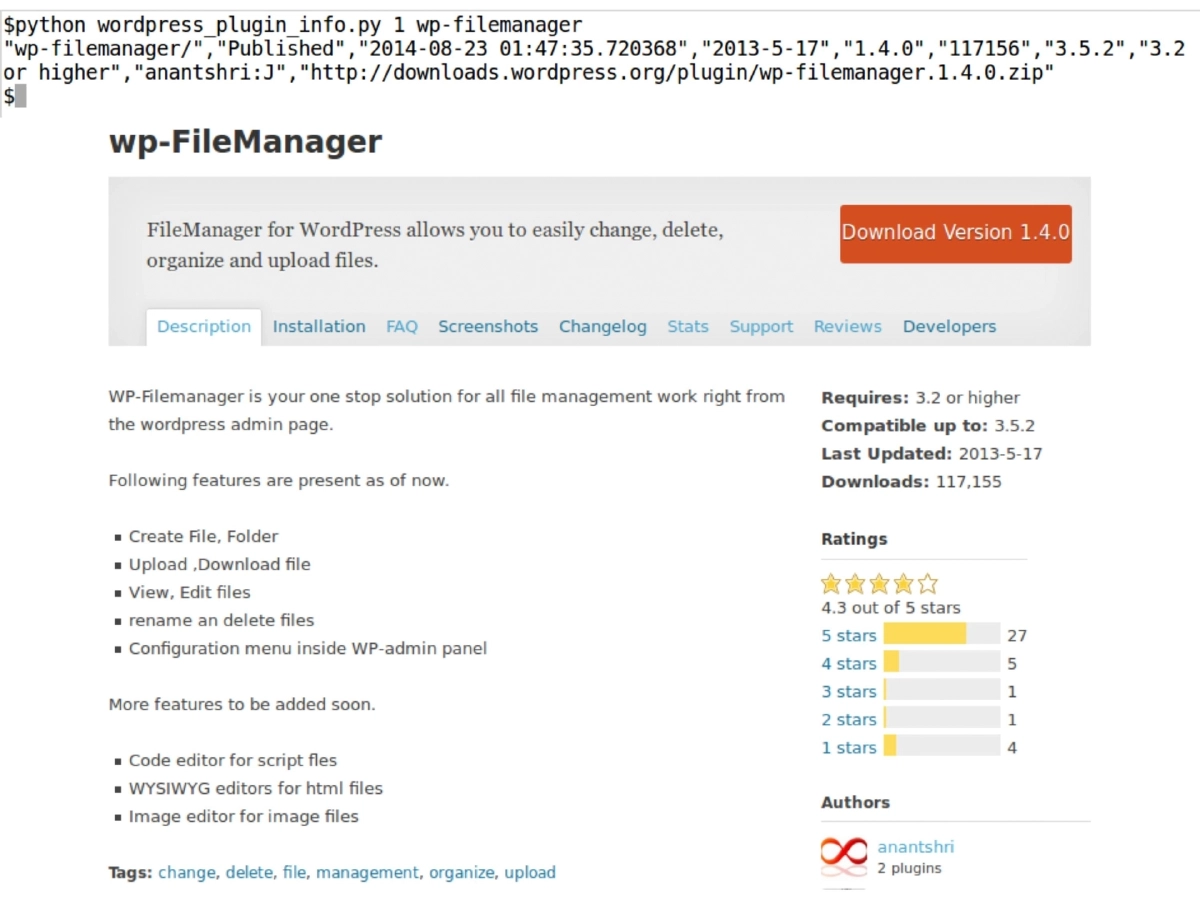
Automation-First Approach: Rather than manually reviewing plugins one by one (which quickly led to frustration), the team pivoted to automating downloads of all plugins and themes, then focusing on vulnerability types across the entire corpus. Custom Python scripts with grep-friendly output were developed for WordPress information extraction and bulk downloading.
-
Vulnerability Discovery Methodology:
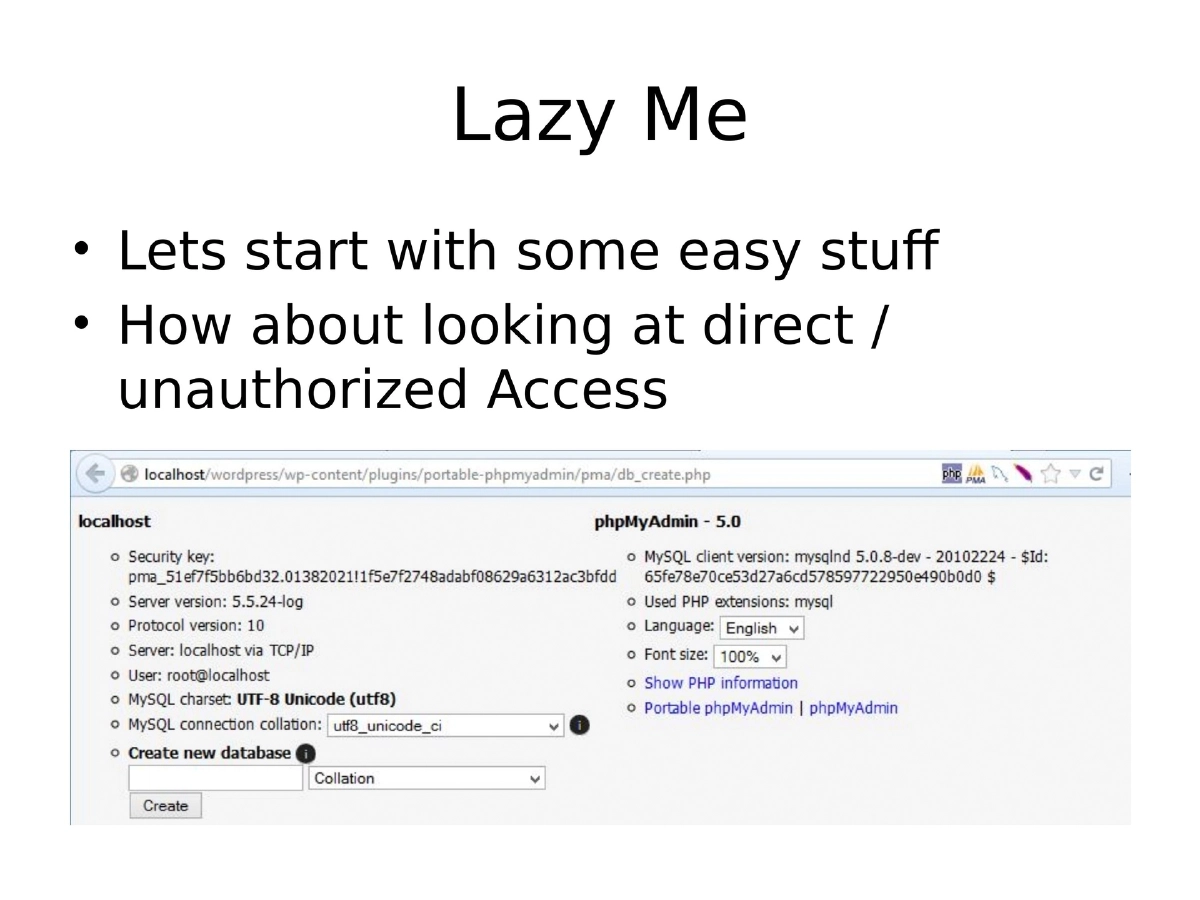
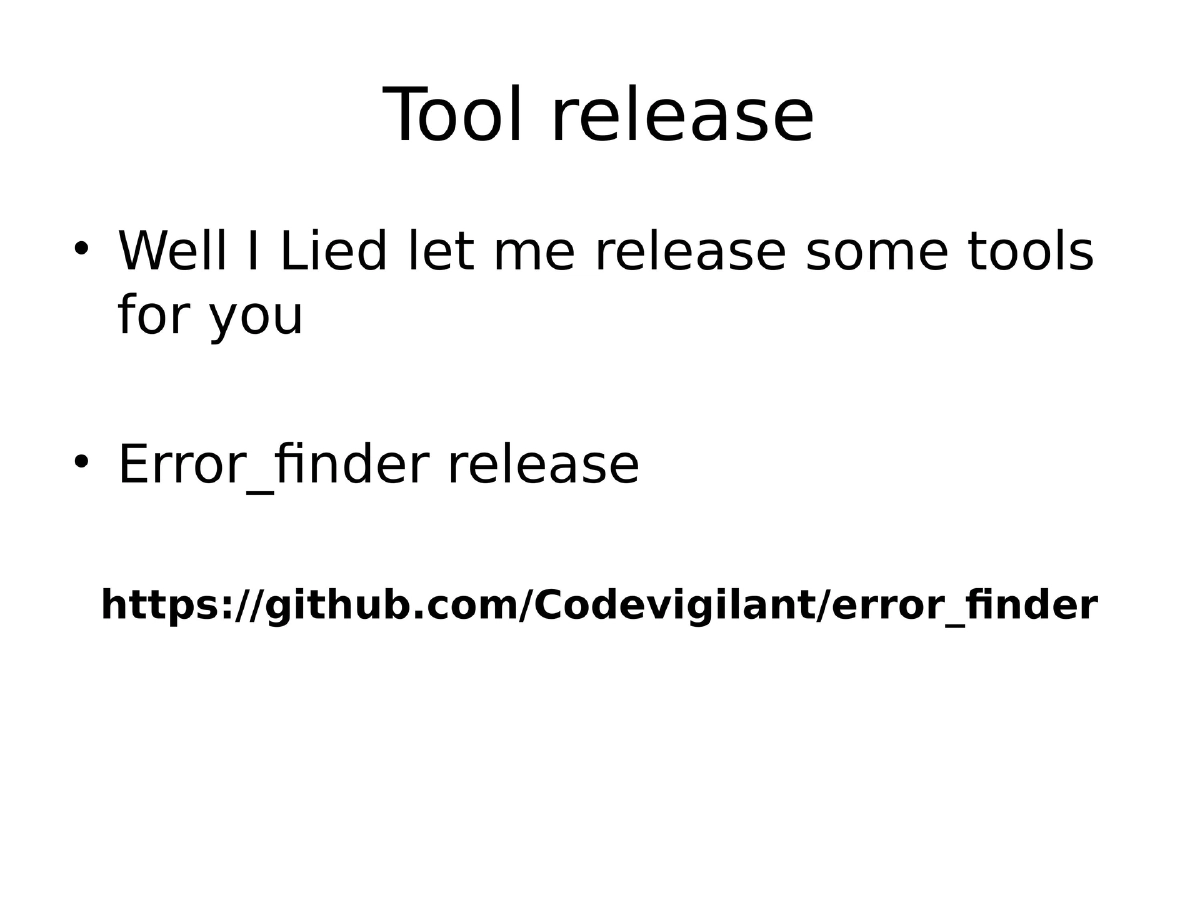
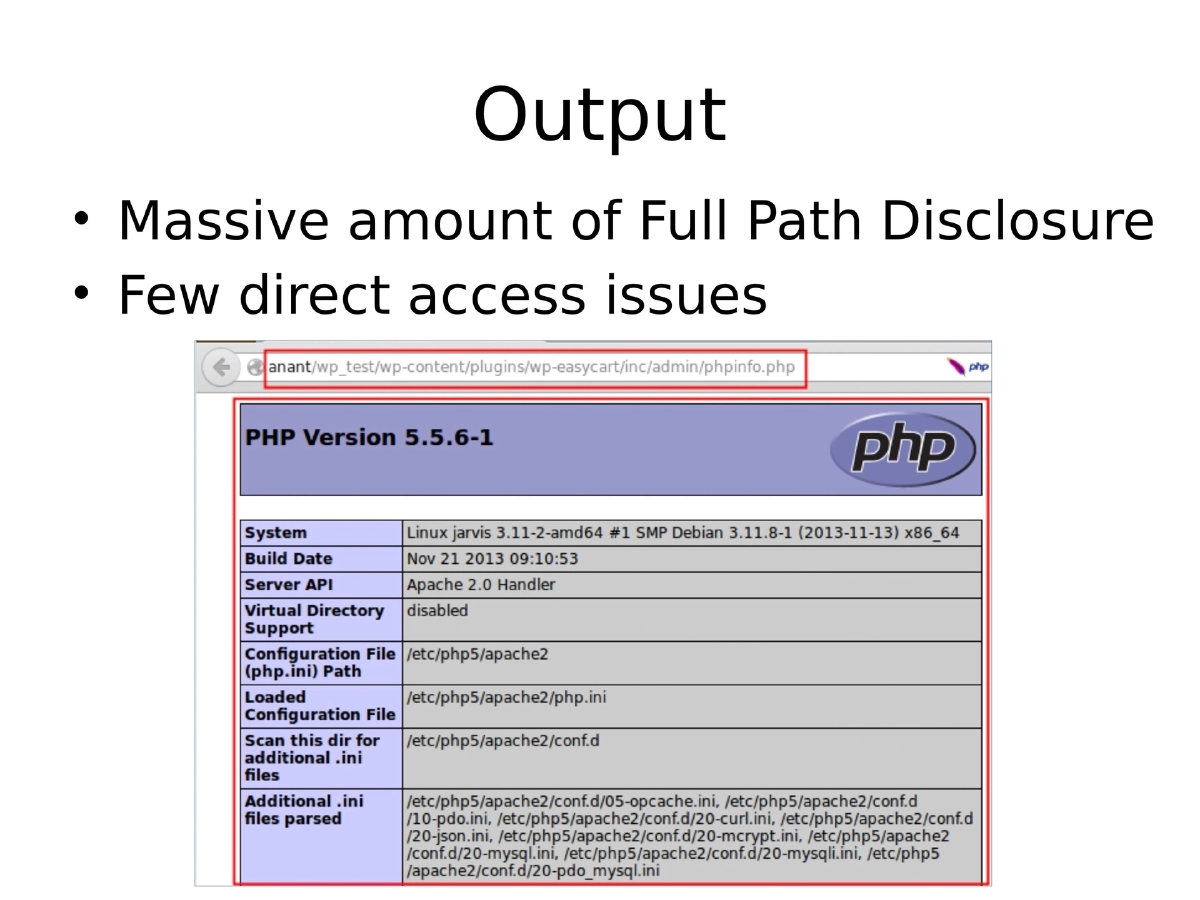
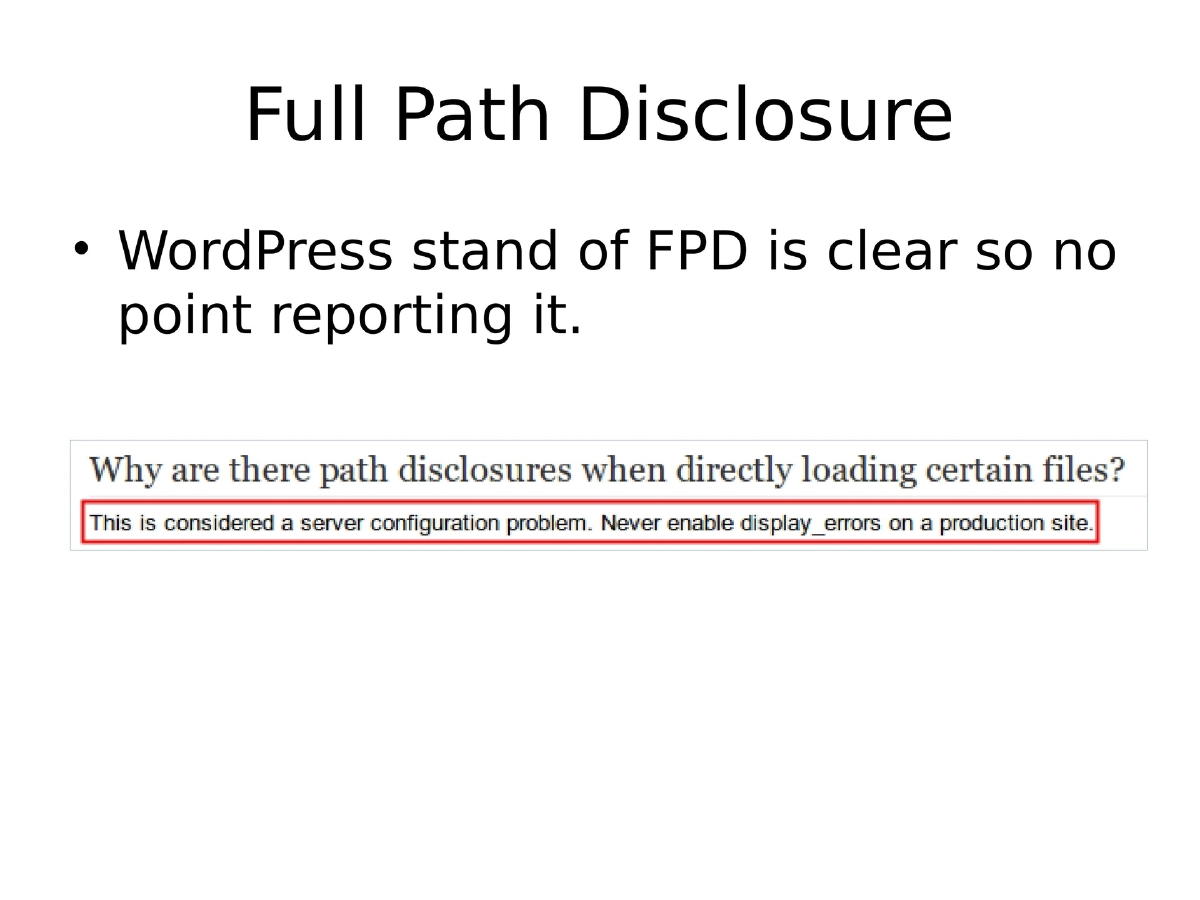
- Phase 1 (Unauthenticated Issues): Started with easy wins like direct/unauthorized access and Full Path Disclosure using a custom
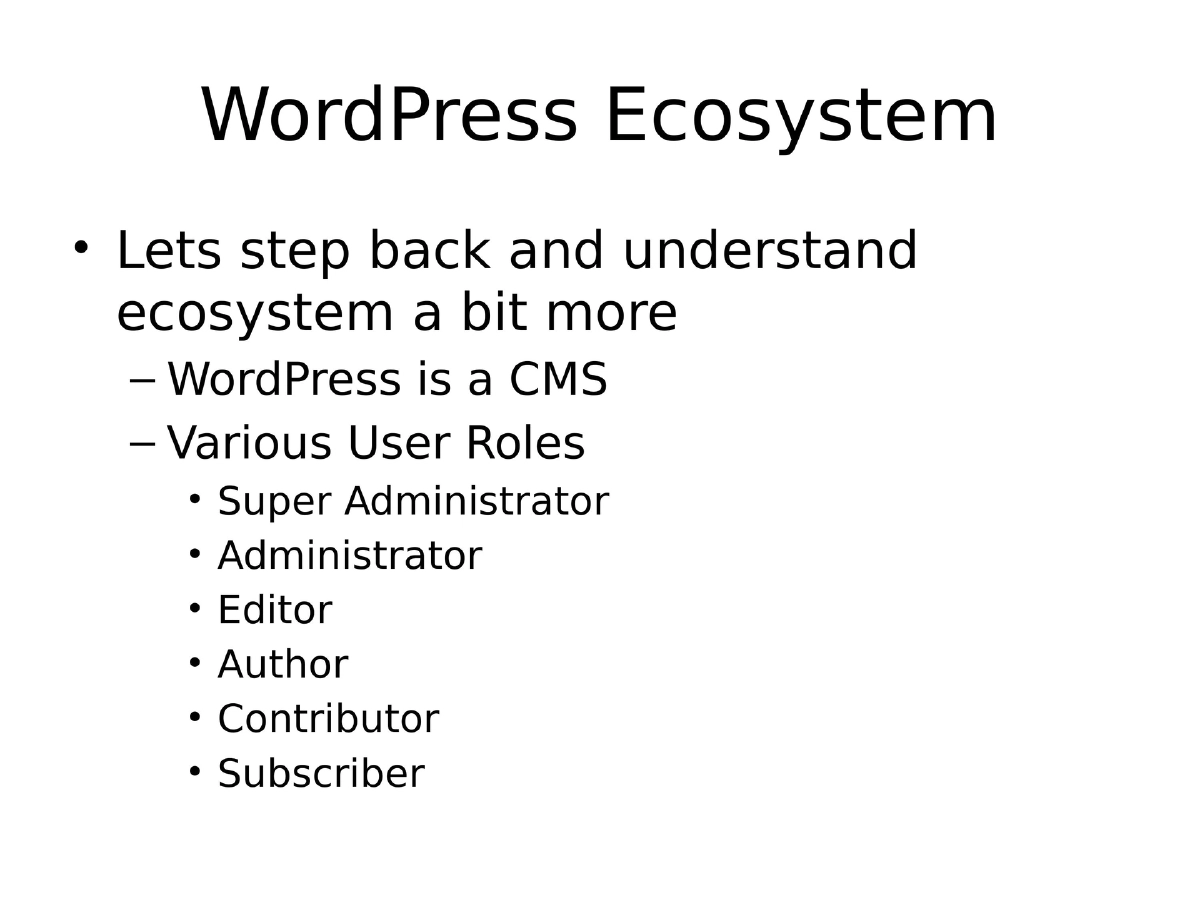
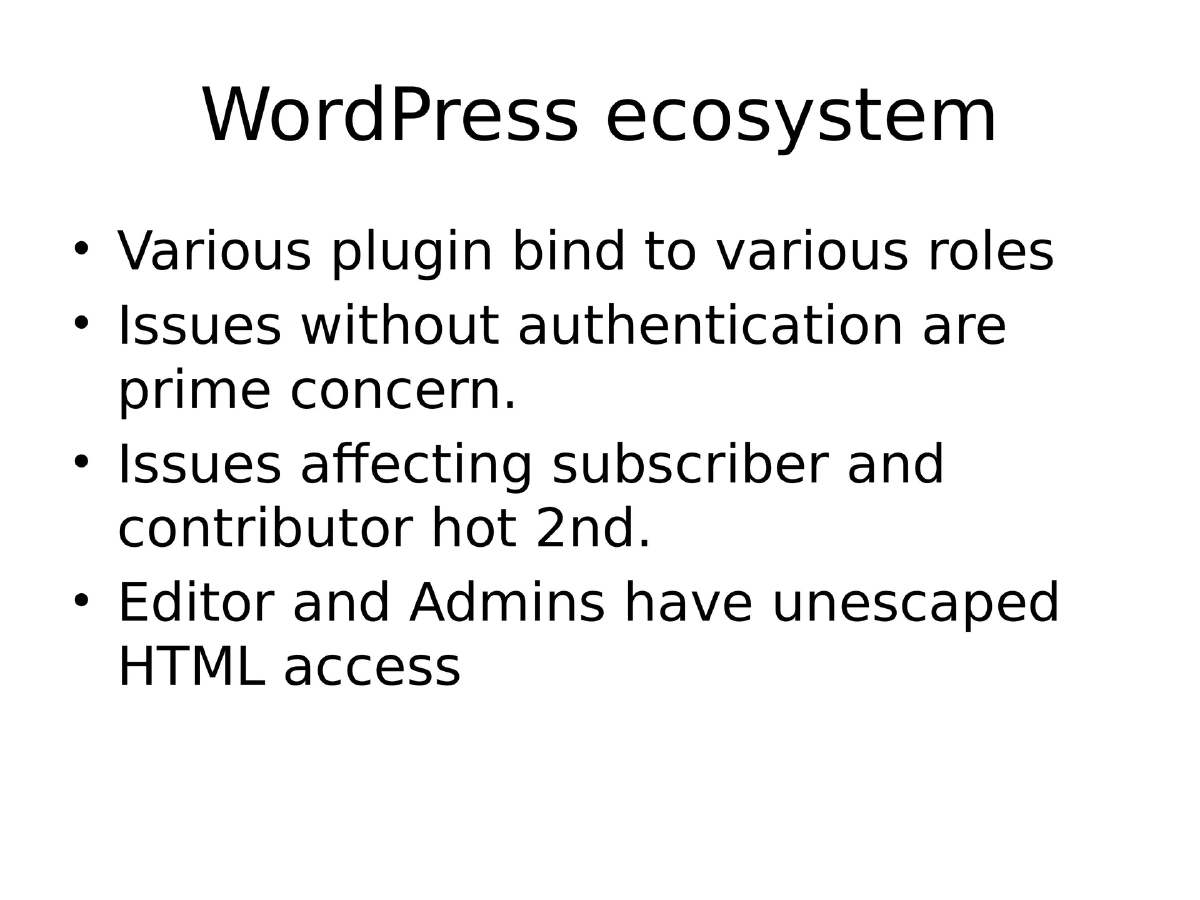
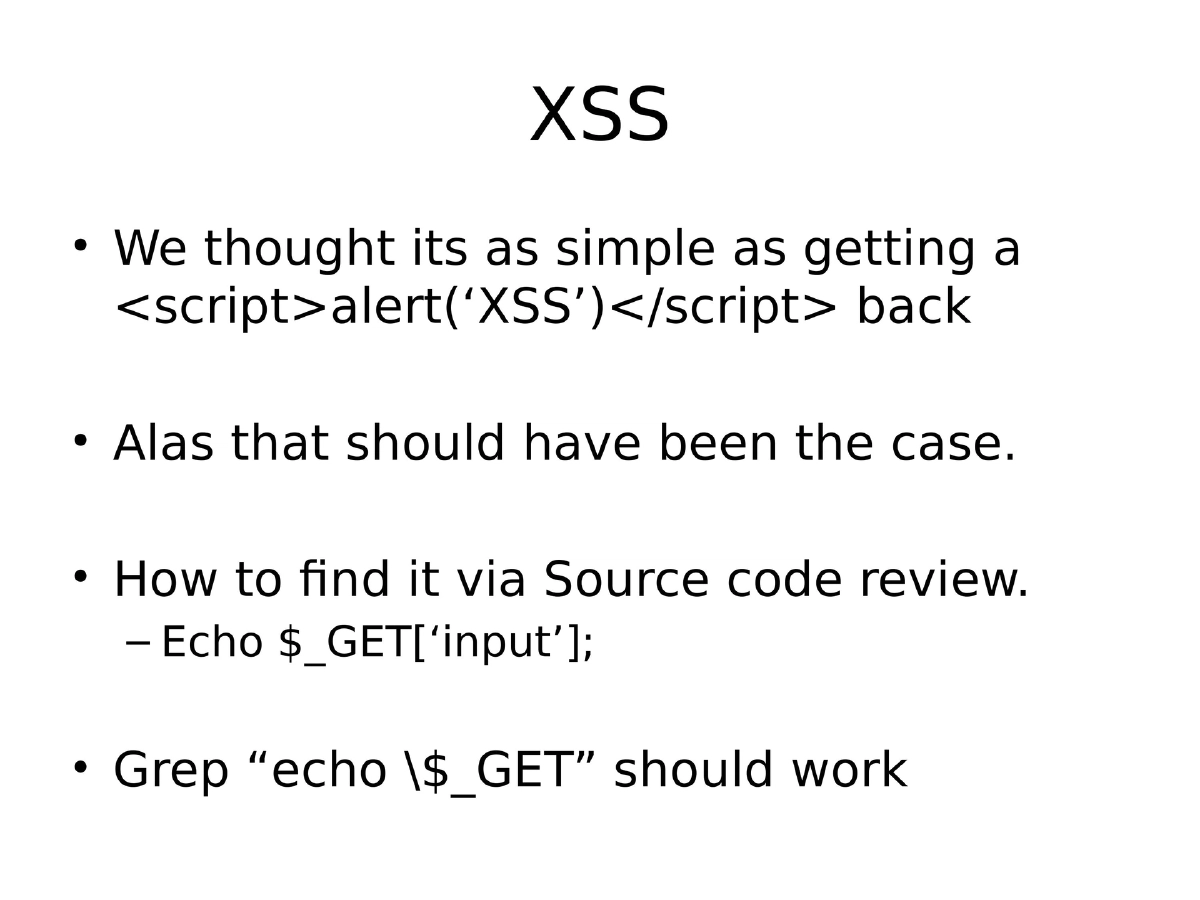
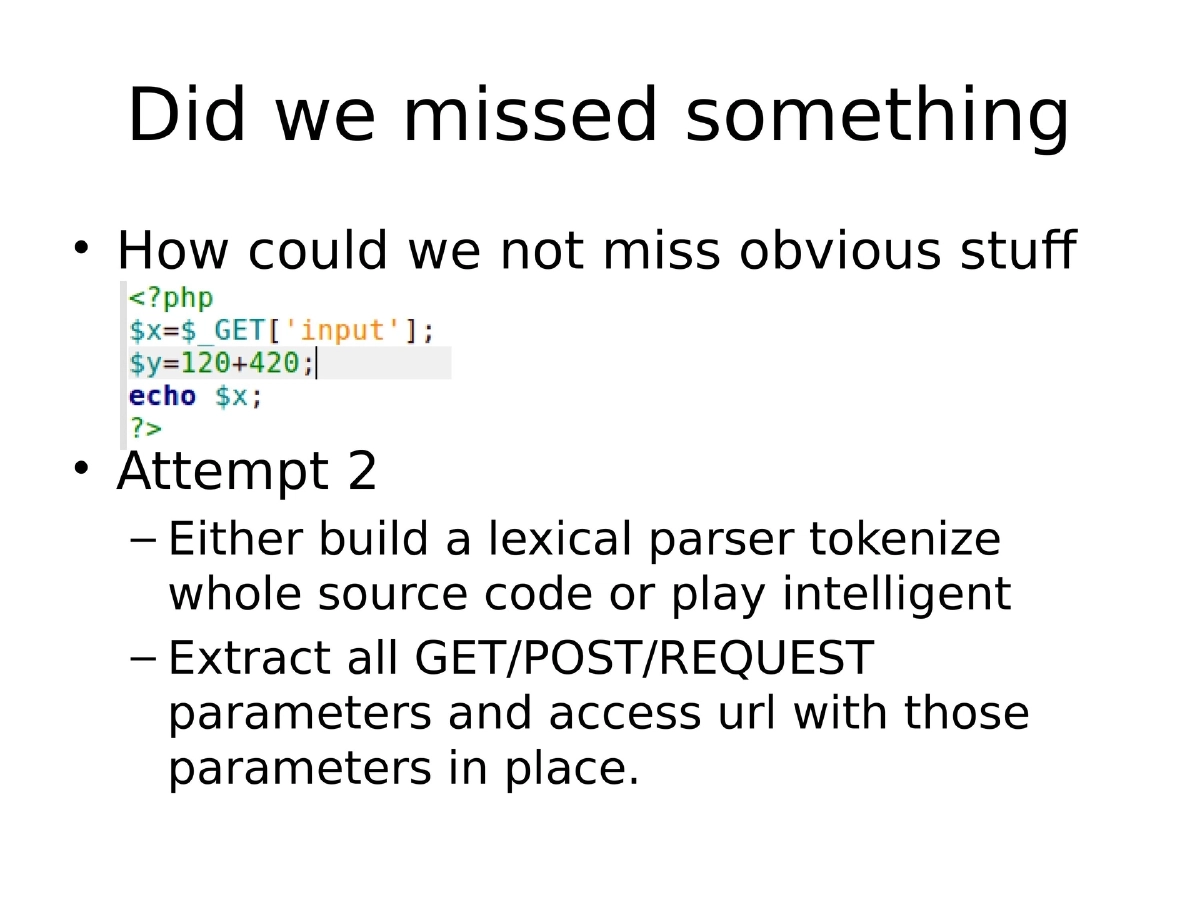
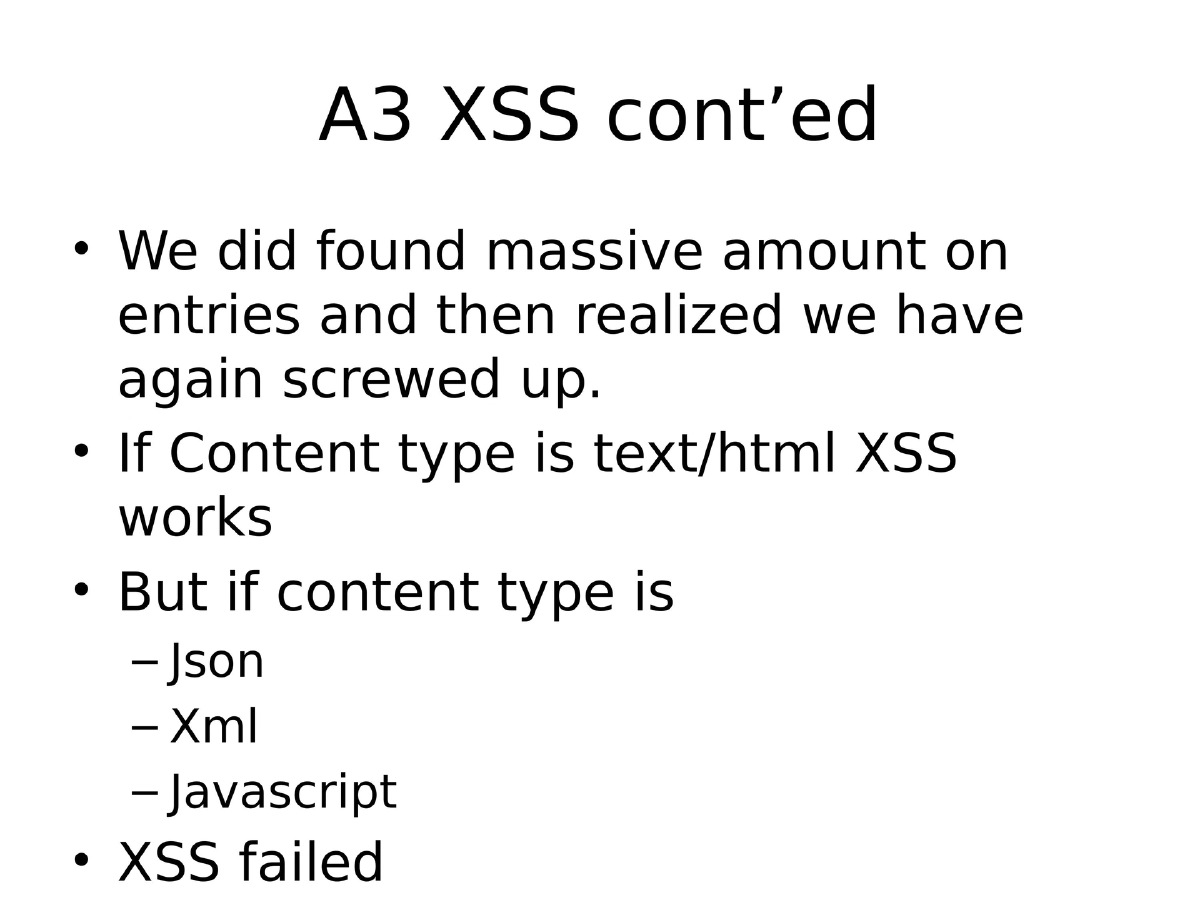
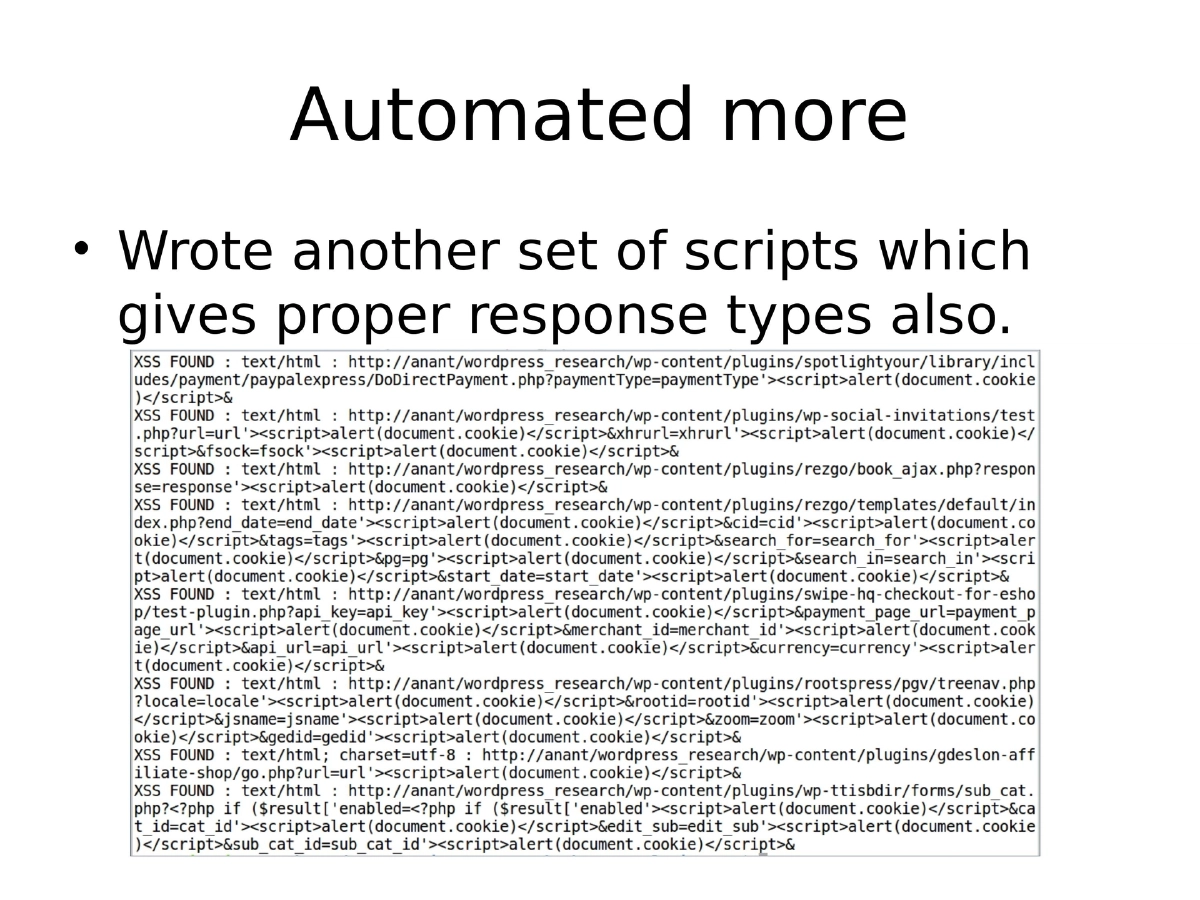
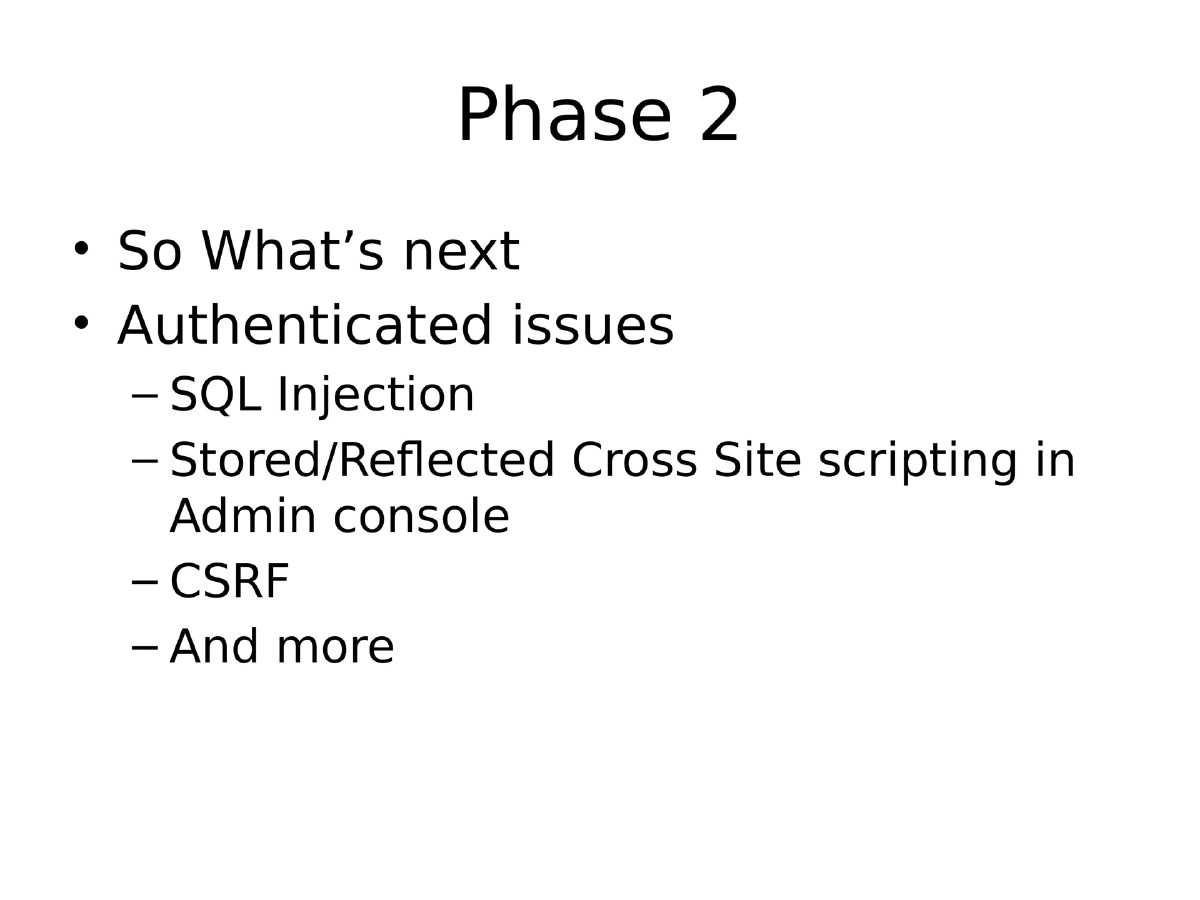
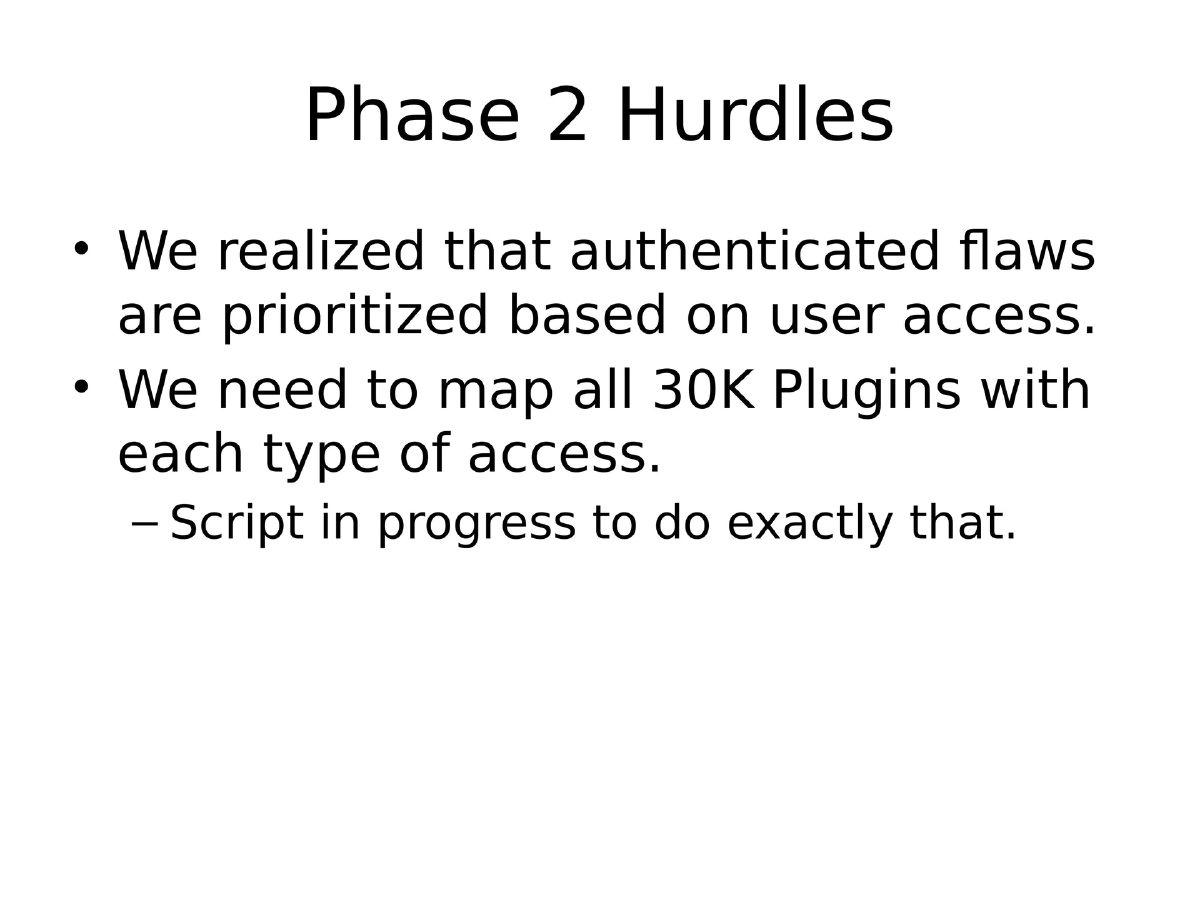
error_findertool. Then moved to Cross-Site Scripting by grepping forecho $_GETpatterns, followed by more sophisticated parameter extraction and URL testing. Discovered that content-type matters — XSS only works withtext/html, not JSON, XML, or JavaScript responses. - Phase 2 (Authenticated Issues): Planned to tackle SQL Injection, Stored XSS, CSRF, and more, requiring mapping of all 30K plugins to WordPress user roles (Super Administrator, Administrator, Editor, Author, Contributor, Subscriber).
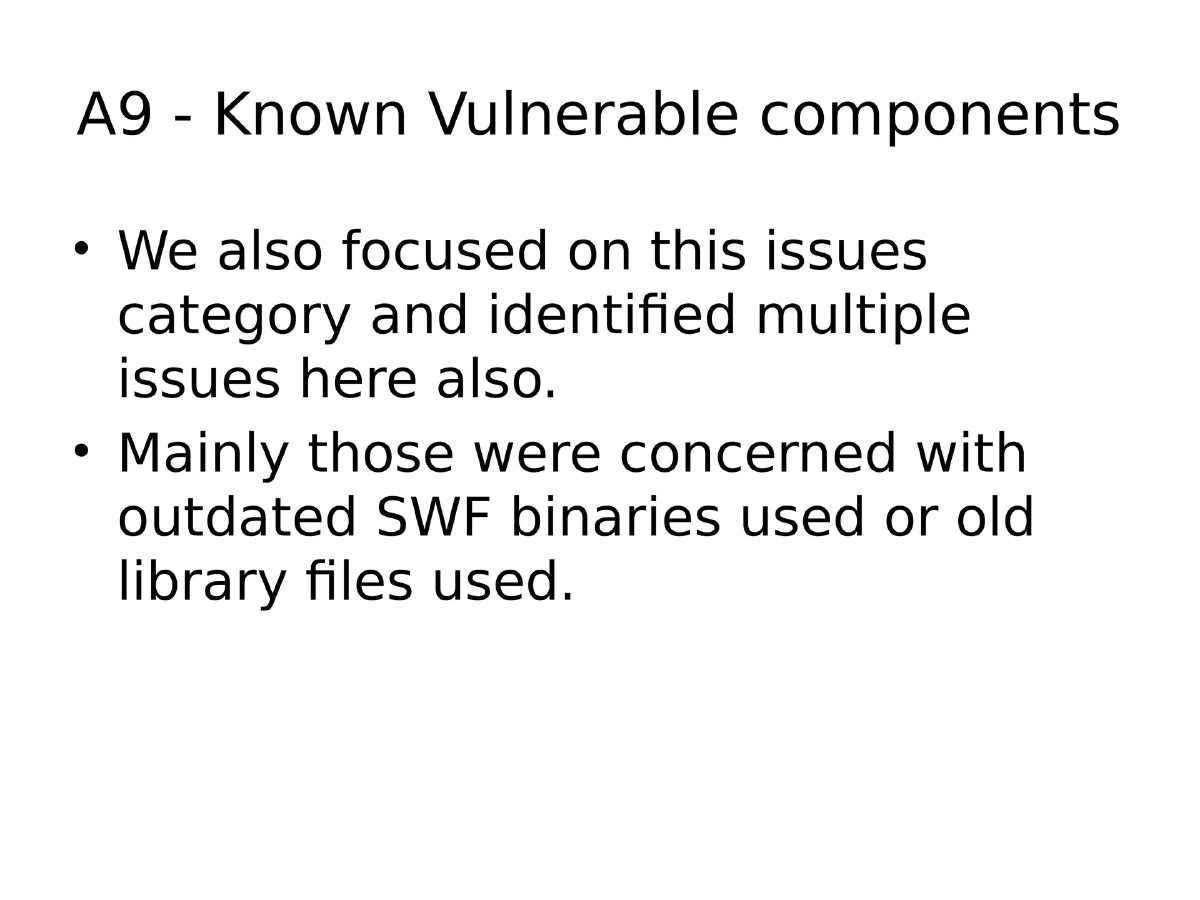
- OWASP A9 (Known Vulnerable Components): Identified outdated SWF binaries and old library files bundled within plugins.
- Phase 1 (Unauthenticated Issues): Started with easy wins like direct/unauthorized access and Full Path Disclosure using a custom
-
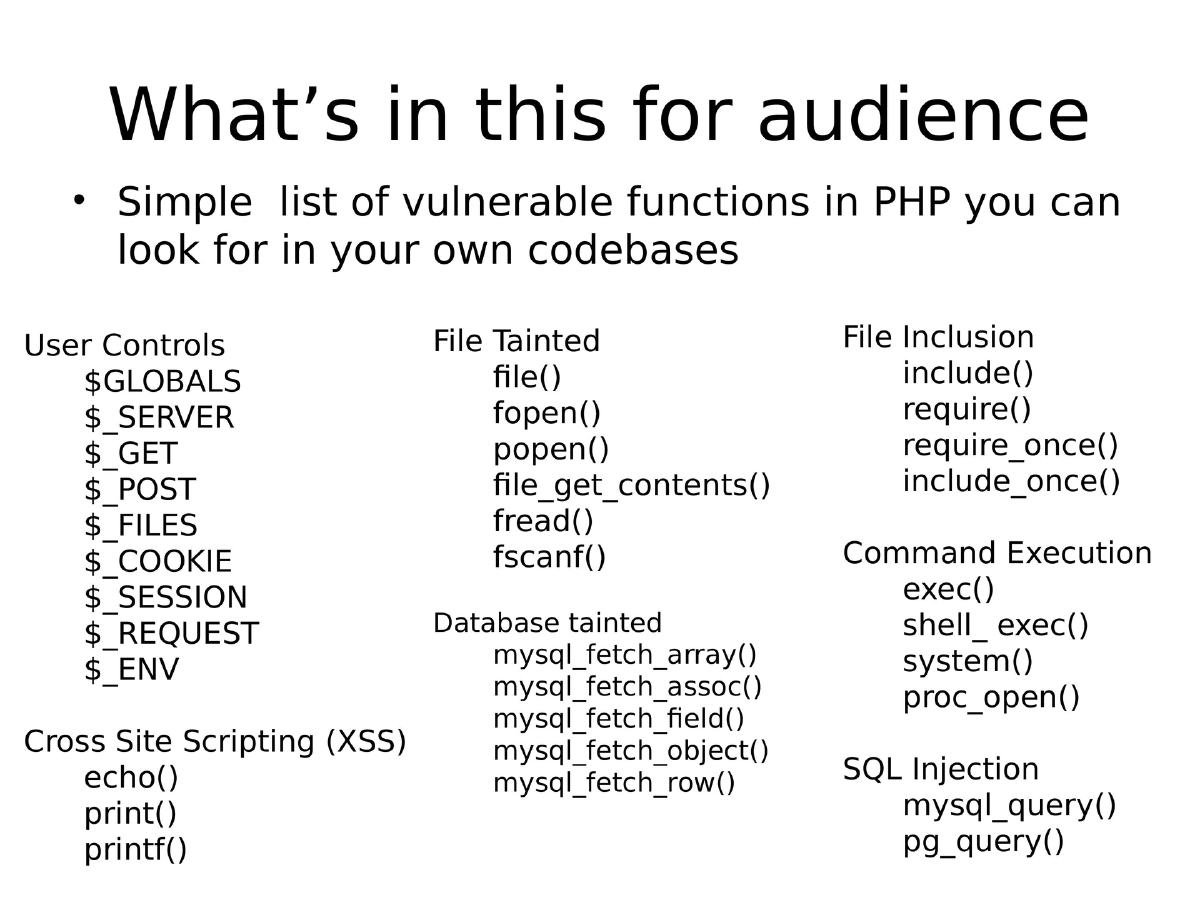
PHP Vulnerable Functions Reference: A comprehensive checklist of dangerous PHP functions organized by category — file operations (
fopen,file_get_contents), database functions (mysql_query,pg_query), command execution (exec,system,shell_exec), file inclusion (include,require), user input superglobals ($_GET,$_POST,$_REQUEST), and output functions susceptible to XSS (echo,print,printf). -
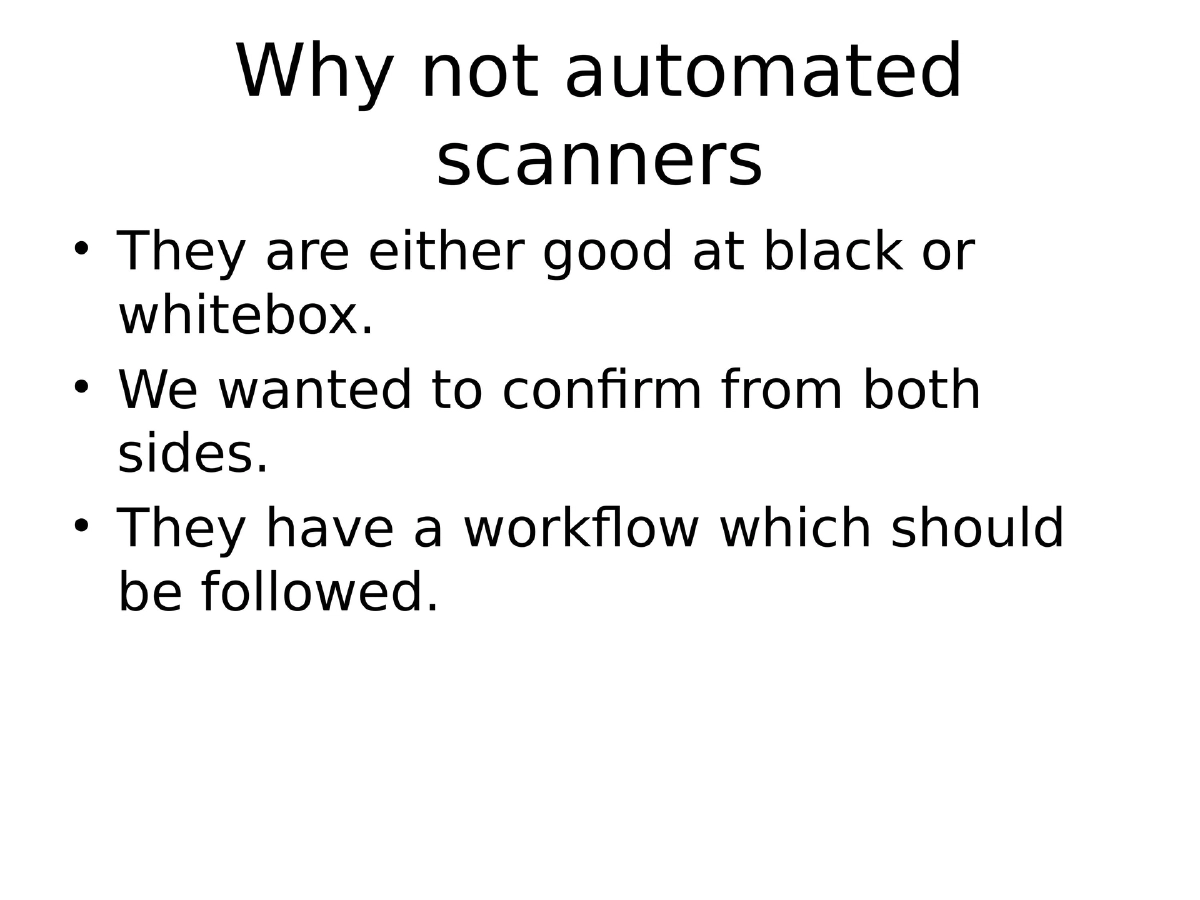
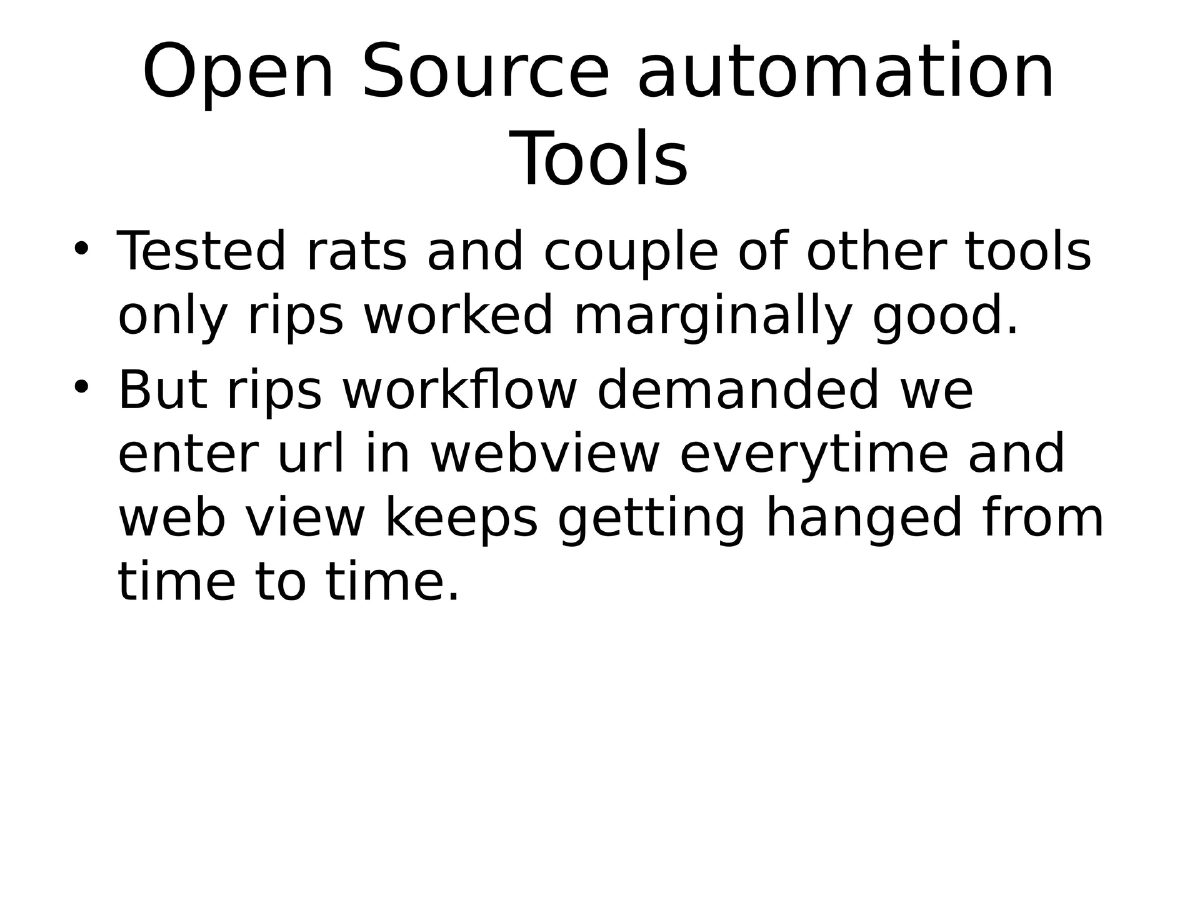
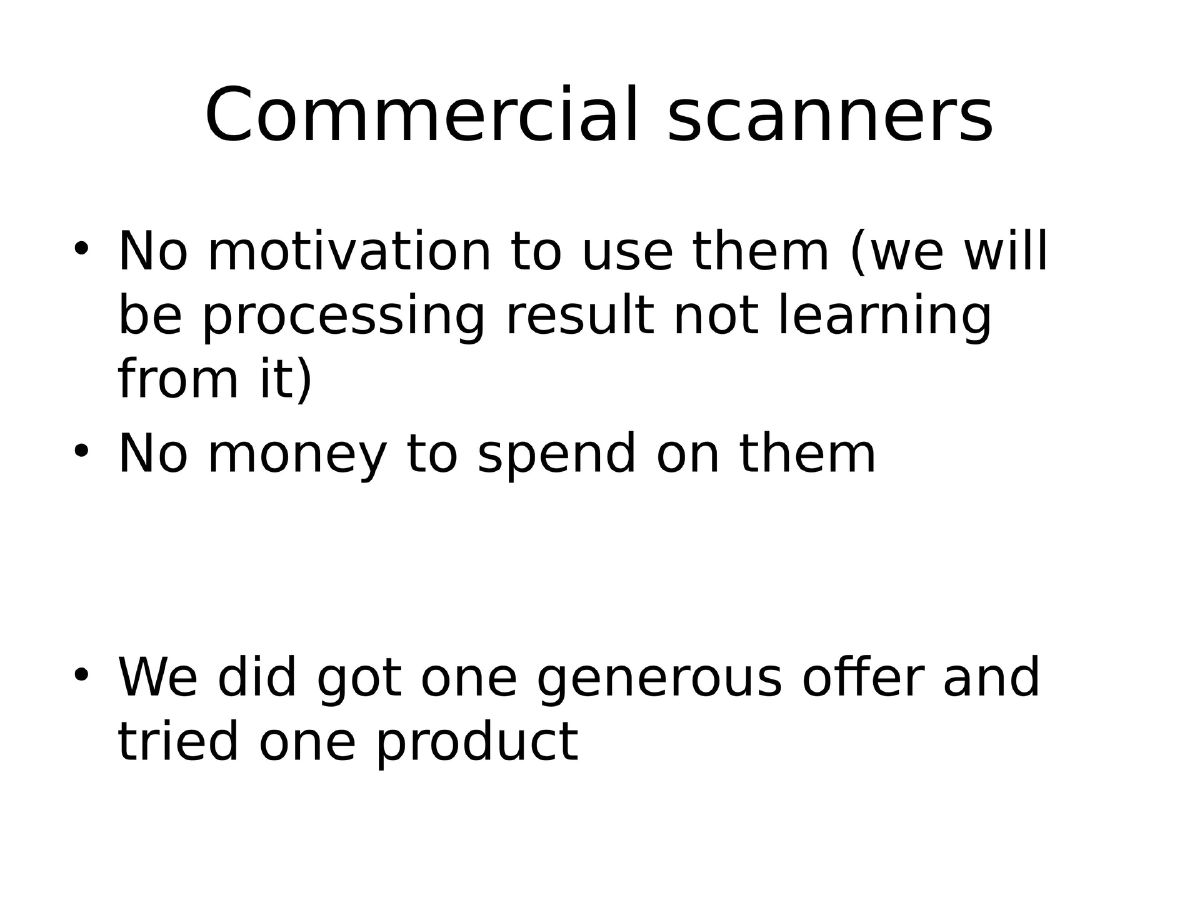
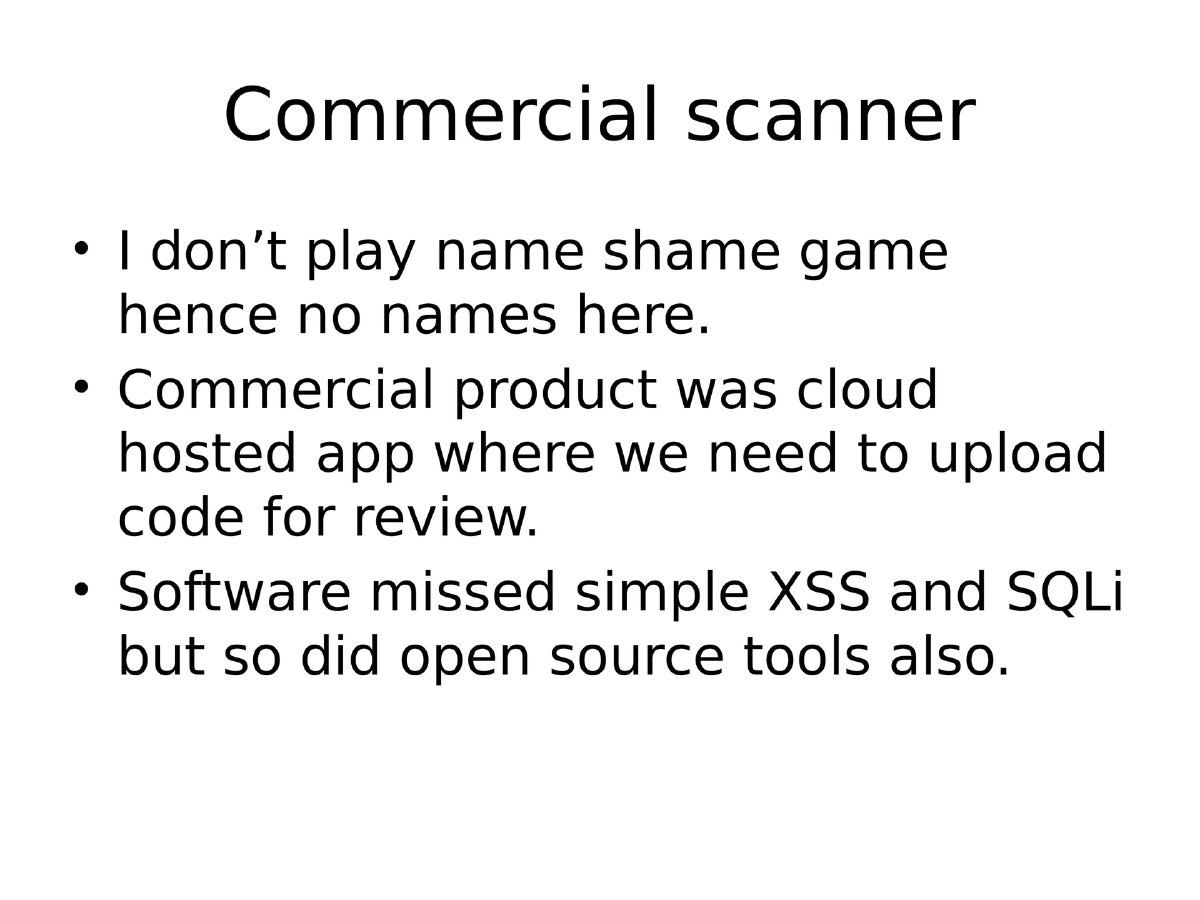
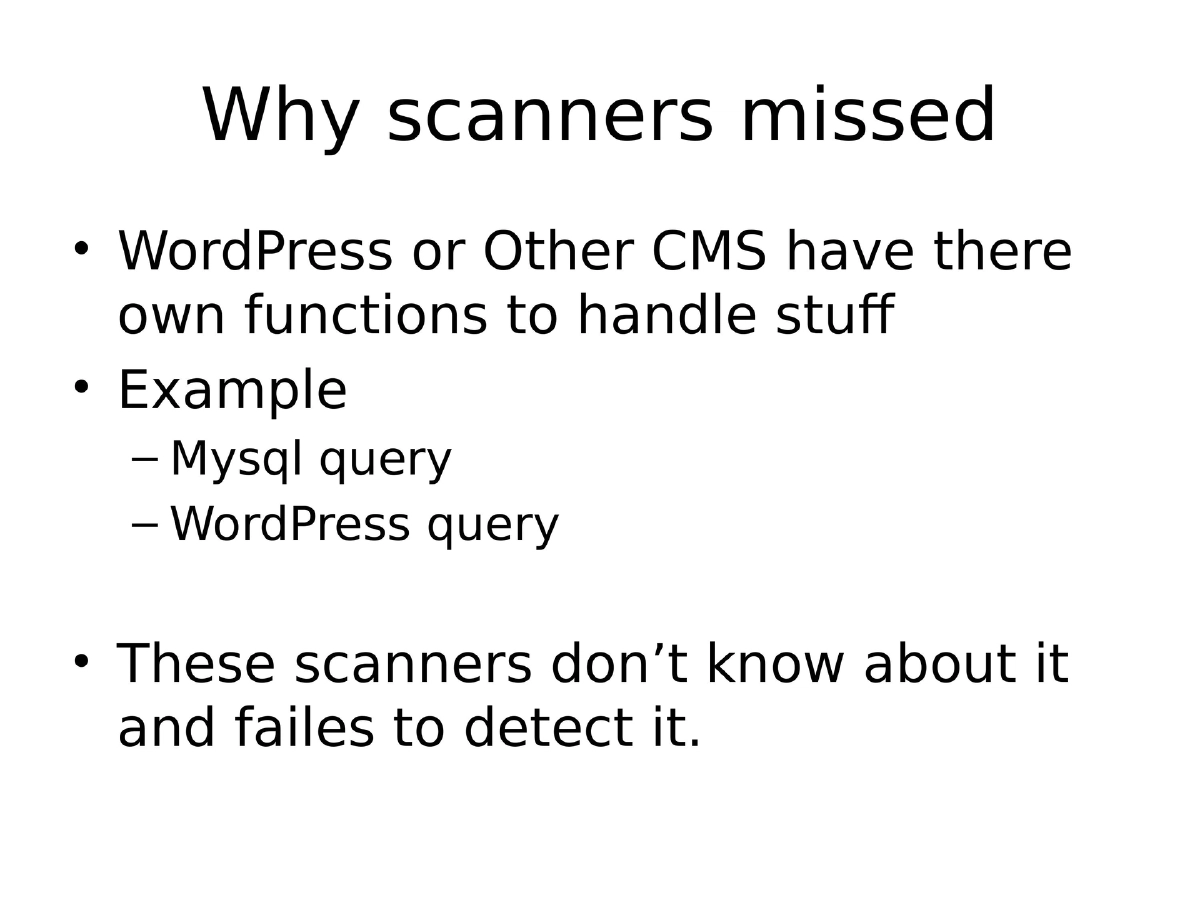
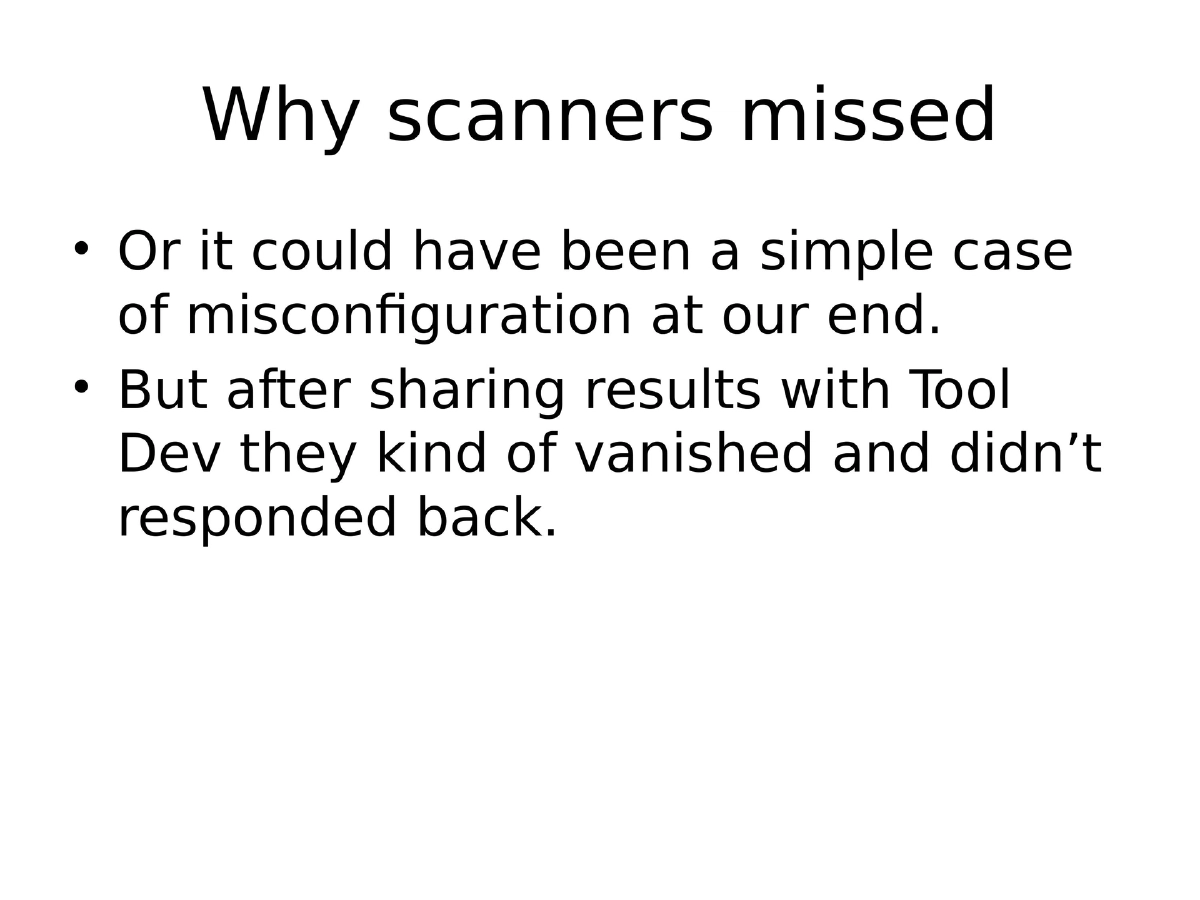
Why Automated Scanners Failed: Both open-source tools (RATS, RIPS) and commercial SAST products missed simple XSS and SQLi because they lacked awareness of CMS-specific functions (e.g., WordPress query wrappers vs. raw
mysql_query). RIPS had workflow issues requiring web-based interaction that frequently hung. -
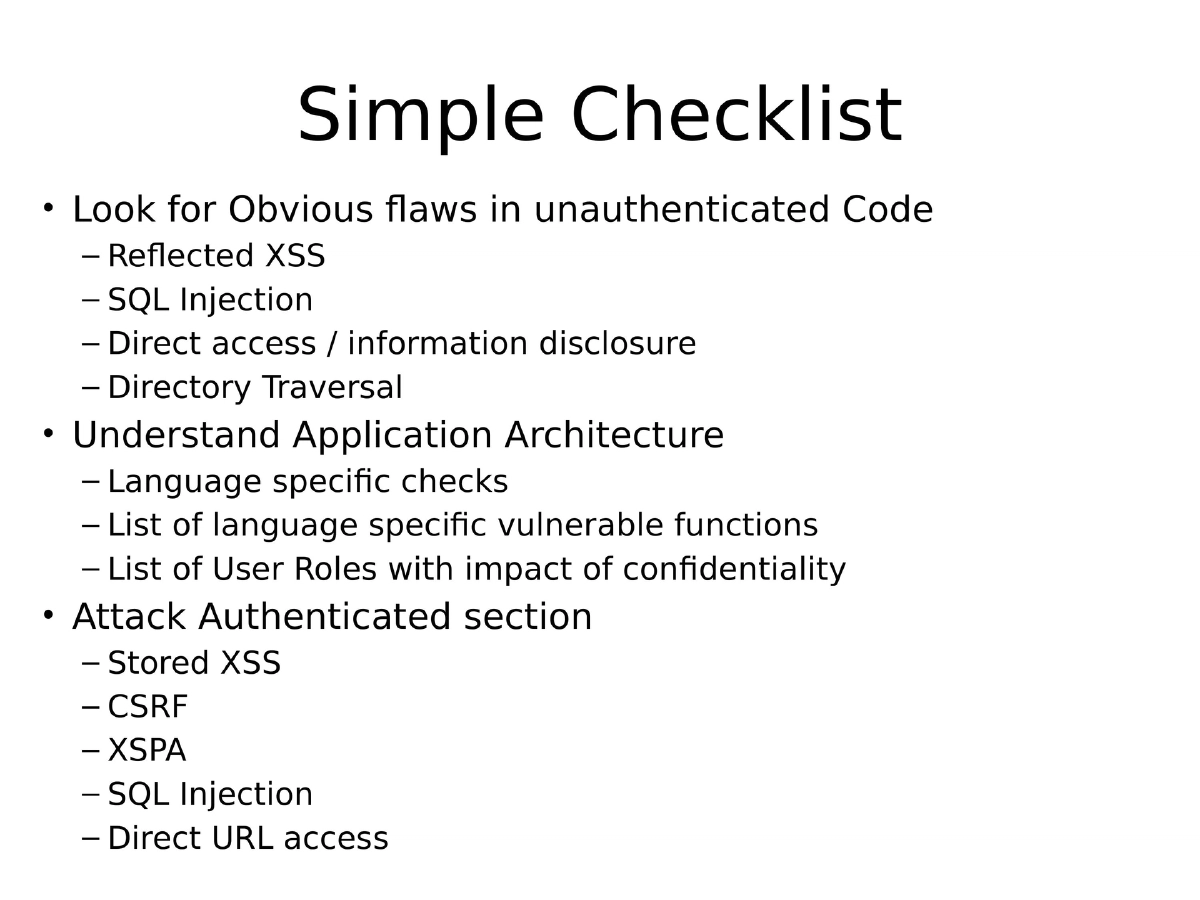
Source Code Review Checklist: A structured approach covering unauthenticated flaws (Reflected XSS, SQLi, direct access, directory traversal), understanding application architecture (language-specific checks, user roles and impact), and authenticated section attacks (Stored XSS, CSRF, XSPA, SQL Injection).
Actionable Takeaways
- When approaching source code review at scale, automate the collection and focus on vulnerability types across the entire codebase rather than reviewing individual components sequentially.
- Understand the target application’s architecture — especially user roles and permission models — before prioritizing which vulnerabilities to hunt, as impact varies significantly by access level.
- Maintain a language-specific checklist of dangerous functions (sinks) and user-controlled inputs (sources) to systematically identify potential vulnerabilities through grep-based searches.
- Validate findings by checking response content types, as vulnerabilities like XSS depend on the context in which user input is reflected.
- Do not rely solely on automated SAST tools for CMS or framework-based code, as they often miss framework-specific dangerous patterns; combine automated scanning with manual review and custom scripts.
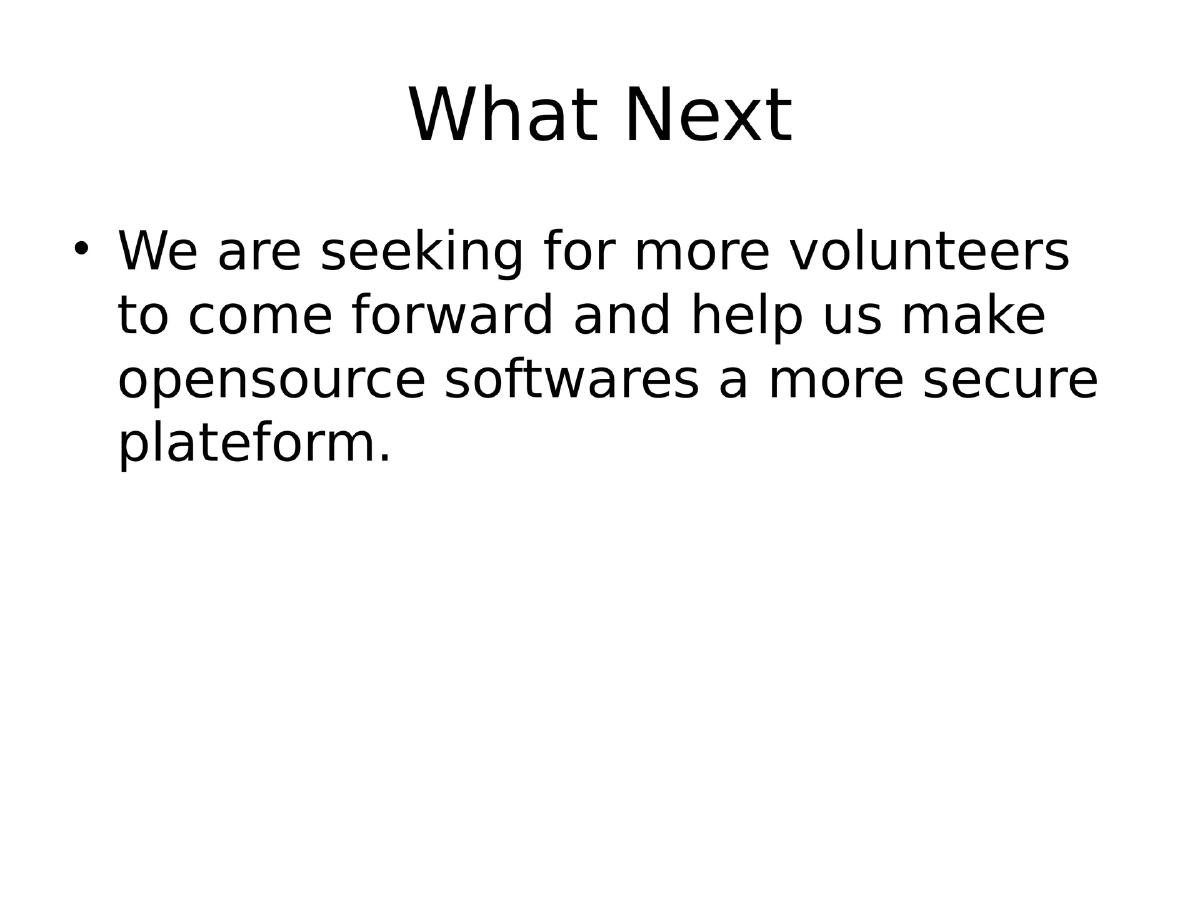
- Contribute to community projects like CodeVigilant to collaboratively improve open-source security while building personal expertise in code review.