Html5












AI Generated Summary
AI Generated Content Disclaimer
Note: This summary is AI-generated and may contain inaccuracies, errors, or omissions. If you spot any issues, please contact the site owner for corrections. Errors or omissions are unintended.
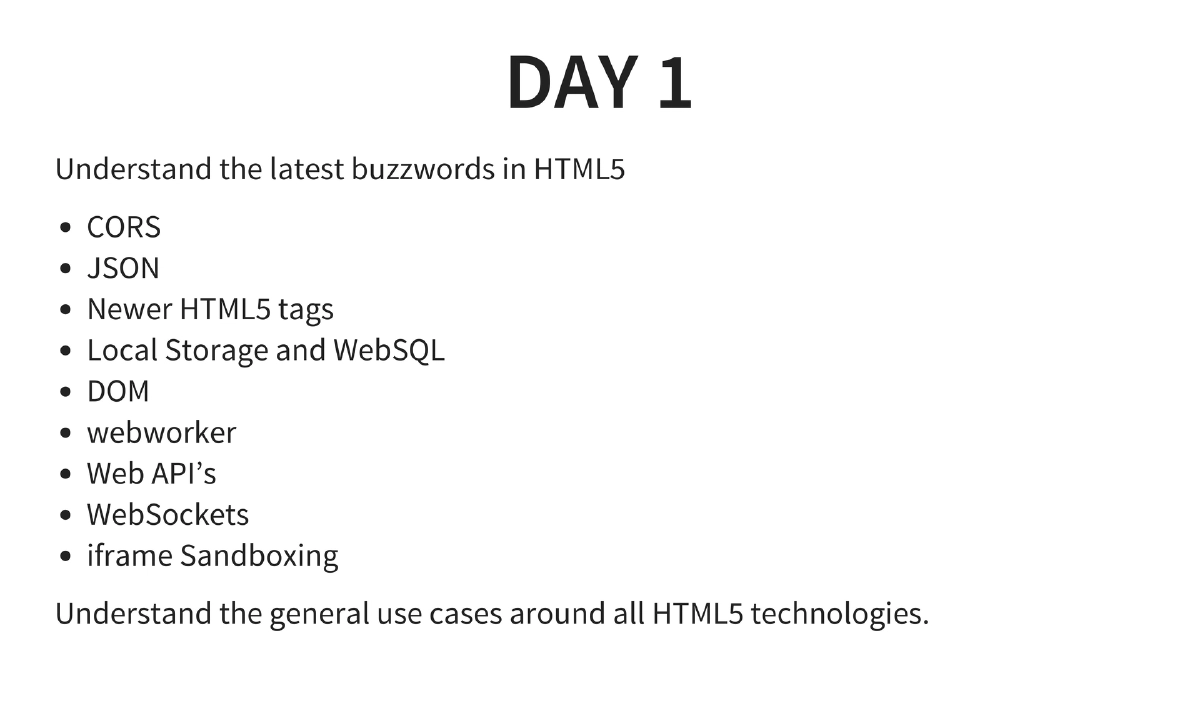
This two-day private training course covers HTML5 security from both development and attack perspectives. Day 1 builds foundational understanding of HTML5 technologies (CORS, local storage, WebSockets, iframe sandboxing, web workers, and new HTML5 tags/APIs), while Day 2 focuses on attacking these features — exploiting CORS misconfigurations, XHR cross-origin requests, and DOM-based XSS. The course includes hands-on exercises for writing HTML5 applications and exploiting their security weaknesses.
Key Topics Covered
-
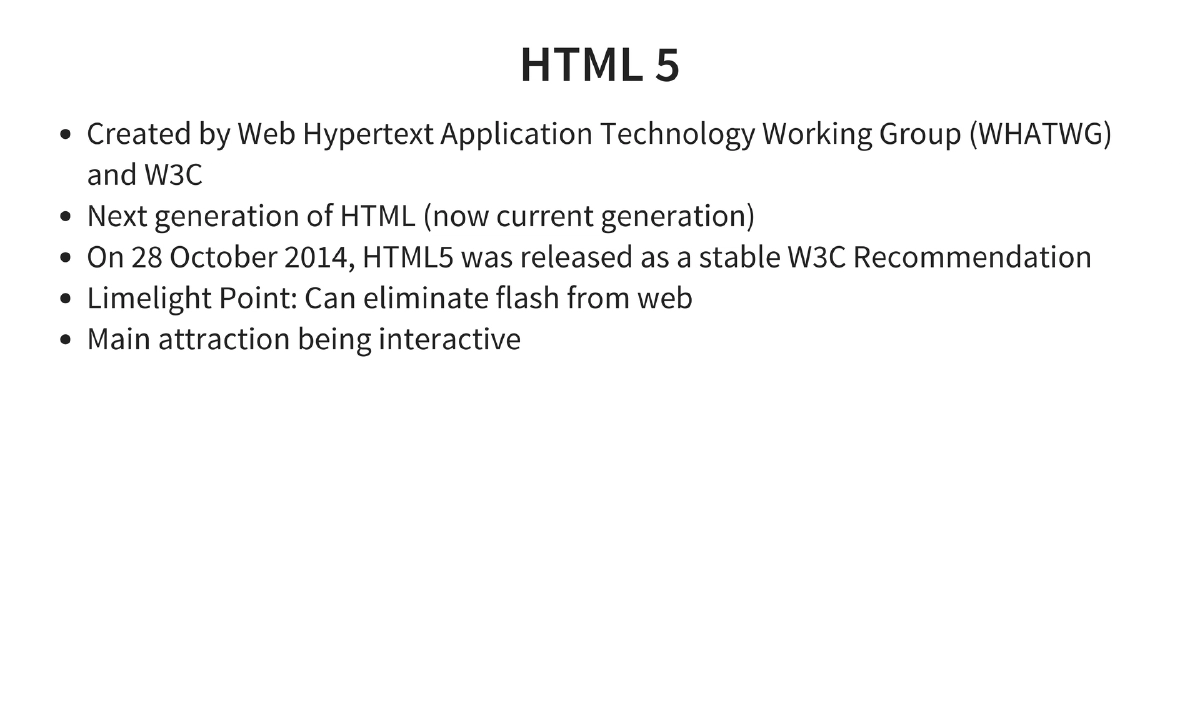
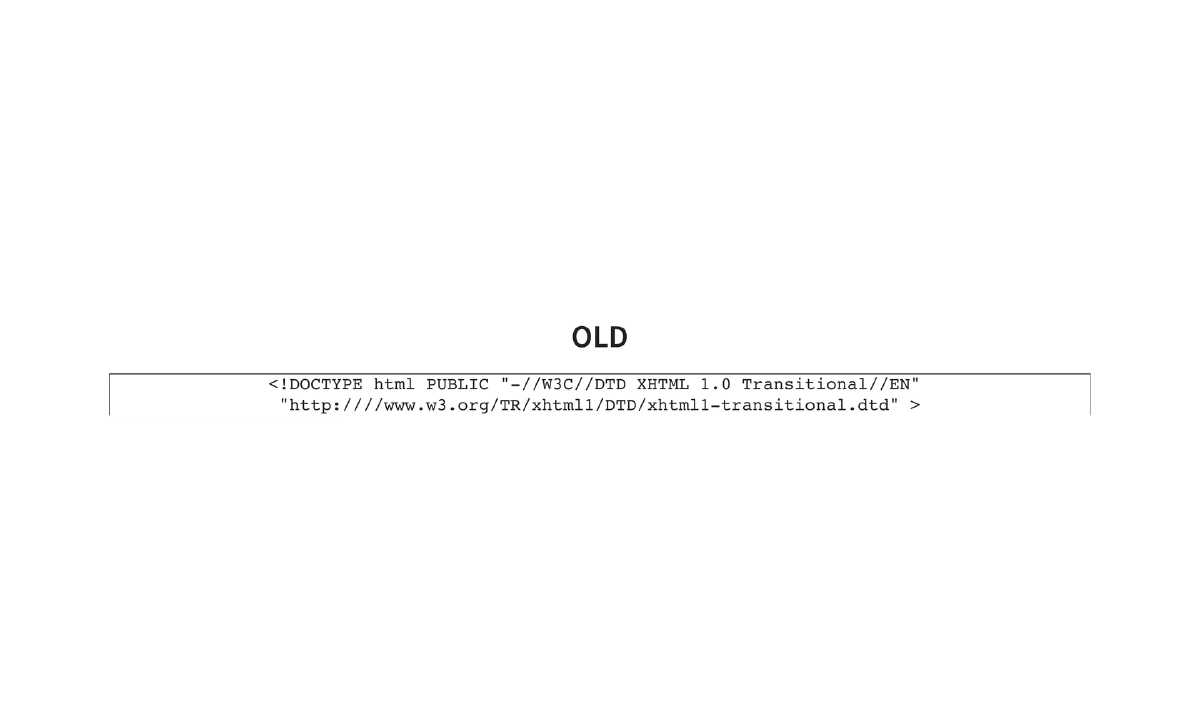
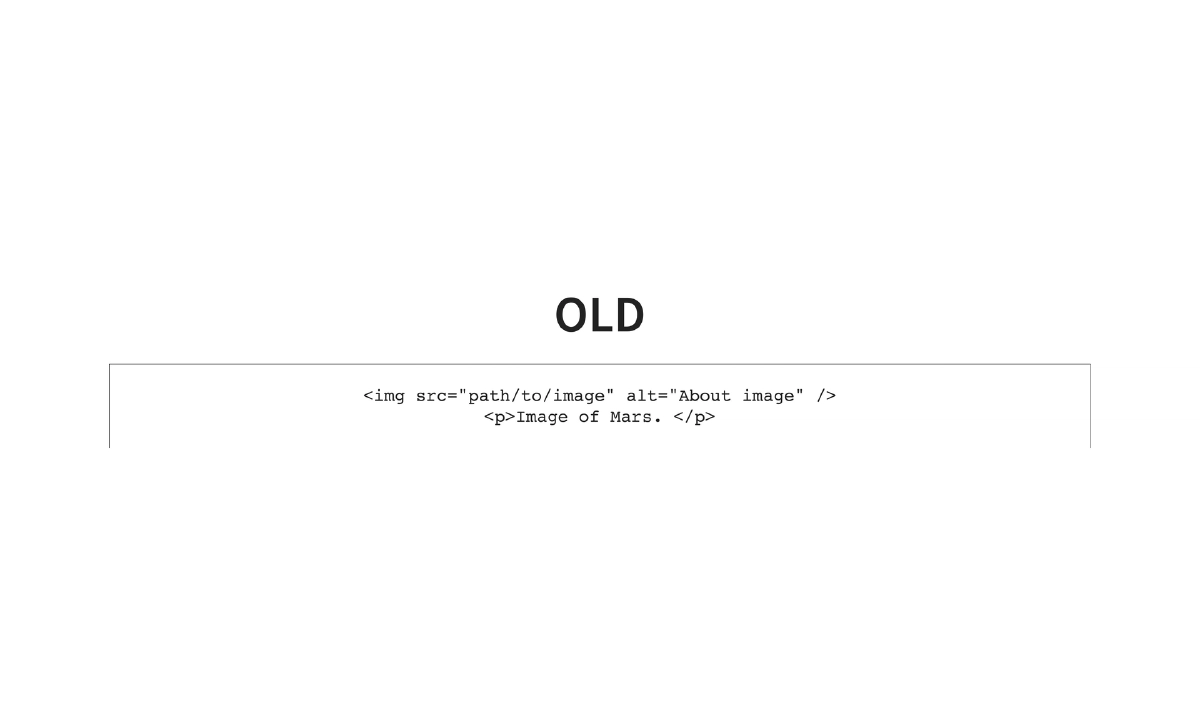
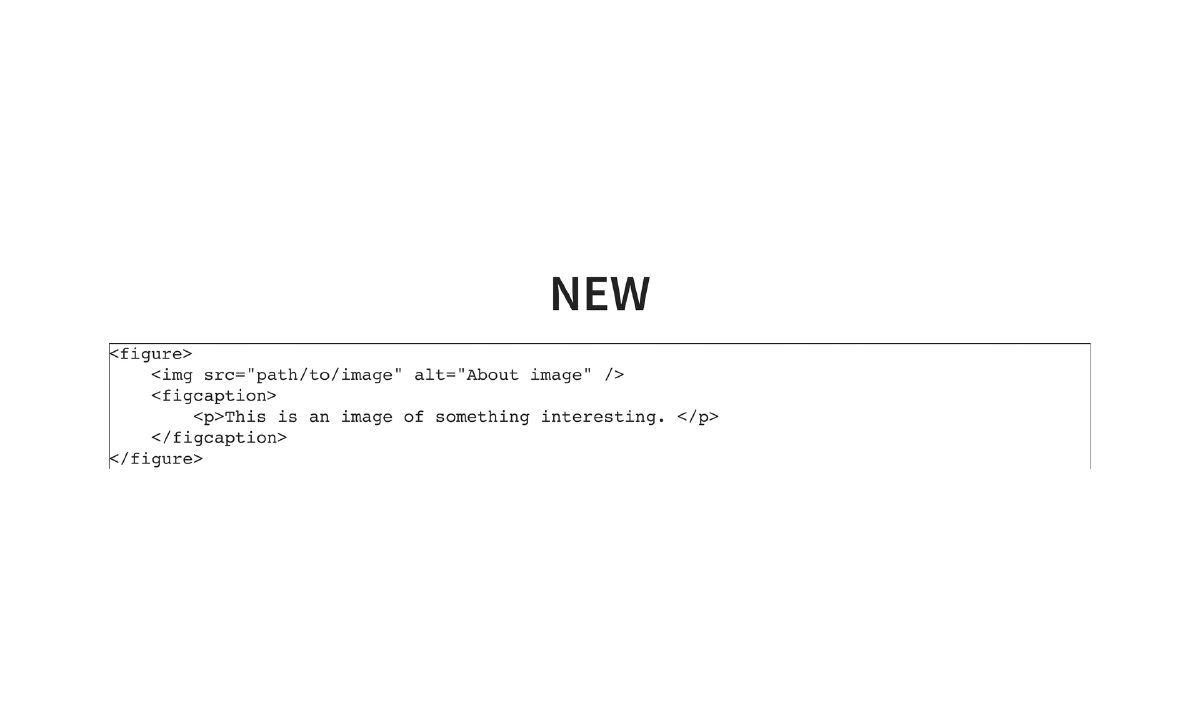
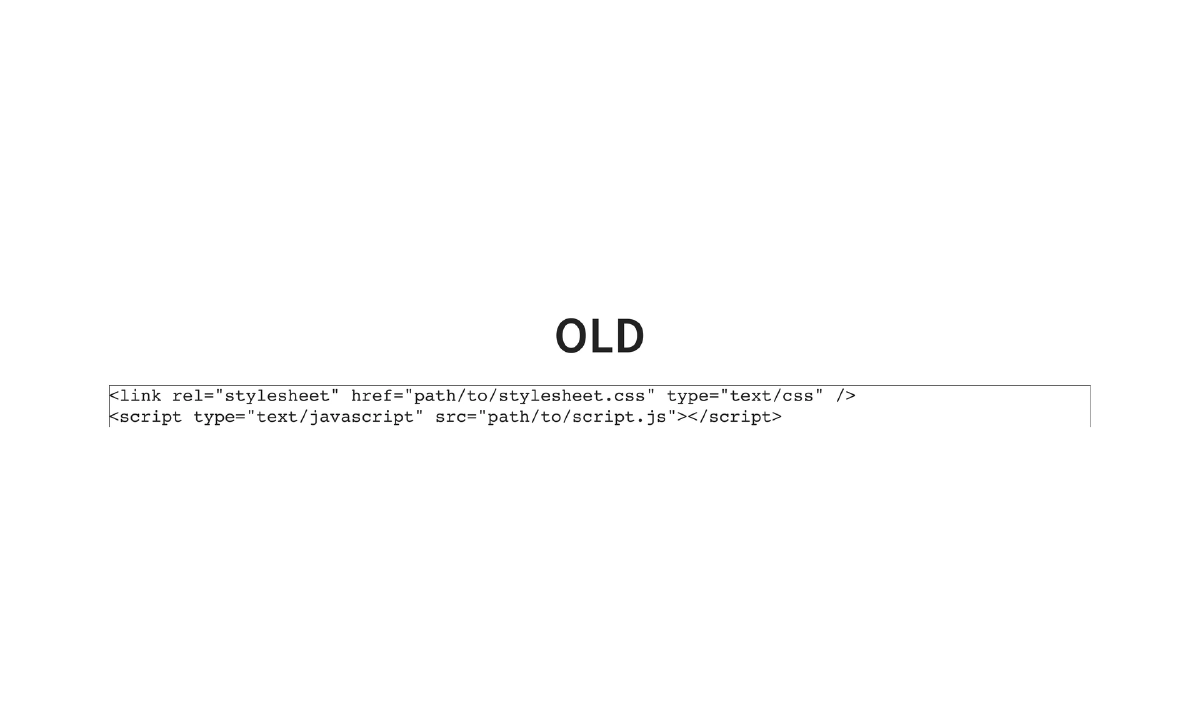
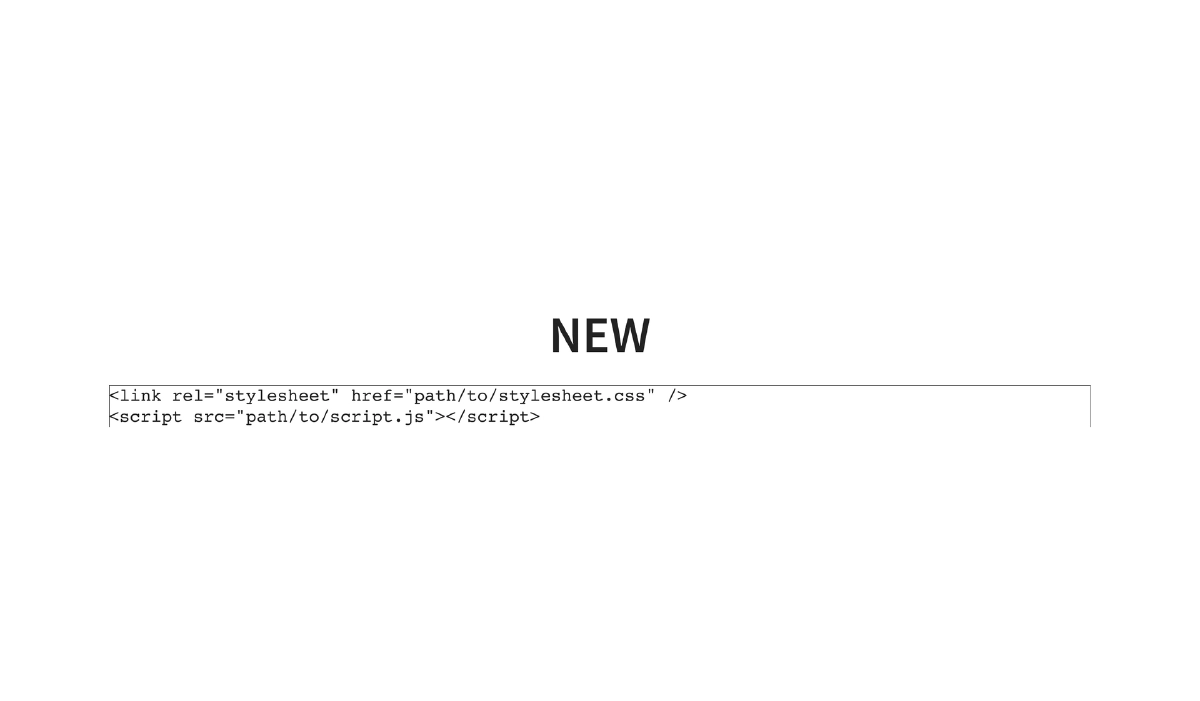
HTML5 Overview: Created by WHATWG and W3C, released as a stable recommendation on October 28, 2014. Key attractions include the ability to eliminate Flash from the web, interactive capabilities, simplified syntax (e.g.,
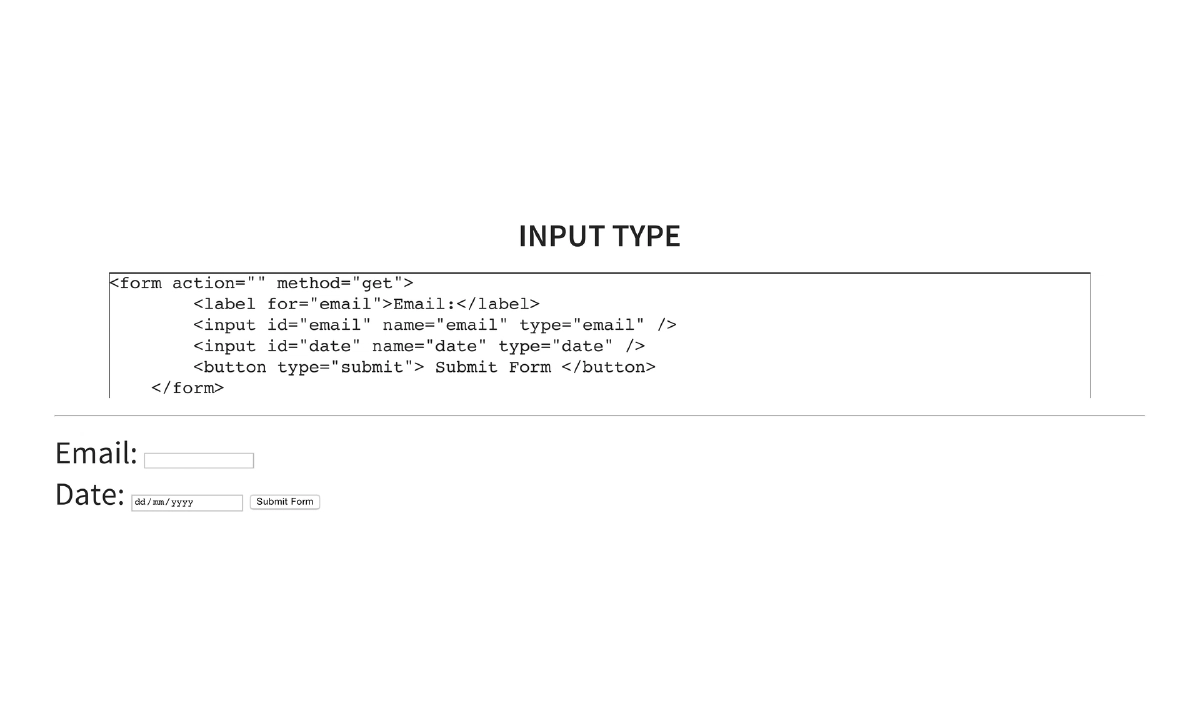
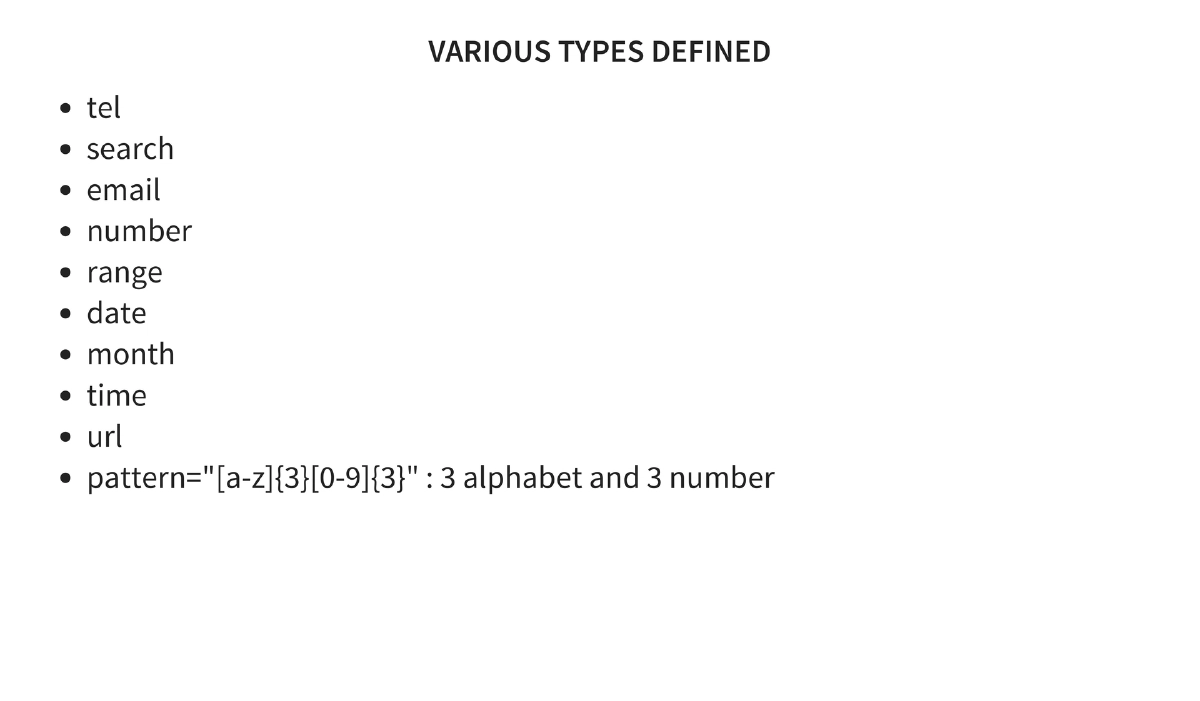
<!DOCTYPE html>replacing verbose XHTML declarations), semantic elements (header,footer,article,figure,figcaption), and new input types with built-in validation (email,date,tel,url,number,range,pattern). -
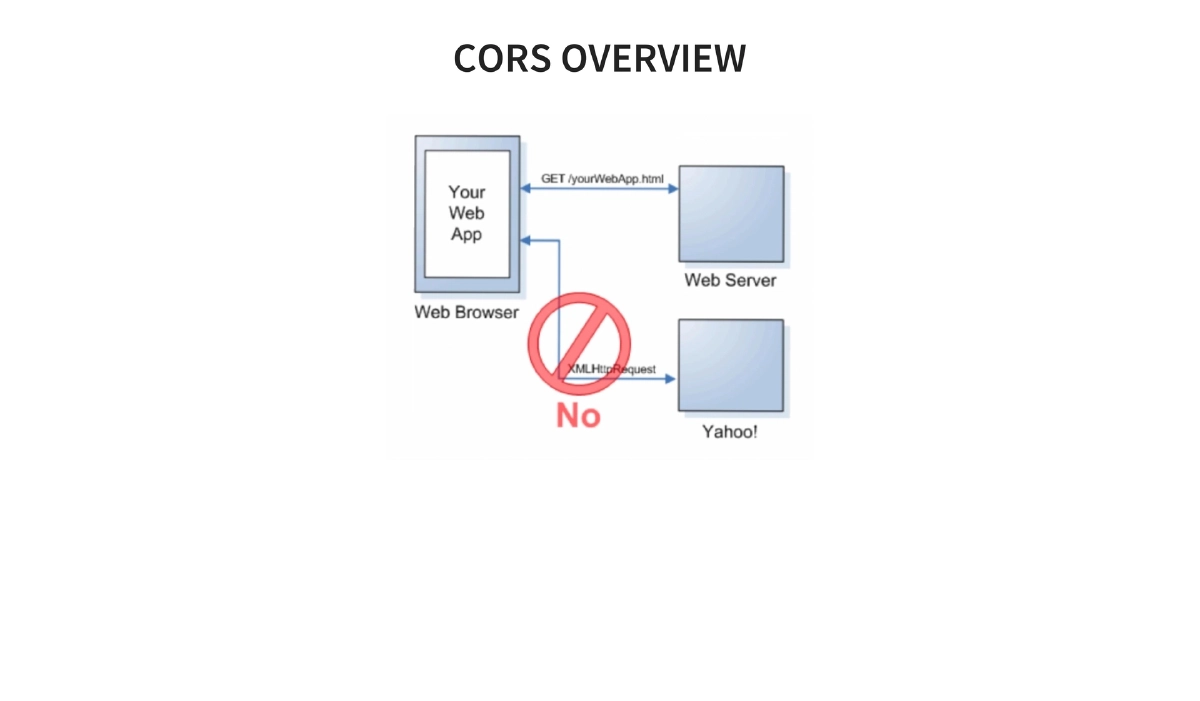
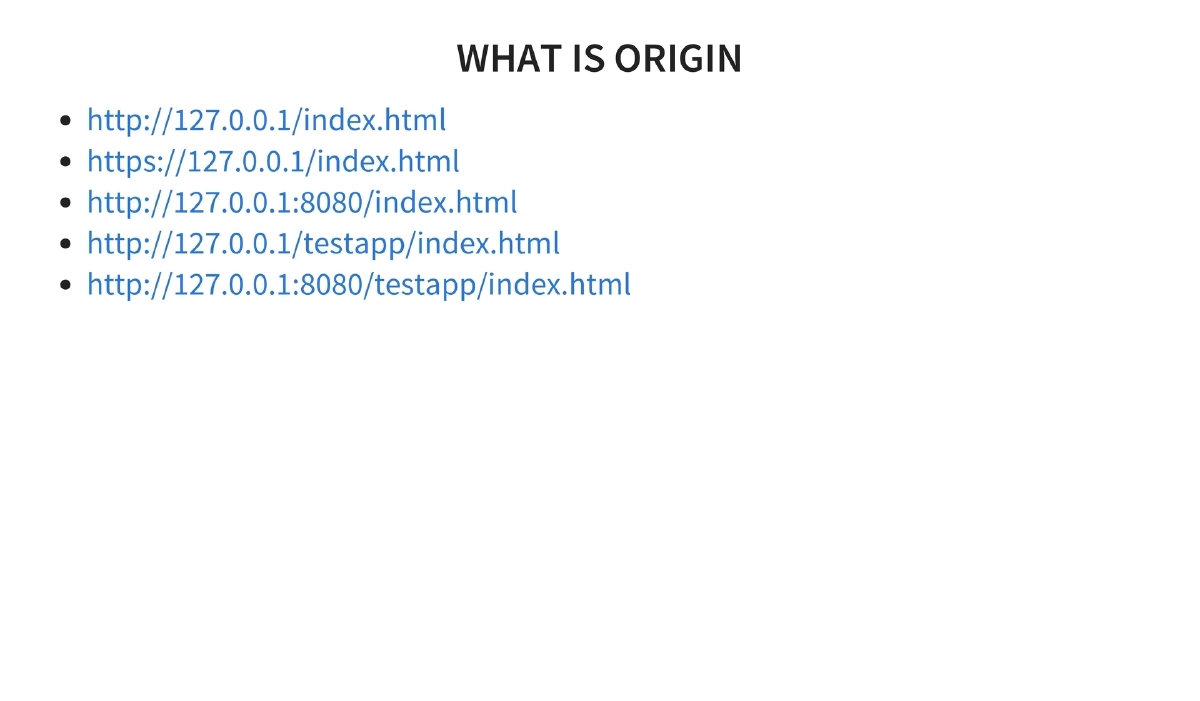
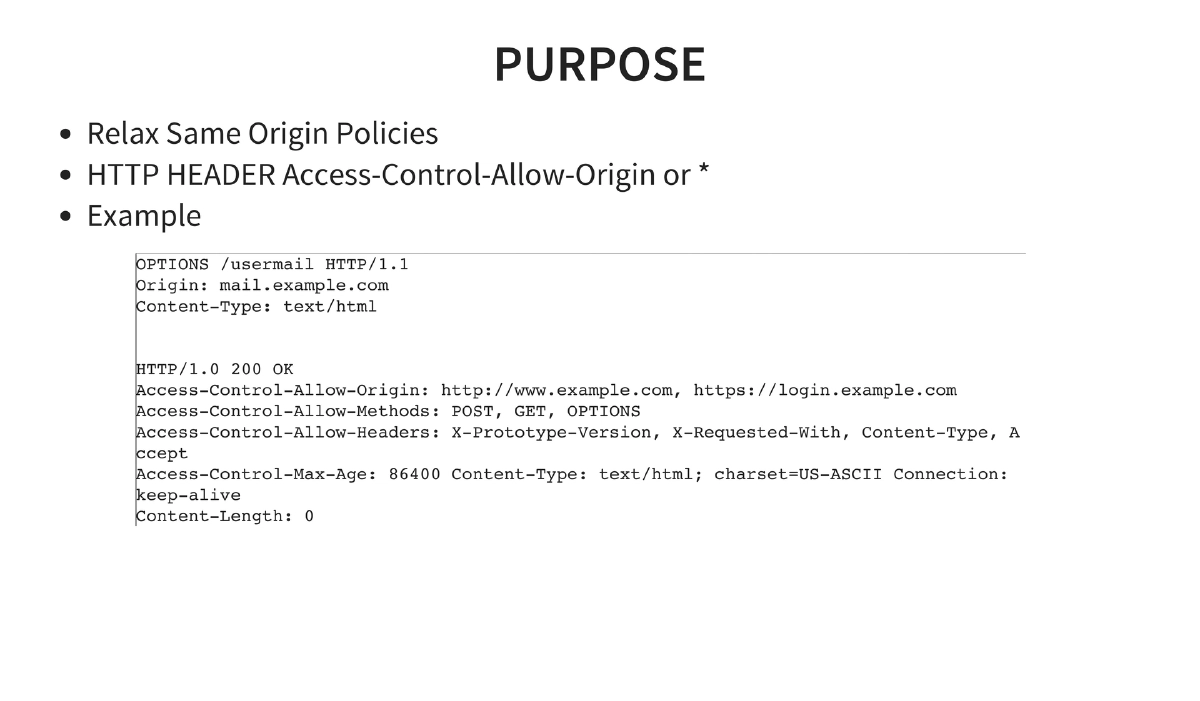
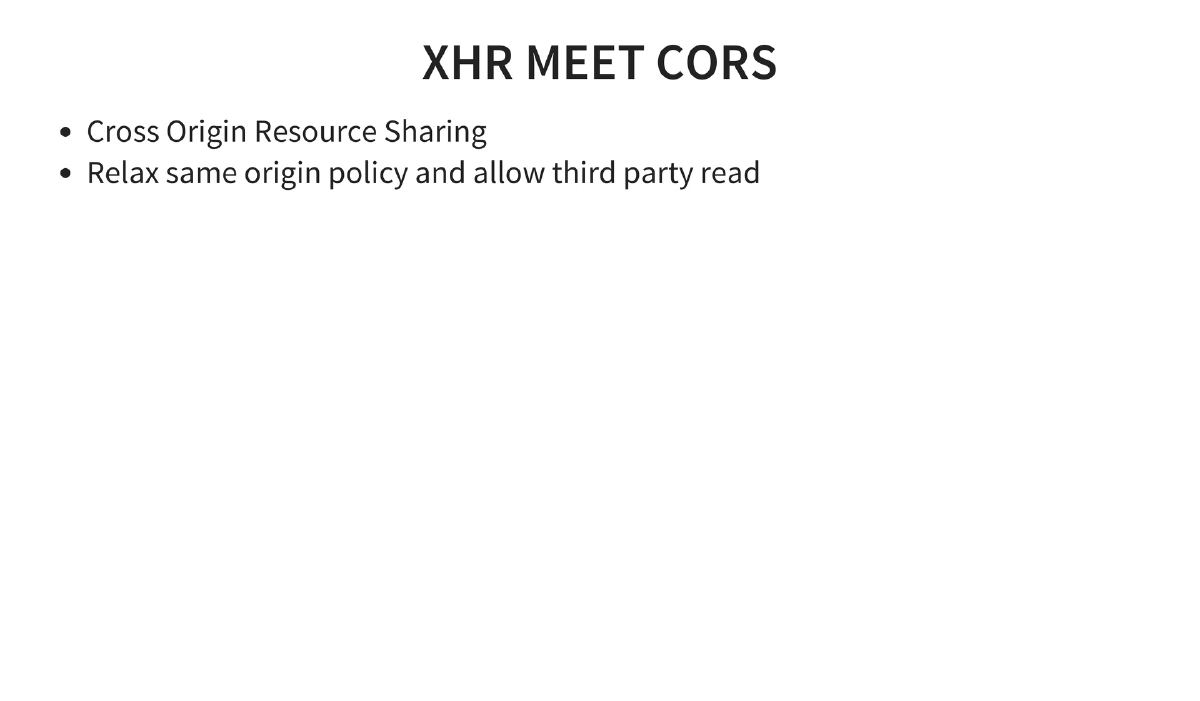
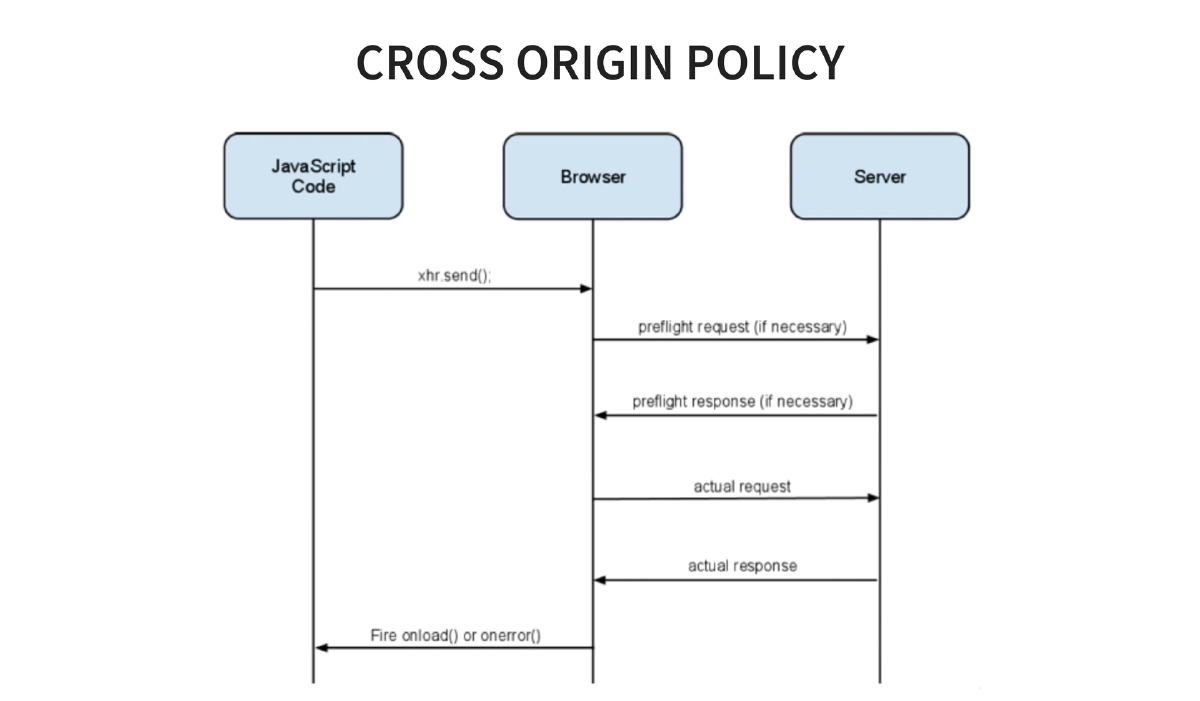
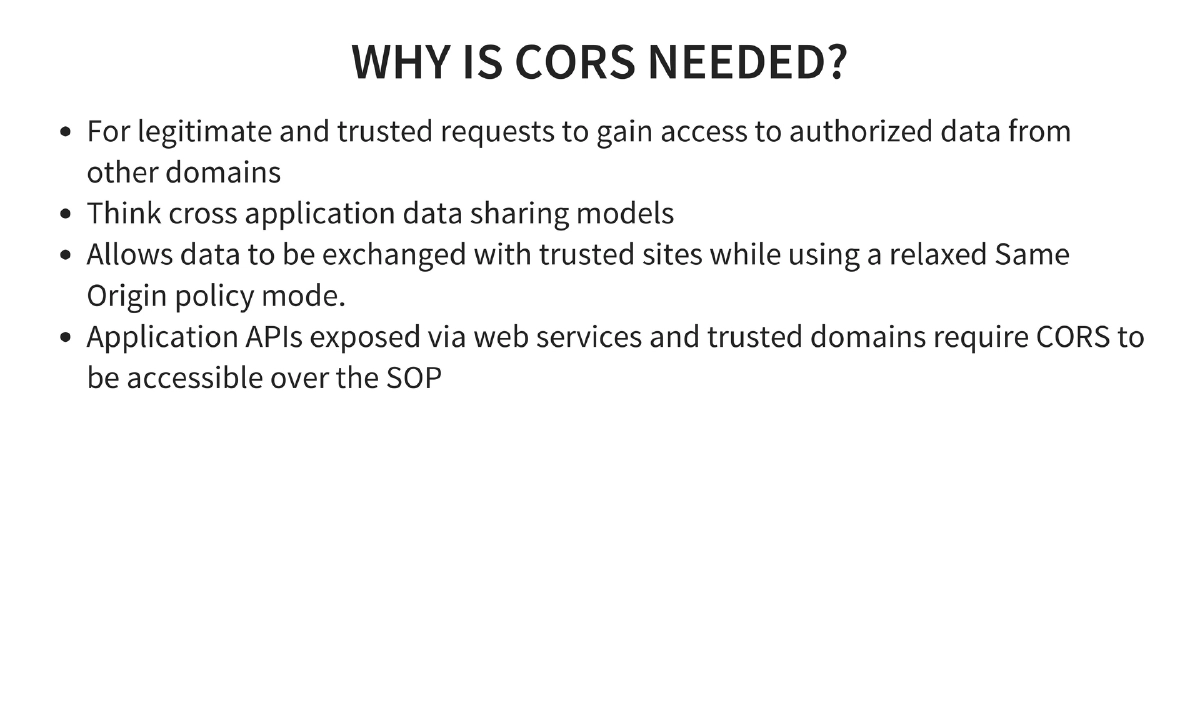
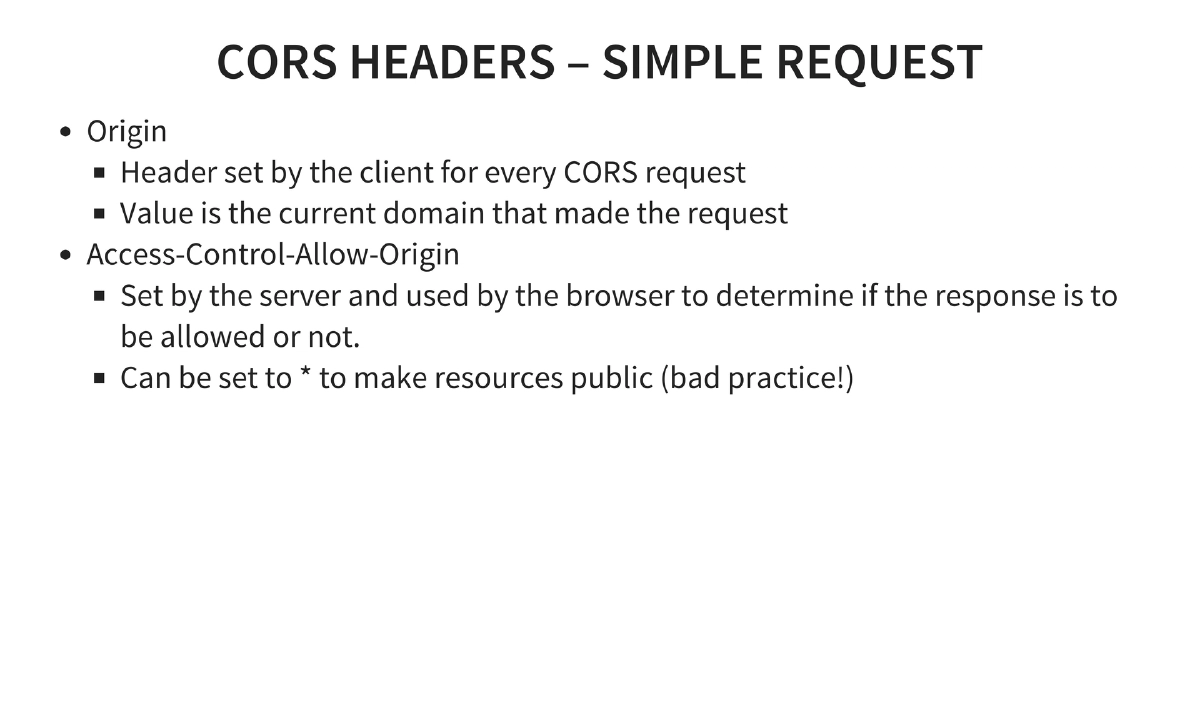
CORS (Cross-Origin Resource Sharing): Relaxes Same Origin Policy through HTTP headers. Origin is defined by protocol + host + port combination. The
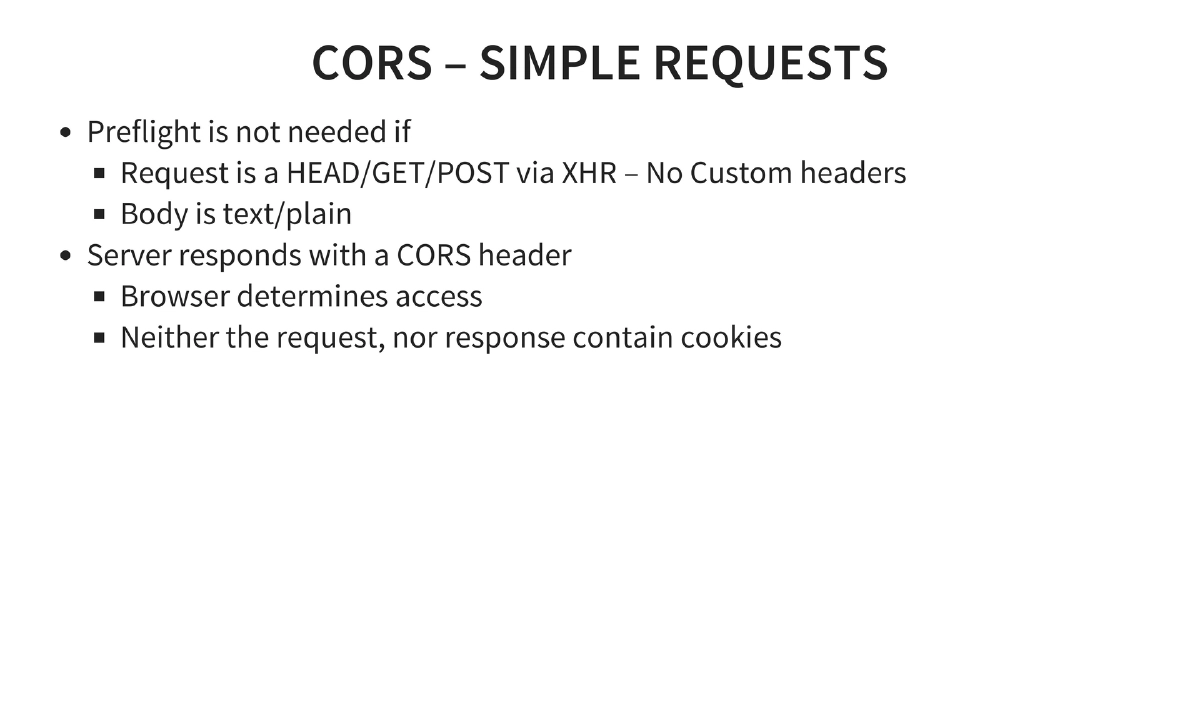
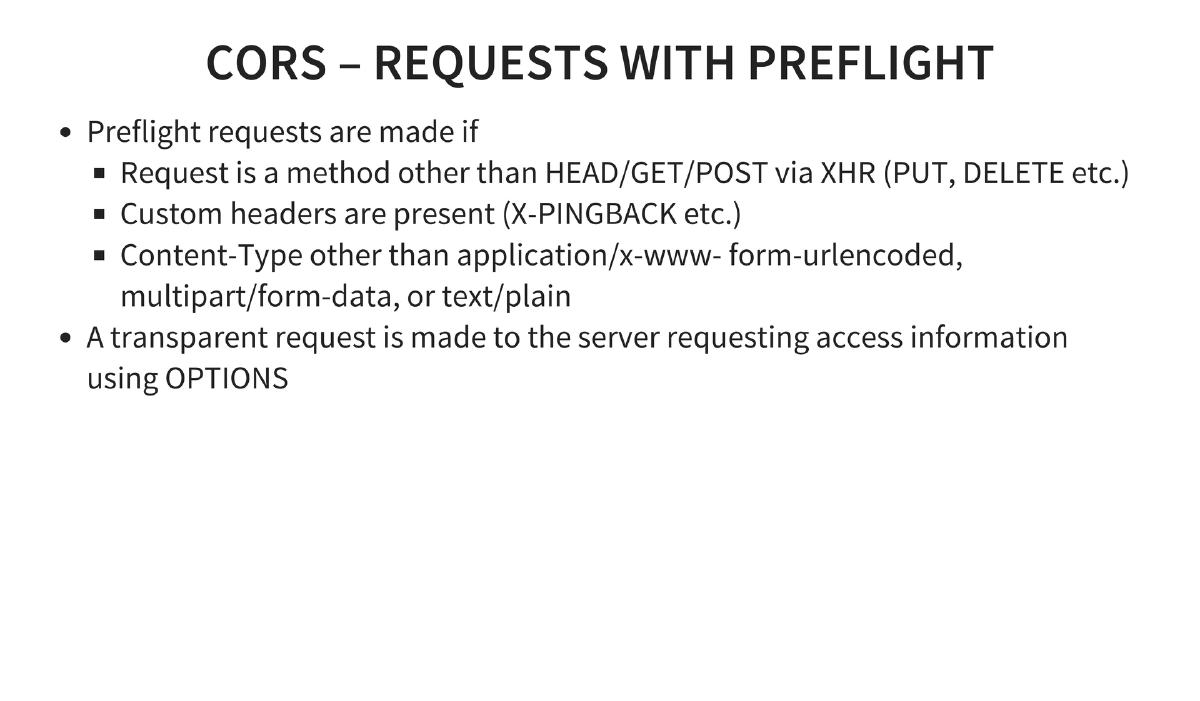
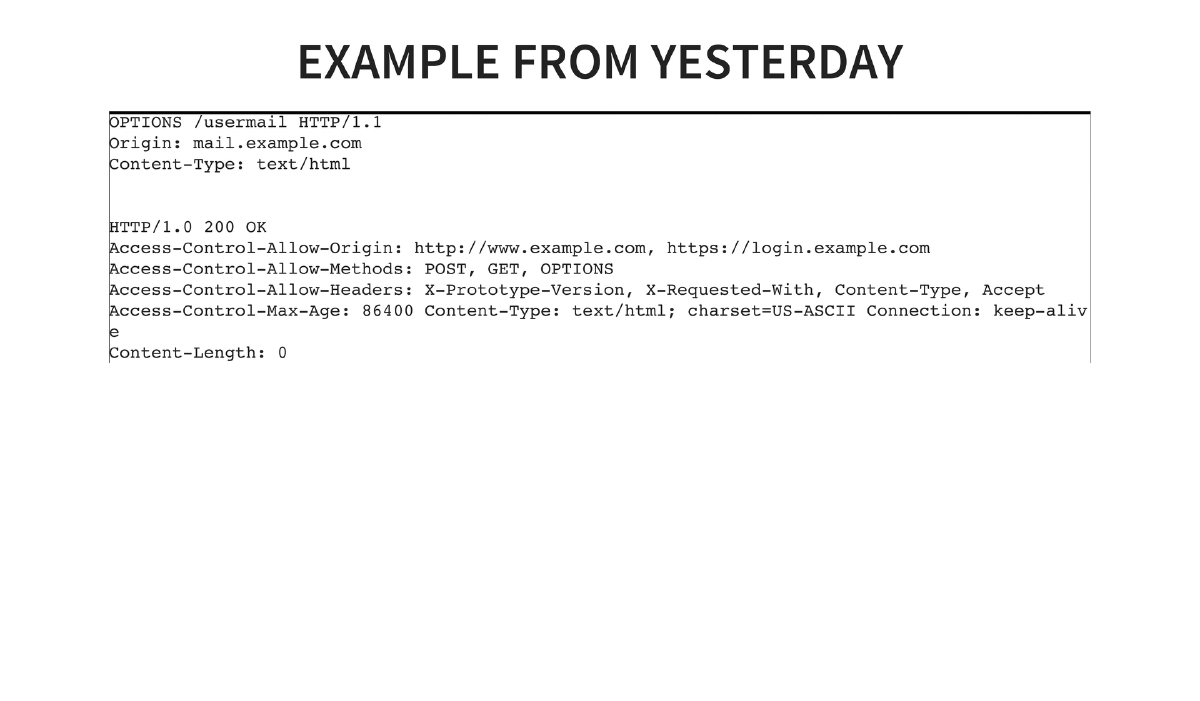
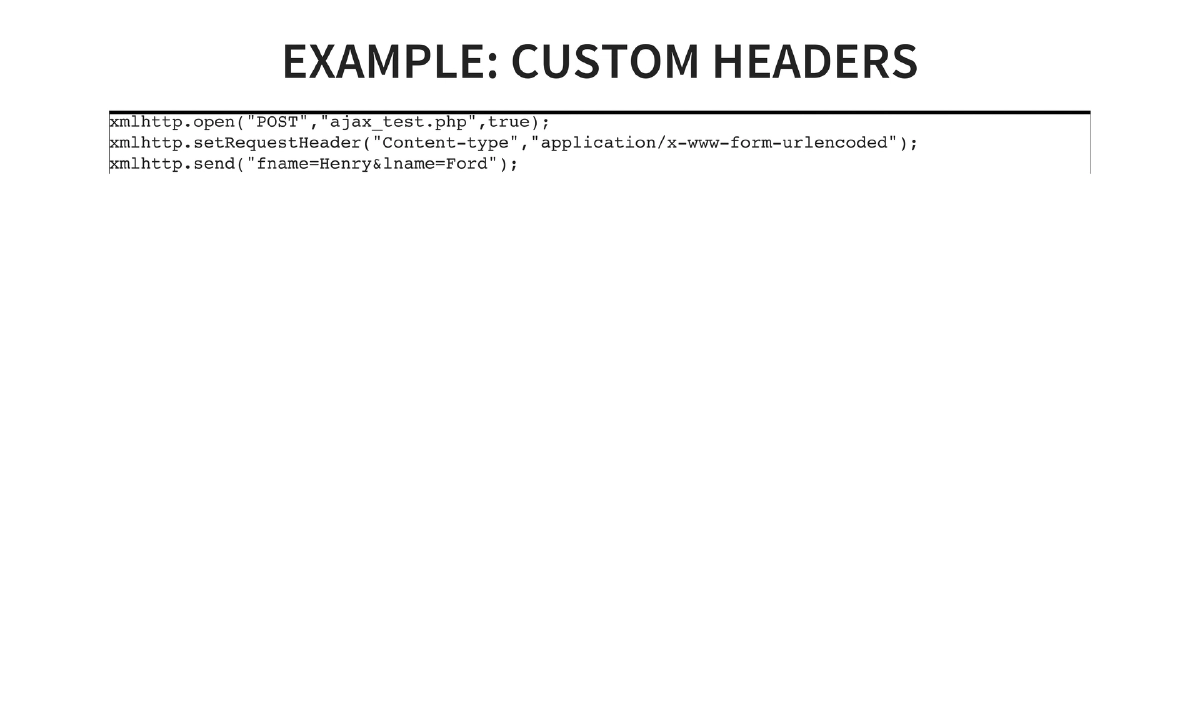
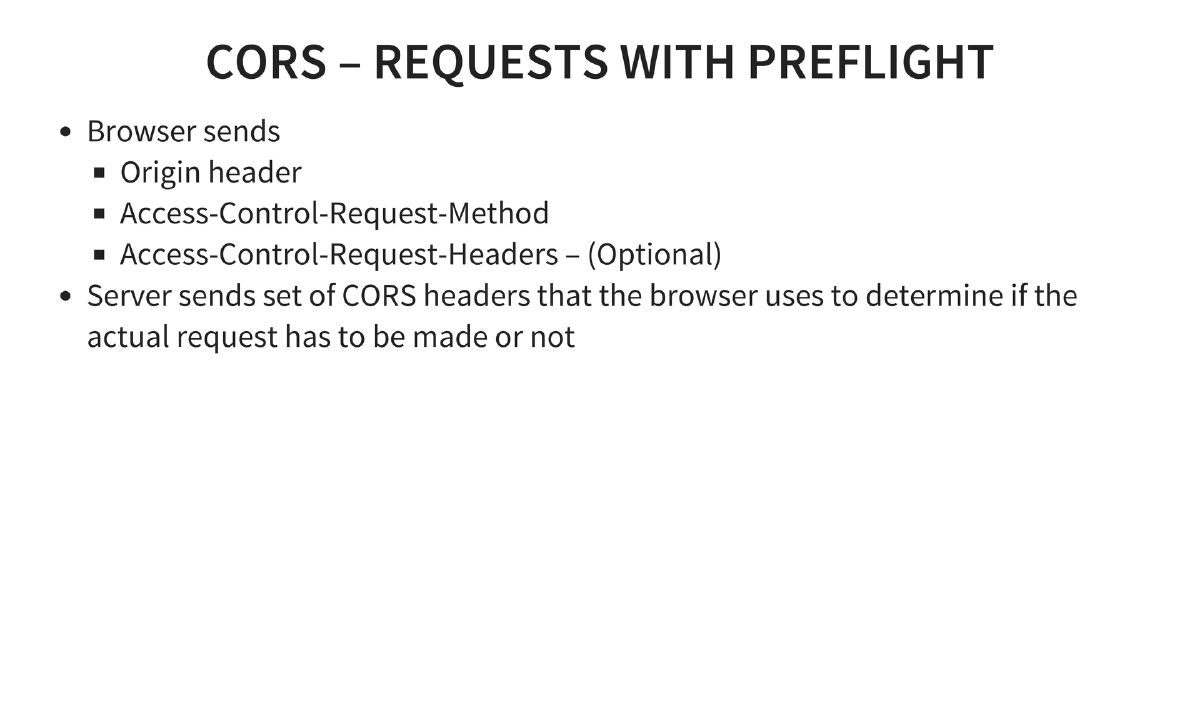
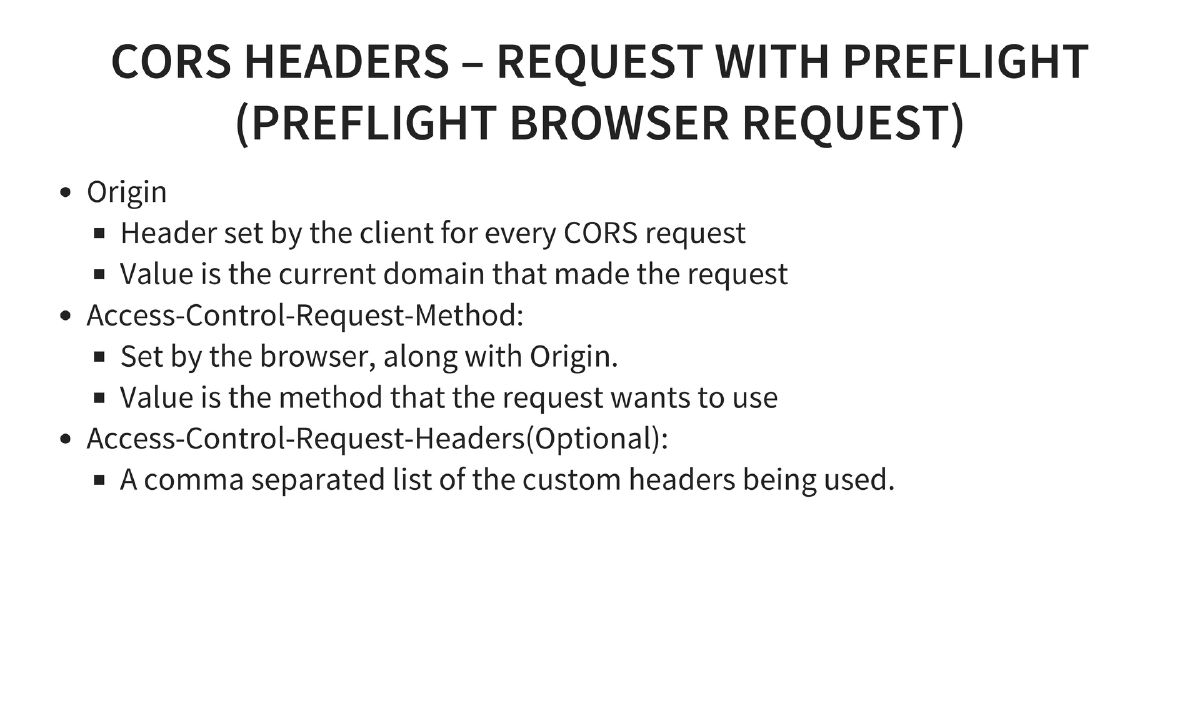
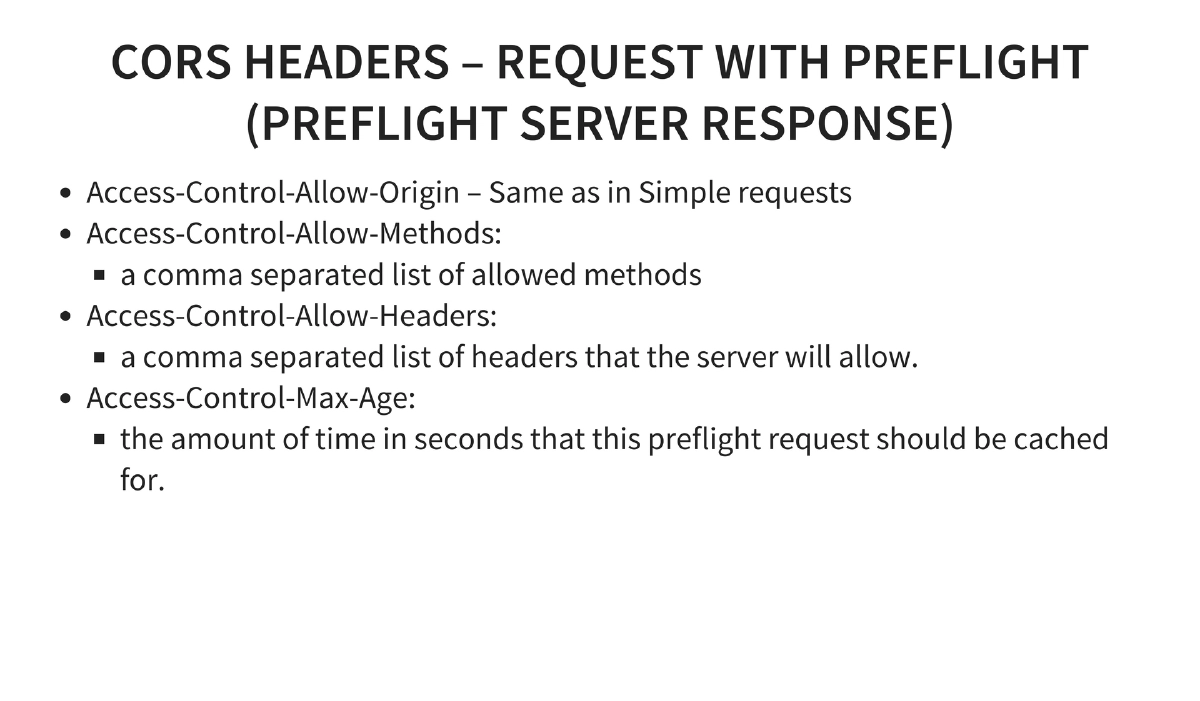
Access-Control-Allow-Originheader controls which domains can read responses. Simple requests (HEAD/GET/POST with text/plain body, no custom headers, no cookies) skip preflight. Complex requests trigger an OPTIONS preflight withAccess-Control-Request-MethodandAccess-Control-Request-Headers, receiving server responses includingAccess-Control-Allow-Methods,Access-Control-Allow-Headers, andAccess-Control-Max-Age. -
CORS Security Vulnerabilities:
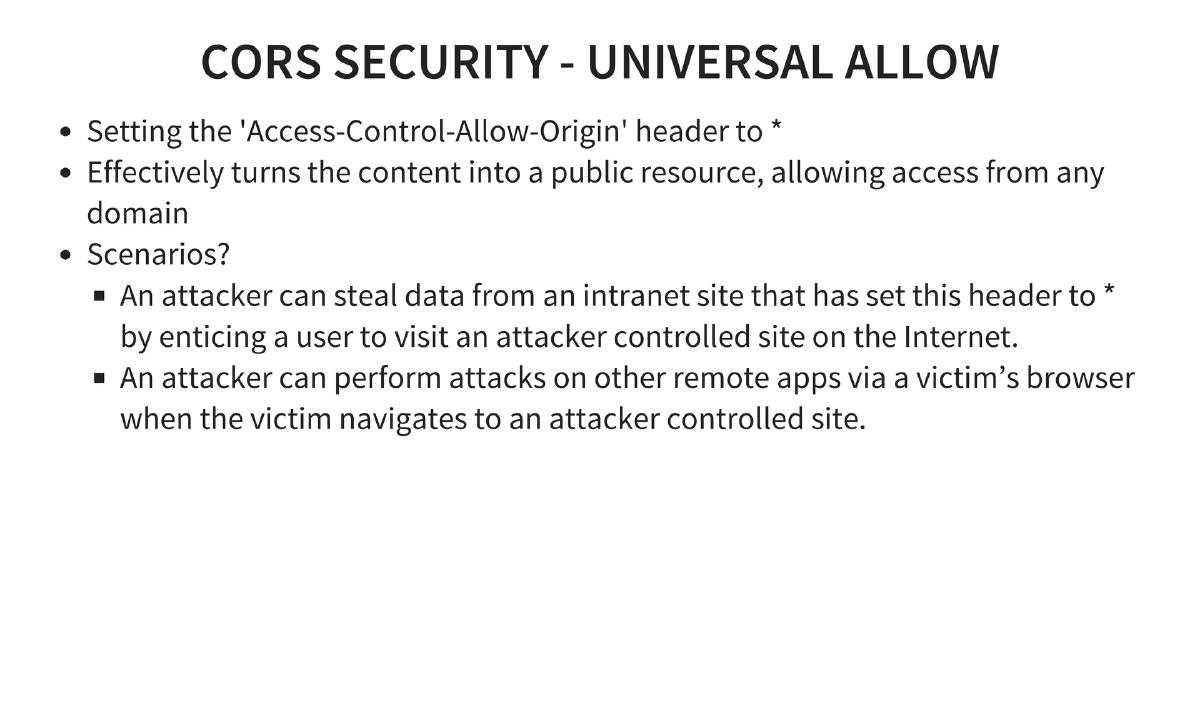
- Universal Allow: Setting
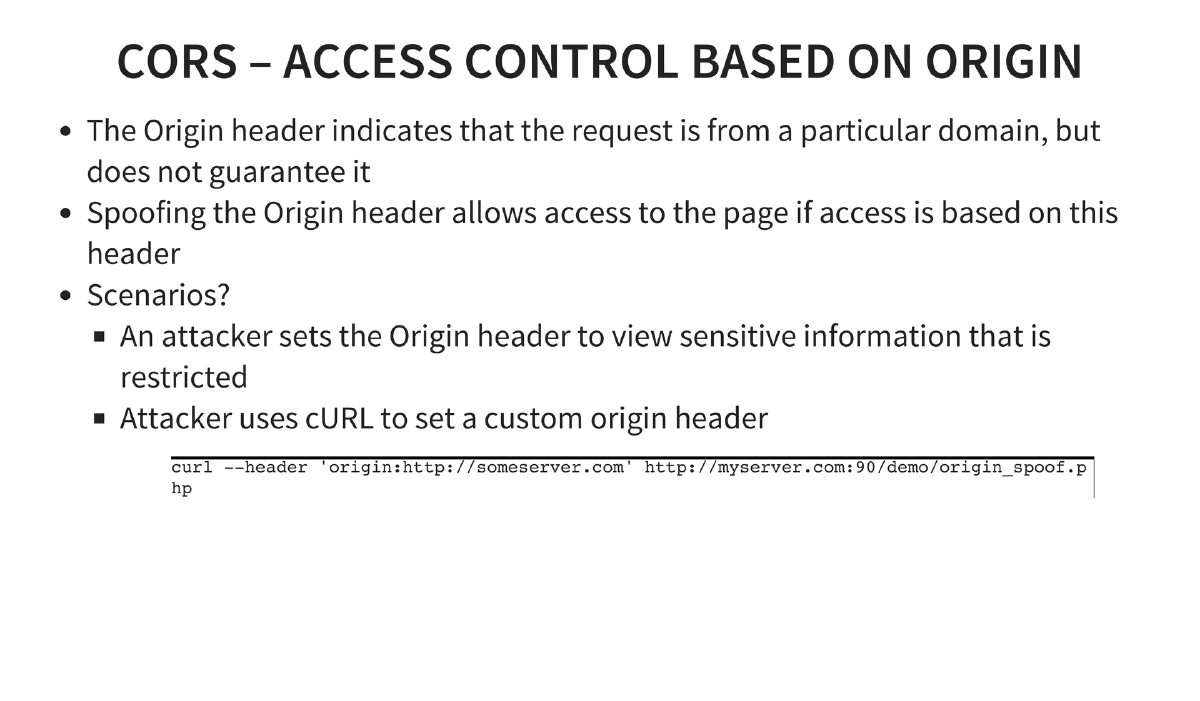
Access-Control-Allow-Origin: *turns content into a public resource, enabling attackers to steal intranet data by enticing users to visit malicious sites. - Origin Header Spoofing: The Origin header can be spoofed via tools like cURL, bypassing origin-based access controls.
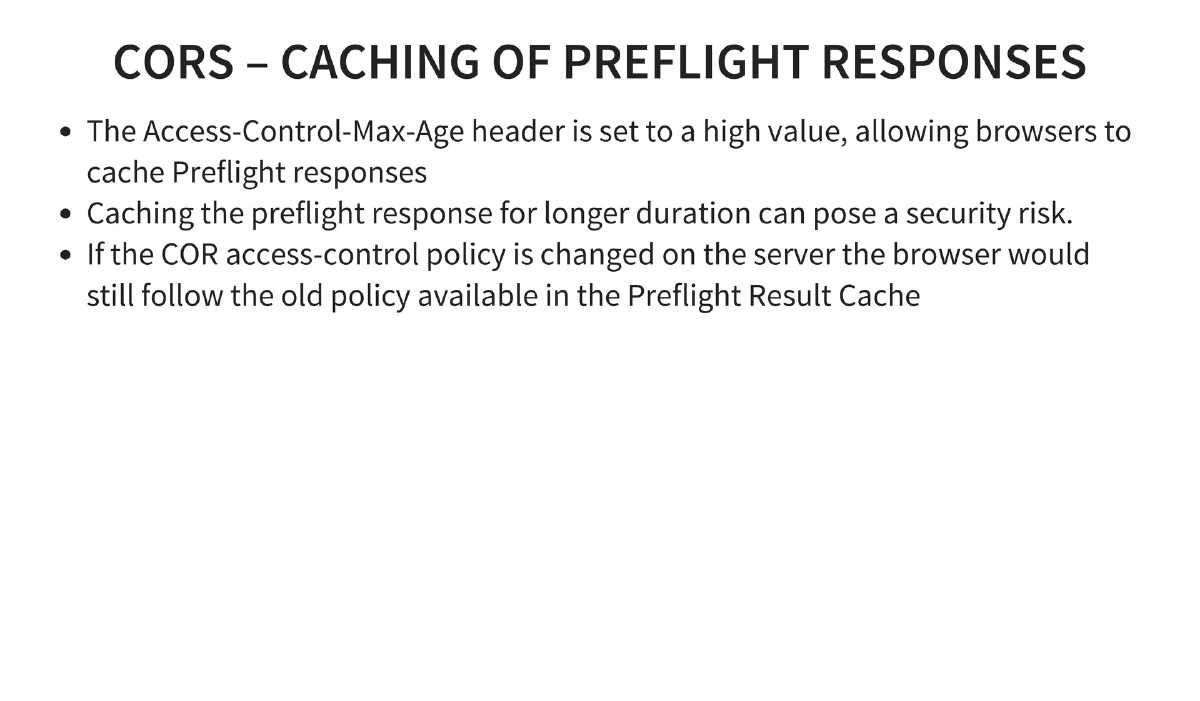
- Preflight Cache Poisoning: High
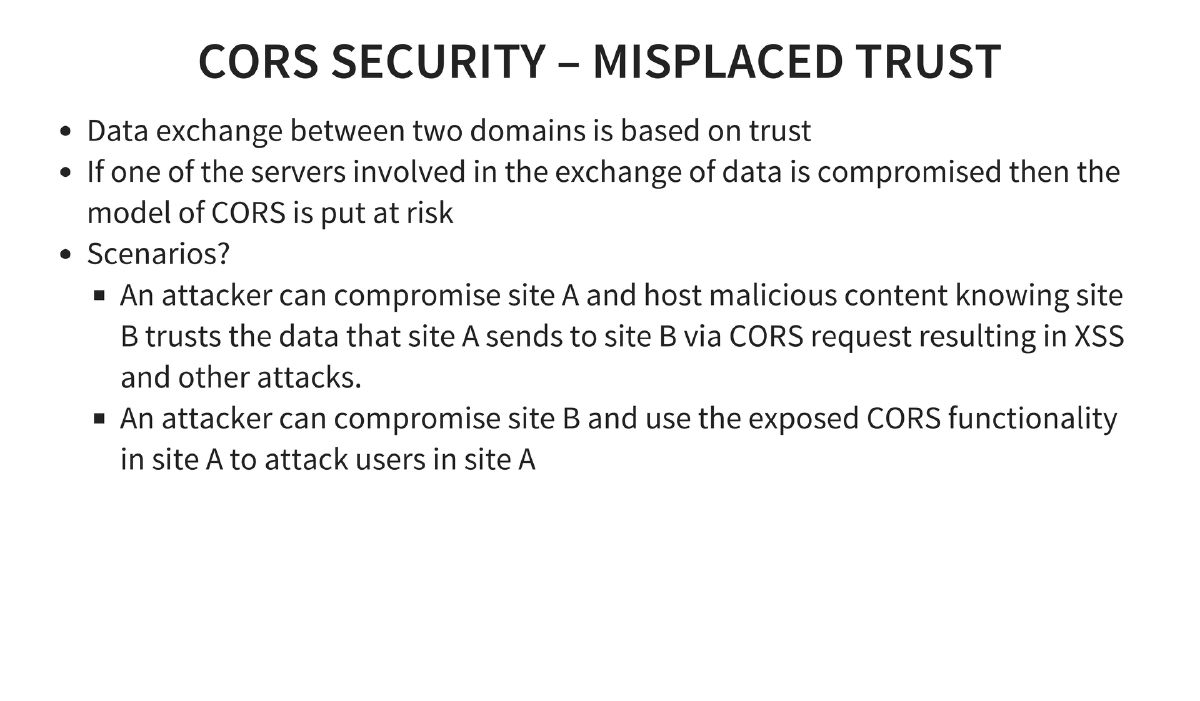
Access-Control-Max-Agevalues mean browsers cache CORS policies, so server-side policy changes are not reflected until the cache expires. - Misplaced Trust: If one domain in a CORS trust relationship is compromised, the trust model collapses — enabling XSS and other attacks across trusted domains.
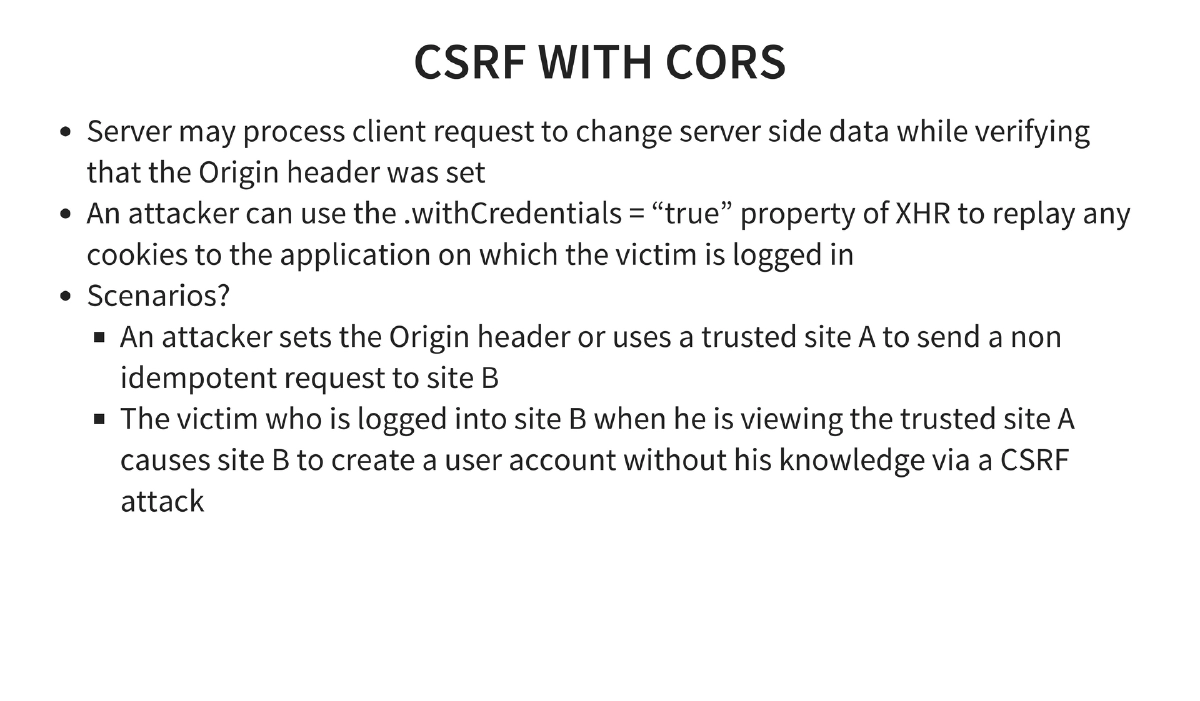
- CSRF via CORS: Using
.withCredentials = "true"to replay cookies enables cross-site request forgery against applications where users are authenticated.
- Universal Allow: Setting
-
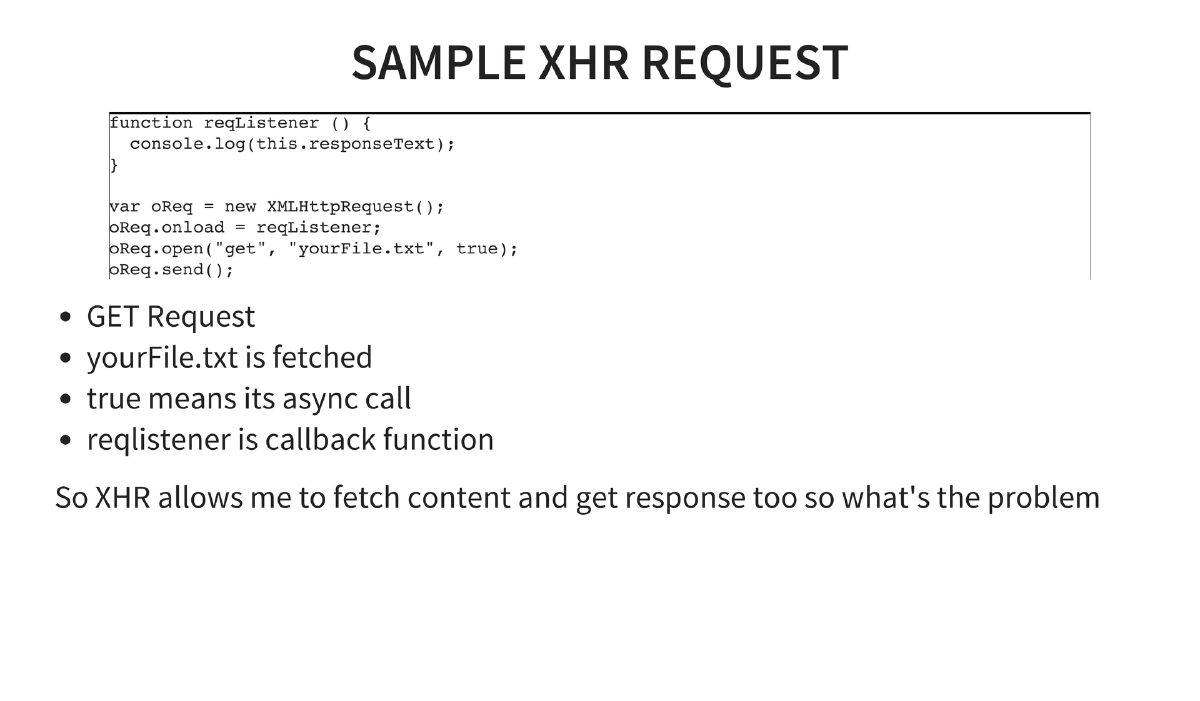
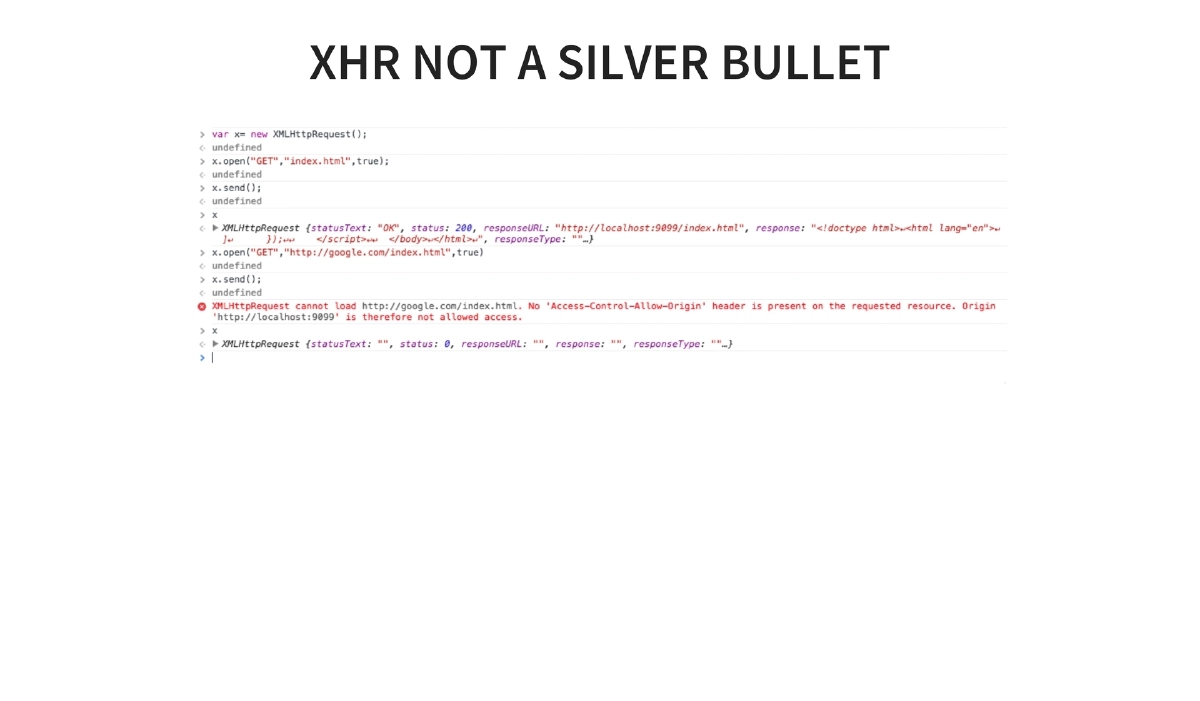
XHR (XMLHttpRequest): Enables fetching content and reading responses asynchronously. Without CORS, XHR is limited by Same Origin Policy — it can send requests but cannot read cross-origin responses. The interaction between XHR and CORS is covered in detail.
-
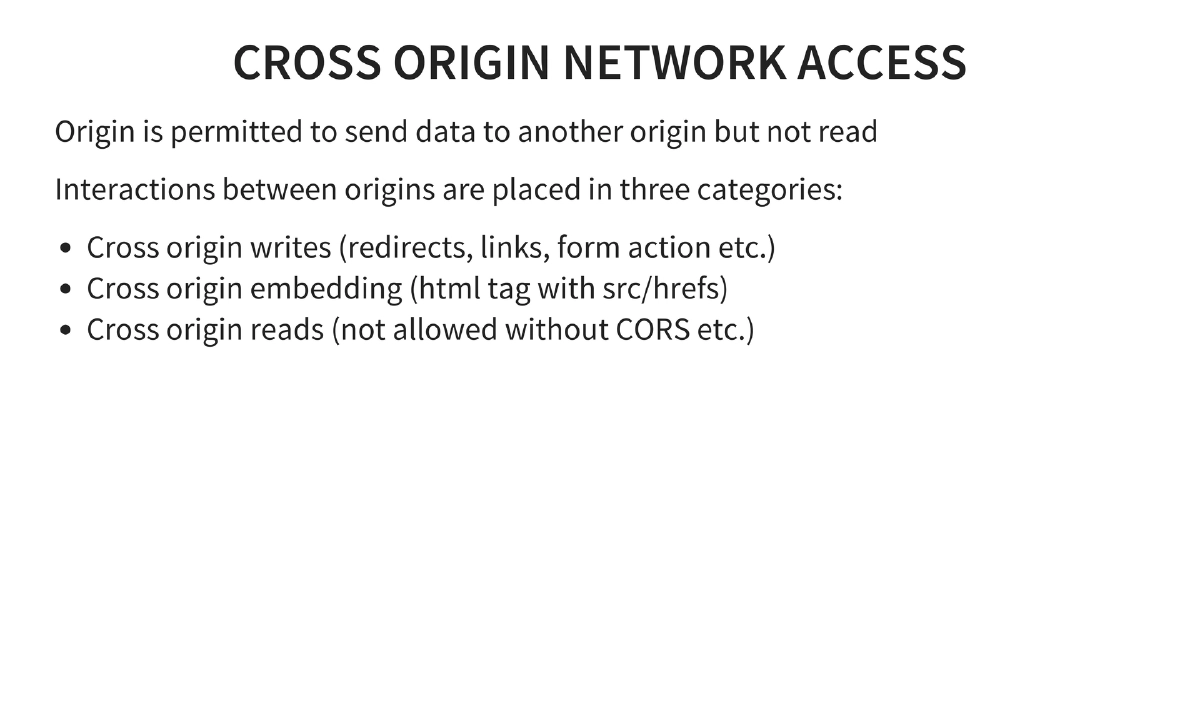
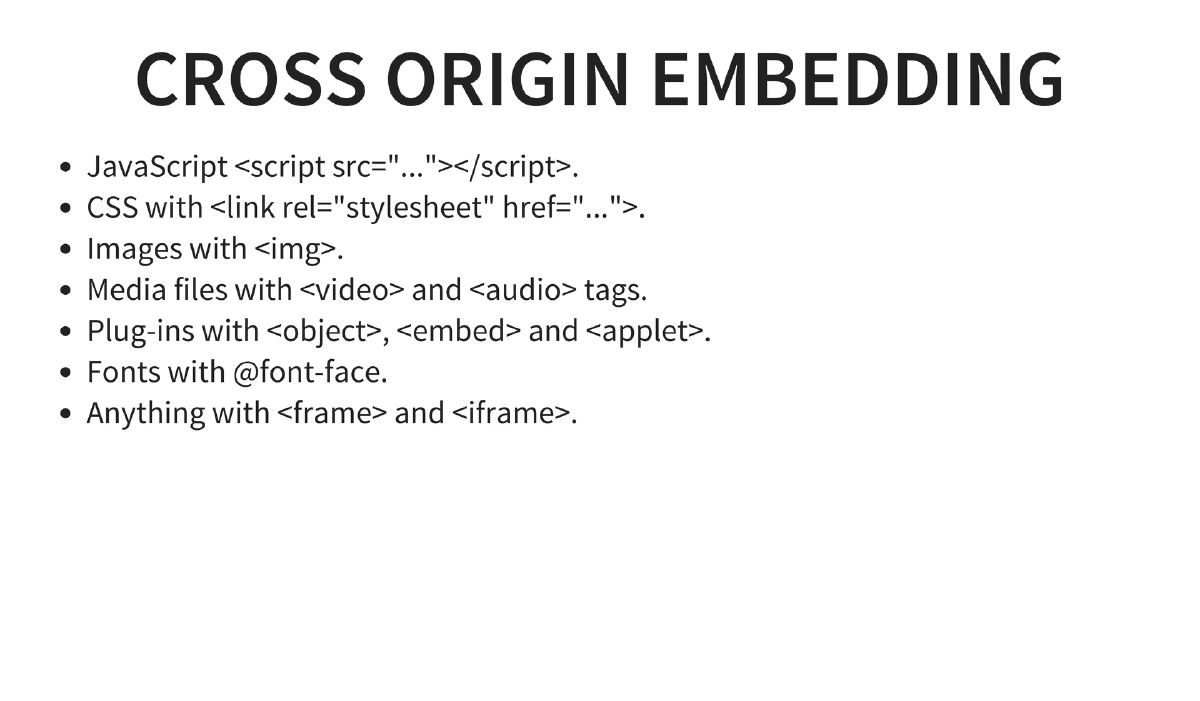
Cross-Origin Network Access Model: Writes (redirects, links, form actions) are generally permitted. Embedding (script src, CSS href, img, video, iframe) is permitted. Reads are blocked unless explicitly allowed via CORS headers.
-
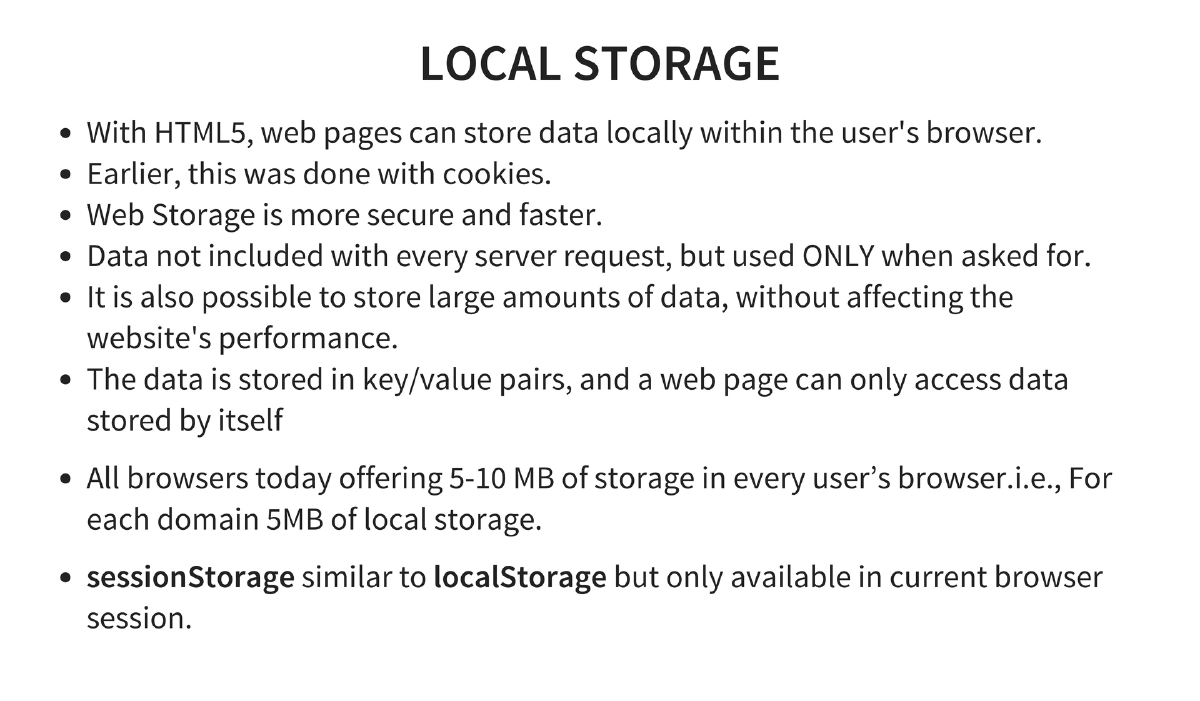
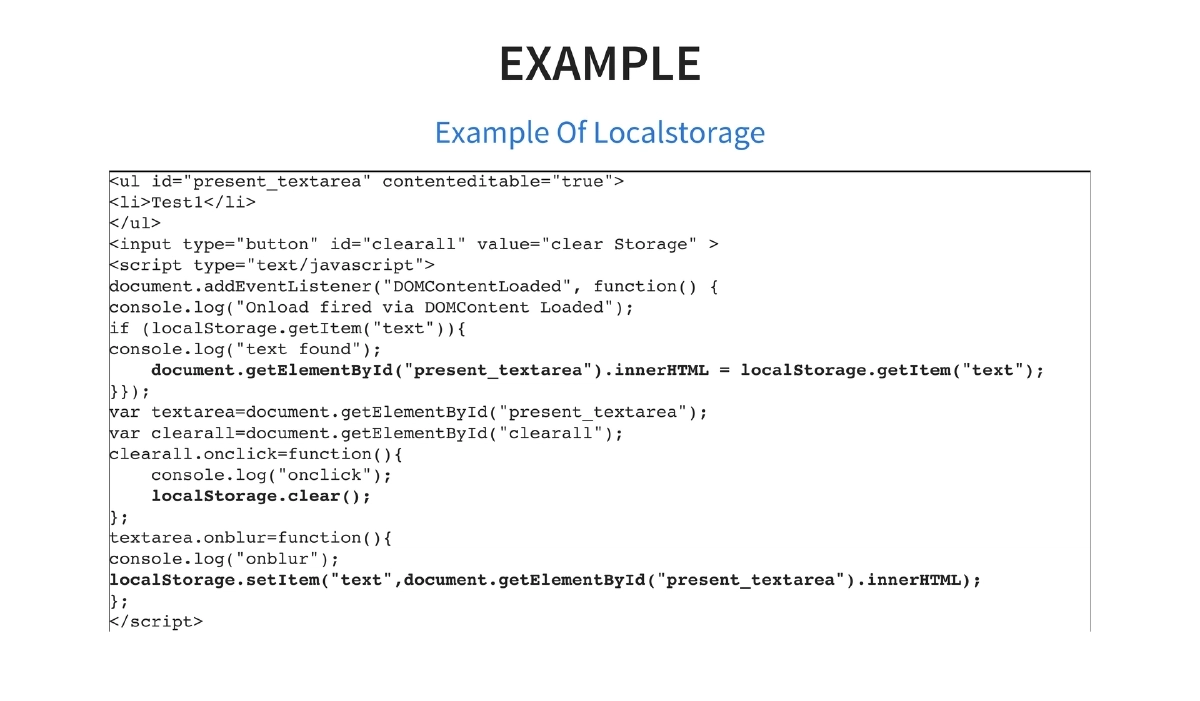
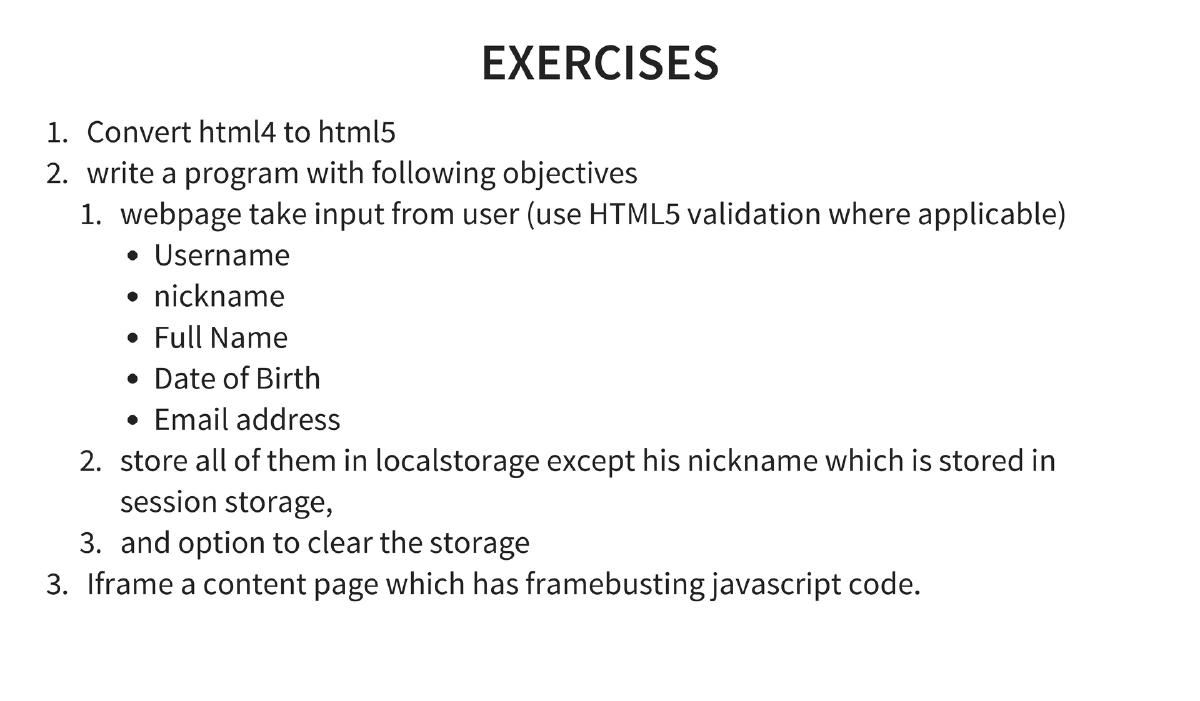
Local Storage and Session Storage: HTML5 provides 5-10MB per domain of key/value storage in the browser, more secure and faster than cookies. Data is not sent with every request.
localStoragepersists across sessions whilesessionStorageis limited to the current browser session. Demonstrated with practical code for storing and retrieving user input. -
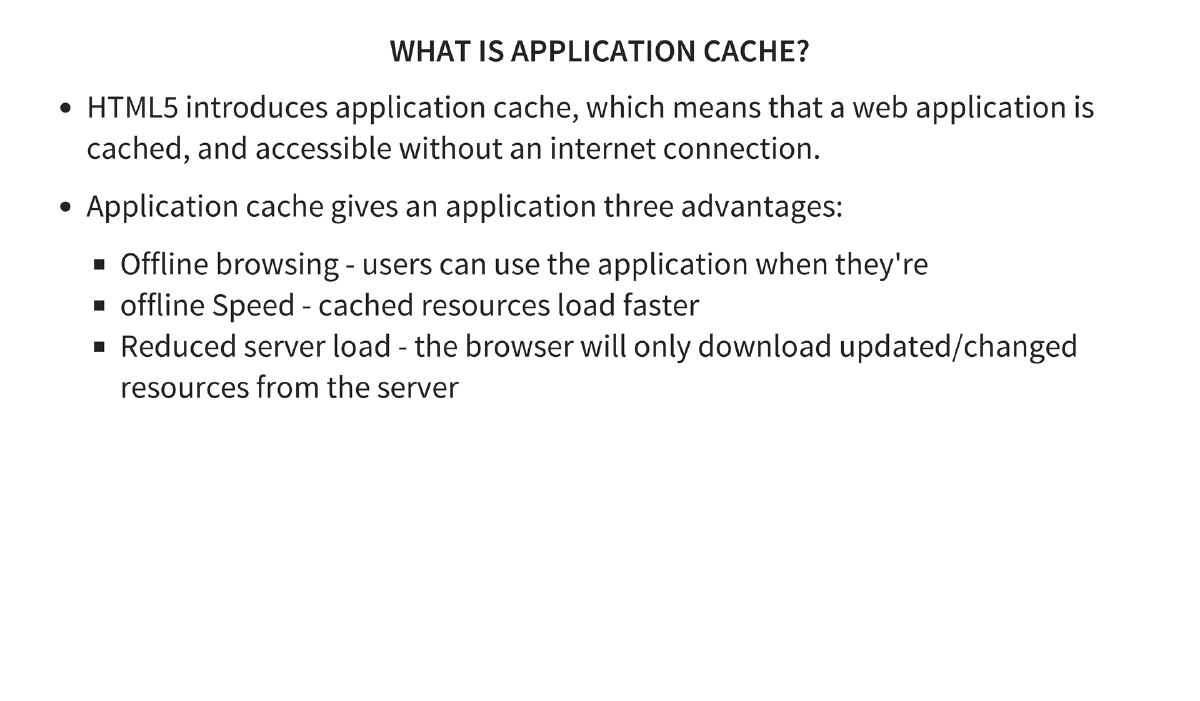
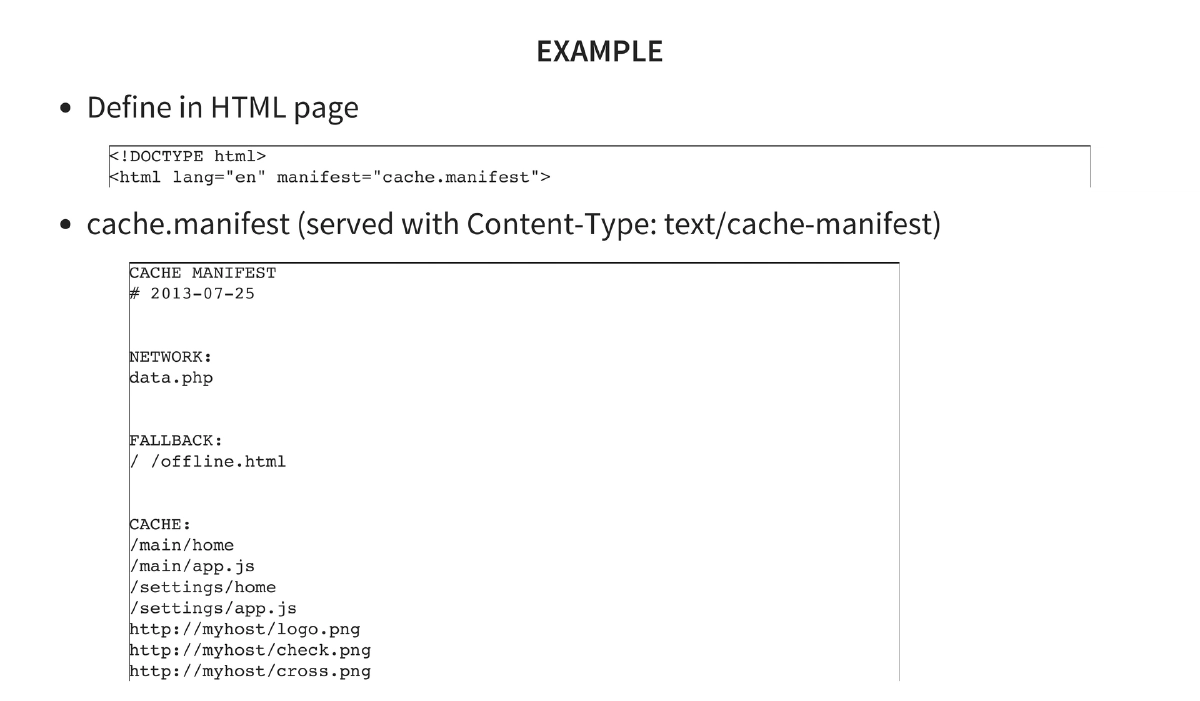
Application Cache: Enables offline web applications with a manifest file specifying CACHE, NETWORK, and FALLBACK sections. Best practices: cache fonts, splash images, app icons, and entry pages; never cache CSS, HTML, or JavaScript.
-
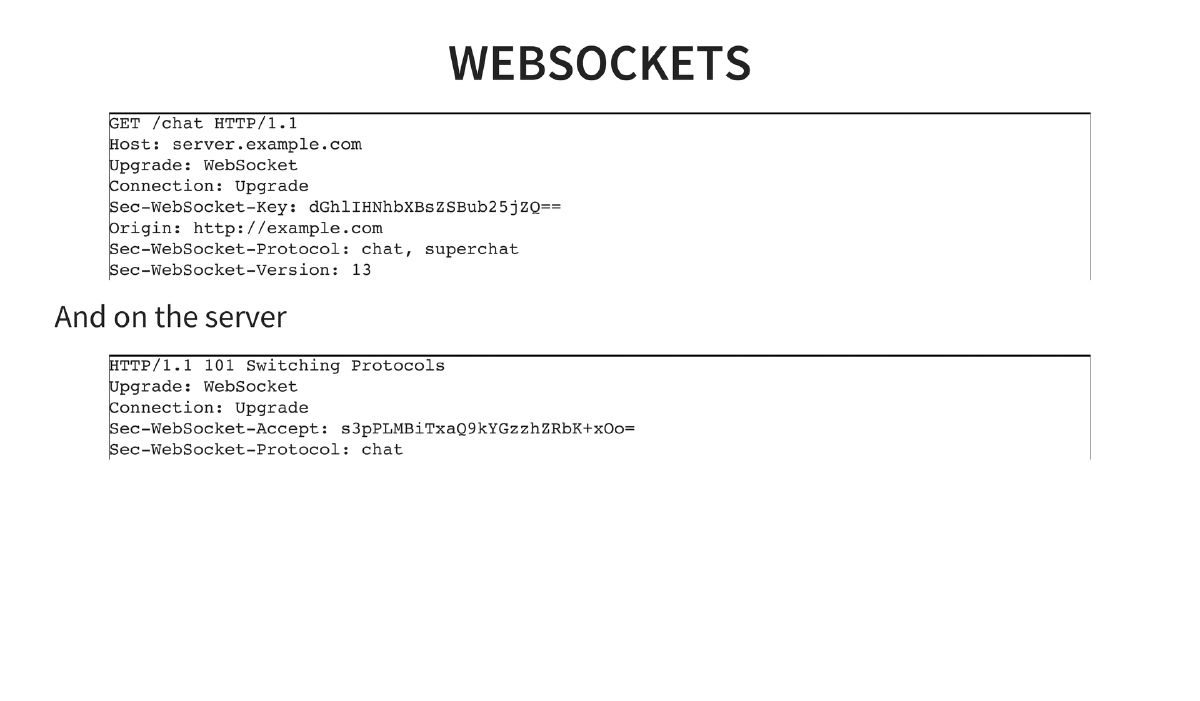
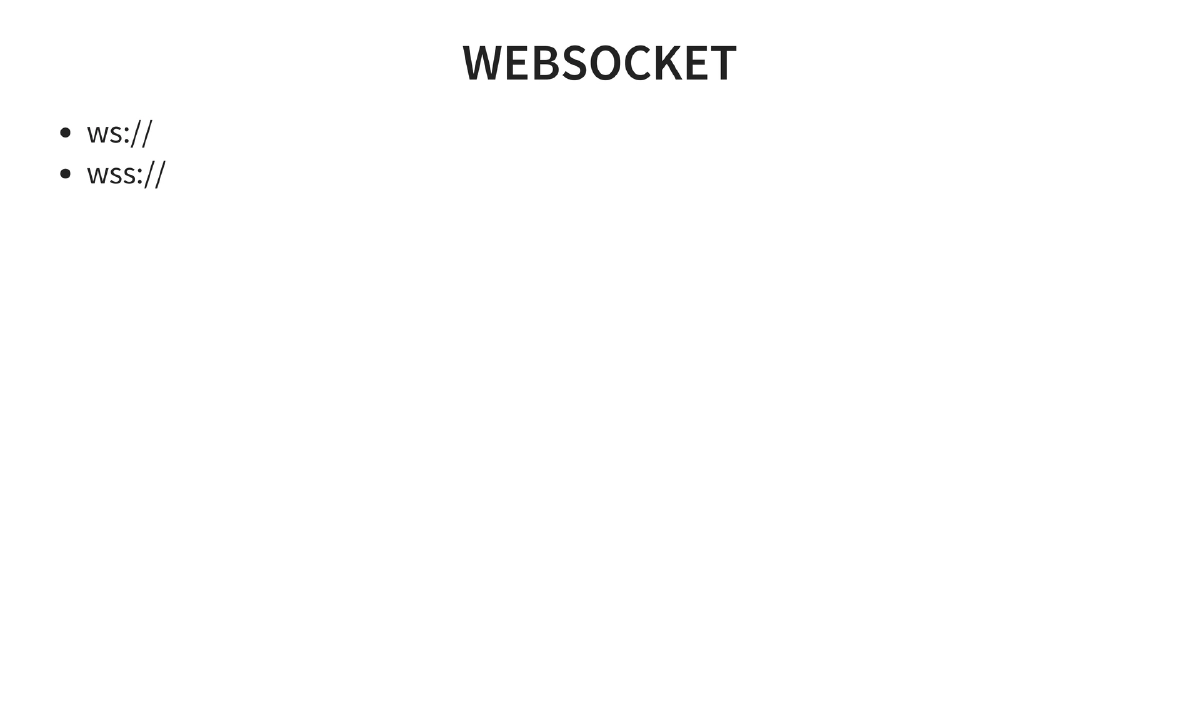
WebSockets: Upgraded HTTP connections (
ws:///wss://) enabling full-duplex communication between client and server, using theUpgrade: WebSocketheader handshake. -
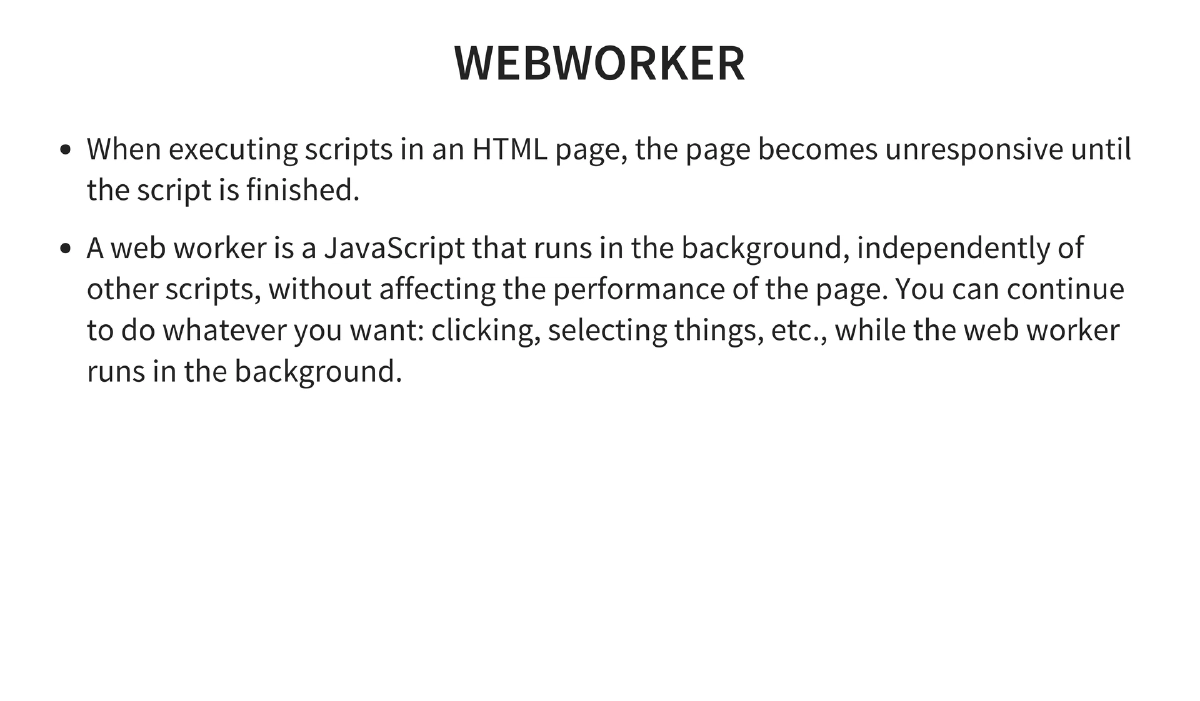
Web Workers: JavaScript execution in background threads that do not block the UI, enabling computationally intensive operations without affecting page responsiveness.
-
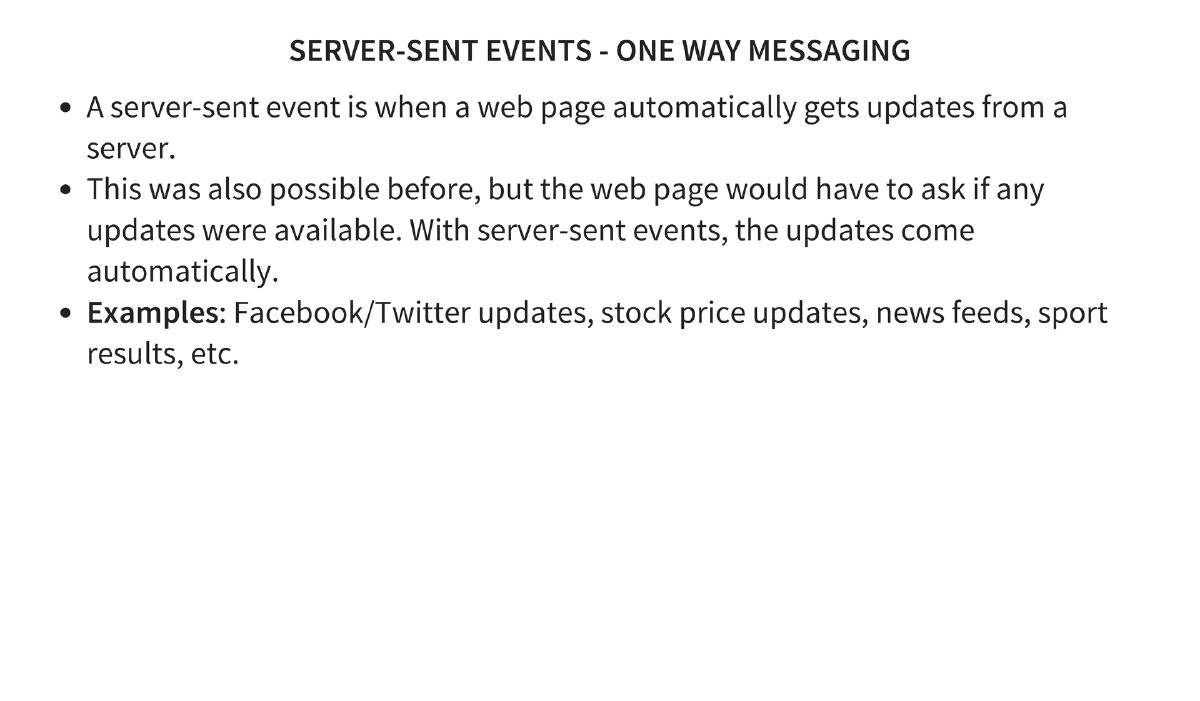
Server-Sent Events: One-way messaging where the server automatically pushes updates to the client without polling — used for real-time feeds like social media updates, stock prices, and sports results.
-
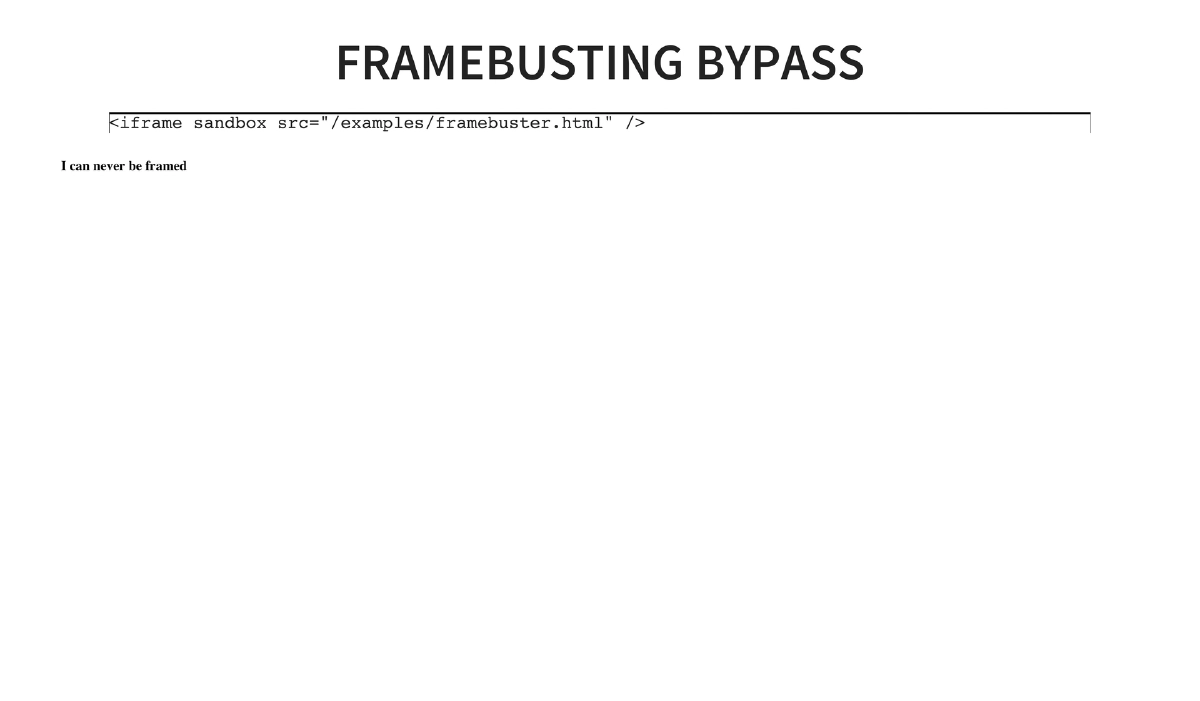
iframe Sandboxing and Frame Busting Bypass: HTML5’s
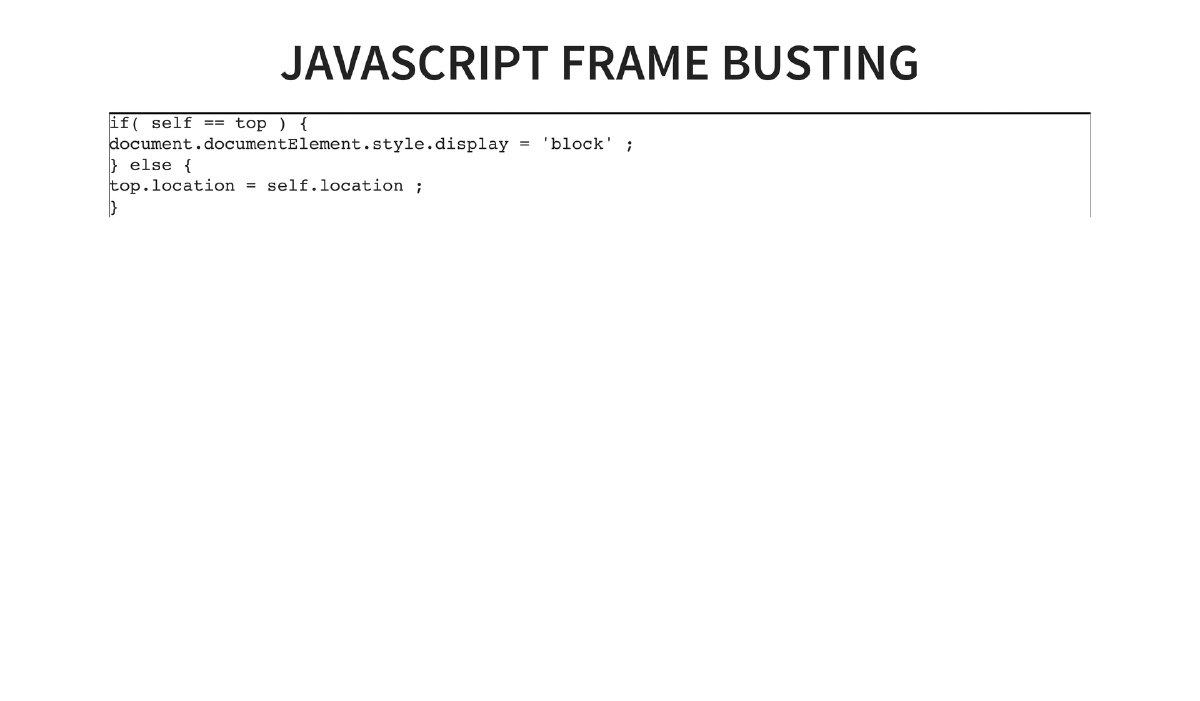
sandboxattribute on iframes can defeat JavaScript-based frame-busting defenses. A page with frame-busting code (if(self == top)) can be framed using<iframe sandbox src="...">, as the sandbox disables the JavaScript that would normally prevent framing. -
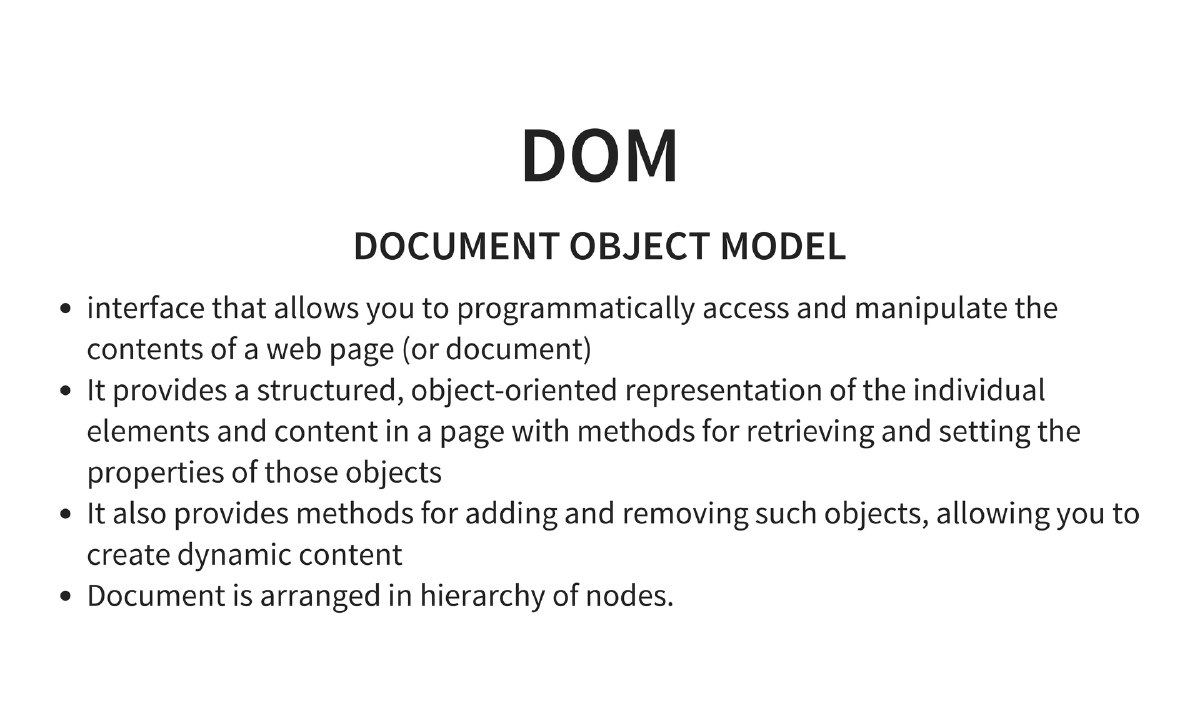
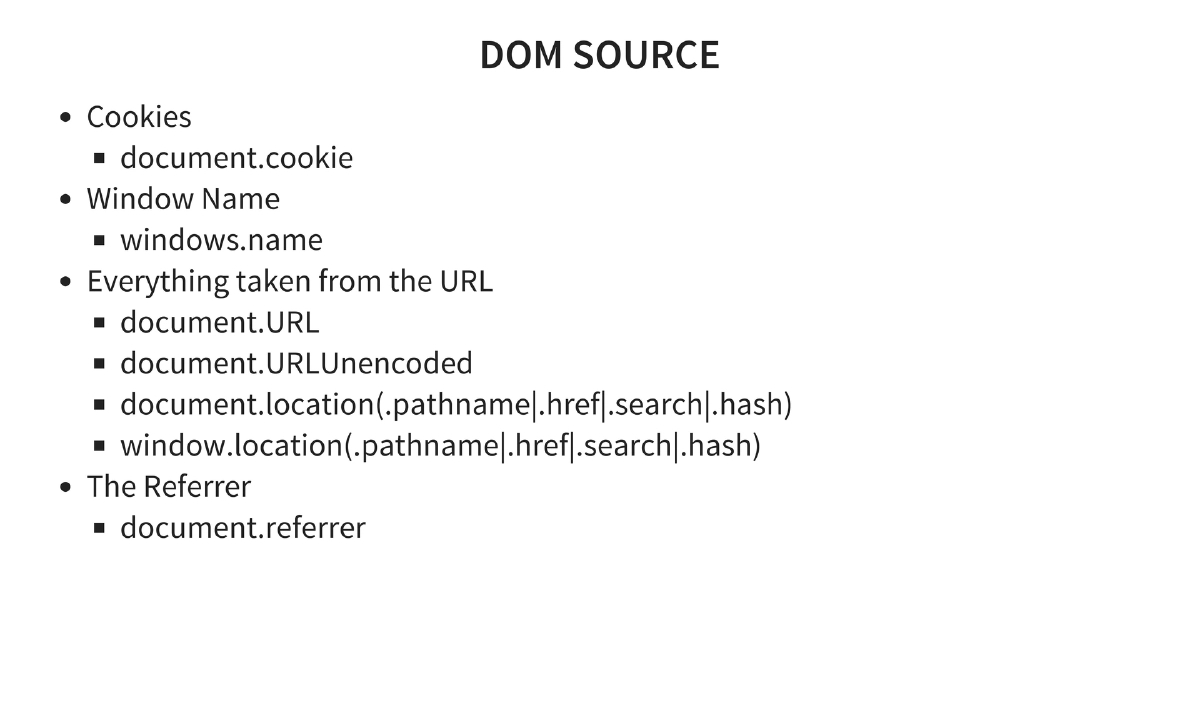
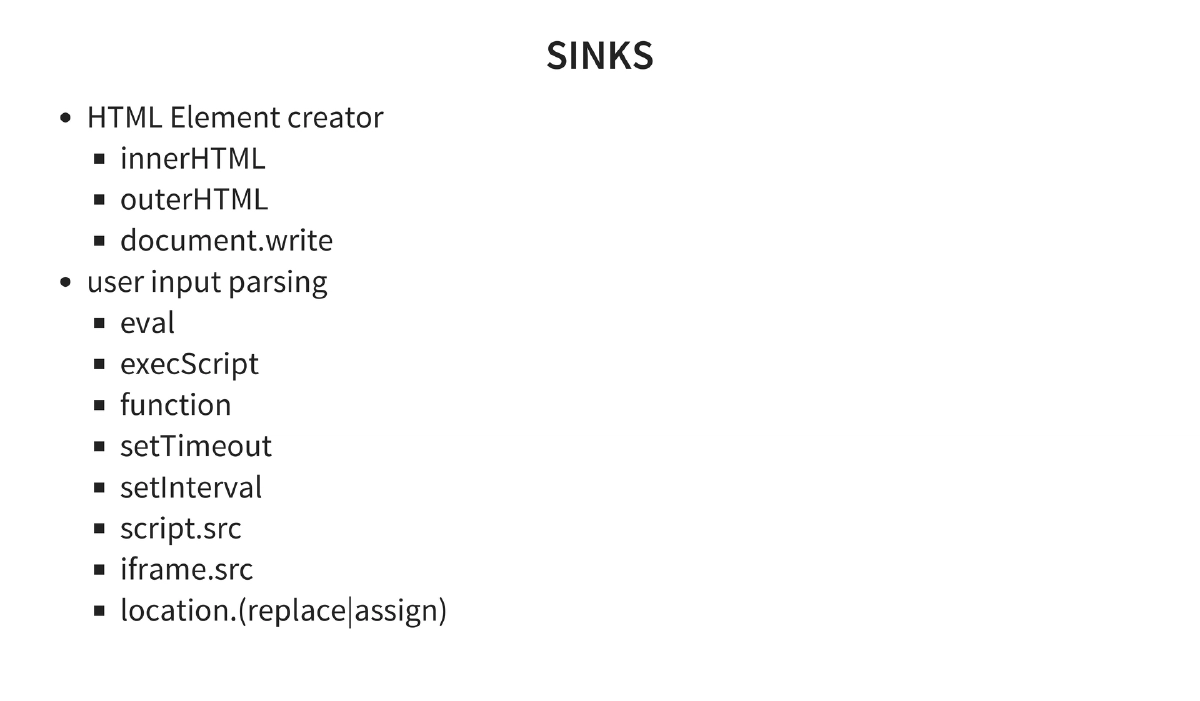
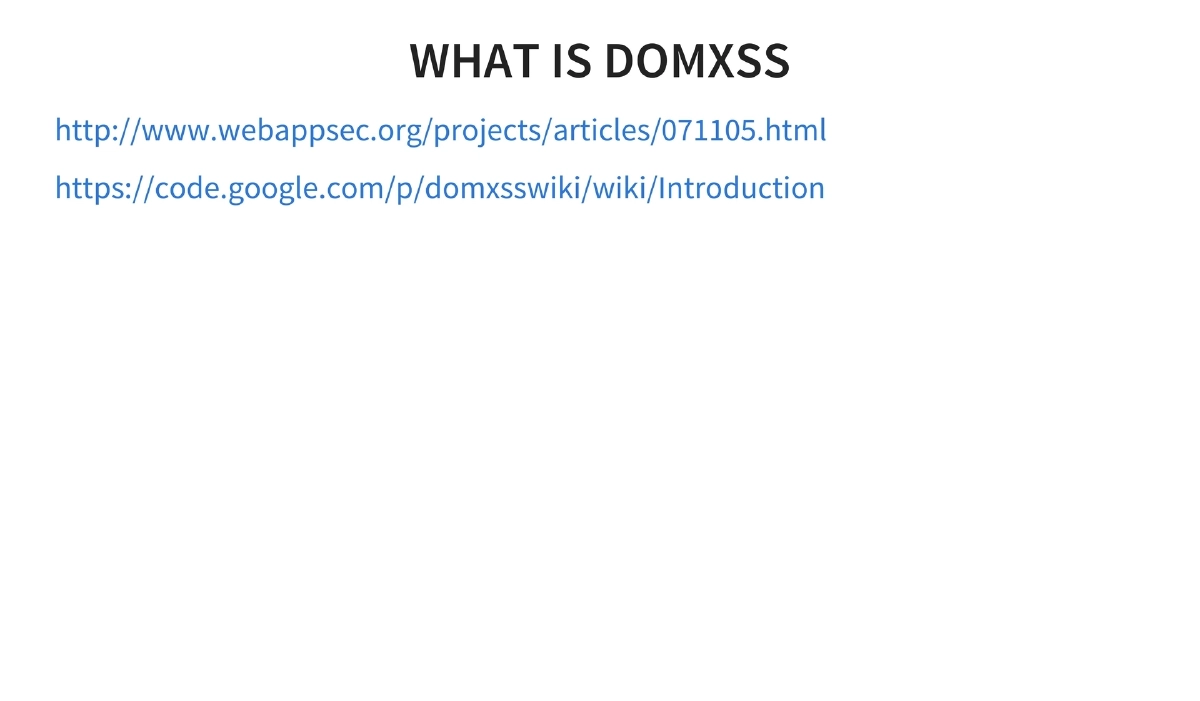
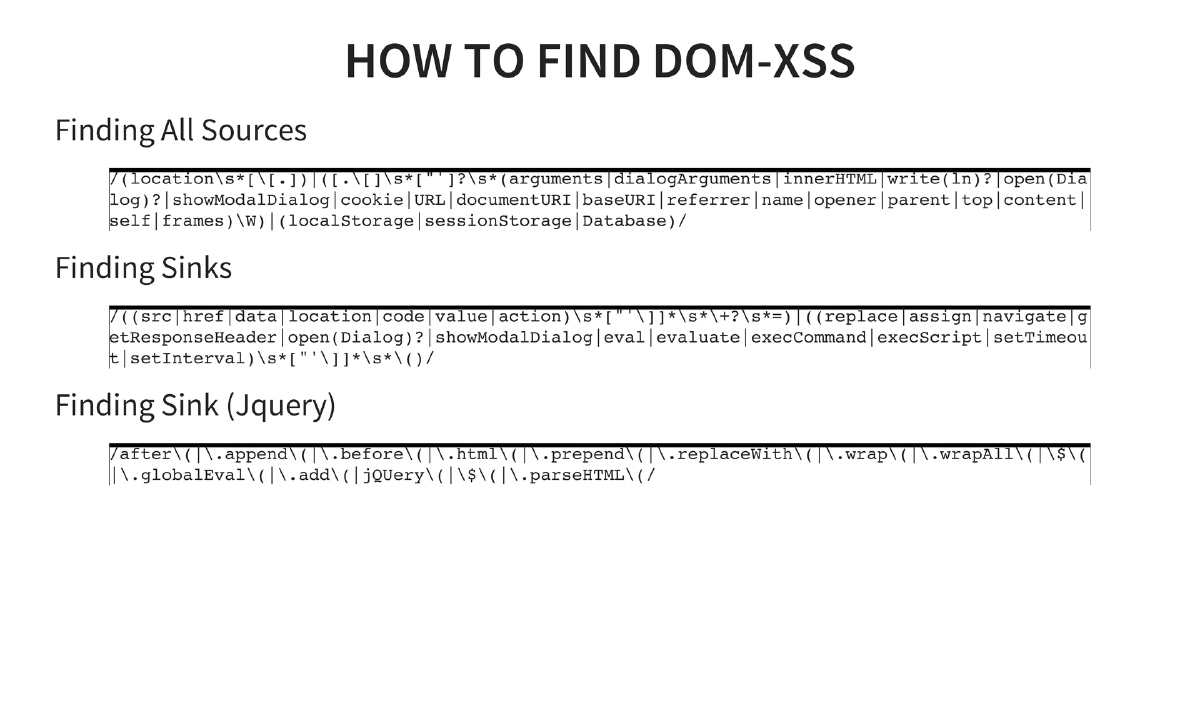
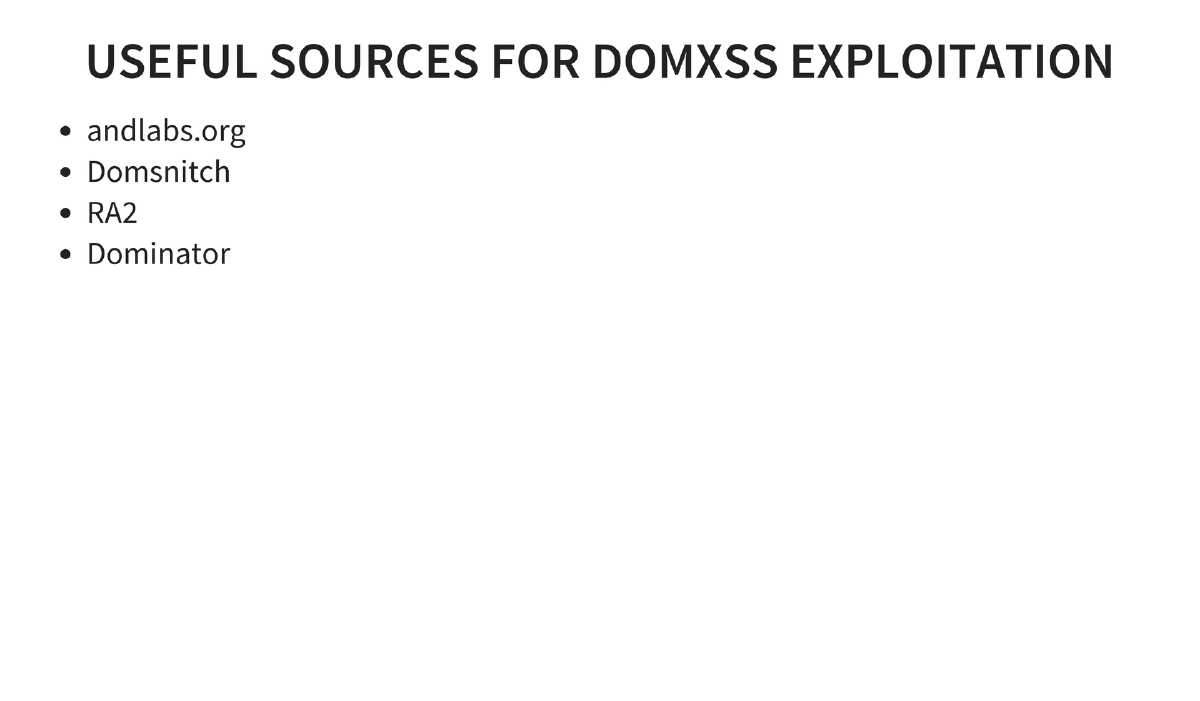
DOM-Based XSS: Detailed coverage of Document Object Model security — DOM sources (cookies, window.name, document.URL, document.location, document.referrer) and sinks (innerHTML, outerHTML, document.write, eval, setTimeout, setInterval, location.assign). Includes regex patterns for finding sources and sinks in code, plus jQuery-specific sink patterns (
$.html(),$.append(),$.parseHTML()). Tools: andlabs.org, DOMSnitch, RA2, Dominator. -
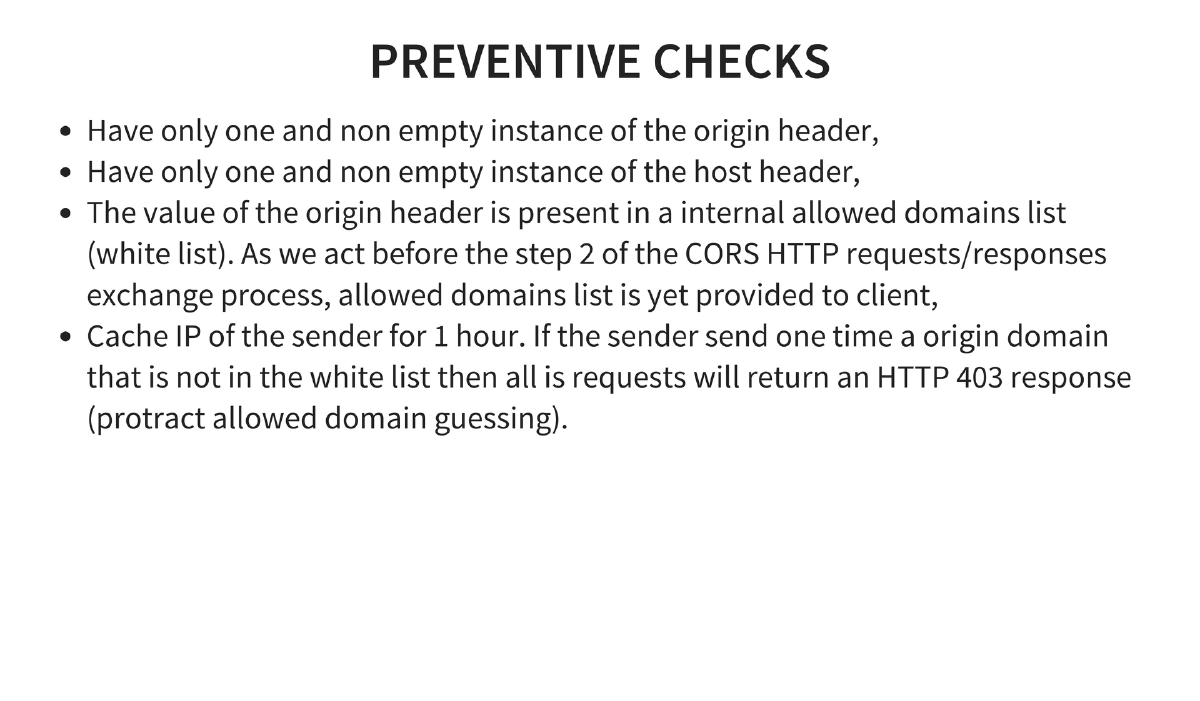
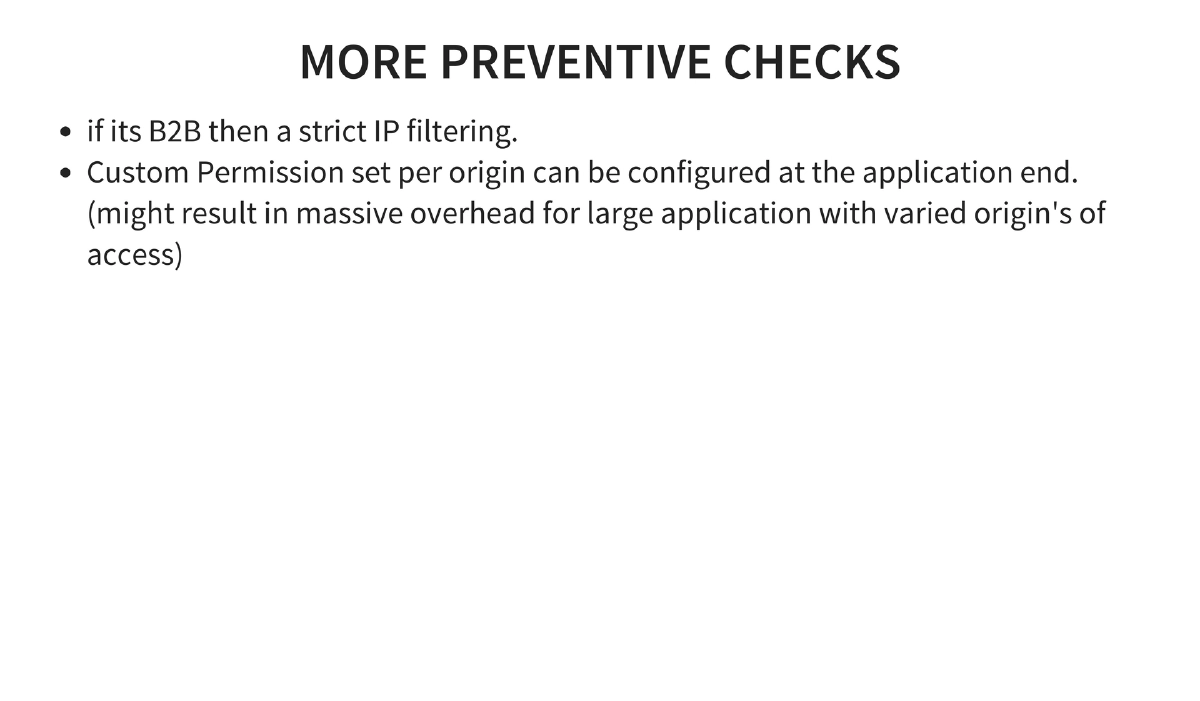
CORS Prevention Strategies: Validate that origin headers are in a whitelist, ensure single non-empty instances of origin and host headers, cache sender IPs and block after invalid origin attempts (rate limiting), use strict IP filtering for B2B scenarios, and configure custom permission sets per origin.
Actionable Takeaways
- Never set
Access-Control-Allow-Origin: *on endpoints that serve sensitive data — maintain a strict whitelist of allowed origins and validate the Origin header server-side. - Audit web applications for DOM-based XSS by systematically searching for DOM sources (document.URL, document.location, document.referrer) flowing into dangerous sinks (innerHTML, eval, document.write) using the provided regex patterns.
- Implement proper CORS preflight caching with reasonable
Access-Control-Max-Agevalues, and plan for cache invalidation when access policies change. - Use the HTML5
sandboxattribute on iframes only when intentional, and be aware that it can bypass frame-busting JavaScript — implement X-Frame-Options or Content-Security-Policy frame-ancestors as server-side alternatives. - Treat localStorage as client-side storage that is accessible to any JavaScript running on the same origin — never store authentication tokens, secrets, or sensitive PII in localStorage without additional protection.
- When testing web applications, check for CORS misconfigurations by sending requests with spoofed Origin headers and checking whether the server reflects them in
Access-Control-Allow-Originresponses.