Sacon Cloud Pentesting
AI Generated Summary
AI Generated Content Disclaimer
Note: This summary is AI-generated and may contain inaccuracies, errors, or omissions. If you spot any issues, please contact the site owner for corrections. Errors or omissions are unintended.
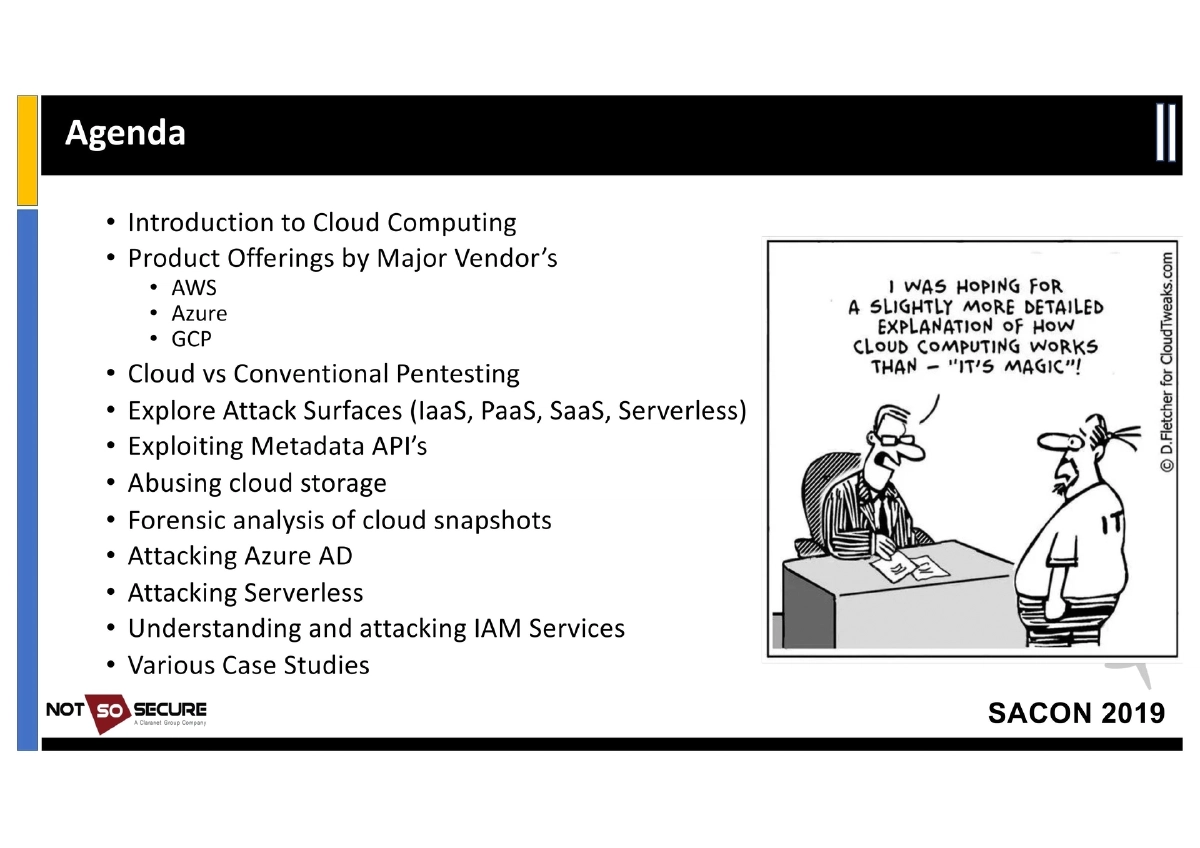
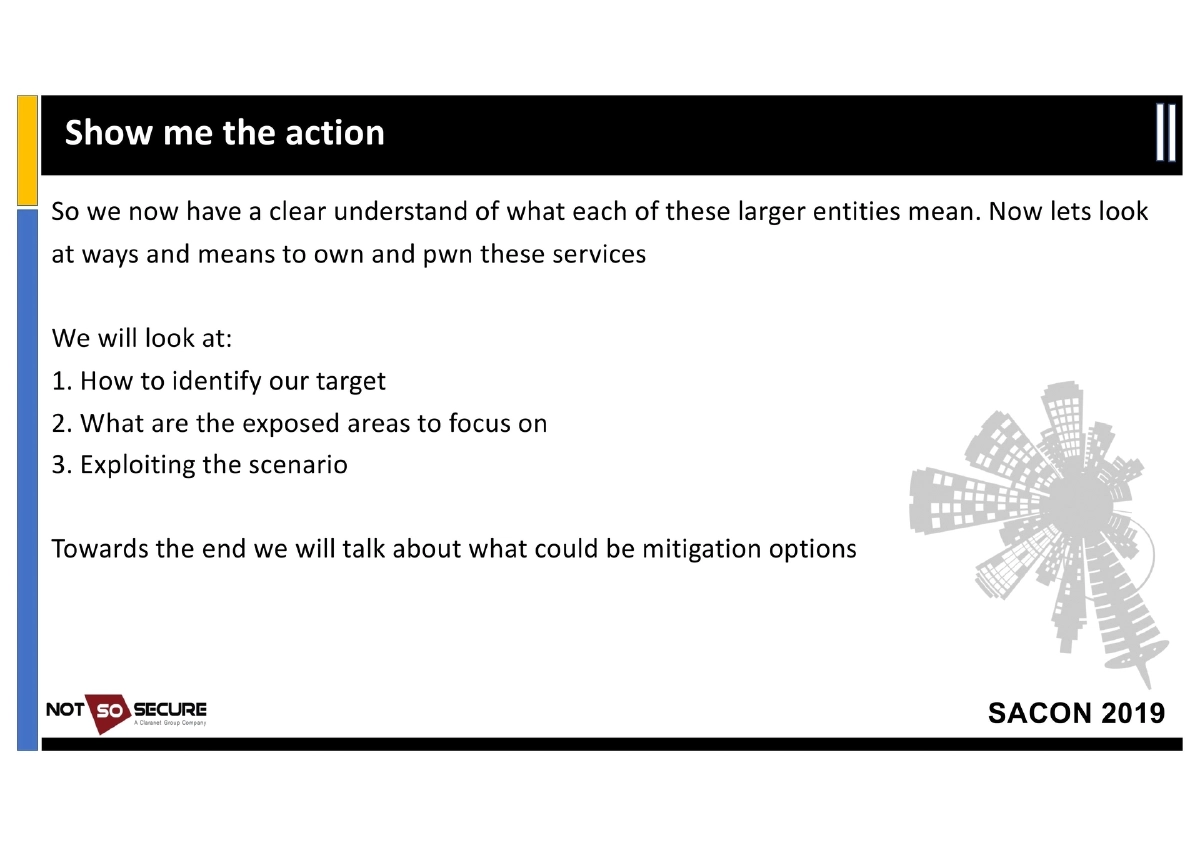
This 42-slide workshop presentation by Anant Shrivastava at SACON International 2019 (Bangalore) provides a hands-on guide to cloud penetration testing across AWS, Azure, GCP, and OpenStack. The workshop covers the fundamentals of cloud computing and service models, maps the differences between conventional and cloud pentesting, and then dives deep into attacking specific cloud surfaces — Metadata APIs, cloud storage, snapshots, Azure AD, serverless functions, and IAM services. Each attack vector is accompanied by practical command-line techniques, tool references, and live demonstrations. The session concludes with auditing tools, hardening guidelines, and practice environments for continued learning.
Key Topics Covered
-
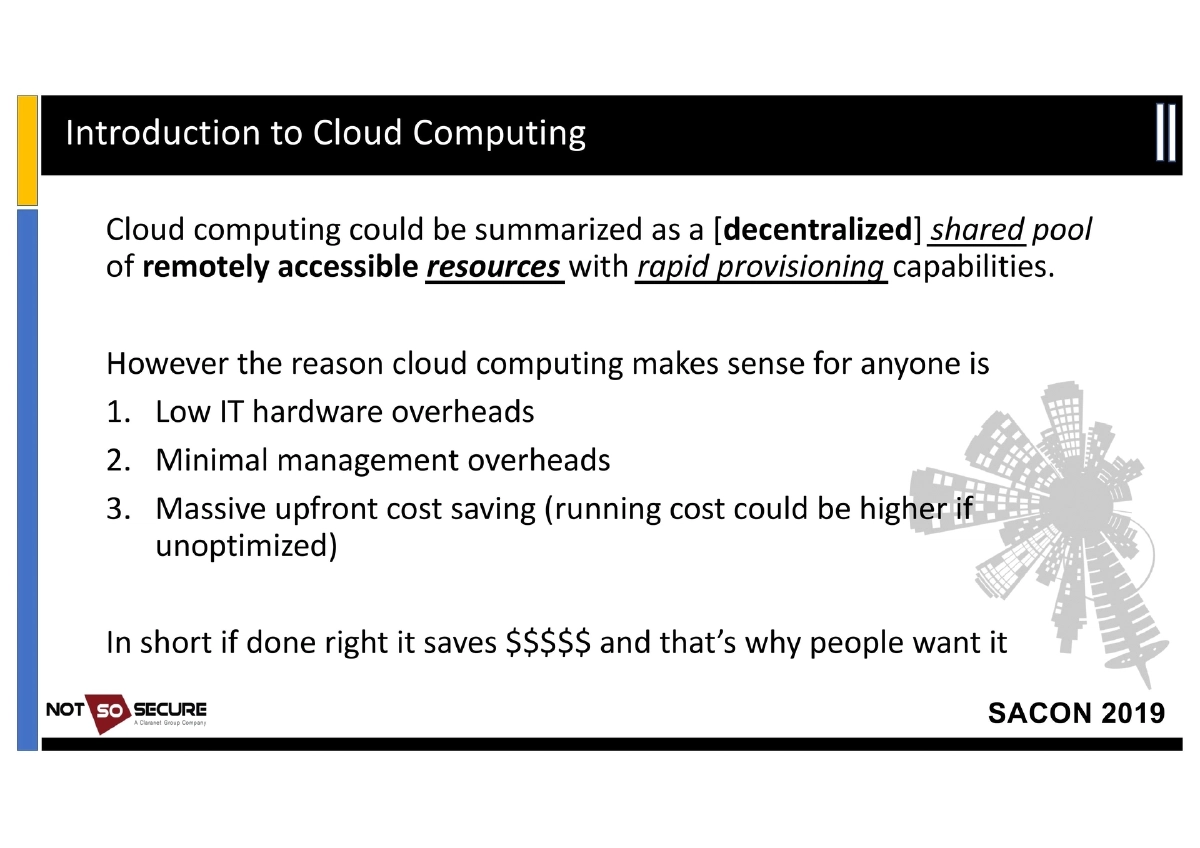
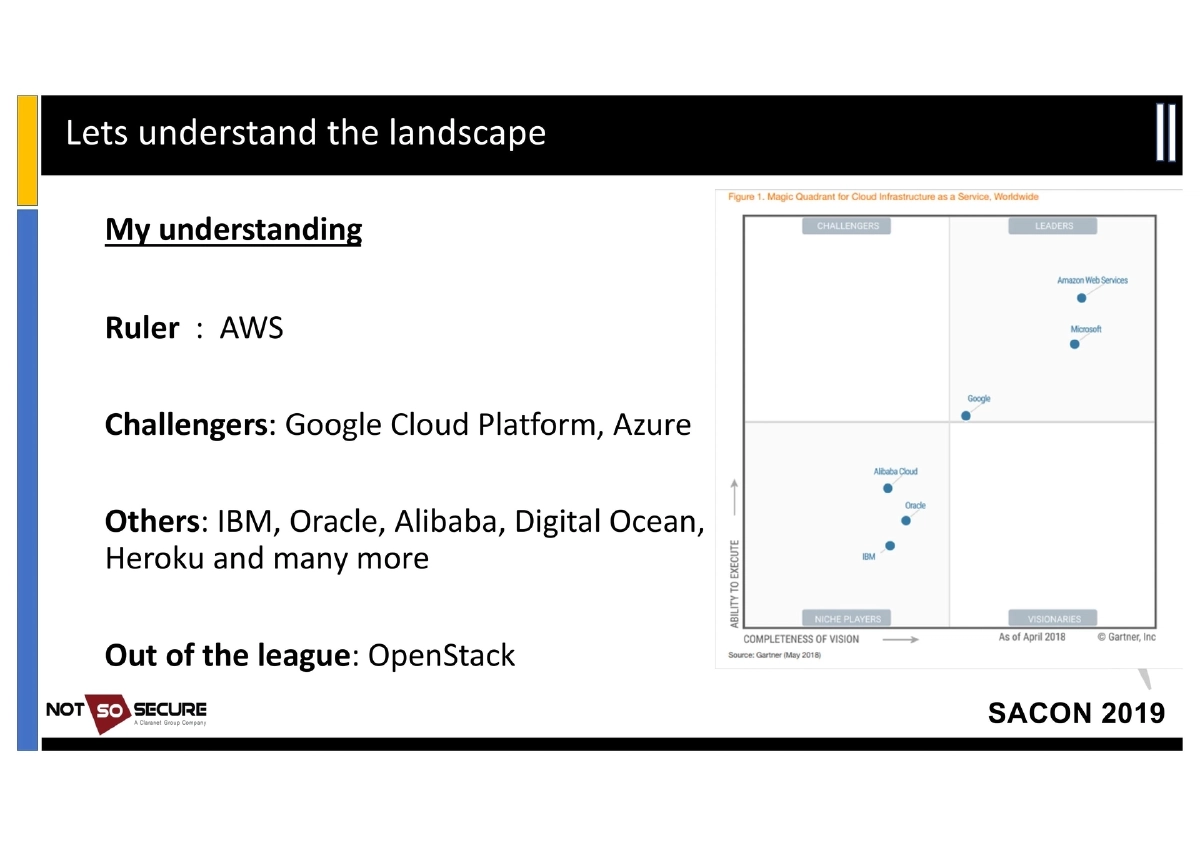
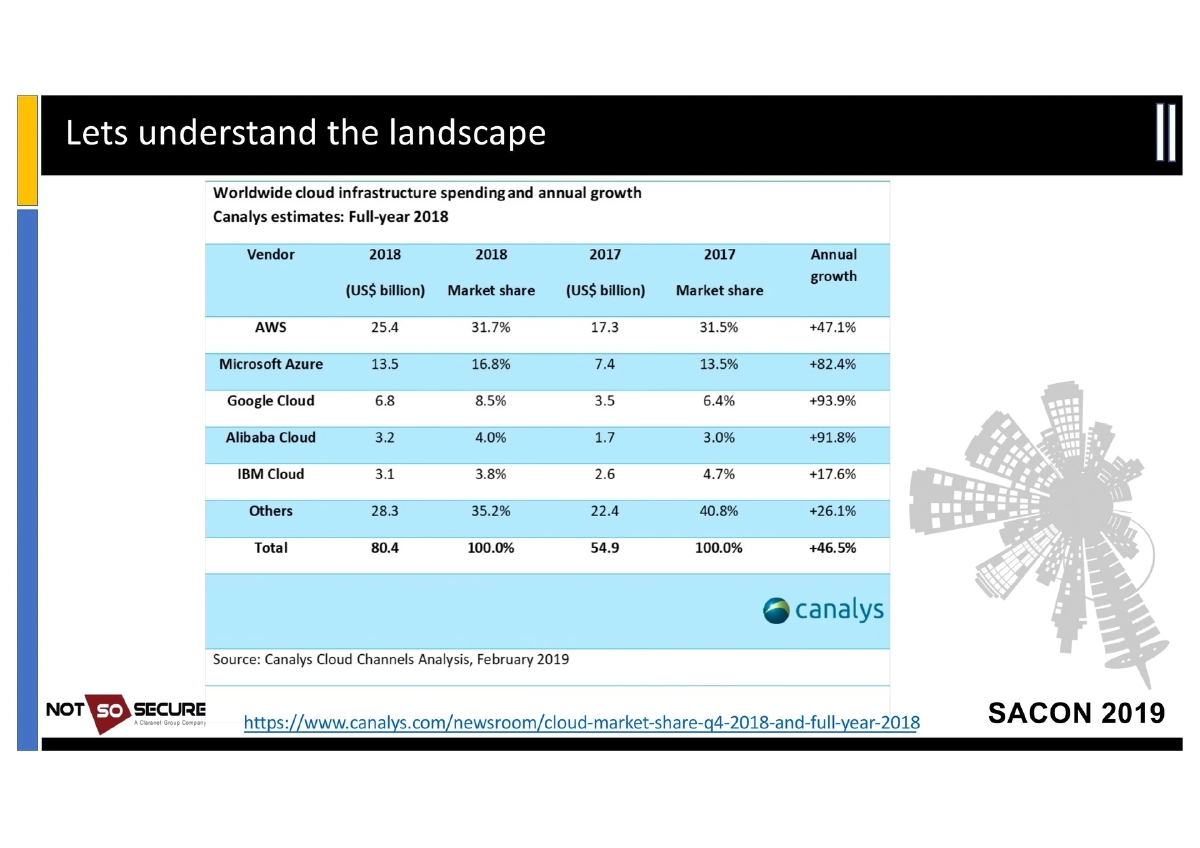
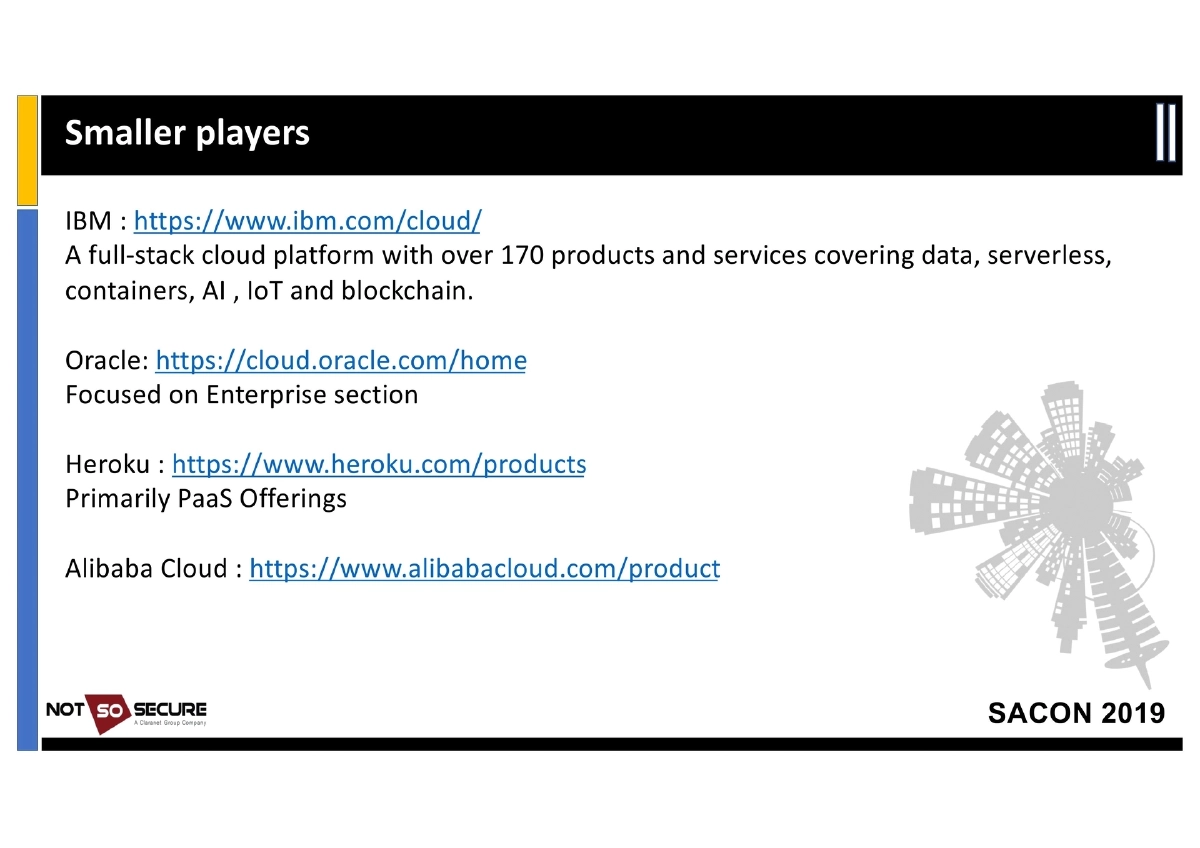
Cloud Computing Fundamentals: Cloud computing is defined as a decentralized shared pool of remotely accessible resources with rapid provisioning. The key business drivers are low IT hardware overheads, minimal management overheads, and massive upfront cost savings (though running costs may be higher if unoptimized). The market landscape positions AWS as the ruler, GCP and Azure as challengers, with IBM, Oracle, Alibaba, Digital Ocean, Heroku, and OpenStack as other players.
-
Cloud Provider Product Landscape:
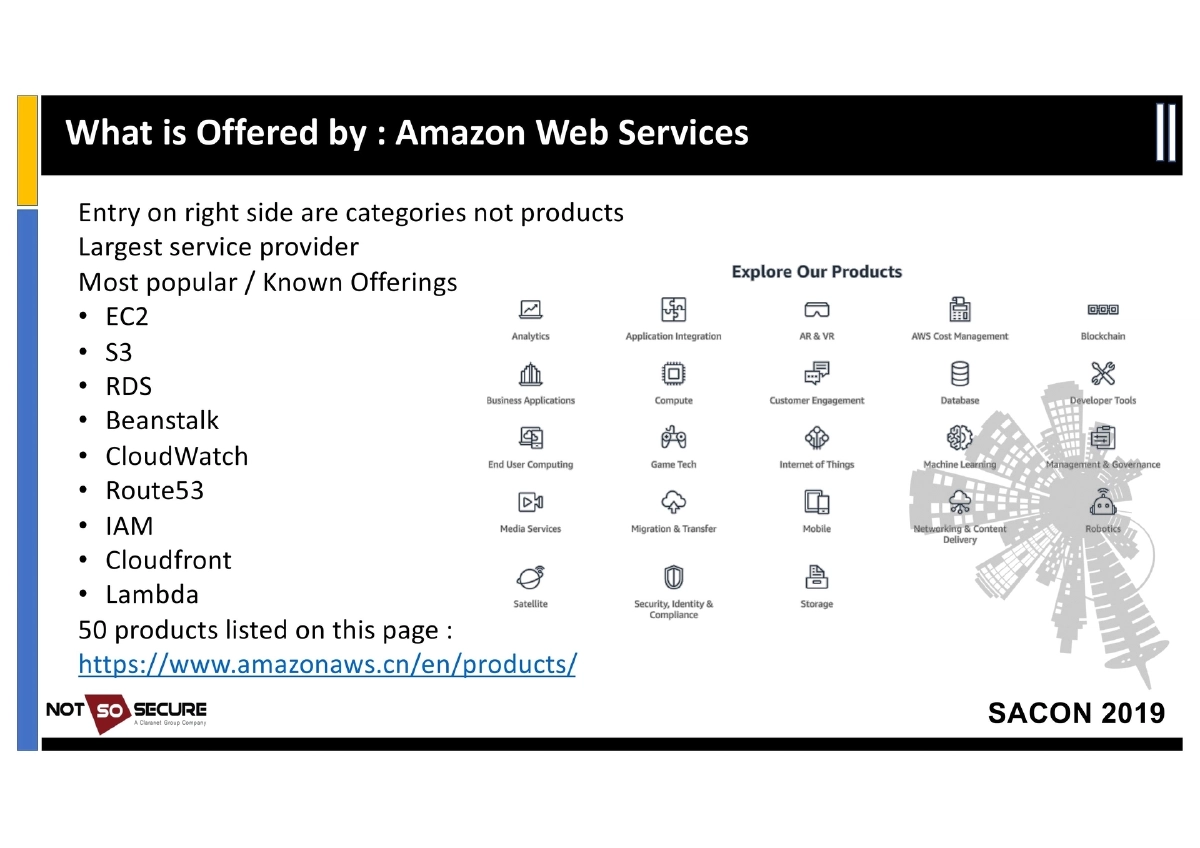
- AWS: 50+ products including EC2, S3, RDS, Beanstalk, CloudWatch, Route53, IAM, CloudFront, Lambda
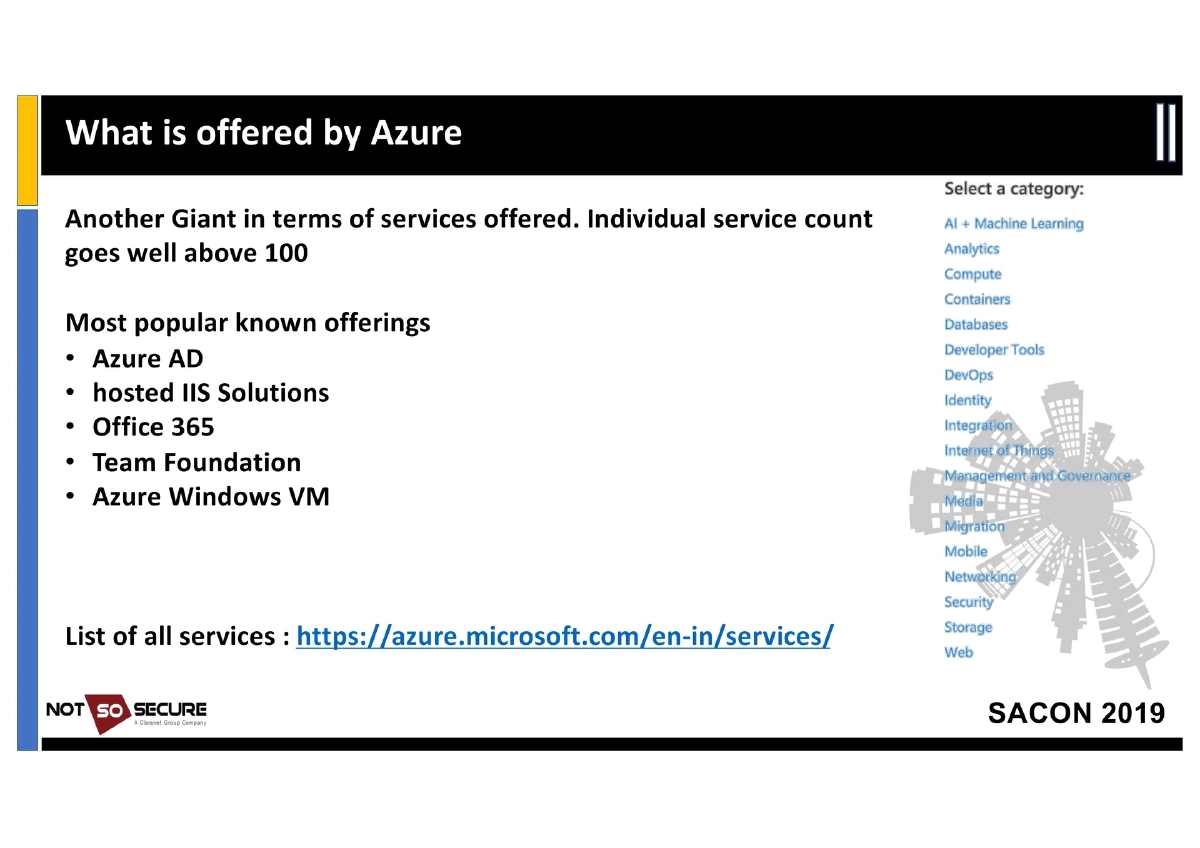
- Azure: 100+ services including Azure AD, hosted IIS, Office 365, Team Foundation, Azure Windows VM
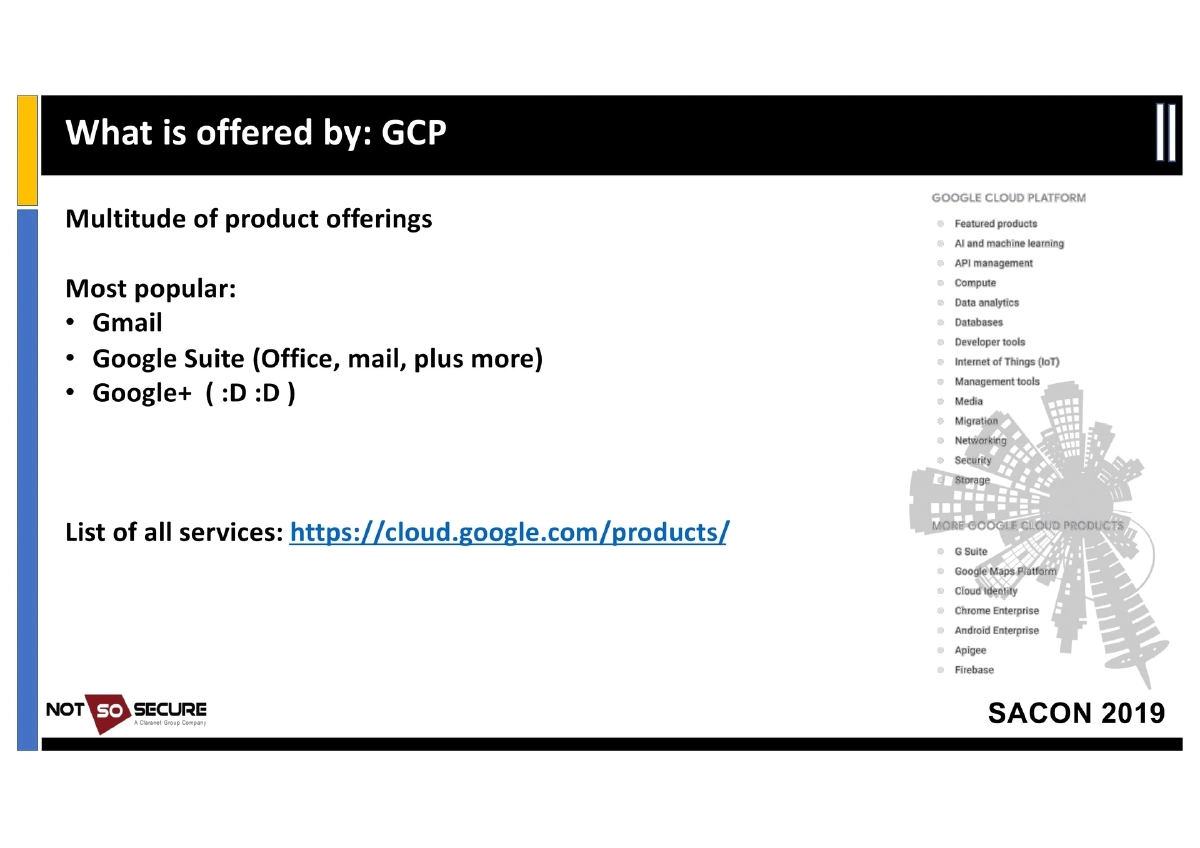
- GCP: Gmail, Google Suite, and extensive cloud services
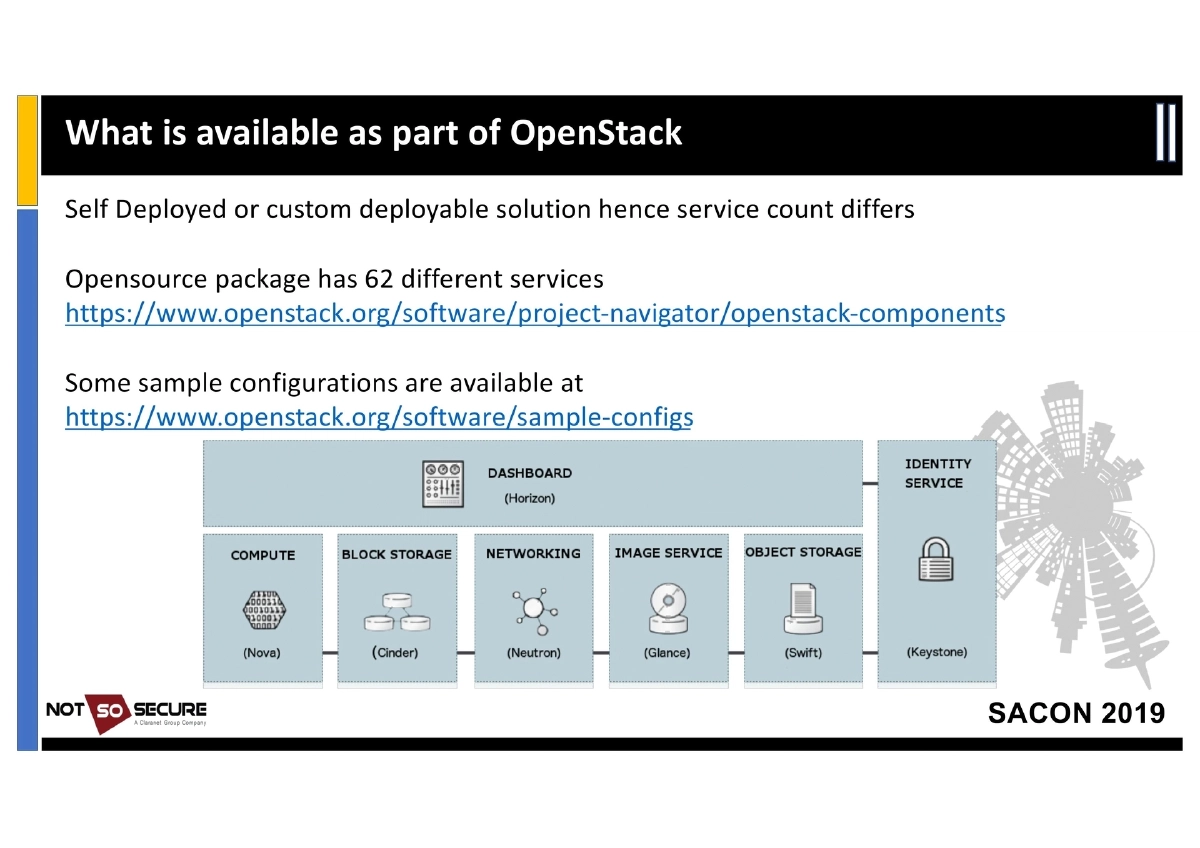
- OpenStack: Self-deployed/customizable with 62 different services in the open-source package
-
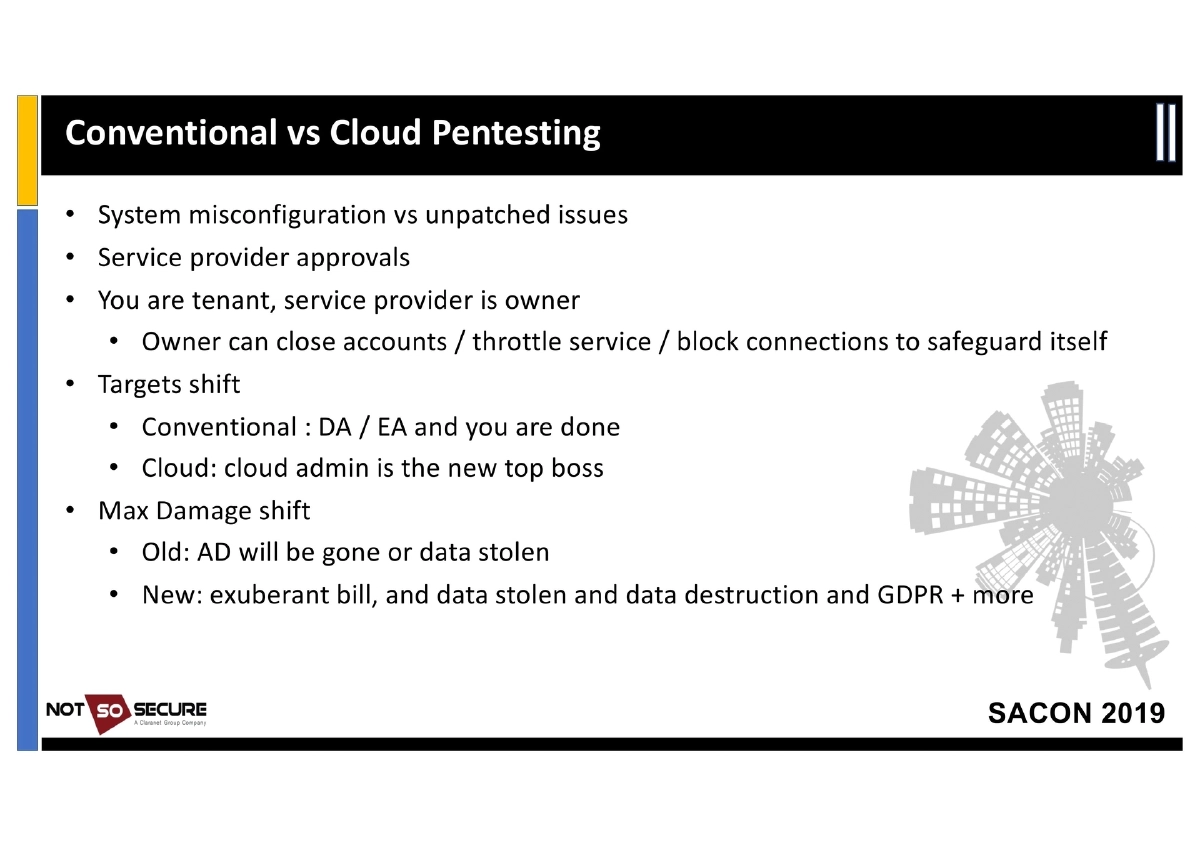
Conventional vs. Cloud Pentesting: Key differences include system misconfiguration vs. unpatched issues, the need for service provider approvals, the tenant/owner dynamic (providers can close accounts, throttle services, or block connections), shifted targets (cloud admin replaces Domain Admin as top target), and expanded maximum damage scenarios (exuberant billing, data theft, data destruction, GDPR implications).
-
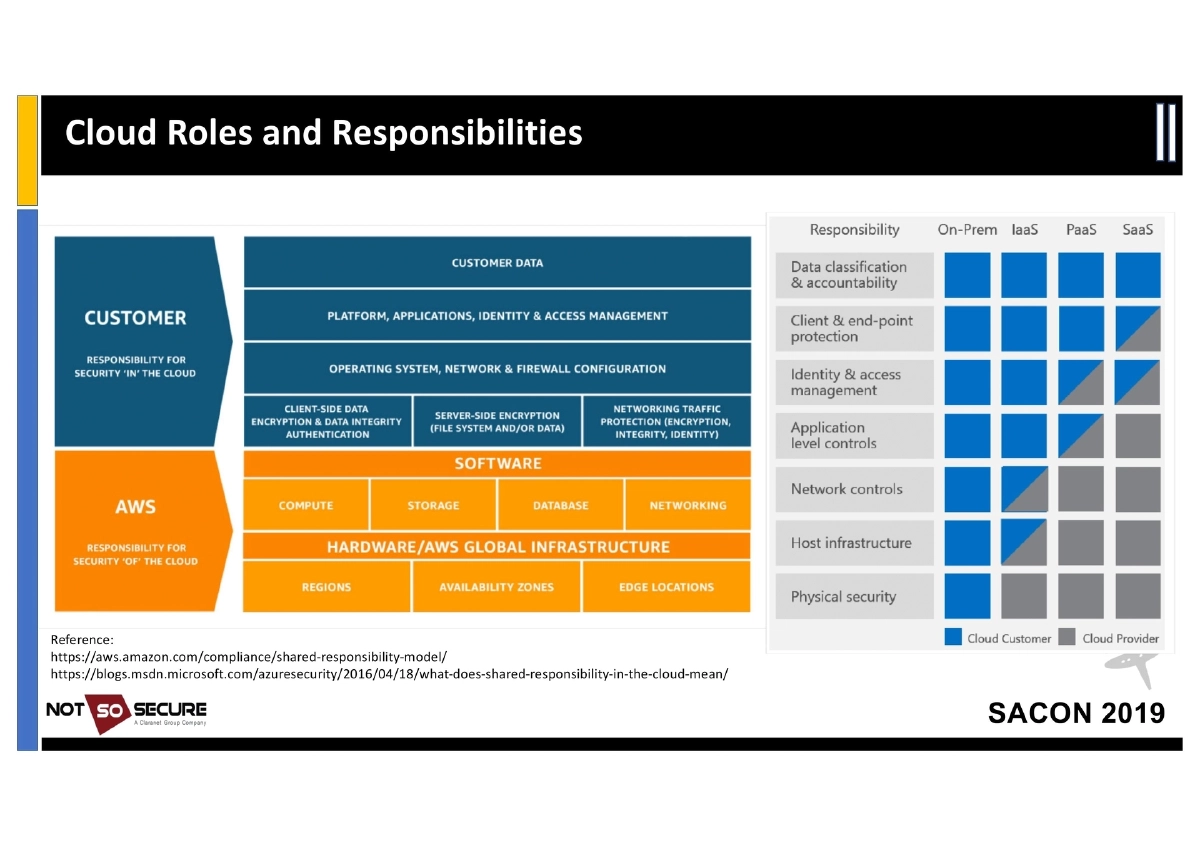
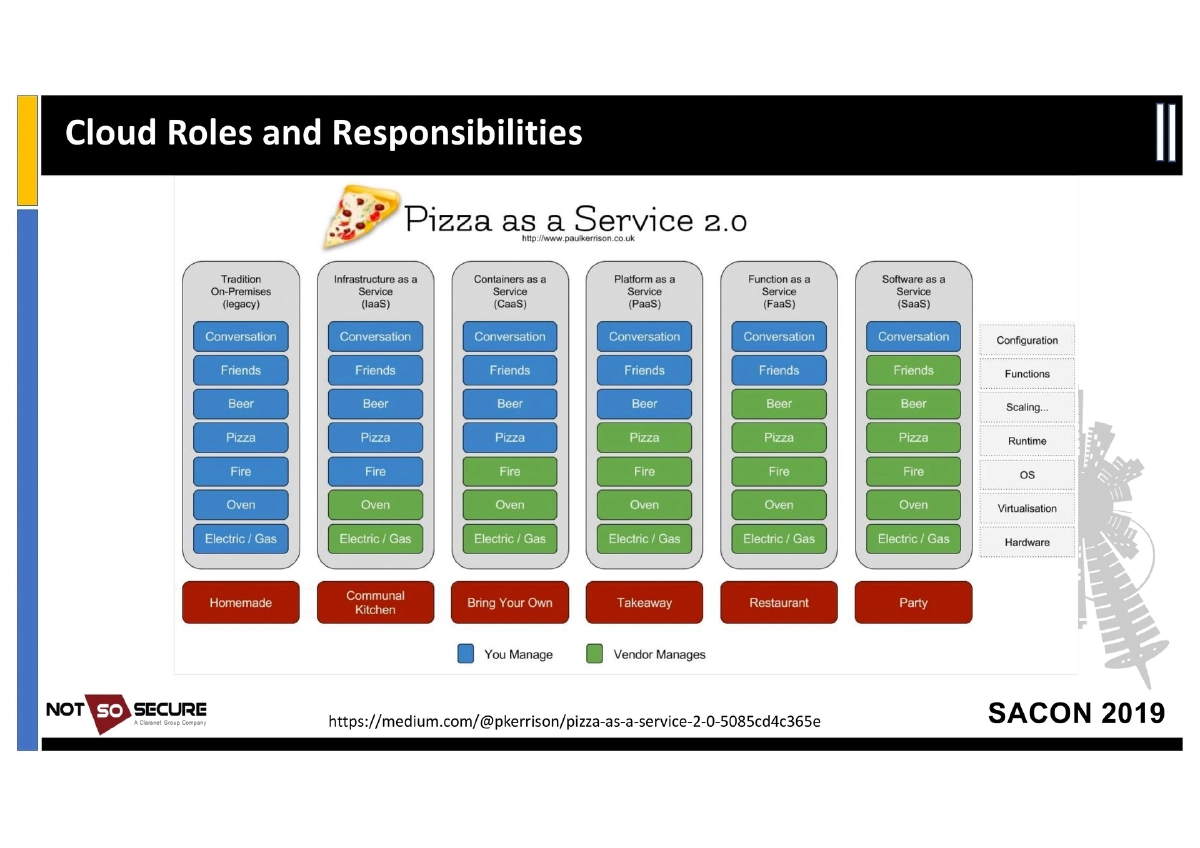
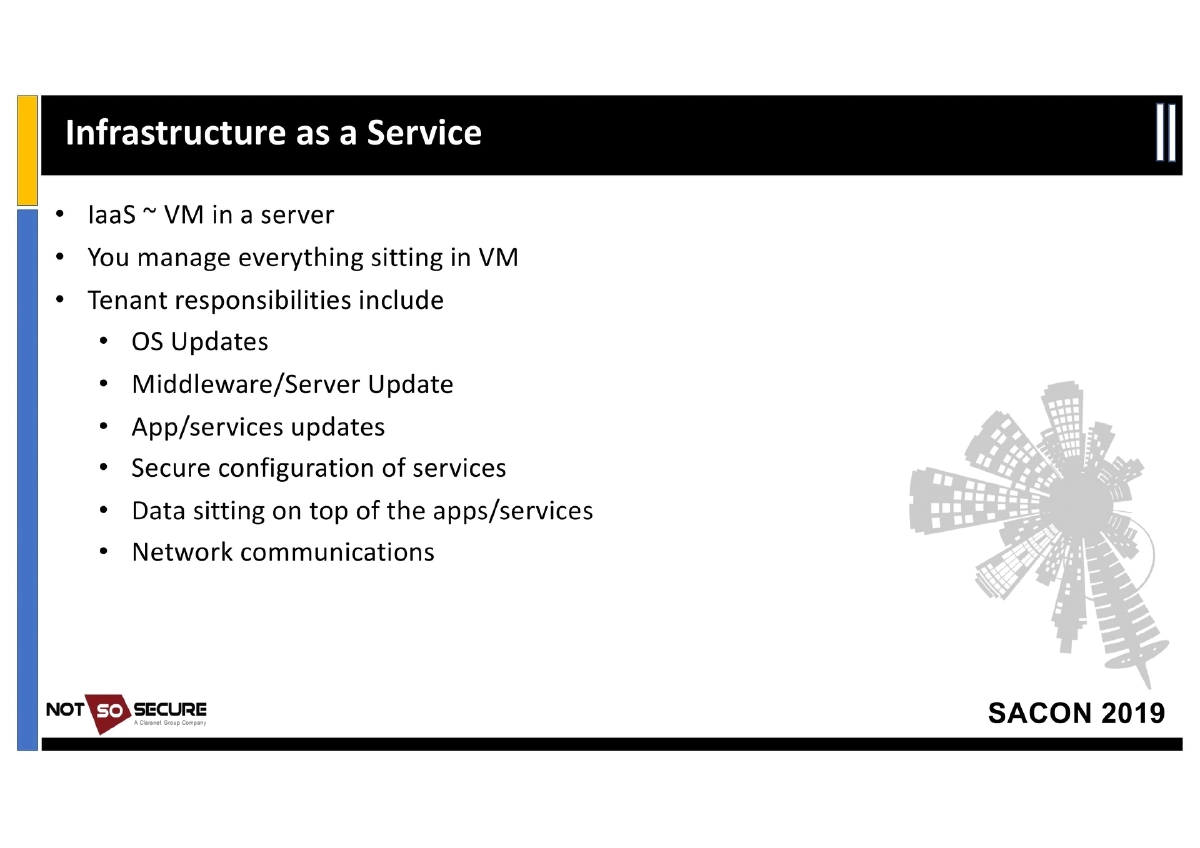
Cloud Shared Responsibility Model: Detailed breakdown of responsibilities across IaaS, PaaS, SaaS, and FaaS, referencing the AWS and Azure shared responsibility documentation. In IaaS the tenant manages everything from OS updates to application security; in PaaS responsibility shifts to application and data; SaaS reduces control to data storage and access; FaaS involves atomic, timeboxed function execution.
-
Attack Surface by Service Model:
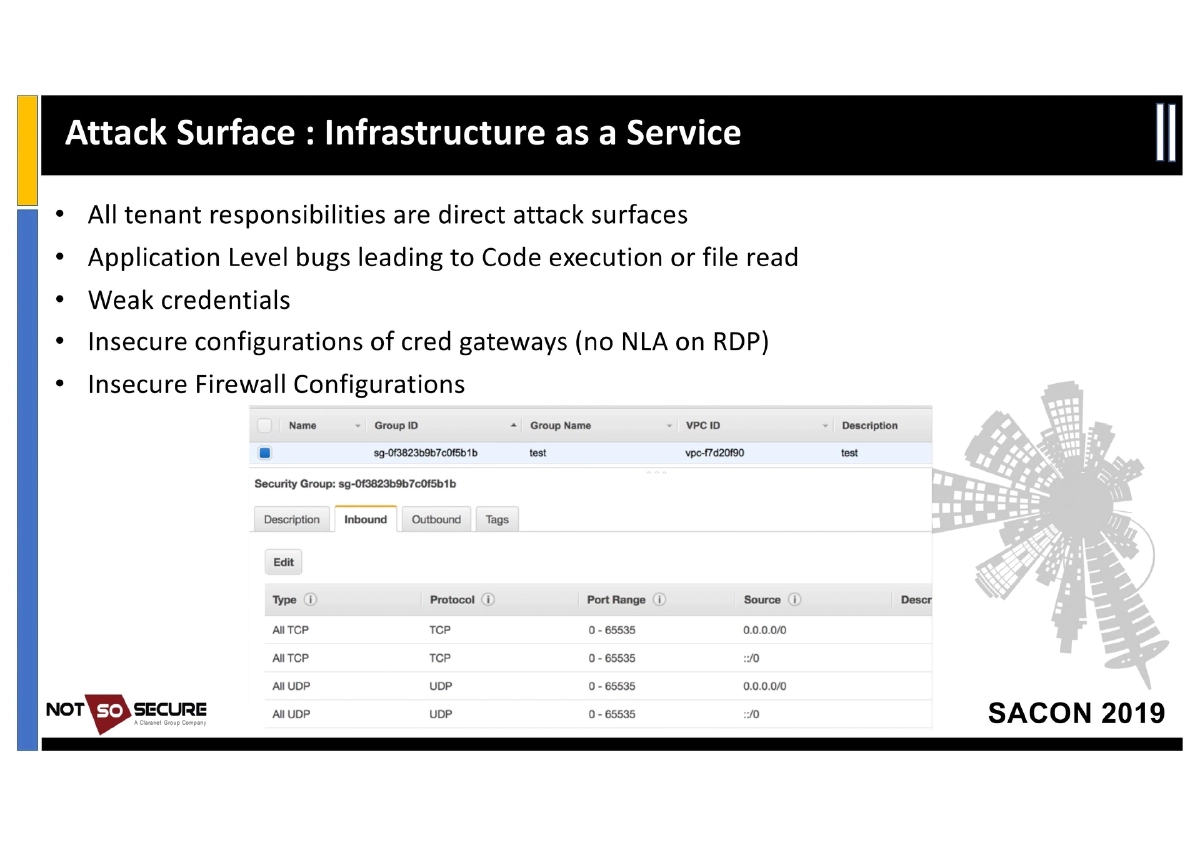
- IaaS: Application-level bugs, weak credentials, insecure configuration of credential gateways (e.g., no NLA on RDP), insecure firewall configurations
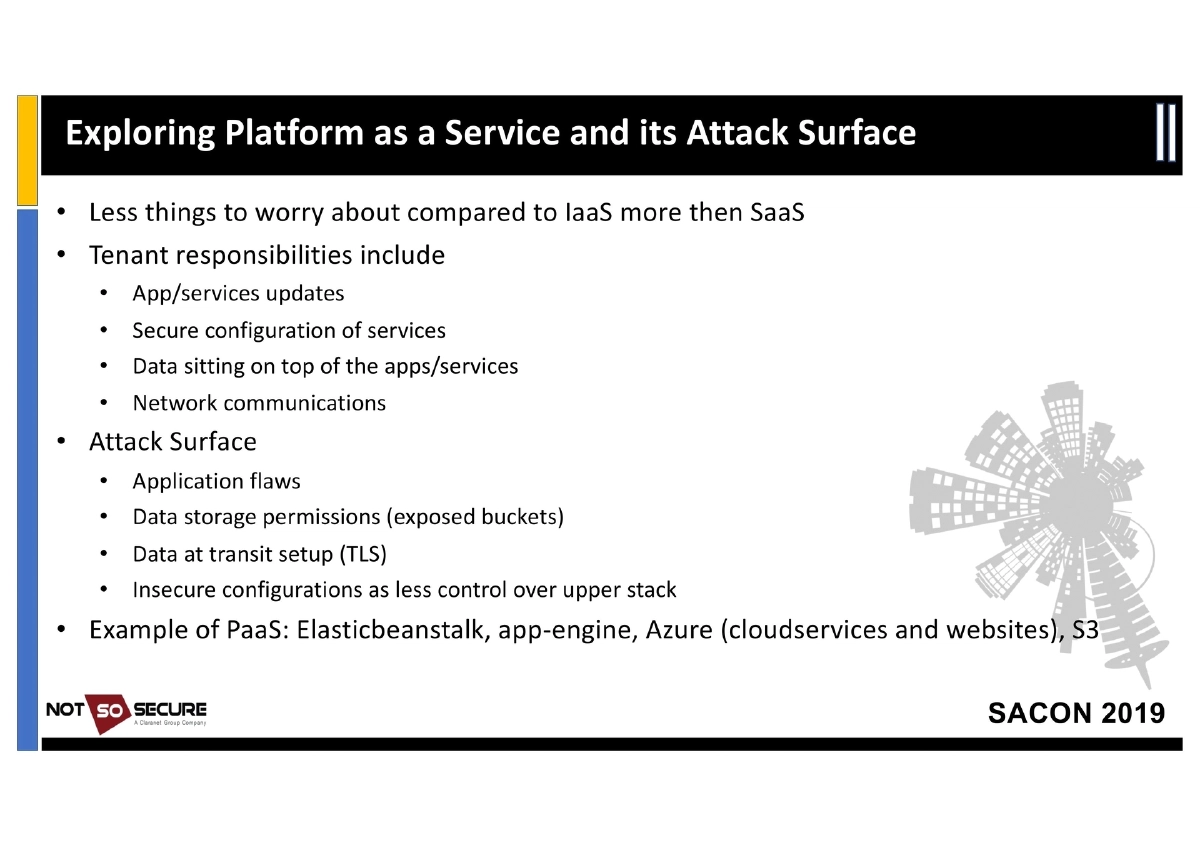
- PaaS: Application flaws, data storage permissions (exposed buckets), data-in-transit (TLS), insecure configurations
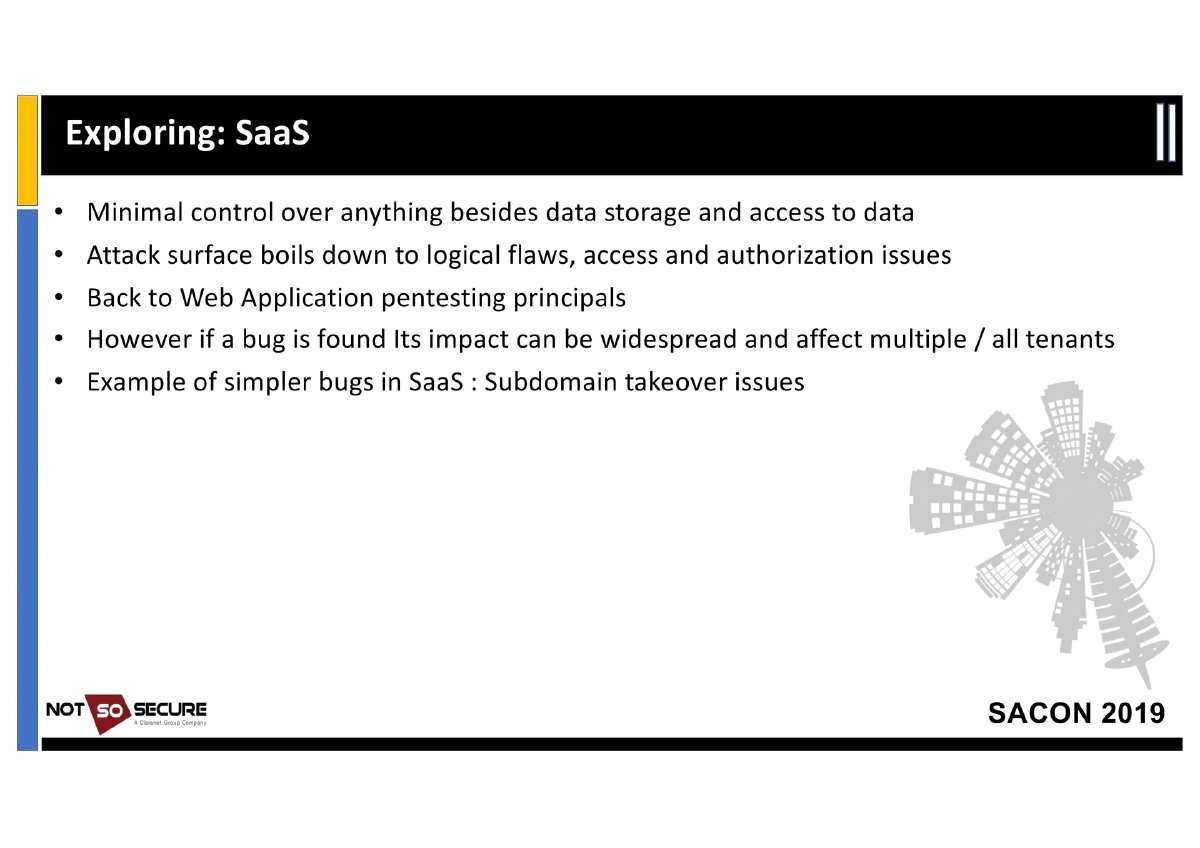
- SaaS: Logical flaws, access/authorization issues, subdomain takeover, with potential for widespread multi-tenant impact
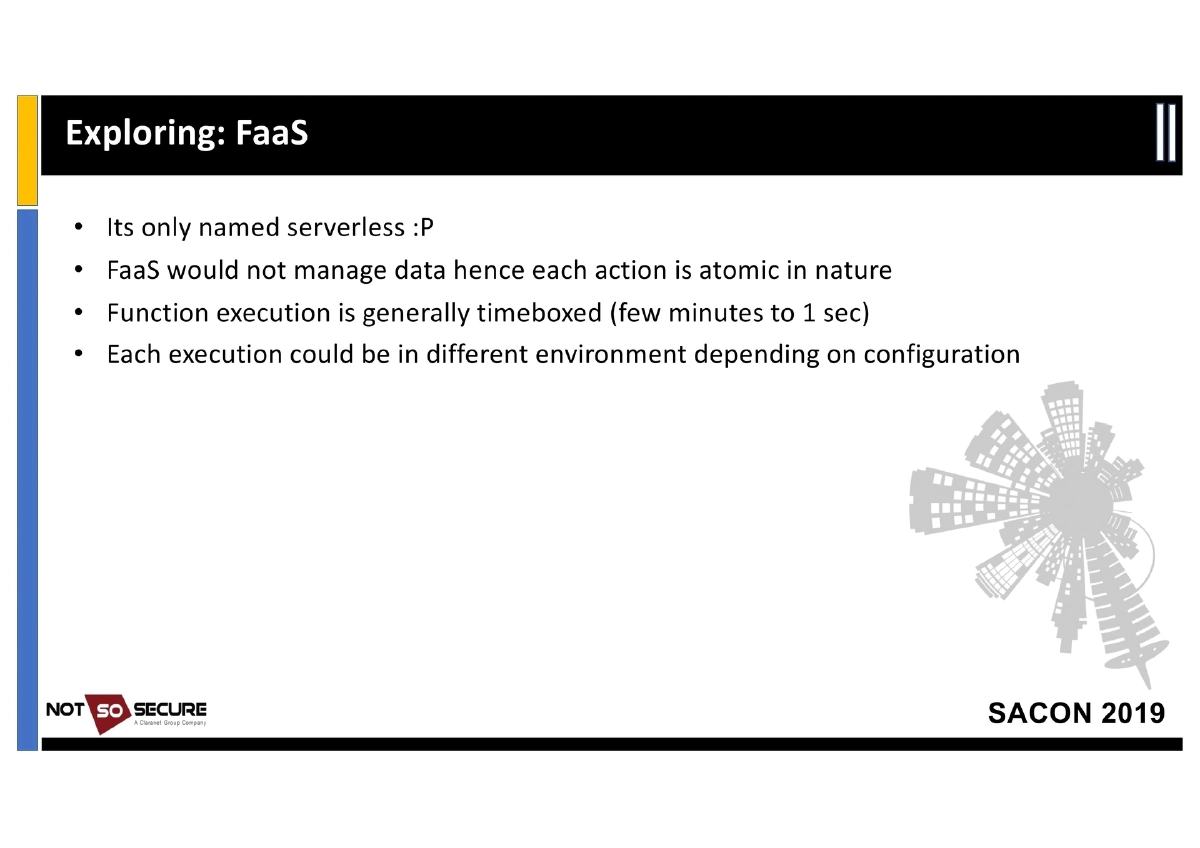
- FaaS: Serverless functions carry credentials in environment variables (AWS Lambda:
/proc/self/environ); execution is atomic and timeboxed
-
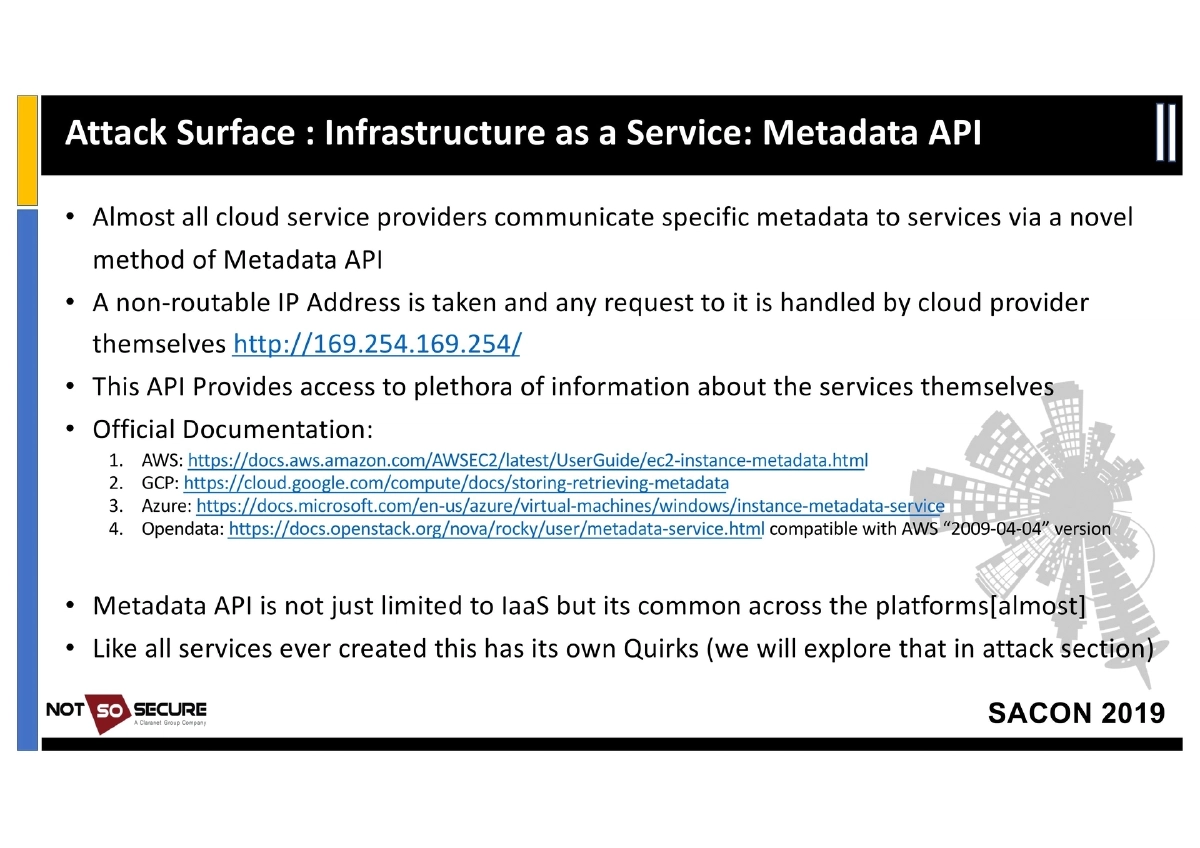
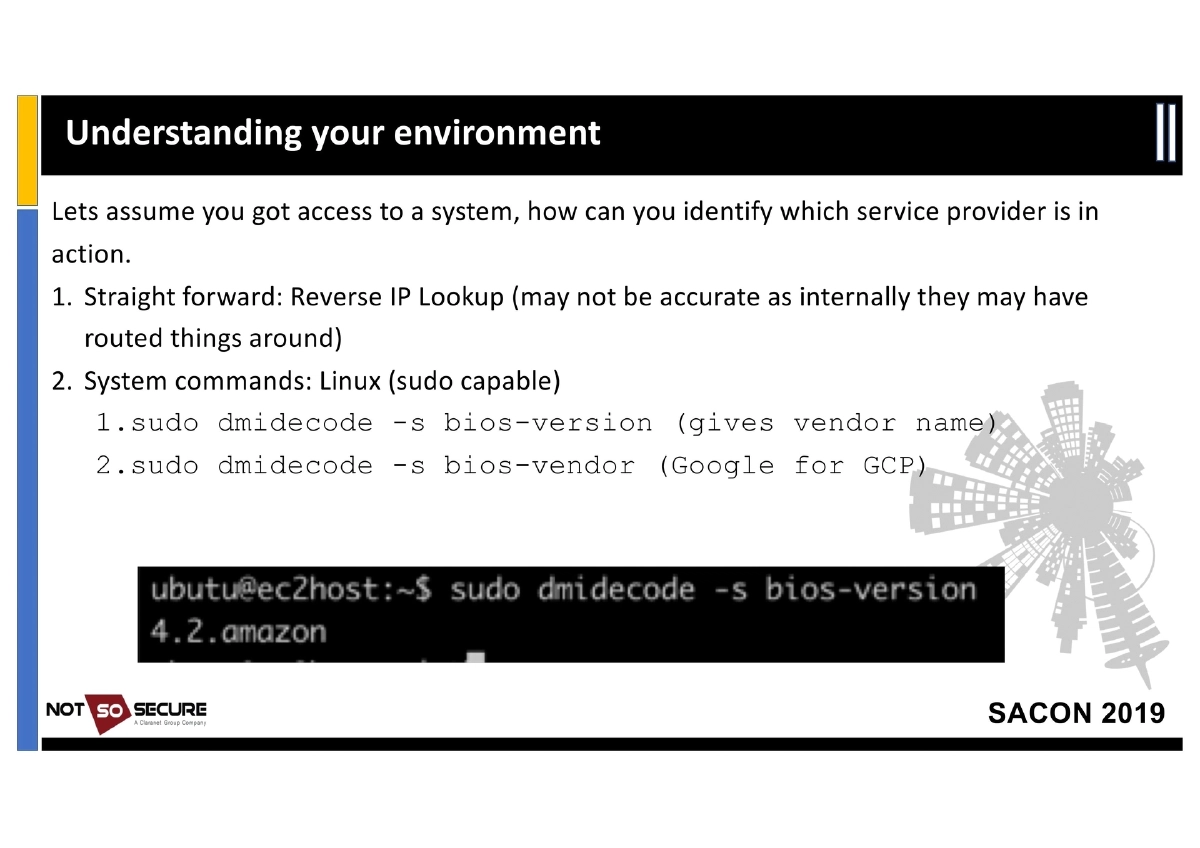
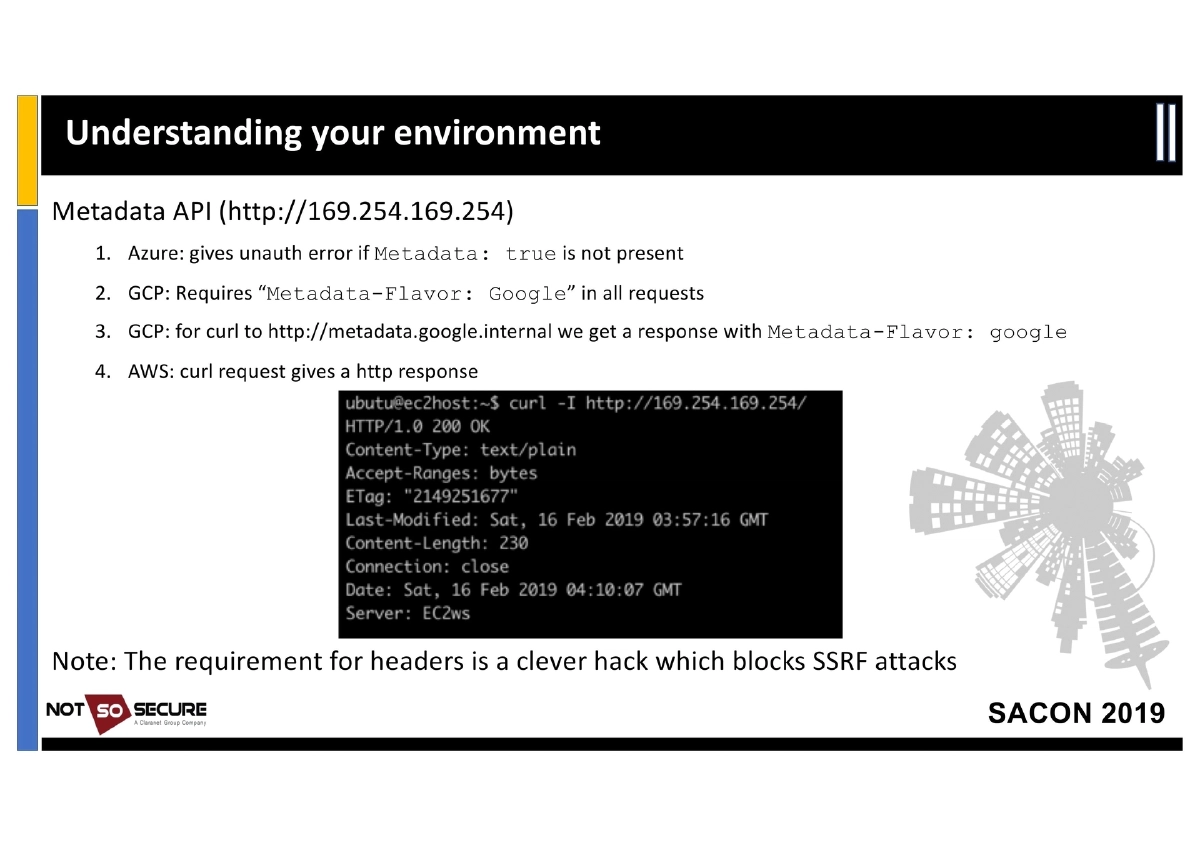
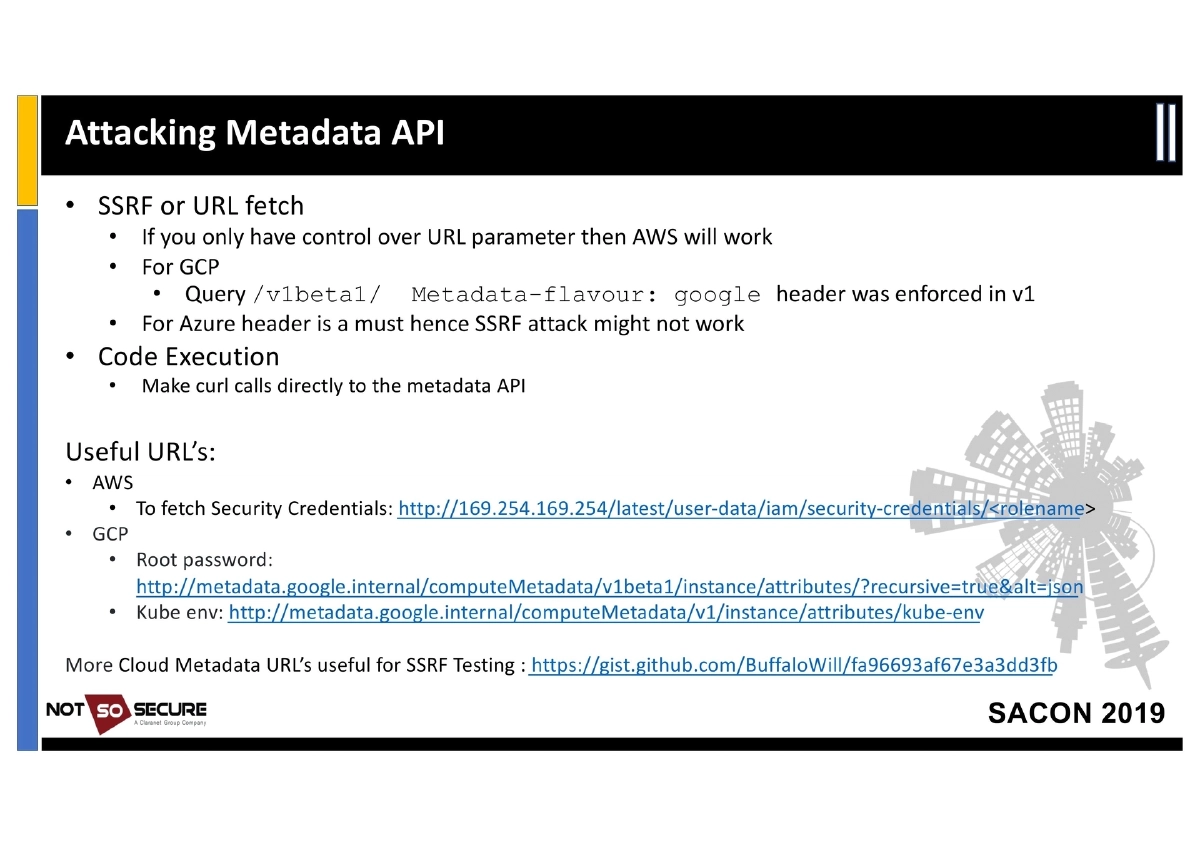
Metadata API Attacks: Almost all cloud providers use the non-routable IP
169.254.169.254to expose instance metadata. Key attack vectors:- SSRF/URL Fetch: AWS metadata is accessible via plain HTTP; GCP’s
v1beta1endpoint bypassed theMetadata-Flavor: Googleheader requirement; Azure requires aMetadata: trueheader making SSRF harder - Code Execution: Direct curl calls to the metadata API from compromised instances
- Credential Harvesting: AWS security credentials at
/latest/user-data/iam/security-credentials/<rolename>; GCP root password and Kube env atmetadata.google.internal - Post-Exploitation: Exporting harvested
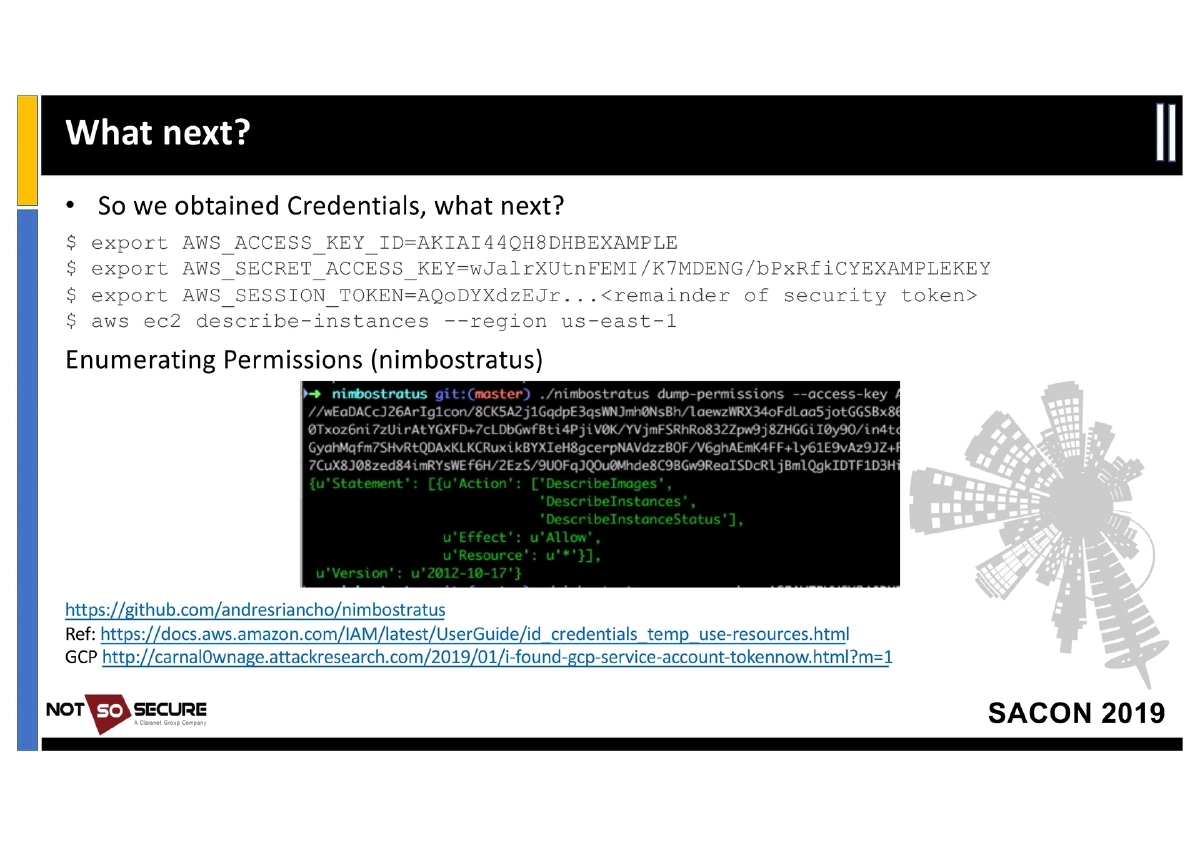
AWS_ACCESS_KEY_ID,AWS_SECRET_ACCESS_KEY, andAWS_SESSION_TOKENto enumerate and interact with AWS services via CLI
- SSRF/URL Fetch: AWS metadata is accessible via plain HTTP; GCP’s
-
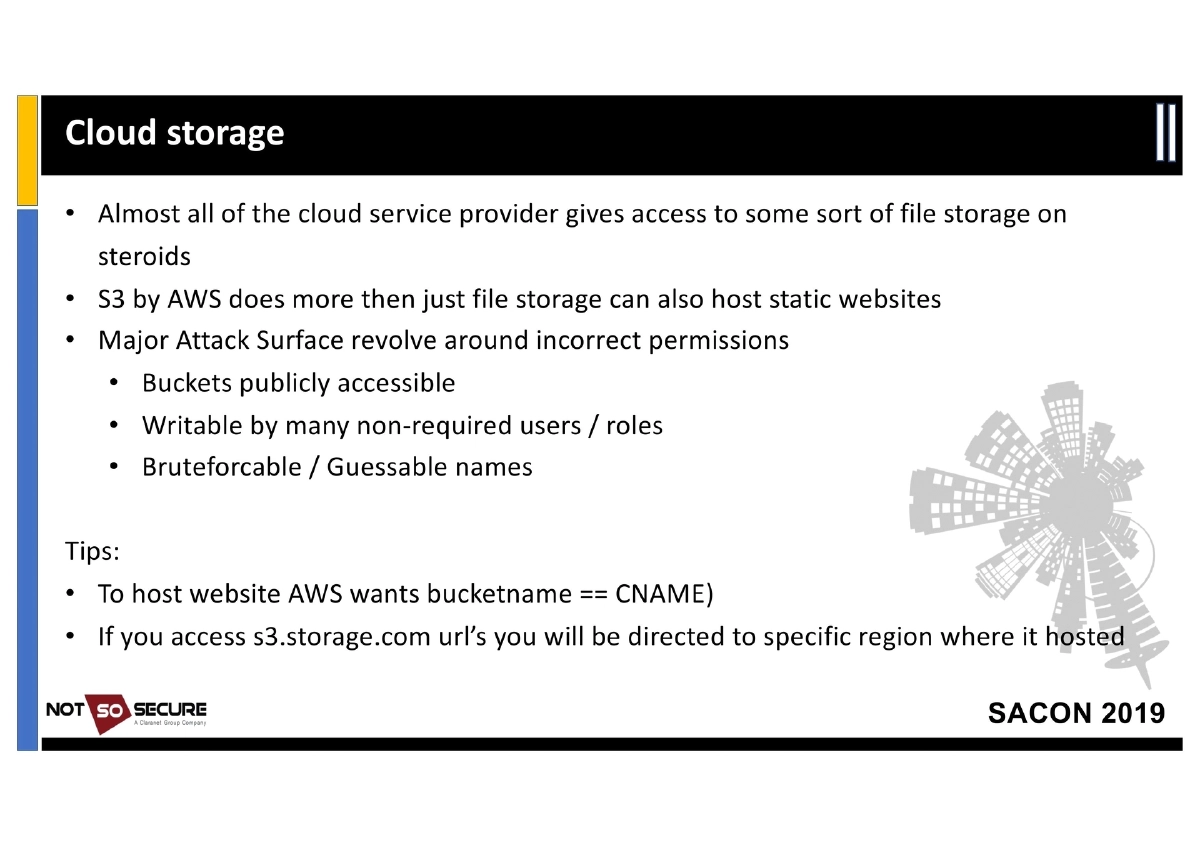
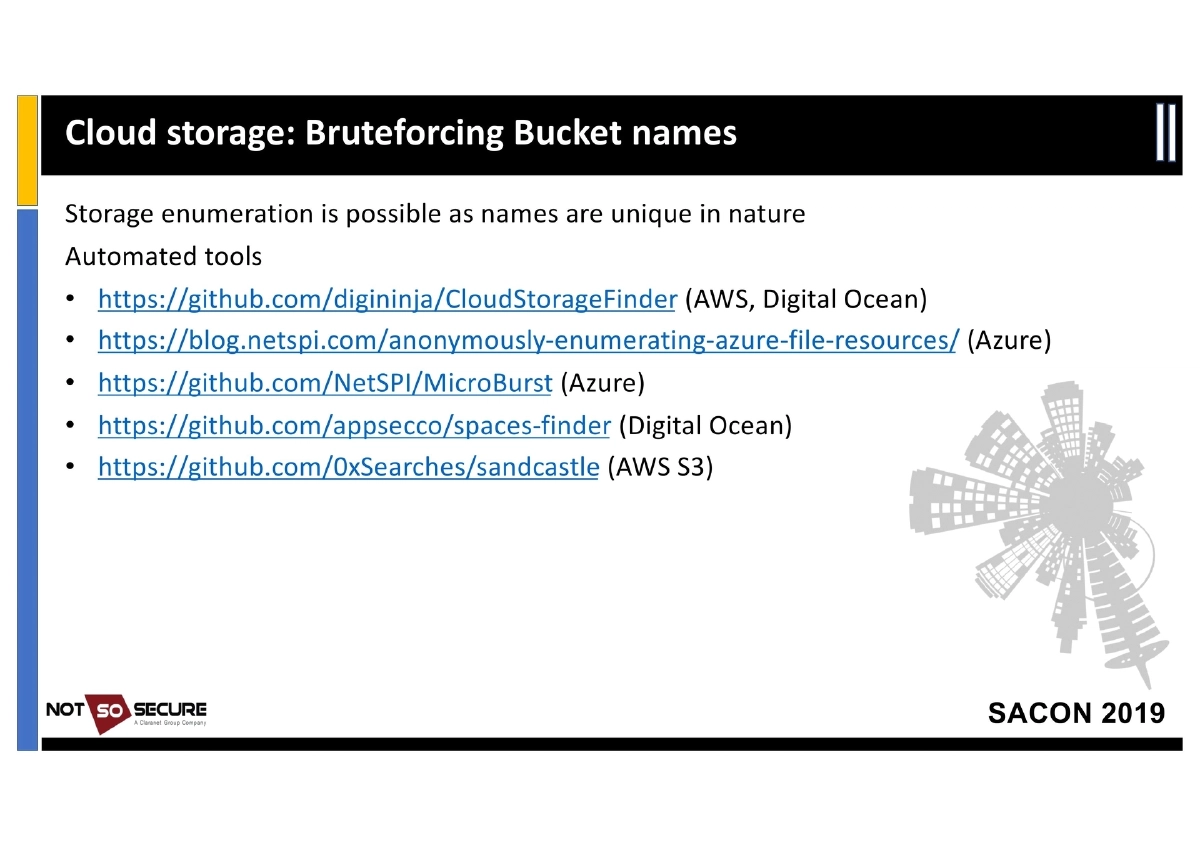
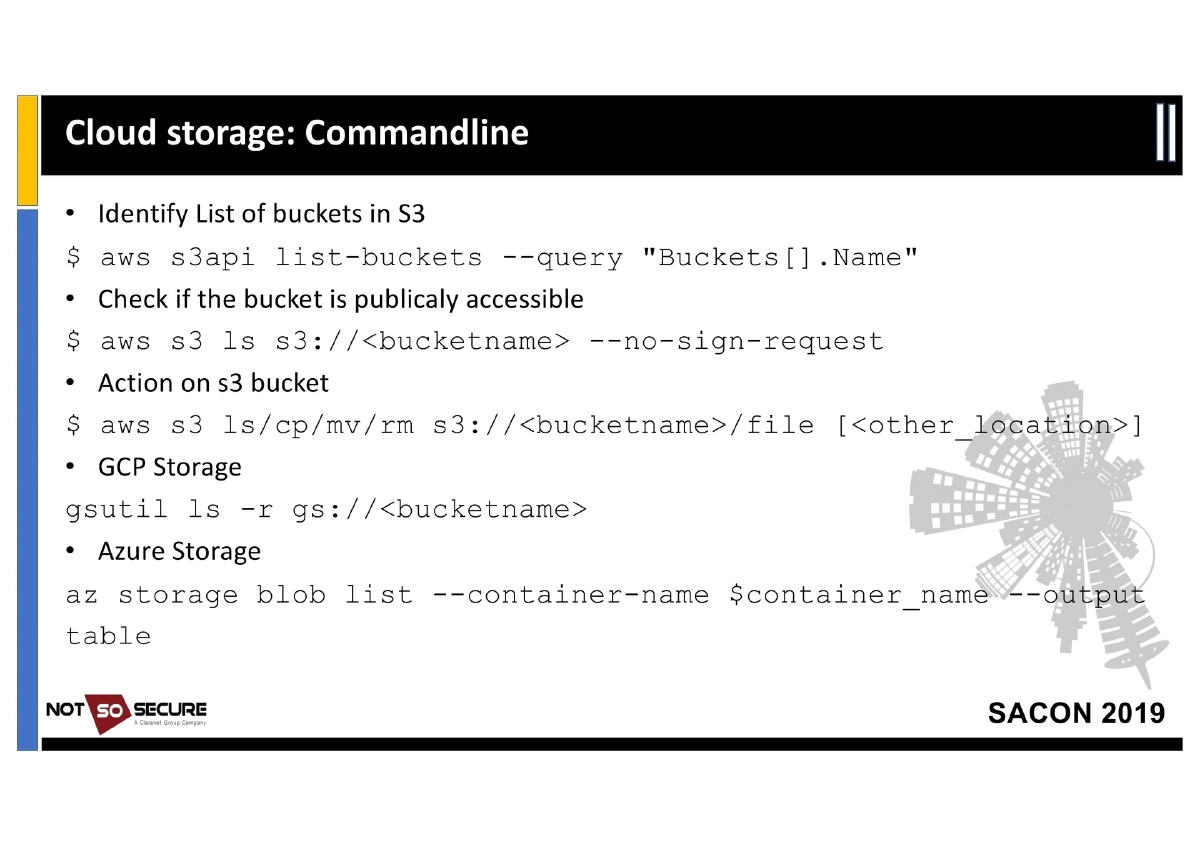
Cloud Storage Attacks: Storage services (S3, Azure Blob, GCP Storage) are major attack surfaces due to incorrect permissions — publicly accessible buckets, excessive write permissions, and bruteforceable/guessable names. Tools for enumeration:
- CloudStorageFinder (AWS, Digital Ocean)
- MicroBurst (Azure)
- spaces-finder (Digital Ocean)
- sandcastle (AWS S3)
- Command-line techniques:
aws s3api list-buckets,aws s3 ls s3://<bucket> --no-sign-request,gsutil ls -r gs://<bucket>,az storage blob list
-
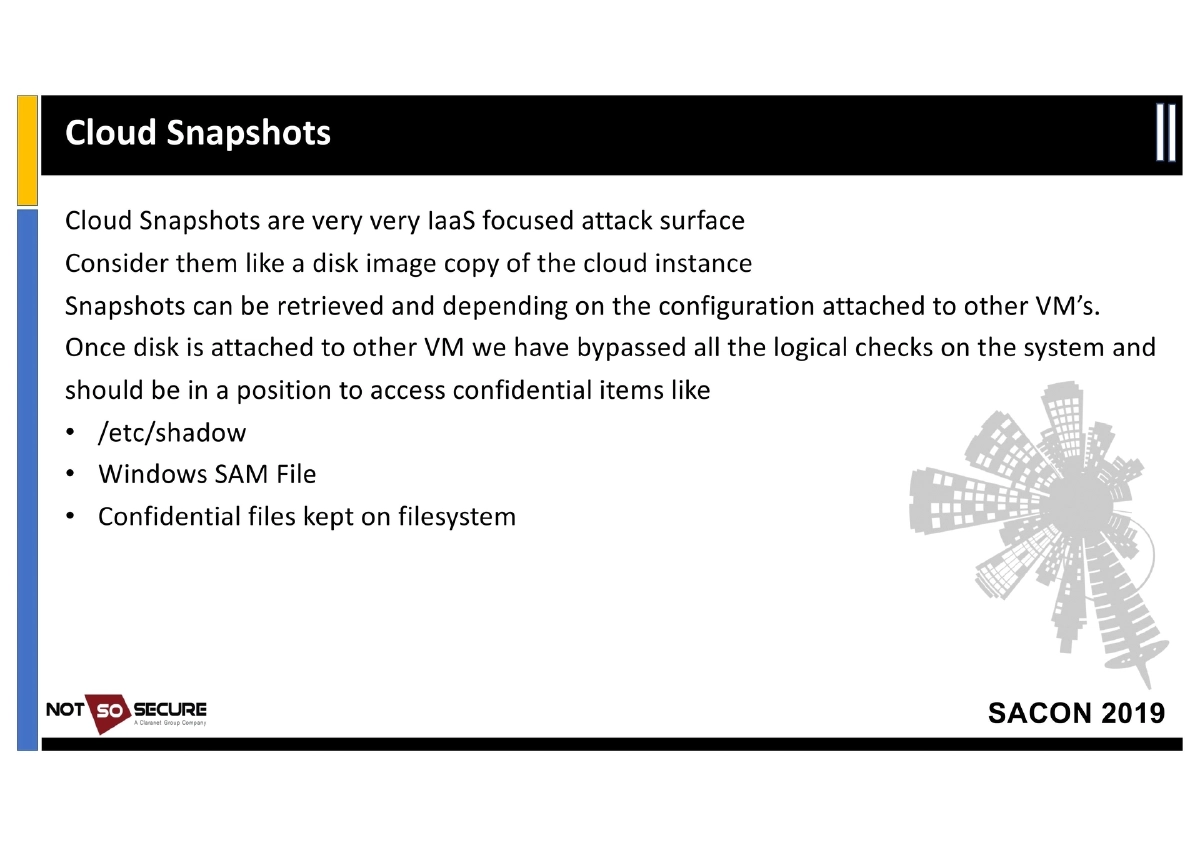
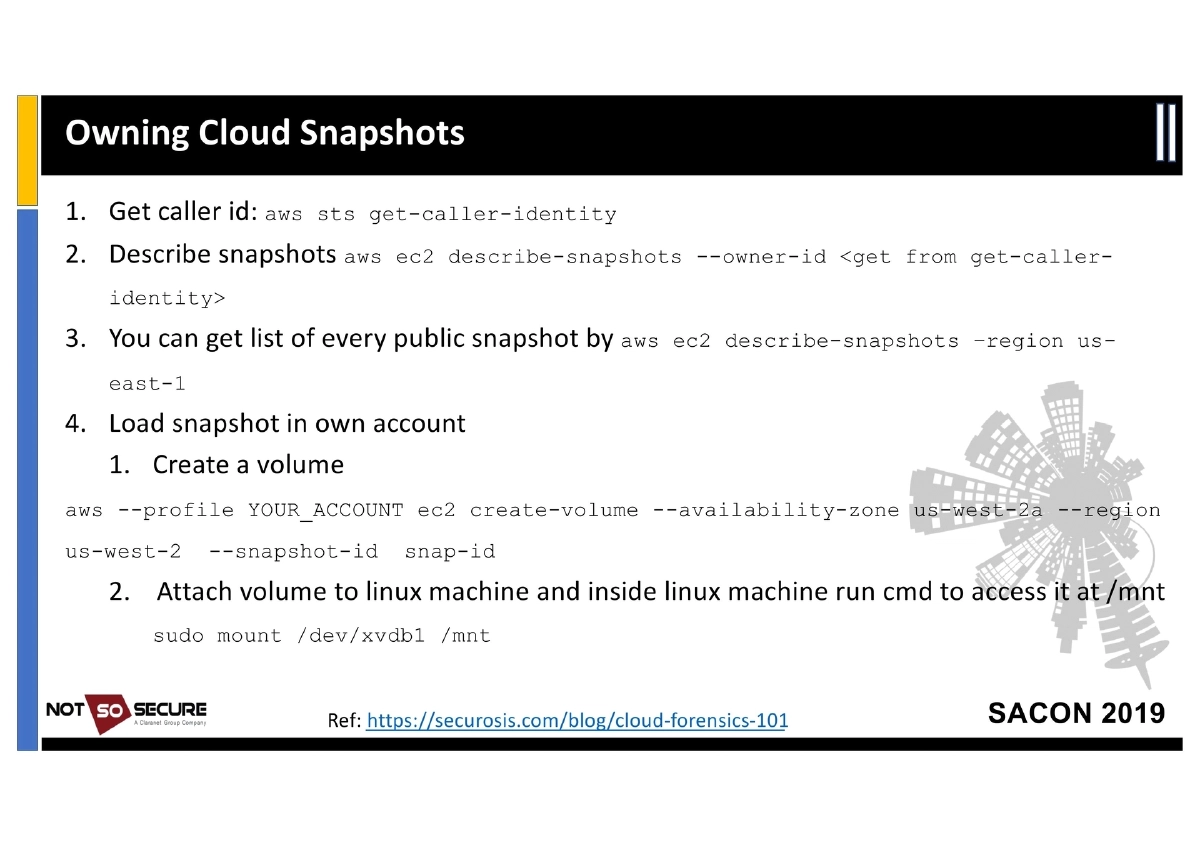
Cloud Snapshot Forensics: Snapshots (disk image copies) can be retrieved and attached to attacker-controlled VMs, bypassing all logical access controls. This exposes
/etc/shadow, Windows SAM files, and confidential filesystem data. Practical AWS commands provided for discovering, creating volumes from, and mounting snapshots. -
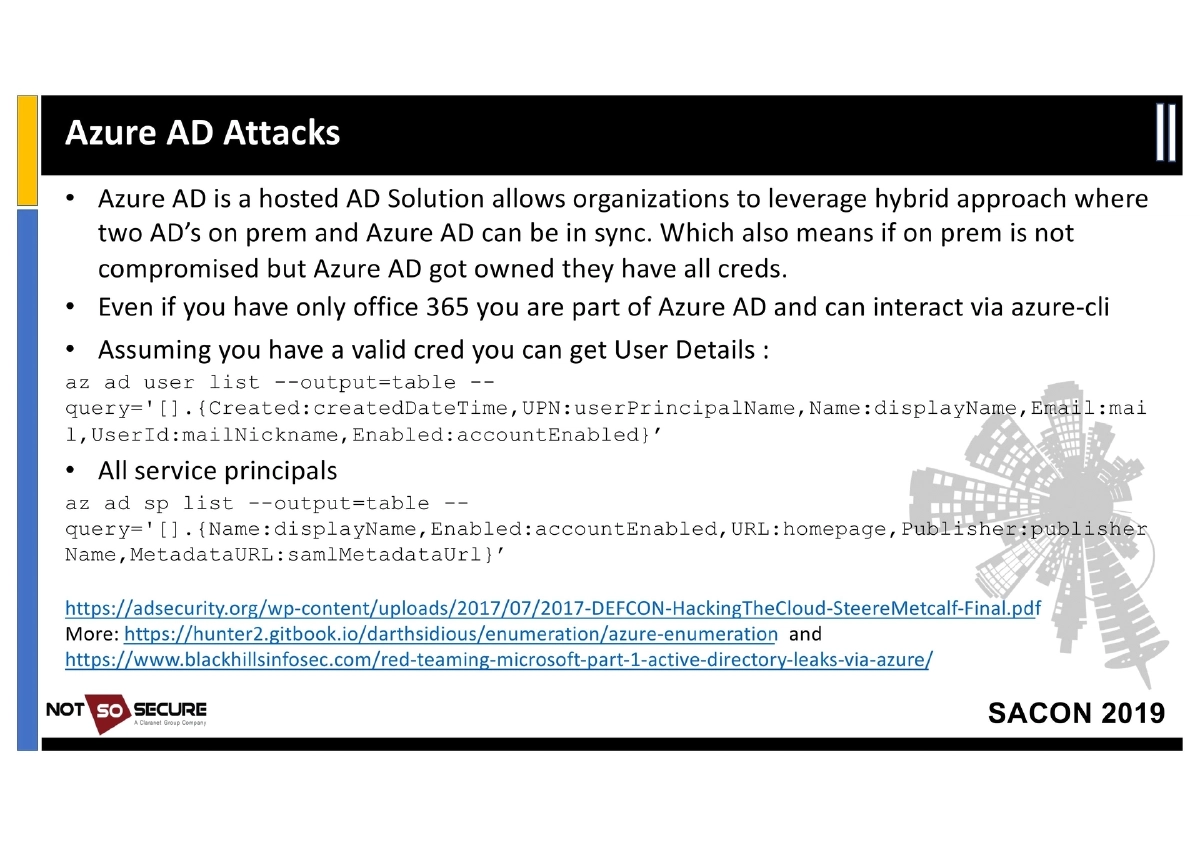
Azure AD Attacks: Azure AD is a hosted Active Directory solution enabling hybrid configurations. Even Office 365 users are part of Azure AD. With valid credentials, attackers can enumerate user details (
az ad user list) and service principals (az ad sp list) to map the organization. -
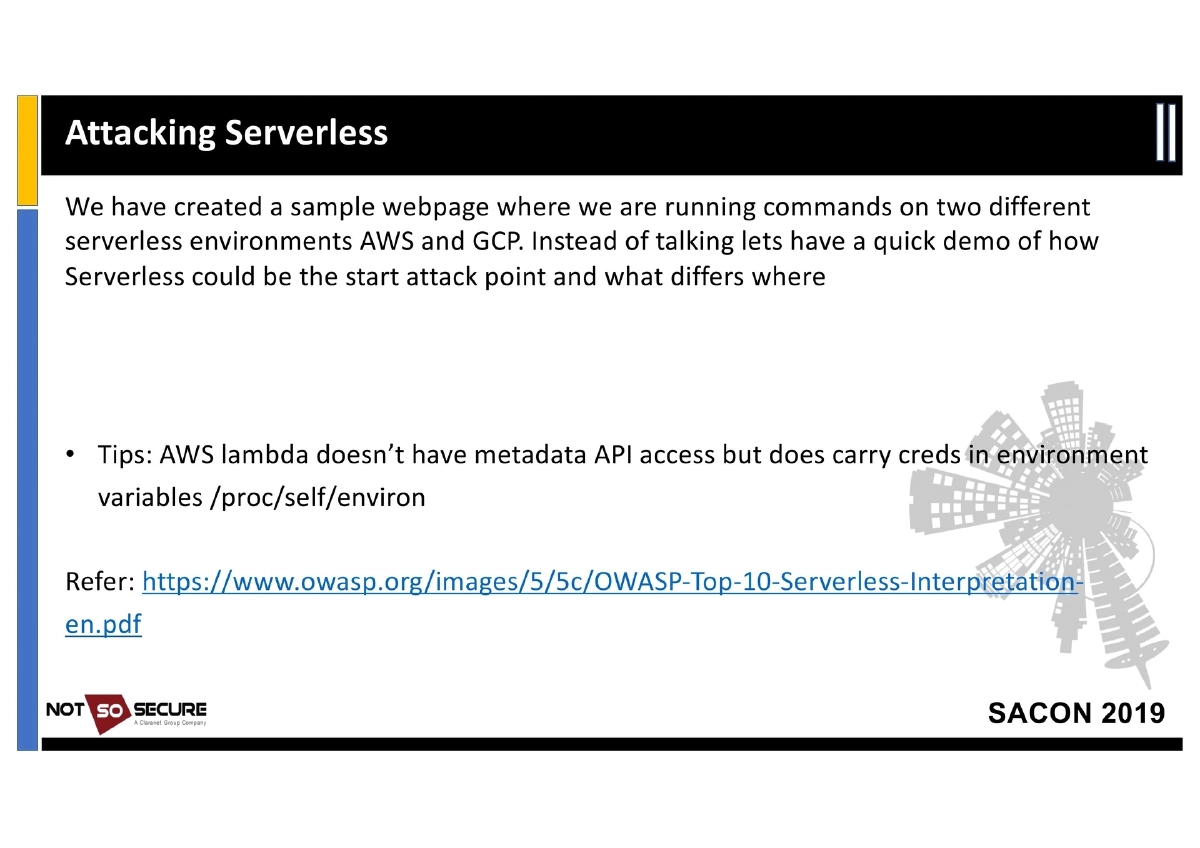
Serverless Attacks: AWS Lambda does not have metadata API access but carries credentials in environment variables (
/proc/self/environ). The presentation includes live demos comparing serverless exploitation on AWS and GCP. -
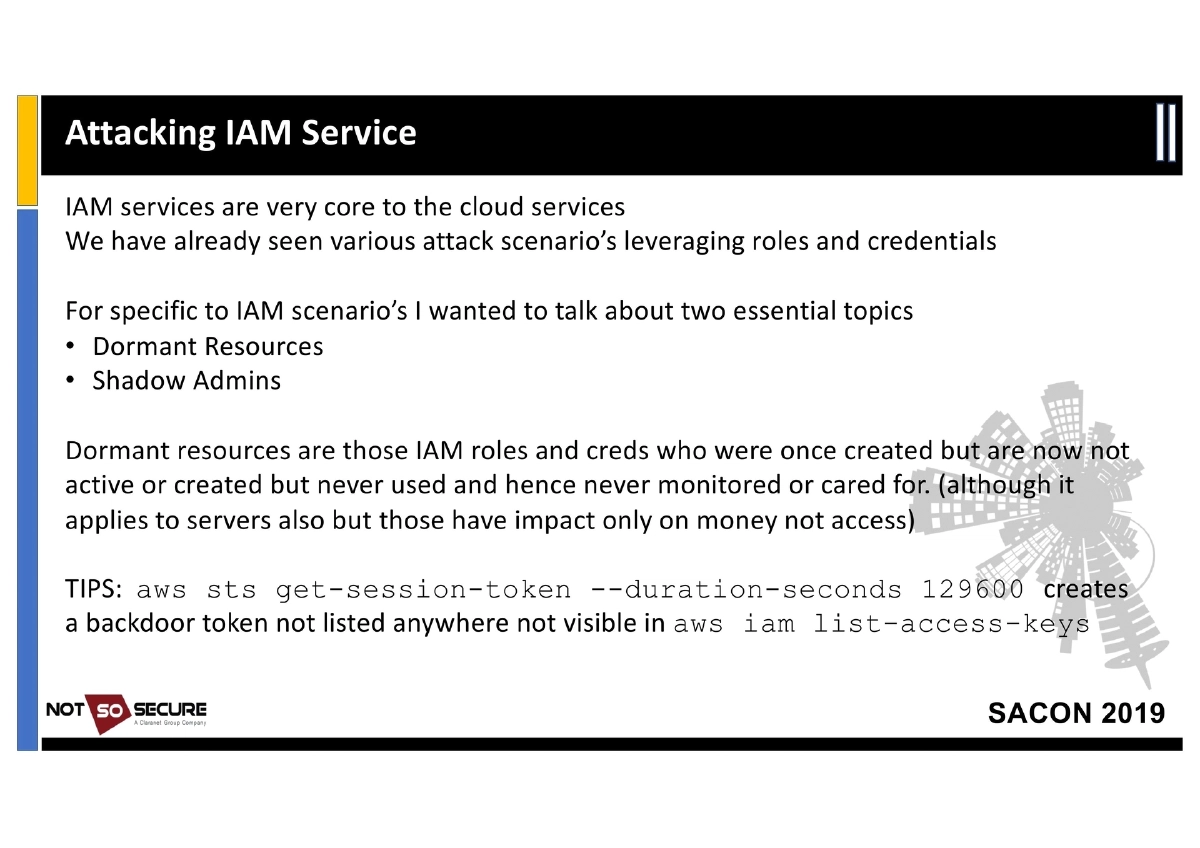
IAM Service Attacks — Dormant Resources and Shadow Admins:
- Dormant Resources: IAM roles and credentials that were created but are now inactive or never used, remaining unmonitored
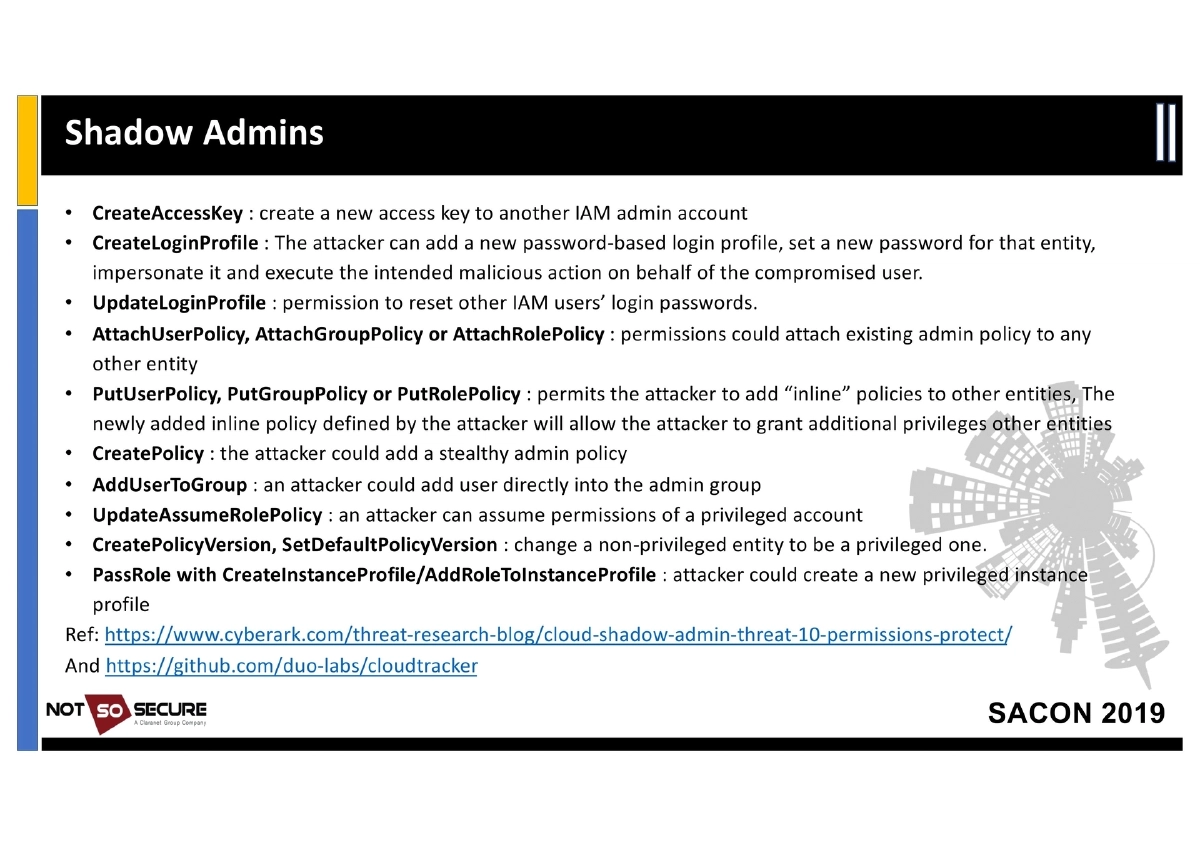
- Shadow Admin Techniques: 12 specific IAM permissions that enable privilege escalation — CreateAccessKey, CreateLoginProfile, UpdateLoginProfile, AttachUserPolicy/GroupPolicy/RolePolicy, PutUserPolicy/GroupPolicy/RolePolicy, CreatePolicy, AddUserToGroup, UpdateAssumeRolePolicy, CreatePolicyVersion/SetDefaultPolicyVersion, PassRole with CreateInstanceProfile
- Backdoor technique:
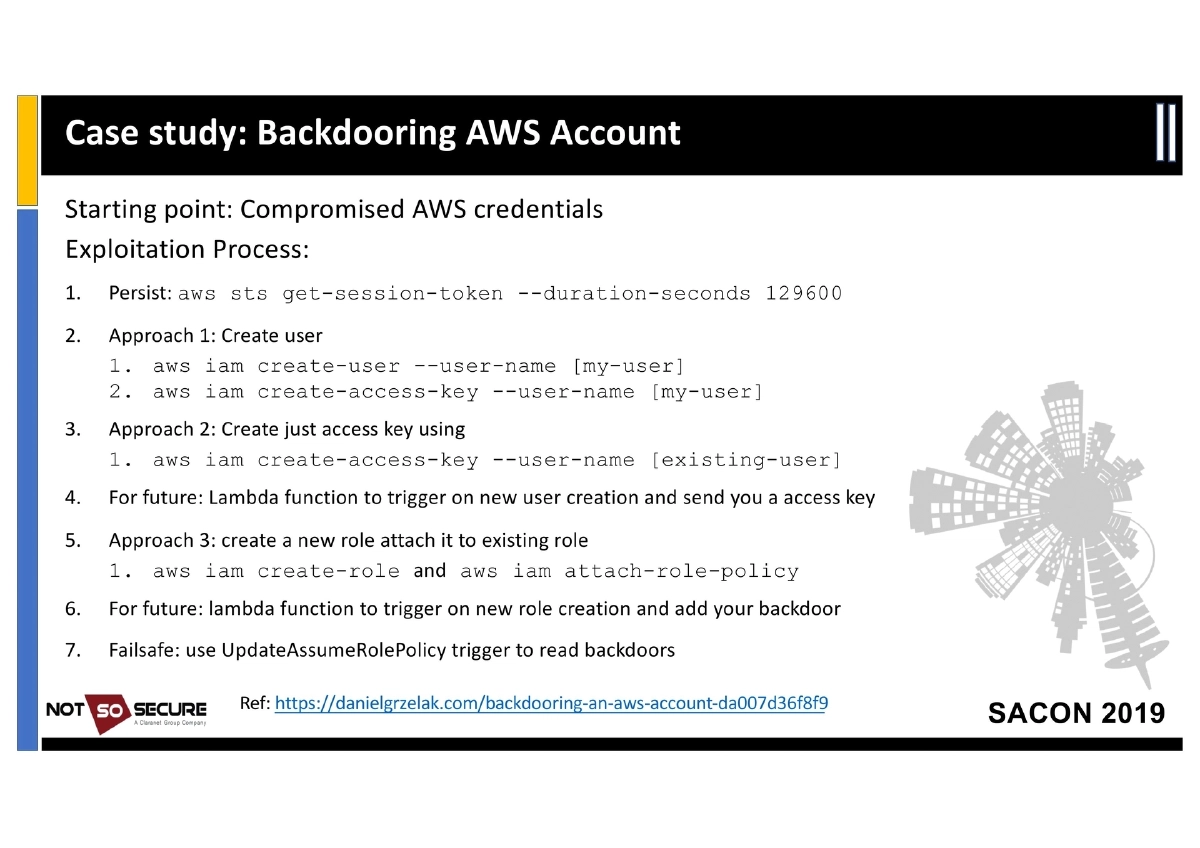
aws sts get-session-token --duration-seconds 129600creates a persistent token not listed byaws iam list-access-keys
-
Backdooring an AWS Account: Step-by-step escalation from compromised credentials — persisting with session tokens, creating users or access keys, establishing lambda-based triggers for new user/role creation, and using UpdateAssumeRolePolicy as a failsafe backdoor.
-
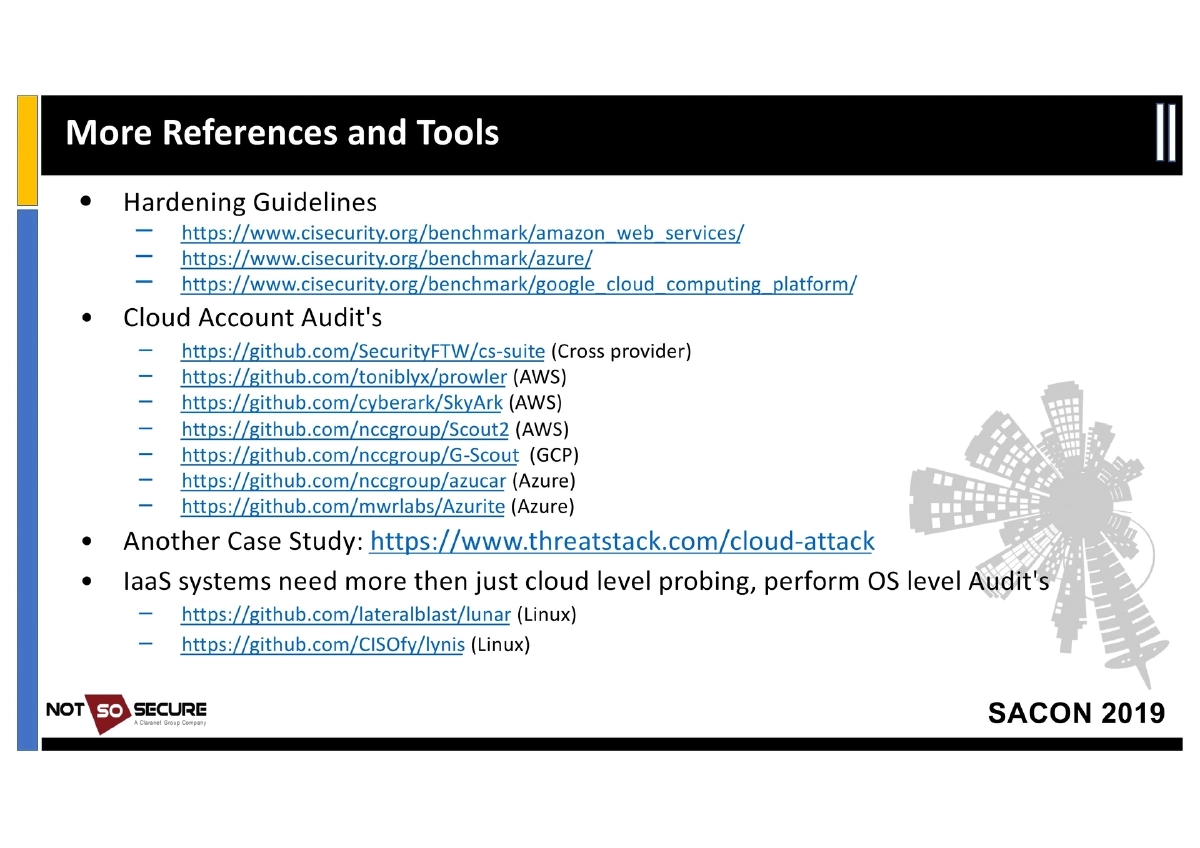
Auditing Tools and References:
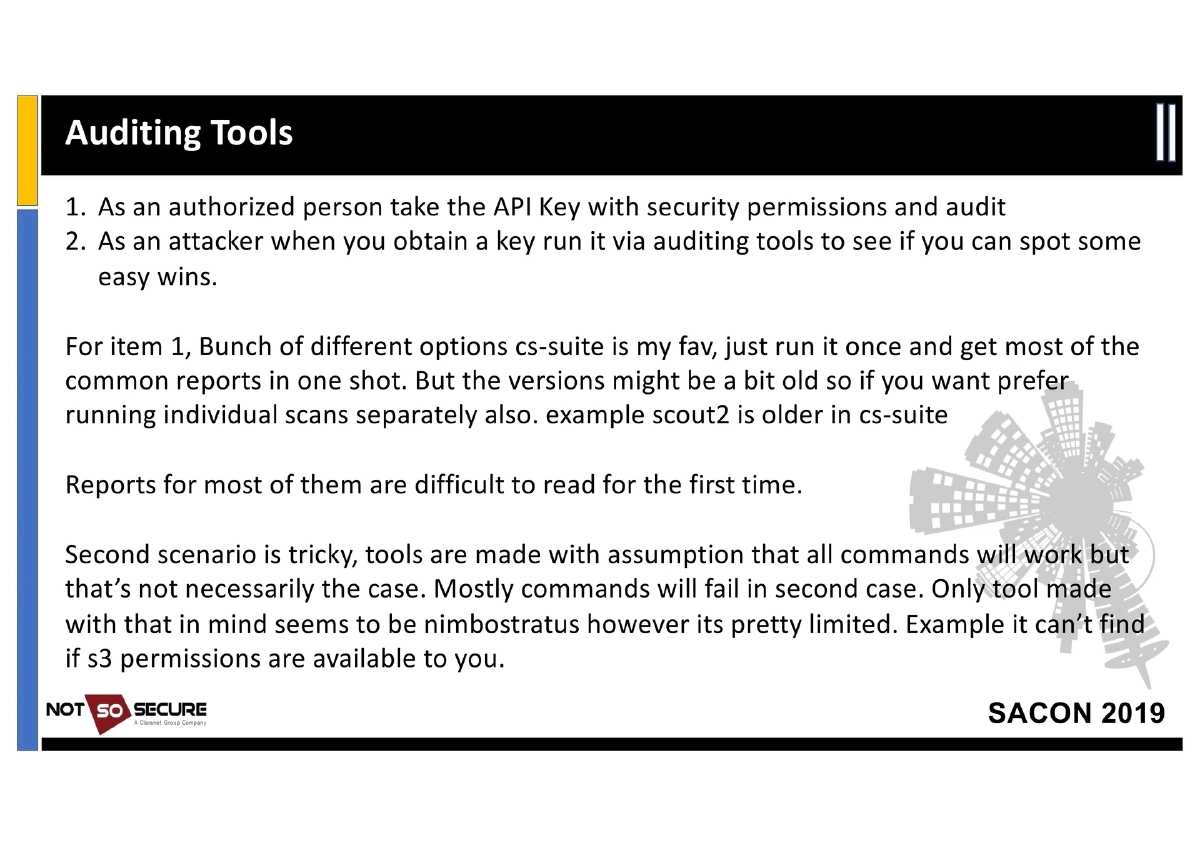
- Cross-Provider: cs-suite
- AWS: Prowler, SkyArk, Scout2, nimbostratus (for limited-permission enumeration)
- GCP: G-Scout
- Azure: Azucar, Azurite
- OS-Level: Lunar (Linux), Lynis (Linux)
- Attack Frameworks: Pacu (AWS), cloudmapper (visualization)
- Hardening: CIS Benchmarks for AWS, Azure, and GCP
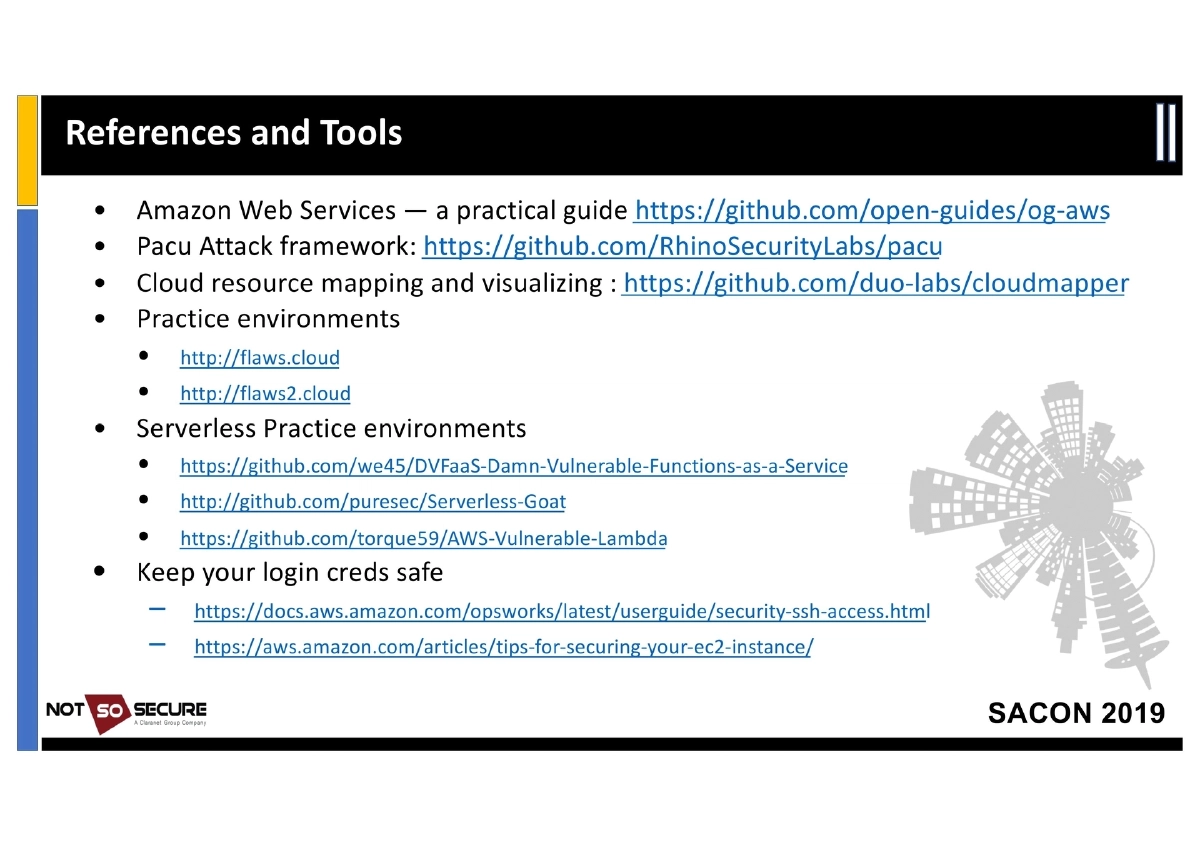
- Practice Environments: flaws.cloud, flaws2.cloud, DVFaaS, Serverless-Goat, AWS-Vulnerable-Lambda
Actionable Takeaways
- Always check the Metadata API (
169.254.169.254) when you gain access to a cloud instance — it reveals the cloud provider, instance role credentials, and configuration details that enable lateral movement. - Enumerate cloud storage buckets using provider-specific CLI tools and automated scanners (sandcastle, MicroBurst, CloudStorageFinder) to find publicly accessible or misconfigured storage.
- Investigate cloud snapshots as part of every cloud pentest — they can be attached to attacker-controlled VMs to bypass all authentication and access sensitive files directly.
- Map IAM permissions carefully and look for shadow admin paths — the 12 specific permissions listed (CreateAccessKey, AttachRolePolicy, etc.) enable privilege escalation even without direct admin access.
- Use
aws sts get-session-tokenawareness in both offensive and defensive contexts — session tokens created this way are invisible toiam list-access-keys, making them effective backdoors and difficult to detect. - Practice cloud pentesting in purpose-built vulnerable environments (flaws.cloud, flaws2.cloud, DVFaaS, Serverless-Goat) before engaging in real assessments.
- Run cloud auditing tools (cs-suite, Prowler, Scout2) with authorized credentials to identify misconfigurations, but understand their limitations when working with restricted-permission tokens obtained during a pentest.
- For Azure environments, enumerate AD users and service principals even with basic Office 365 credentials, as Azure AD access is implicit with any Microsoft cloud subscription.