Down By The Docker


AI Generated Summary
AI Generated Content Disclaimer
Note: This summary is AI-generated and may contain inaccuracies, errors, or omissions. If you spot any issues, please contact the site owner for corrections. Errors or omissions are unintended.
This presentation by Anant Shrivastava, delivered as a NotSoSecure webinar in 2017, provides a security-focused overview of Docker from a penetration tester’s perspective. The talk covers how Docker environments differ from traditional infrastructure during assessments, demonstrates three critical Docker misconfigurations that lead to host compromise, and outlines best practices for securing Docker deployments along with tools for configuration review and vulnerability scanning.
Key Topics Covered
-
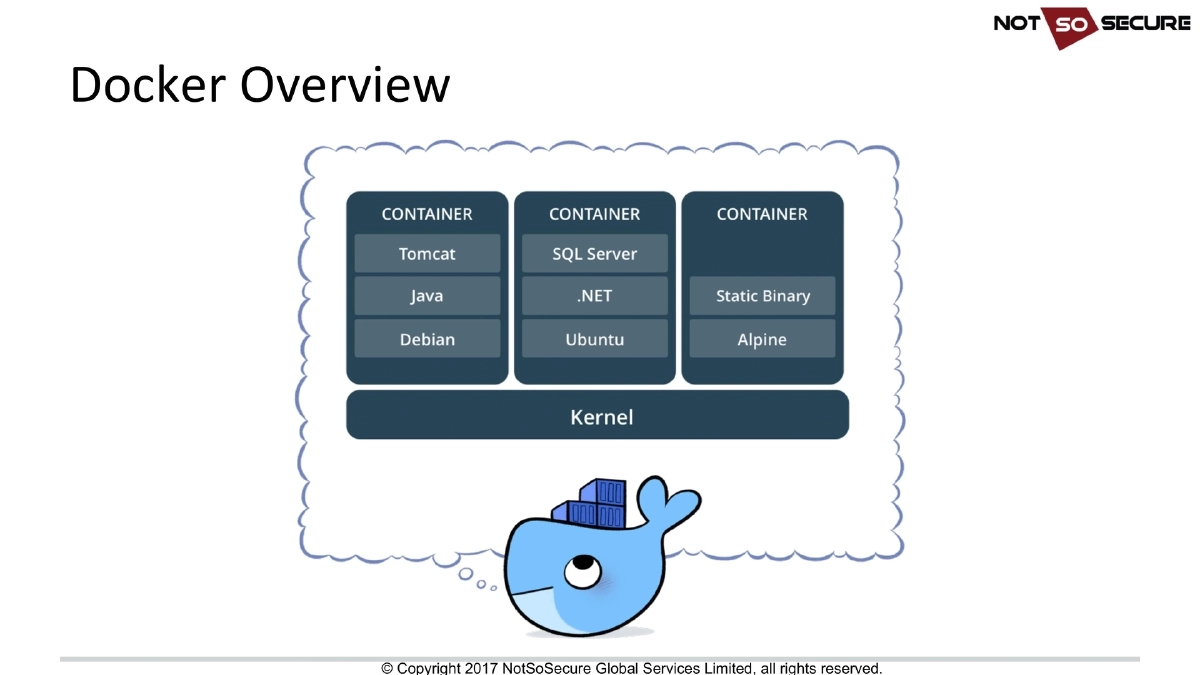
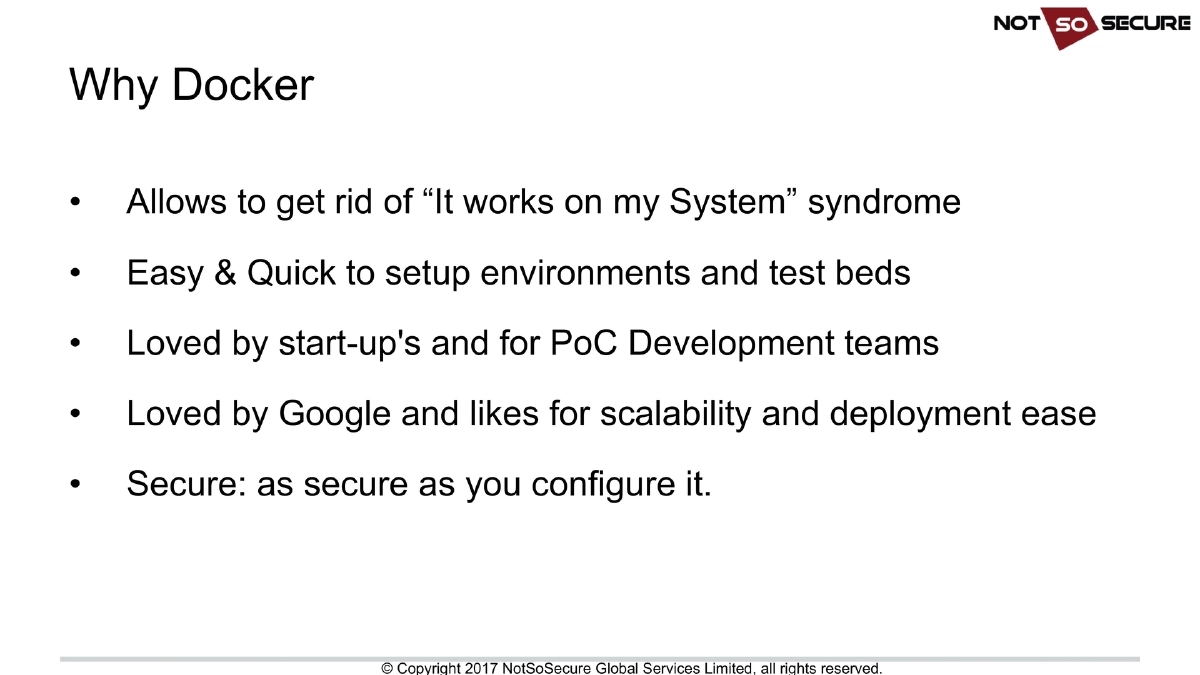
Docker Overview and Appeal: Docker eliminates the “it works on my system” problem, provides quick and easy environment setup, and is widely adopted by startups for PoC development and by large organizations like Google for scalability and deployment ease. Critically, Docker is “as secure as you configure it” — security is not automatic.
-
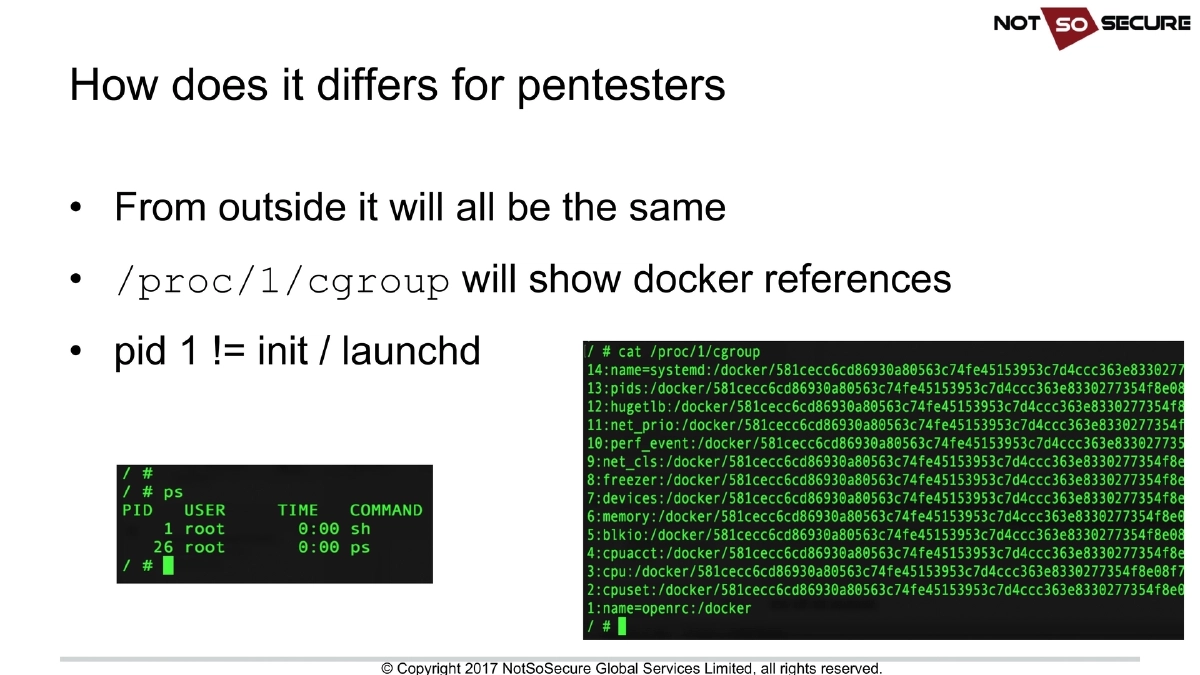
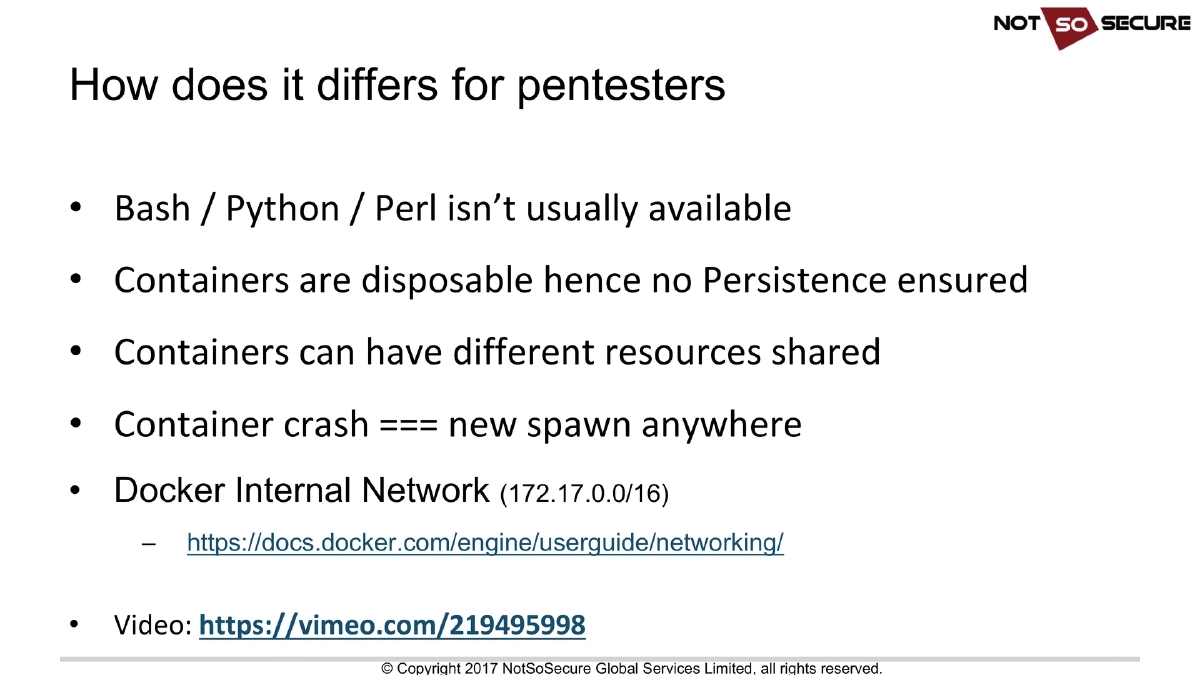
How Docker Differs for Penetration Testers: From the outside, a Docker-hosted application looks the same as any other. Key indicators that you’re inside a container include:
/proc/1/cgroupshowing Docker references, and PID 1 not beinginitorlaunchd. Significant operational differences include: bash, Python, and Perl are often unavailable in minimal containers; containers are disposable so persistence is not guaranteed; container crashes lead to new spawns potentially on different hosts; and Docker uses an internal network (typically172.17.0.0/16). -
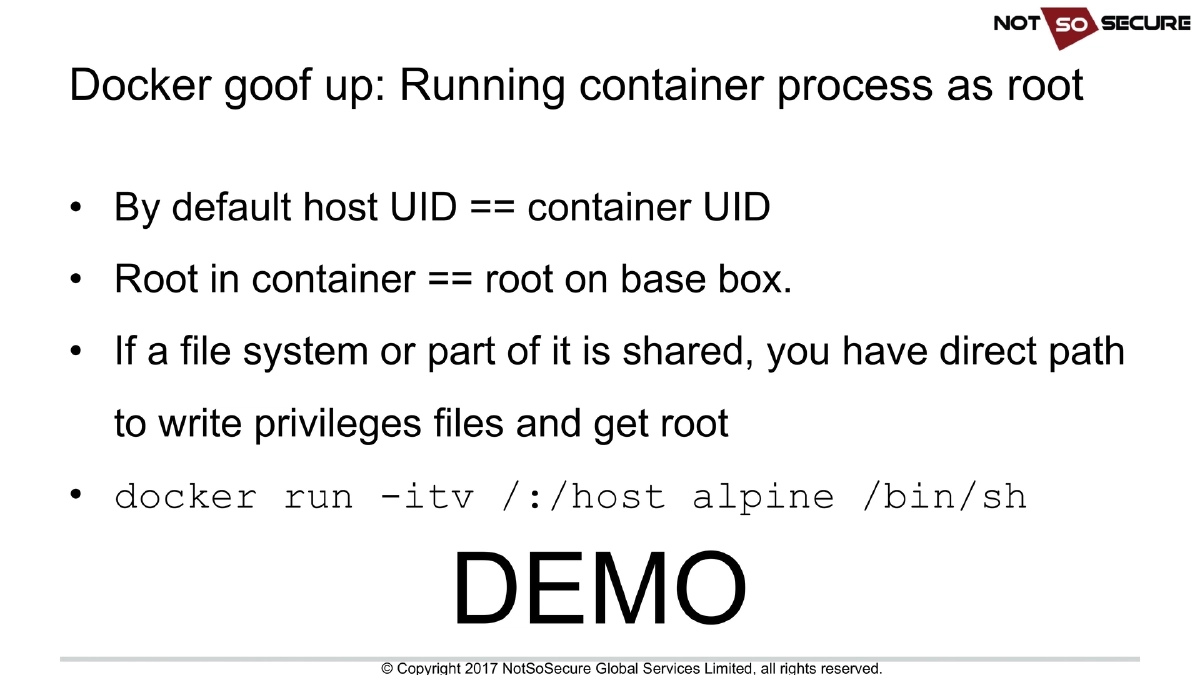
Docker Goof-Up #1 — Running Container Processes as Root: By default, the host UID maps directly to the container UID, meaning root inside the container equals root on the host. If any portion of the host filesystem is shared with the container, an attacker with root inside the container can directly write privileged files and escalate to host root. The demo shows
docker run -itv /:/host alpine /bin/shas a direct path to host compromise. -
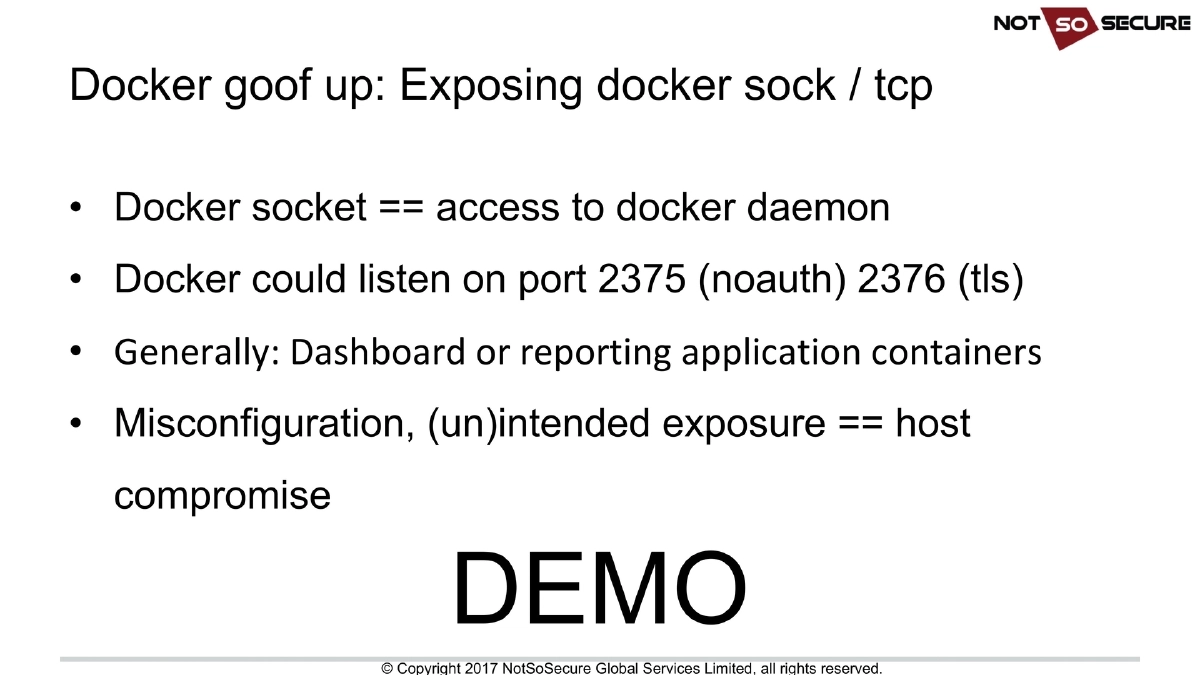
Docker Goof-Up #2 — Exposing Docker Socket or TCP Port: The Docker socket (
/var/run/docker.sock) provides direct access to the Docker daemon. Docker can also listen on port 2375 (unauthenticated) or 2376 (TLS). This exposure commonly occurs in dashboard or reporting application containers. Any misconfiguration or unintended exposure of the socket or TCP port equals complete host compromise, as it allows an attacker to create arbitrary containers with host filesystem access. -
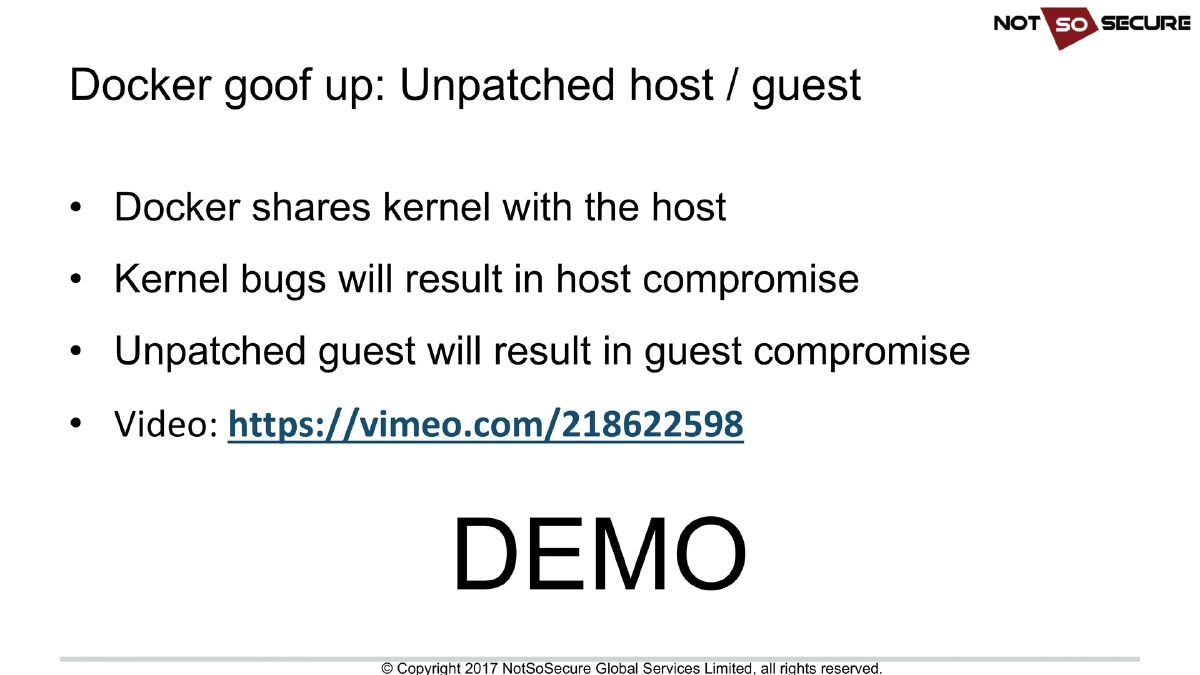
Docker Goof-Up #3 — Unpatched Host or Guest: Docker shares the kernel with the host, so kernel vulnerabilities directly lead to host compromise from within a container. Similarly, unpatched guest images contain vulnerabilities that can be exploited to compromise the container itself. Keeping both the host OS and container images updated is essential.
-
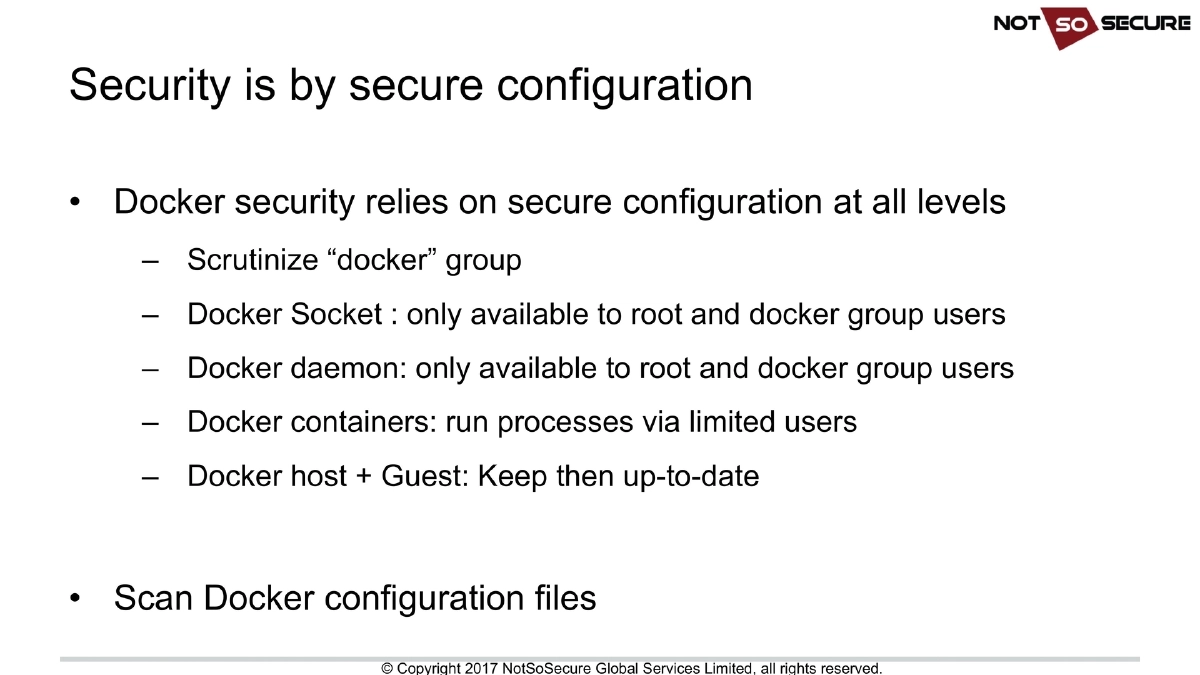
Secure Docker Configuration Best Practices:
- Scrutinize membership of the “docker” group — it effectively grants root-equivalent access
- Restrict Docker socket access to root and docker group users only
- Restrict Docker daemon access to root and docker group users only
- Run container processes via limited (non-root) users
- Keep both Docker host and guest images up-to-date
- Regularly scan Docker configuration files for misconfigurations
-
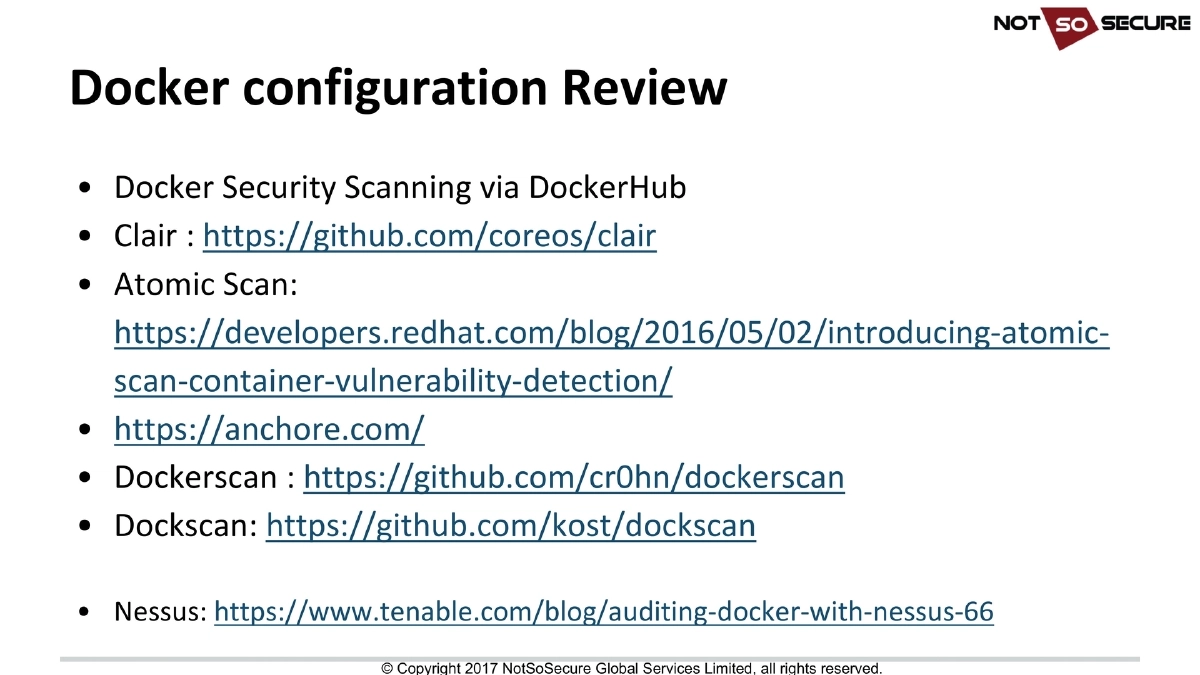
Docker Configuration Review and Scanning Tools:
- Docker Security Scanning: Built-in scanning via DockerHub
- Clair: CoreOS open source vulnerability scanner for container images (
github.com/coreos/clair) - Atomic Scan: Red Hat’s container vulnerability detection tool
- Anchore: Container analysis and policy enforcement platform (
anchore.com) - Dockerscan: Security scanning tool (
github.com/cr0hn/dockerscan) - Dockscan: Docker installation security scanner (
github.com/kost/dockscan) - Nessus: Tenable’s Docker auditing capabilities
-
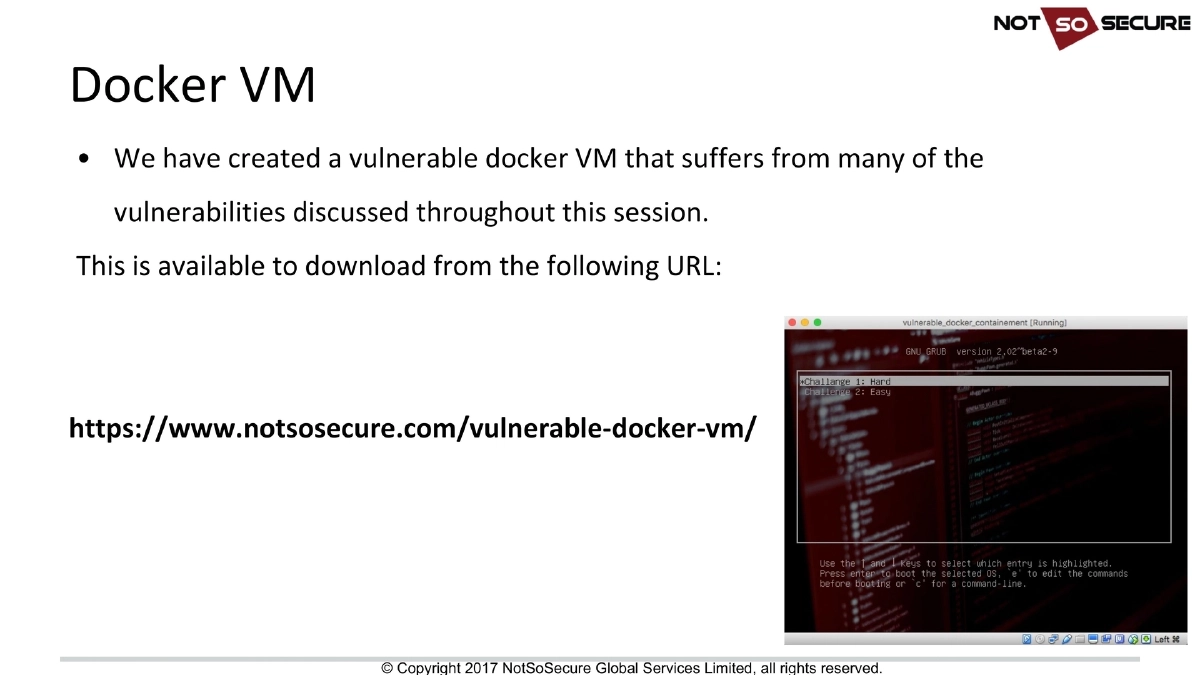
Vulnerable Docker VM: NotSoSecure released a deliberately vulnerable Docker VM incorporating the misconfigurations discussed in the presentation, available at
notsosecure.com/vulnerable-docker-vm/for hands-on practice.
Actionable Takeaways
- Never run container processes as root — always specify a non-root
USERin Dockerfiles and verify that production containers are not running with UID 0, as root inside a container equals root on the host when filesystems are shared. - Audit Docker socket and daemon exposure in your infrastructure: ensure
/var/run/docker.sockis not mounted into application containers unless absolutely necessary, and never expose the Docker TCP port (2375/2376) without proper authentication and network restrictions. - Implement regular patching for both the Docker host kernel and all container base images, since Docker’s shared-kernel architecture means a single kernel vulnerability compromises all containers on the host.
- Integrate container image scanning into your CI/CD pipeline using tools like Clair, Anchore, or Docker Security Scanning to catch known vulnerabilities before deployment.
- Restrict Docker group membership as carefully as you would restrict root access — any user in the Docker group can effectively gain root on the host through container creation.
- Practice Docker security assessment techniques using the NotSoSecure vulnerable Docker VM to build familiarity with identifying and exploiting these common misconfigurations in a safe environment.
- During penetration tests, check
/proc/1/cgroupand PID 1 to identify containerized environments, then look for mounted host filesystems, exposed Docker sockets, and kernel vulnerabilities as escalation paths.