KeyChecker - BlackHat USA 2026 Arsenal
AI Generated Summary
AI Generated Content Disclaimer
Note: This summary is AI-generated and may contain inaccuracies, errors, or omissions. If you spot any issues, please contact the site owner for corrections. Errors or omissions are unintended.
This 9-slide deck backed the Black Hat USA 2026 Arsenal demonstration of KeyChecker in Las Vegas on August 5, 2026. It is a sparse, demo-first deck: what DVCS systems are, how SSH keys relate to other access methods, the well-known SSH username disclosure behavior, the enumeration recipe behind the tool, and a full CLI help screen, before handing the hour to the live terminal. Nearly every slide carries a QR code linking to the project.
Summary
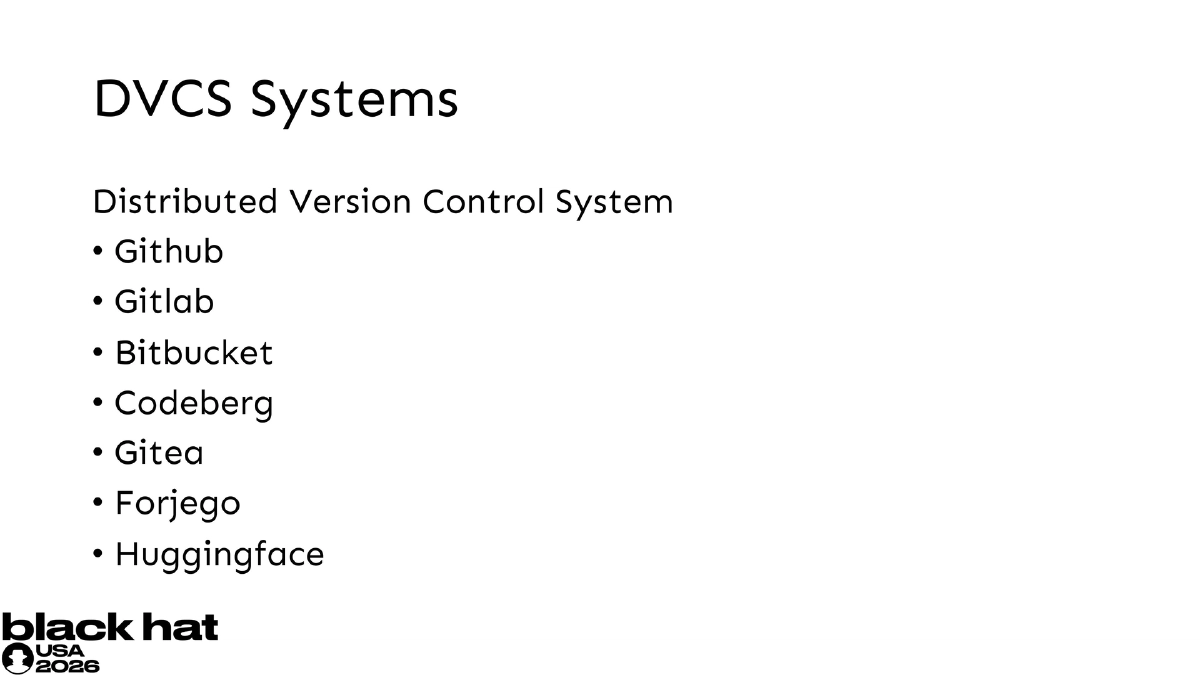
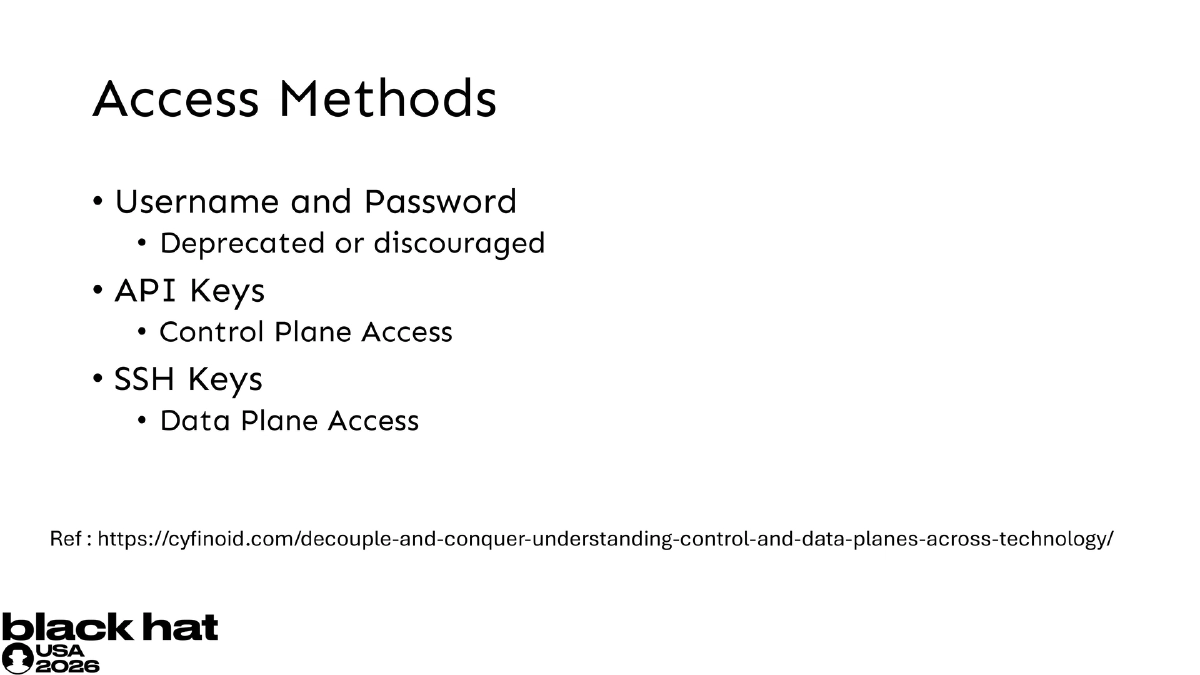
The title slide names the tool plainly: Keychecker, an SSH Key based attack tool for DVCS Systems. The next slide defines that abbreviation with a provider list: Distributed Version Control System, meaning Github, Gitlab, Bitbucket, Codeberg, Gitea, Forjego (the slide’s spelling of Forgejo), and Huggingface. The access methods slide then sorts authentication into three tiers: username and password, deprecated or discouraged; API keys, described as control plane access; and SSH keys, described as data plane access. A reference link points to the Cyfinoid blog post on decoupling control and data planes across technology.
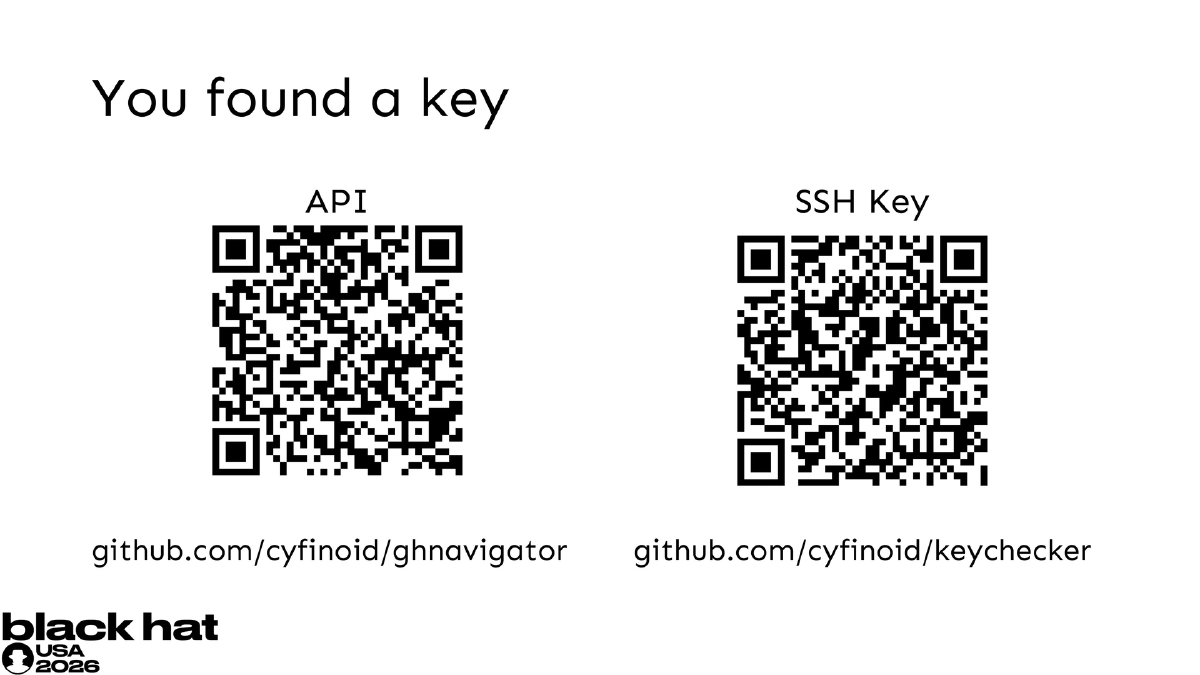
A slide headed “You found a key” frames the scenario of recovering a credential during an assessment or incident response. Two QR codes sit side by side: one labeled API, linking to github.com/cyfinoid/ghnavigator, and one labeled SSH Key, linking to github.com/cyfinoid/keychecker. The positioning is that of a matched pair, with KeyChecker covering the SSH half of found-key triage where GhNavigator covers the API-key half.
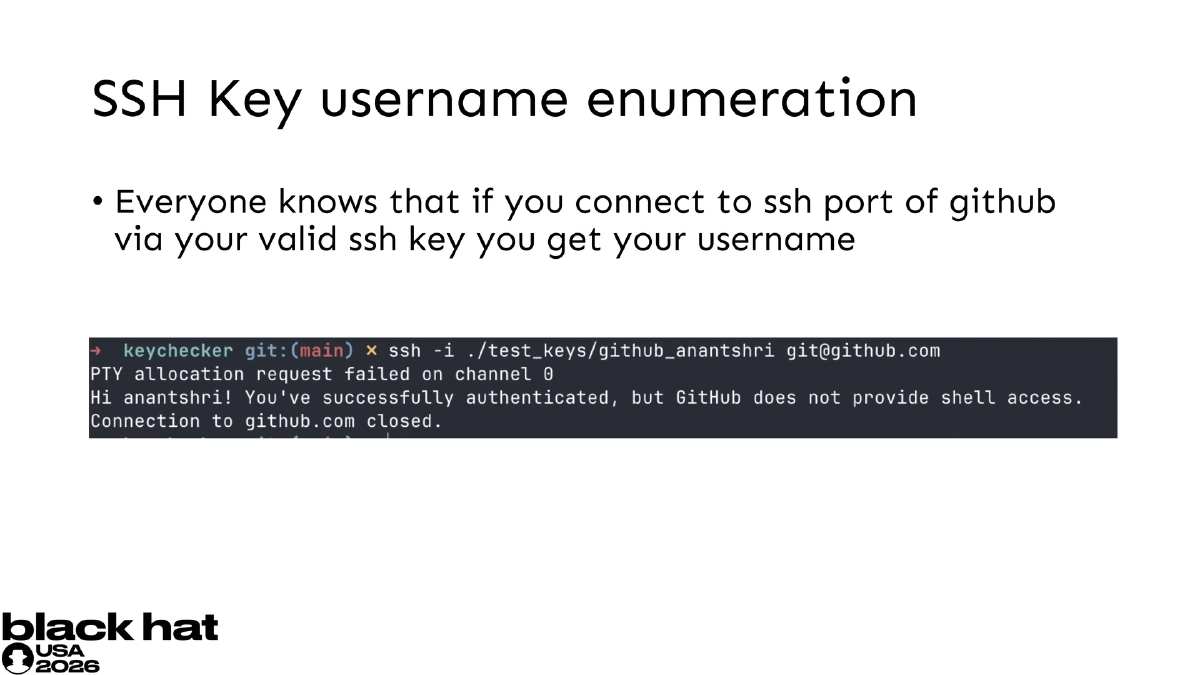
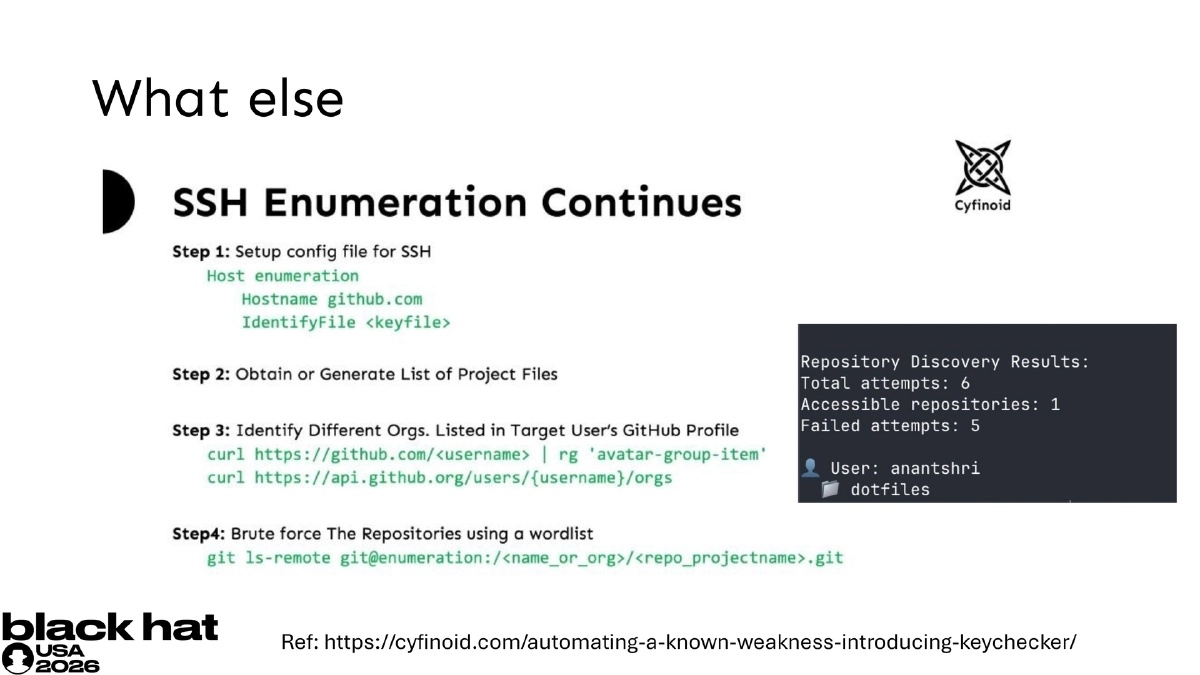
The mechanism slide states the foundation of the tool in one sentence: everyone knows that connecting to the ssh port of github with a valid ssh key returns the mapped username. A terminal capture shows the standard exchange, an ssh invocation with a test key against git@github.com answered by the familiar line that the key authenticated successfully but GitHub does not provide shell access. The next slide, “What else”, reproduces the enumeration write-up published as “SSH Enumeration Continues” on the Cyfinoid blog. The recipe has four steps: set up an SSH config entry with a Host enumeration block pointing at github.com and an IdentifyFile; obtain or generate a list of project files; identify the organizations listed in the target user’s GitHub profile, shown with curl and ripgrep pulls of avatar-group-item entries and the orgs API; and brute force repositories with a wordlist using git ls-remote through the config alias. A results panel shows a sample run against user anantshri: 6 total attempts, 1 accessible repository (dotfiles), and 5 failed attempts.
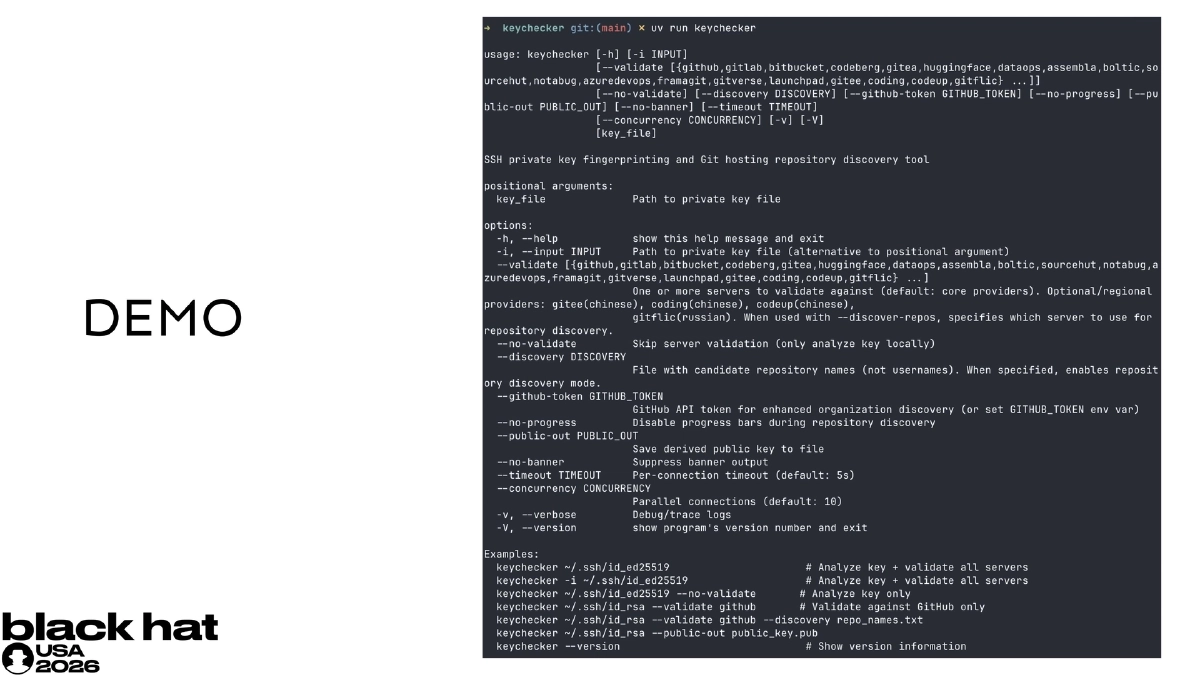
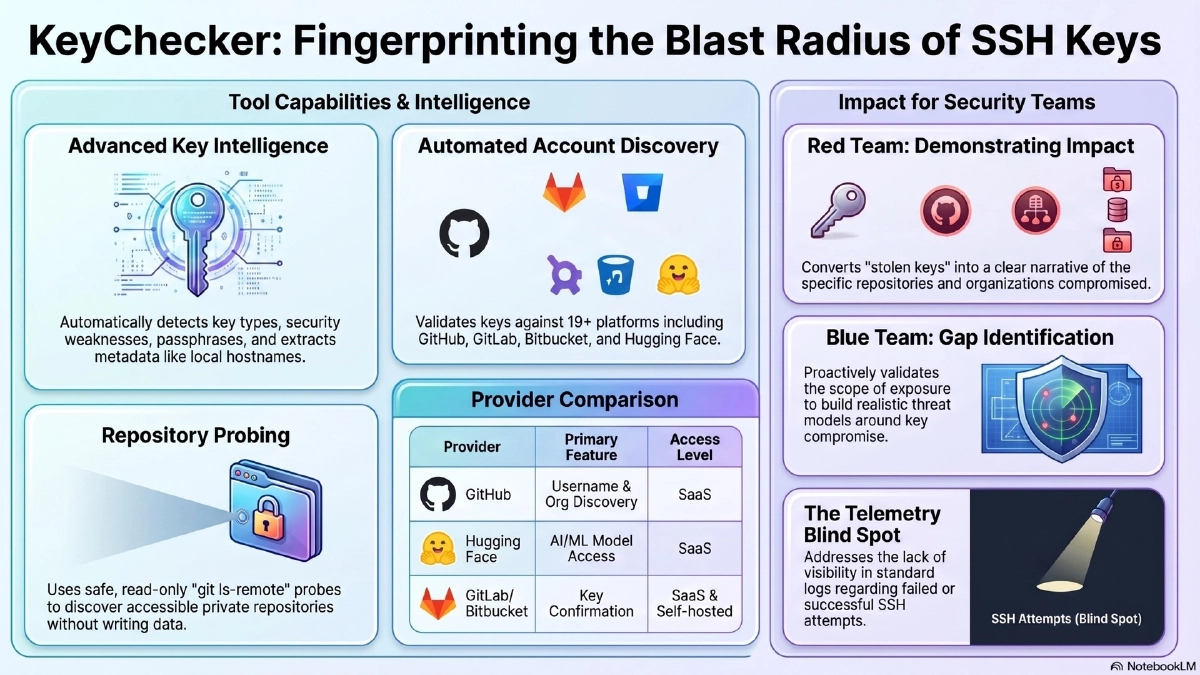
The DEMO slide displays the tool’s help output, self-described as an SSH private key fingerprinting and Git hosting repository discovery tool. The –validate flag accepts a long provider list including github, gitlab, bitbucket, codeberg, gitea, huggingface, dataops, assembla, boltic, sourcehut, notabug, azuredevops, framagit, gitverse, launchpad, gitee, coding, codeup, and gitflic, with gitee, coding, and codeup annotated as Chinese providers and gitflic as Russian. Further options cover repository discovery from a wordlist file (–discovery), a GitHub token for enhanced organization discovery, saving the derived public key (–public-out), a 5 second per-connection timeout, and a default concurrency of 10 parallel connections. A closing infographic, “KeyChecker: Fingerprinting the Blast Radius of SSH Keys”, summarizes the pitch for security teams: advanced key intelligence that detects key types, weaknesses, passphrases, and metadata such as local hostnames; automated account discovery against 19 or more platforms; safe, read-only git ls-remote probing that never writes data; and value framed separately for red teams, which get a clear narrative of compromised repositories and organizations, and blue teams, which get exposure scoping for threat models, plus a noted telemetry blind spot around SSH attempts in standard logs. The thanks slide closes with an email address, a social handle, and the repository URL.
Key Themes
- Control plane versus data plane: API keys and SSH keys are presented as different planes of access, which is why a found SSH key needs its own triage path distinct from API-key analysis.
- A known weakness, automated: the username disclosure on GitHub’s SSH port and manual ls-remote enumeration are long-documented tricks; the tool packages them into one CLI run.
- Local key intelligence first: the tool reads the key file itself, detecting type, weaknesses, passphrase protection, and metadata such as local hostnames before any network call.
- Safe, read-only probing: validation uses SSH handshakes and git ls-remote, never write operations, so the tool stays on the right side of authorized assessment.
- Blast radius over possession: finding a key is common; the output that matters is which accounts, organizations, and repositories the key unlocks.
- Useful to both sides: red teams get a demonstrable impact narrative, blue teams get exposure scoping, and both are reminded that SSH attempts are poorly logged.
Notable Points
- Provider list on the DVCS slide: Github, Gitlab, Bitbucket, Codeberg, Gitea, Forjego (the slide’s spelling of Forgejo), and Huggingface.
- Access method framing: username and password deprecated or discouraged, API keys as control plane access, SSH keys as data plane access, with a Cyfinoid blog reference on control and data planes.
- The found-key slide pairs two tools: ghnavigator for API keys and keychecker for SSH keys, both in the cyfinoid GitHub organization.
- Sample enumeration run shown on the “What else” slide: 6 total attempts, 1 accessible repository (dotfiles), 5 failed attempts, against user anantshri.
- The enumeration recipe is sourced to the Cyfinoid blog post “Automating a known weakness: introducing KeyChecker”, and the config trick to “SSH Enumeration Continues”.
- The CLI help self-describes the tool as an SSH private key fingerprinting and Git hosting repository discovery tool.
- The –validate provider list includes 19 named providers, with gitee, coding, and codeup flagged as Chinese and gitflic as Russian.
- Defaults visible in the help output: 5 second per-connection timeout and 10 parallel connections; –public-out saves the derived public key, and –discovery takes a file of candidate repository names.
- The closing infographic claims validation against 19 or more platforms including GitHub, GitLab, Bitbucket, and Hugging Face, and read-only git ls-remote probing without writing data.
- Contact details on the closing slide: anant@cyfinoid.com, @anantshri, and github.com/cyfinoid/keychecker.
Notable Quotes
“SSH Key based attack tool for DVCS Systems”
“Control Plane Access”
“Data Plane Access”
“You found a key”
“Everyone knows that if you connect to ssh port of github via your valid ssh key you get your username”
“SSH Enumeration Continues”
“SSH private key fingerprinting and Git hosting repository discovery tool”
“Thanks you for listening”