KeyChecker - DEF CON 34 Demo Labs
AI Generated Summary
AI Generated Content Disclaimer
Note: This summary is AI-generated and may contain inaccuracies, errors, or omissions. If you spot any issues, please contact the site owner for corrections. Errors or omissions are unintended.
This deck supported the KeyChecker demo lab at DEF CON 34 in Las Vegas on Saturday, August 8, 2026, delivered twice in 45 minute sessions on Demo Labs Track 3. It is the same nine-page deck shown at the Black Hat USA 2026 Arsenal days earlier, with the conference logo swapped for a QR code, and it stays as sparse as before: provider context, access-method framing, the SSH behaviors being automated, and a CLI help screen around a live demonstration.
Summary
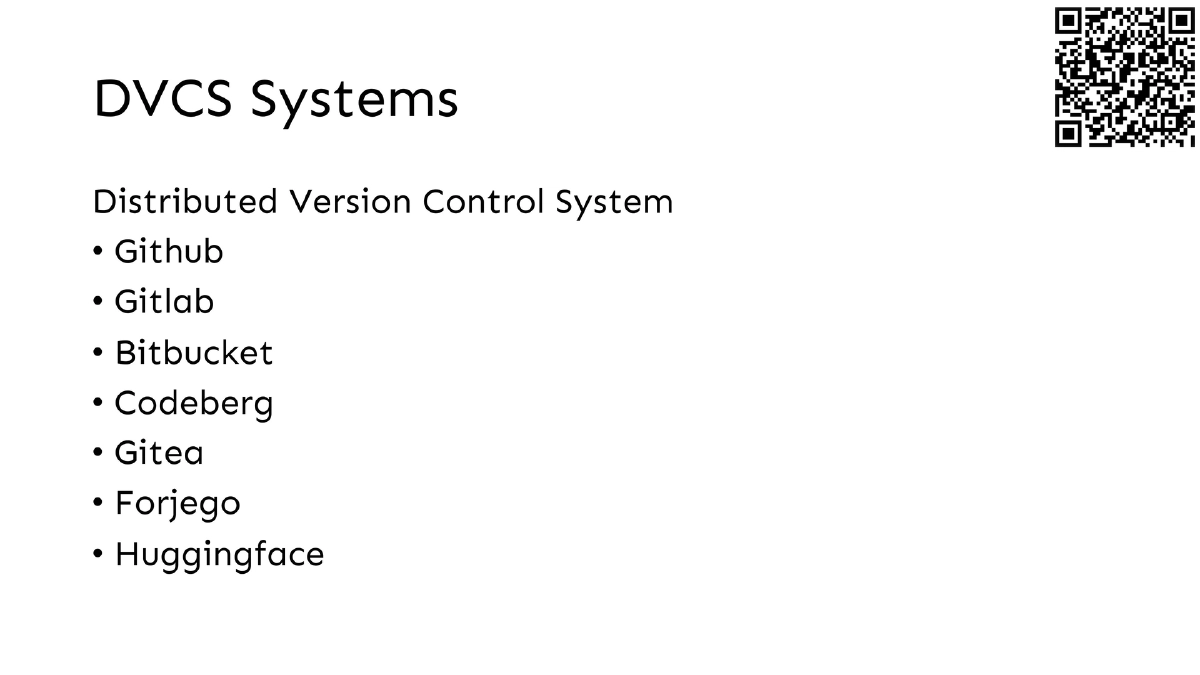
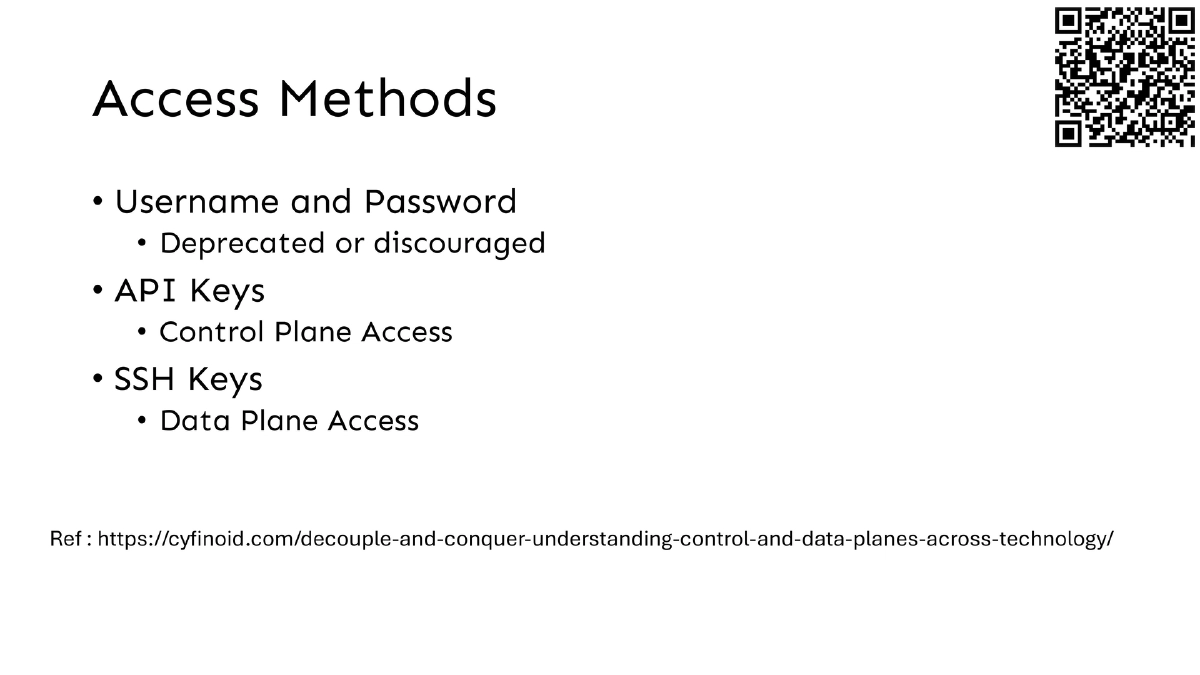
The deck opens with a title card naming Keychecker as an SSH Key based attack tool for DVCS Systems, credited to Anant Shrivastava. The DVCS slide spells out the abbreviation, Distributed Version Control System, and lists the target landscape: Github, Gitlab, Bitbucket, Codeberg, Gitea, Forjego (the slide’s spelling of Forgejo), and Huggingface. The access methods slide then sorts the ways developers reach these platforms: username and password marked deprecated or discouraged, API keys labeled as control plane access, and SSH keys labeled as data plane access, with a reference link to the Cyfinoid blog post about separating control and data planes.
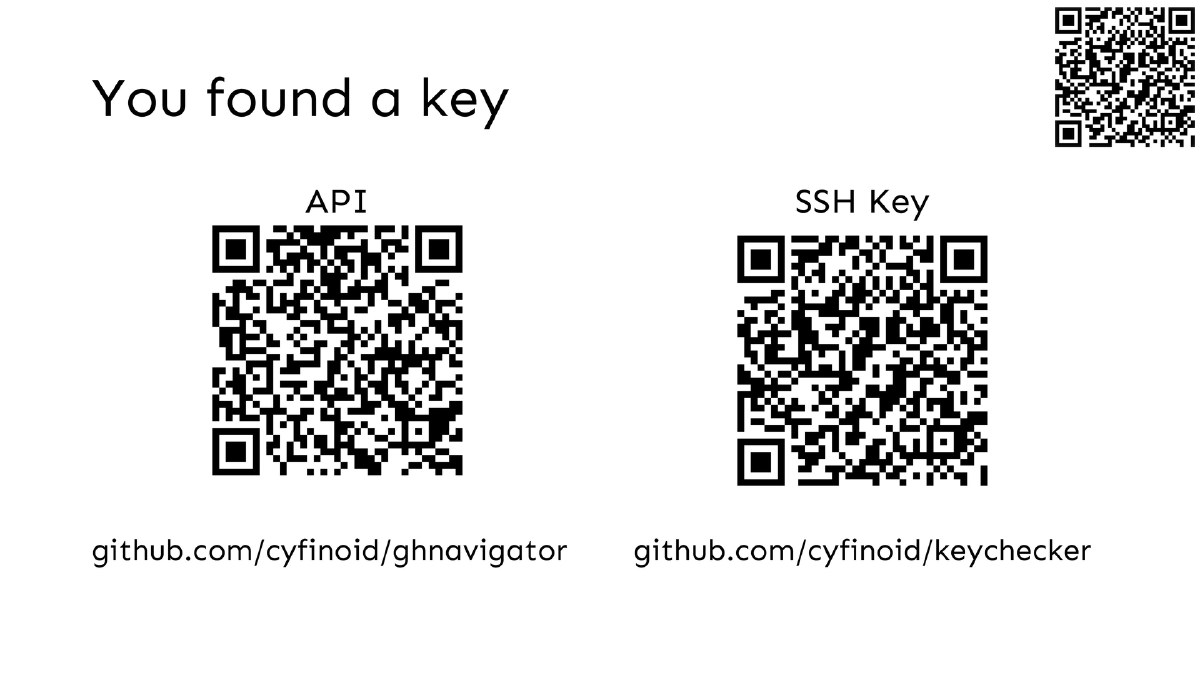
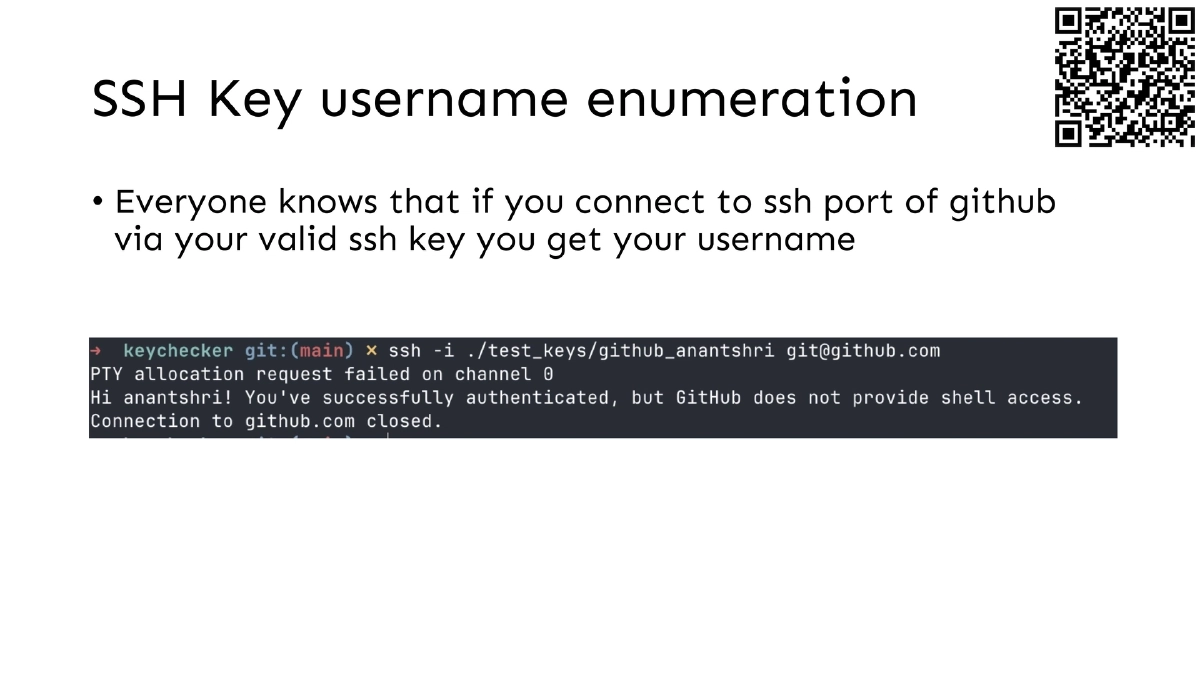
The scenario slide is a single line, “You found a key”, over two QR codes. The one labeled API resolves to github.com/cyfinoid/ghnavigator and the one labeled SSH Key resolves to github.com/cyfinoid/keychecker, presenting the two tools as companions for the two kinds of credentials an assessor is likely to recover. KeyChecker’s side of the pairing rests on a behavior the next slide states without ceremony: connecting to the ssh port of github with a valid ssh key makes the server return the mapped username. A terminal capture shows that exchange, with GitHub’s greeting confirming authentication for the test key while declining to provide shell access.
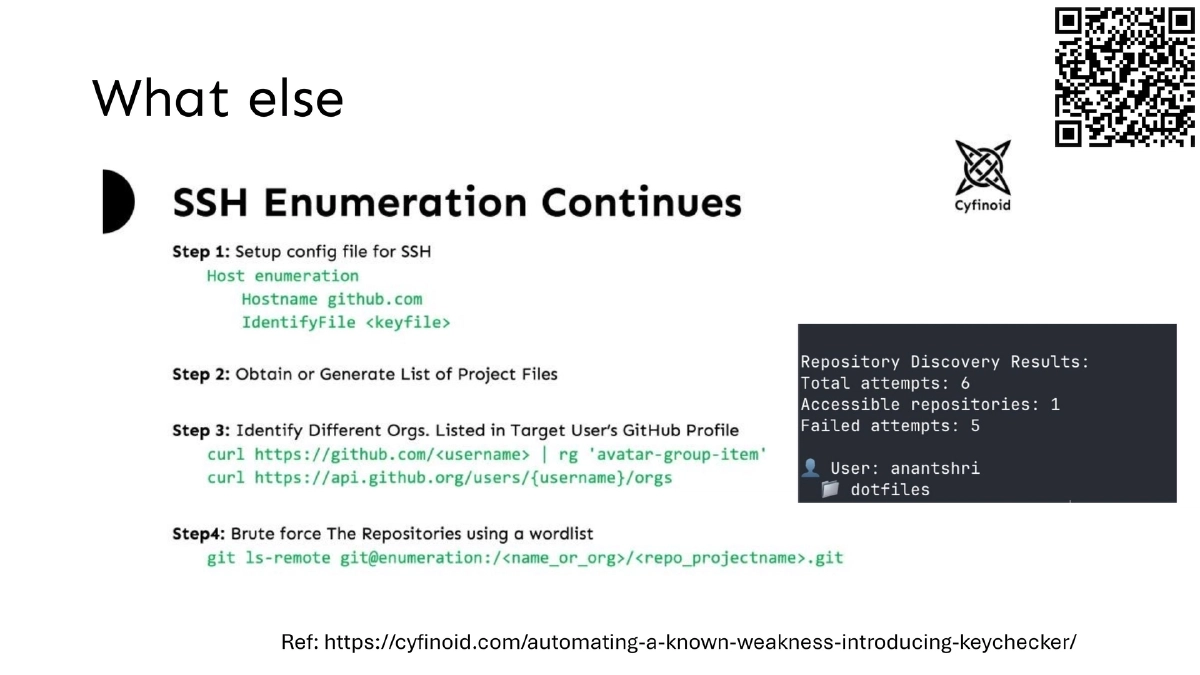
The “What else” slide carries the manual technique the tool industrializes, reproduced from the Cyfinoid blog write-up titled “SSH Enumeration Continues”. Its four steps are an SSH config entry with a Host enumeration block and IdentifyFile, a list of project files to try, organization discovery from the target’s GitHub profile using curl against the profile page or the orgs API, and wordlist-driven repository brute forcing through git ls-remote via the config alias. A dark results panel beside the recipe shows a completed run against user anantshri: 6 total attempts, 1 accessible repository named dotfiles, and 5 failed attempts, which is exactly the kind of blast-radius summary the lab promised.
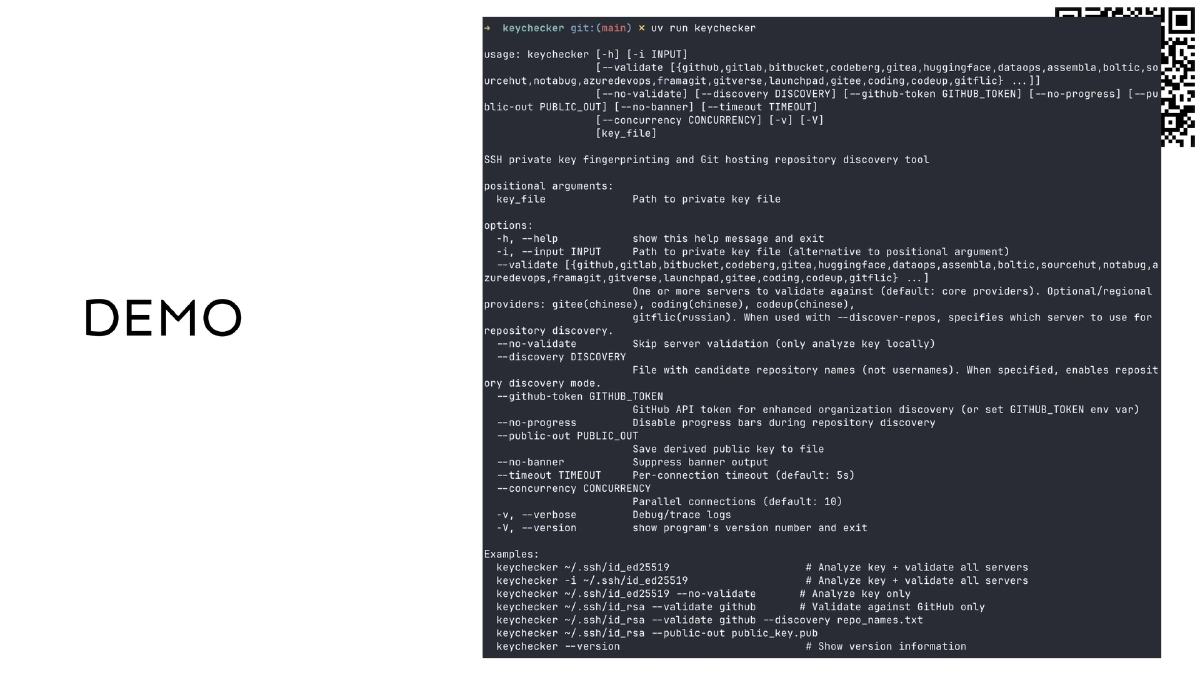
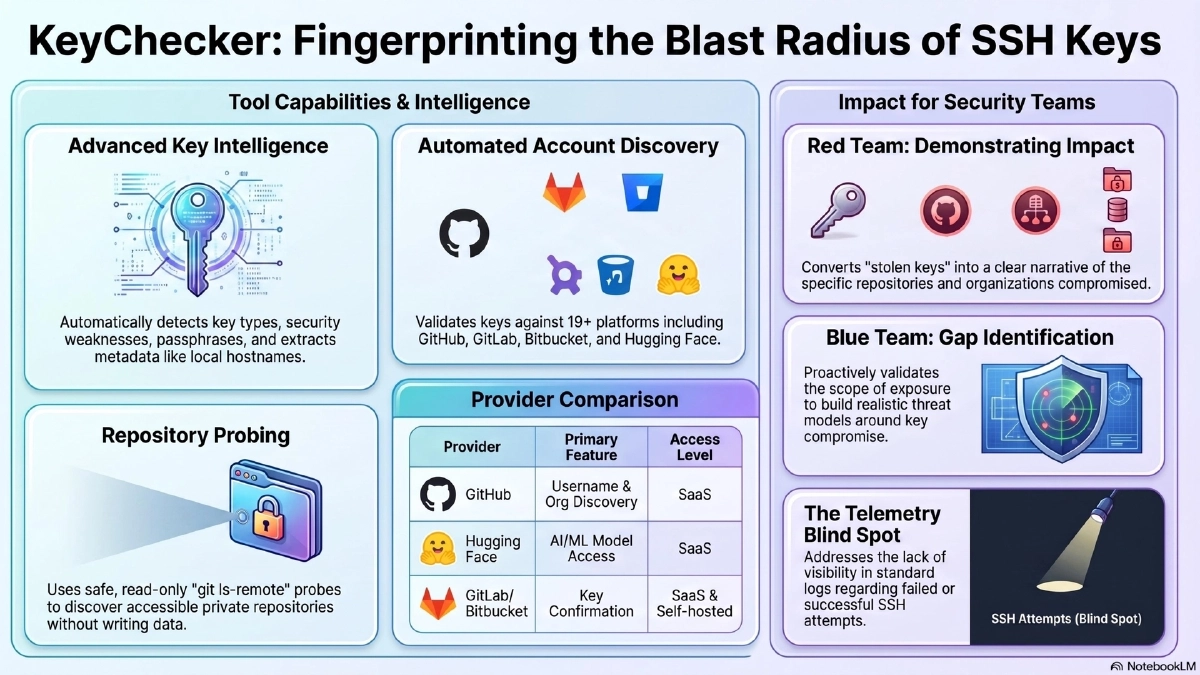
The DEMO slide shows the keychecker help text in full, self-described as an SSH private key fingerprinting and Git hosting repository discovery tool. It enumerates the –validate provider set (github, gitlab, bitbucket, codeberg, gitea, huggingface, dataops, assembla, boltic, sourcehut, notabug, azuredevops, framagit, gitverse, launchpad, gitee, coding, codeup, gitflic), marks the last few as regional Chinese and Russian providers, and lists the discovery, github-token, public-out, timeout, and concurrency options with their defaults of 5 seconds and 10 connections. Example invocations on the same screen cover plain key analysis, validation limited to GitHub, and discovery from a repo_names.txt wordlist. The penultimate slide is an infographic titled “KeyChecker: Fingerprinting the Blast Radius of SSH Keys”, grouping the pitch into advanced key intelligence (key types, weaknesses, passphrases, metadata like local hostnames), automated account discovery against 19 or more platforms, safe read-only git ls-remote repository probing without writing data, and separate value statements for red teams (a clear narrative of compromised repositories and organizations) and blue teams (proactive exposure scoping, plus the observation that standard logs rarely record SSH attempts). The thanks slide closes with an email, a handle, and the repository URL.
Key Themes
- Credentials and their planes: the deck sorts account access into a deprecated password tier, API keys on the control plane, and SSH keys on the data plane, and the tool works the data-plane half.
- One line of foundation: the entire tool builds on a single documented server behavior, the username disclosure on GitHub’s SSH port, extended with read-only repository probing.
- Recipe to product: the four-step enumeration write-up from the Cyfinoid blog becomes the tool’s discovery mode, with a wordlist replacing the manual grind.
- Discovery without damage: git ls-remote probes and handshake checks read state without writing anything, keeping the lab inside authorized-testing bounds.
- Regional providers in scope: validation reaches beyond the mainstream platforms to Chinese and Russian hosting, reflecting where real-world keys actually live.
- One key, many answers: fingerprinting, account mapping, and repository discovery combine into a per-key blast-radius report usable by both offensive and defensive teams.
Notable Points
- The lab ran twice on Saturday, August 8, 2026, in 45 minute sessions (12:00 and 13:00) on Demo Labs Track 3 at LVCC Exhibit Hall West 3.
- The deck is page-for-page the same as the Black Hat USA 2026 Arsenal KeyChecker deck, with the Black Hat logo replaced by a QR code.
- Provider list on the DVCS slide: Github, Gitlab, Bitbucket, Codeberg, Gitea, Forjego (the slide’s spelling of Forgejo), and Huggingface.
- The sample run shown beside the enumeration recipe: 6 total attempts, 1 accessible repository (dotfiles), 5 failed attempts, user anantshri.
- The help output names 19 providers for –validate, with gitee, coding, and codeup annotated as Chinese and gitflic as Russian.
- Visible defaults: 5 second per-connection timeout and 10 parallel connections; –discovery takes a candidate repository name file and –public-out saves the derived public key.
- Example invocations include plain key analysis, github-only validation, discovery against repo_names.txt, and version printing.
- The closing infographic claims automated account discovery against 19 or more platforms including GitHub, GitLab, Bitbucket, and Hugging Face, and repository probing via safe, read-only git ls-remote.
- The infographic’s defensive framing includes the telemetry blind spot: standard logs lack visibility into failed or successful SSH attempts.
- Contact details: anant@cyfinoid.com, @anantshri, and github.com/cyfinoid/keychecker.
Notable Quotes
“SSH Key based attack tool for DVCS Systems”
“Control Plane Access”
“Data Plane Access”
“You found a key”
“Everyone knows that if you connect to ssh port of github via your valid ssh key you get your username”
“SSH Enumeration Continues”
“Thanks you for listening”