Pentest Lab Setup

AI Generated Summary
AI Generated Content Disclaimer
Note: This summary is AI-generated and may contain inaccuracies, errors, or omissions. If you spot any issues, please contact the site owner for corrections. Errors or omissions are unintended.
This presentation guides security practitioners through setting up penetration testing labs and participating in Capture The Flag competitions, covering physical and virtual lab configurations, target environments, and essential toolsets.
Key Topics Covered
What is a Pentest Lab:
- A controlled environment for studying behavioral or operational patterns of applications
- Creates a replica of real-world scenarios for safe, legal practice
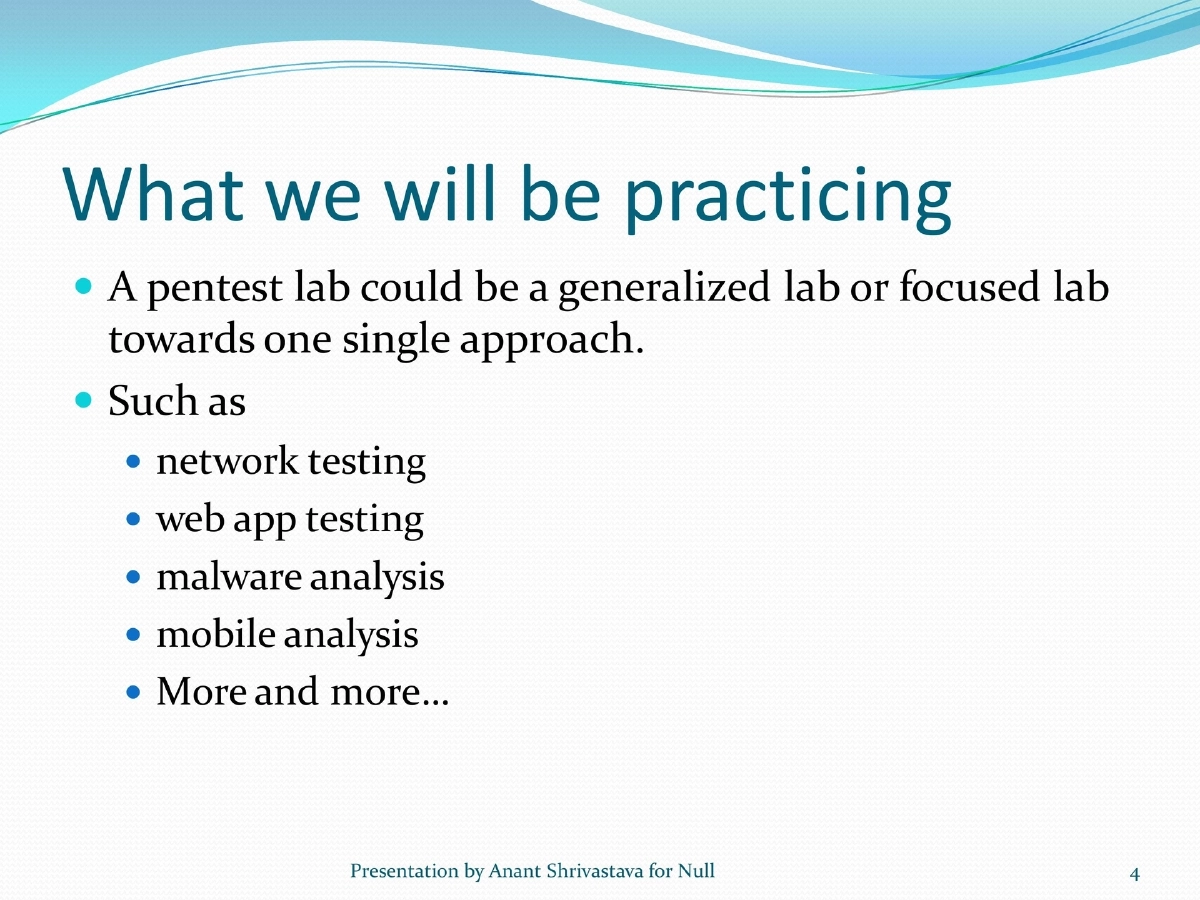
- Can be generalized or focused on specific areas: network testing, web app testing, malware analysis, mobile analysis
Key Standards:
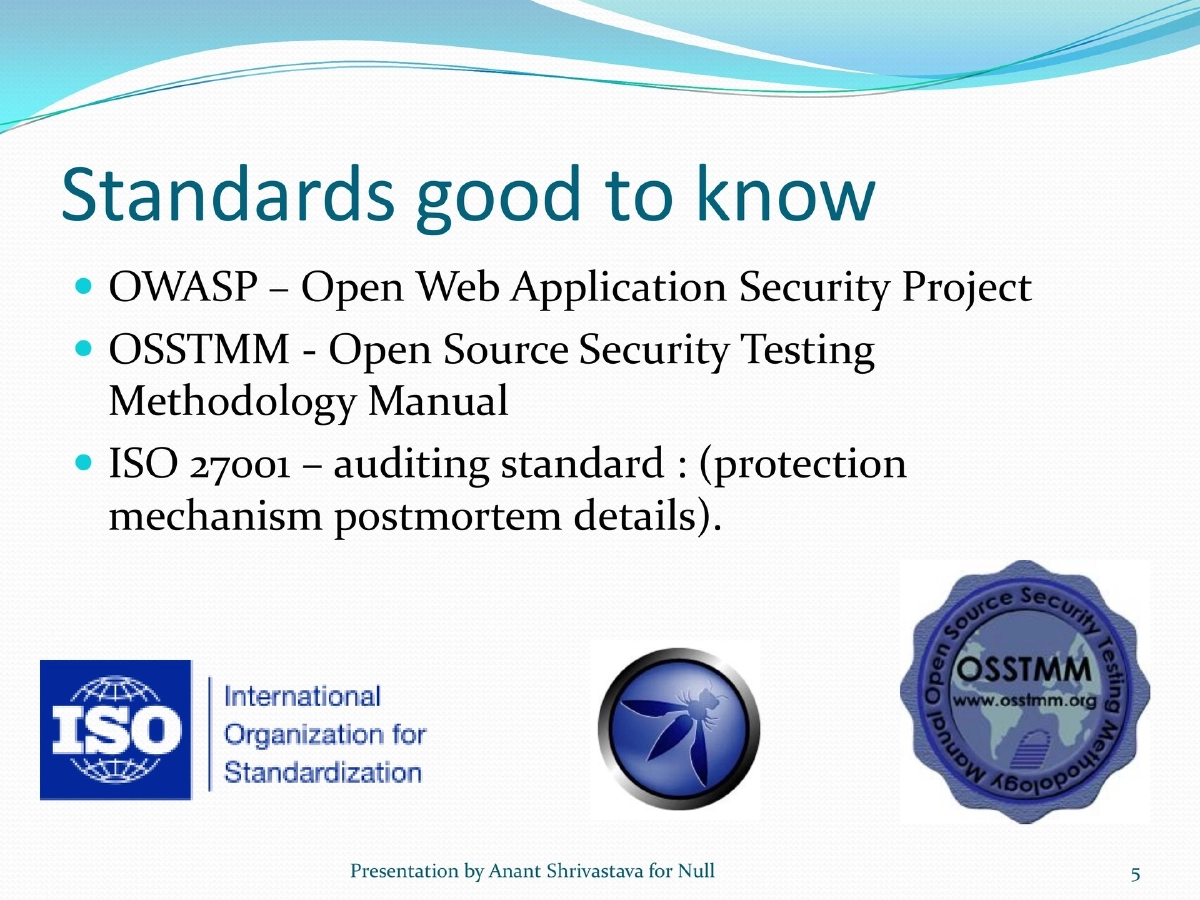
- OWASP (Open Web Application Security Project)
- OSSTMM (Open Source Security Testing Methodology Manual)
- ISO 27001 (auditing standard for protection mechanisms)
Lab Setup Approaches:
- Physical: Switch/router with two PCs (target and attacker), more realistic but costly
- Virtualization (recommended): Single powerful machine (4GB+ RAM, 64-bit, quad core) with VMware or VirtualBox, minimum two VMs
Attack Machines:
- BackTrack, Matriux, Moth/Lambert, Helix (forensics), SIFT
- Recommended to keep a Windows VM for Windows-specific tools like Network Miner
Target Environments:
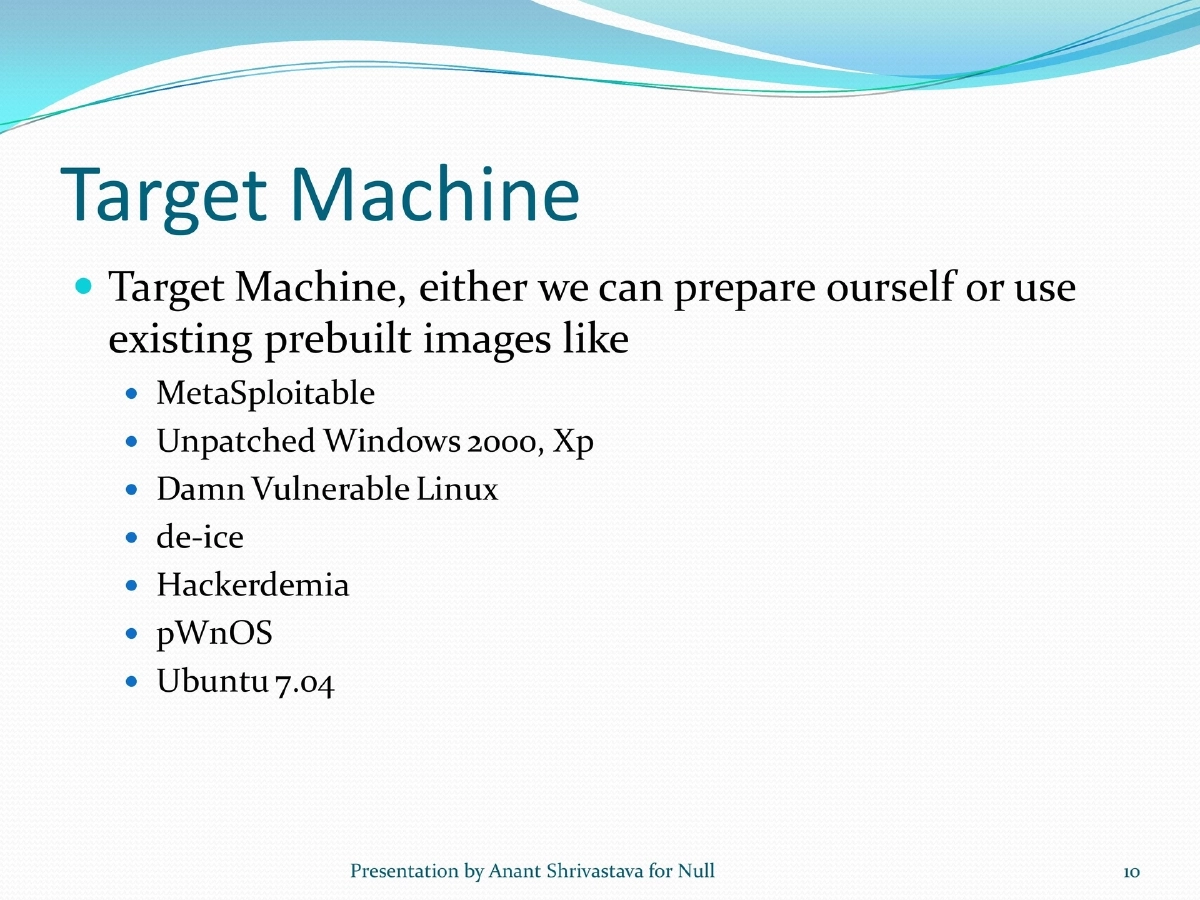
- Pre-built images: MetaSploitable, Damn Vulnerable Linux, de-ice, Hackerdemia, pWnOS, unpatched Windows
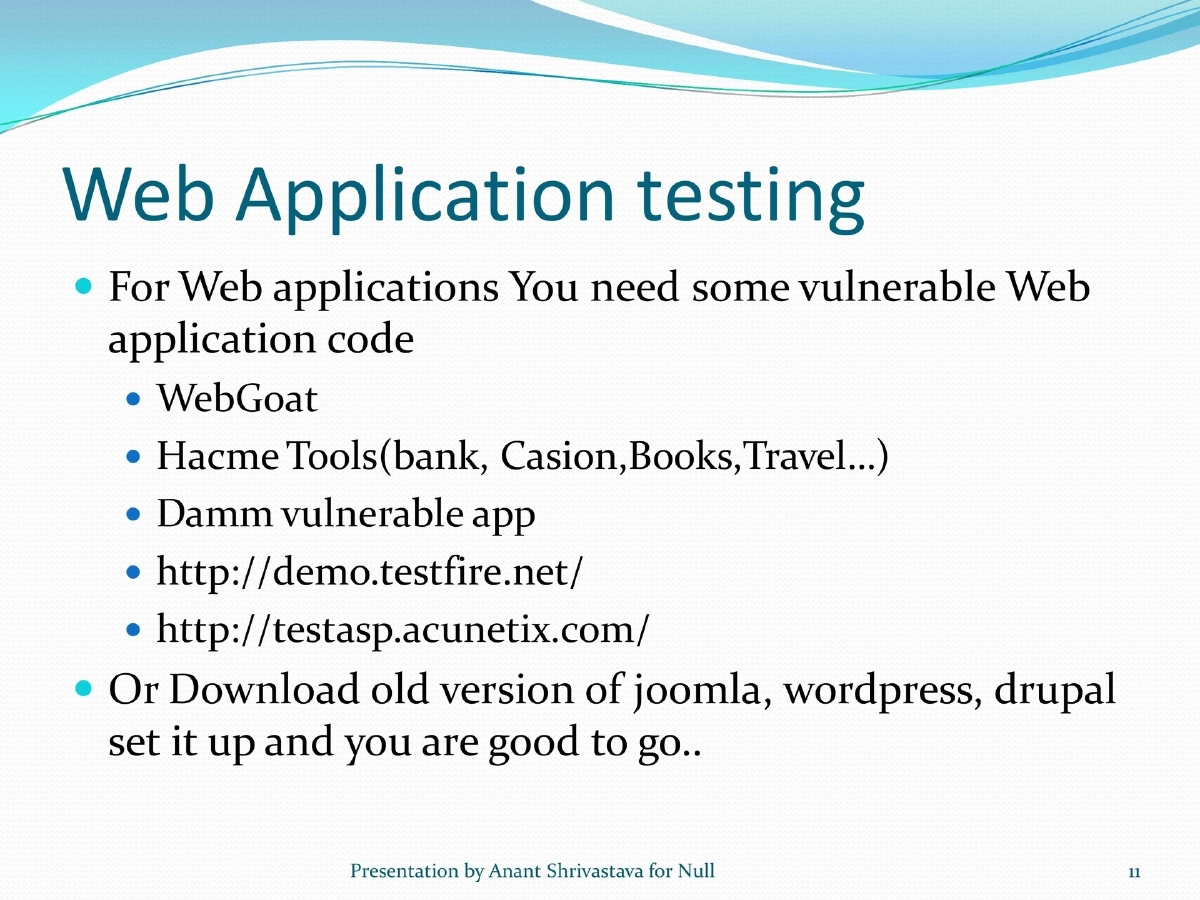
- Web applications: WebGoat, Hacme Tools (Bank, Casino, Books, Travel), DVWA, demo sites (testfire.net, testasp.acunetix.com)
- Old versions of Joomla, WordPress, Drupal also work well
Safety Practices:
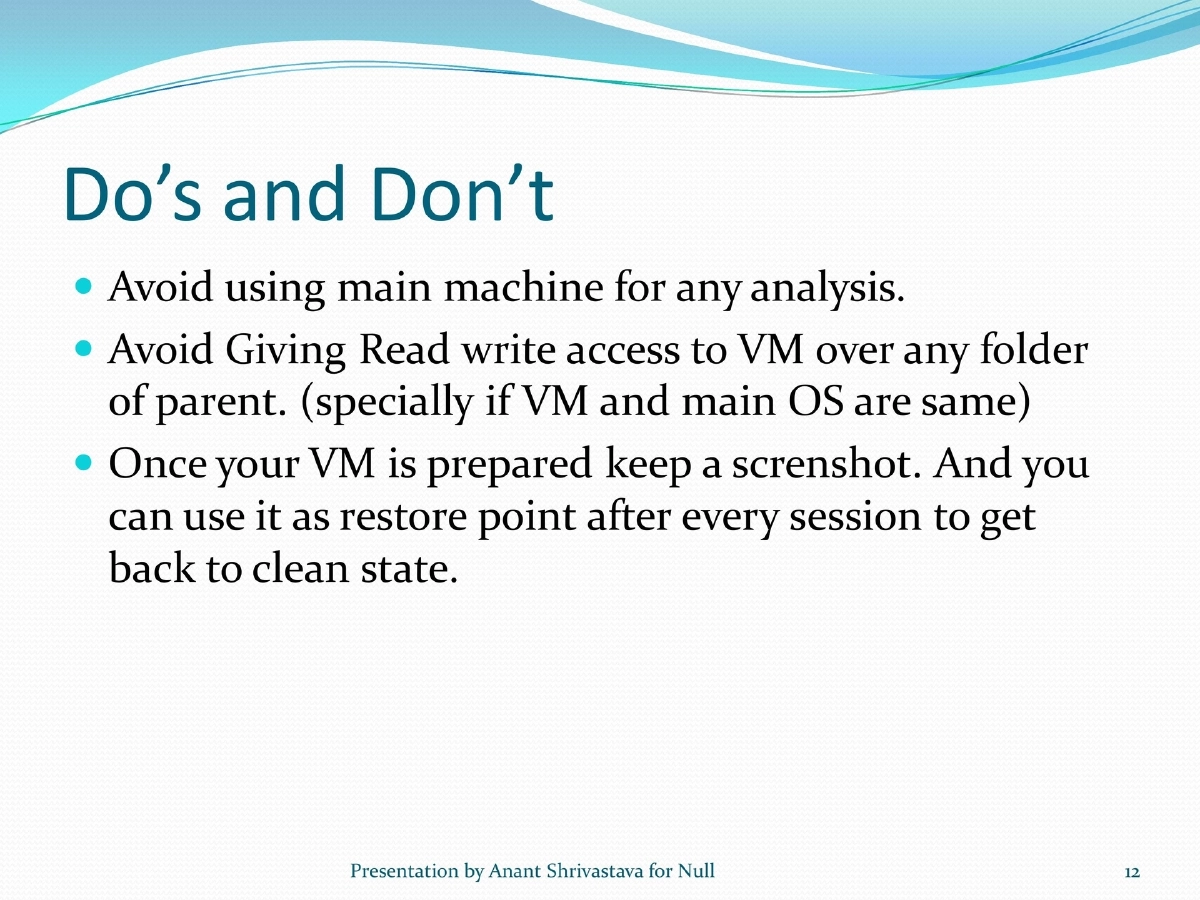
- Never use main machine for analysis
- Avoid giving read/write VM access to parent folders
- Take VM snapshots as restore points after each session
Beyond the Lab - Online Playgrounds:
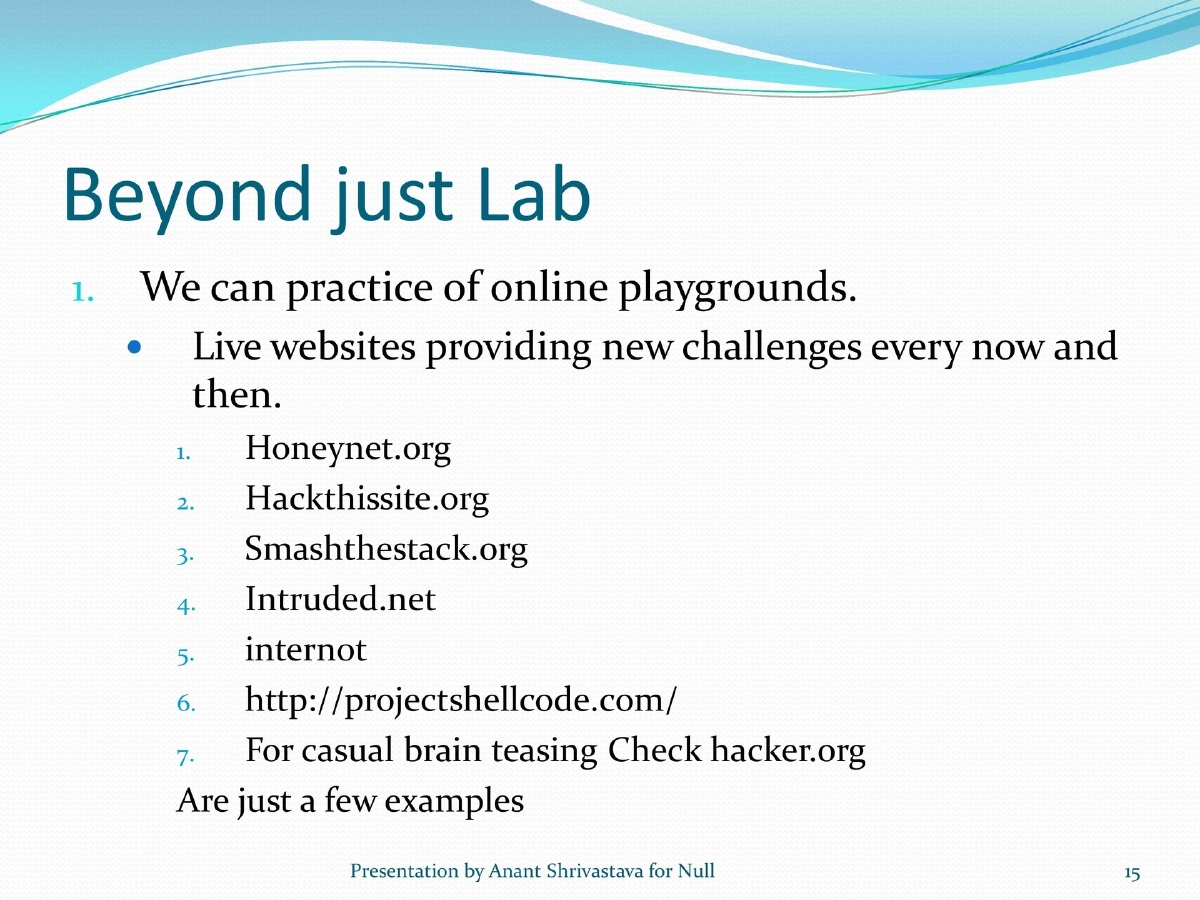
- Honeynet.org, Hackthissite.org, Smashthestack.org, Intruded.net, Project Shellcode
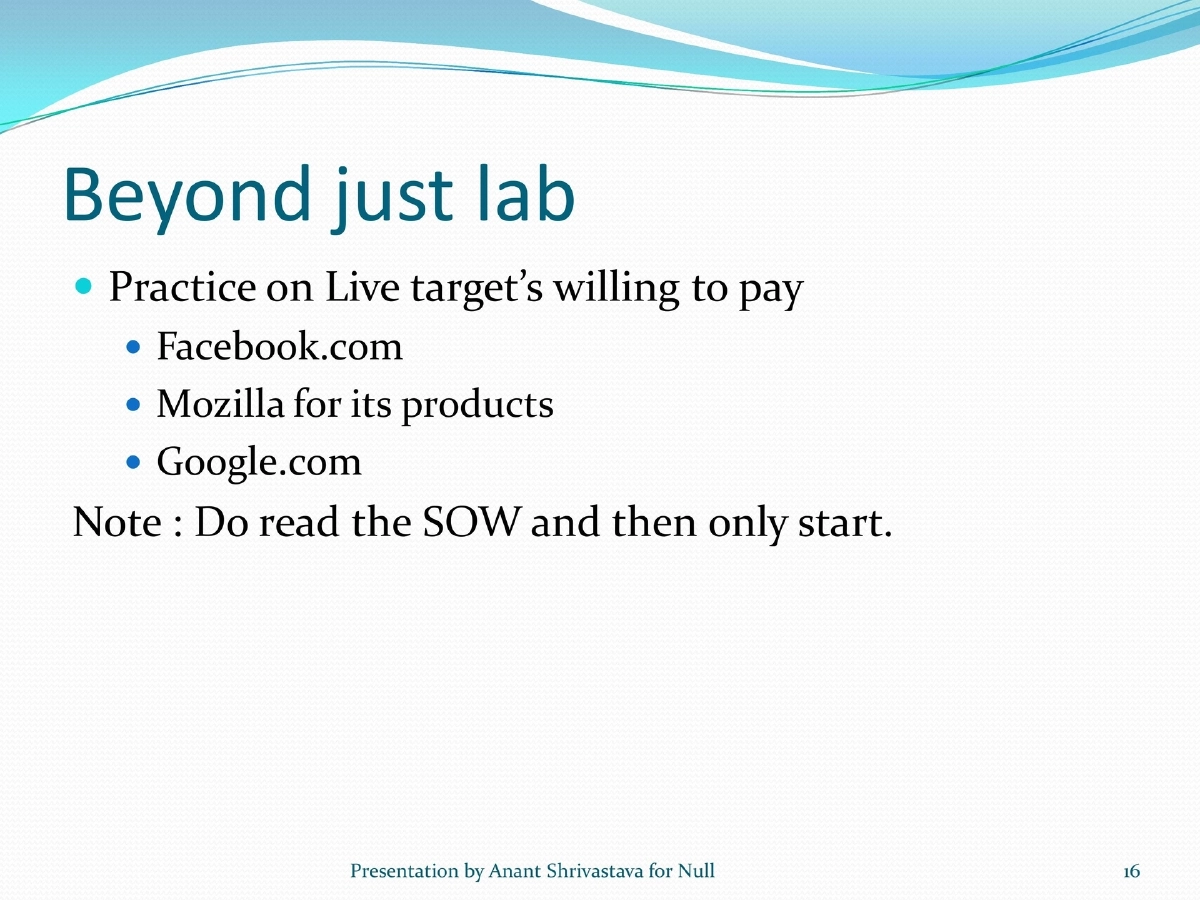
- Bug bounty programs: Facebook, Mozilla, Google
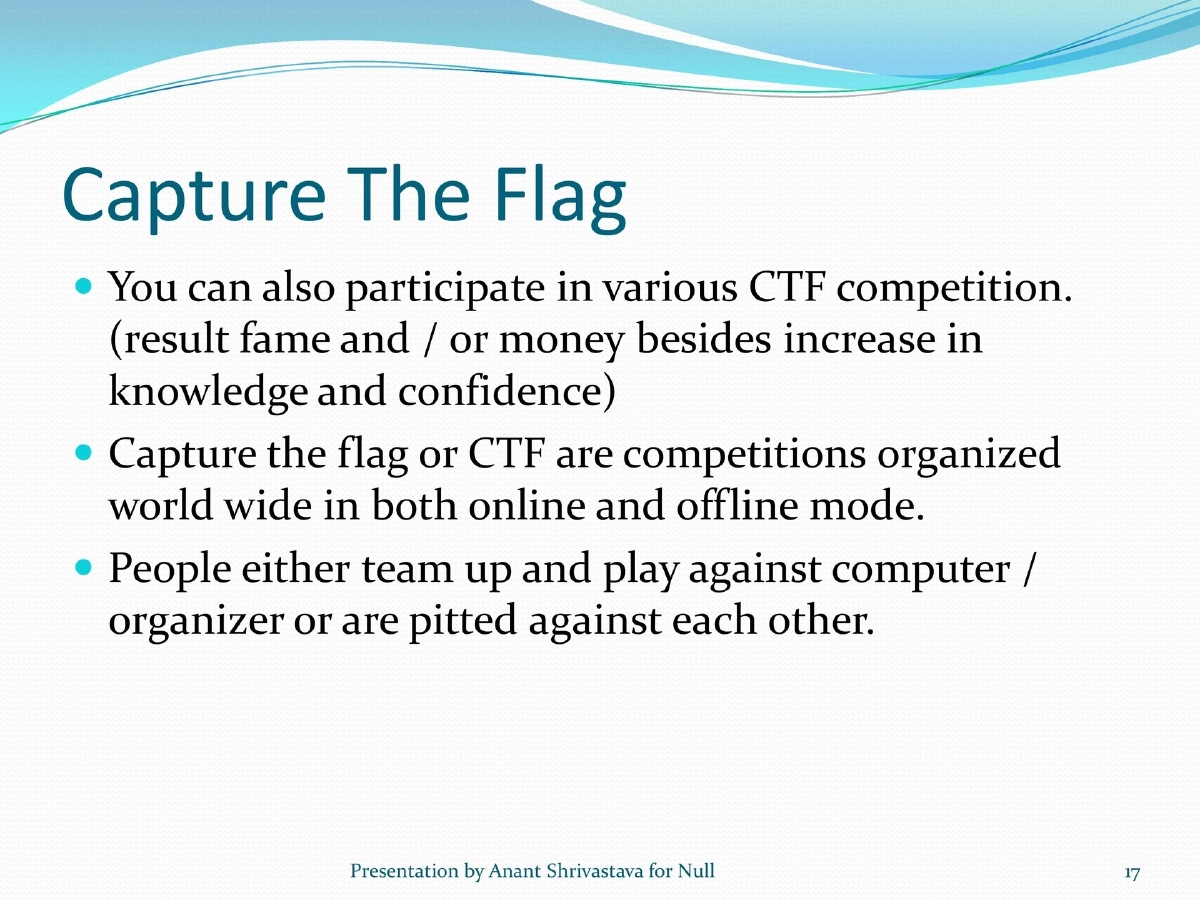
Capture The Flag (CTF):
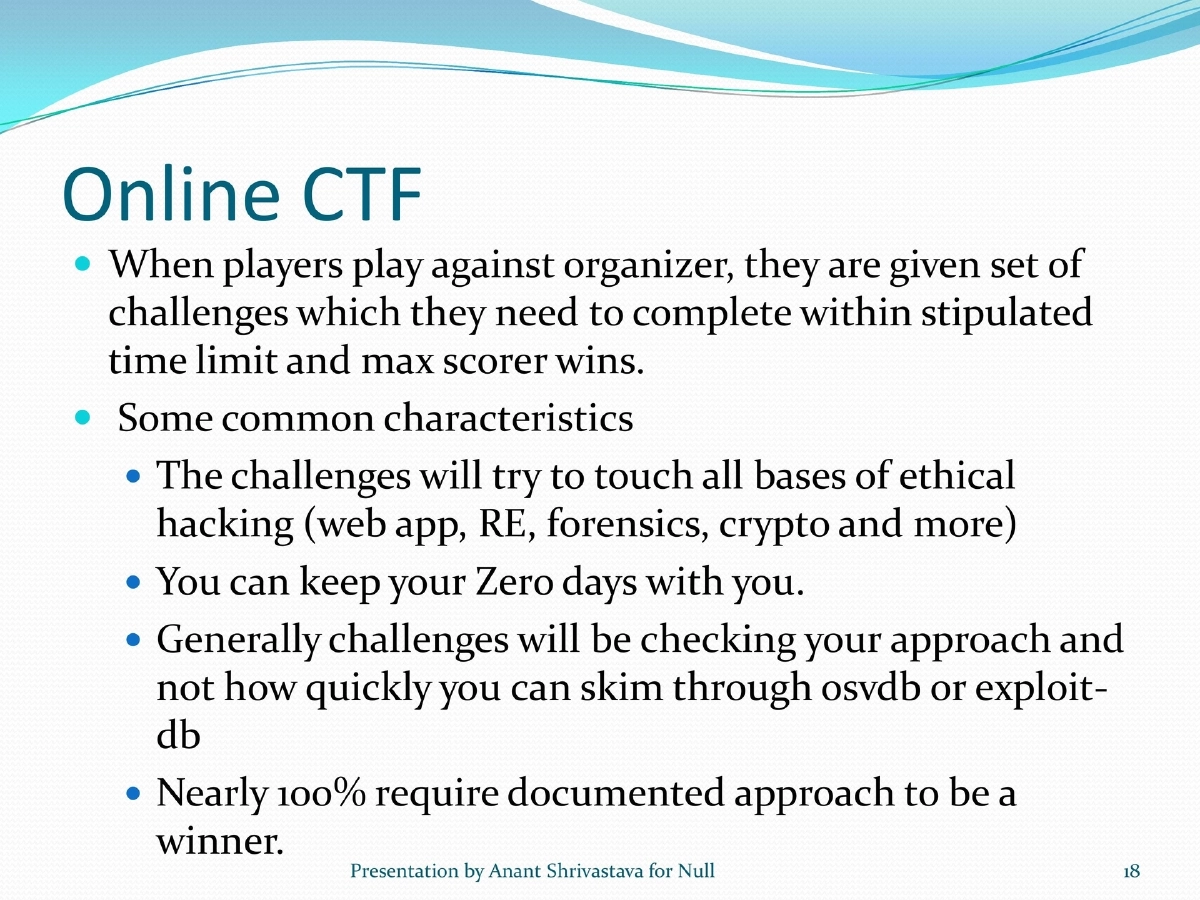
- Online CTF: Teams play against organizer, completing challenges across ethical hacking domains (web app, RE, forensics, crypto) within time limits; documented approach required
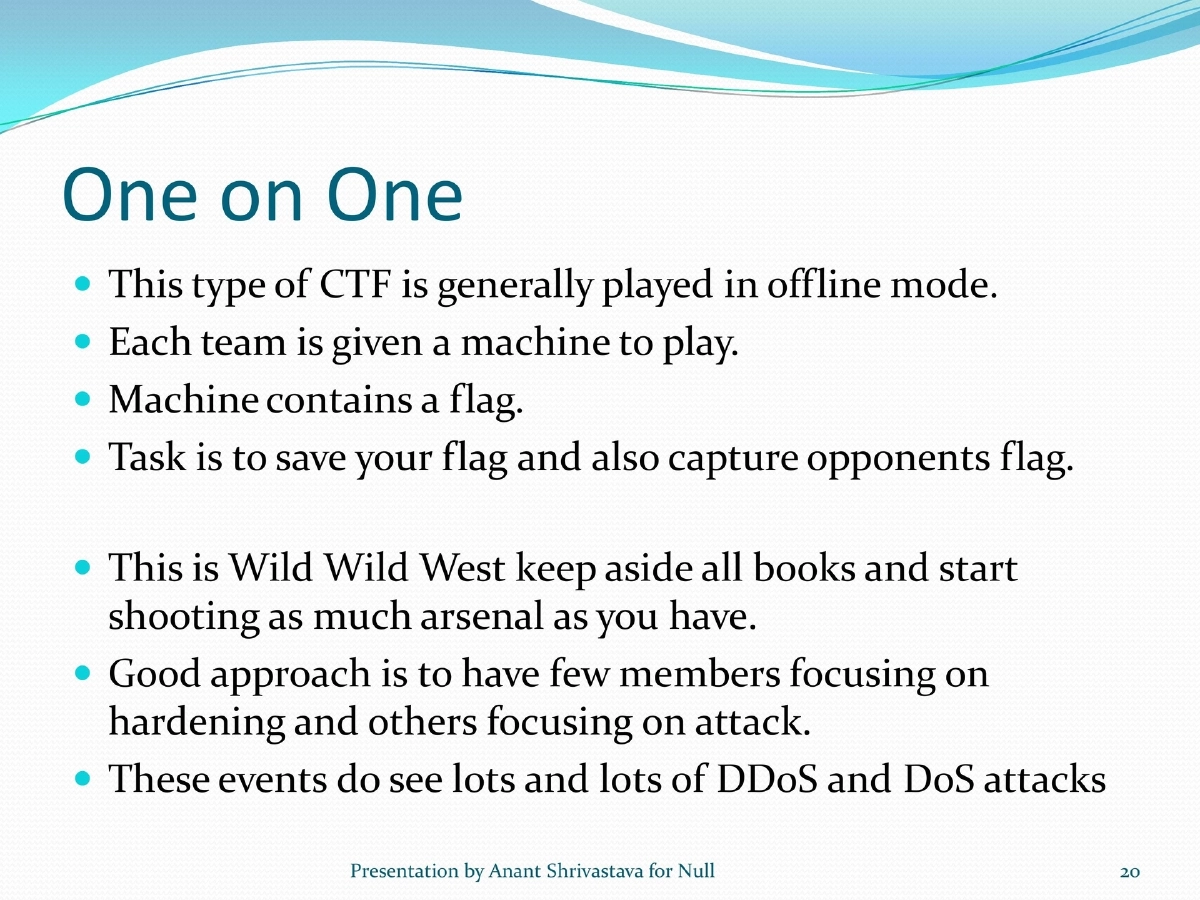
- One-on-One CTF: Offline mode, each team defends their flag while capturing opponents’; includes hardening and attack strategies; DDoS common
Essential Tools:
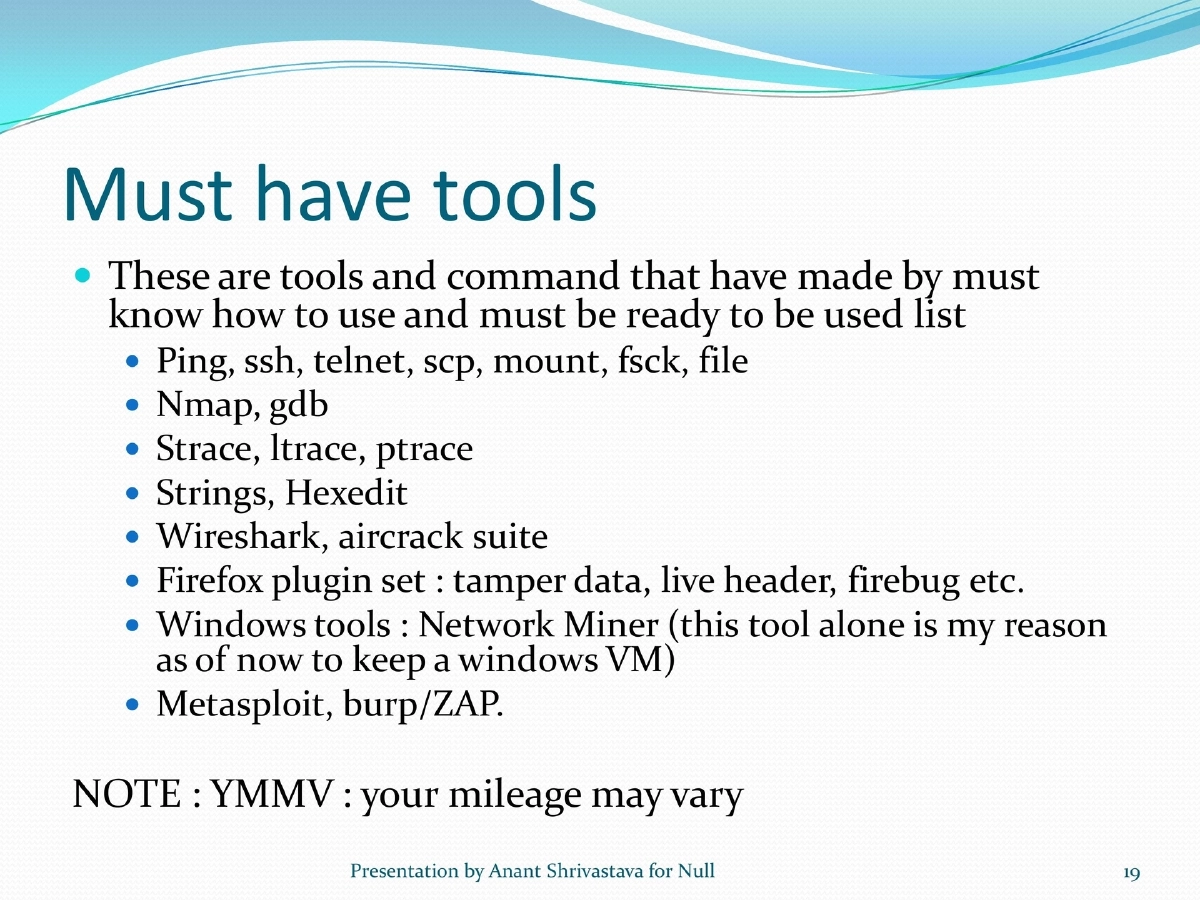
- Networking: ping, ssh, telnet, scp, mount, nmap
- Analysis: strace, ltrace, ptrace, strings, hexedit, gdb
- Network: Wireshark, aircrack suite
- Web: Firefox plugins (tamper data, live header, firebug), Metasploit, Burp/ZAP
- Windows: Network Miner
Resources to Follow:
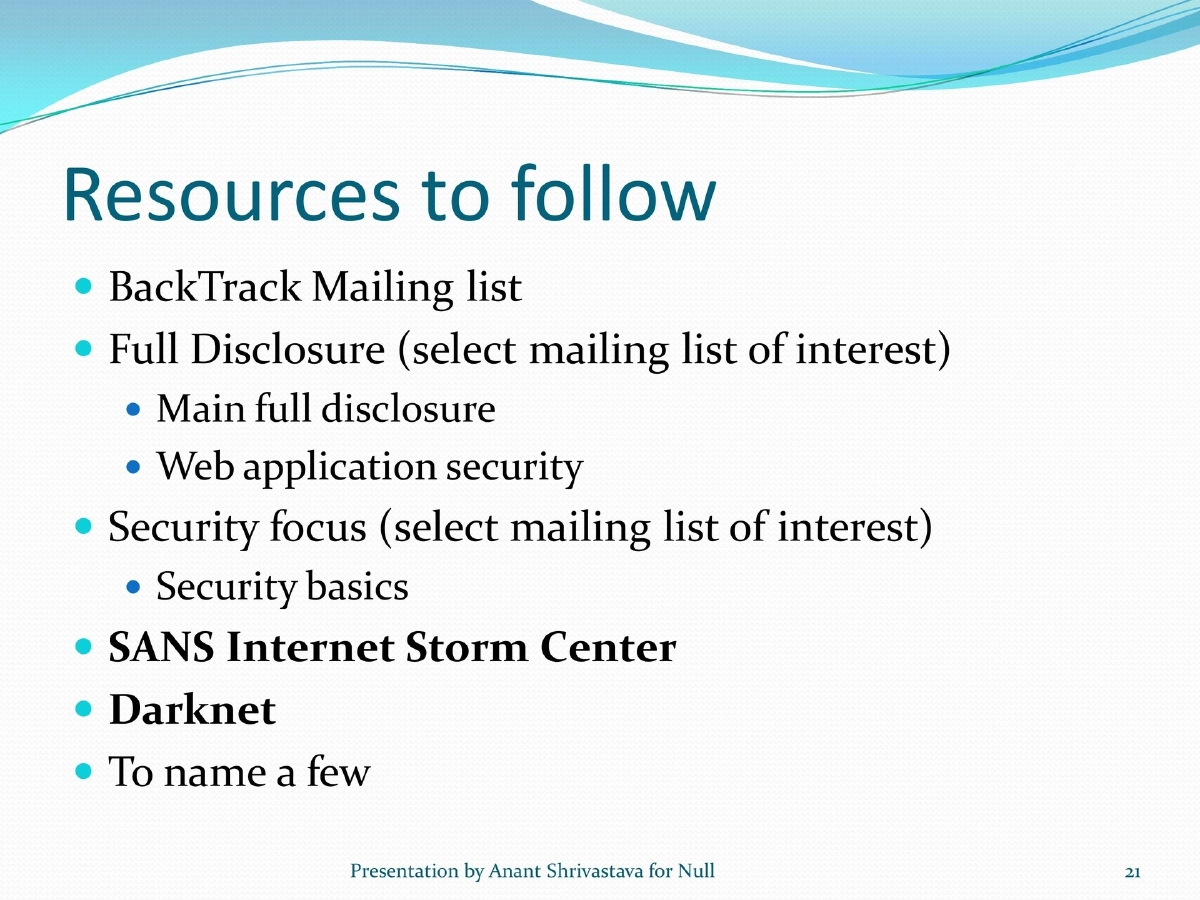
- BackTrack mailing list, Full Disclosure, Security Focus, SANS Internet Storm Center, Darknet
Actionable Takeaways
- Virtualization provides the most practical and cost-effective lab setup
- Use pre-built vulnerable images to practice without building targets from scratch
- Always snapshot VMs before and after sessions for clean state recovery
- CTF competitions build real-world skills across multiple security domains
- Combine lab practice with online challenges for continuous skill development