Raspberry Pi
AI Generated Summary
AI Generated Content Disclaimer
Note: This summary is AI-generated and may contain inaccuracies, errors, or omissions. If you spot any issues, please contact the site owner for corrections. Errors or omissions are unintended.
This beginner session introduces the Raspberry Pi single-board computer, covering its specifications, practical use cases, setup procedures, GPIO capabilities, and the presenter’s personal usage as a home server platform.
Key Topics Covered
What is Raspberry Pi:
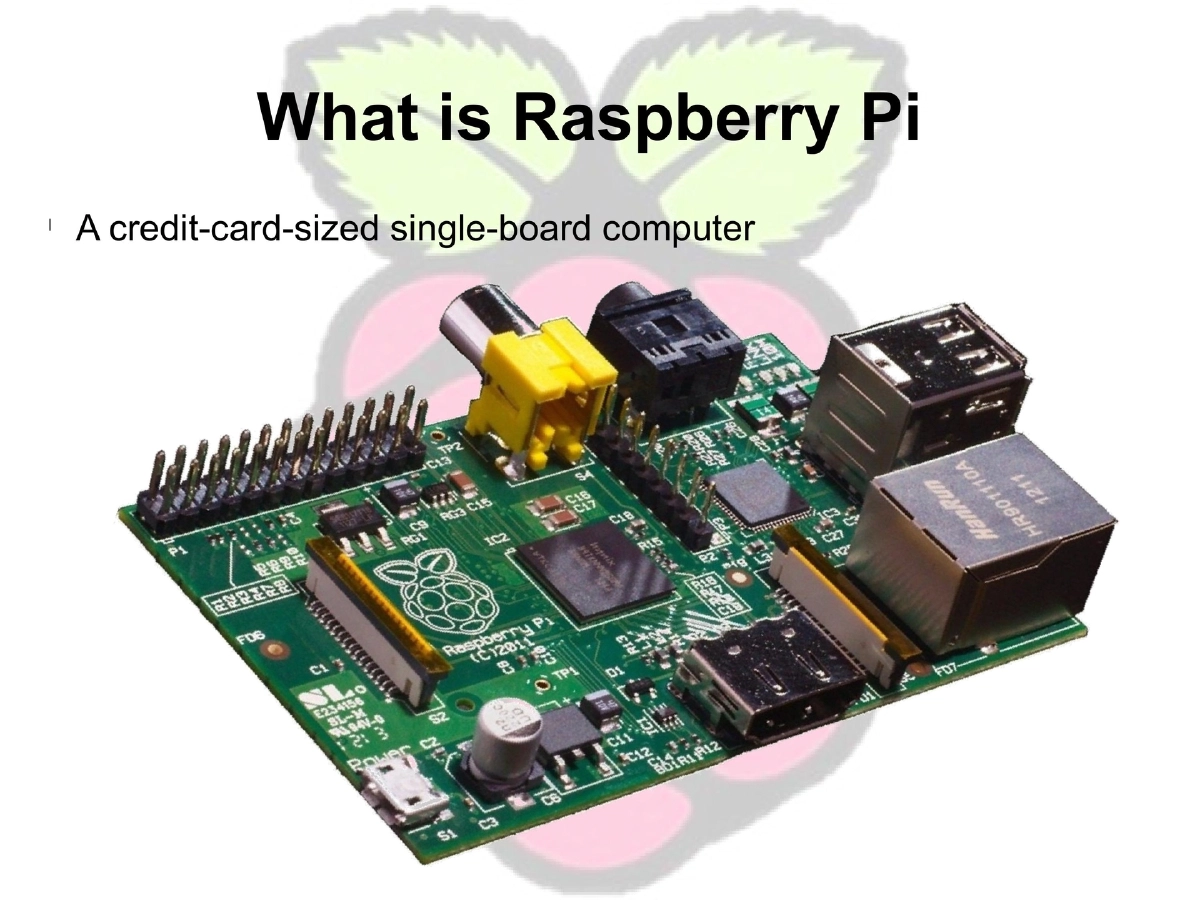
- A credit-card-sized single-board computer developed by the Raspberry Pi Foundation
- Originally intended for underprivileged students to learn computing at minimal cost
- Now used globally as a versatile mini computer for diverse applications
Specifications:
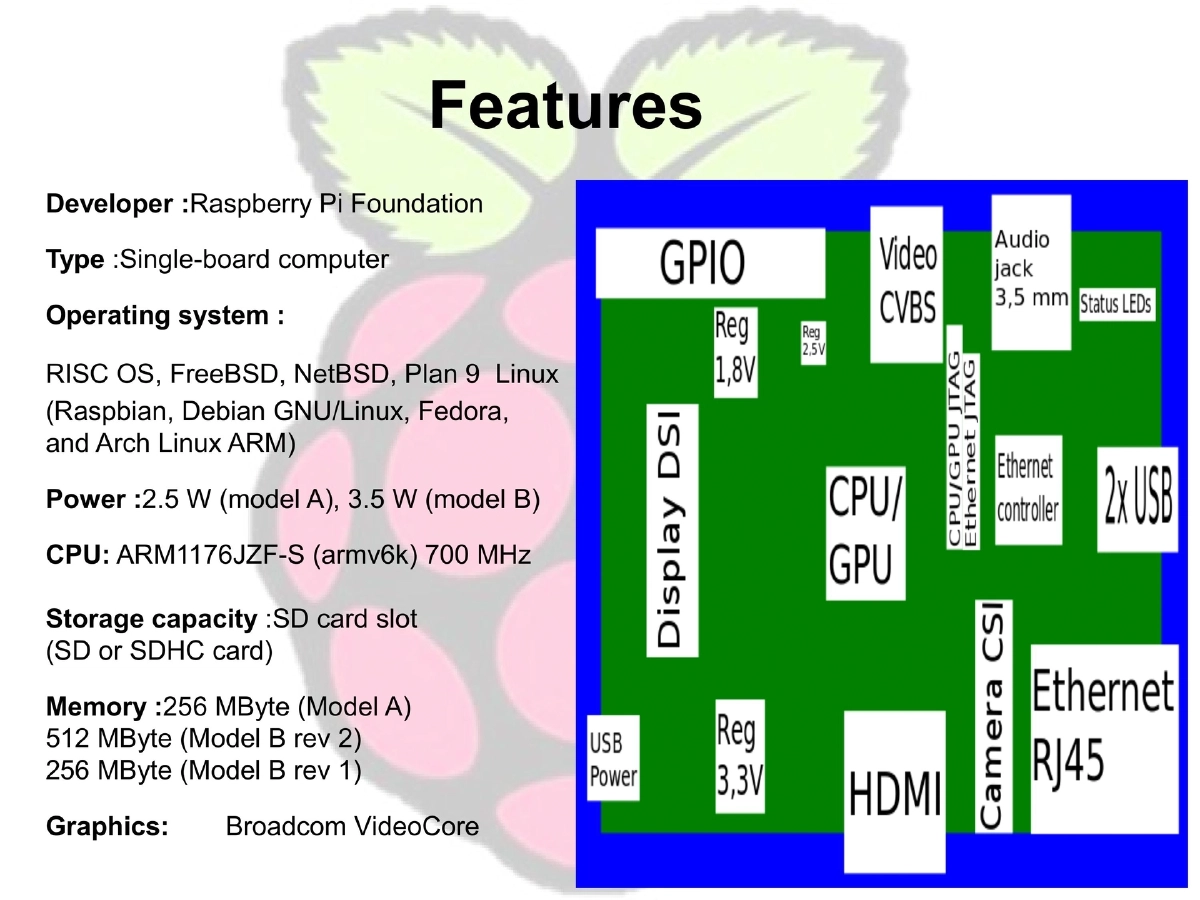
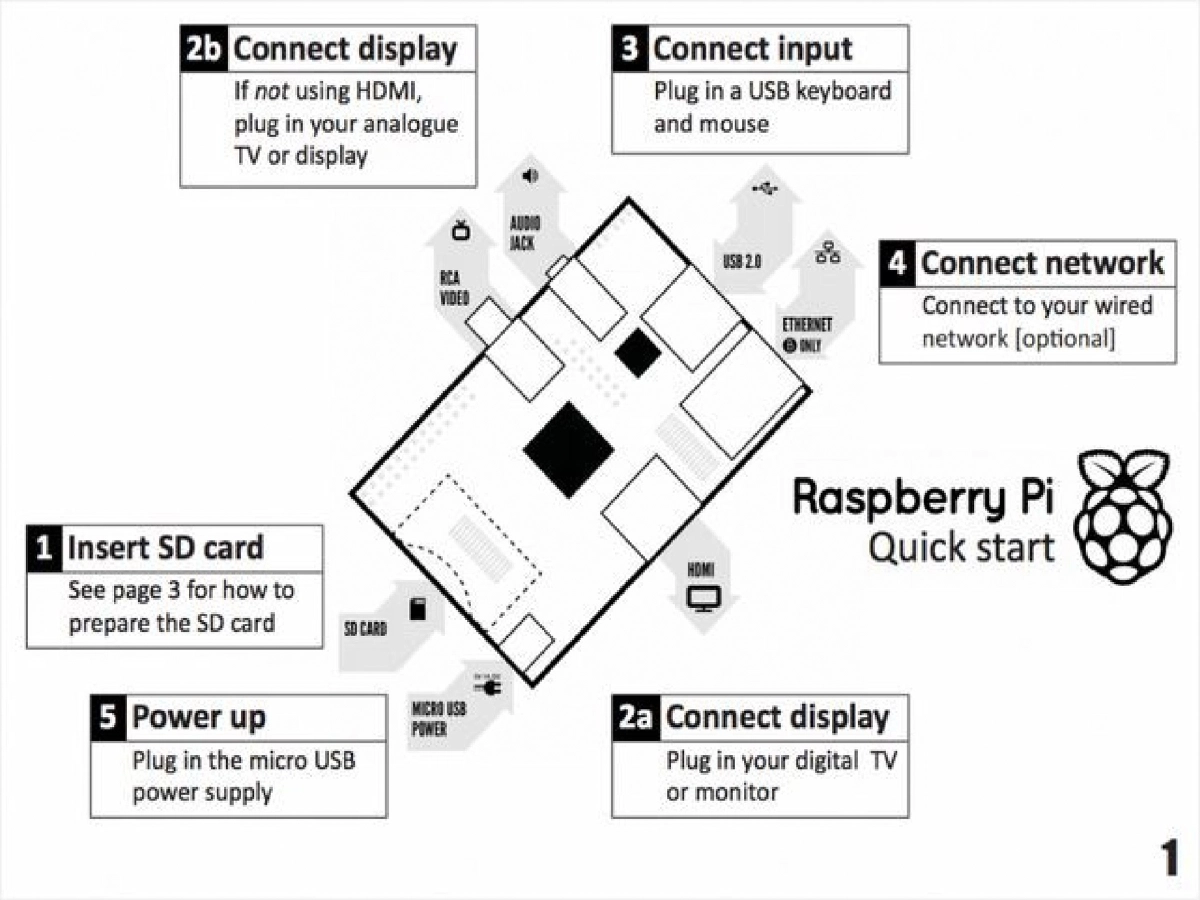
- CPU: ARM1176JZF-S (ARMv6k) at 700 MHz
- Memory: 256 MB (Model A/B rev 1) or 512 MB (Model B rev 2)
- Storage: SD/SDHC card slot
- Graphics: Broadcom VideoCore
- Power: 2.5W (Model A), 3.5W (Model B)
Practical Use Cases:
- General computing and all-in-one portable computers
- Home automation via internet-connected boards and mobile device control
- Khan Academy Lite: self-contained educational content server
- Bicycle odometer with road-projected speed display
- Animated picture frame cycling artwork from DeviantArt
- Air quality and weather surveillance device with smartphone data access
- Automated pill dispenser with remote management and alert system
- BeetBox: musical instrument using capacitive touch sensors on root vegetables
Personal Usage:
- Automated song broadcast on specific schedules
- External access point with SSH opened to the world
- TinyTinyRSS news reader server
Operating Systems:
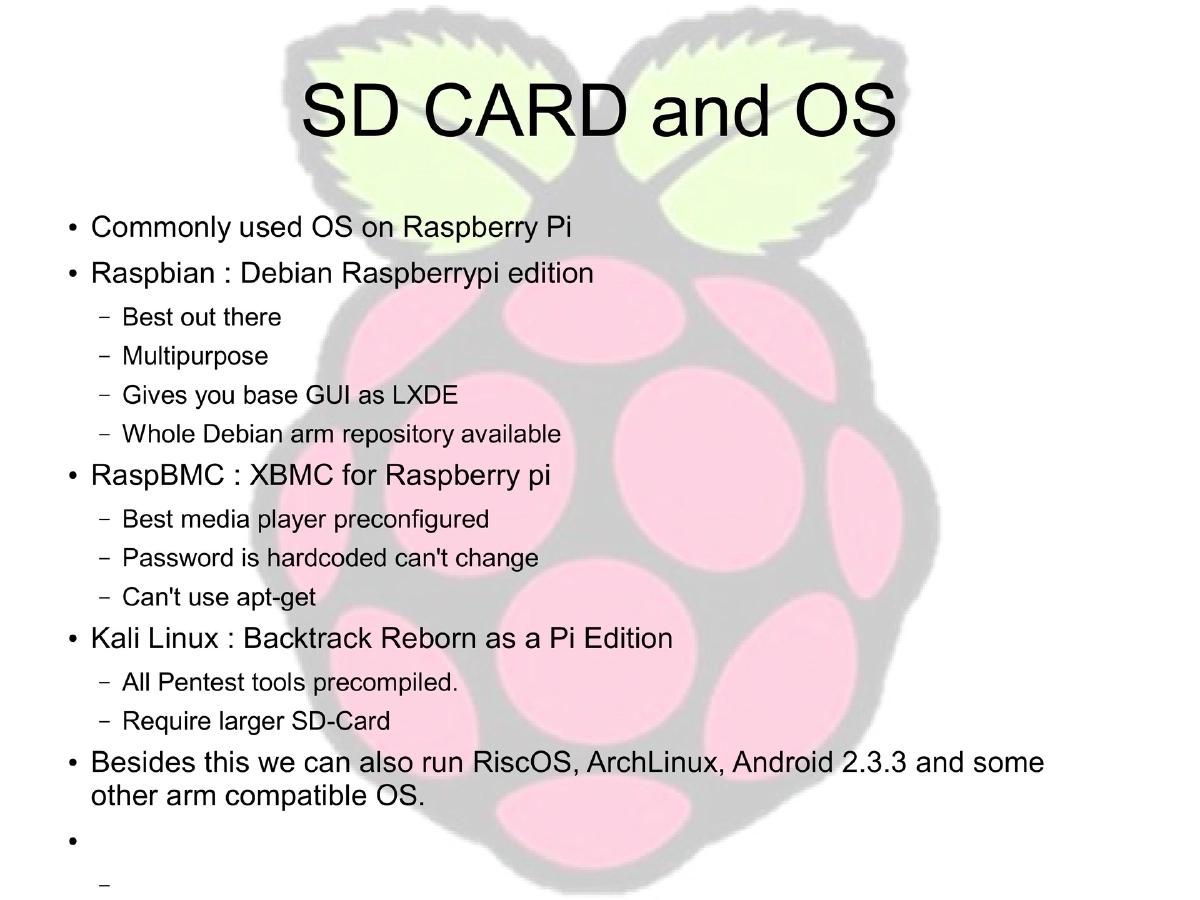
- Raspbian (Debian-based, recommended for general use with LXDE desktop)
- RaspBMC (XBMC media player, hardcoded password, no apt-get)
- Kali Linux (penetration testing tools pre-compiled, requires larger SD card)
- Also supports RiscOS, ArchLinux, Android 2.3.3, and other ARM-compatible OSes
Setup Requirements:
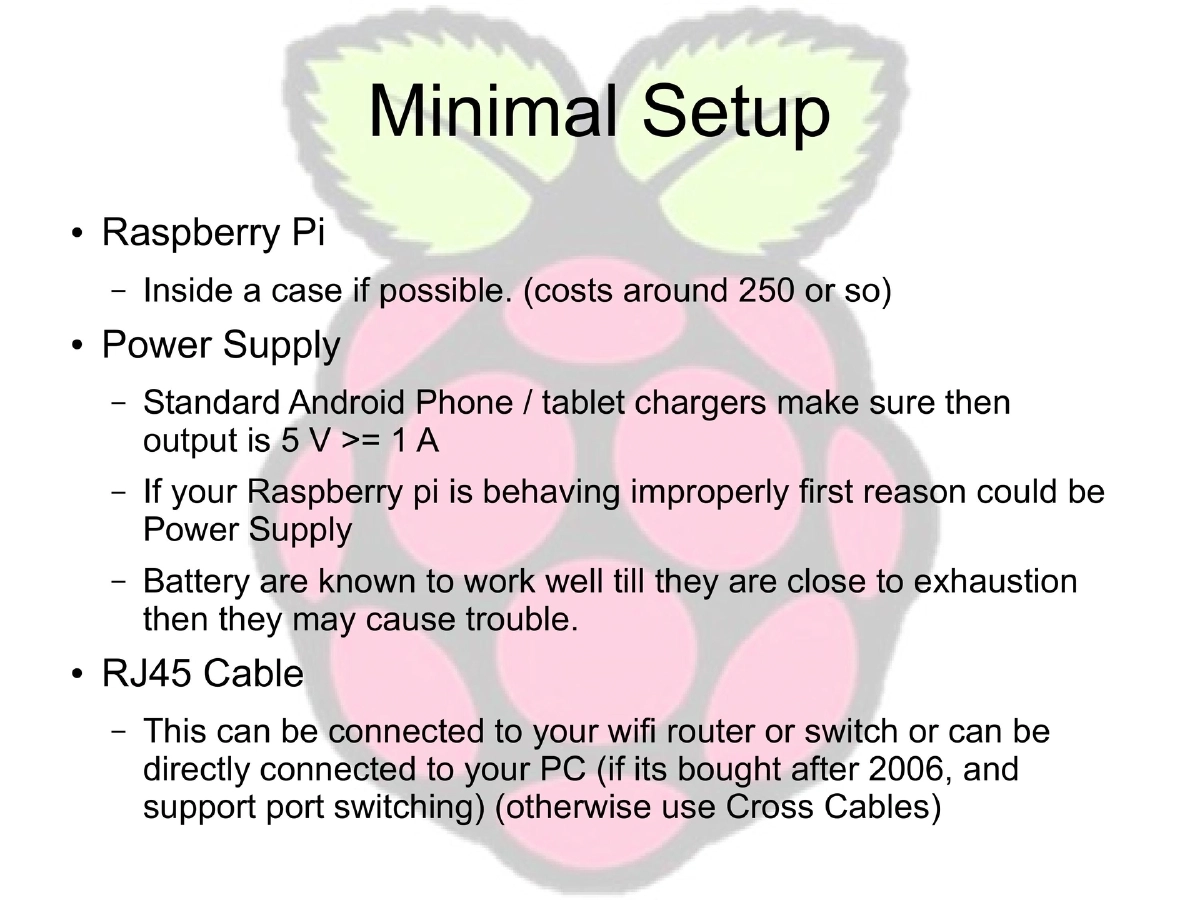
- Raspberry Pi (optionally in a case, ~250 INR)
- Power supply: Standard Android charger, 5V >= 1A output
- RJ45 cable for network connectivity
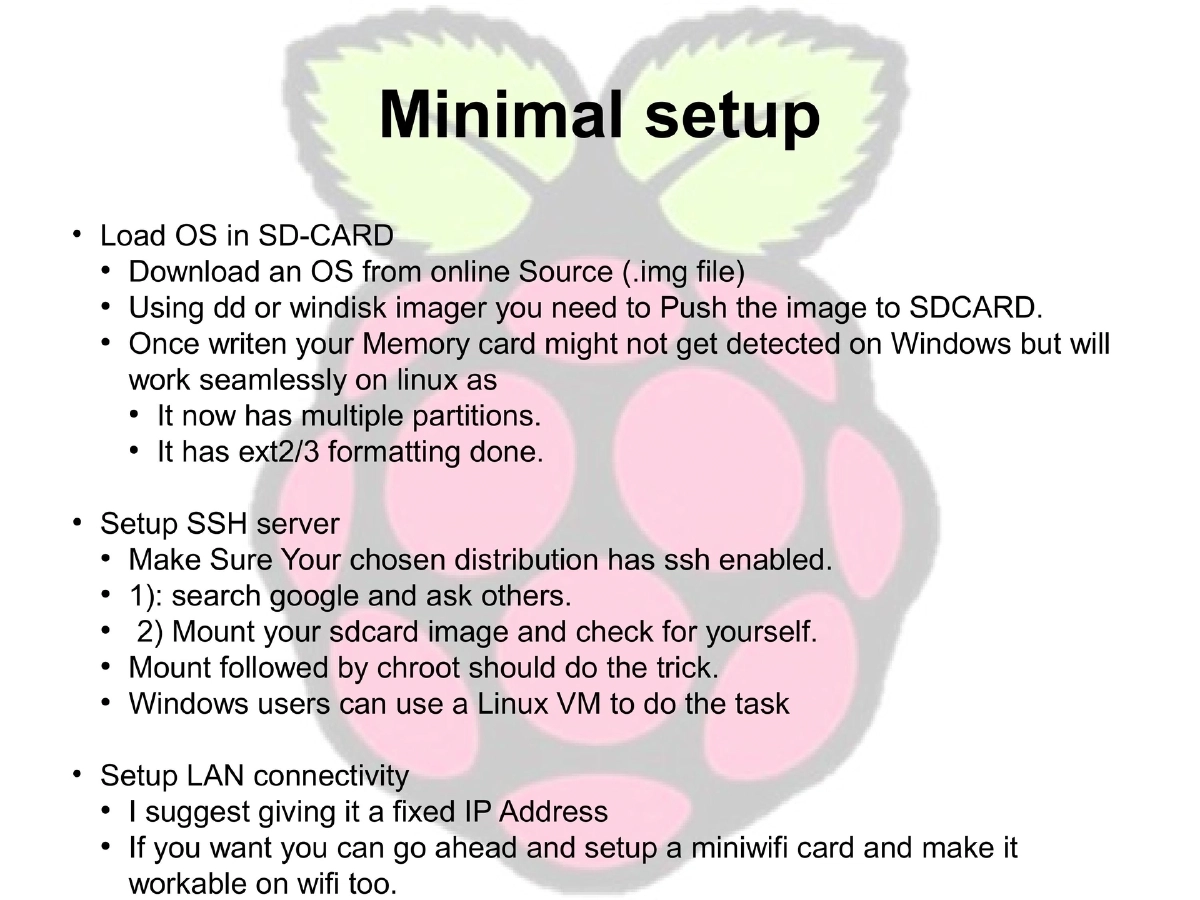
- OS image loaded via dd (Linux) or WinDiskImager (Windows)
- SSH server configuration and fixed IP address recommended
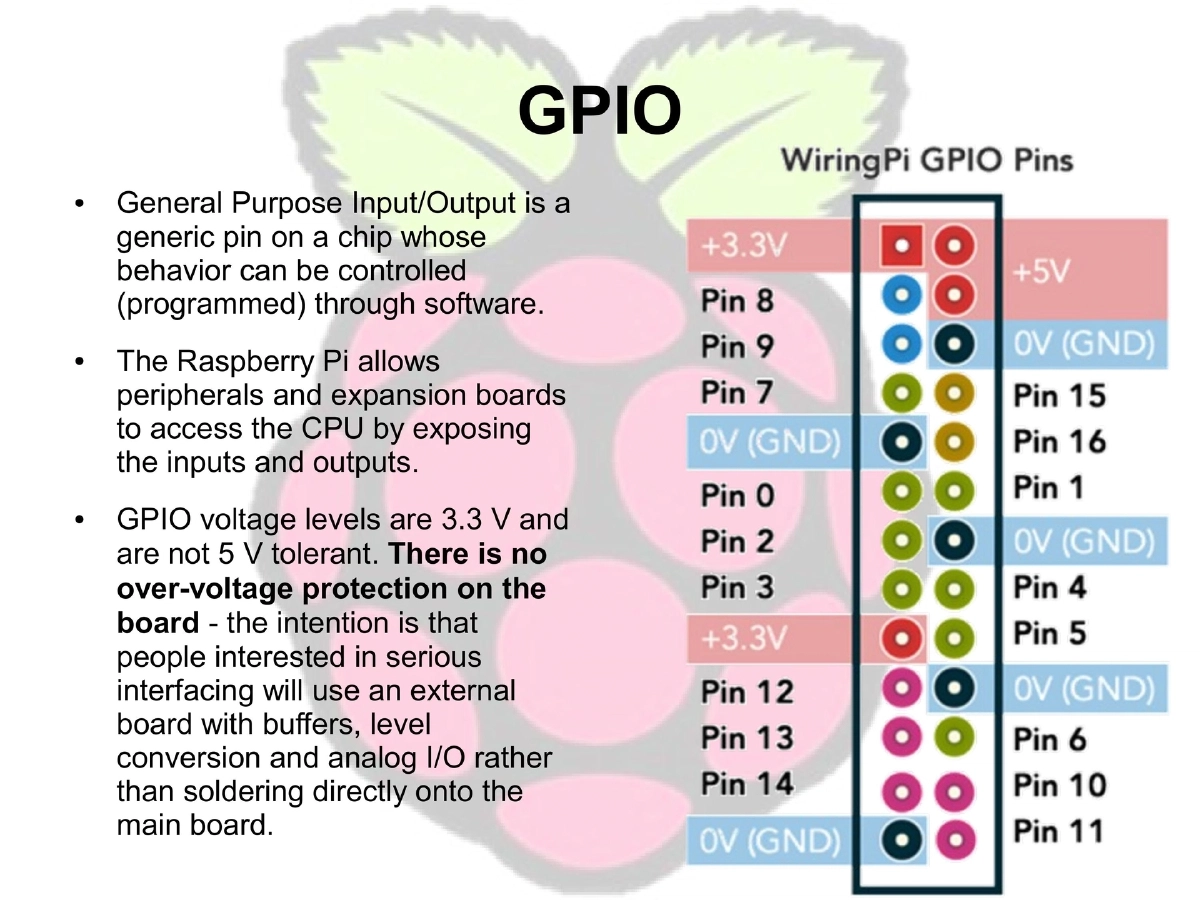
GPIO (General Purpose Input/Output):
- Programmable pins for hardware interfacing
- 3.3V logic levels (not 5V tolerant, no over-voltage protection)
- Intended for use with external buffer boards for serious interfacing
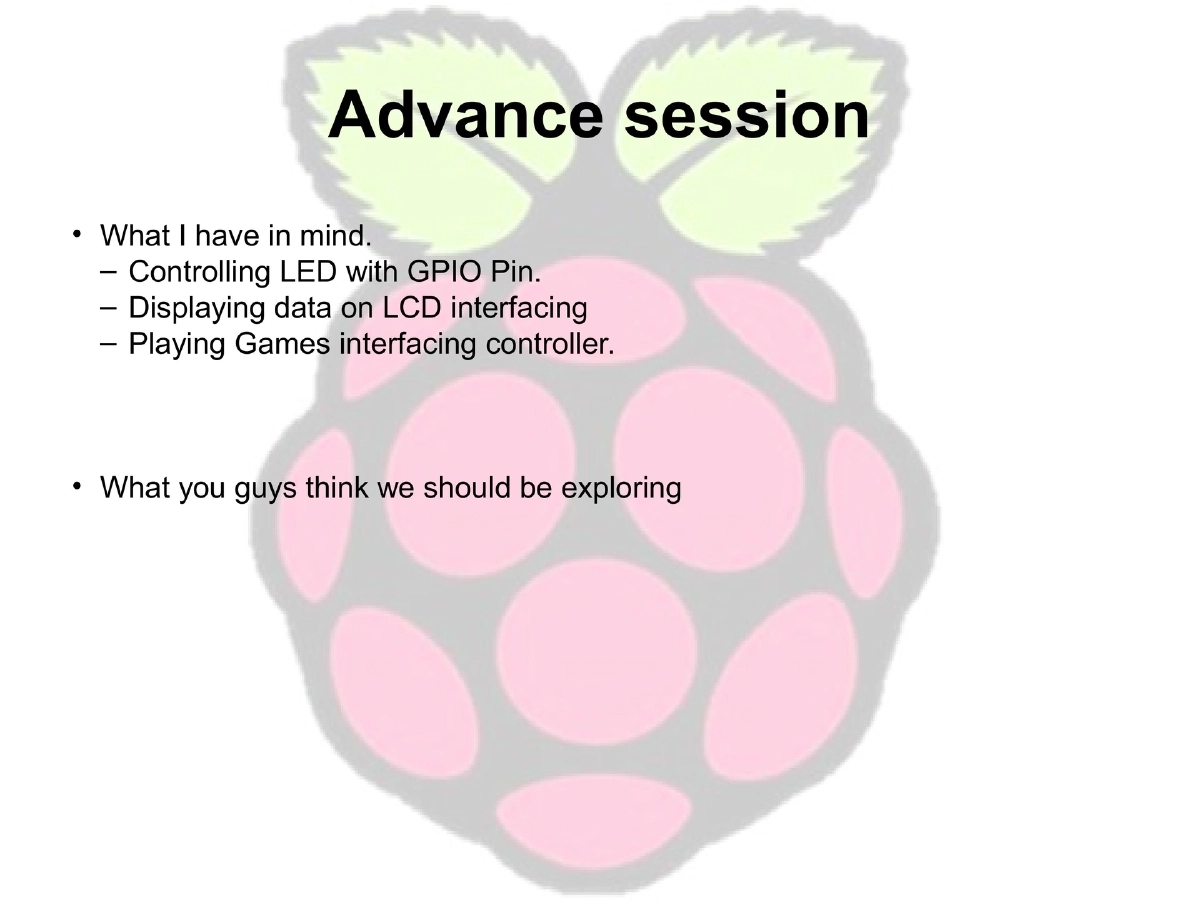
- Planned advanced sessions: LED control, LCD interfacing, game controller integration
Actionable Takeaways
- Raspberry Pi provides an extremely low-cost platform for learning computing and electronics
- Multiple OS options cater to different use cases from media centers to security testing
- Proper power supply is the most common cause of Raspberry Pi issues
- GPIO enables hardware projects but requires external protection circuitry for 5V devices
- The platform is ideal for always-on home services (RSS readers, automation, access points)