Mobile Top10 M4


AI Generated Summary
AI Generated Content Disclaimer
Note: This summary is AI-generated and may contain inaccuracies, errors, or omissions. If you spot any issues, please contact the site owner for corrections. Errors or omissions are unintended.
This presentation covers OWASP Mobile Top 10 Risk M4: Unintended Data Leakage, explaining how mobile operating systems can inadvertently expose sensitive user data through side-channel mechanisms that developers often overlook. Anant Shrivastava distinguishes this risk from M2 (Insecure Data Storage), demonstrates real-world leakage through Android logging and Firefox, and provides a comprehensive catalog of leakage vectors with practical prevention strategies.
Key Topics Covered
-
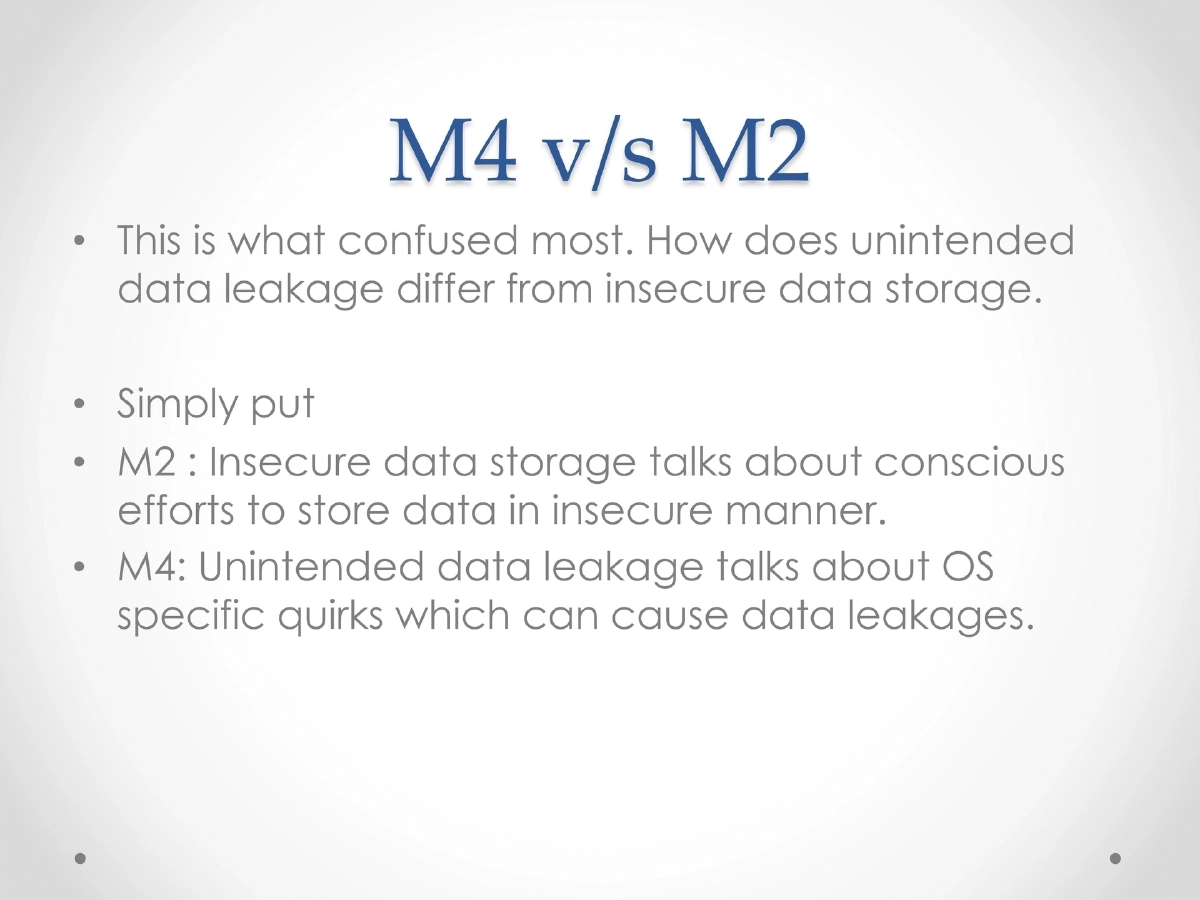
Distinguishing M4 from M2: While M2 (Insecure Data Storage) addresses conscious developer decisions to store data insecurely, M4 (Unintended Data Leakage) focuses on OS-specific behaviors and side effects that cause data exposure without the developer’s intent or awareness. The vulnerability is especially prevalent among developers without deep knowledge of platform-specific data handling quirks.
-
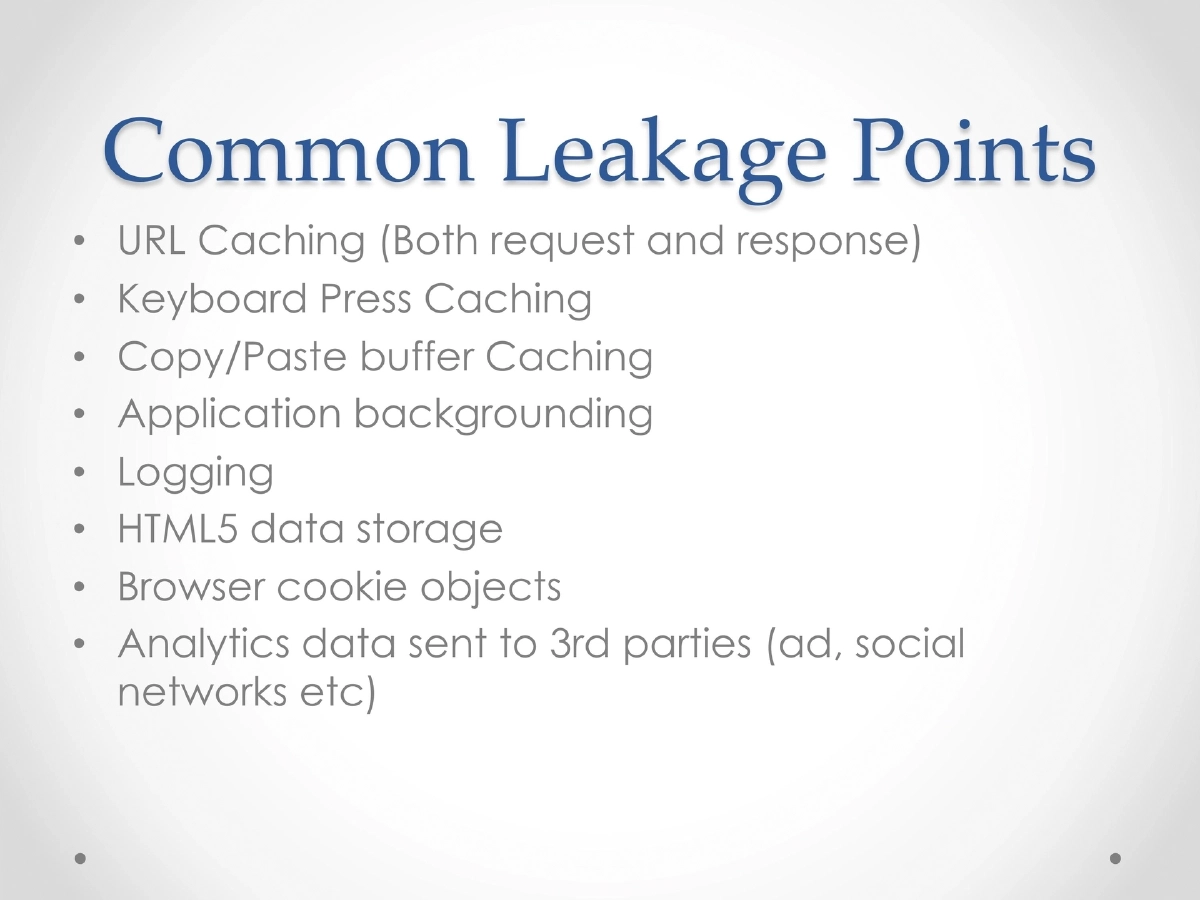
Common Data Leakage Points: URL caching (both request and response data), keyboard press caching (auto-complete dictionaries), copy/paste buffer caching, application backgrounding screenshots, debug logging, HTML5 data storage, browser cookie objects, and analytics data transmitted to third-party services (ad networks, social media SDKs).
-
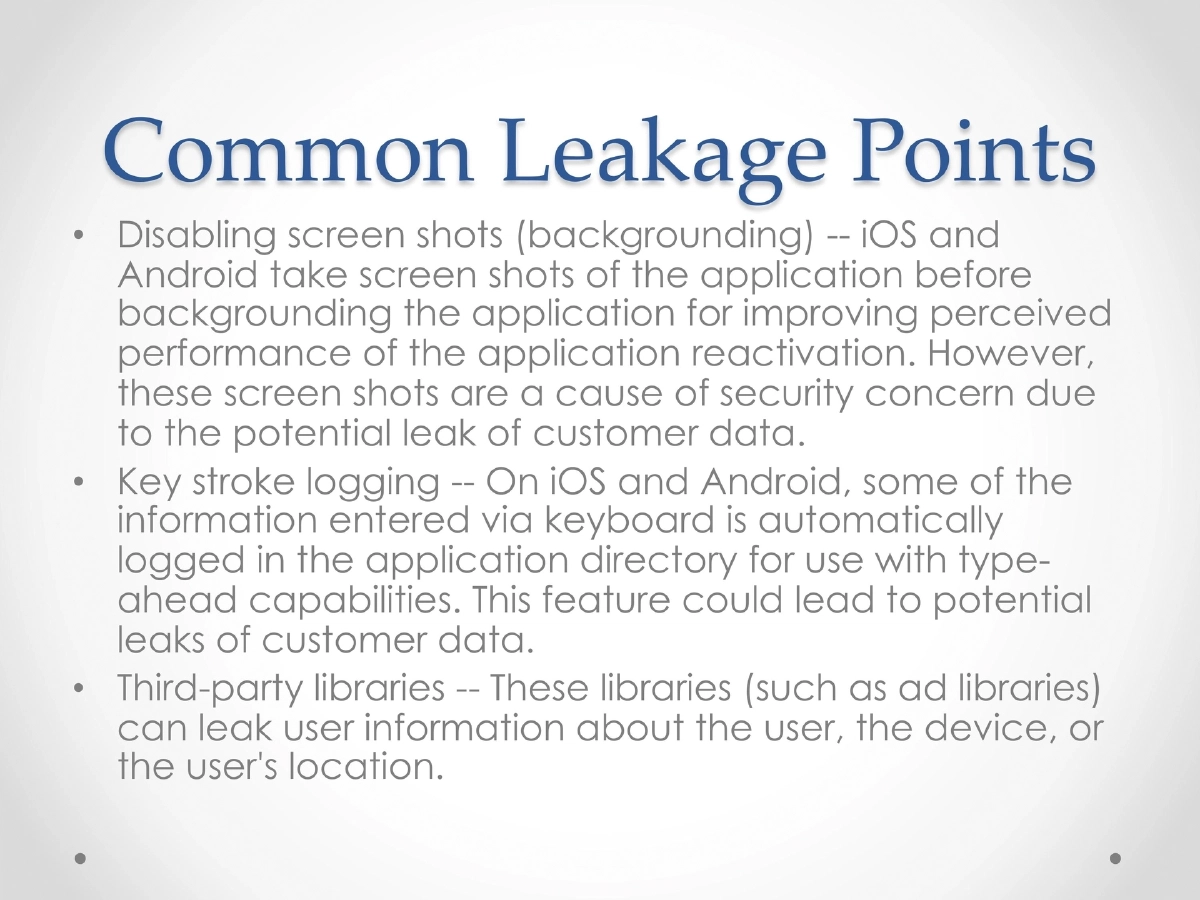
Application Backgrounding: Both iOS and Android capture screenshots of the application before sending it to the background, used to improve perceived performance during app reactivation. These screenshots can capture and persist sensitive on-screen data like financial information, credentials, or personal data.
-
Keystroke Logging: iOS and Android automatically log keyboard input in the application directory for type-ahead and auto-correct capabilities. This caching behavior can inadvertently store sensitive user input such as passwords, account numbers, or personal messages.
-
Third-Party Library Leakage: Ad libraries and analytics SDKs can transmit user information, device details, or location data without the primary application developer’s knowledge or explicit consent, creating unintended data exposure channels.
-
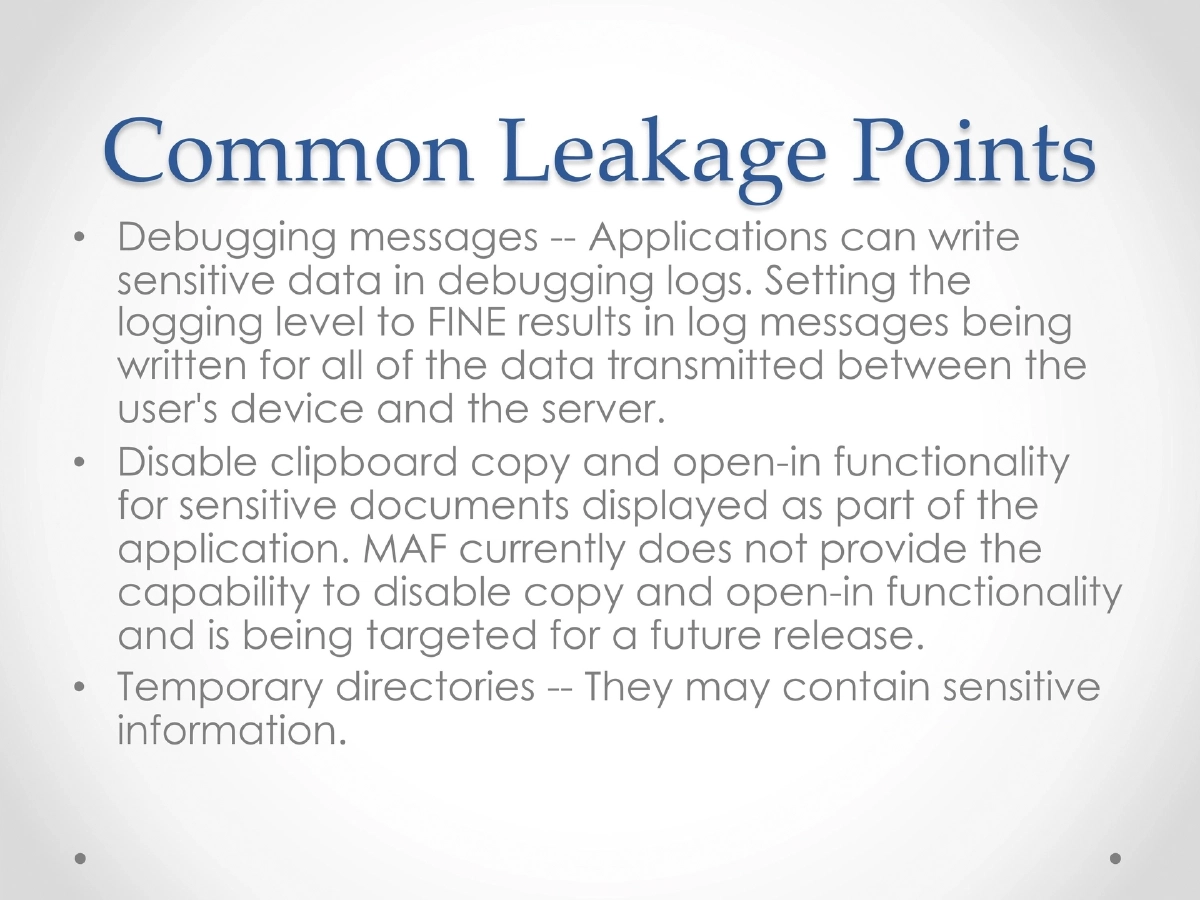
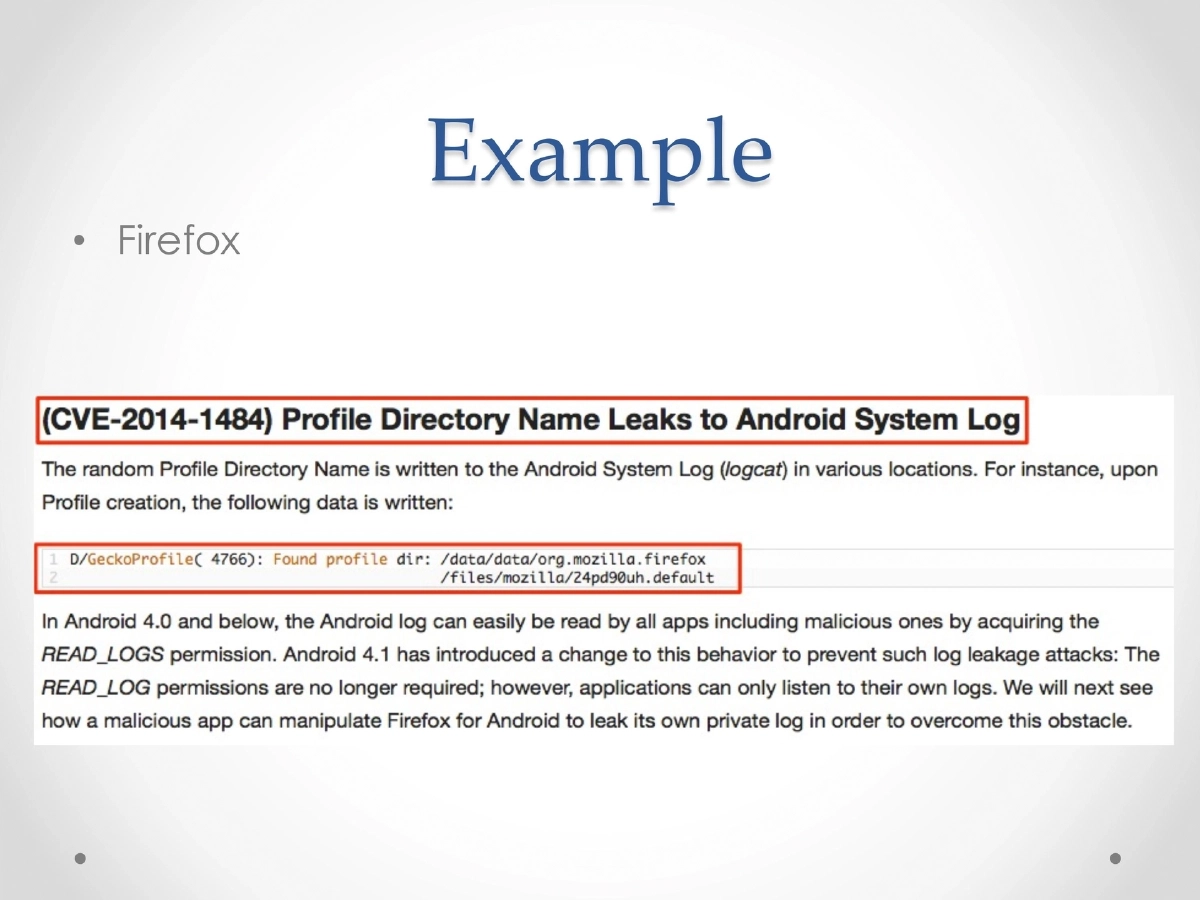
Debug Logging: Applications may write sensitive data to debug logs. Setting the logging level to FINE/verbose results in log messages capturing all data transmitted between the device and server. The presentation demonstrates data leakage via Android’s logcat.
-
Additional Leakage Vectors: Clipboard copy and open-in functionality for sensitive documents, and temporary directories that may contain residual sensitive information from application operations.
-
Real-World Examples: Firefox for Android was shown to leak profile information through accessible storage, and general logging demonstrations showed how sensitive data appears in system logs.
Actionable Takeaways
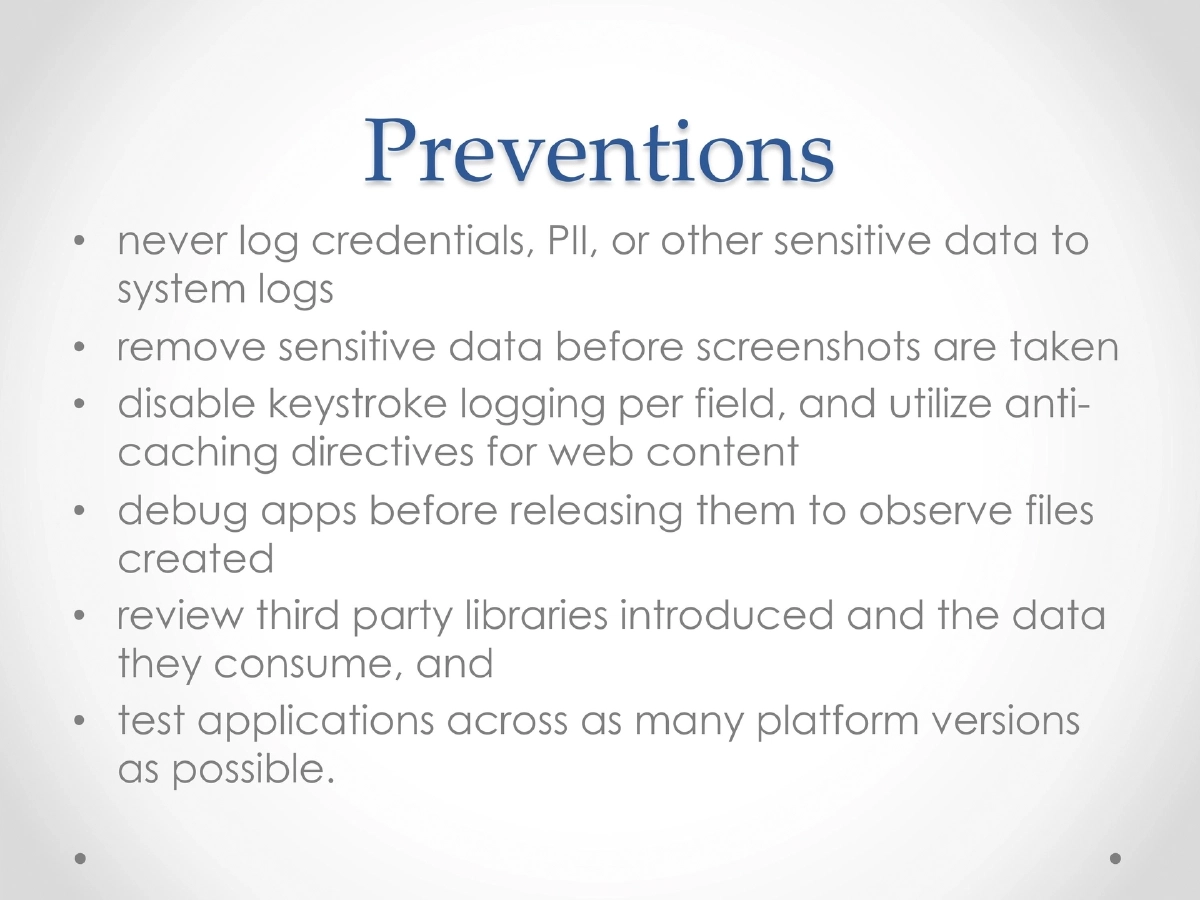
- Never log credentials, PII, or other sensitive data to system logs — audit all logging statements before release and strip verbose logging in production builds.
- Remove or obscure sensitive on-screen data before the OS captures backgrounding screenshots, using platform APIs to prevent screenshot capture of sensitive screens.
- Disable keystroke logging on fields that accept sensitive input (passwords, credit card numbers) and use anti-caching directives for web content displayed in WebViews.
- Thoroughly debug and inspect applications before release to identify all files created, cached data, and log output that may contain sensitive information.
- Review all third-party libraries for the data they collect and transmit, and test applications across multiple platform versions since data leakage behaviors can vary.
- Disable clipboard copy functionality on screens displaying sensitive documents, and clean up temporary directories after processing sensitive data.