Ssl Pinning














AI Generated Summary
AI Generated Content Disclaimer
Note: This summary is AI-generated and may contain inaccuracies, errors, or omissions. If you spot any issues, please contact the site owner for corrections. Errors or omissions are unintended.
This presentation covers SSL/TLS certificate pinning implementation and bypass techniques on both Android and iOS platforms. Anant Shrivastava explains why PKI is fundamentally broken, how SSL pinning adds a critical defense layer against man-in-the-middle attacks, demonstrates pinning implementations using libraries like OkHttp (Android) and SwiftHTTP/TrustKit (iOS), and then shows how to bypass these protections using Xposed Framework (JustTrustMe) on Android and SSL Kill Switch 2 on iOS.
Key Topics Covered
-
Why SSL Pinning is Needed — PKI is Broken: The system trust store trusts all installed CAs (including attacker-controlled ones like PortSwigger CA). The system validates root CAs, not the full certification chain. Any CA can issue certificates for any website (demonstrated by Diginotar, Trustwave, NIC incidents). Certificate theft leads to revocation nightmares with CRLs, and OCSP (running over port 80) is the attempted rescue mechanism. These fundamental weaknesses make MITM attacks feasible against standard TLS.
-
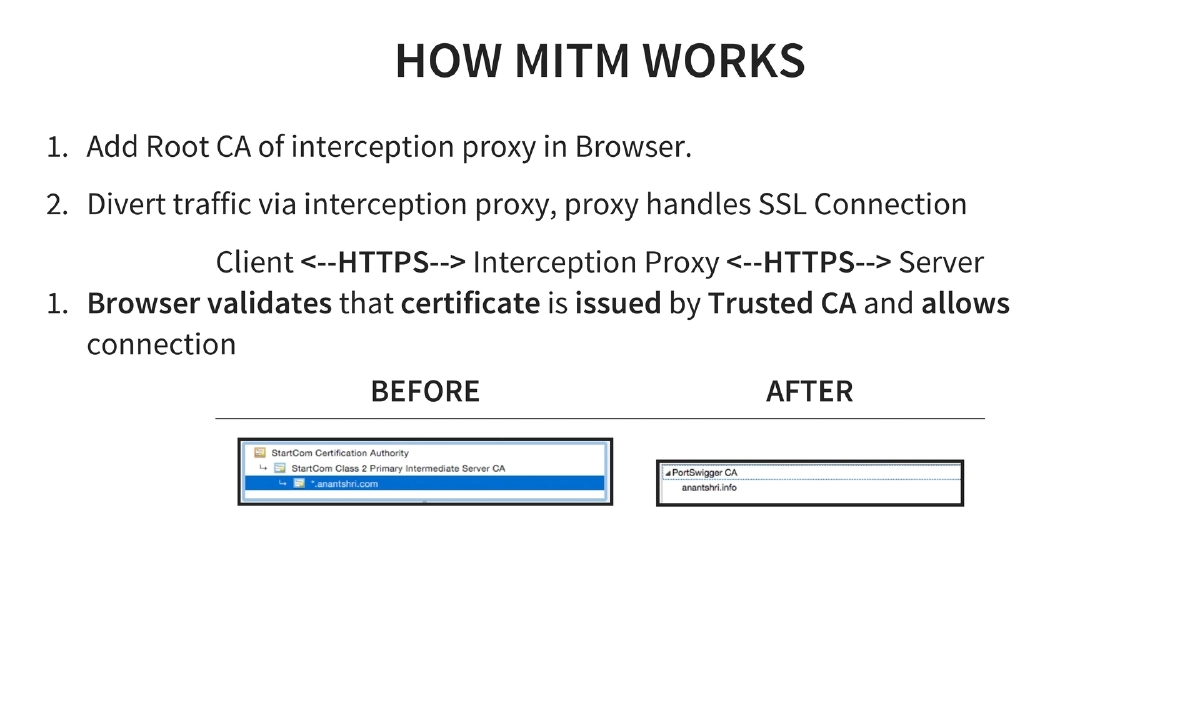
How MITM Interception Works: An attacker adds their root CA to the device’s trust store, then routes traffic through an interception proxy. The proxy handles the SSL connection on both sides — the browser validates the proxy’s certificate as trusted (because the CA is in the trust store), allowing full traffic inspection.
-
SSL Pinning Concept: Pin trust on the application’s own certification chain and validate it client-side, rather than relying on the device’s trust store. This means the application only trusts specific certificates or public keys, not any certificate issued by any trusted CA.
-
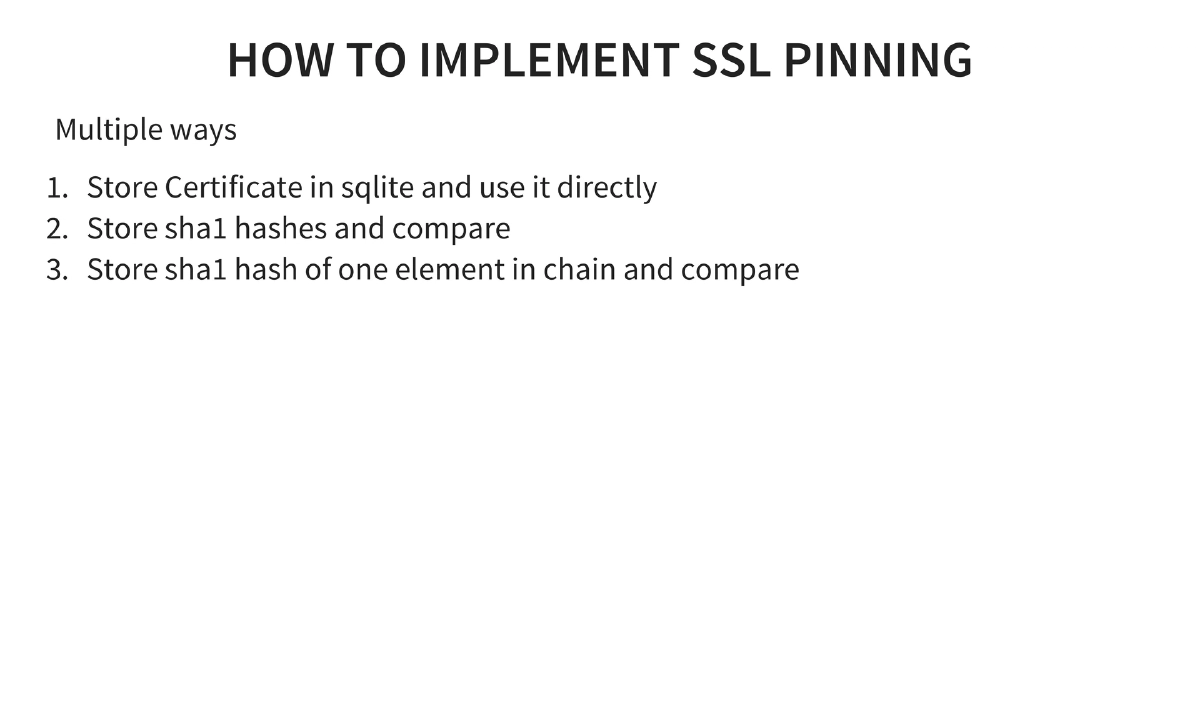
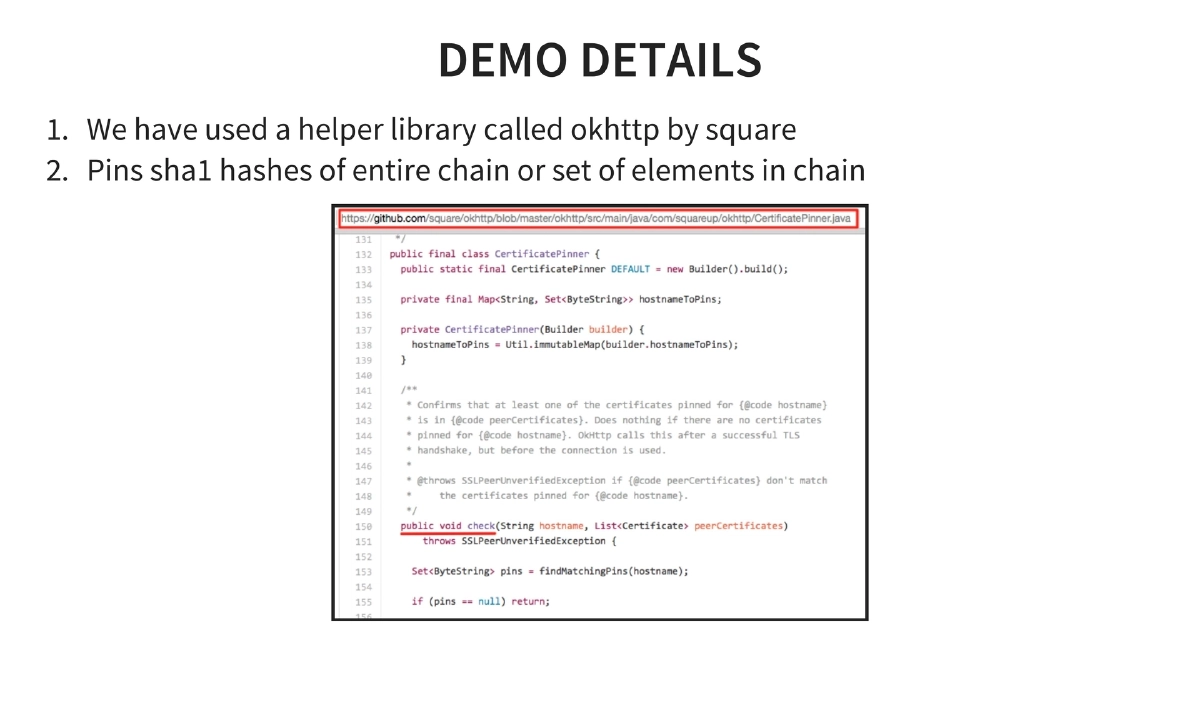
SSL Pinning Implementation on Android: Multiple approaches — store the certificate in SQLite for direct comparison, store SHA1 hashes and compare, or store SHA1 hash of one element in the chain. The demo uses OkHttp by Square, which pins SHA1 hashes of the entire certificate chain or selected elements.
-
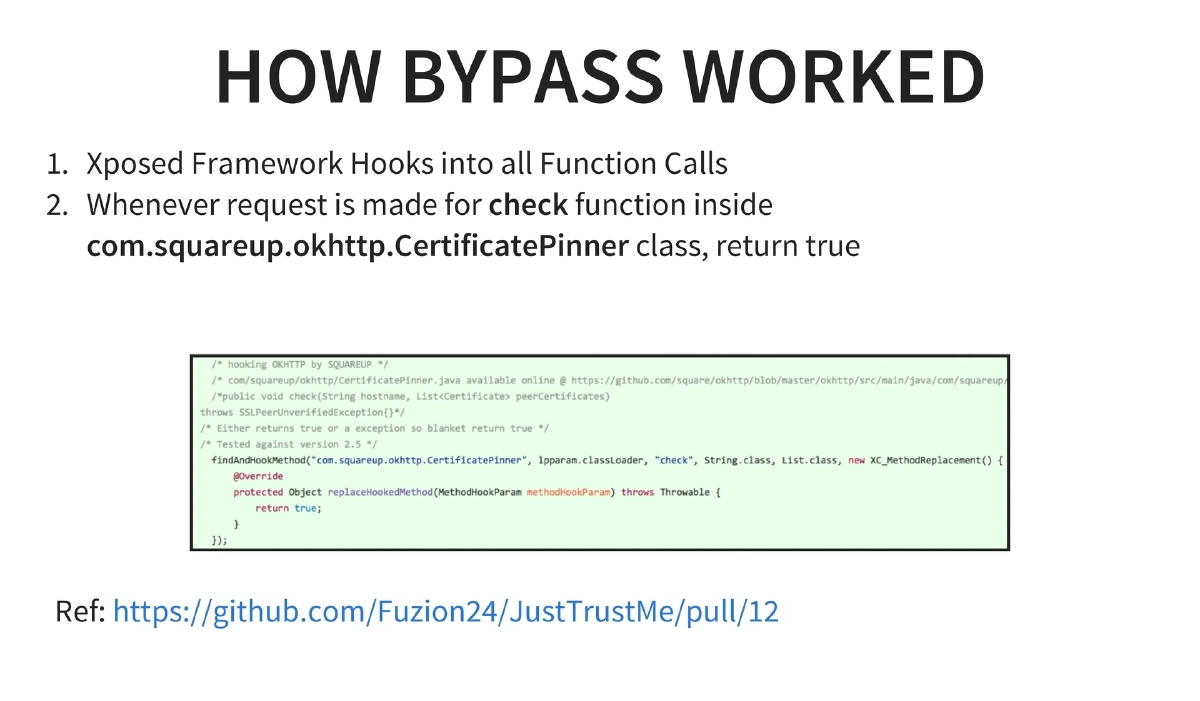
SSL Pinning Bypass on Android: Uses Xposed Framework to hook into function calls at runtime. Specifically, when a check function inside
com.squareup.okhttp.CertificatePinneris called, the hook forces it to return true, bypassing the pinning validation. The JustTrustMe module implements this bypass. -
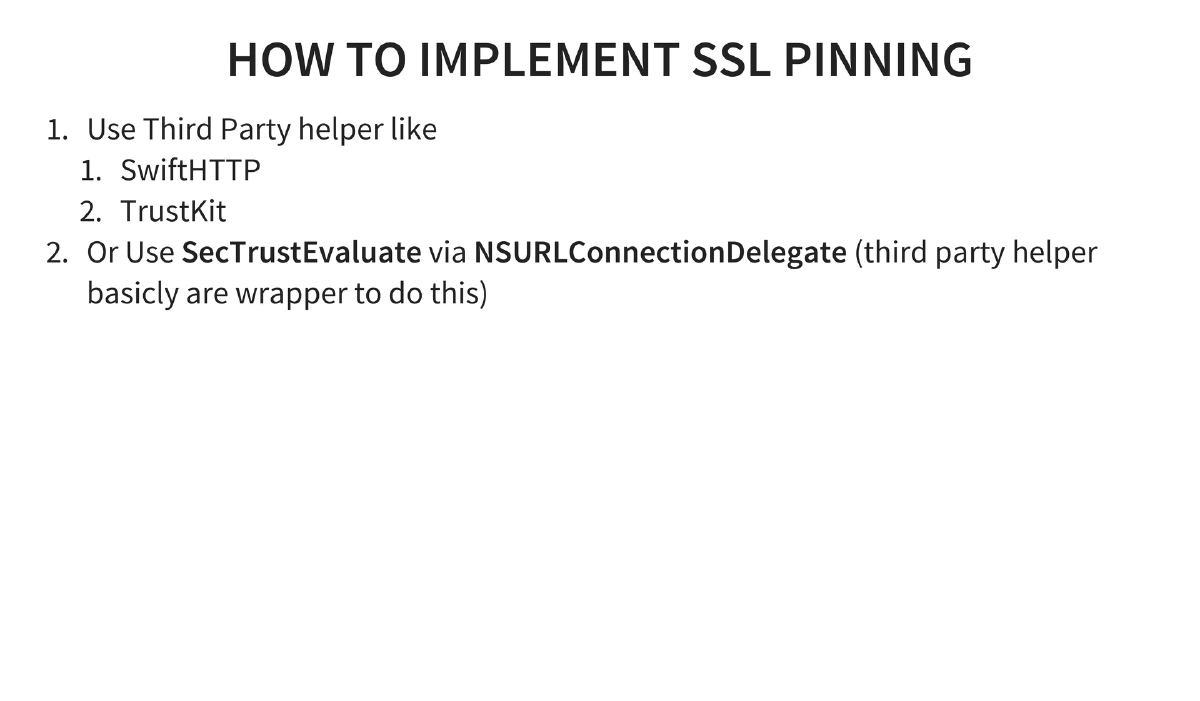
SSL Pinning Implementation on iOS: Can use third-party helper libraries (SwiftHTTP, TrustKit) or implement directly via
SecTrustEvaluatethroughNSURLConnectionDelegate. The libraries essentially wrap the native Secure Transport API calls. -
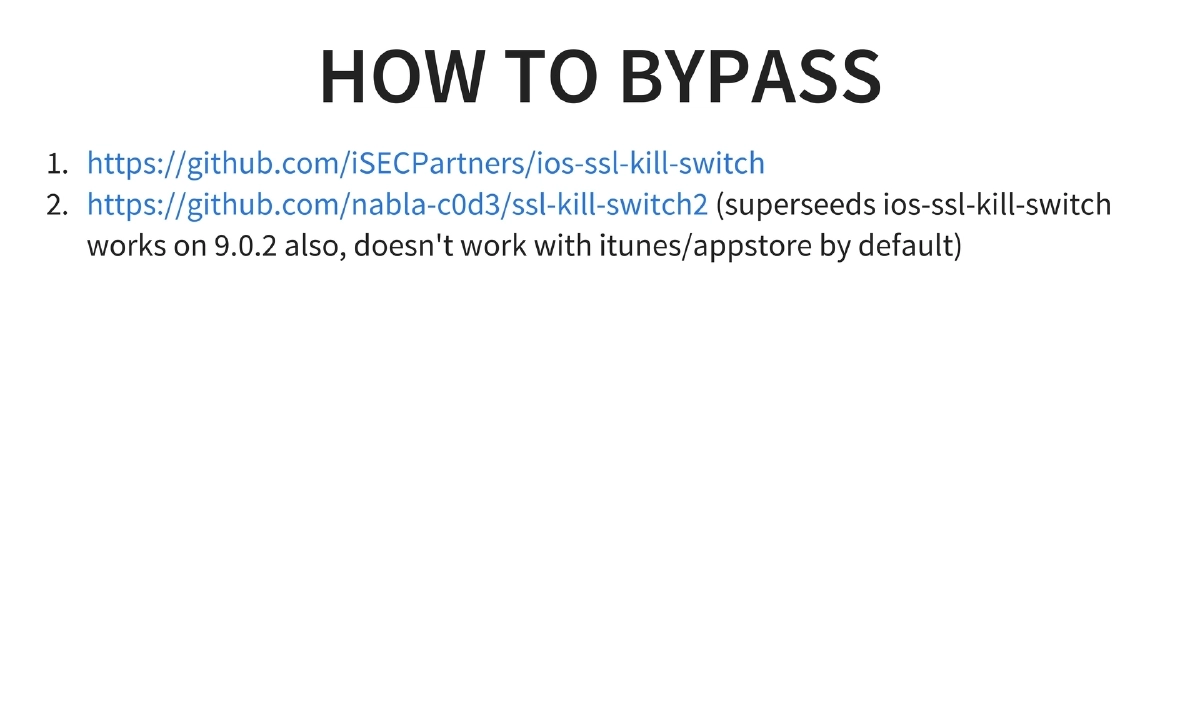
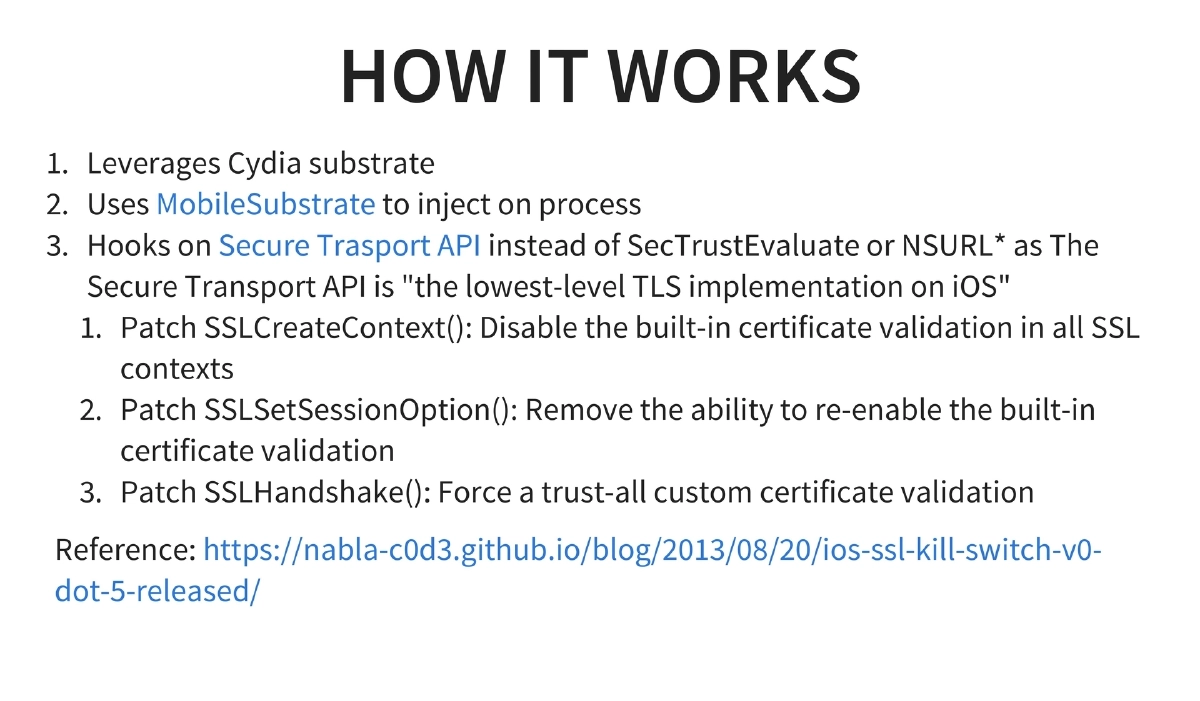
SSL Pinning Bypass on iOS: Two tools — the original ios-ssl-kill-switch by iSEC Partners and its successor ssl-kill-switch2 by nabla-c0d3 (which works on iOS 9.0.2 but does not affect iTunes/App Store by default). The bypass leverages Cydia Substrate’s MobileSubstrate to inject into processes and hooks the Secure Transport API — the lowest-level TLS implementation on iOS — rather than higher-level APIs like SecTrustEvaluate or NSURL. Three specific patches are applied: SSLCreateContext is patched to disable built-in certificate validation, SSLSetSessionOption is patched to remove the ability to re-enable validation, and SSLHandshake is patched to force trust-all custom certificate validation.
-
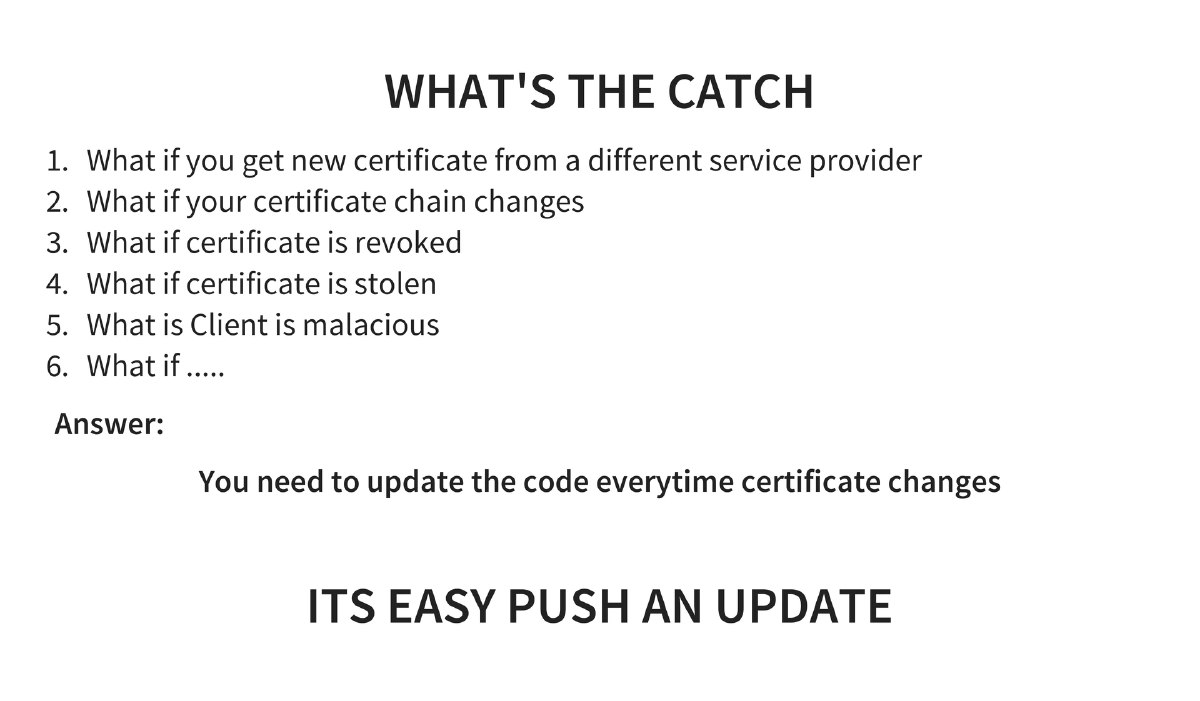
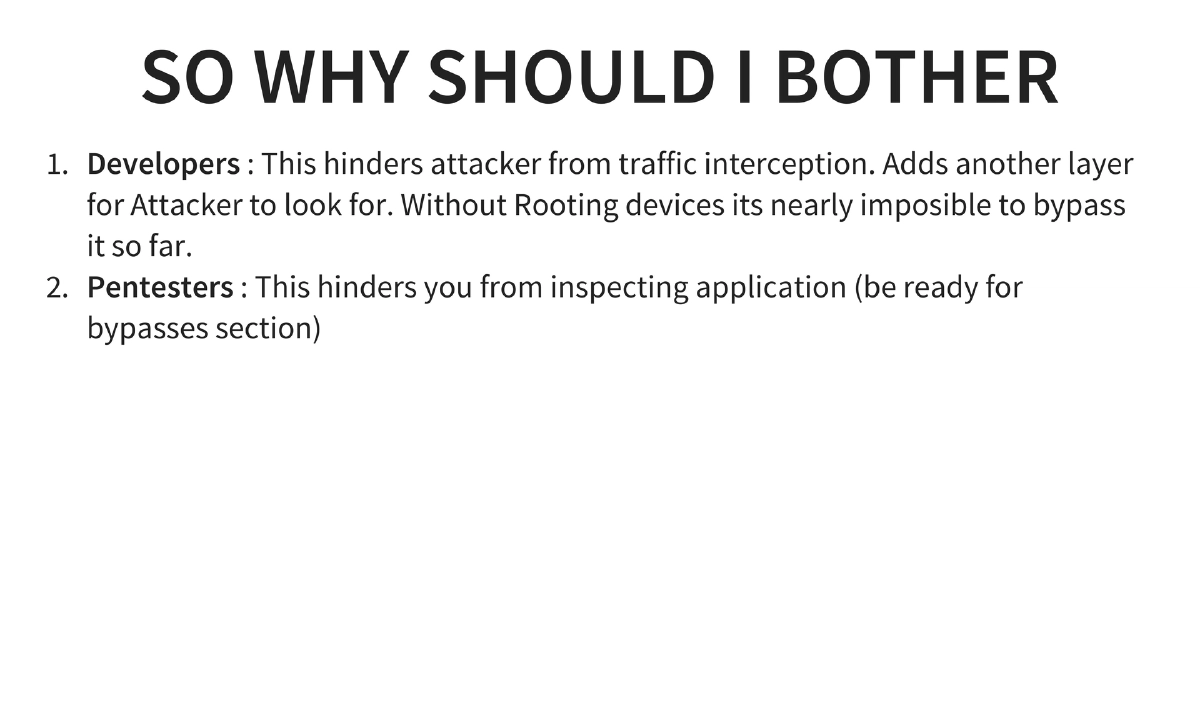
Trade-offs of SSL Pinning: When the certificate changes (new provider, chain change, revocation, or theft), the application code must be updated. This is manageable since mobile apps can push updates, but adds maintenance overhead. The key benefit is that without rooting/jailbreaking the device, pinning is nearly impossible to bypass.
Actionable Takeaways
- Implement SSL certificate pinning in all mobile applications handling sensitive data — it adds a critical defense layer that prevents MITM interception without device rooting or jailbreaking.
- On Android, use OkHttp’s CertificatePinner or similar libraries to pin SHA1 hashes of the certificate chain, and plan for certificate rotation by including backup pins.
- On iOS, leverage TrustKit or SwiftHTTP for simplified pinning implementation, or implement directly via SecTrustEvaluate through NSURLConnectionDelegate for maximum control.
- When performing penetration tests on pinned Android apps, use Xposed Framework with the JustTrustMe module to bypass OkHttp and other common pinning implementations.
- For iOS penetration testing, use ssl-kill-switch2 (successor to ios-ssl-kill-switch) which hooks at the Secure Transport API level — the lowest-level TLS implementation on iOS — to bypass all higher-level pinning implementations.
- Understand that SSL pinning requires application updates whenever certificates change — design your pinning strategy to include backup pins and plan for certificate rotation to avoid breaking the application when certificates are renewed or replaced.