Null Puliya Linux




AI Generated Summary
AI Generated Content Disclaimer
Note: This summary is AI-generated and may contain inaccuracies, errors, or omissions. If you spot any issues, please contact the site owner for corrections. Errors or omissions are unintended.
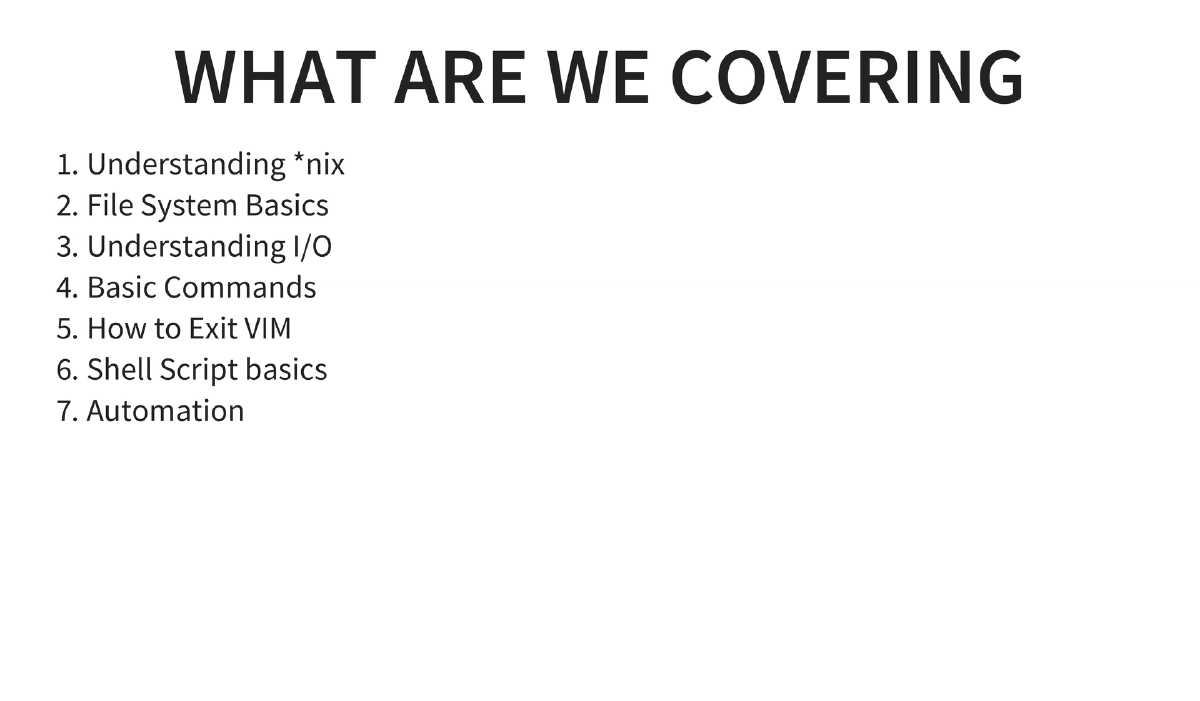
This presentation by Anant Shrivastava at a Null Meet Bangalore Puliya session provides a foundational introduction to Linux for security professionals. Covering everything from the Unix/Linux family tree and filesystem basics through essential commands, shell scripting, SSH configuration, and task automation via cron, the session is designed as a hands-on primer to equip attendees with the practical Linux skills needed for security work. The talk includes scripting exercises and covers topics specifically relevant to security practitioners such as file permissions, privilege escalation concepts, and service configuration.
Key Topics Covered
-
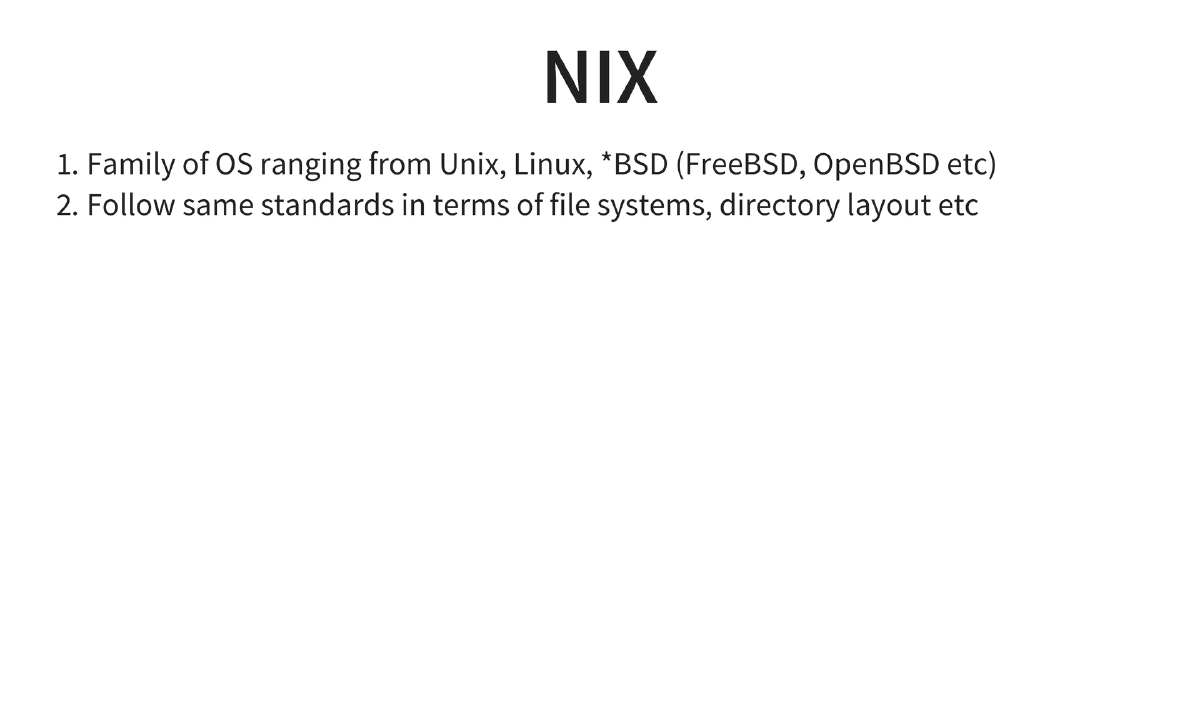
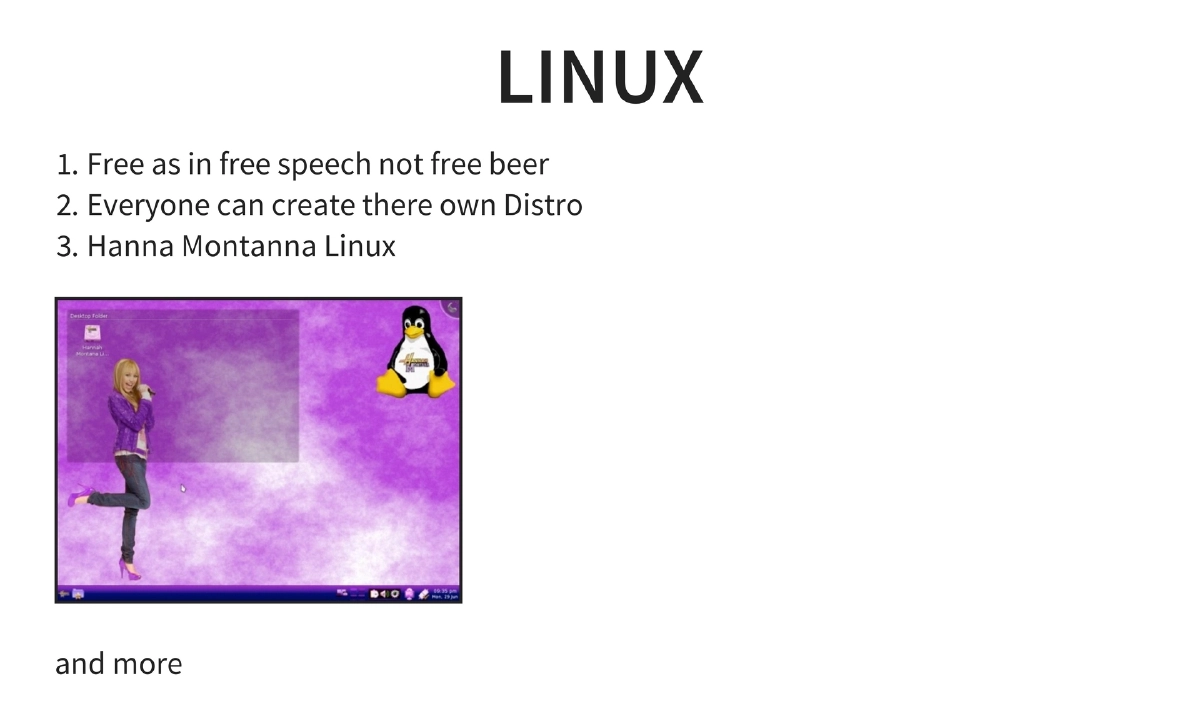
*Understanding nix Systems: The Unix family encompasses Unix, Linux, and BSD variants (FreeBSD, OpenBSD, etc.) that share common standards for filesystem layout and directory structure. Linux is free and open source (“free as in free speech, not free beer”), with anyone able to create their own distribution — from serious enterprise distros to novelty ones like Hannah Montana Linux.
-
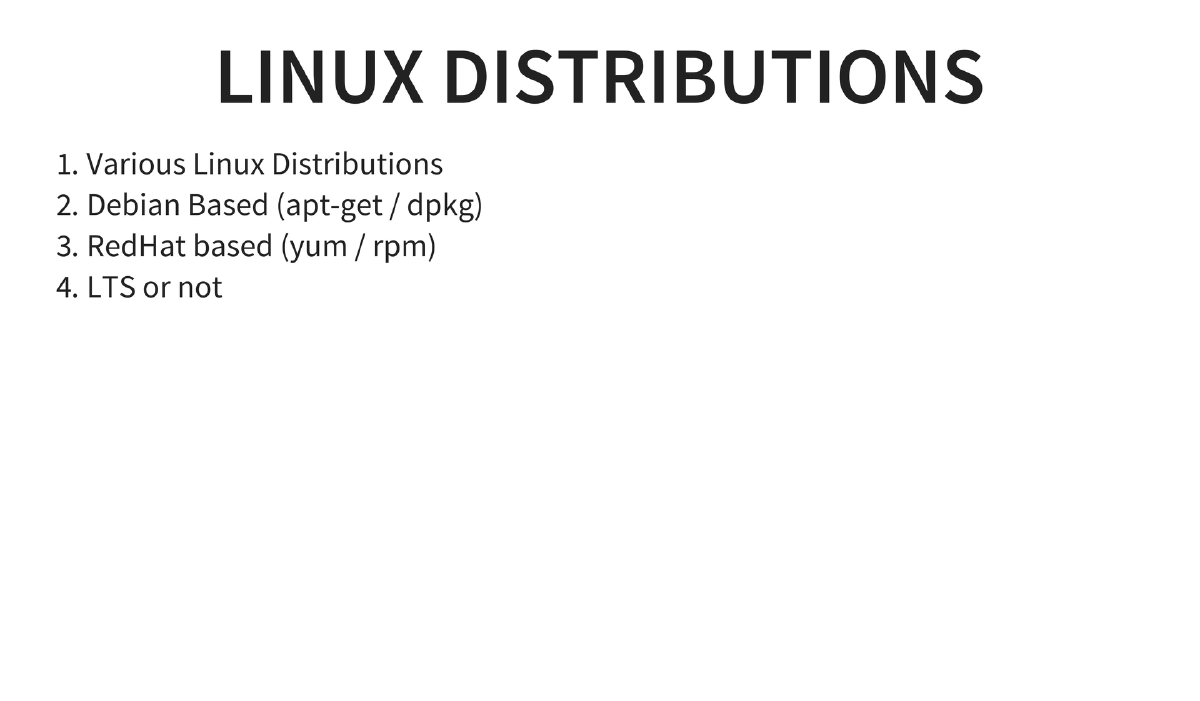
Linux Distributions: Key distribution families include Debian-based (using
apt-get/dpkg) and RedHat-based (usingyum/rpm). Understanding the distinction between LTS (Long Term Support) and rolling releases is important for choosing a stable security testing platform. -
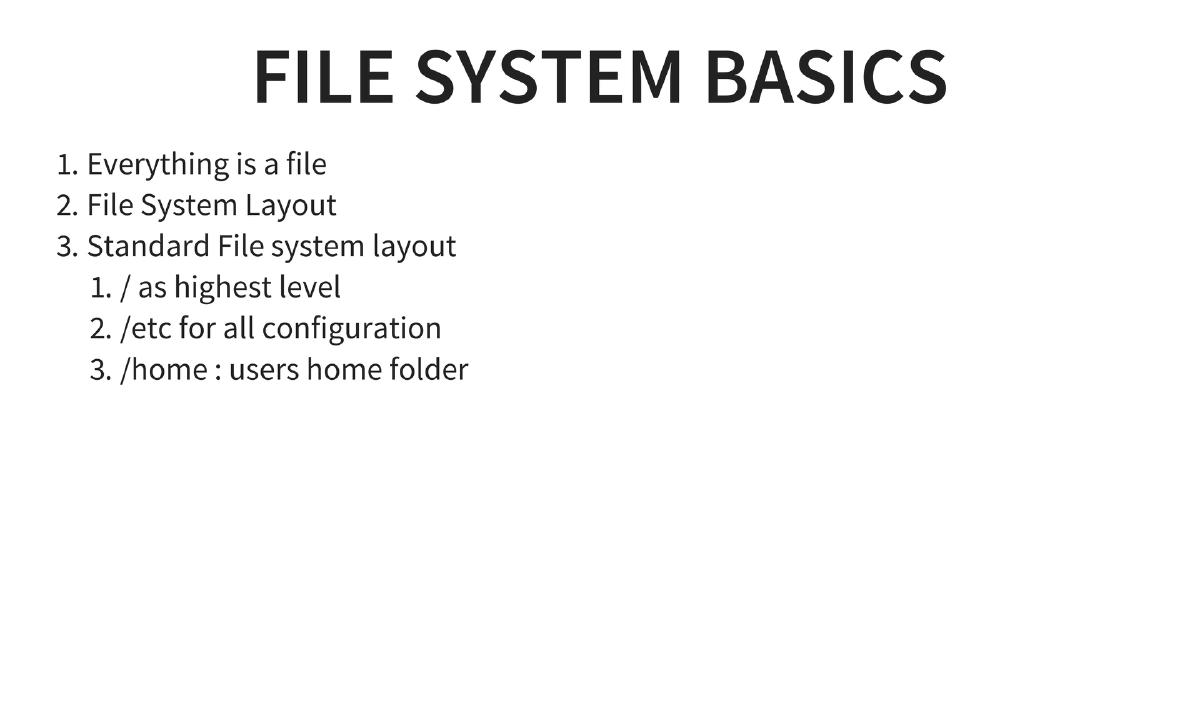
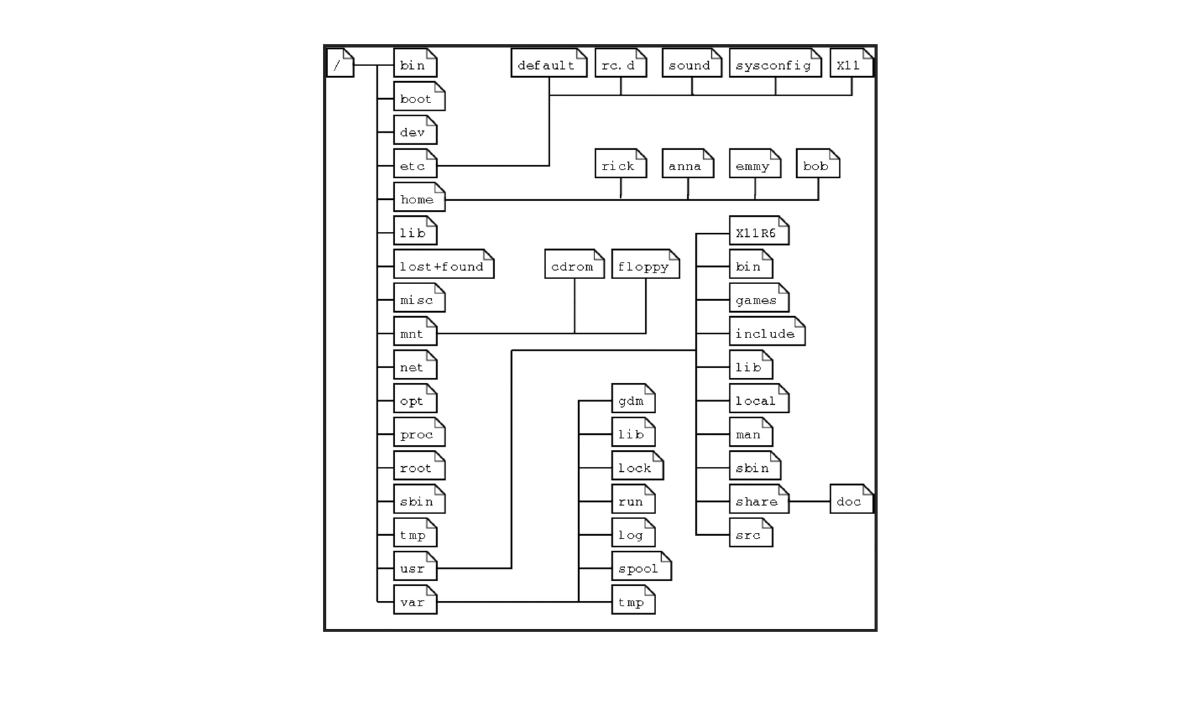
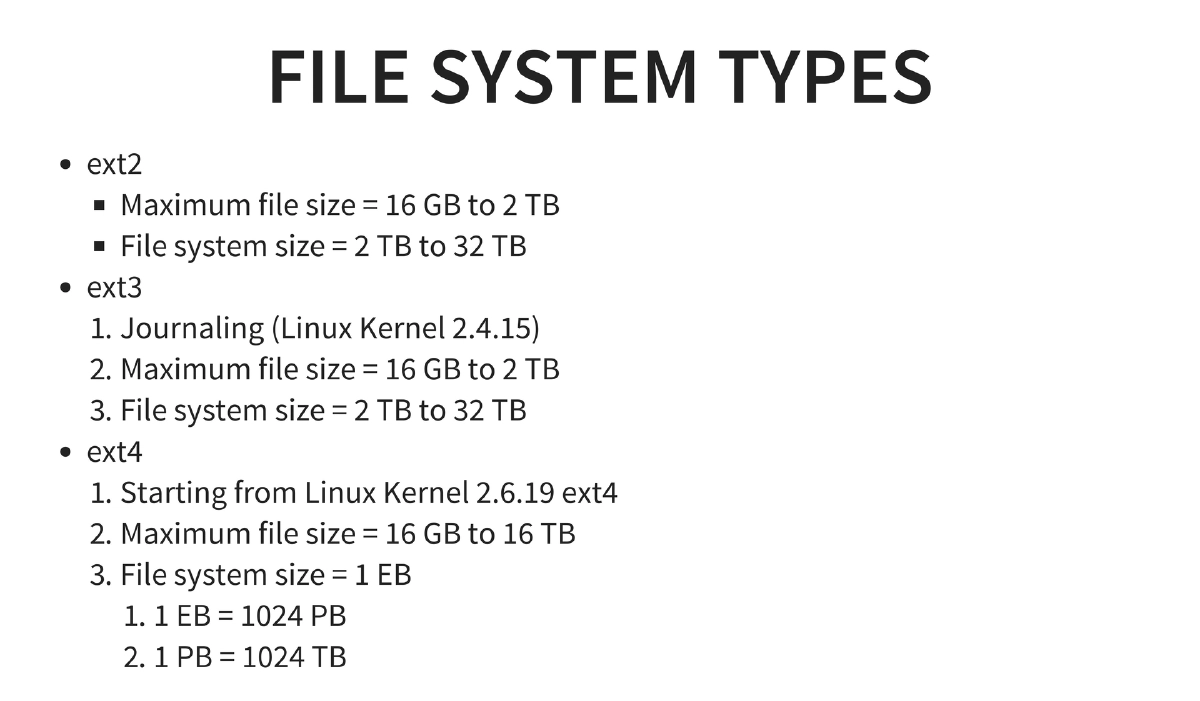
Filesystem Basics: The fundamental Unix principle that “everything is a file” underpins the entire system. The standard filesystem layout starts with
/as the root,/etcfor configuration files, and/homefor user directories. The presentation covers filesystem types including ext2, ext3 (with journaling, introduced in kernel 2.4.15), and ext4 (from kernel 2.6.19, supporting files up to 16 TB and filesystems up to 1 EB). -
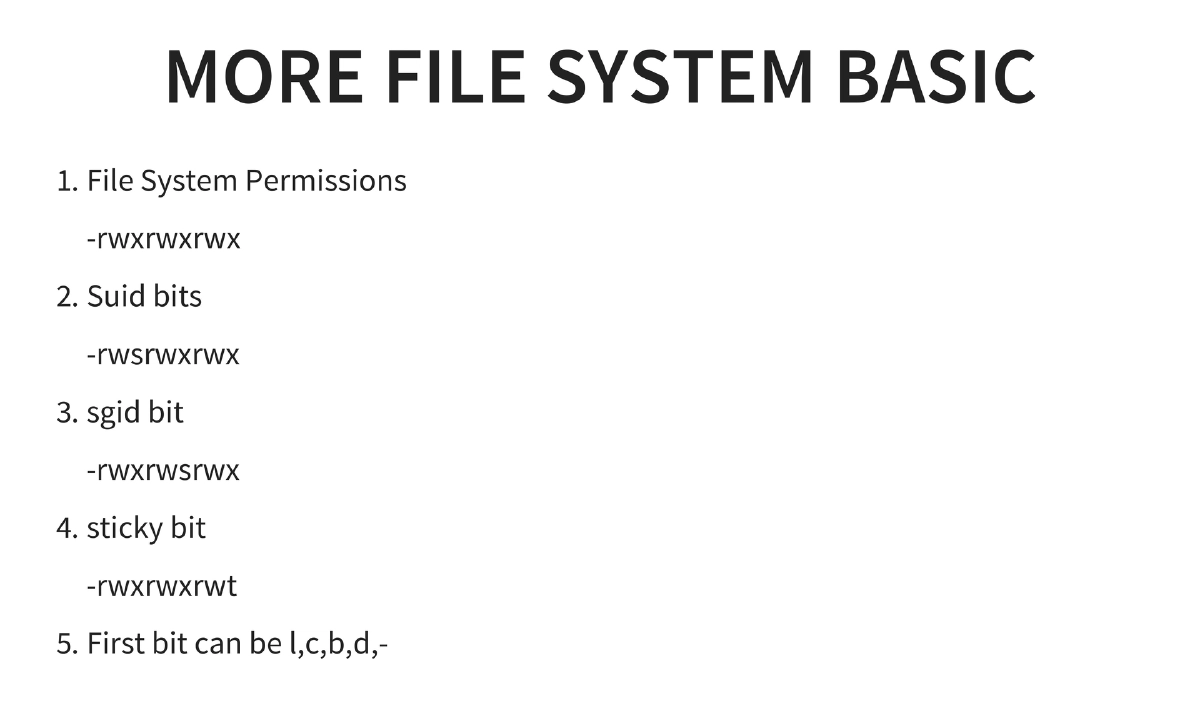
File Permissions and Special Bits: Standard Unix permissions (
-rwxrwxrwx), SUID bits (-rwsrwxrwx), SGID bits (-rwxrwsrwx), and the sticky bit (-rwxrwxrwt). The first character indicates file type:l(symlink),c(character device),b(block device),d(directory), or-(regular file). These concepts are critical for understanding privilege escalation in security assessments. -
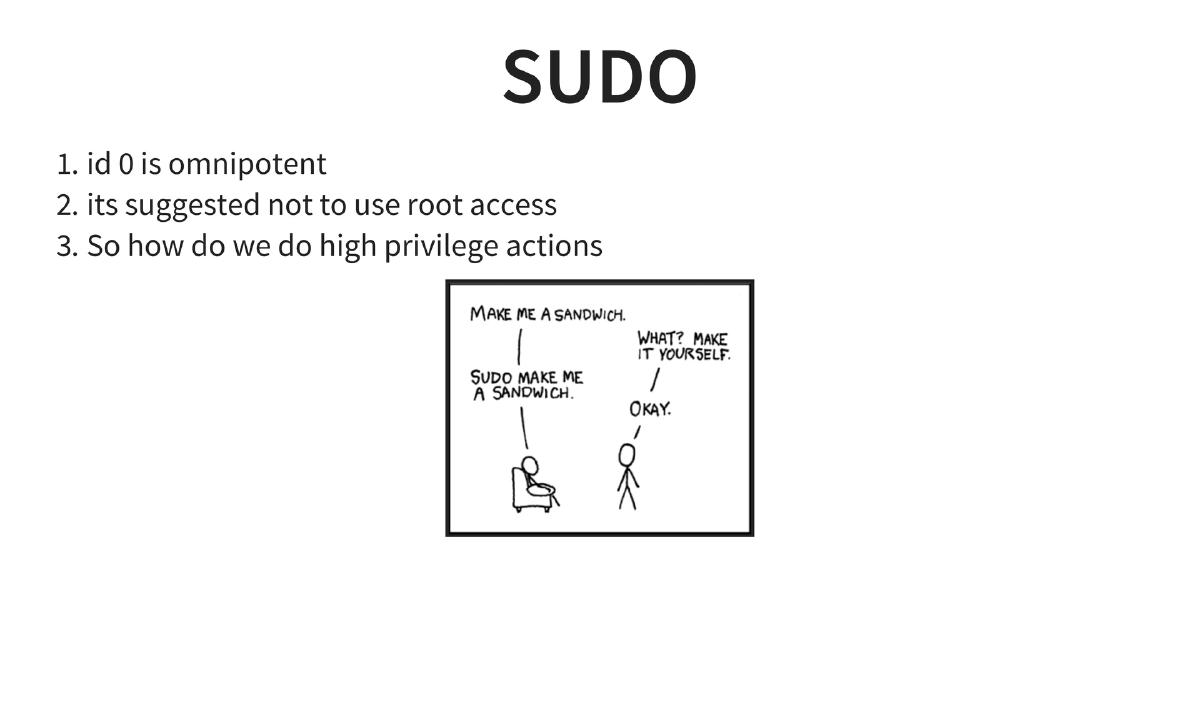
Sudo and Privilege Management: UID 0 (root) is omnipotent in Linux. Best practice is to avoid using root directly and instead use
sudofor elevated operations, enabling auditable privilege escalation. -
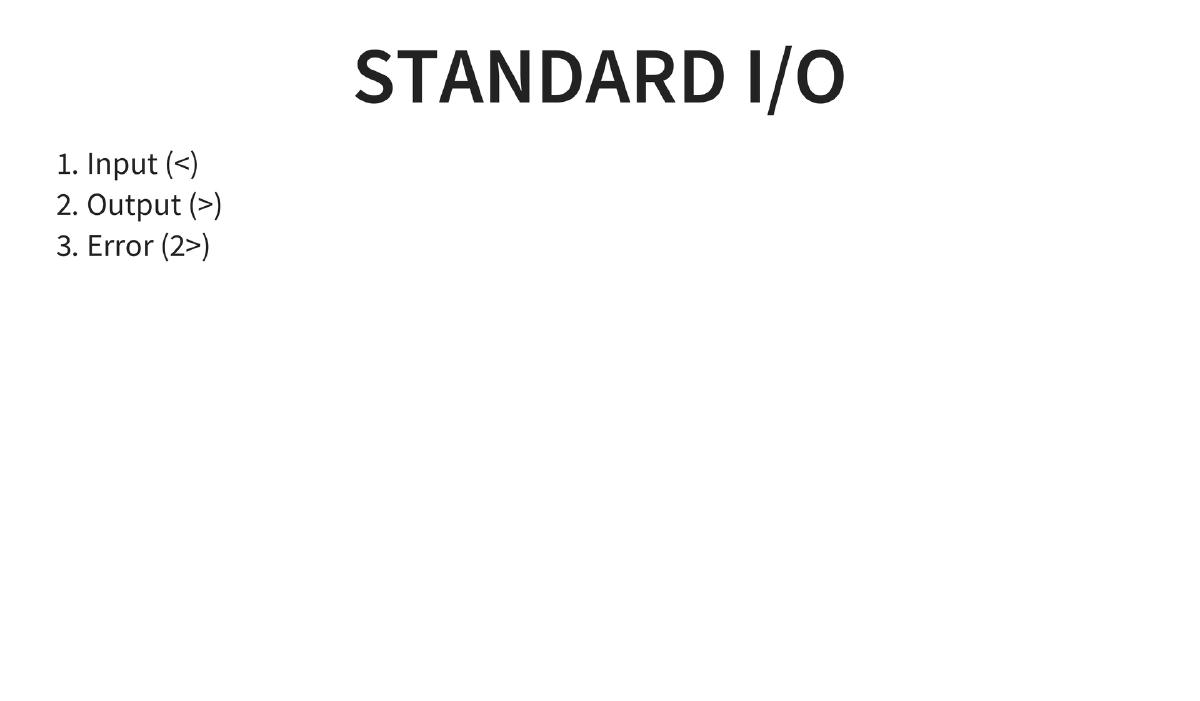
Standard I/O Redirection: Input (
<), output (>), and error redirection (2>) — essential for scripting and log management in security workflows. -
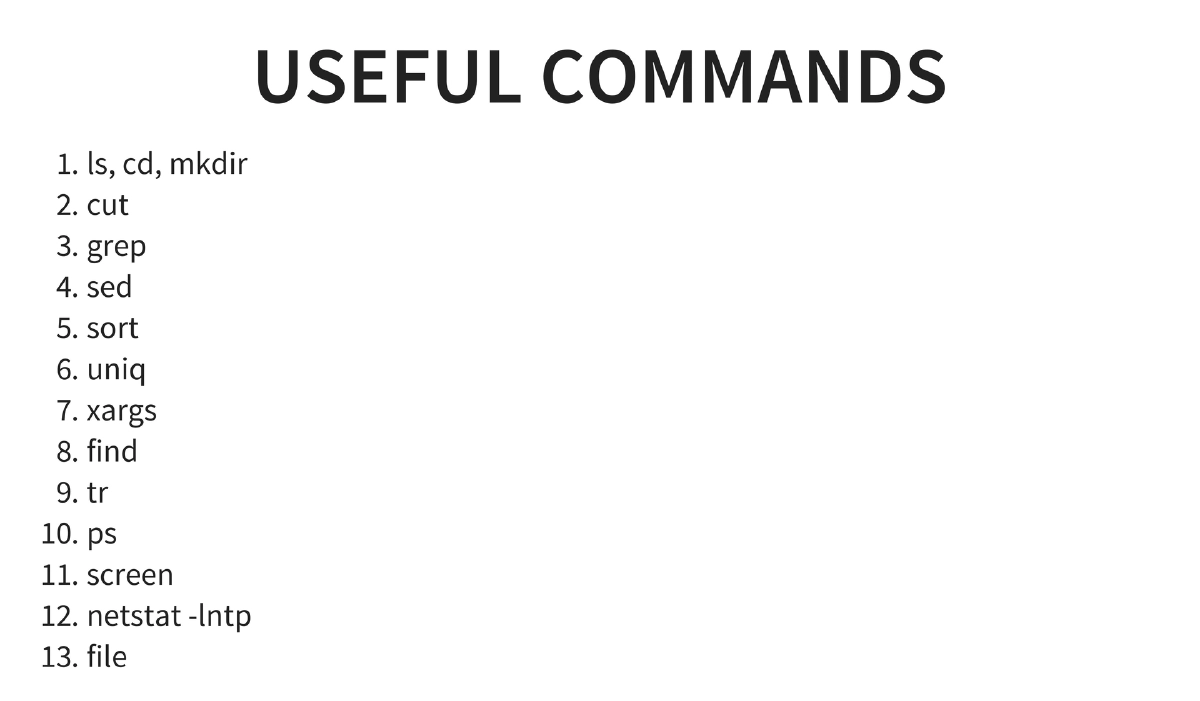
Essential Commands: A comprehensive set of commands for daily security work:
ls,cd,mkdirfor navigation;cut,grep,sed,sort,uniqfor text processing;xargsandfindfor batch operations;trfor character translation;psfor process management;screenfor persistent sessions;netstat -lntpfor network connections; andfilefor file type identification. -
Text Editors: Overview of Vim, Nano, and Emacs — including the classic challenge of how to exit Vim.
-
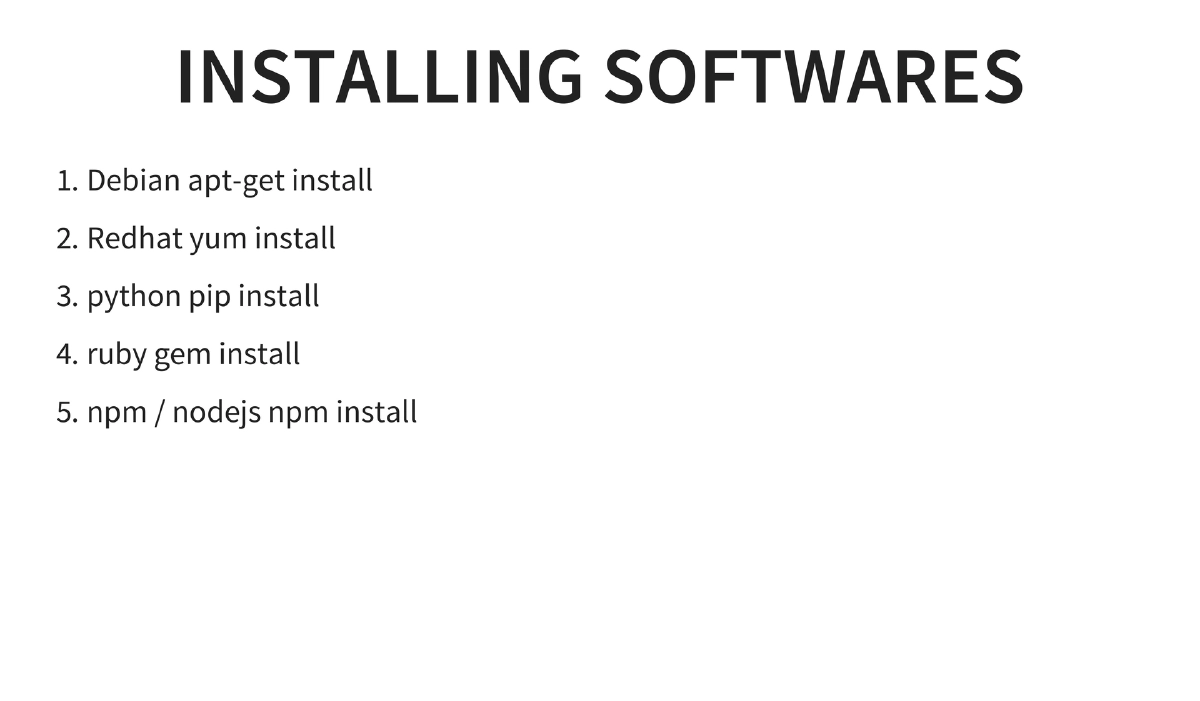
Software Installation: Package management across ecosystems:
apt-get install(Debian),yum install(RedHat),pip install(Python),gem install(Ruby), andnpm install(Node.js). -
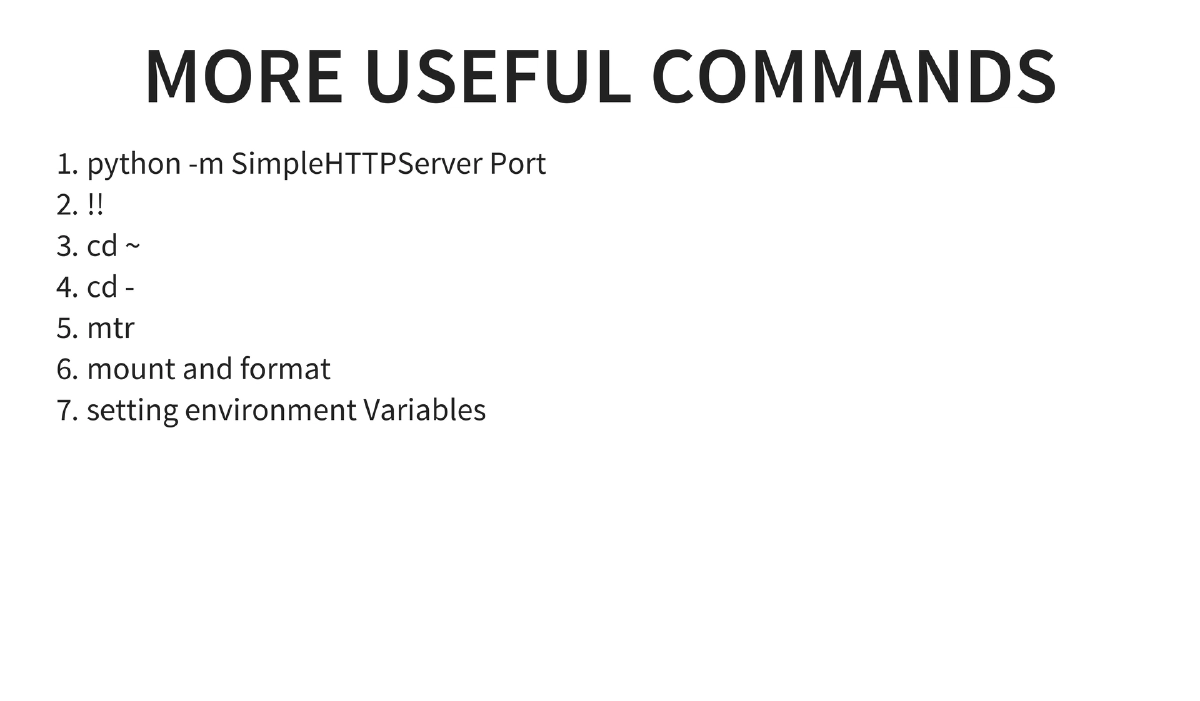
Useful Tricks: Quick HTTP server with
python -m SimpleHTTPServer,!!to repeat the last command,cd ~andcd -for directory navigation,mtrfor network diagnostics, mount and format operations, and environment variable management. -
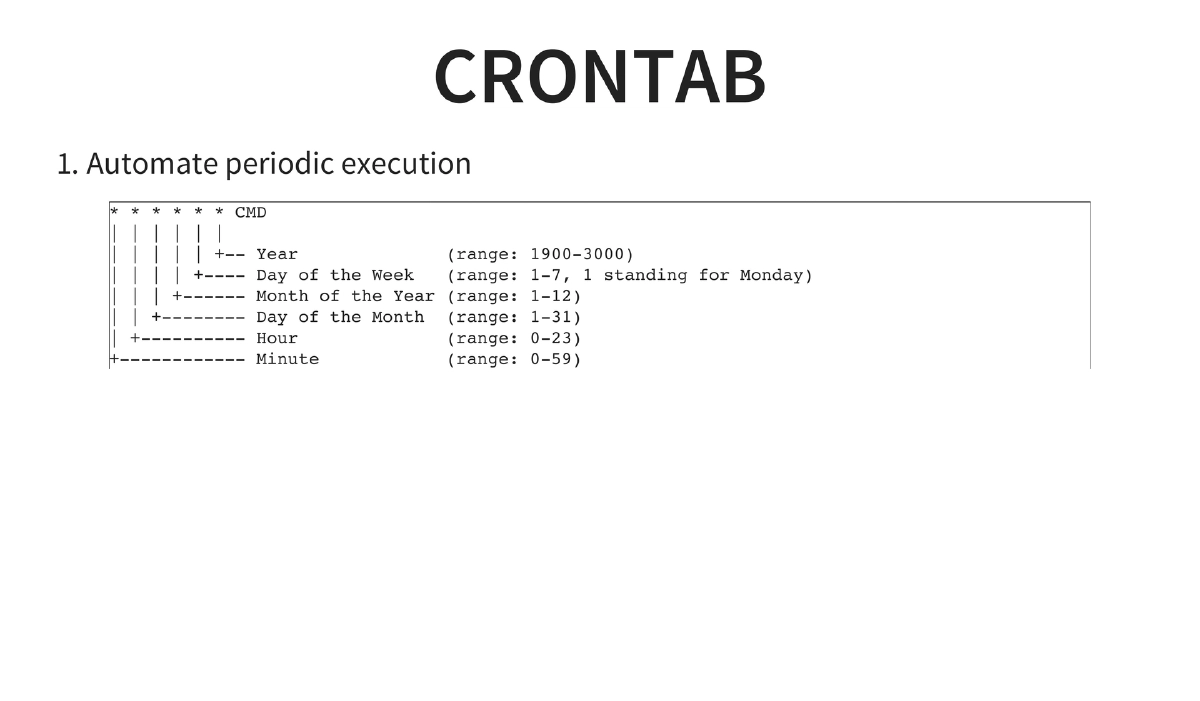
Crontab and Task Automation: Scheduling periodic tasks using crontab with the six-field format (minute, hour, day of month, month, day of week, year). Essential for automating security scans, log rotation, and maintenance tasks.
-
SSH Configuration and Security: SSH configuration via
/etc/ssh/sshd_config, key-based authentication setup using~/.ssh/authorized_keys, and the security advantages of key-based auth over password authentication. -
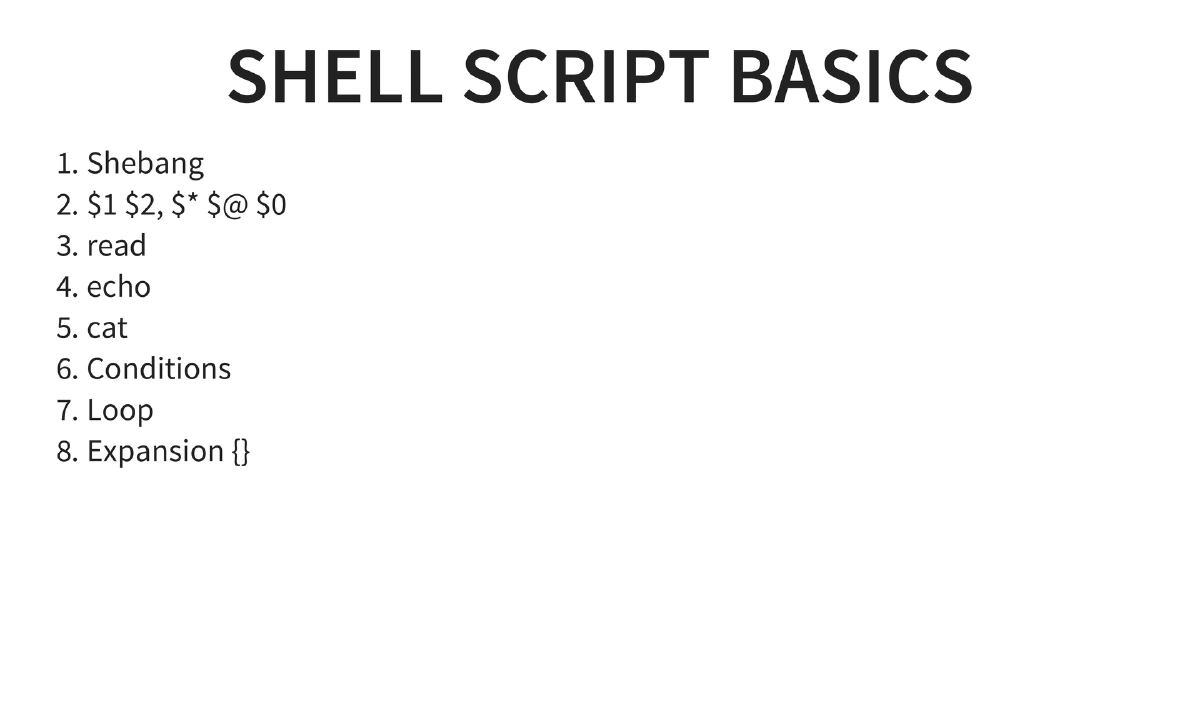
Shell Scripting Fundamentals: Shebang lines, positional parameters (
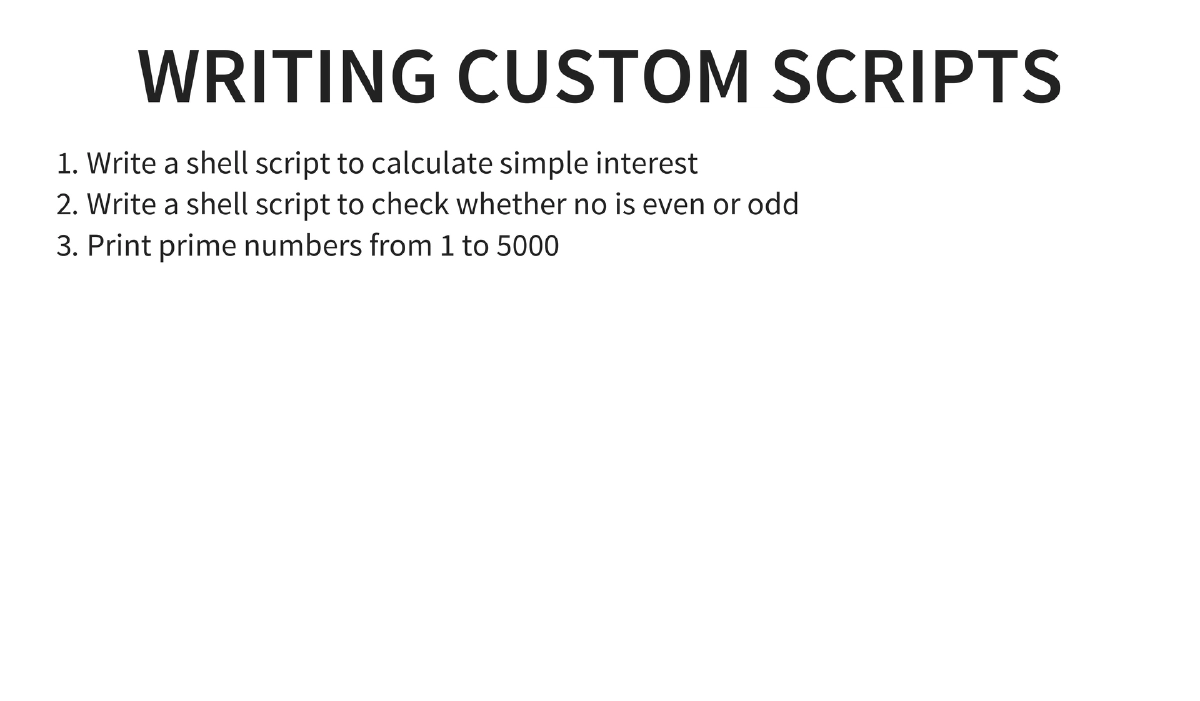
$1,$2,$*,$@,$0),readfor input,echoandcatfor output, conditionals, loops, and brace expansion. Practical exercises include writing scripts for simple interest calculation, even/odd checking, and prime number generation. -
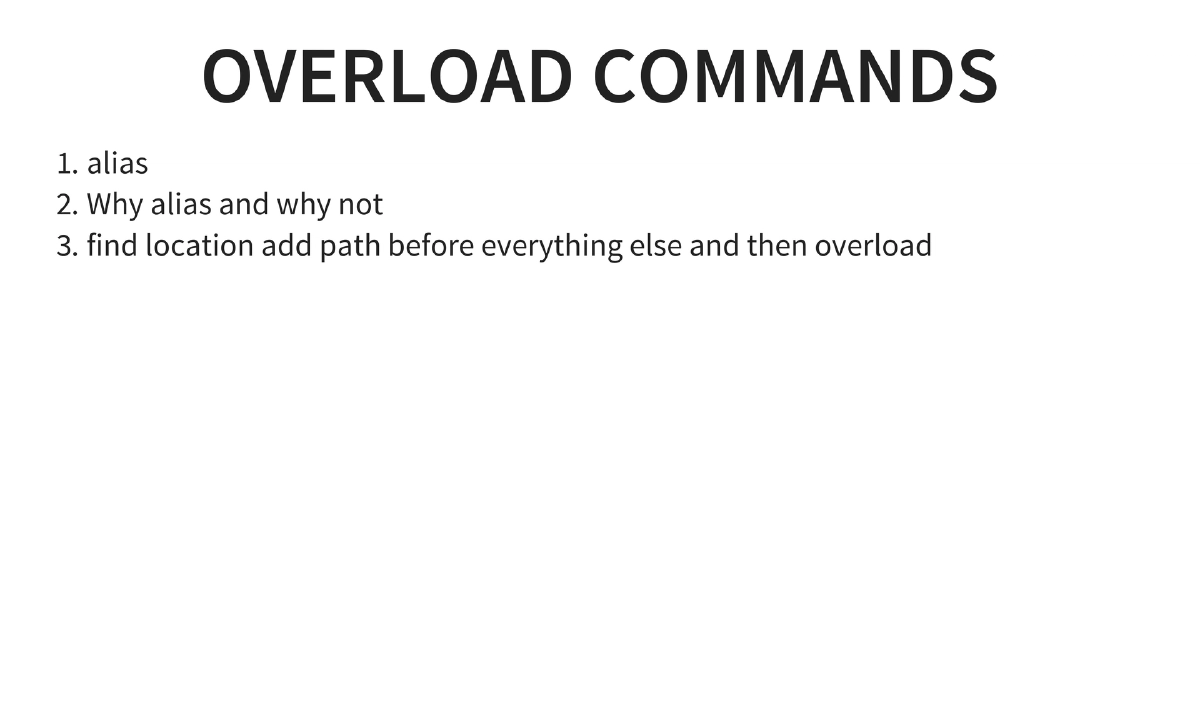
Command Overloading with Aliases: Using
aliasto customize commands, understanding when aliases are appropriate versus modifying PATH to overload default commands.
Actionable Takeaways
- Master the core text processing pipeline (
grep,sed,sort,uniq,cut,xargs) as these commands form the backbone of log analysis, data extraction, and security scripting on Linux systems. - Set up SSH key-based authentication and disable password login on all servers you manage — this is a baseline security practice that eliminates brute-force password attacks.
- Understand Linux file permissions including SUID/SGID bits, as these are common vectors for privilege escalation in penetration testing engagements.
- Use
crontabto automate recurring security tasks such as vulnerability scans, log collection, and backup verification rather than relying on manual execution. - Practice shell scripting by building small utility scripts for your security workflow — start with the exercises in this presentation (simple interest, even/odd, prime numbers) to build fluency before tackling more complex automation.
- Always use
sudofor privileged operations rather than logging in as root, and familiarize yourself withnetstat -lntpfor quickly auditing open ports and listening services on a system.