BlackHat Asia Arsenal Tamer


AI Generated Summary
AI Generated Content Disclaimer
Note: This summary is AI-generated and may contain inaccuracies, errors, or omissions. If you spot any issues, please contact the site owner for corrections. Errors or omissions are unintended.
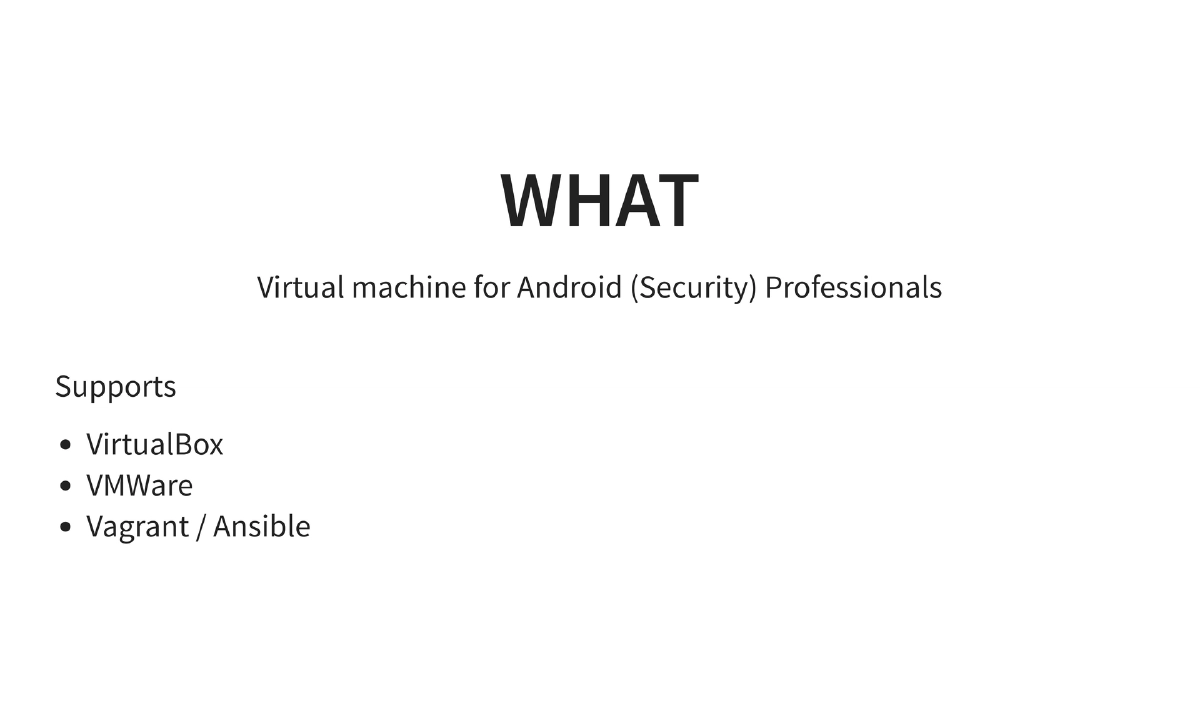
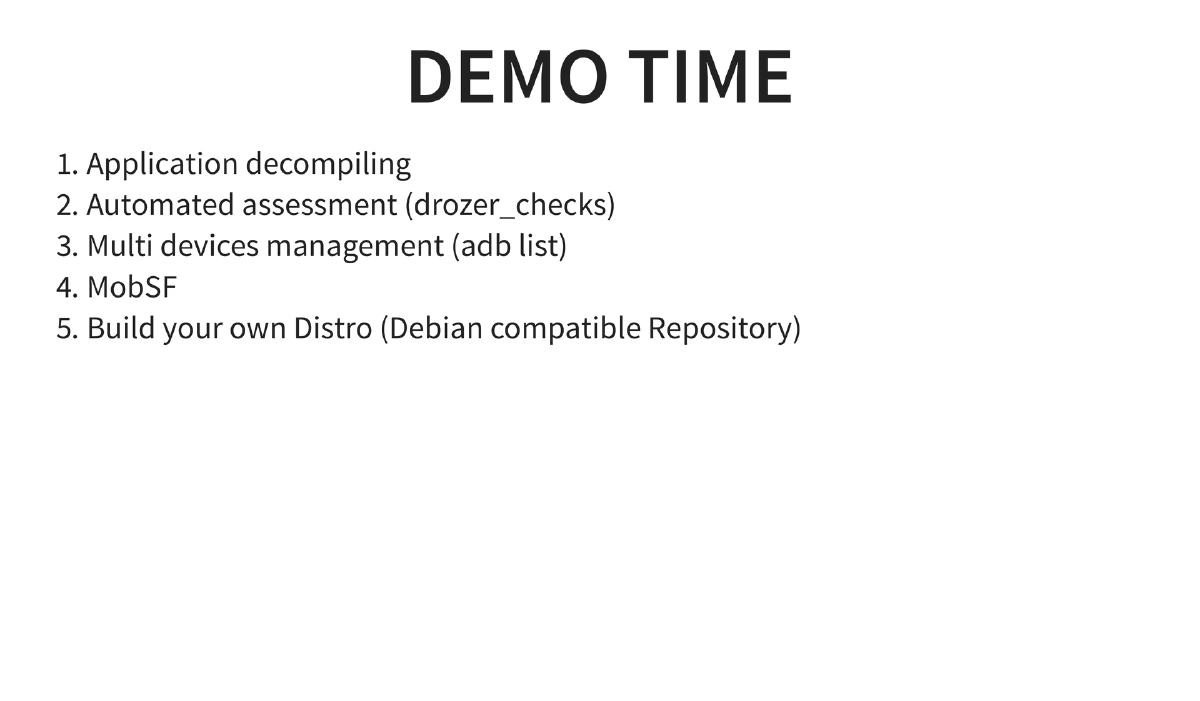
This presentation is an Arsenal demo of Android Tamer at BlackHat ASIA 2016, showcasing a purpose-built virtual machine designed for Android security professionals. Android Tamer bundles a comprehensive suite of pre-configured tools for application analysis, reverse engineering, forensics, and automated assessment — all managed through a unified platform that supports VirtualBox, VMWare, and Vagrant/Ansible provisioning. The demo walks through key features including one-liner convenience commands, multi-device management, automated security checks, and the project’s community resources.
Key Topics Covered
-
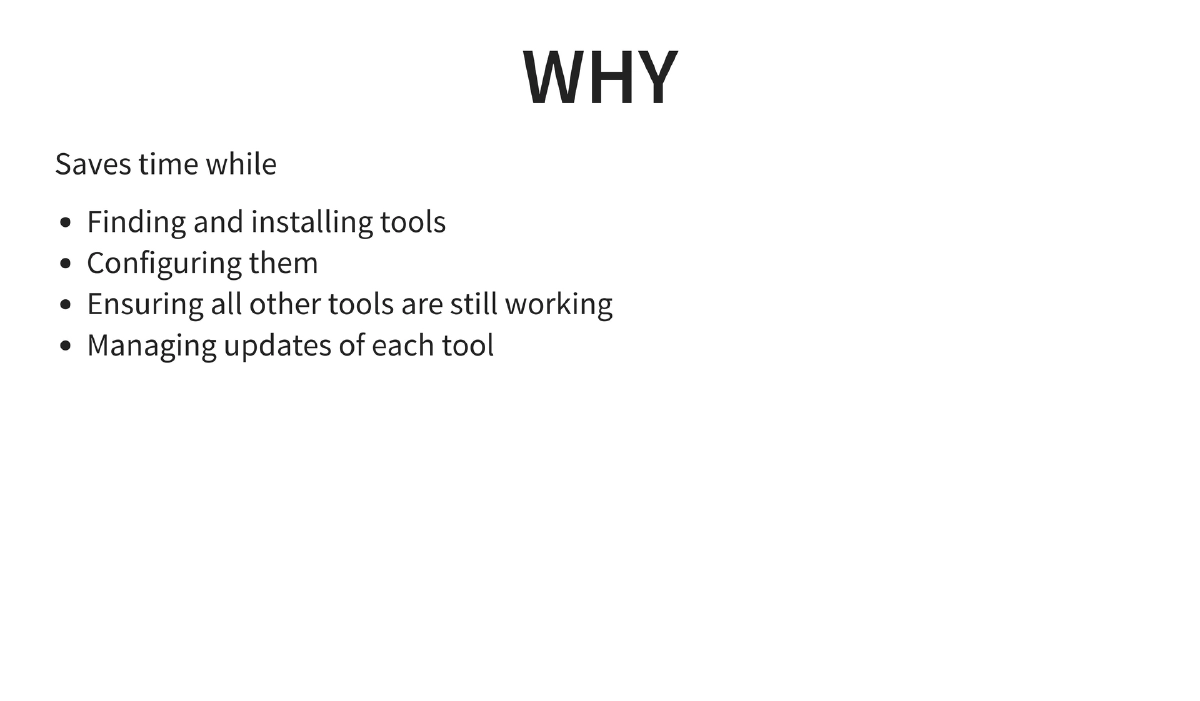
What is Android Tamer: A virtual machine environment purpose-built for Android security professionals. It provides a single, ready-to-use workspace that eliminates the overhead of individually finding, installing, configuring, and maintaining dozens of Android security tools. It supports deployment on VirtualBox, VMWare, and automated provisioning via Vagrant and Ansible.
-
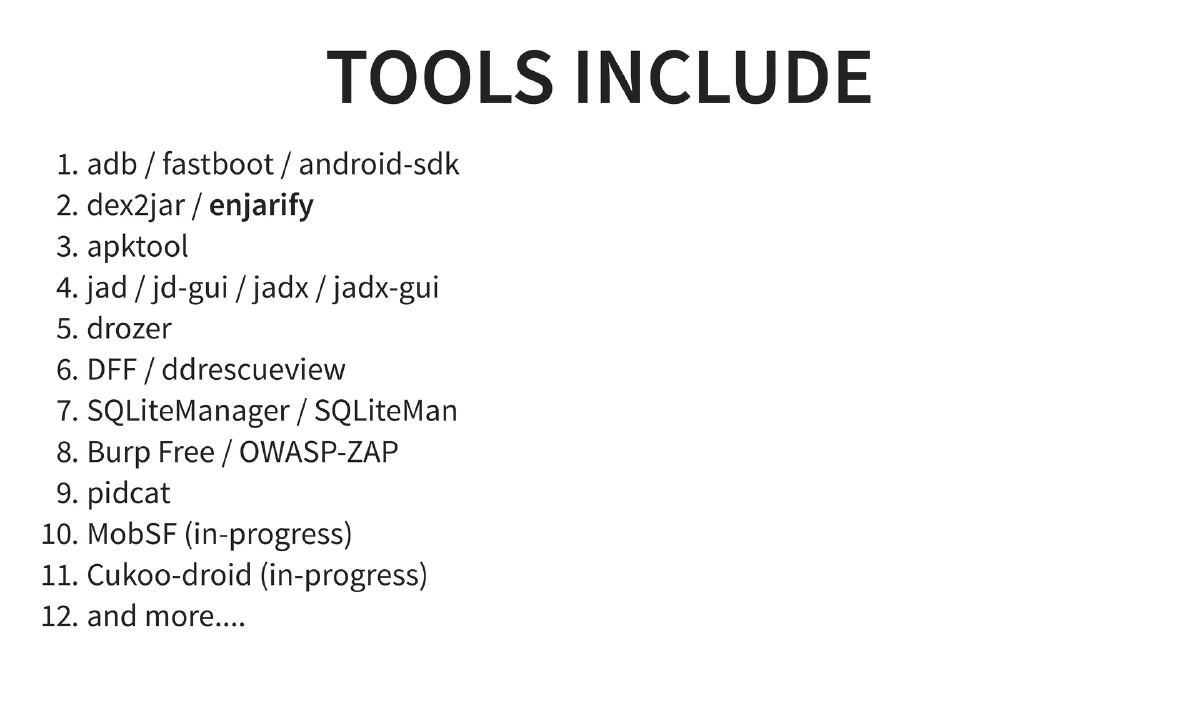
Included Tools: The VM ships with a wide array of tools organized by function:
- SDK and device interaction: adb, fastboot, Android SDK
- Reverse engineering: dex2jar, enjarify, apktool, jad, jd-gui, jadx, jadx-gui
- Dynamic analysis: drozer, MobSF (in-progress at the time)
- Forensics: DFF (Digital Forensics Framework), ddrescueview
- Database analysis: SQLiteManager, SQLiteMan
- Proxy and interception: Burp Suite Free Edition, OWASP ZAP
- Logging: pidcat
- Fuzzing: Cuckoo-Droid (in-progress at the time)
-
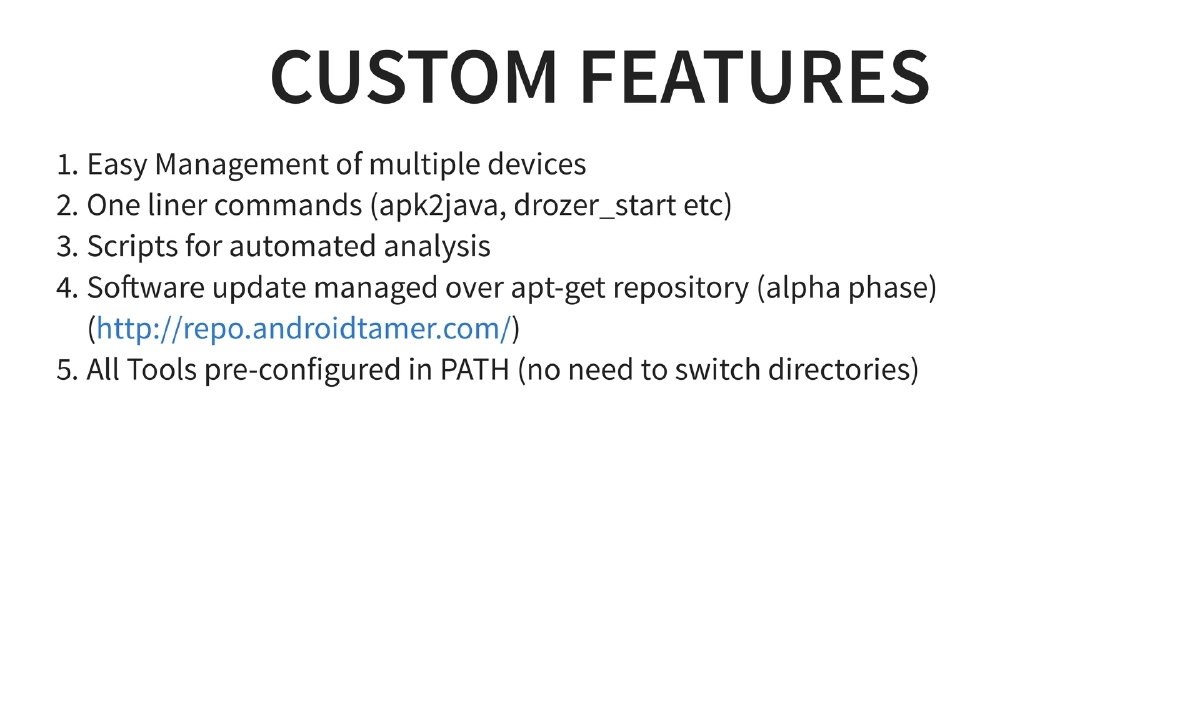
Custom Features and Convenience: Android Tamer provides custom one-liner commands (
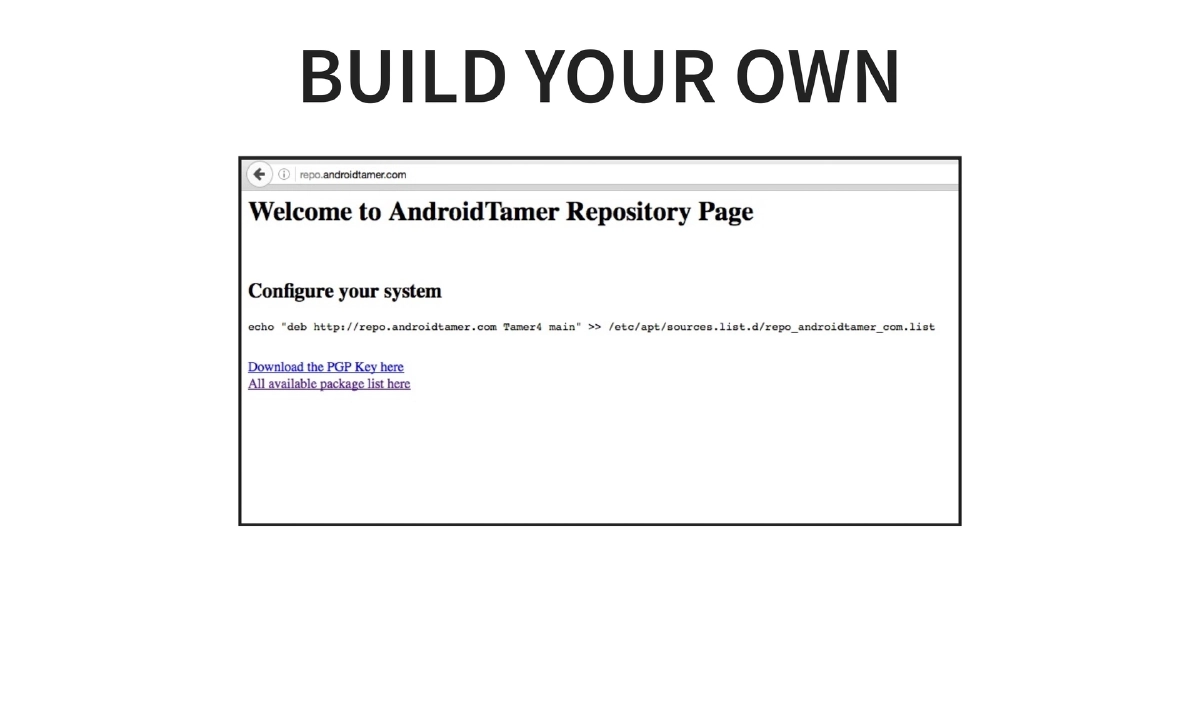
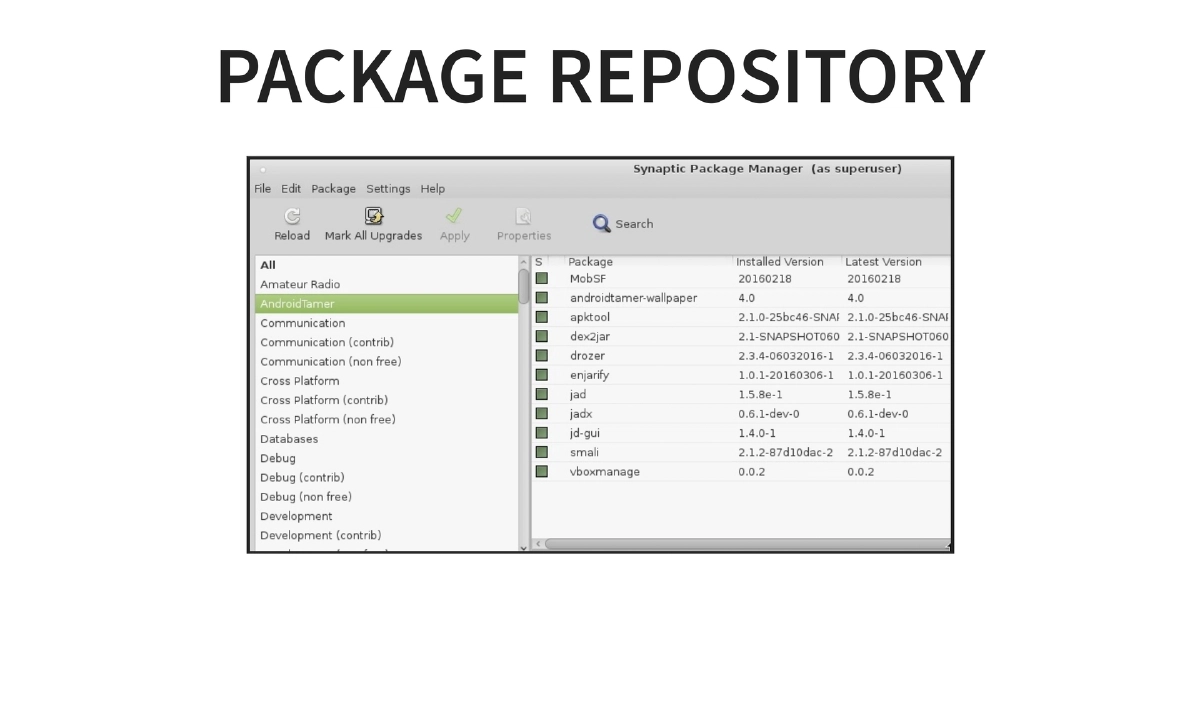
apk2java,drozer_start, etc.) that simplify complex multi-step operations into single commands. It includes easy management of multiple connected Android devices, scripts for automated analysis workflows, all tools pre-configured in PATH, and software updates managed through a dedicated apt-get repository atrepo.androidtamer.com. -
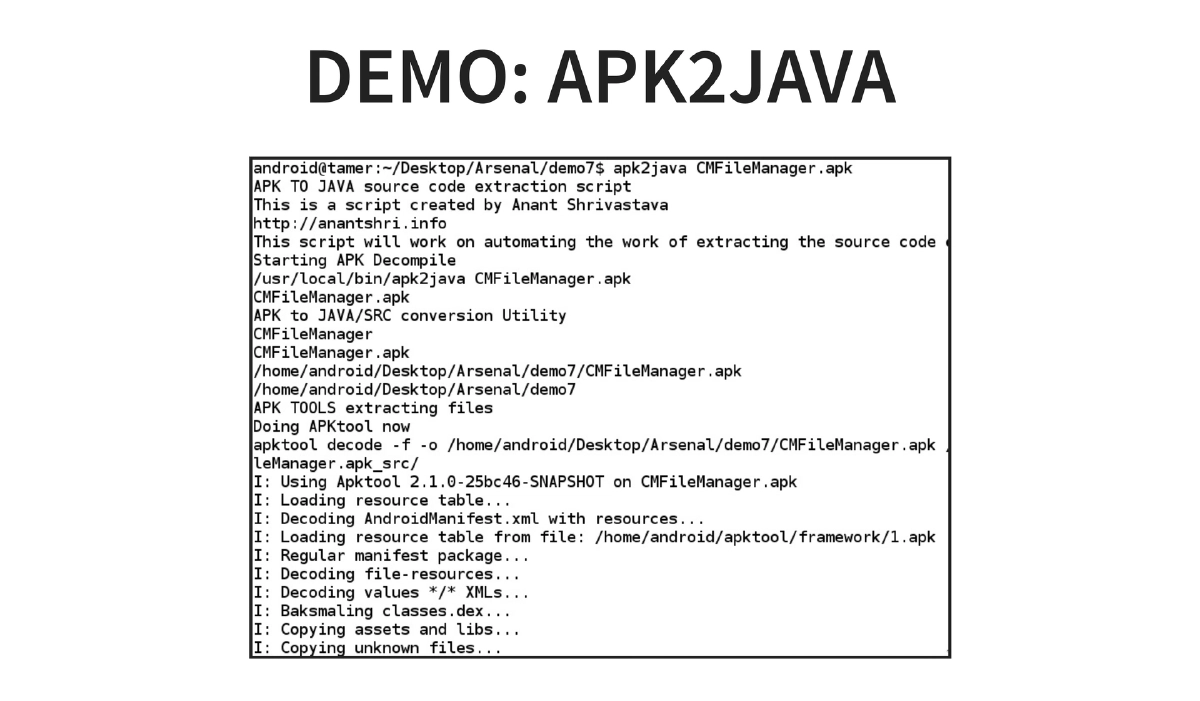
Demo: apk2java: A demonstration of the
apk2javacommand that automates the full APK-to-Java-source decompilation pipeline — extracting, converting DEX to JAR, and decompiling to readable Java code in a single step. -
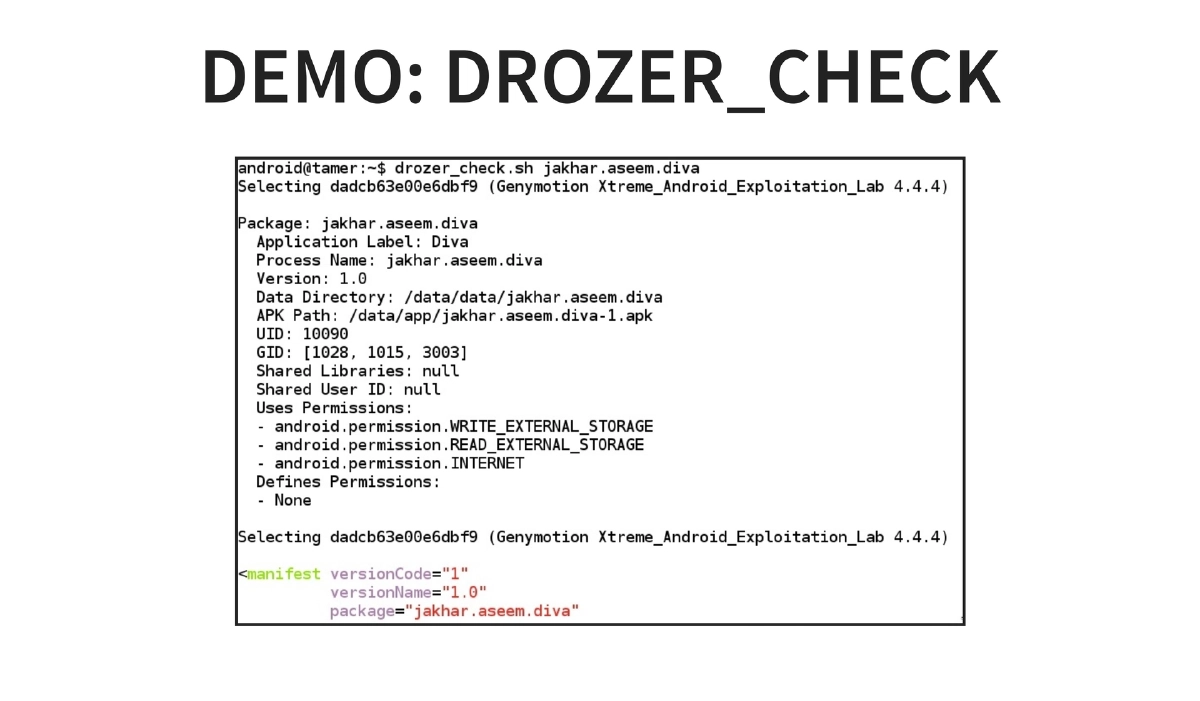
Demo: drozer_checks: Automated security assessment using drozer to run predefined security checks against Android applications, streamlining the manual assessment process.
-
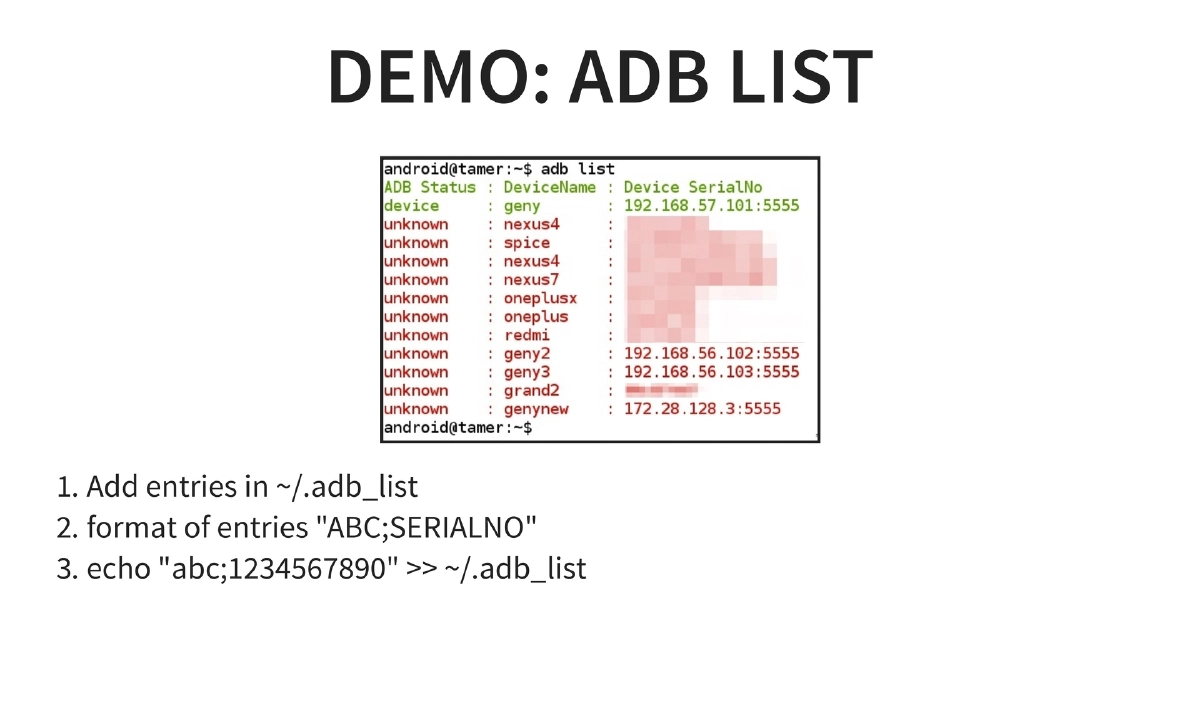
Demo: adb list — Multi-Device Management: A custom device management feature using
~/.adb_listto maintain named references to multiple connected devices. Entries are added in"NAME;SERIALNO"format, enabling quick switching and identification across test devices. -
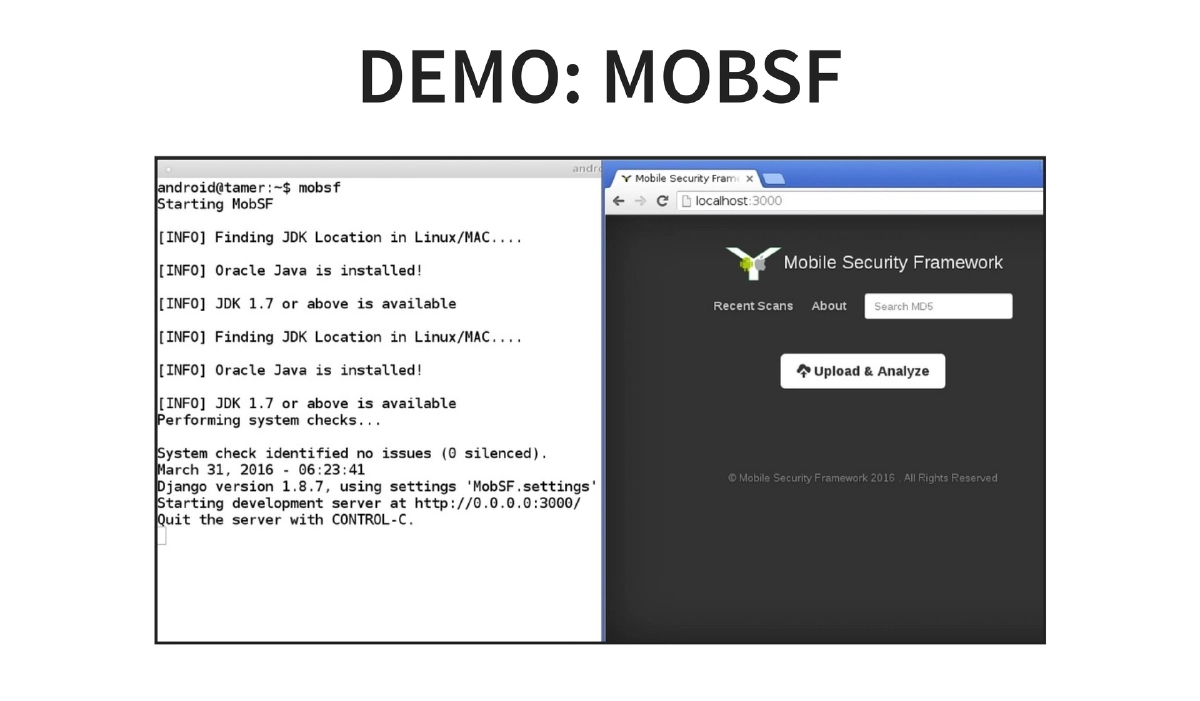
Demo: MobSF: Mobile Security Framework integration for automated static and dynamic analysis of Android applications directly within the VM environment.
-
Build Your Own Distribution: The presentation covers how users can build and customize their own Android Tamer distribution using the Debian-compatible package repository system, allowing teams to create tailored security testing environments.
-
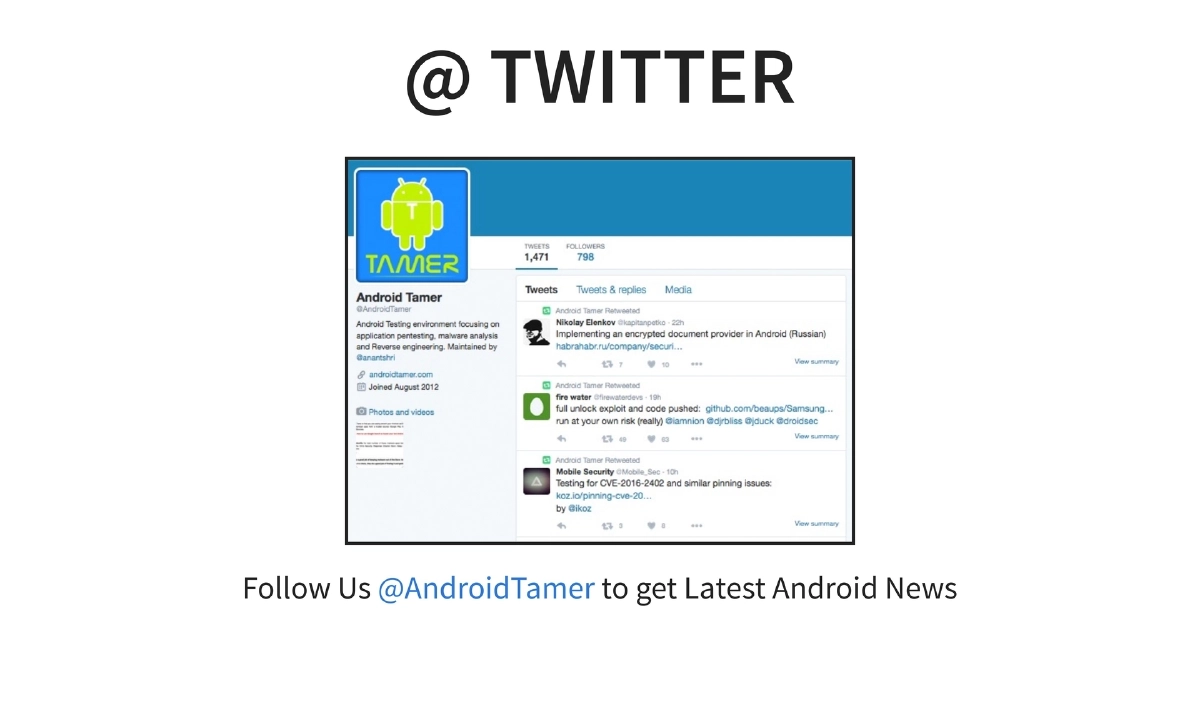
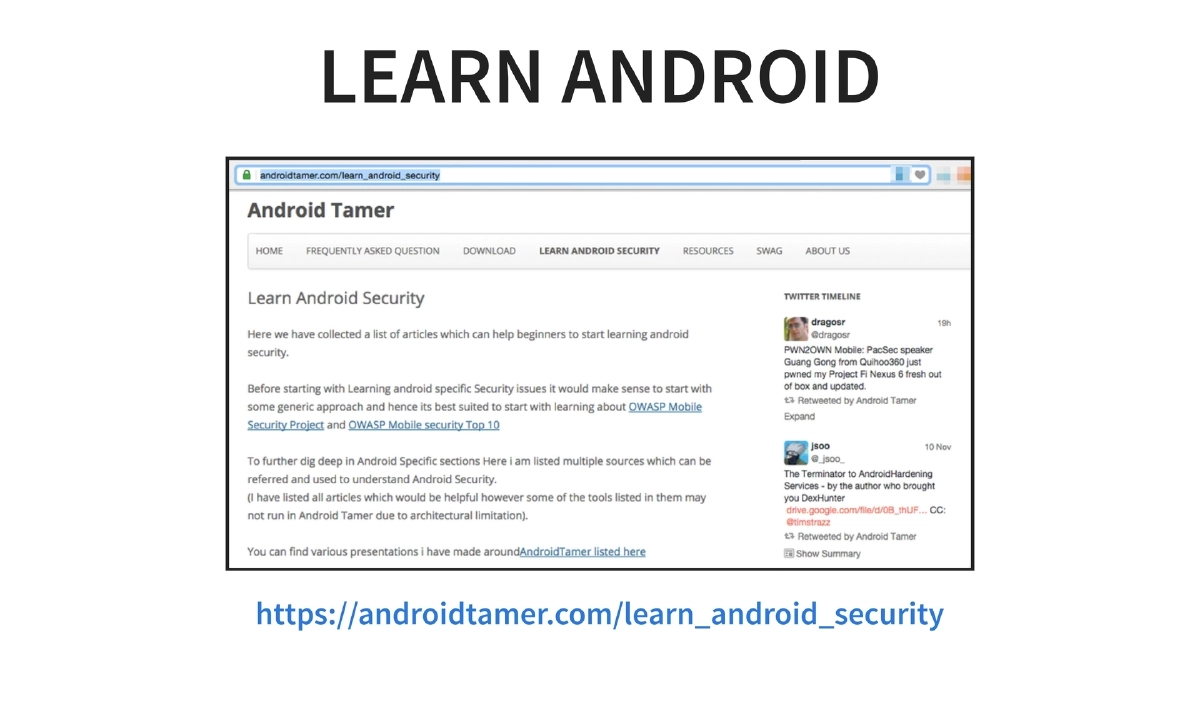
Community and Learning Resources: Android Tamer provides curated learning materials for Android security at
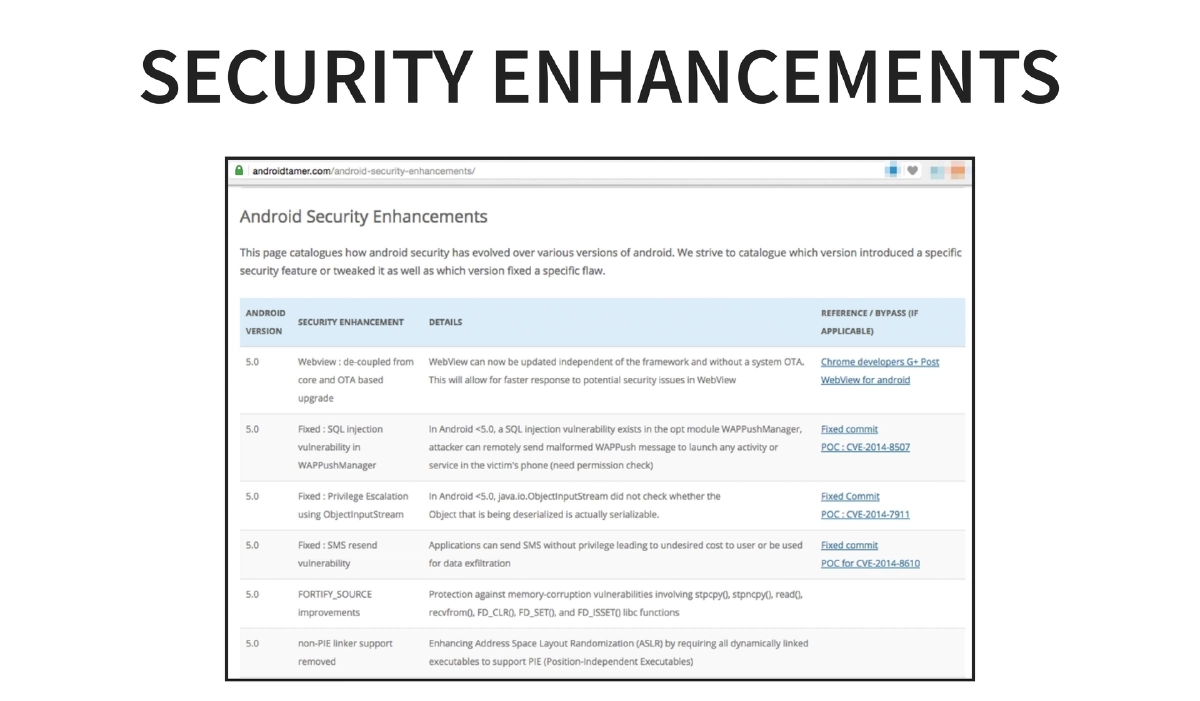
androidtamer.com/learn_android_security, maintains active social media presence on Twitter (@AndroidTamer) and Facebook for Android security news, and publishes security enhancement documentation.
Actionable Takeaways
- Download Android Tamer to establish a standardized, reproducible Android security testing environment that eliminates tool installation and configuration overhead for your team.
- Use the
apk2javaone-liner for rapid APK reverse engineering workflows instead of manually chaining dex2jar, apktool, and decompiler commands. - Leverage
drozer_checksfor automated baseline security assessments of Android applications before diving into manual analysis. - Set up the
~/.adb_listconfiguration for multi-device management when testing across multiple physical or emulated Android devices simultaneously. - Utilize the Debian-compatible package repository (
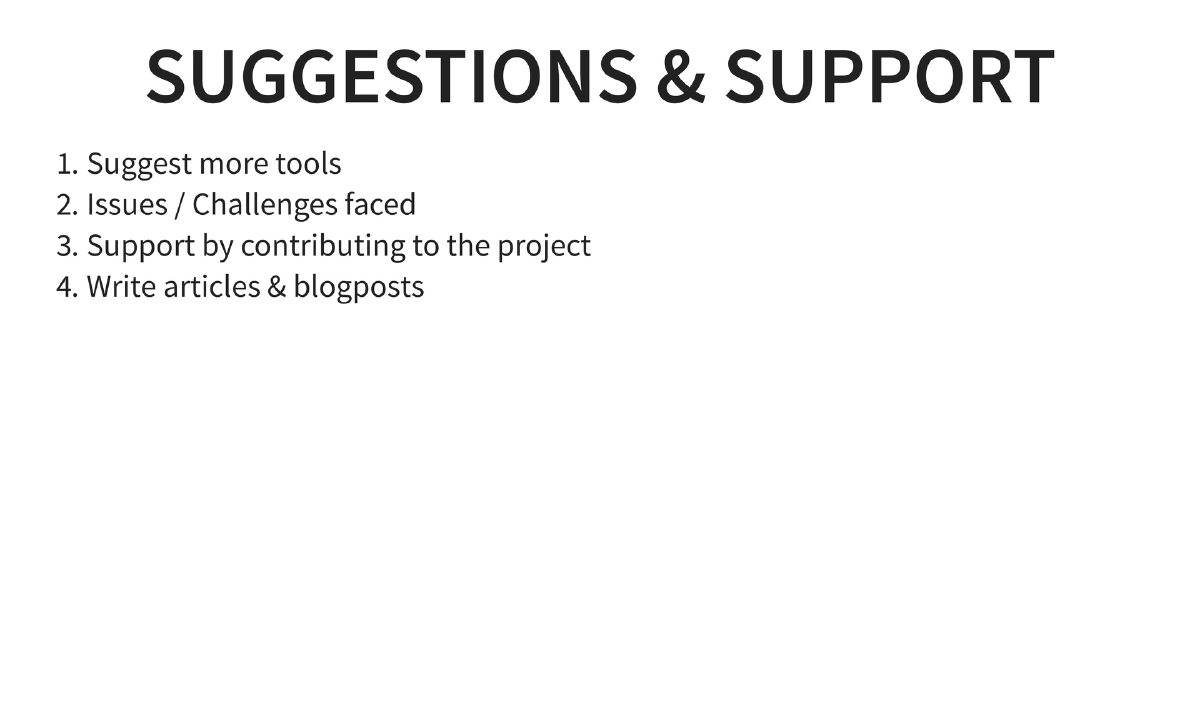
repo.androidtamer.com) to keep all security tools updated through standardapt-getworkflows rather than manually tracking individual tool releases. - Contribute to the project by suggesting tools, reporting issues, writing about the tool, or helping with documentation to strengthen the Android security community ecosystem.