BlackHat USA Arsenal Androidtamer

AI Generated Summary
AI Generated Content Disclaimer
Note: This summary is AI-generated and may contain inaccuracies, errors, or omissions. If you spot any issues, please contact the site owner for corrections. Errors or omissions are unintended.
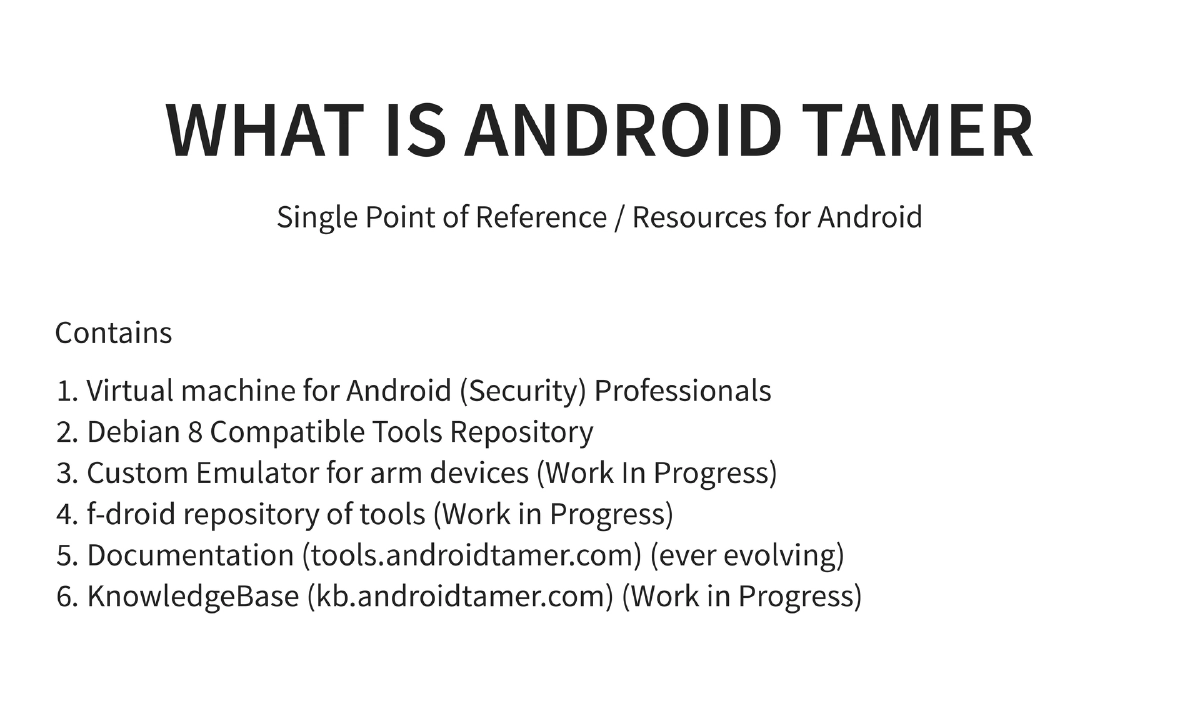
This presentation is the BlackHat USA 2016 Arsenal demo of Android Tamer, an expanded showcase of the project that has evolved from a single virtual machine into a comprehensive ecosystem for Android security professionals. Android Tamer now encompasses a VM, a Debian 8-compatible tools repository, custom emulator support (work in progress), an F-Droid repository for on-device tools, documentation, and a knowledge base — all fully open source. The demo covers the full tool suite, custom features, the repository system, and multiple live demonstrations of key capabilities.
Key Topics Covered
-
Android Tamer Ecosystem: Beyond just a virtual machine, Android Tamer has grown into a multi-component platform:
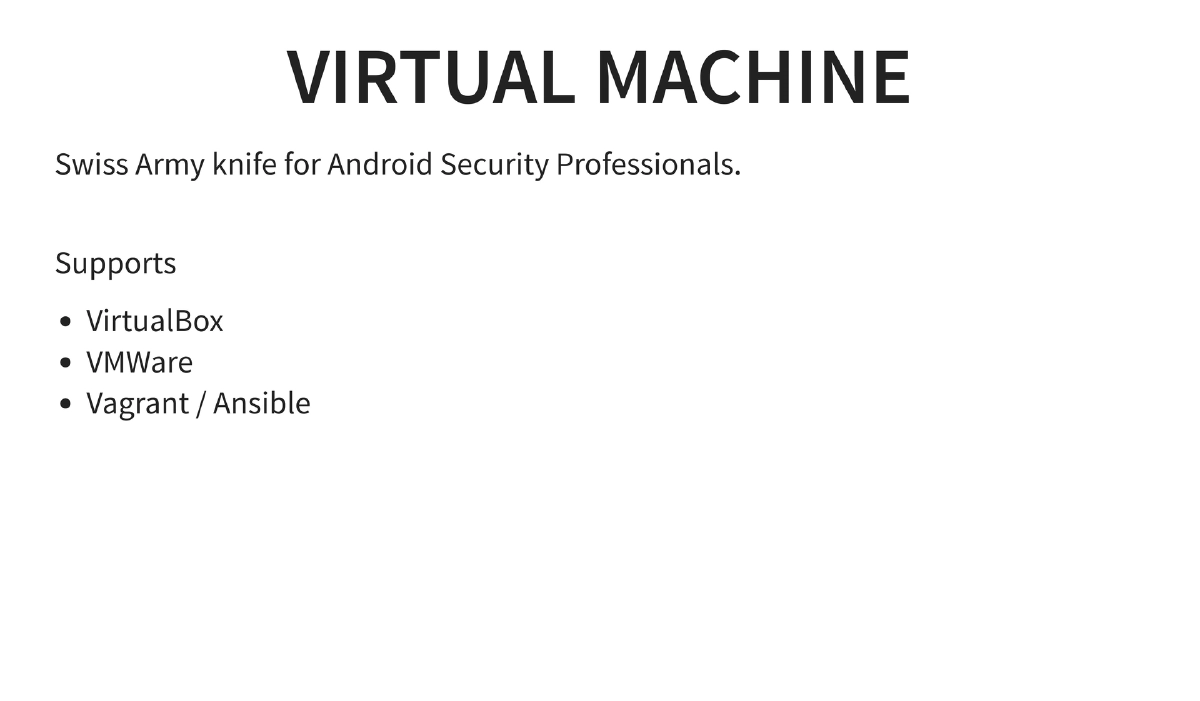
- Virtual Machine: Debian-based VM for security professionals supporting VirtualBox, VMWare, and Vagrant/Ansible
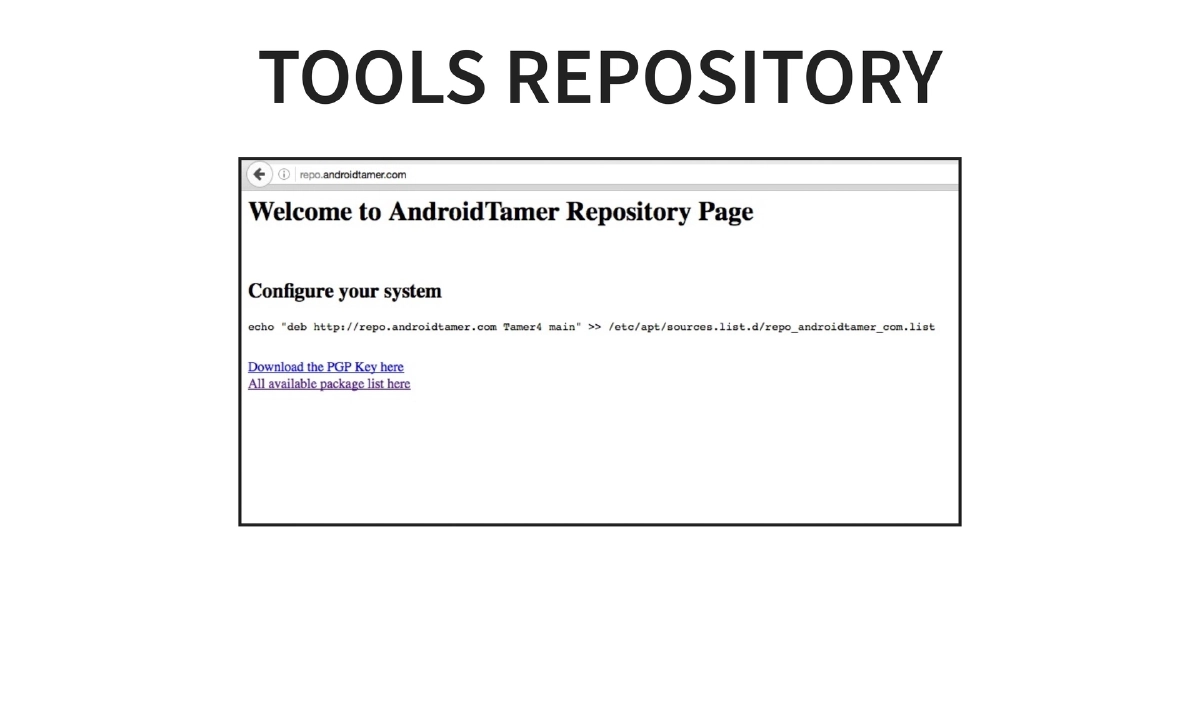
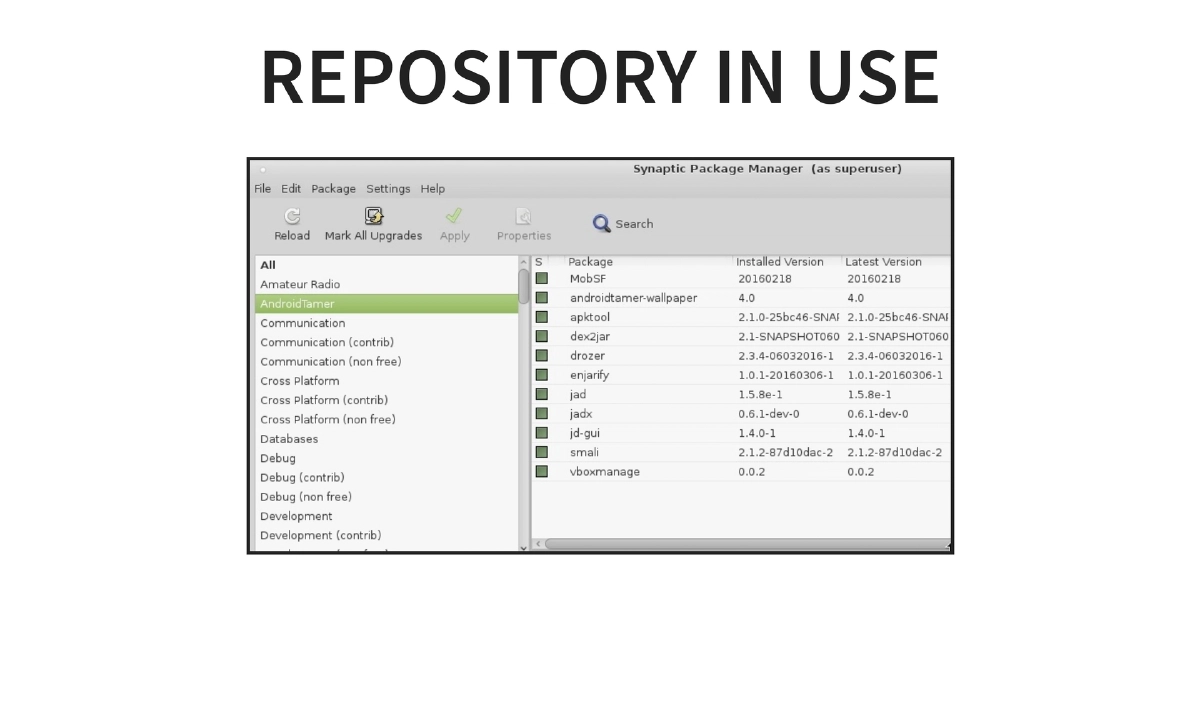
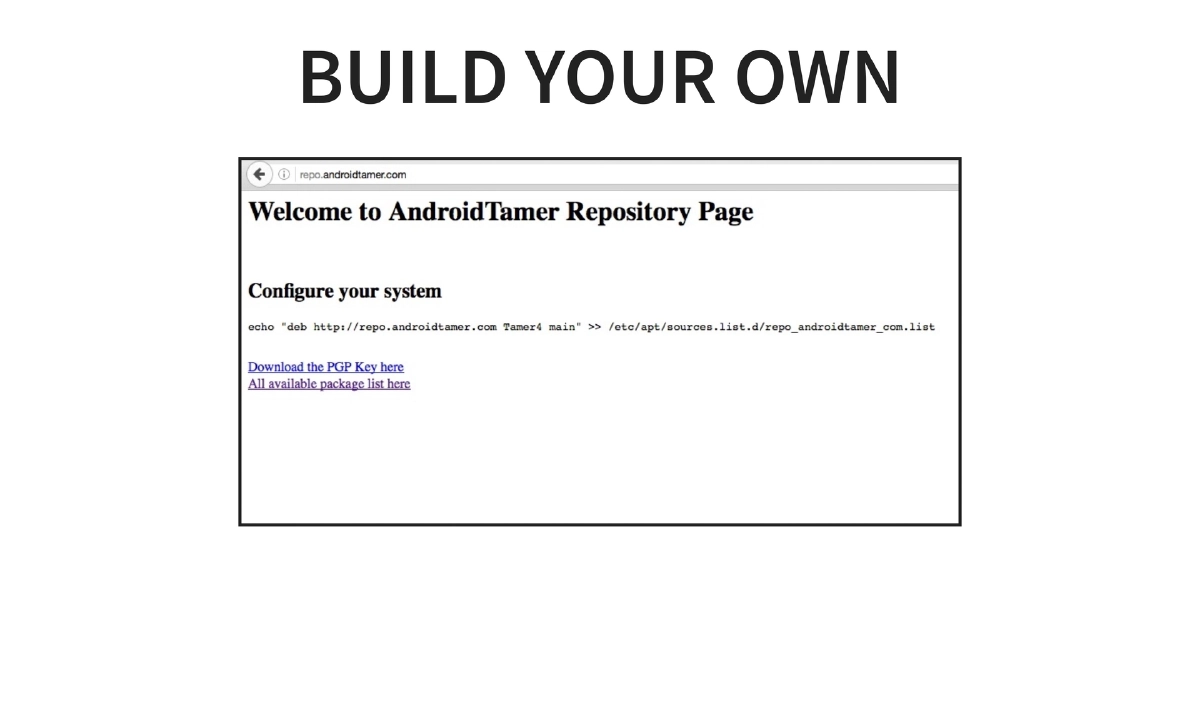
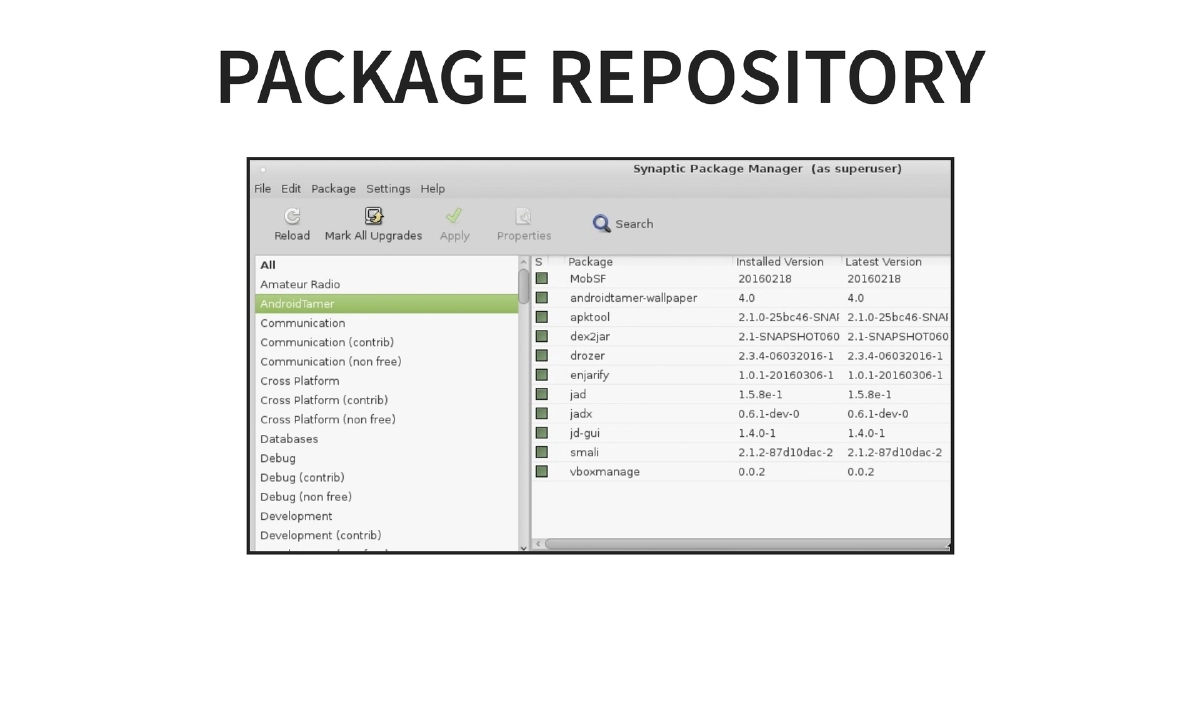
- Debian 8 Tools Repository: Standard package repository for installing and updating security tools via
apt-get - Custom Emulator: ARM device emulator (work in progress)
- F-Droid Repository: On-device tool distribution (work in progress)
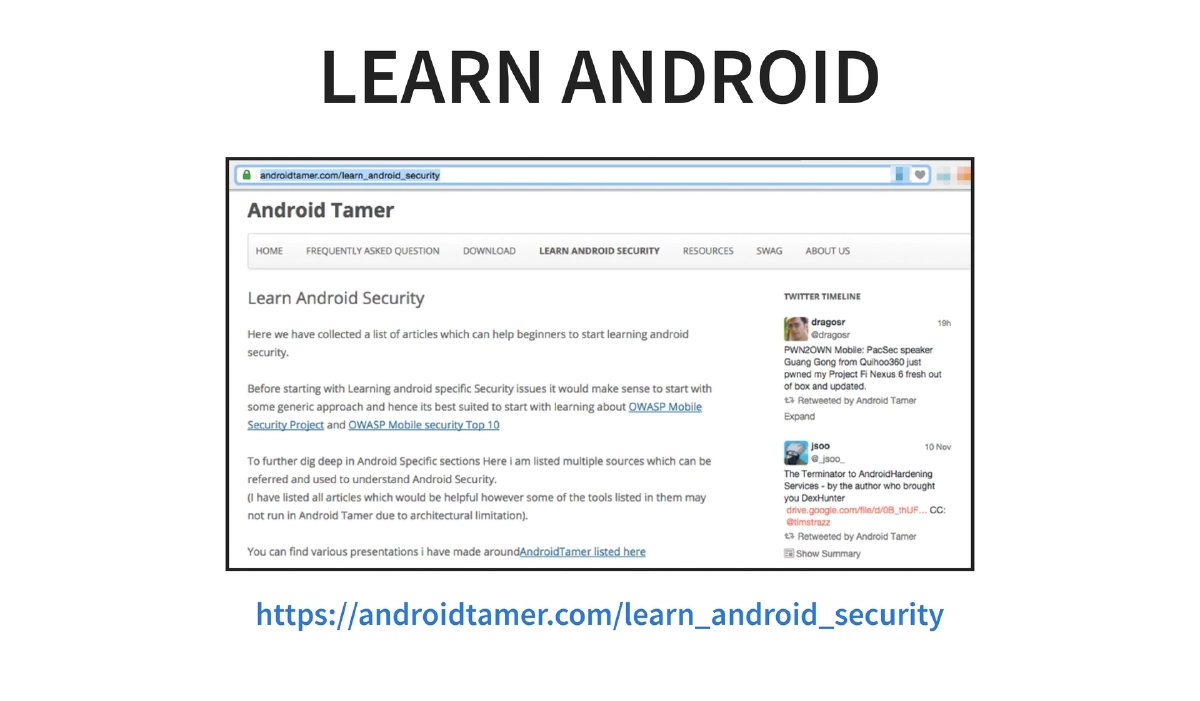
- Documentation: Hosted at
tools.androidtamer.comwith evolving tool documentation - Knowledge Base: Available at
kb.androidtamer.com(work in progress)
-
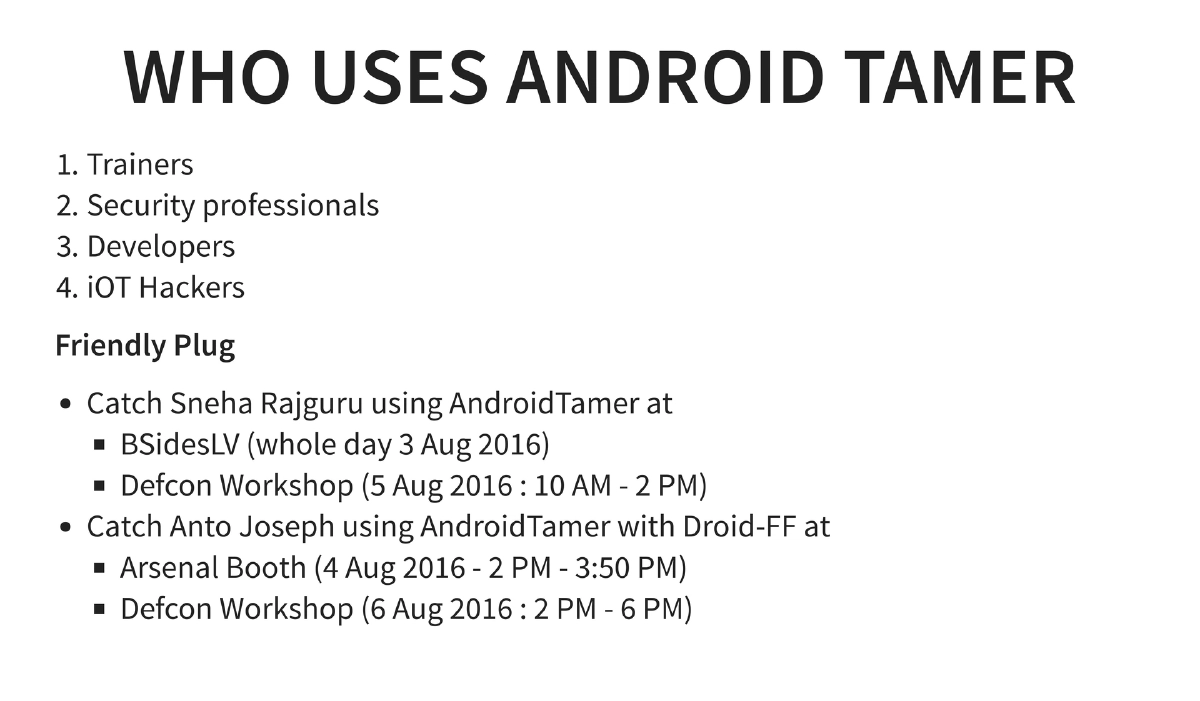
Target Audience: The platform serves trainers who need reproducible lab environments, security professionals conducting Android assessments, developers building and testing Android applications, and IoT hackers working with Android-based embedded systems.
-
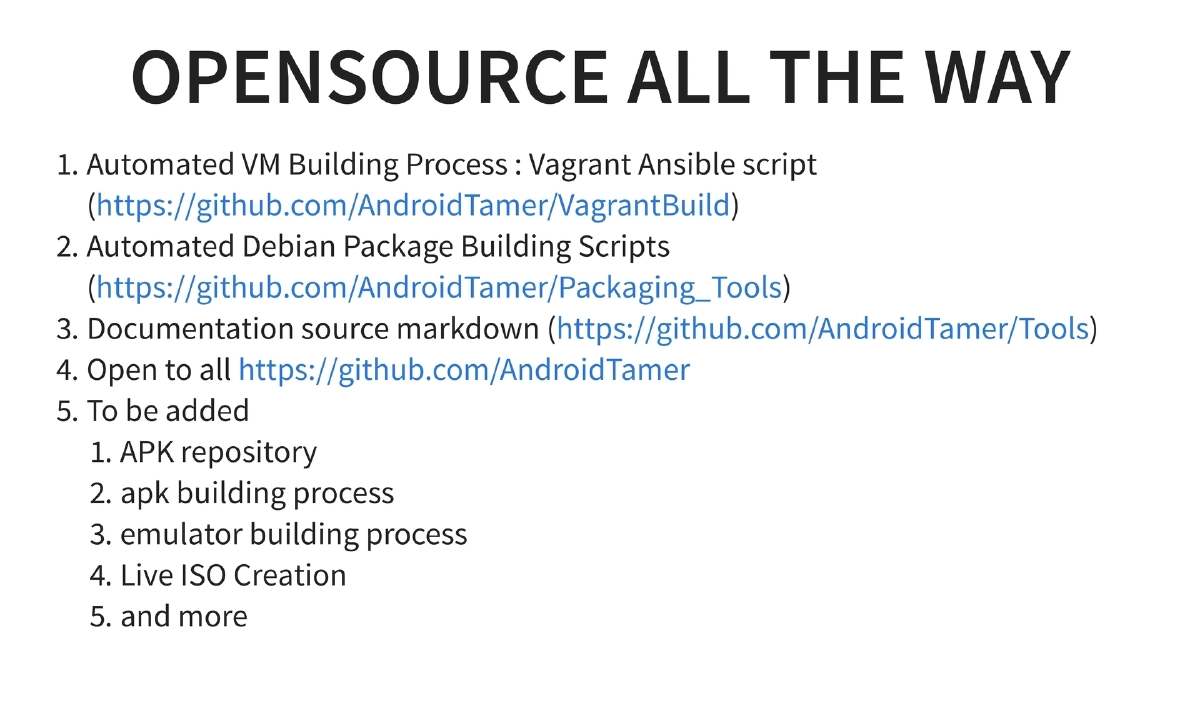
Fully Open Source: All components are open source on GitHub under the AndroidTamer organization:
- Automated VM building via Vagrant/Ansible scripts (
AndroidTamer/VagrantBuild) - Automated Debian package building scripts (
AndroidTamer/Packaging_Tools) - Documentation source in Markdown (
AndroidTamer/Tools) - Future additions planned: APK repository, APK building process, emulator building process, Live ISO creation
- Automated VM building via Vagrant/Ansible scripts (
-
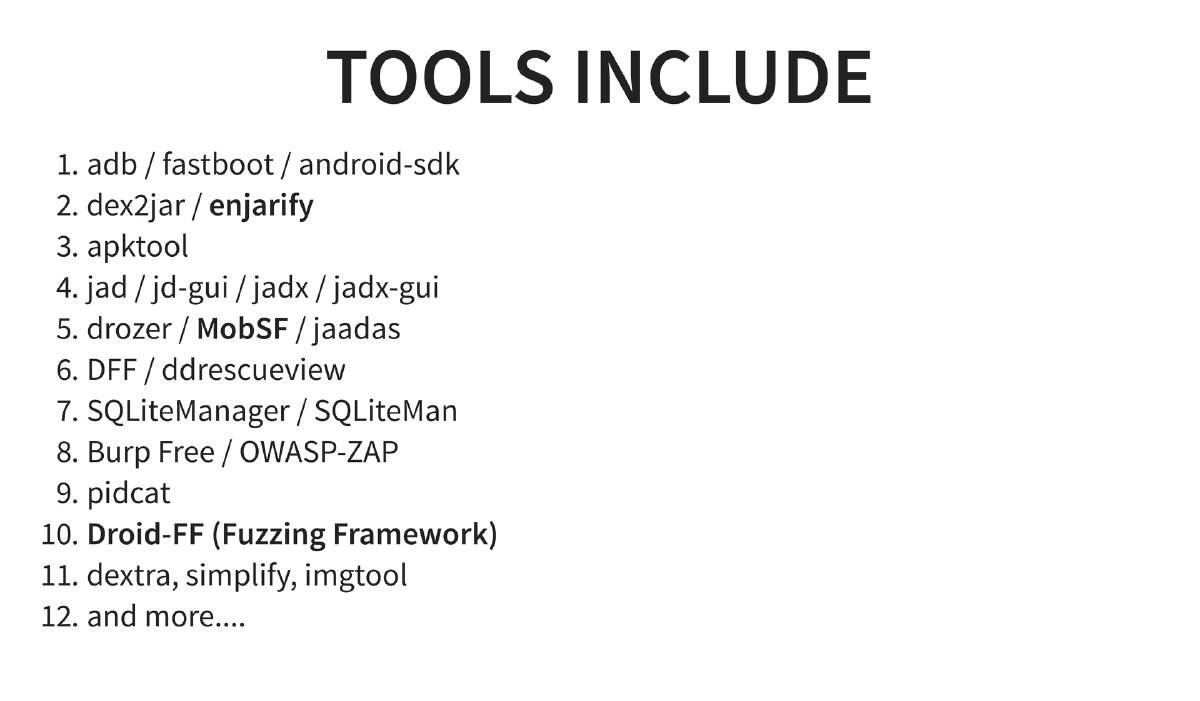
Expanded Tool Suite: The BH USA 2016 edition includes additional tools over the Asia version:
- Core tools: adb, fastboot, Android SDK, dex2jar, enjarify, apktool
- Decompilers: jad, jd-gui, jadx, jadx-gui
- Analysis frameworks: drozer, MobSF, jaadas
- Forensics: DFF, ddrescueview
- Database tools: SQLiteManager, SQLiteMan
- Proxy tools: Burp Suite Free, OWASP ZAP
- New additions: Droid-FF (Fuzzing Framework), dextra, simplify (de-obfuscation), imgtool
- Logging: pidcat
-
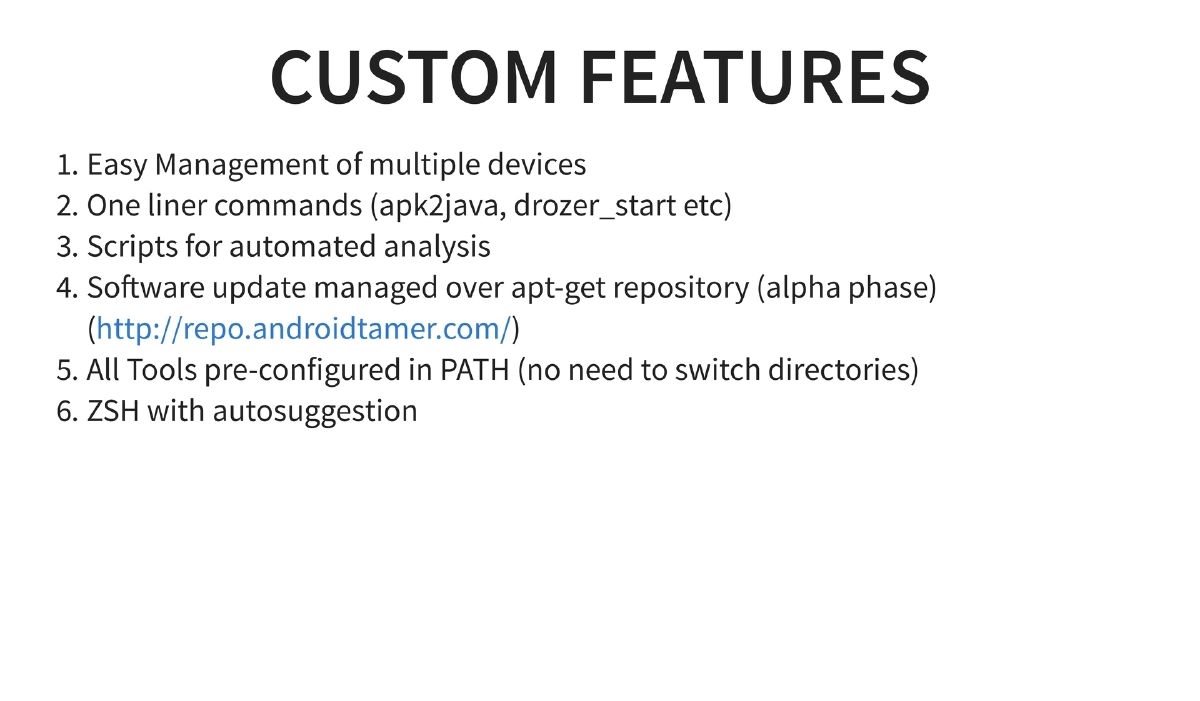
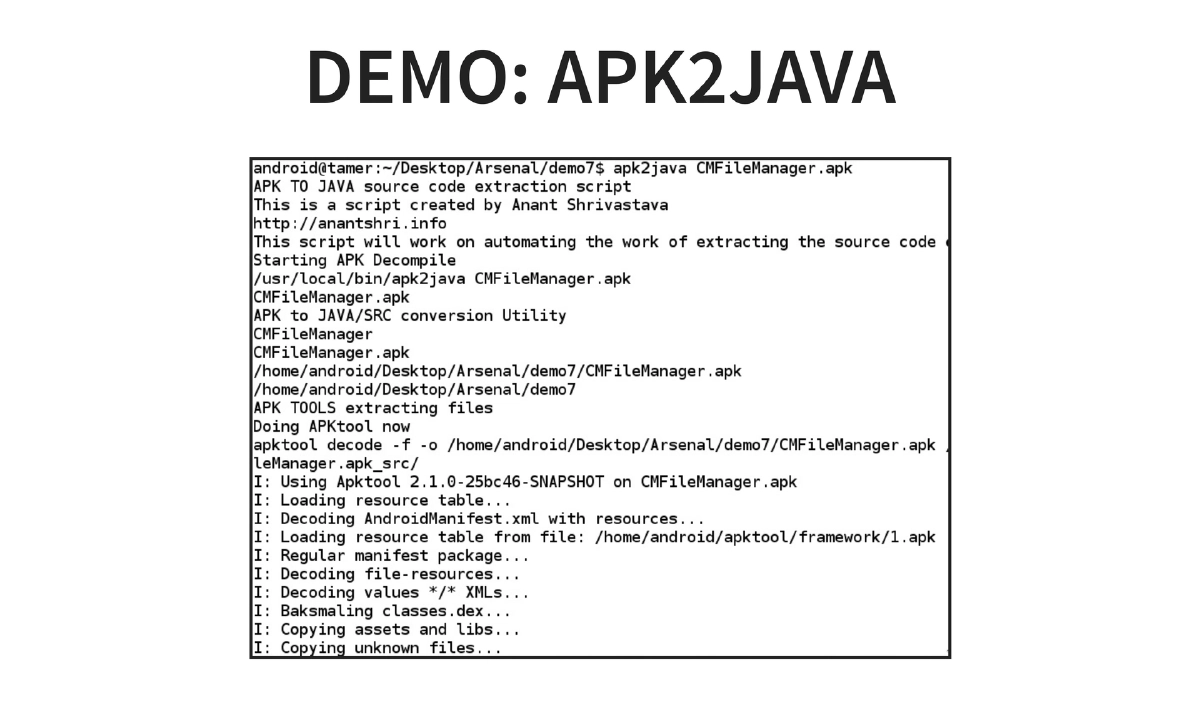
Custom Features: One-liner commands (
apk2java,drozer_start), easy multi-device management, automated analysis scripts, apt-get managed updates, all tools in PATH, and ZSH with autosuggestion for improved shell productivity. -
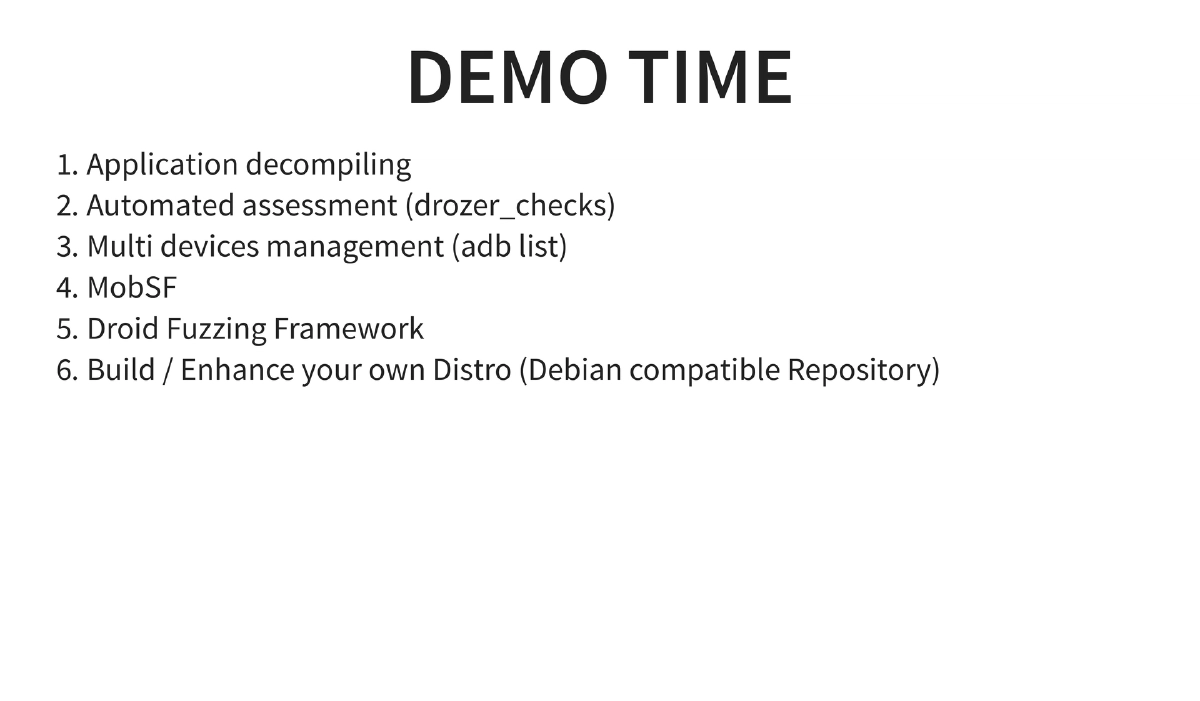
Live Demonstrations:
- apk2java: Automated full APK decompilation pipeline
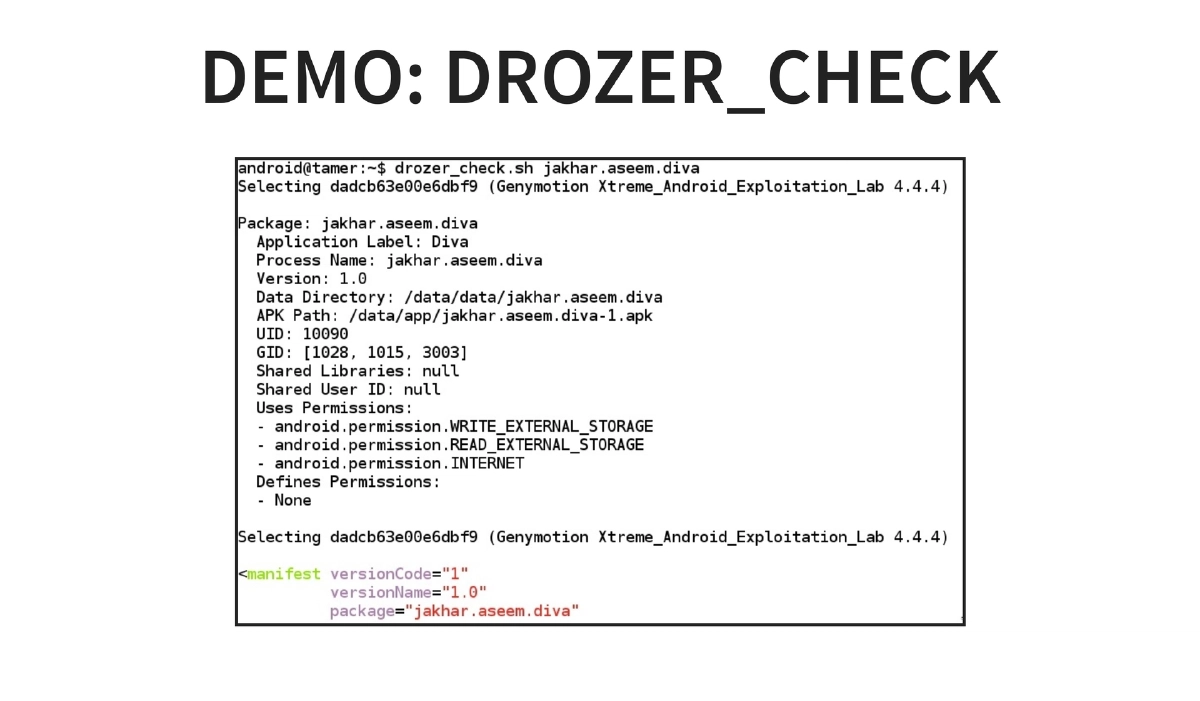
- drozer_checks: Automated security assessment framework
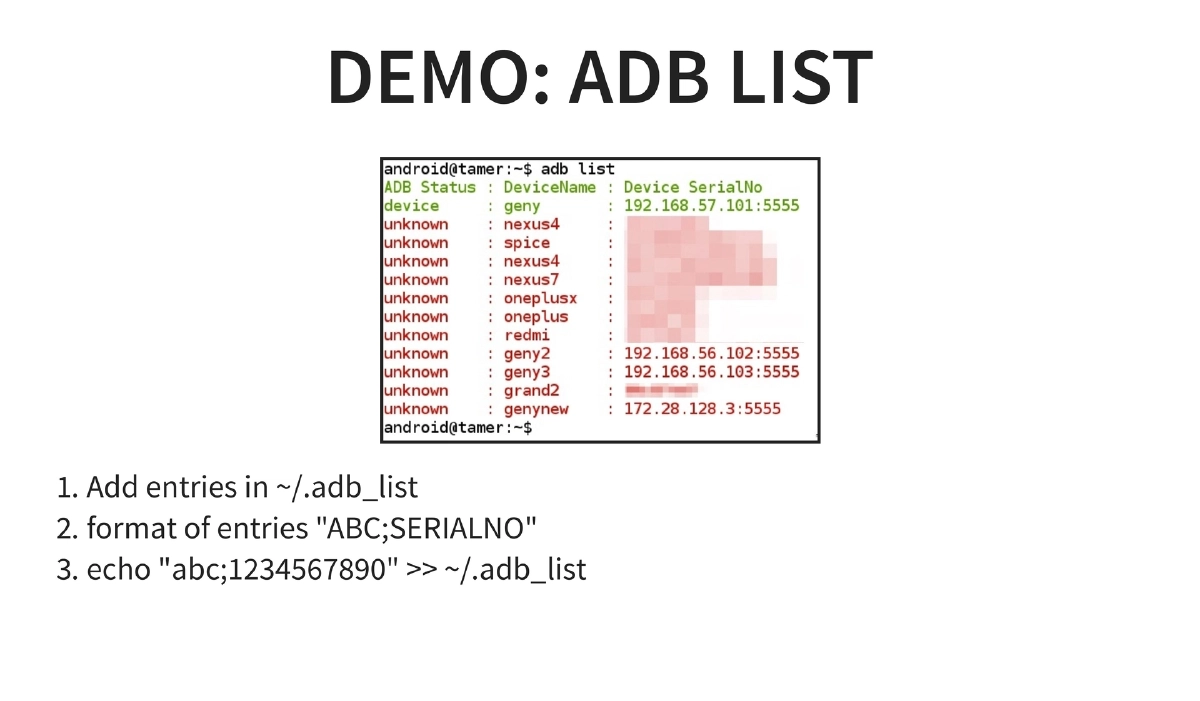
- adb list: Multi-device management via
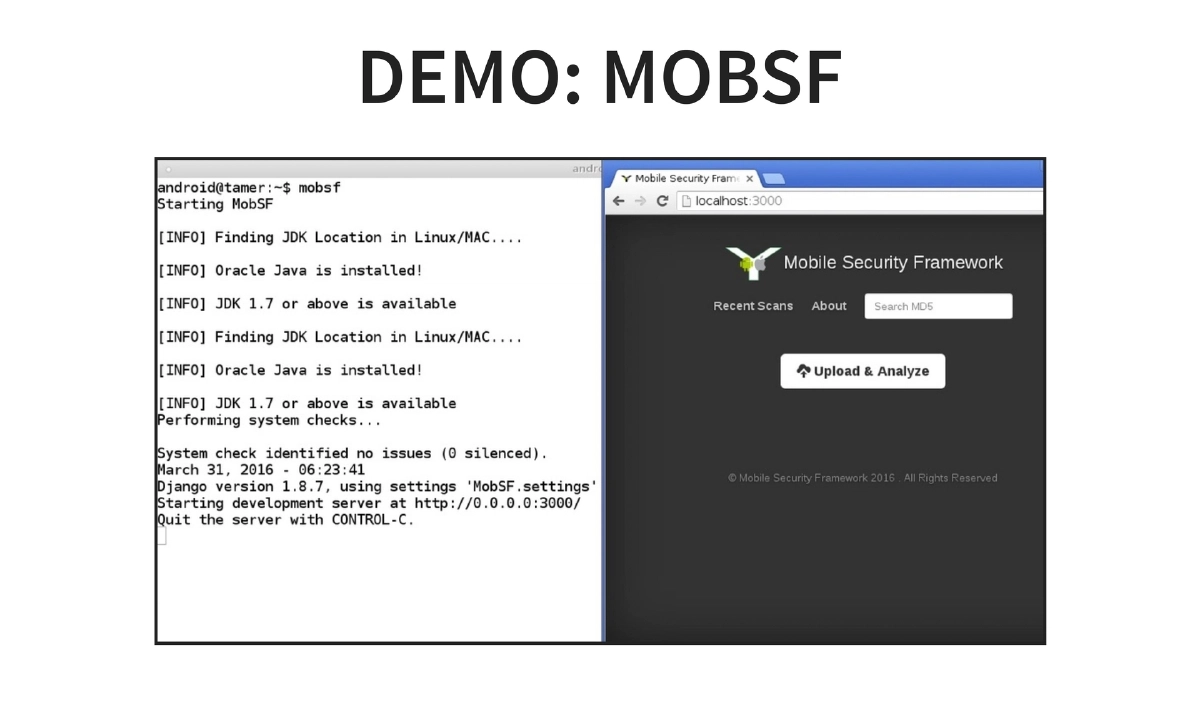
~/.adb_listwith"NAME;SERIALNO"format entries - MobSF: Automated static and dynamic mobile application analysis
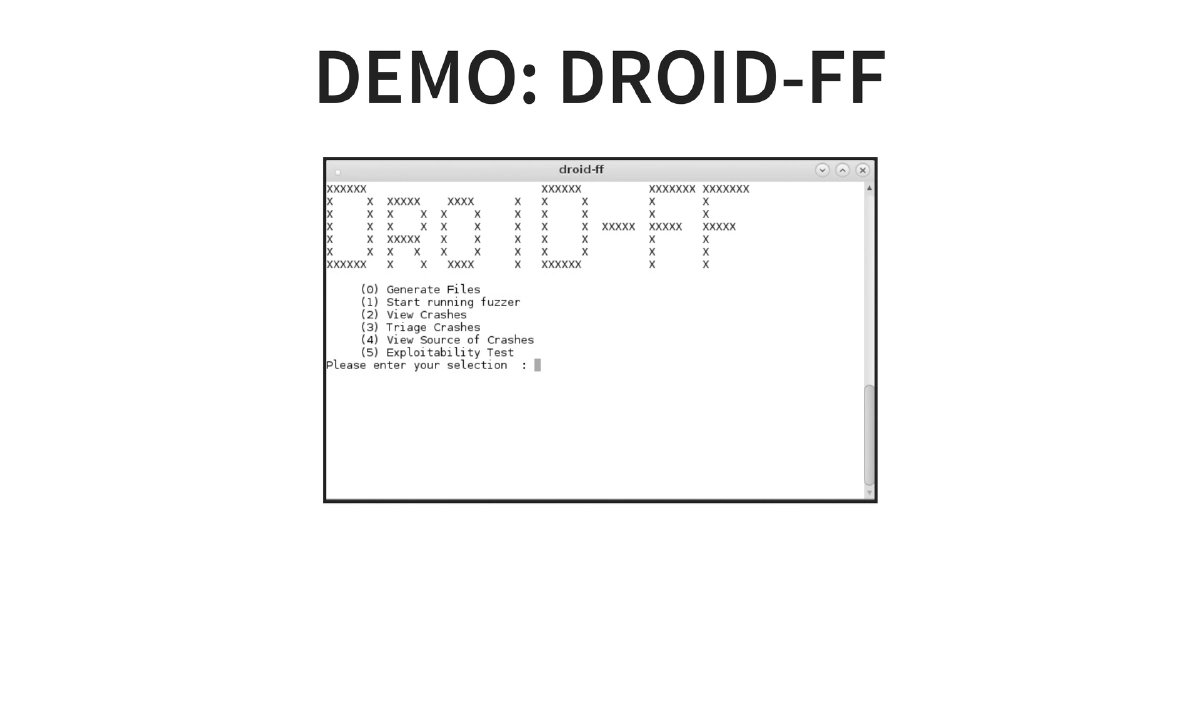
- Droid-FF: Android fuzzing framework for discovering vulnerabilities in applications and the Android framework itself
- Build Your Own: Using the Debian-compatible repository to customize and extend the distribution
-
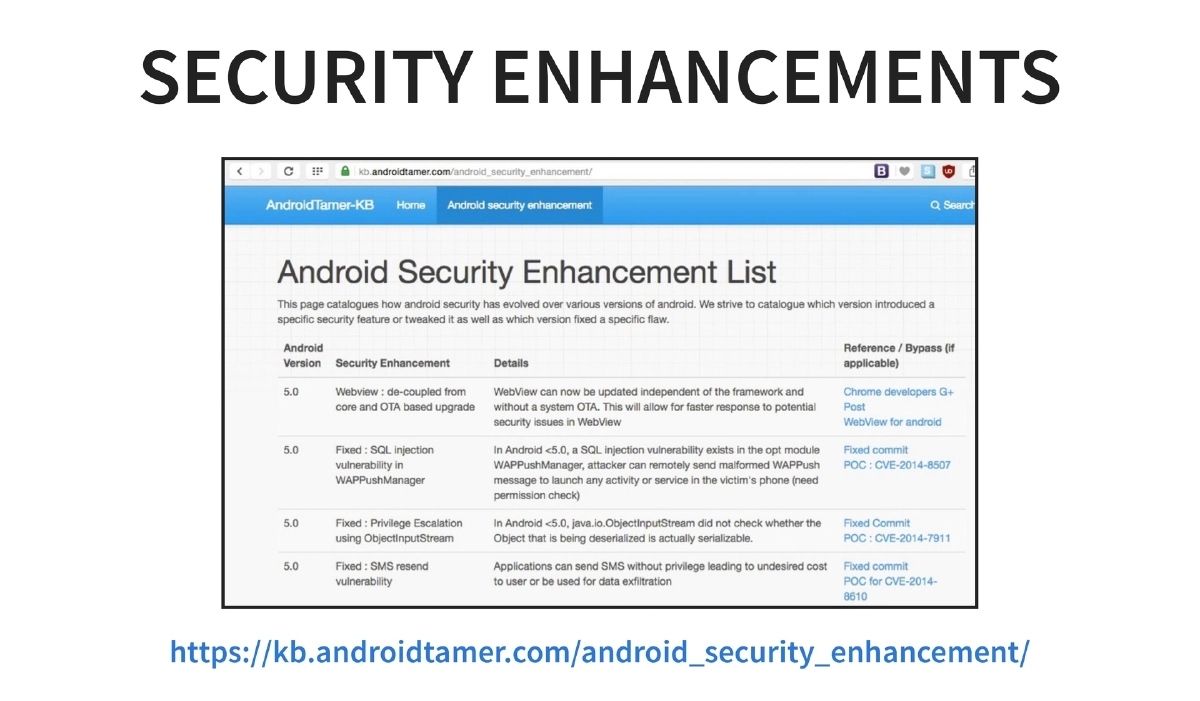
Security Enhancements Tracking: The knowledge base at
kb.androidtamer.com/android_security_enhancement/documents Android security enhancements across versions, serving as a reference for understanding platform-level security changes. -
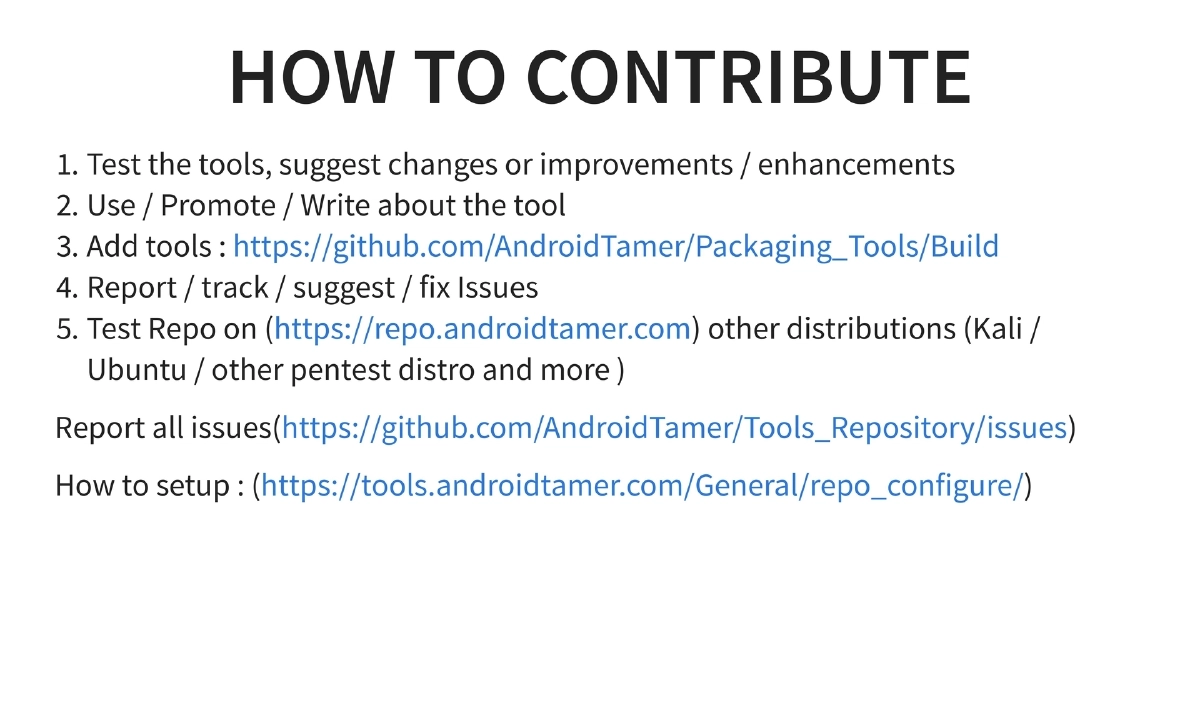
How to Contribute: The project welcomes contributions through testing tools and suggesting improvements, writing about and promoting the project, adding new tools via the packaging build scripts, reporting and tracking issues on GitHub, and testing the repository on other distributions (Kali, Ubuntu, and other pentest distros).
Actionable Takeaways
- Use the Android Tamer repository (
repo.androidtamer.com) standalone on existing Debian-based systems like Kali Linux to get Android security tools without needing the full VM, enabling integration into your existing workflow. - Leverage the Vagrant/Ansible build scripts to create custom, reproducible lab environments for training sessions or team-wide standardized testing setups.
- Use the
Droid-FFfuzzing framework included in this edition for discovering vulnerabilities beyond what static and dynamic analysis tools find in Android applications and the platform itself. - Contribute to the open source project by packaging additional Android security tools using the provided build scripts at
AndroidTamer/Packaging_Tools, expanding the ecosystem for the entire community. - Reference the Android security enhancements knowledge base when assessing applications across different Android versions to understand which platform-level protections apply.
- For training and workshops, use Android Tamer as the standard lab environment — it was actively used at BSides LV, DEFCON workshops, and BlackHat Arsenal sessions during the same conference week.