What It Takes To Secure A Web Application




AI Generated Summary
AI Generated Content Disclaimer
Note: This summary is AI-generated and may contain inaccuracies, errors, or omissions. If you spot any issues, please contact the site owner for corrections. Errors or omissions are unintended.
This comprehensive presentation by Anant Shrivastava at Null Bhopal (September 2016) walks through the full security lifecycle of deploying and hardening a web application — from initial requirements gathering and software selection through OS hardening, web server configuration, PHP security, database lockdown, HTTPS/TLS setup, SSH hardening, firewall rules, WAF deployment, and often-overlooked concerns like registrar security, admin endpoint protection, and backup strategies. Using a realistic scenario of deploying a WordPress blog for a financial organization on a budget, the talk demonstrates that securing a web application requires attention at every layer of the stack.
Key Topics Covered
-
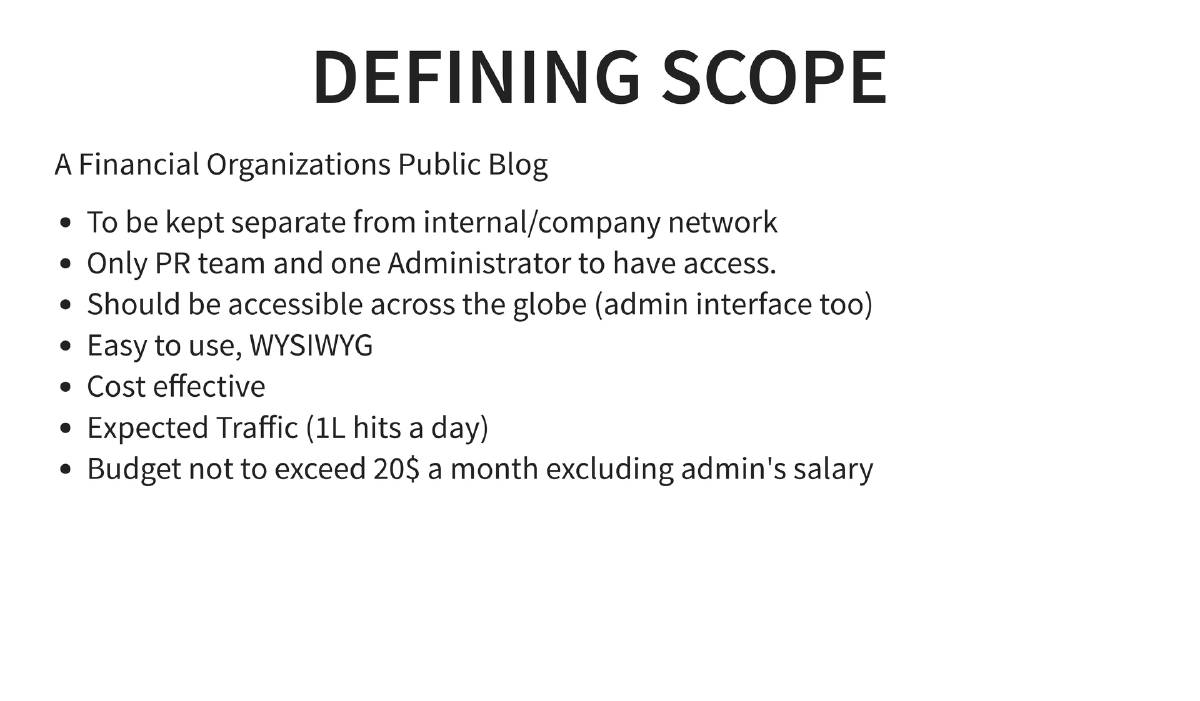
Defining the Scope — A Realistic Scenario: The presentation uses a concrete use case: a financial organization’s public blog requiring global accessibility, WYSIWYG editing for a PR team plus one administrator, separation from internal networks, handling 100,000 hits per day, all within a $20/month budget. This frames every subsequent security decision in practical, real-world constraints.
-
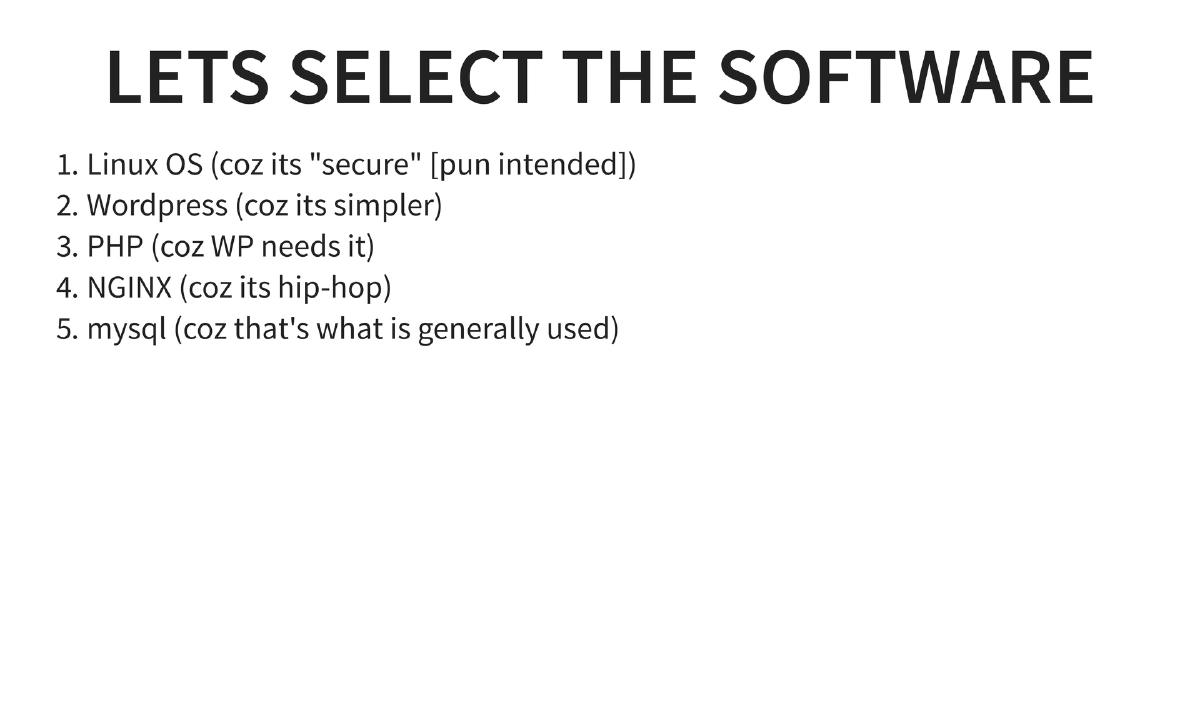
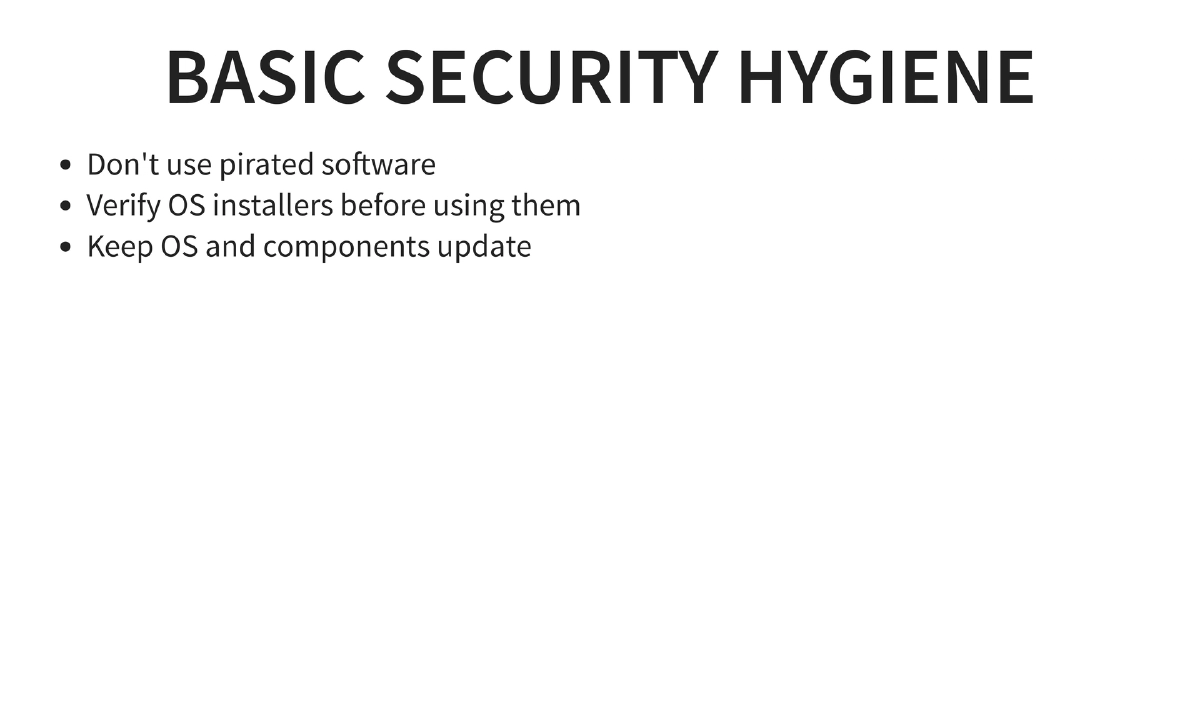
Software Stack Selection: Linux OS, WordPress, PHP, NGINX, and MySQL — chosen for cost-effectiveness and simplicity. The presentation notes the common reasons behind each choice while acknowledging the security implications of each component.
-
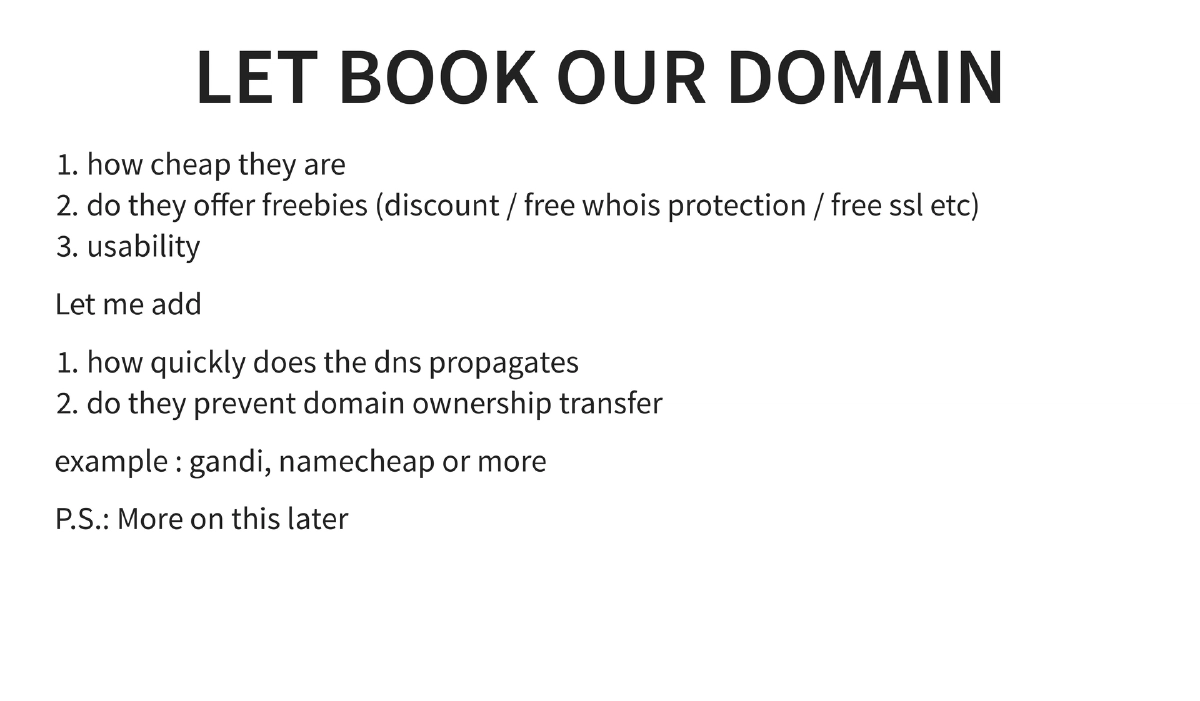
Domain Registration Security: Beyond just price and freebies, domain registrars should be evaluated on DNS propagation speed and whether they prevent unauthorized domain transfers. Registrars like Gandi and Namecheap are mentioned as examples.
-
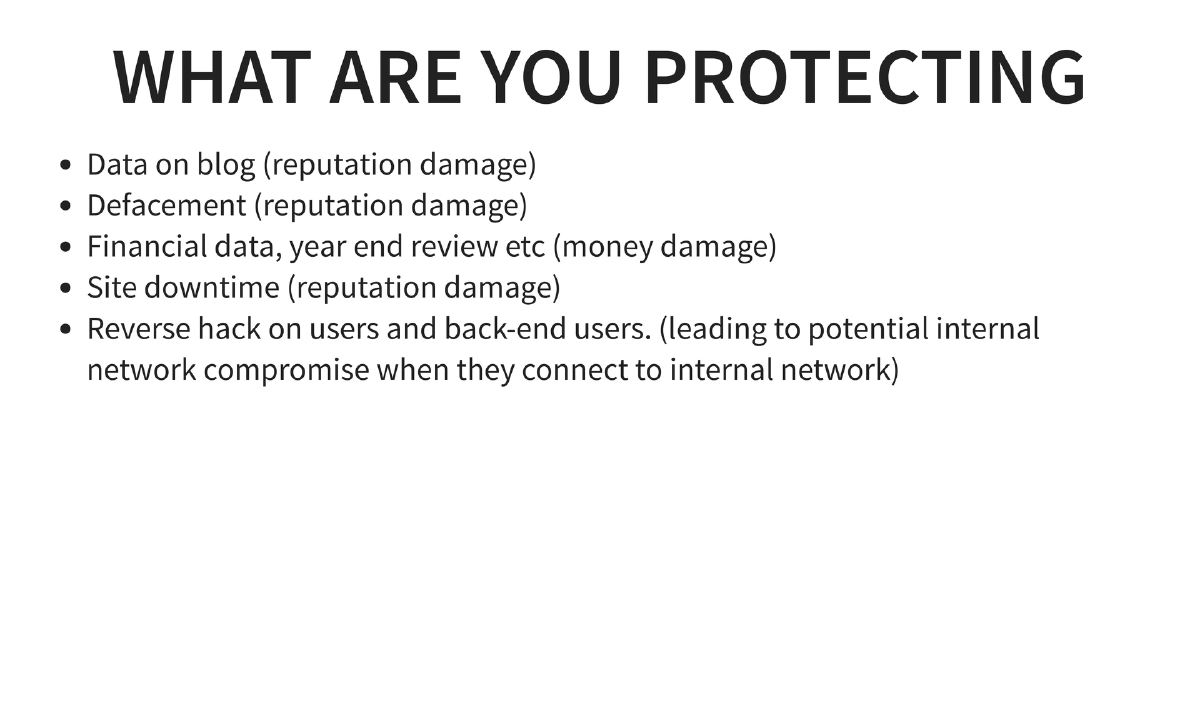
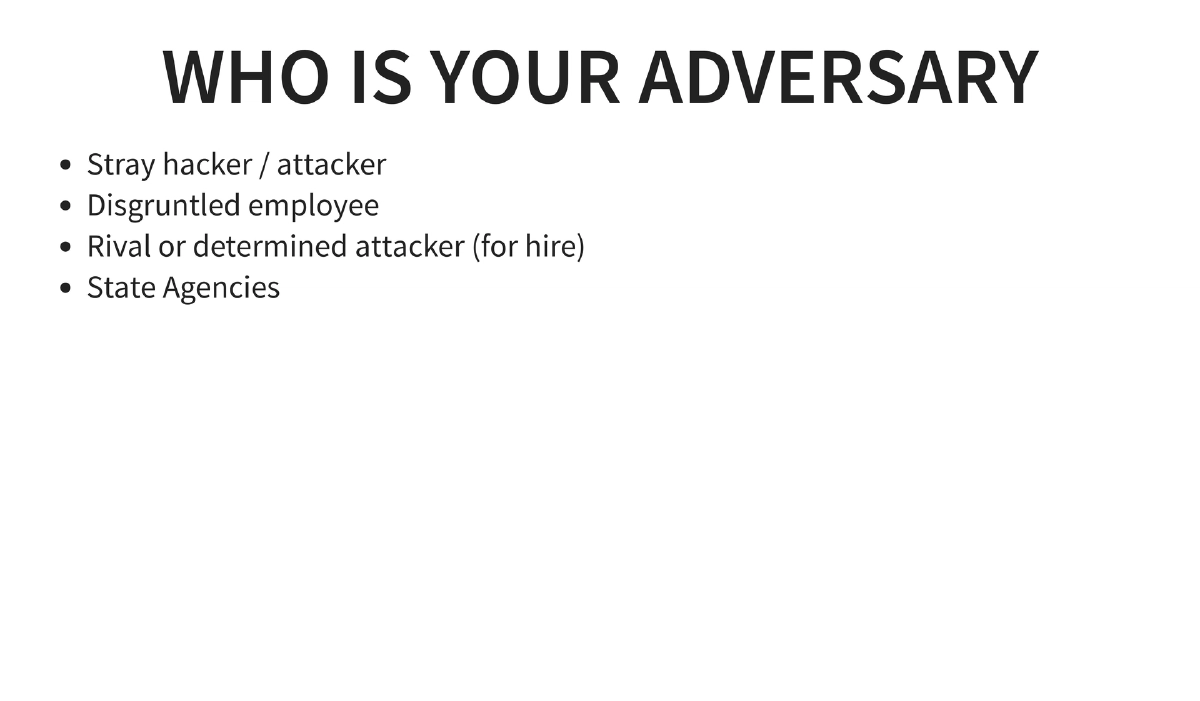
Threat Modeling: Understanding what you’re protecting (blog data, reputation, financial data, site availability, risk of reverse-hacking users and back-end staff leading to internal network compromise) and who the adversaries are (stray hackers, disgruntled employees, rival/hired attackers, state agencies).
-
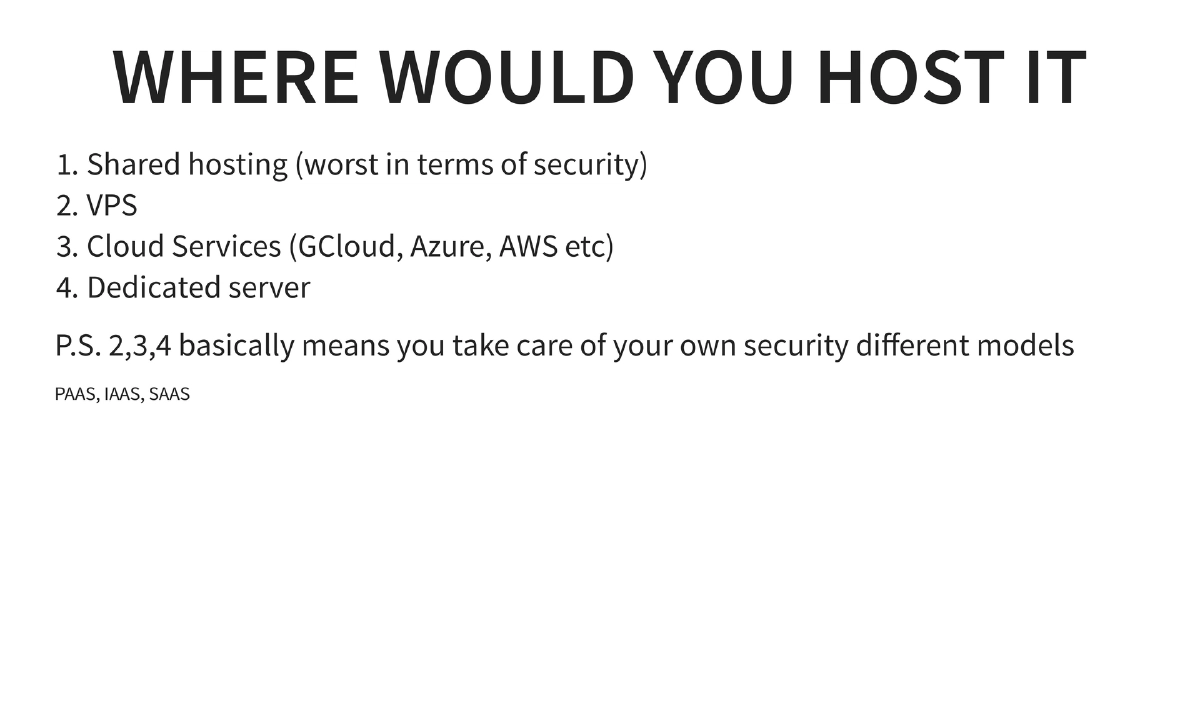
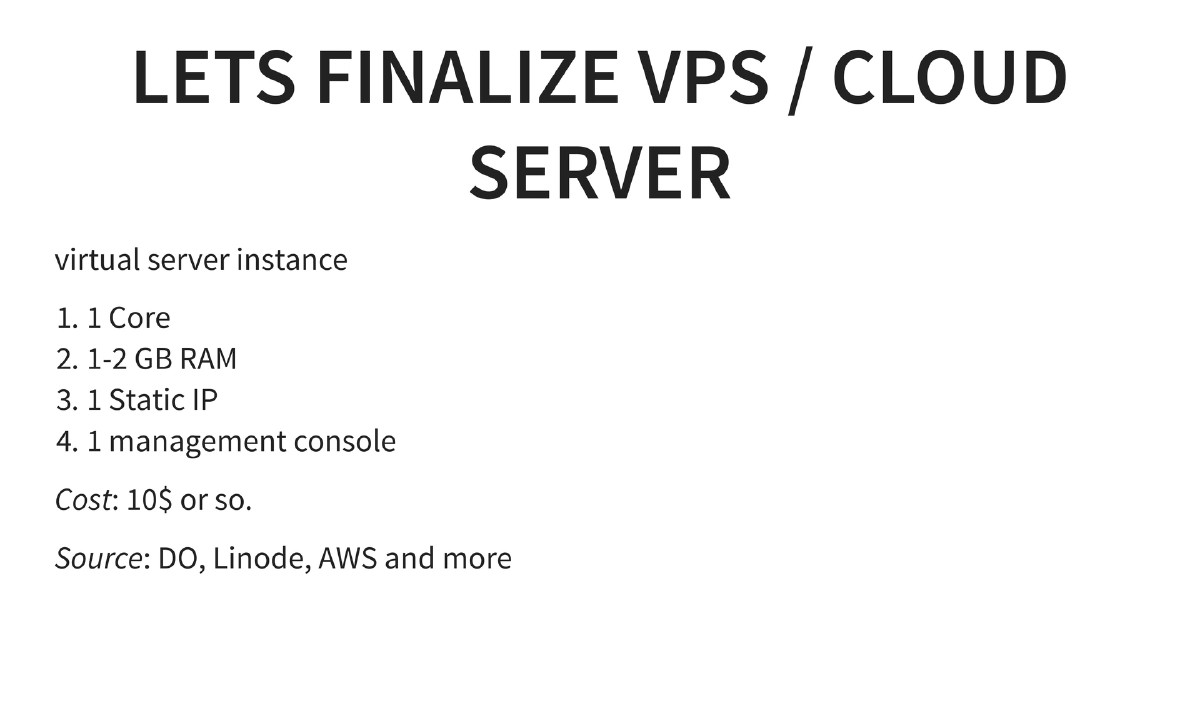
Hosting Decision: Comparison of shared hosting (worst for security), VPS, cloud services (GCloud, Azure, AWS), and dedicated servers. The talk settles on a VPS/cloud instance (1 core, 1-2 GB RAM, 1 static IP) at approximately $10/month from providers like DigitalOcean, Linode, or AWS. Discussion of IaaS, PaaS, and SaaS responsibility models.
-
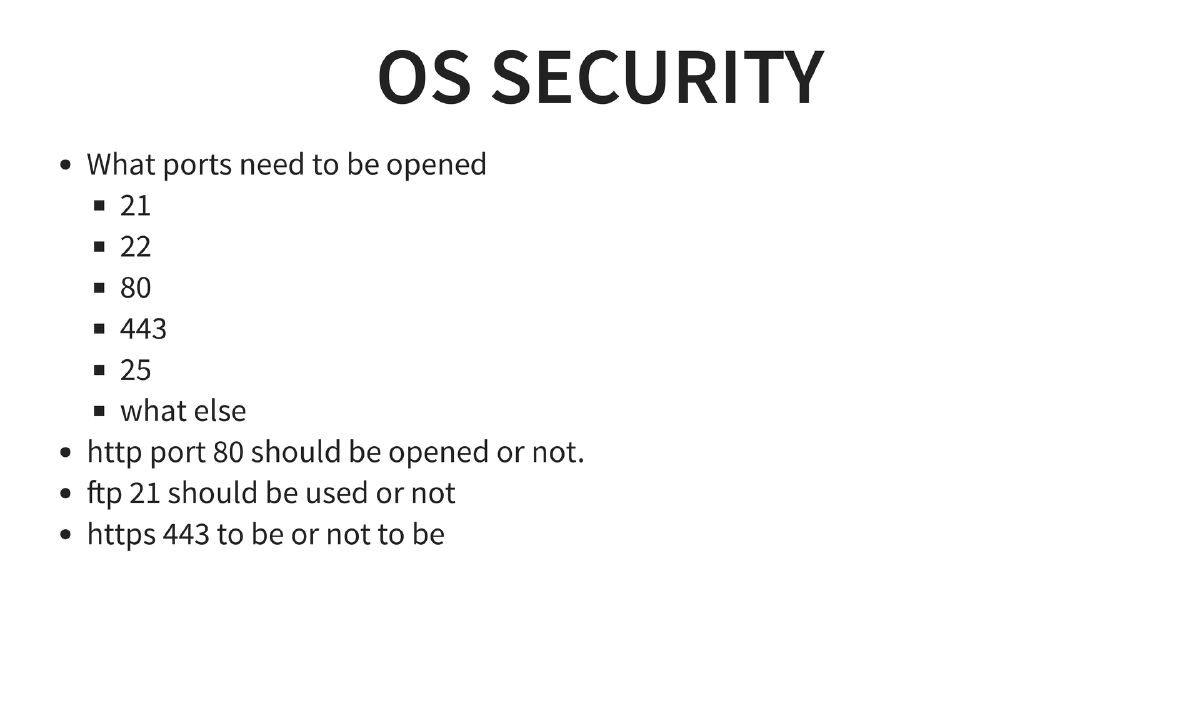
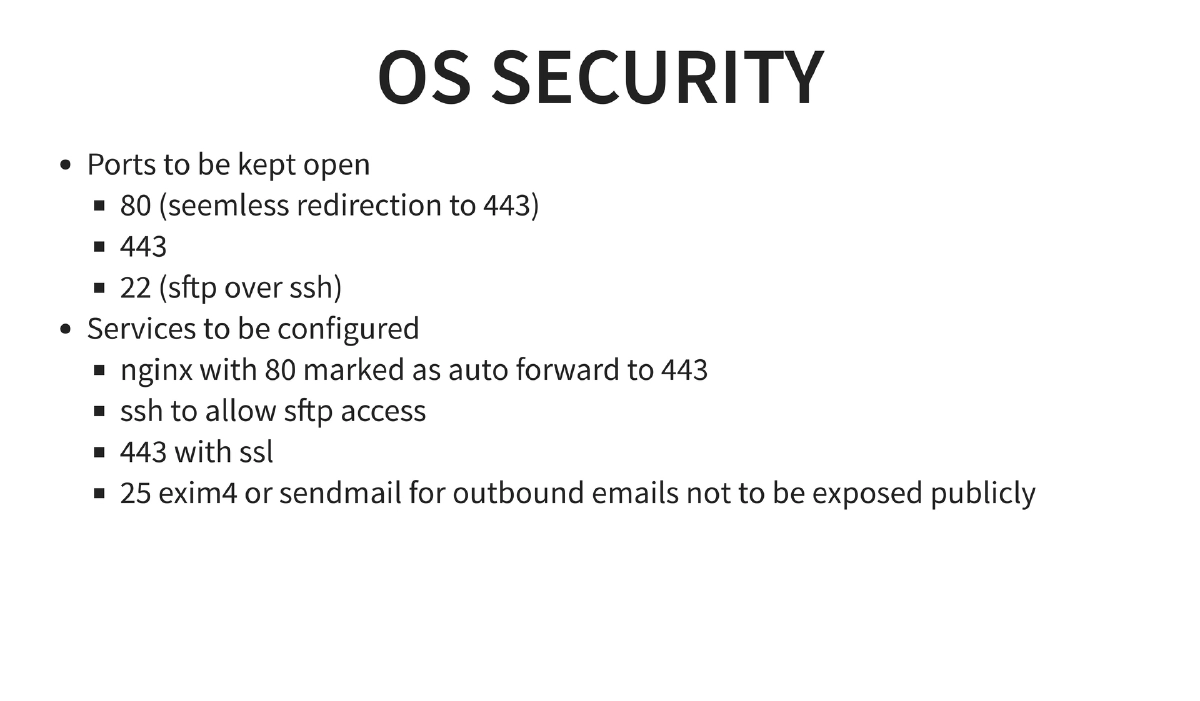
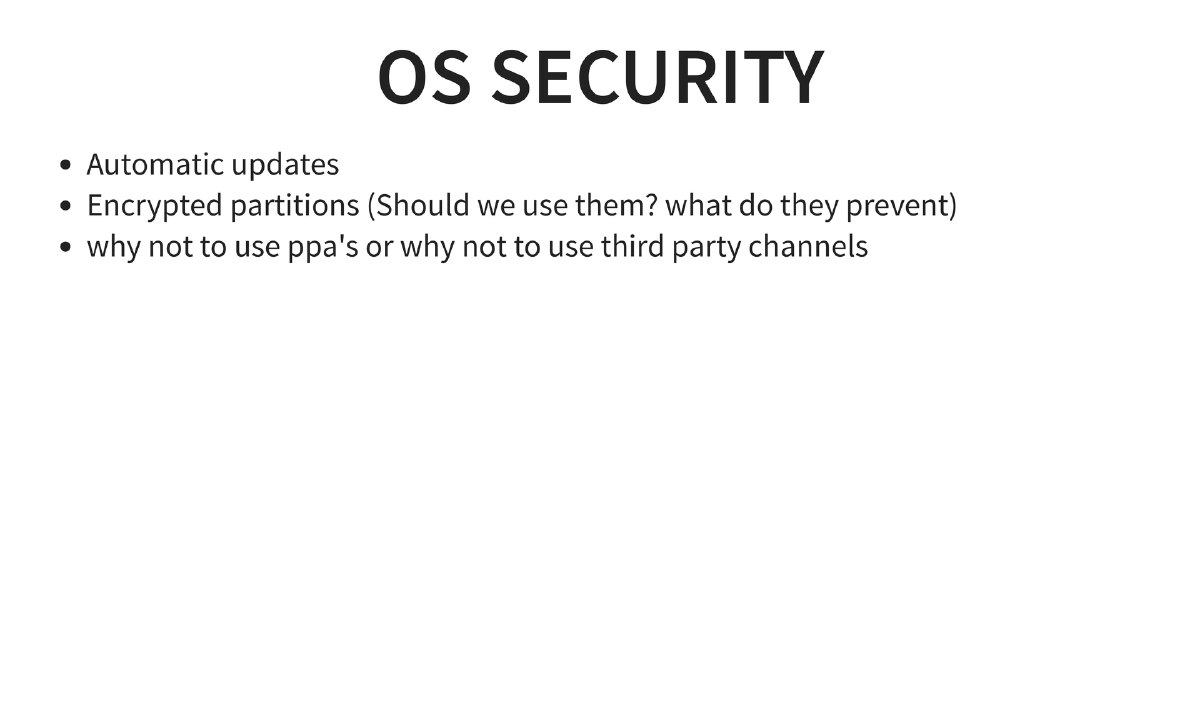
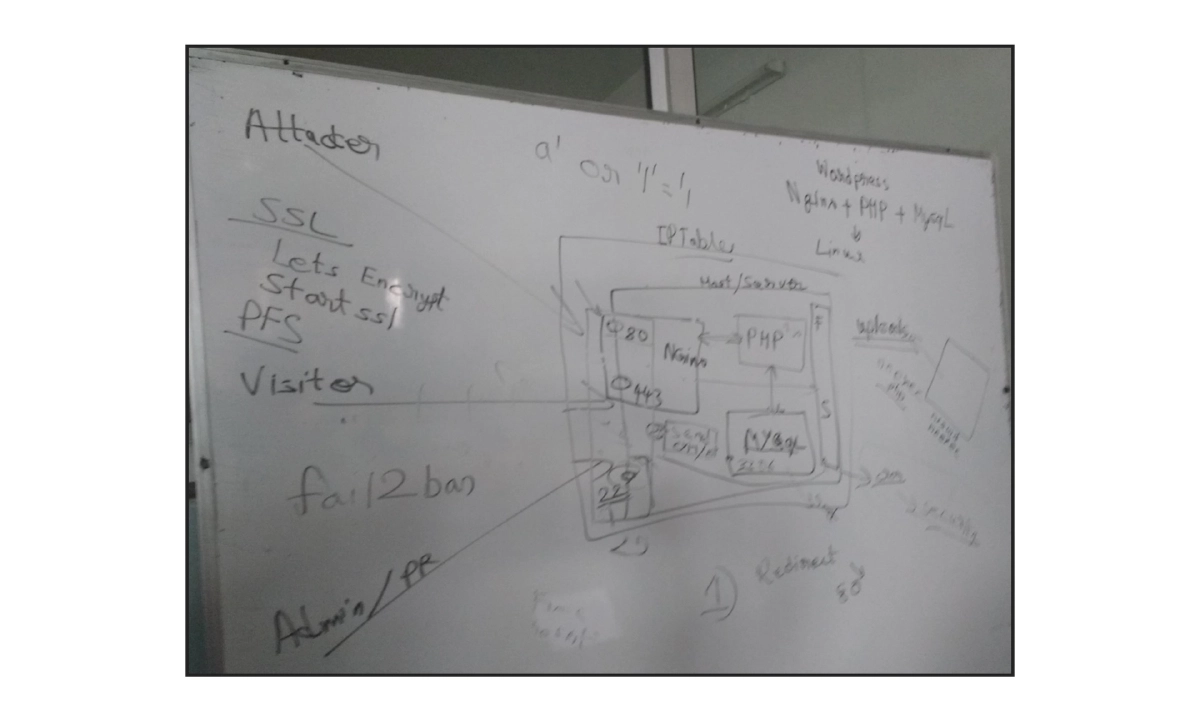
OS Security and Port Management: Only ports 80 (redirecting to 443), 443 (HTTPS), and 22 (SSH with SFTP) should be open. FTP port 21 and email port 25 should not be publicly exposed. Automatic updates should be enabled. Consideration of encrypted partitions and warnings against untrusted third-party PPAs.
-
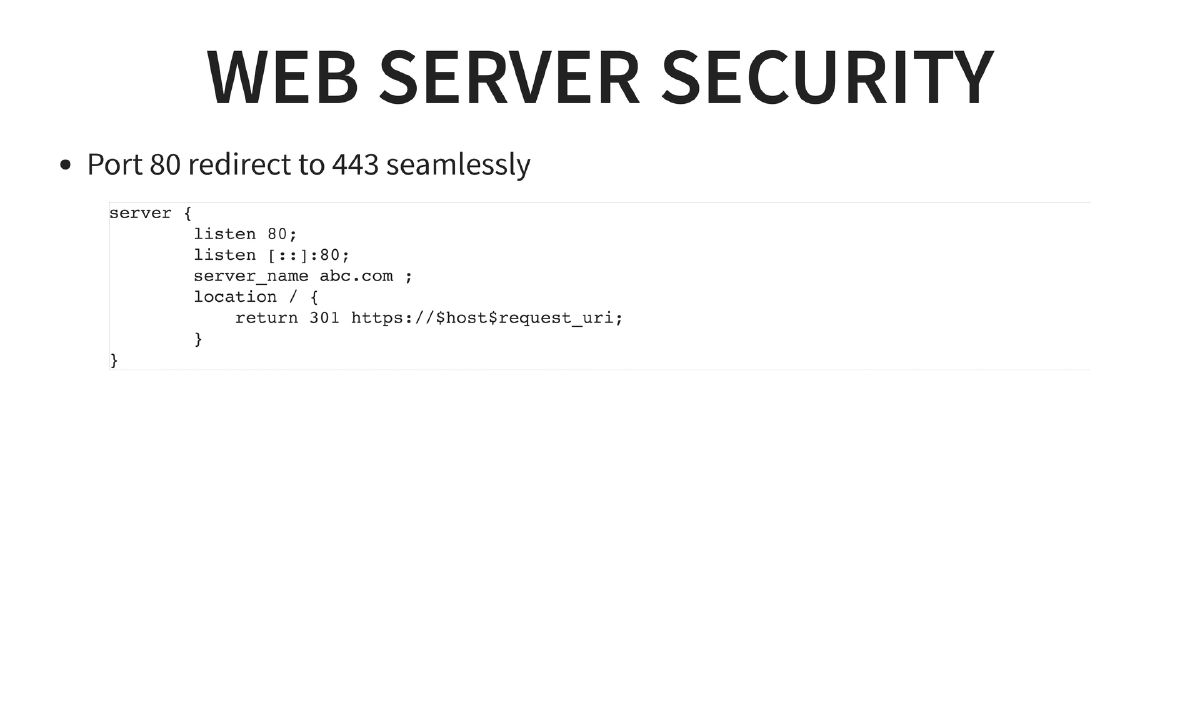
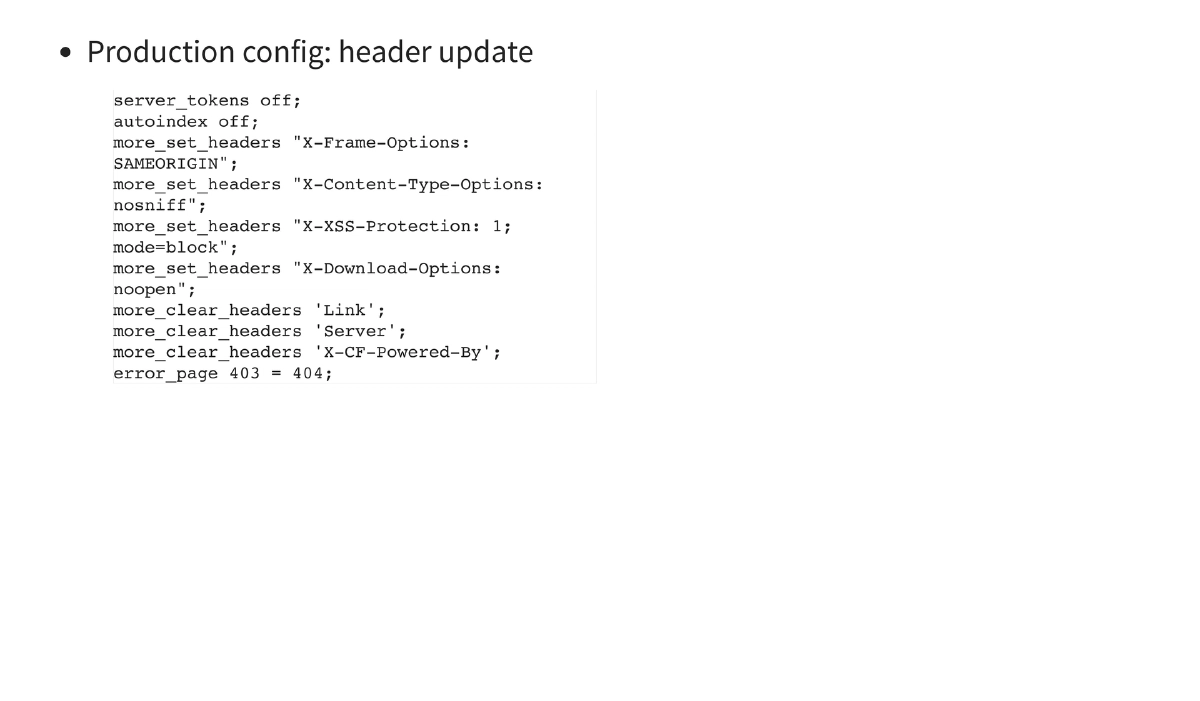
Web Server Hardening (NGINX): Port 80 to 443 redirect configuration, hiding server tokens (
server_tokens off), disabling directory listing (autoindex off), and setting security headers:X-Frame-Options: SAMEORIGIN,X-Content-Type-Options: nosniff,X-XSS-Protection: 1; mode=block,X-Download-Options: noopen. Clearing potentially informative headers likeServer,Link, andX-CF-Powered-By. Mapping 403 errors to 404 to prevent information leakage. -
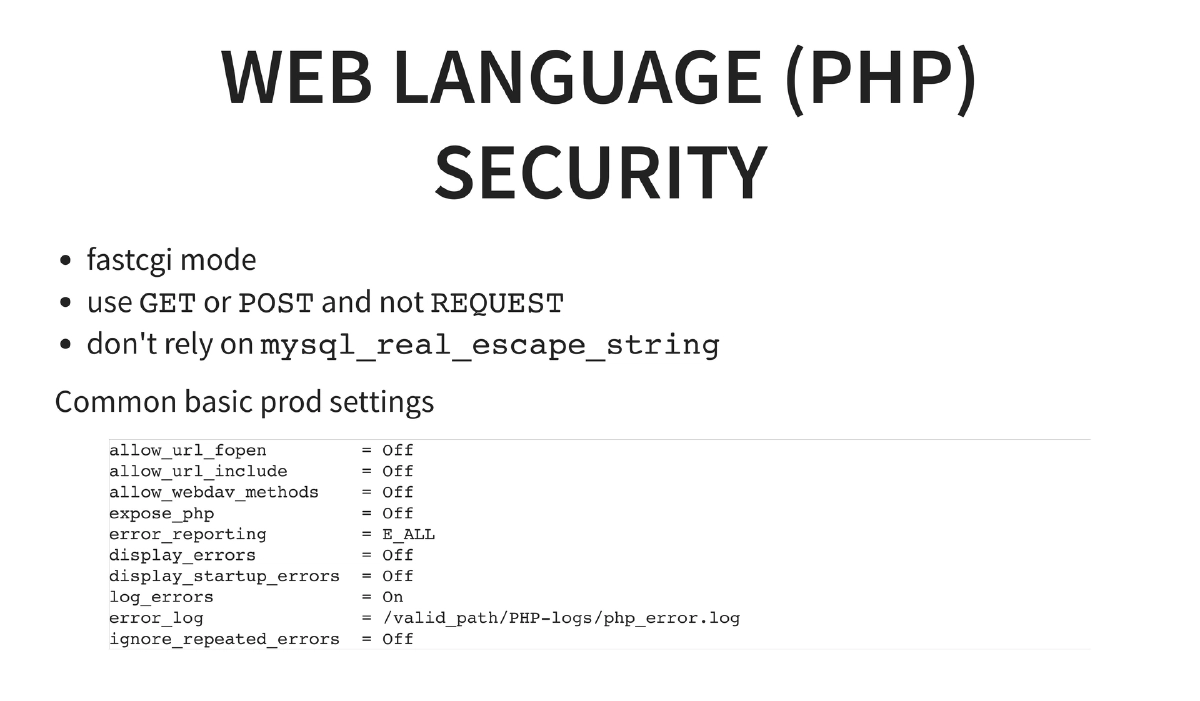
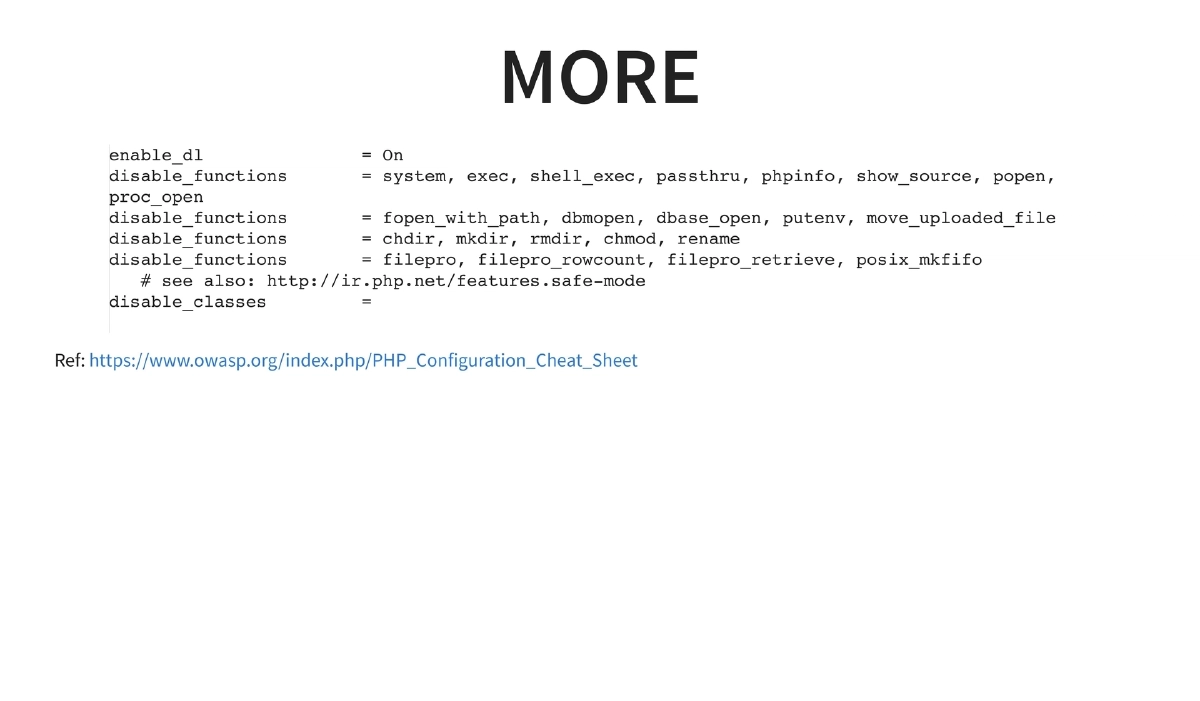
PHP Security Configuration: Running PHP in FastCGI mode, using explicit
$_GETor$_POSTinstead of$_REQUEST, and not relying solely onmysql_real_escape_string. Critical php.ini settings: disablingallow_url_fopen,allow_url_include,allow_webdav_methods,expose_php; enablingerror_reporting = E_ALLwhile disablingdisplay_errors; logging errors to a file; and disabling dangerous functions (system,exec,shell_exec,passthru,phpinfo,show_source,popen,proc_open,fopen_with_path,chdir,mkdir,rmdir,chmod,rename, etc.) per the OWASP PHP Configuration Cheat Sheet. -
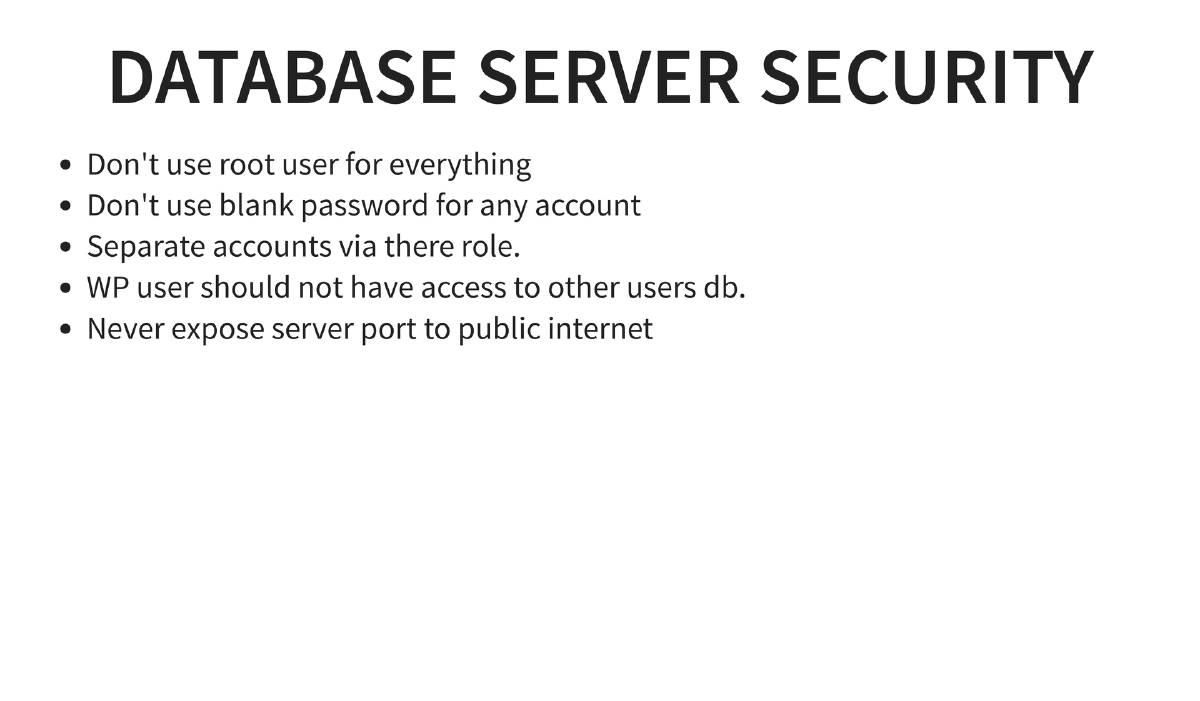
Database Security: Never use root for application database access, never use blank passwords, separate database accounts by role, ensure the WordPress user cannot access other databases, and never expose the database port to the public internet.
-
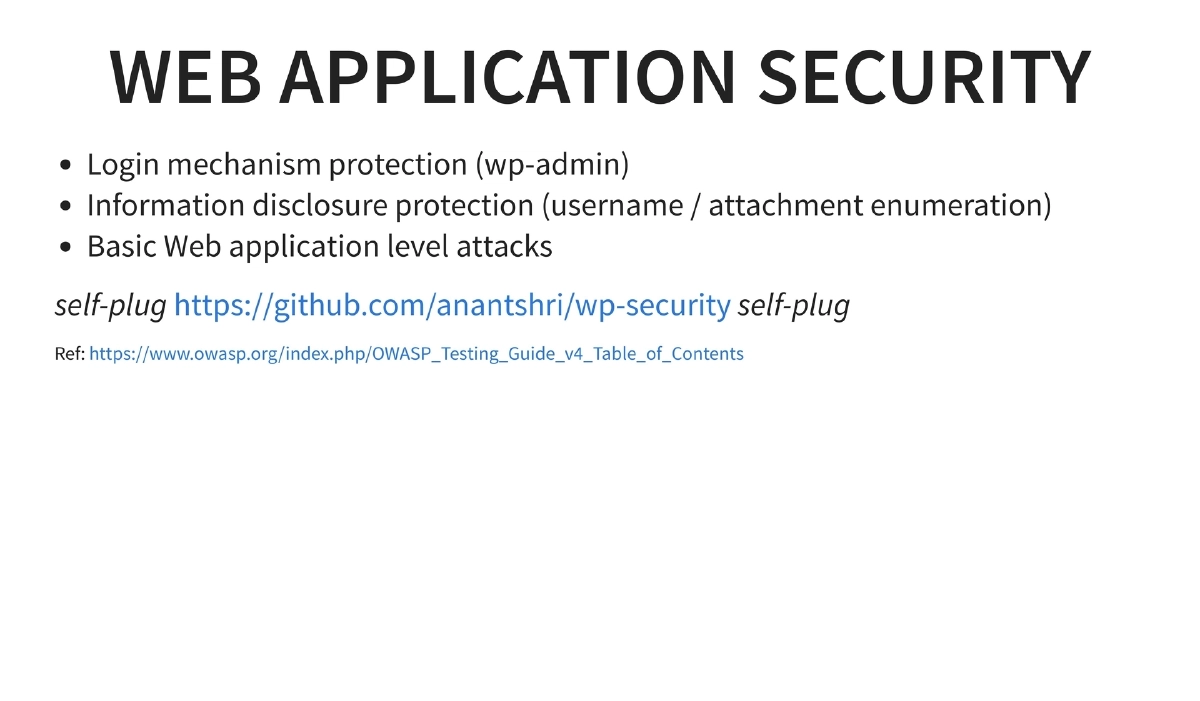
WordPress Application Security: Protecting the login mechanism (
wp-admin), preventing information disclosure through username and attachment enumeration, and applying basic web application attack protections. References thewp-securitytool by Anant and the OWASP Testing Guide v4. -
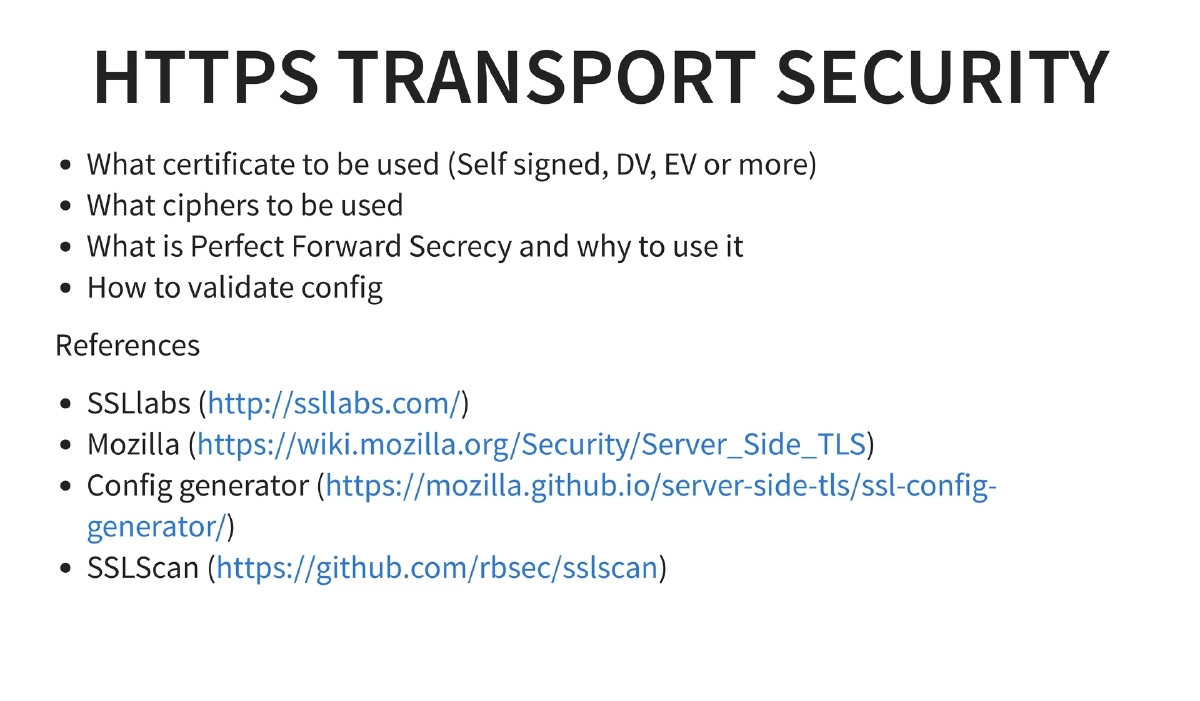
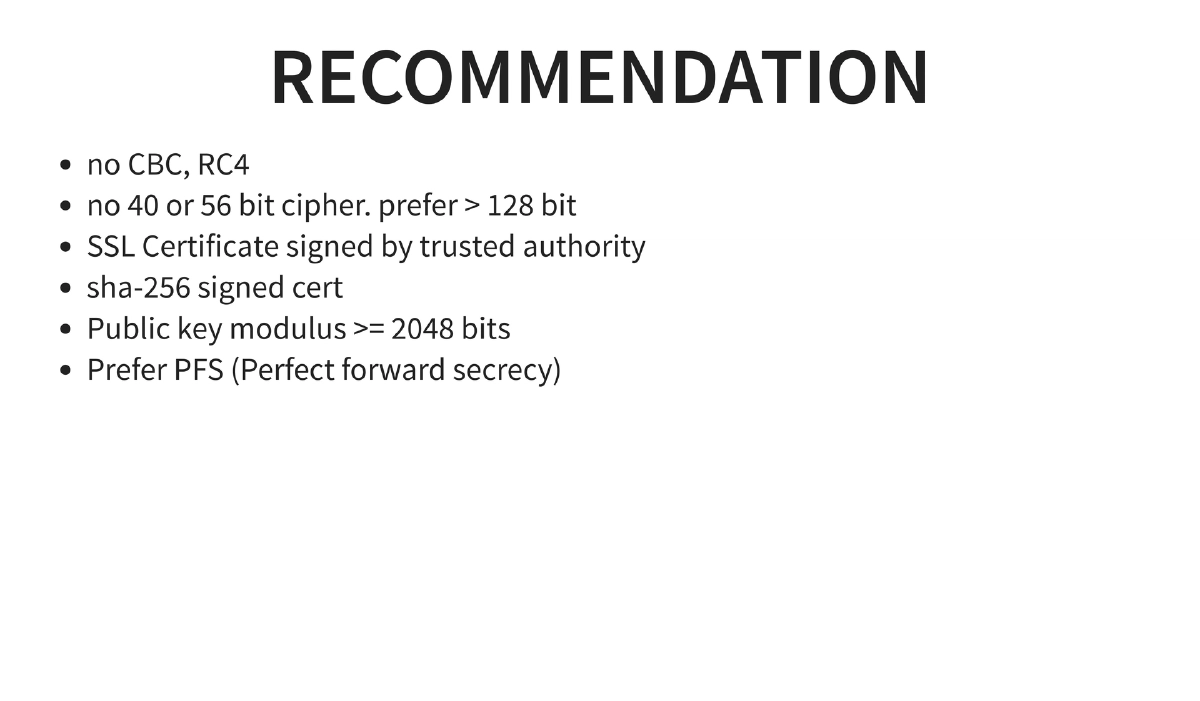
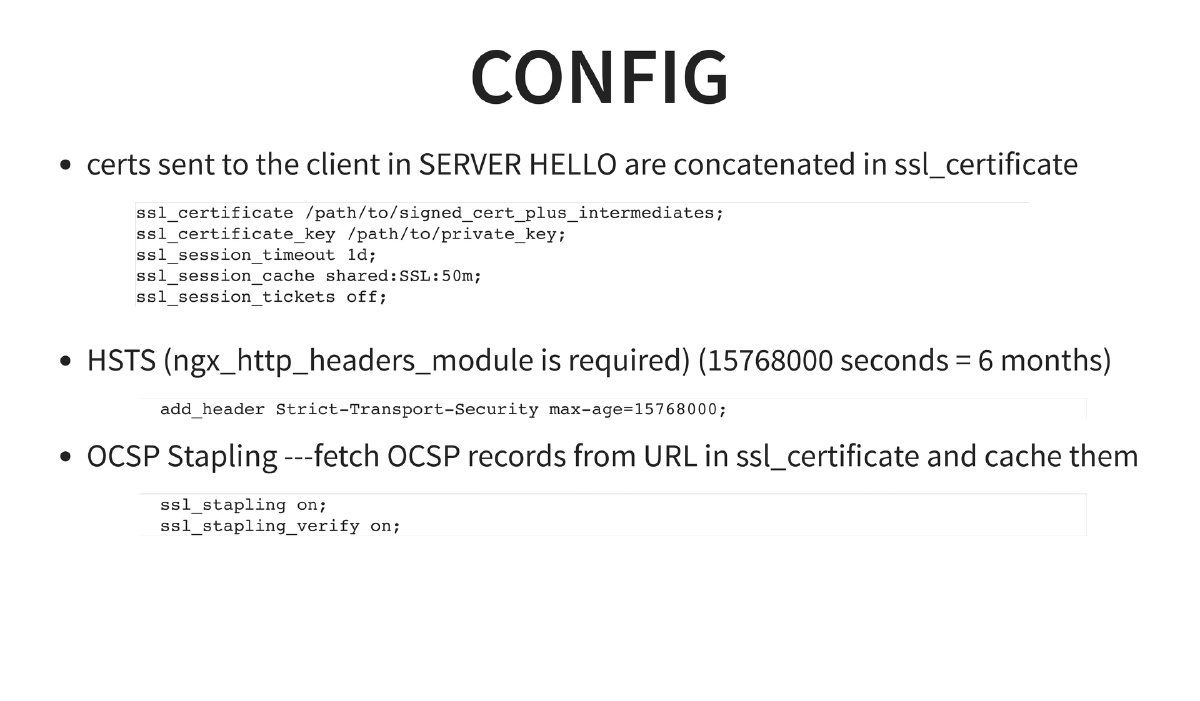
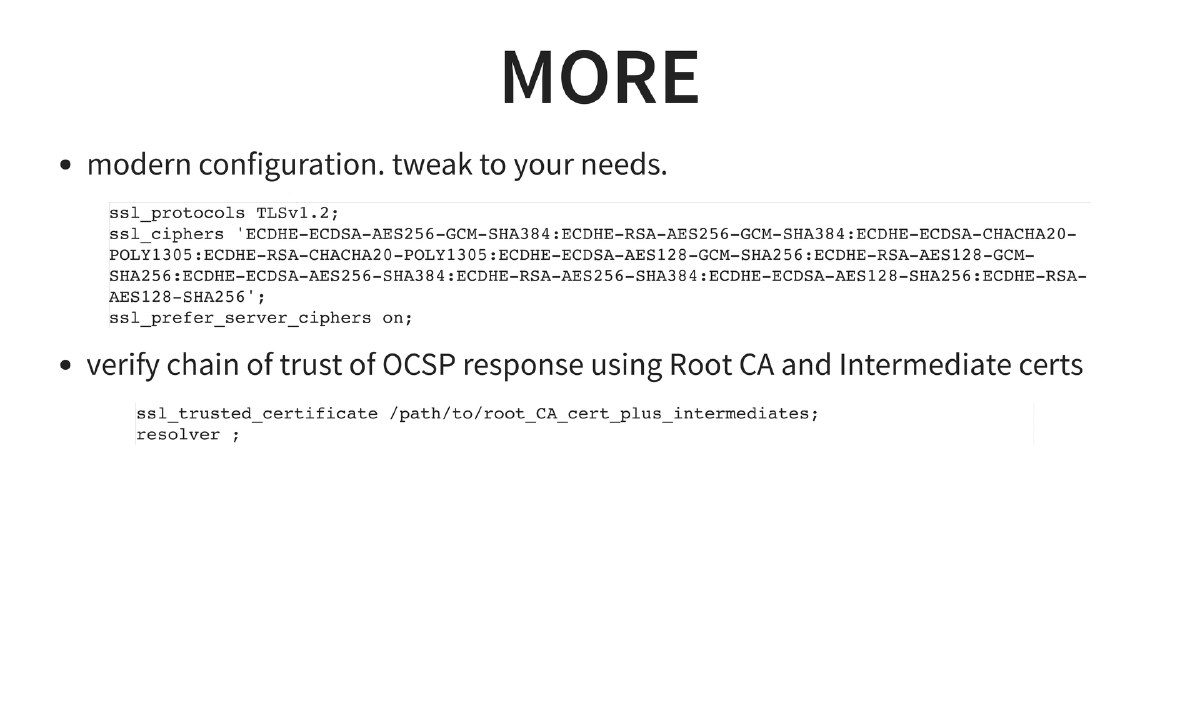
HTTPS/TLS Configuration: Comprehensive TLS hardening including certificate selection (DV, EV vs self-signed), cipher suite selection (no CBC, no RC4, no 40/56-bit ciphers, prefer >128-bit), SHA-256 signed certificates with >=2048-bit public key modulus, Perfect Forward Secrecy (PFS), HSTS headers (
max-age=15768000), OCSP stapling, modern TLS 1.2-only configuration, and specific NGINX SSL configuration blocks. Validation tools: SSLLabs, Mozilla Server Side TLS wiki, Mozilla SSL Config Generator, and sslscan. -
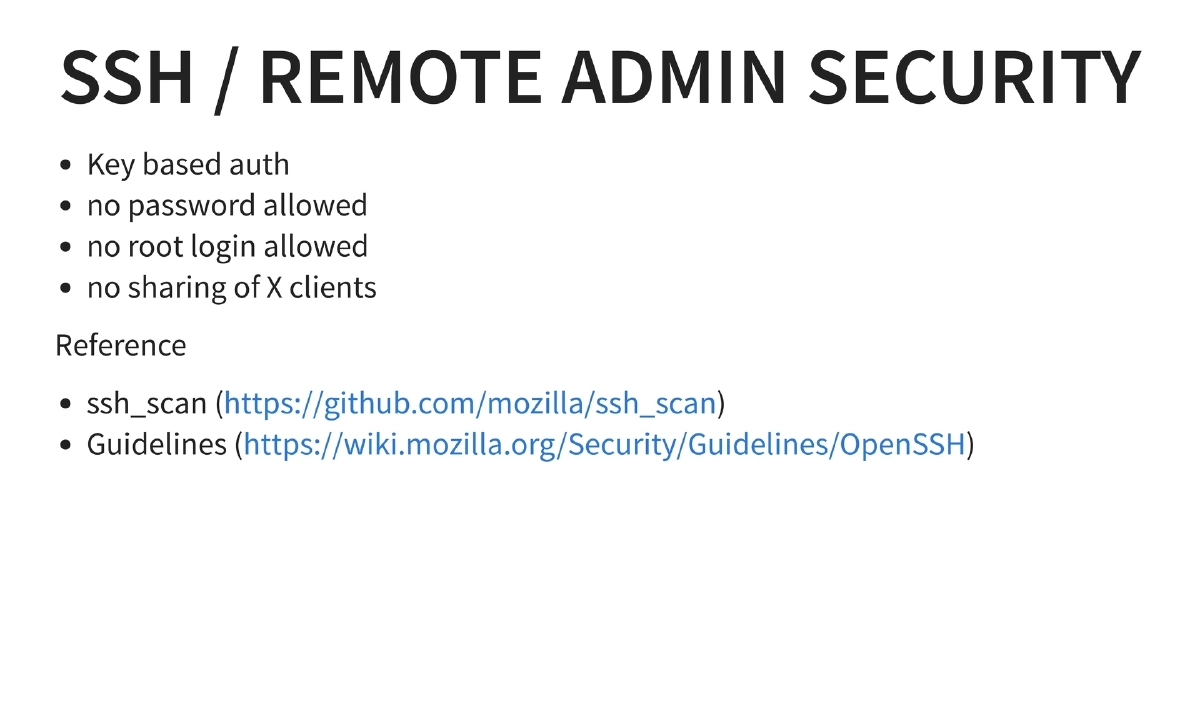
SSH Hardening: Key-based authentication only, no password authentication, no root login, no X11 forwarding. References Mozilla’s ssh_scan tool and OpenSSH security guidelines.
-
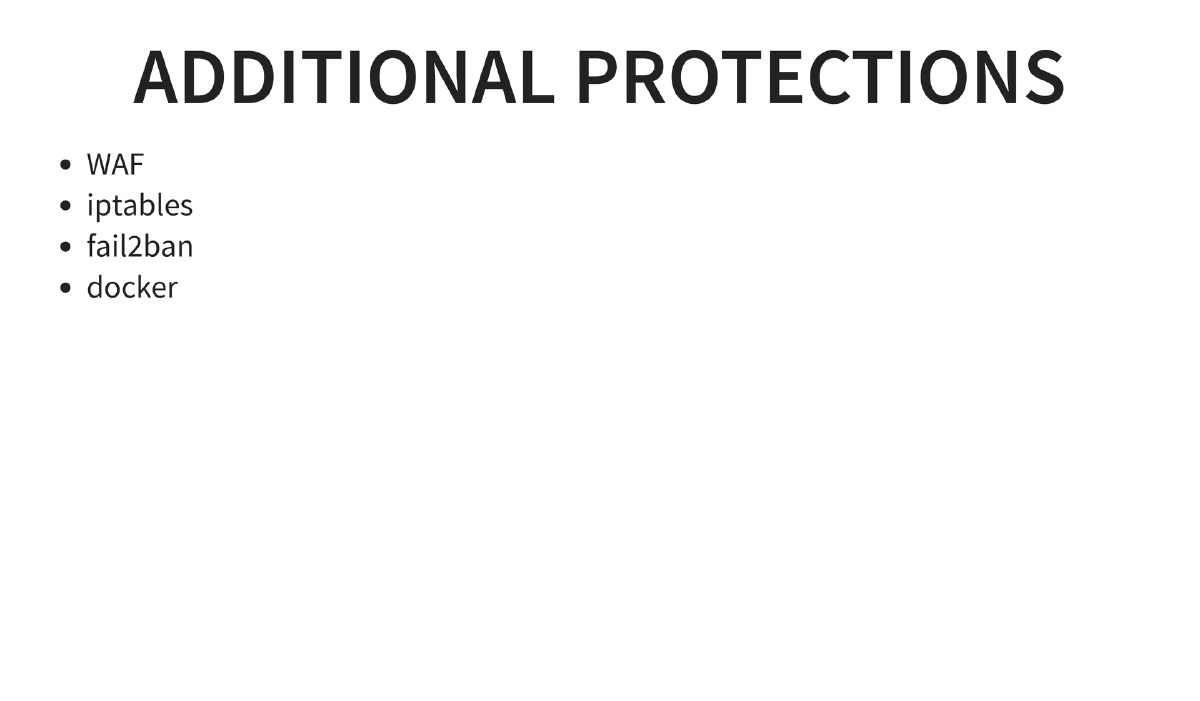
Additional Protections — WAF, Iptables, Fail2ban, Docker:
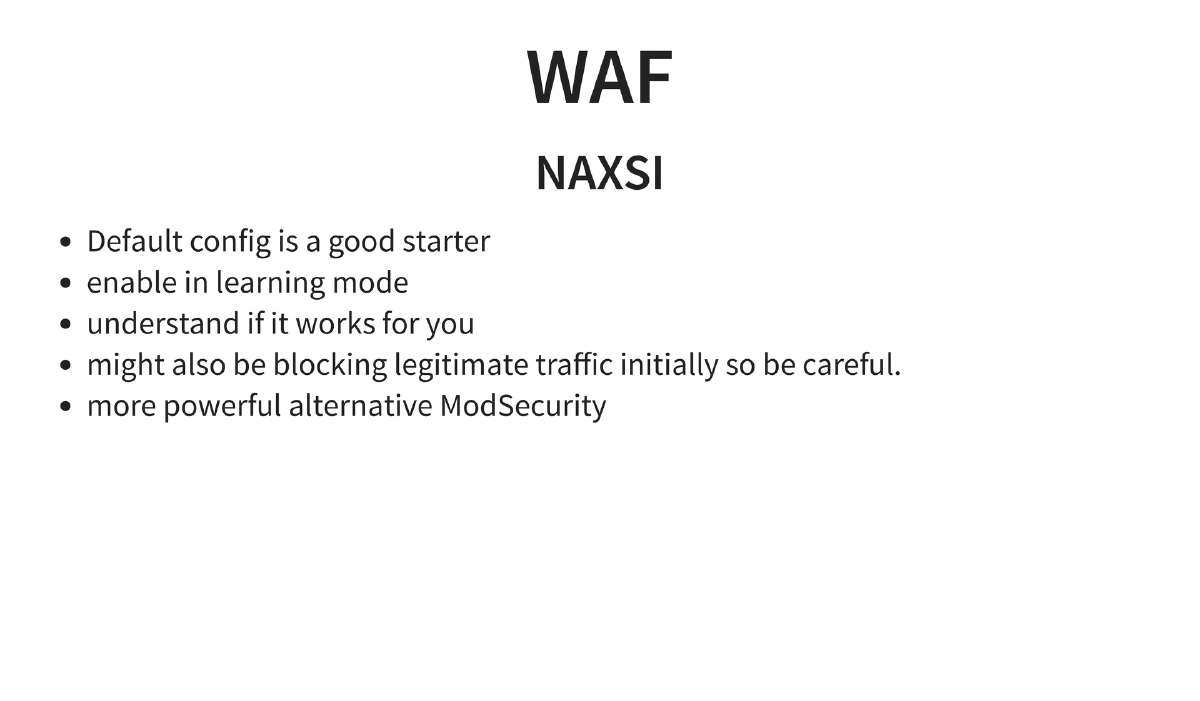
- WAF: NAXSI as a default choice with learning mode, ModSecurity as a more powerful alternative
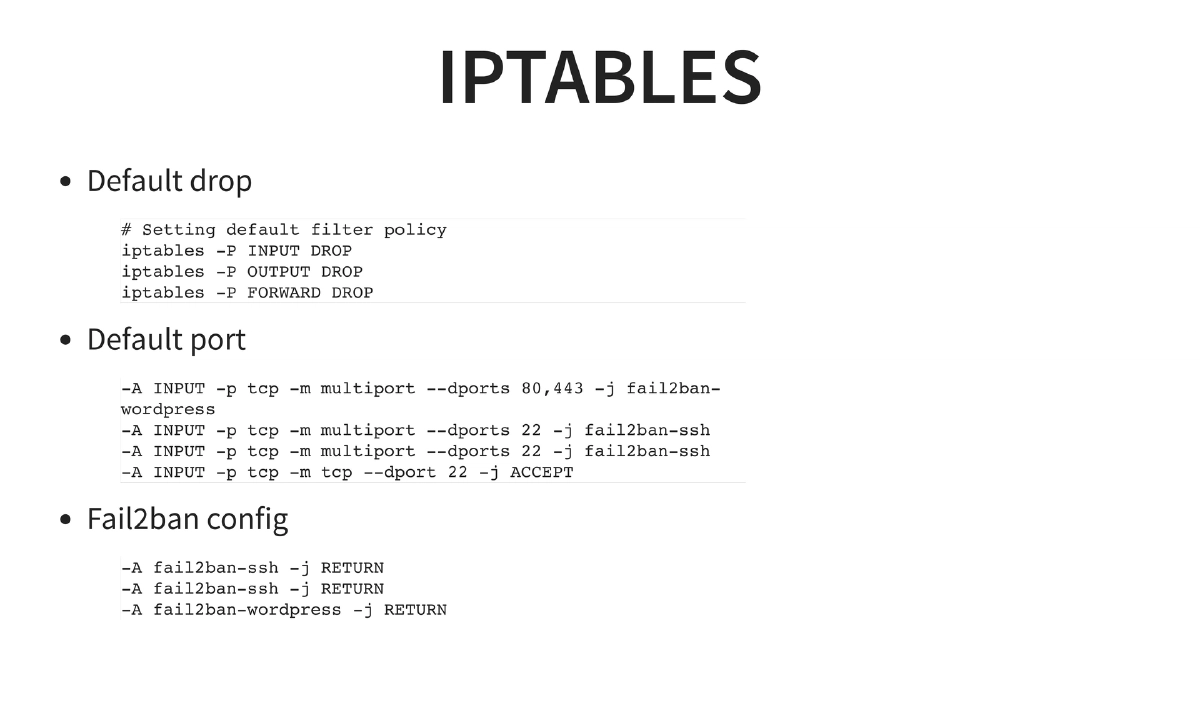
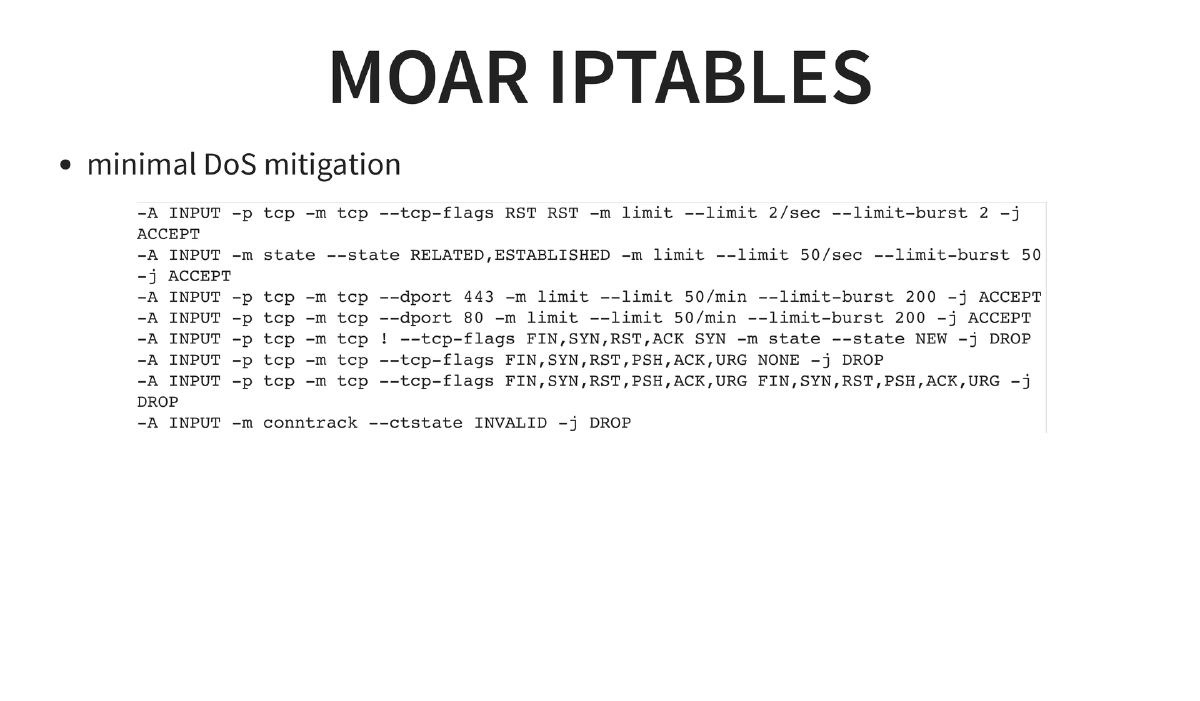
- Iptables: Default DROP policy on INPUT/OUTPUT/FORWARD, specific port allowances with fail2ban integration, and DoS mitigation rules (RST flood limiting, connection rate limiting, SYN flood protection, invalid packet dropping)
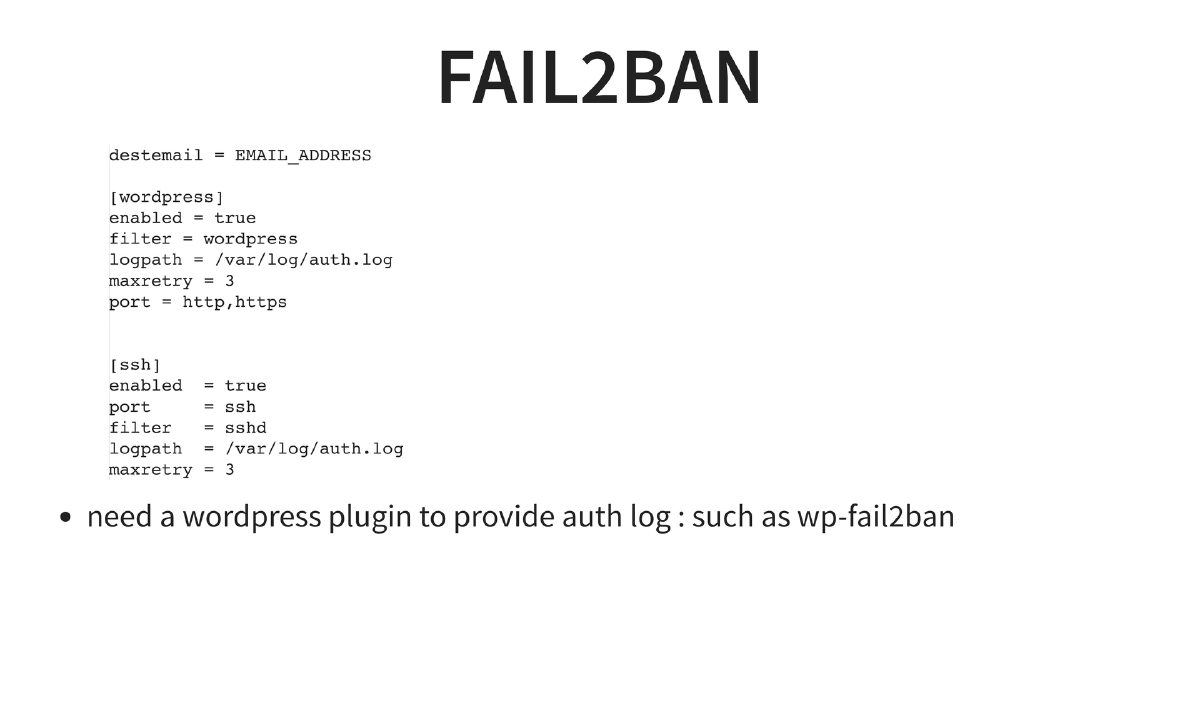
- Fail2ban: Configuration for both SSH and WordPress login brute-force protection, integrated with
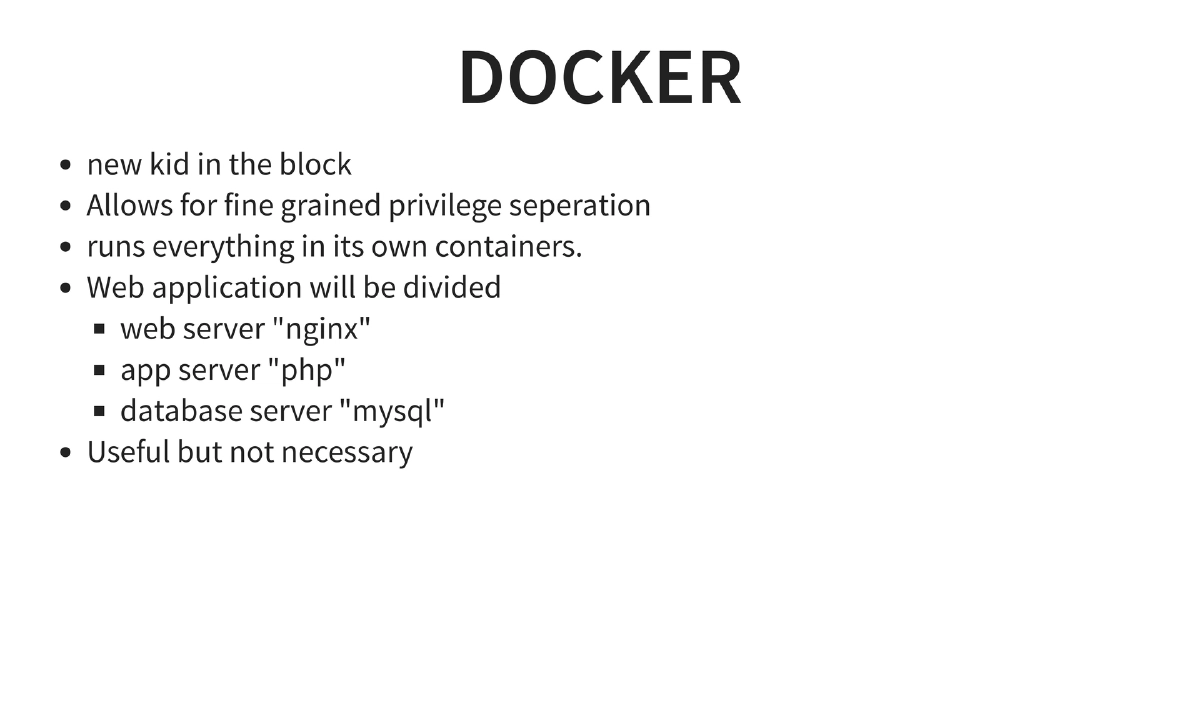
wp-fail2banplugin - Docker: Container-based separation of nginx, PHP, and MySQL for fine-grained privilege isolation
-
Often-Overlooked Security Concerns:
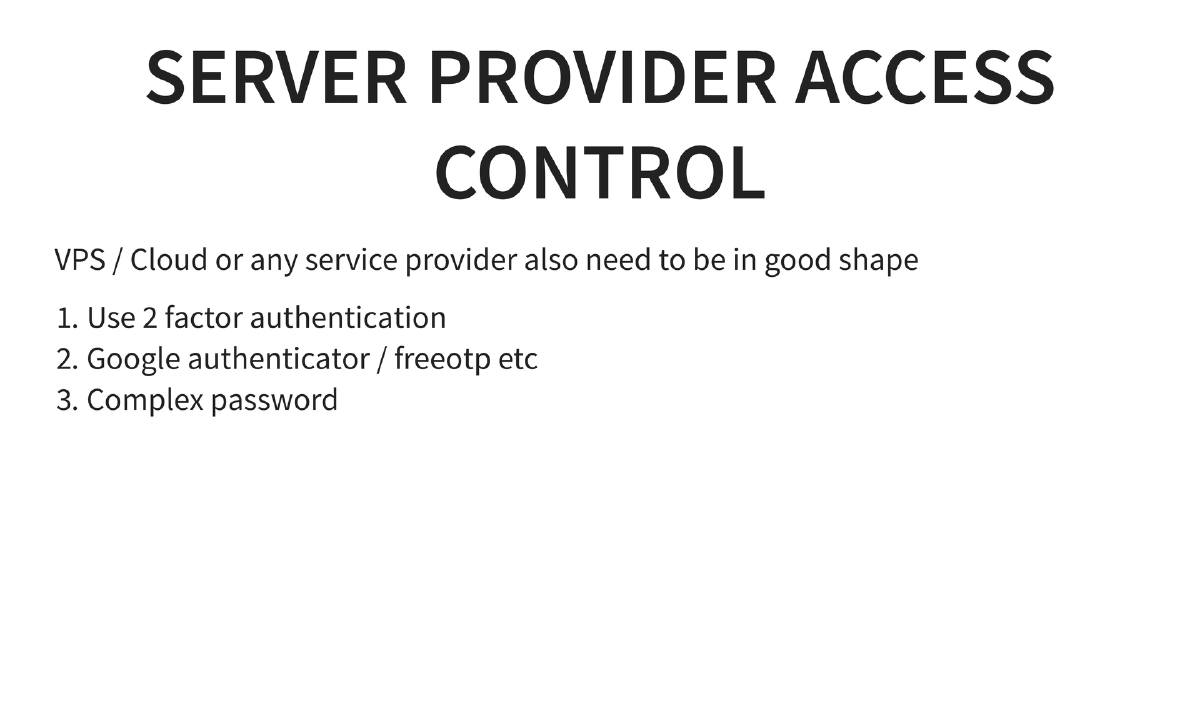
- Server provider account security: 2FA with Google Authenticator/FreeOTP, complex passwords
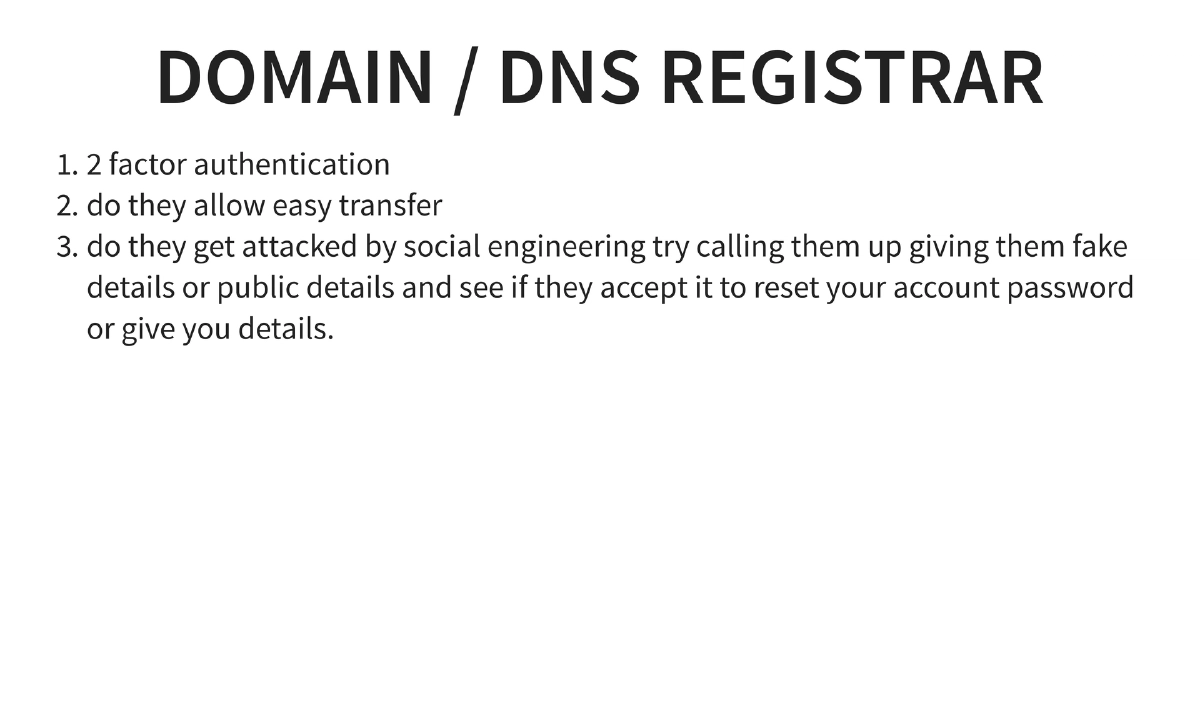
- Domain/DNS registrar security: 2FA, resistance to social engineering attacks (test by calling with fake details)
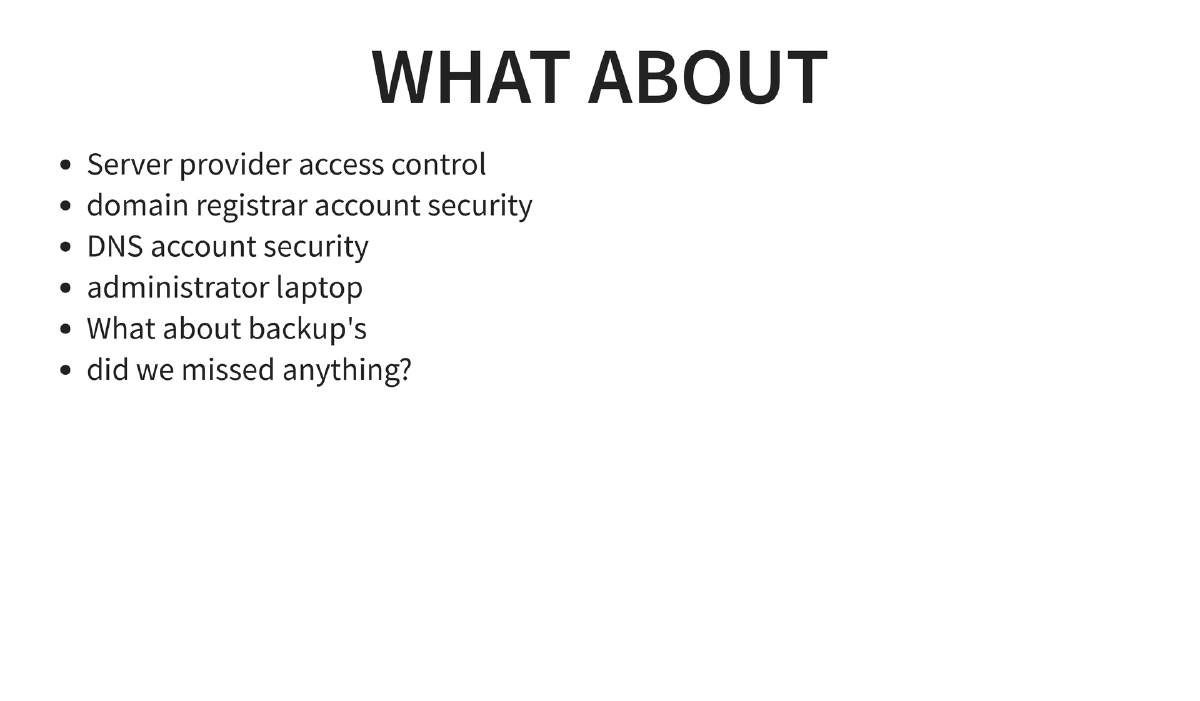
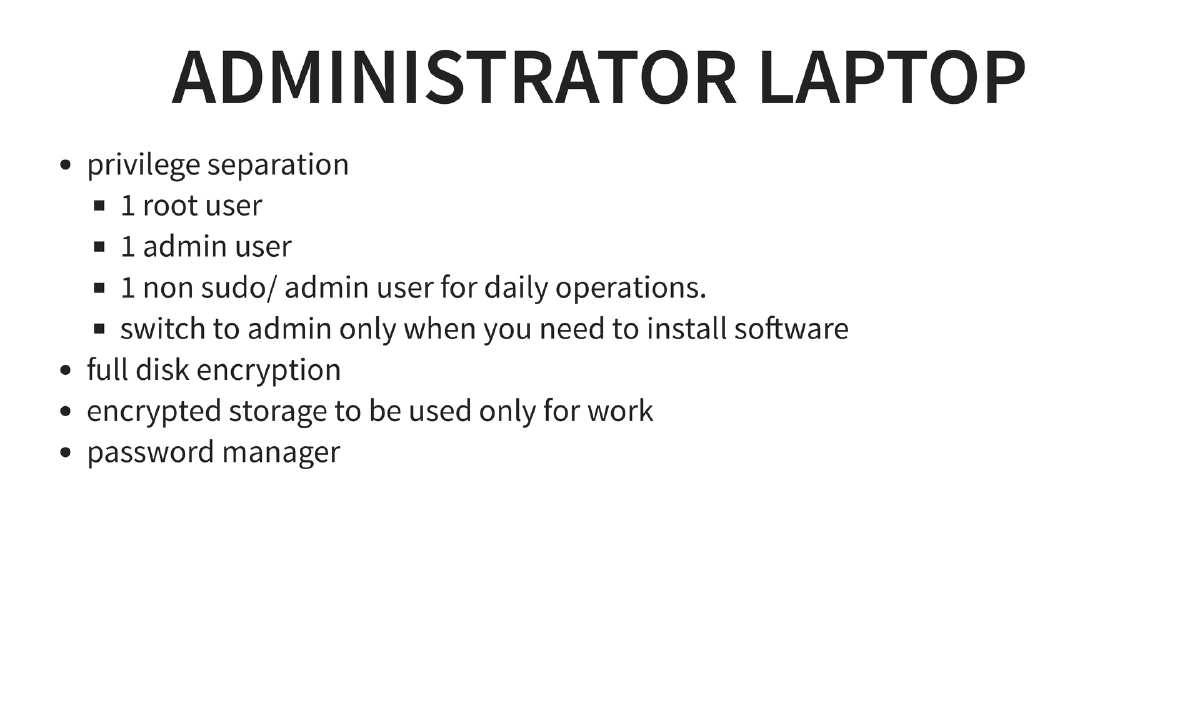
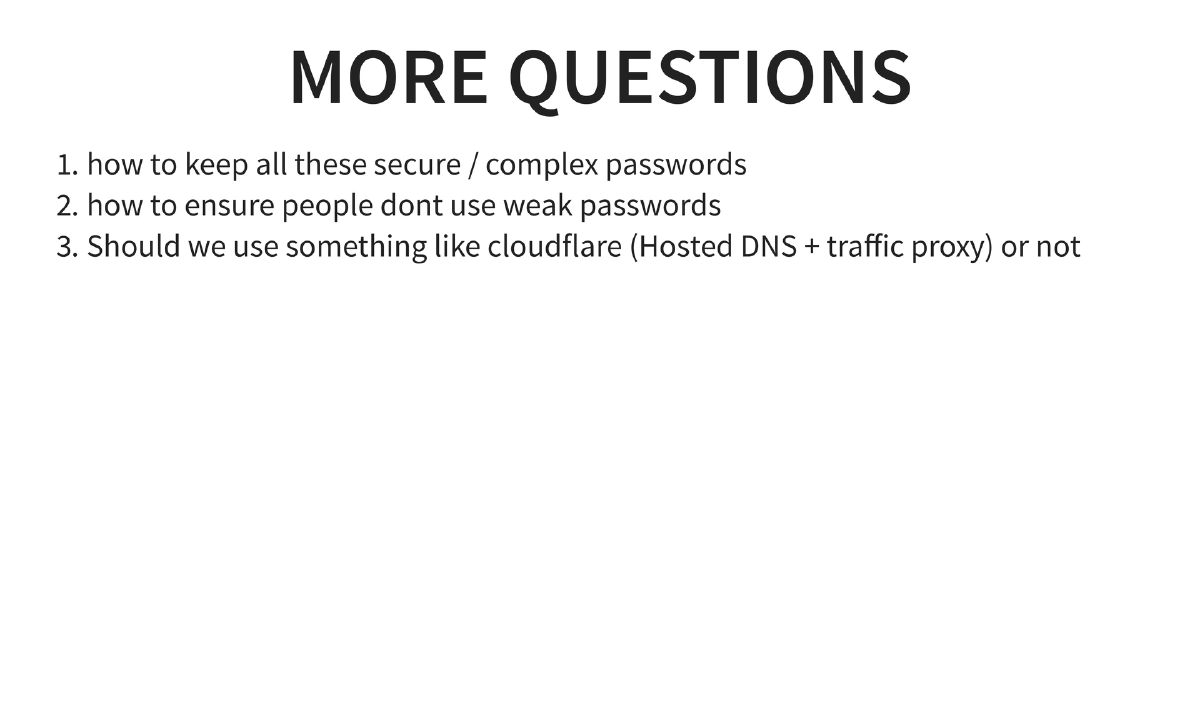
- Administrator laptop security: Privilege separation (root, admin, and daily-use non-sudo user), full disk encryption, encrypted work storage, password manager usage
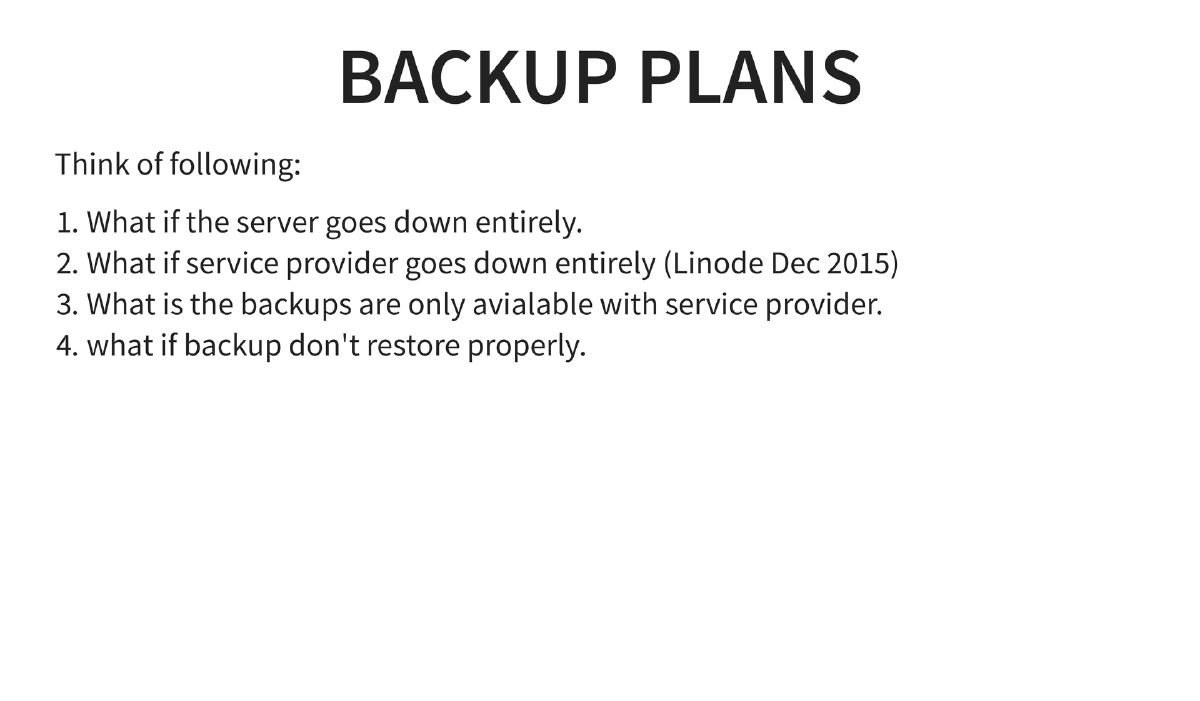
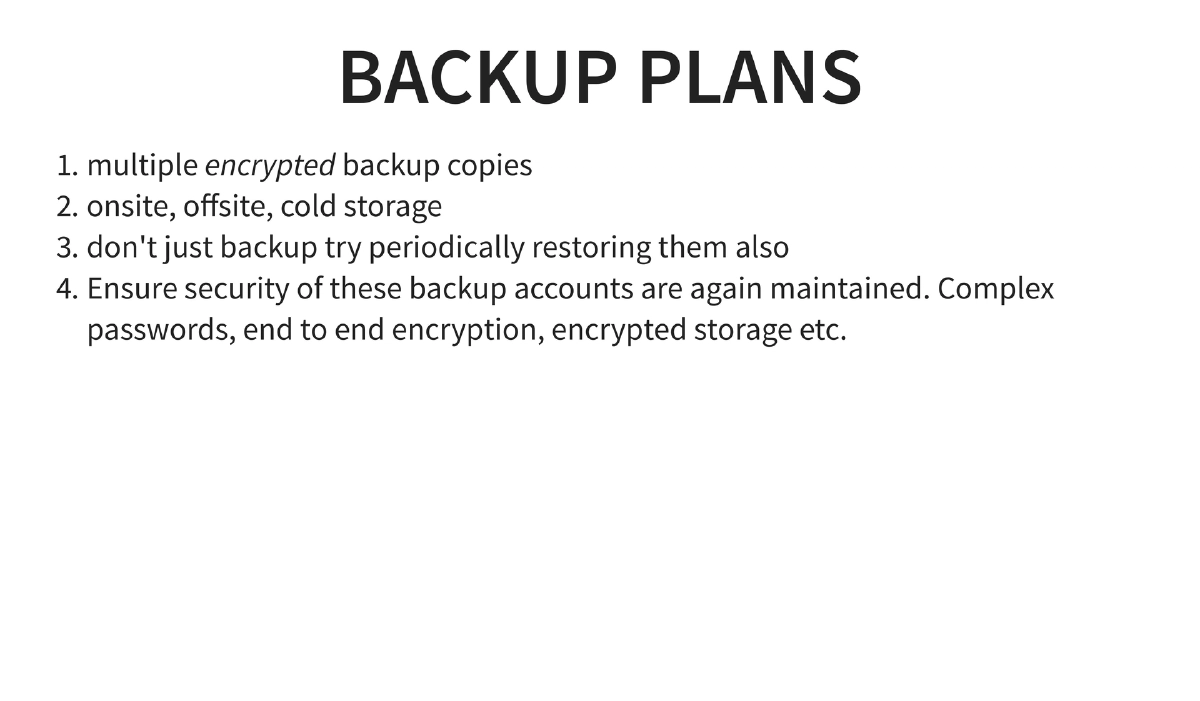
- Backup strategy: Multiple encrypted copies (onsite, offsite, cold storage), periodic restoration testing, securing backup accounts with complex passwords and end-to-end encryption
Actionable Takeaways
- Apply the full NGINX security header set (
X-Frame-Options,X-Content-Type-Options,X-XSS-Protection,X-Download-Options) and hide server identification information on all production deployments — these are low-effort, high-value hardening steps. - Disable dangerous PHP functions (
system,exec,shell_exec,passthru, etc.) in productionphp.iniand follow the OWASP PHP Configuration Cheat Sheet as a baseline security standard. - Implement a default-DROP iptables policy and integrate fail2ban for both SSH and web application login brute-force protection, using the specific rule examples provided in this presentation as a starting template.
- Configure TLS with modern settings: TLS 1.2 minimum, PFS-enabled cipher suites, HSTS headers, and OCSP stapling — then validate your configuration using SSLLabs and Mozilla’s SSL Config Generator.
- Secure the entire operational chain beyond the server itself: enable 2FA on hosting provider accounts, domain registrars, and DNS management; test registrars against social engineering by calling with public information; and enforce full disk encryption and privilege separation on administrator workstations.
- Establish a tested backup strategy with multiple encrypted copies across different locations, and verify backups regularly by performing actual restoration tests rather than assuming they work.